🌐 您正在以中文阅读本文。想切换吗?
📖 阅读英文原文
或选择您喜欢的语言:

Load My Resources 9minecraft Mod 能将普通文件夹直接转化为始终开启的资源包。只需将散乱的文件放入世界存档旁边的 resources 文件夹,游戏就会像读取手动启用的资源包一样读取它们——无需启用,无需压缩,甚至不需要编写 pack.mcmeta。
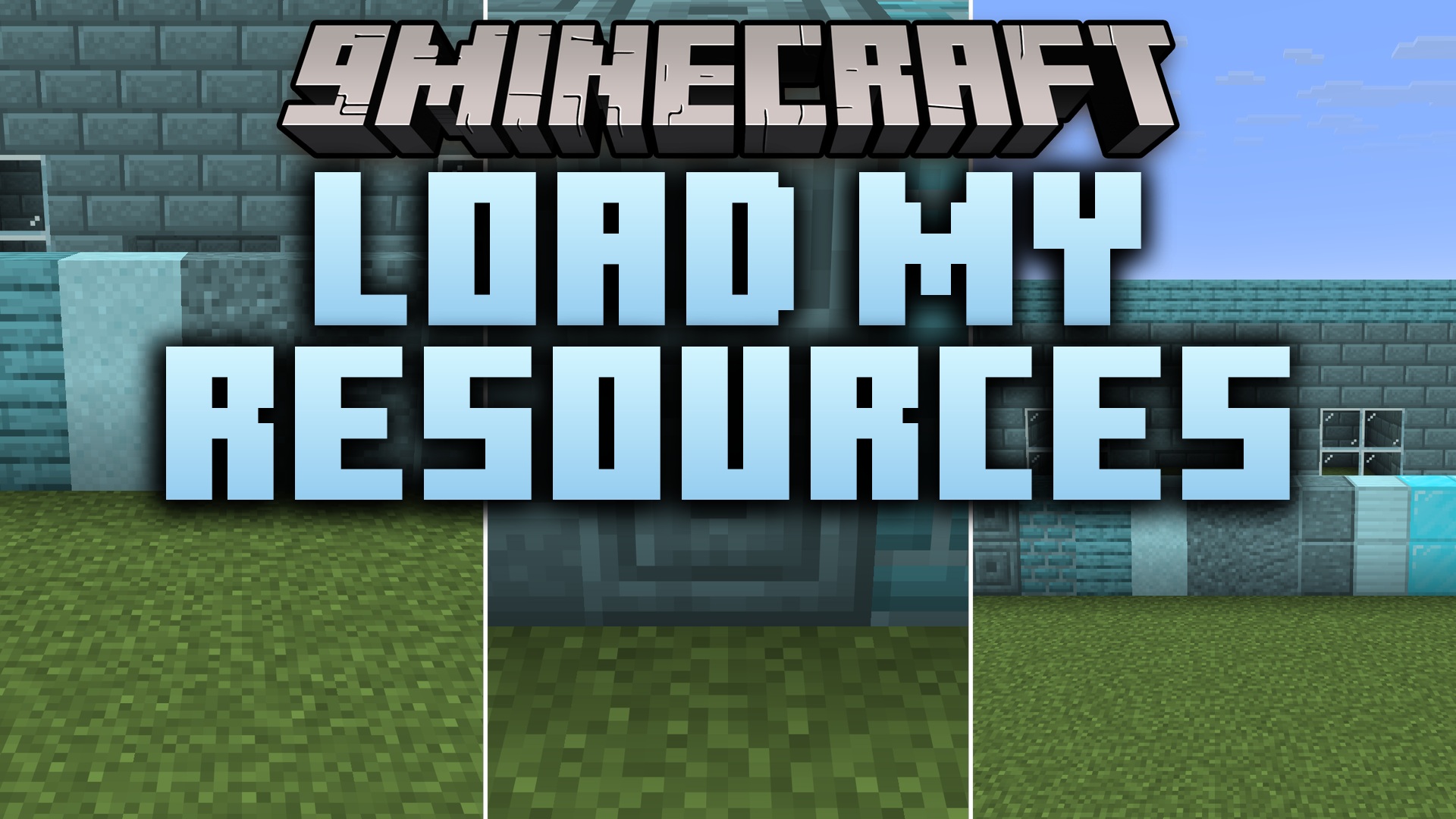
Load My Resources loads a plain folder of loose files as if it were a resource pack, with nothing to enable in the Resource Packs screen

这款模组专为经常修改材质的玩家设计。你不再需要每改一个像素就重新压缩并重载资源包,只需原地保存文件,它就会直接生效。整合包作者也能从中获益:以这种方式发布的资源会自动应用给所有安装了整合包的玩家,无需引导玩家去手动开启,也不会被意外关闭。

该文件夹的读取方式与资源包完全一致,因此不仅限于材质。模型、声音、字体和语言文件均可生效;文件夹中的语言文件可以重命名方块和物品,而材质文件则会覆盖游戏中的对应材质。文件夹中未包含的内容将自动沿用底层资源,因此它能与真实的资源包完美叠加,而不会产生冲突。如果你想把文件夹放在其他地方,路径也是可以配置的。

功能特点:

  • 将散乱文件的普通文件夹作为资源包加载,游戏启动即启用。
  • 无需压缩,无需 pack.mcmeta,甚至不需要 assets 层级——命名空间文件夹直接放在根目录。
  • 在“资源包”界面中隐藏,防止被意外关闭或调整顺序。
  • 支持所有资源类型:材质、模型、声音、字体和语言文件。
  • 修改文件后,下次重载资源即可实时生效——修改期间无需重新打包。
  • 可配置文件夹路径。
  • 仅客户端侧,且不添加任何额外依赖。

游戏截图:

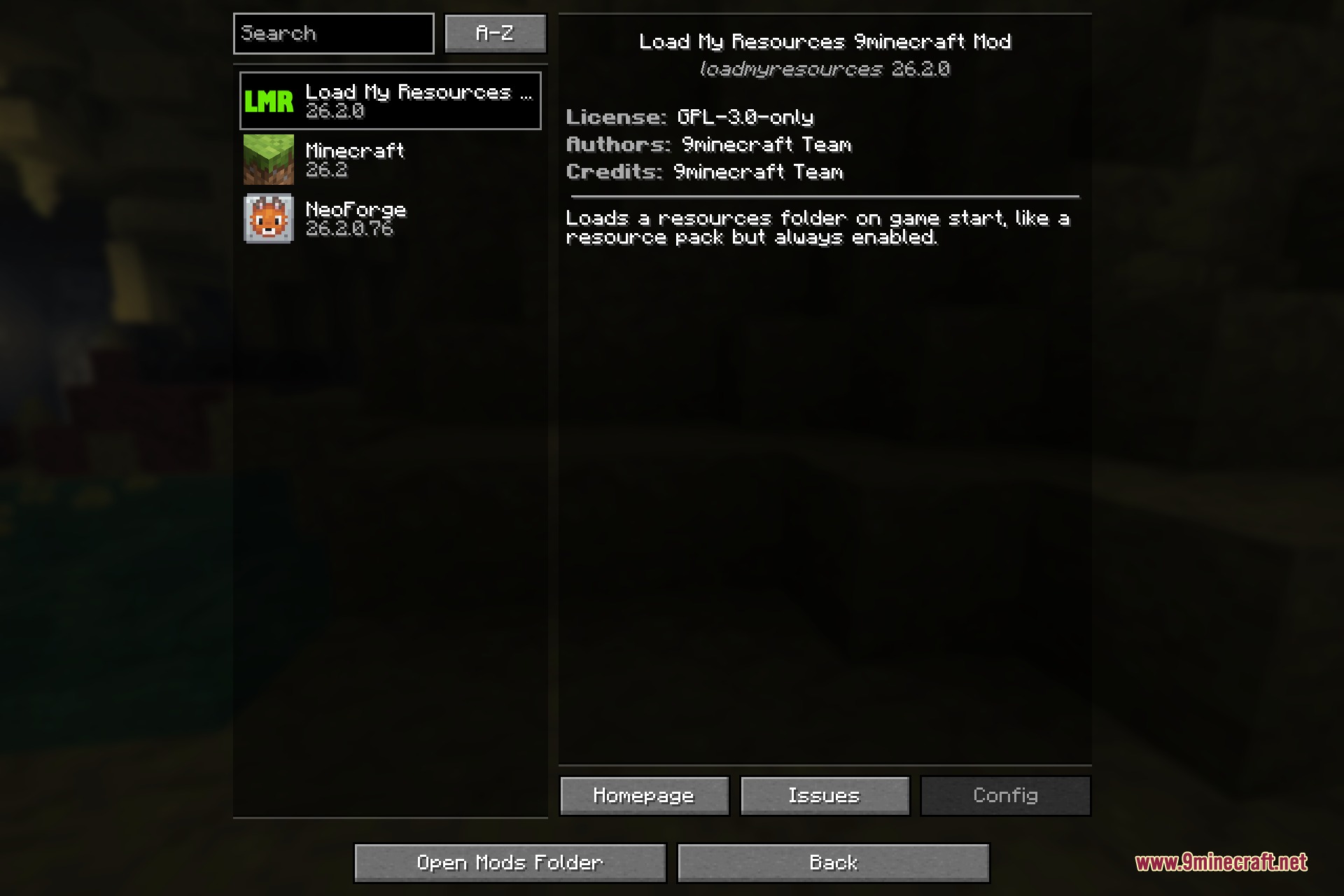
The Load My Resources entry in the Minecraft mod list
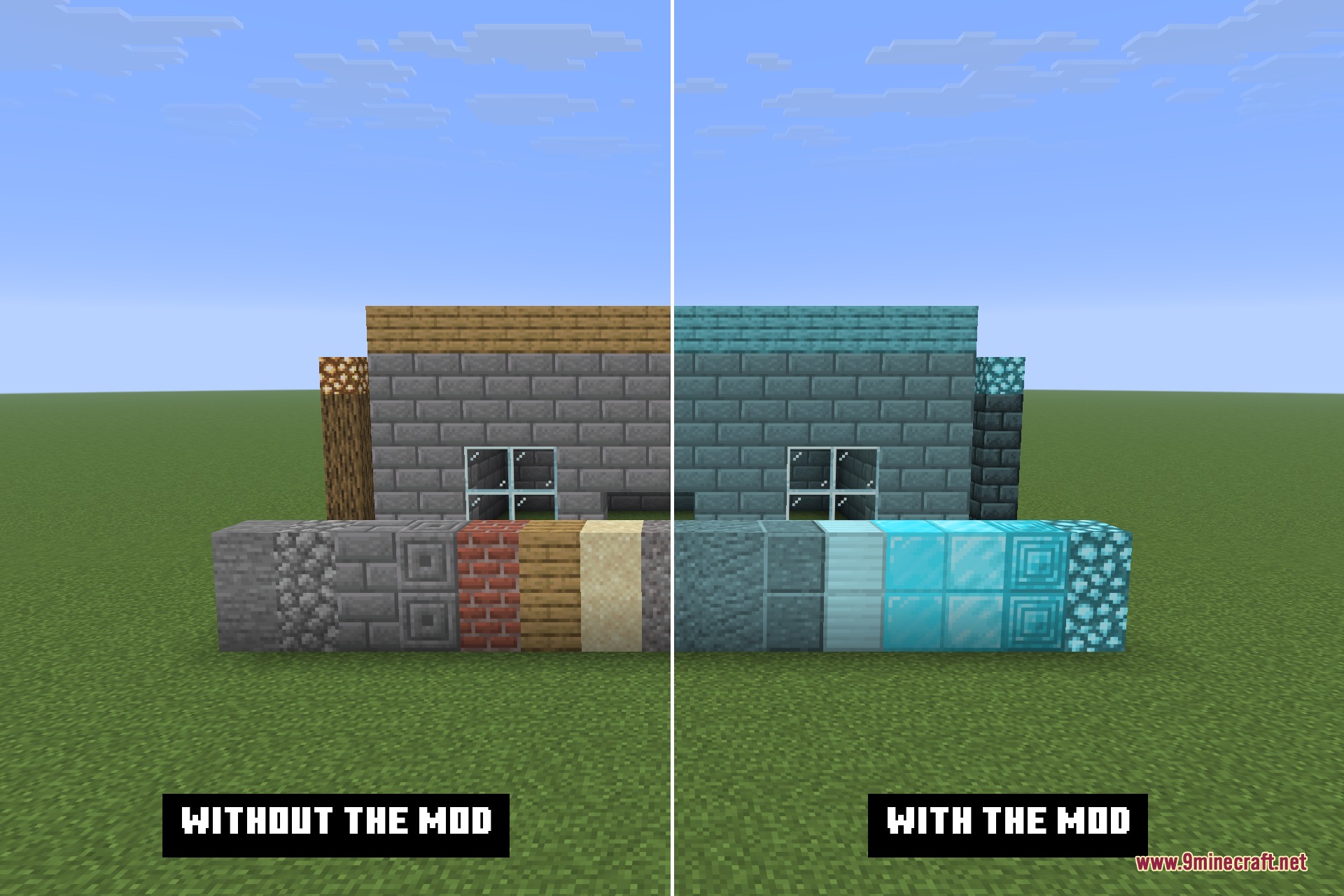
The same build without the mod and with it: identical folder on disk, different result
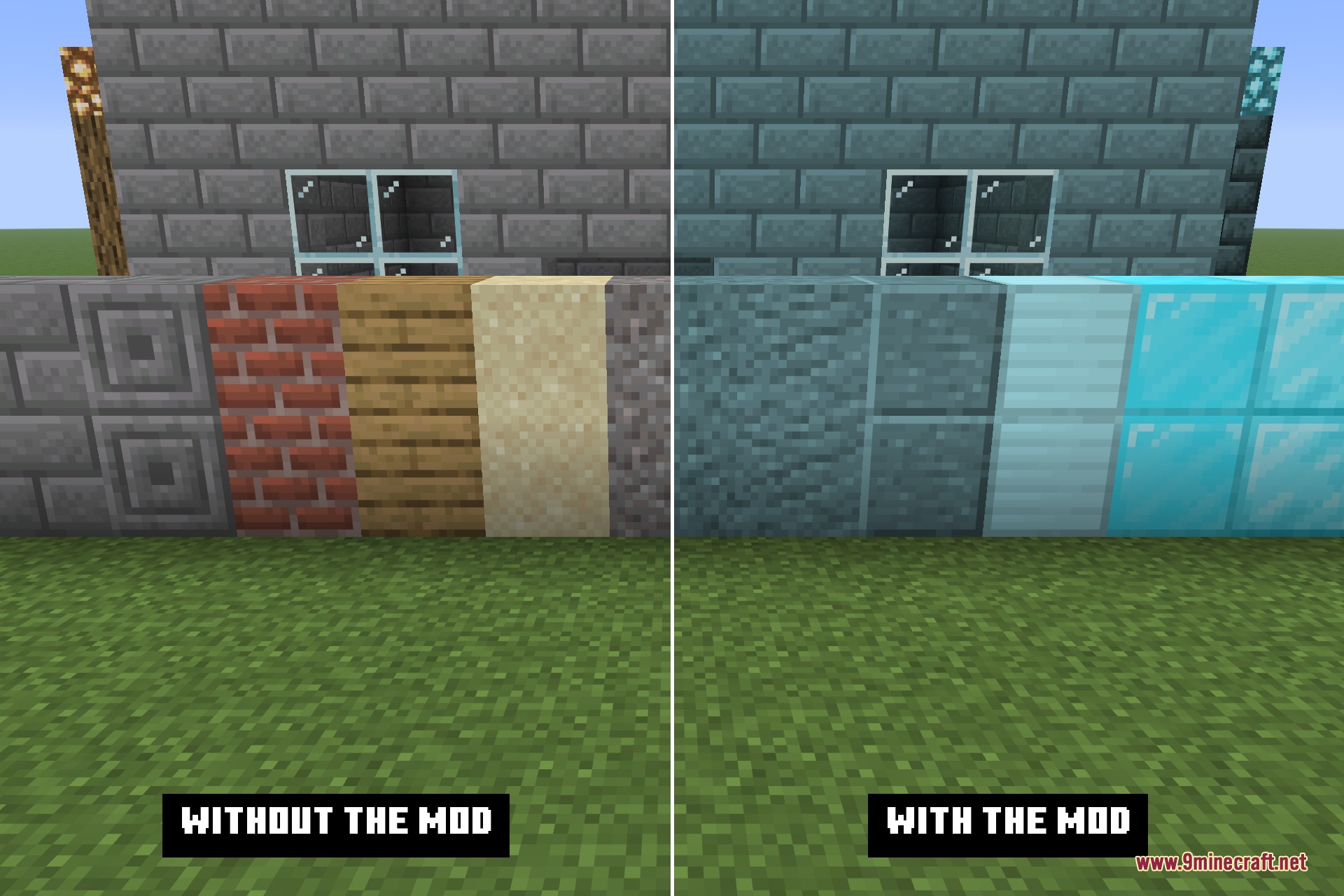
The same block row without the mod and with it
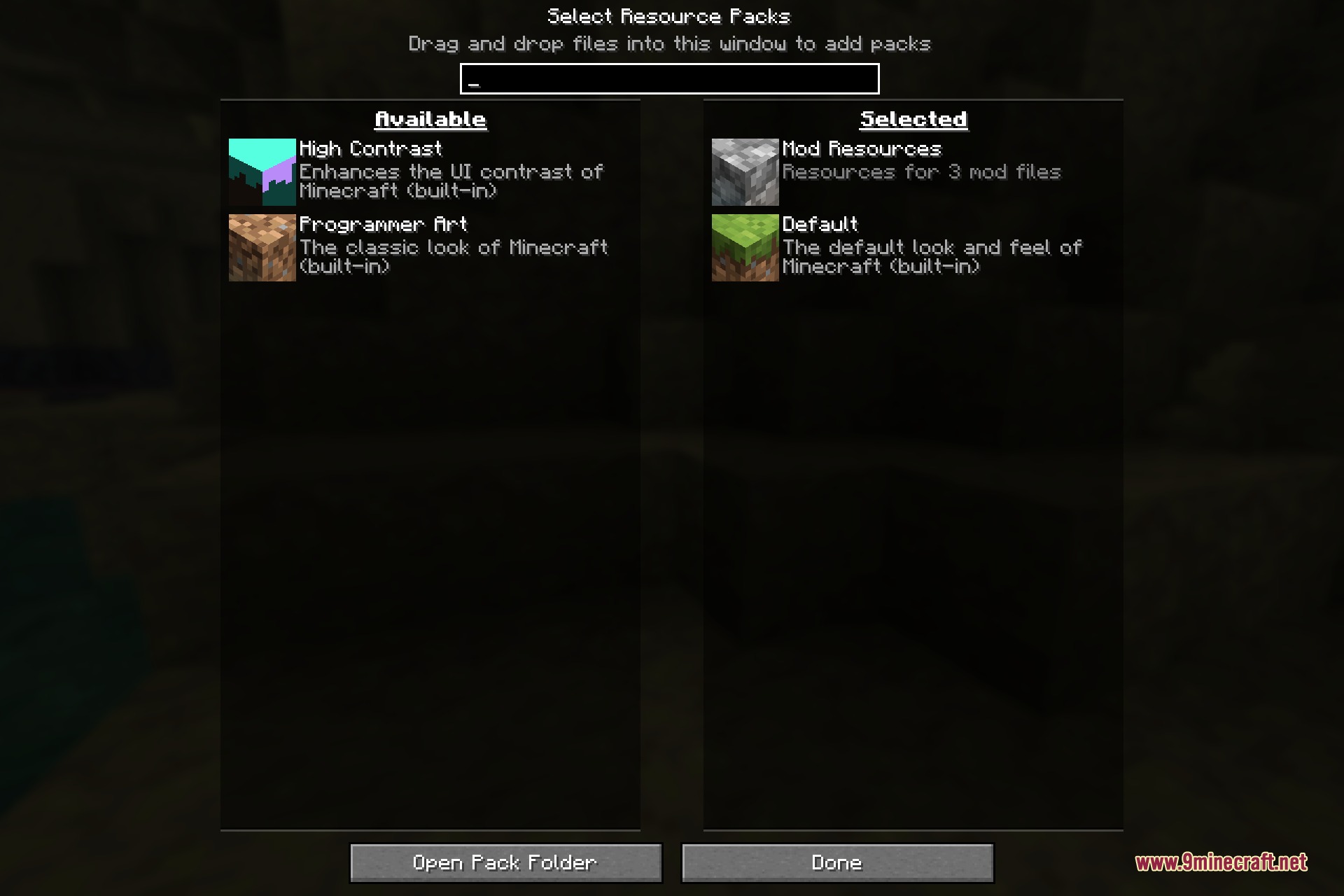
The Resource Packs screen with nothing enabled while the custom look is already applied
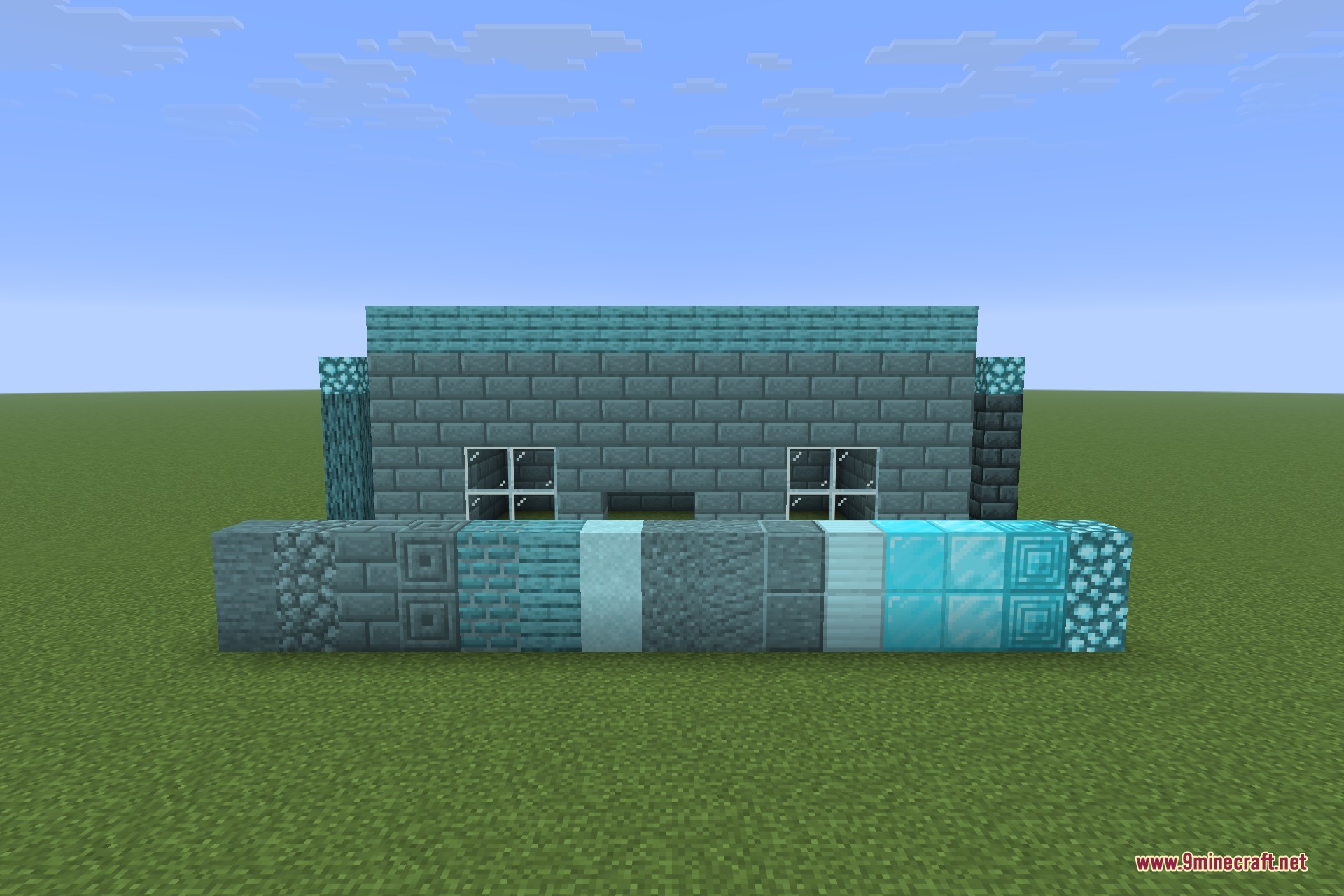
A house built from blocks restyled by files sitting loose in the resources folder
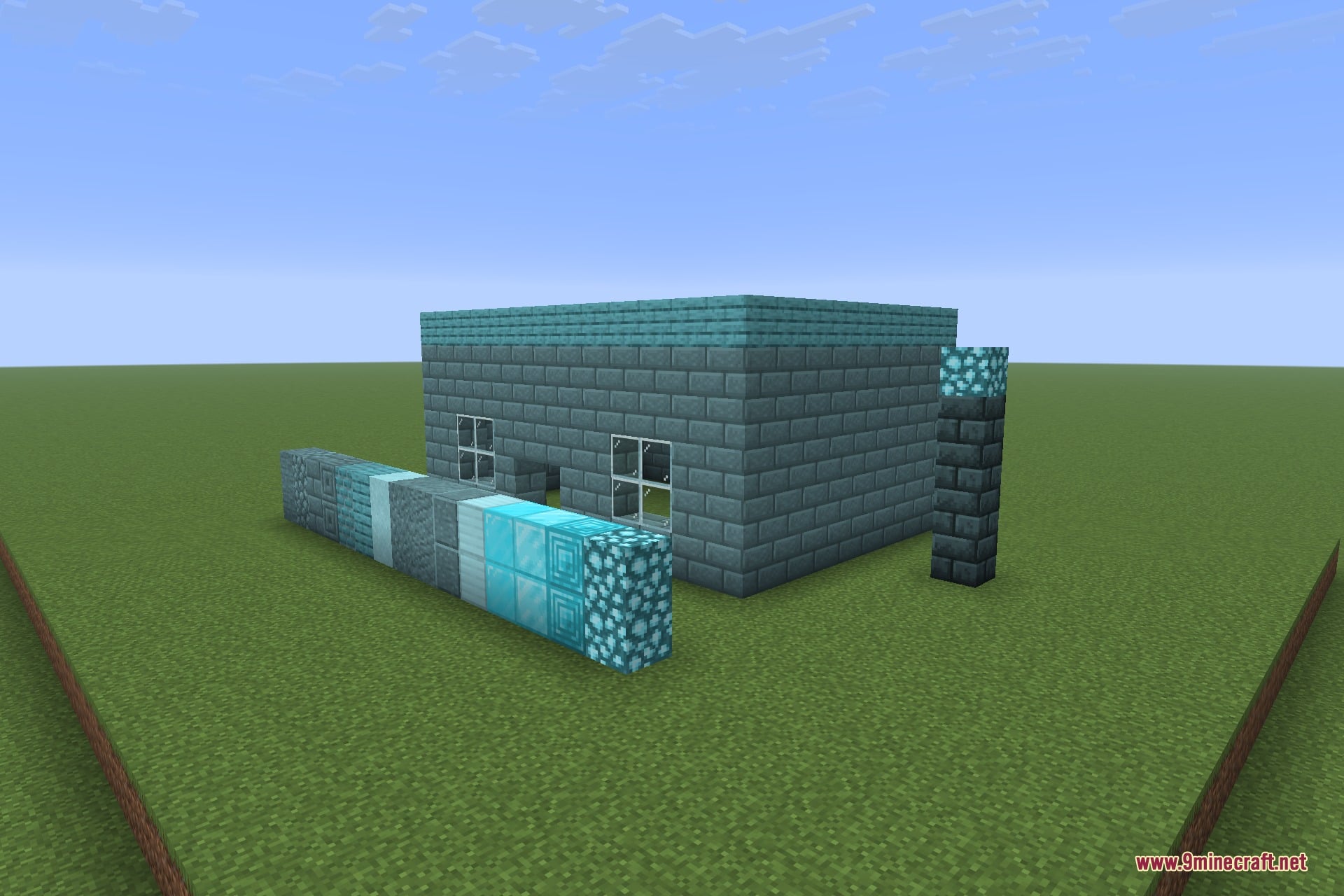
The same build seen from an angle
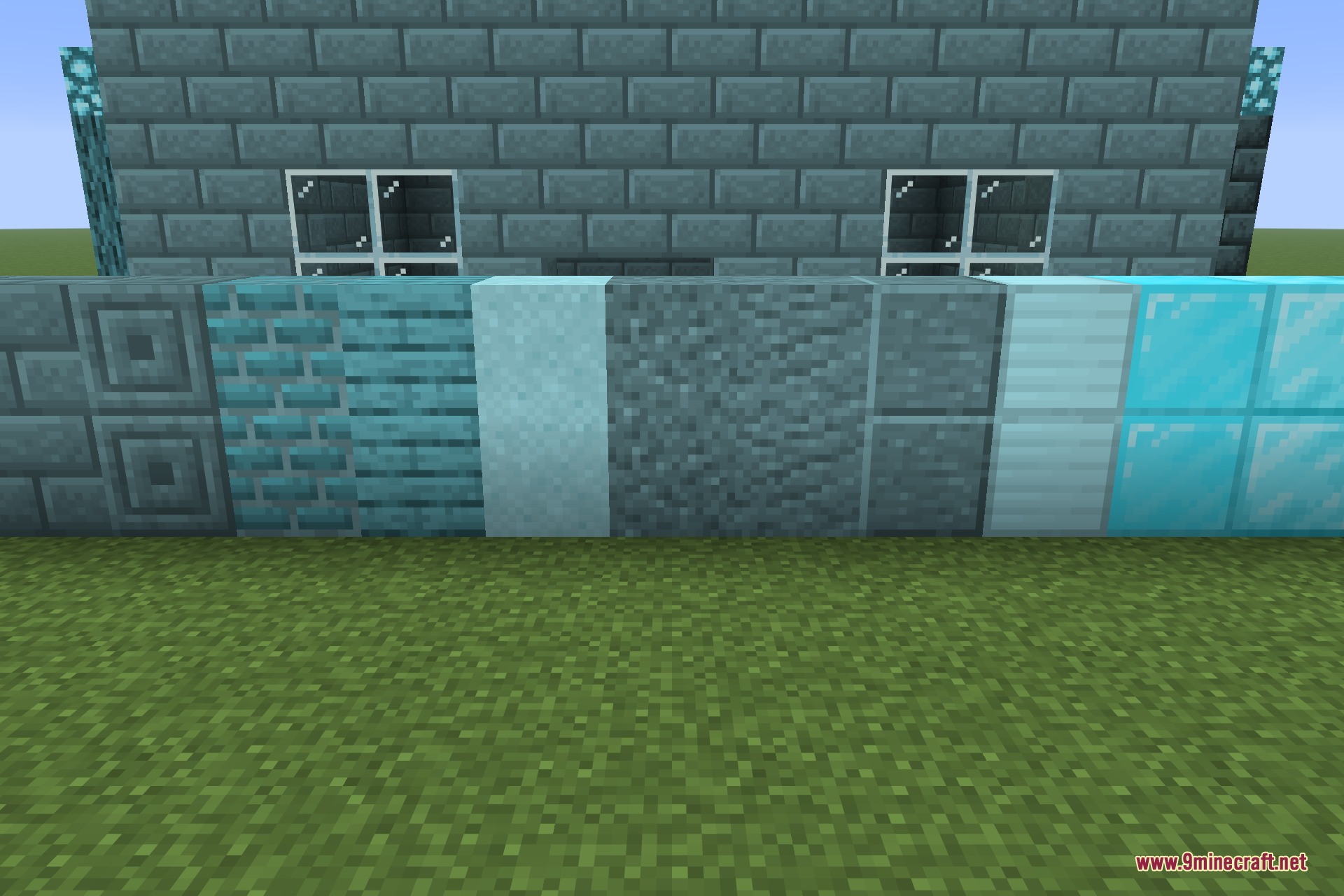
A row of restyled blocks laid out for comparison
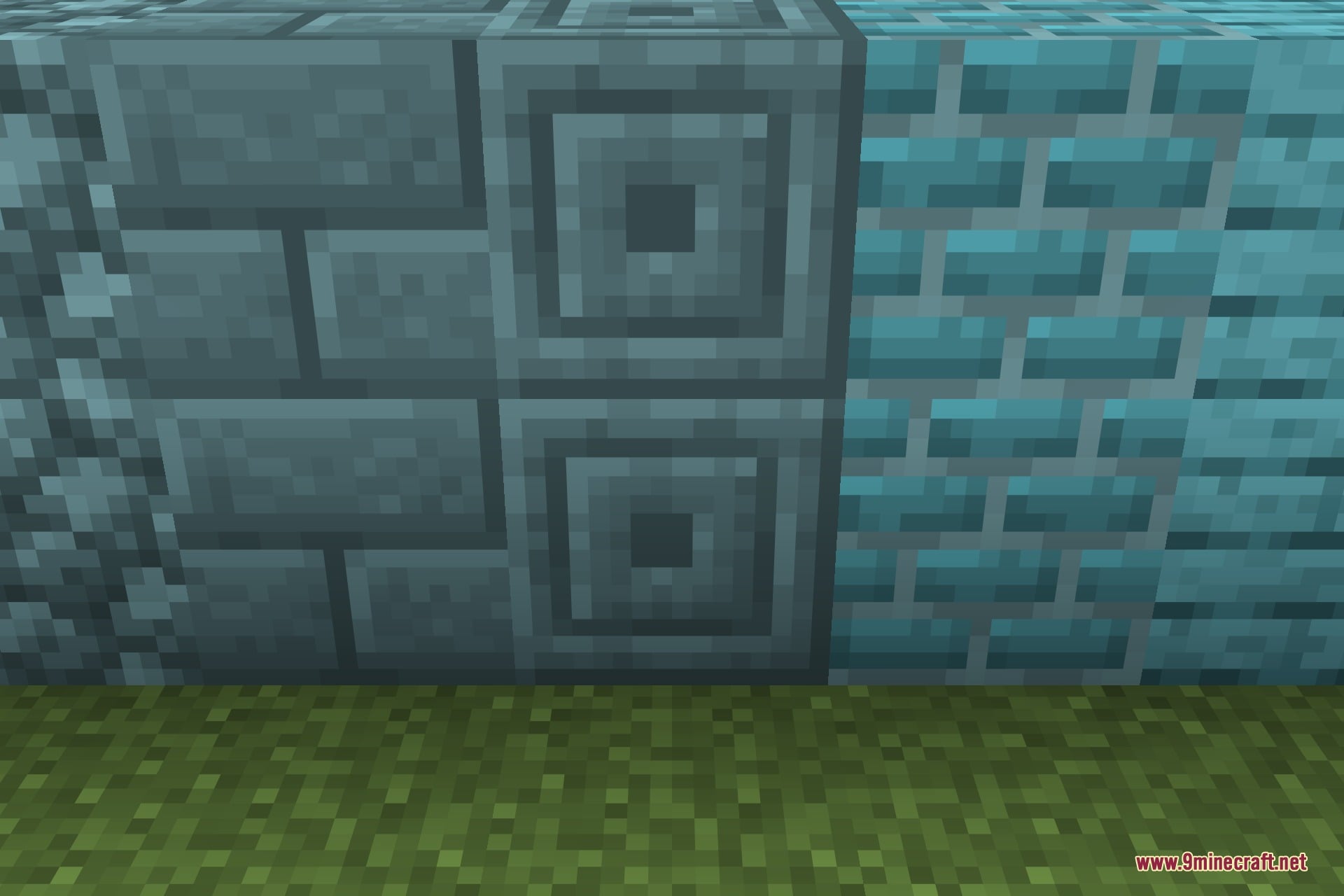
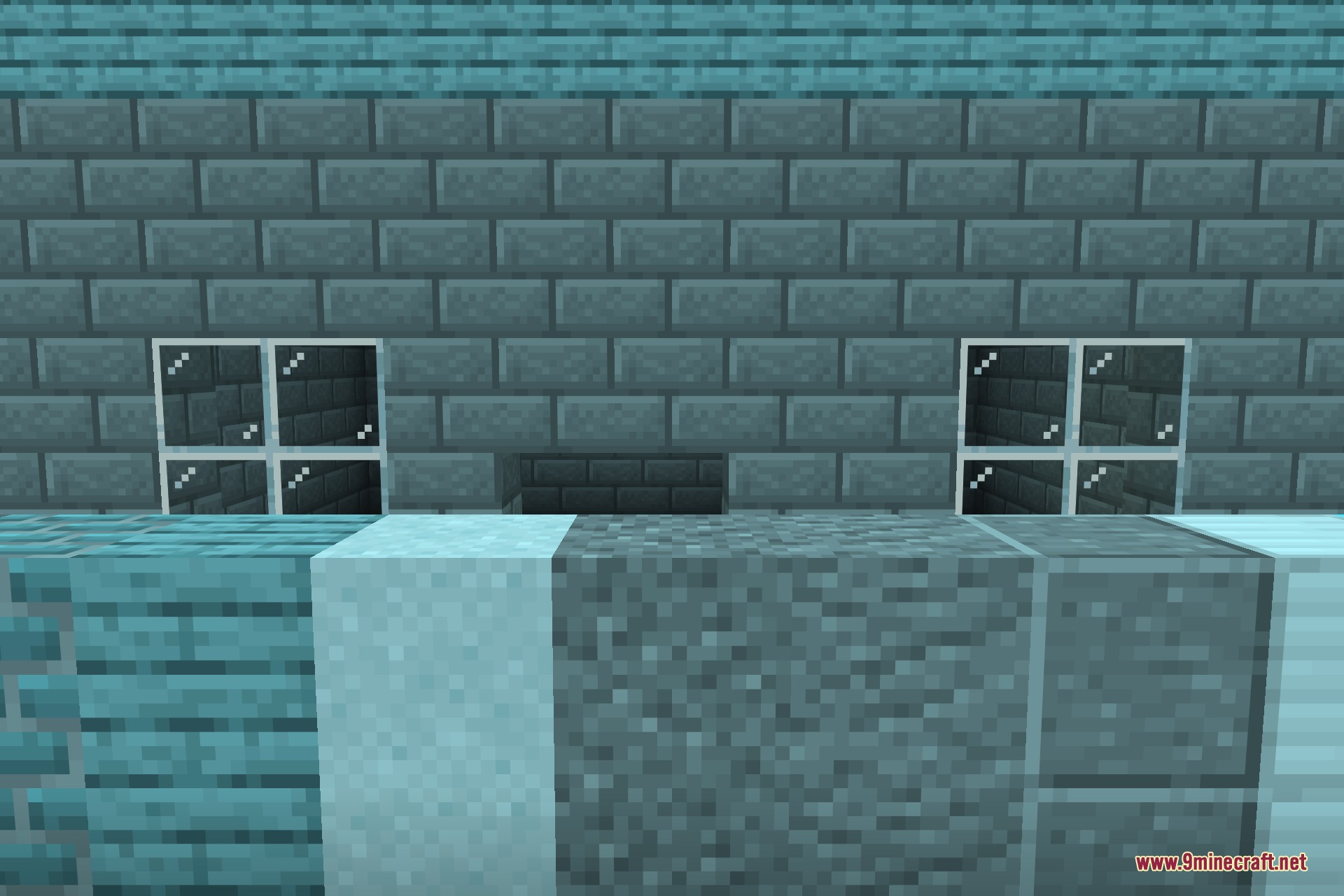
A close-up of the restyled stone and brick blocks
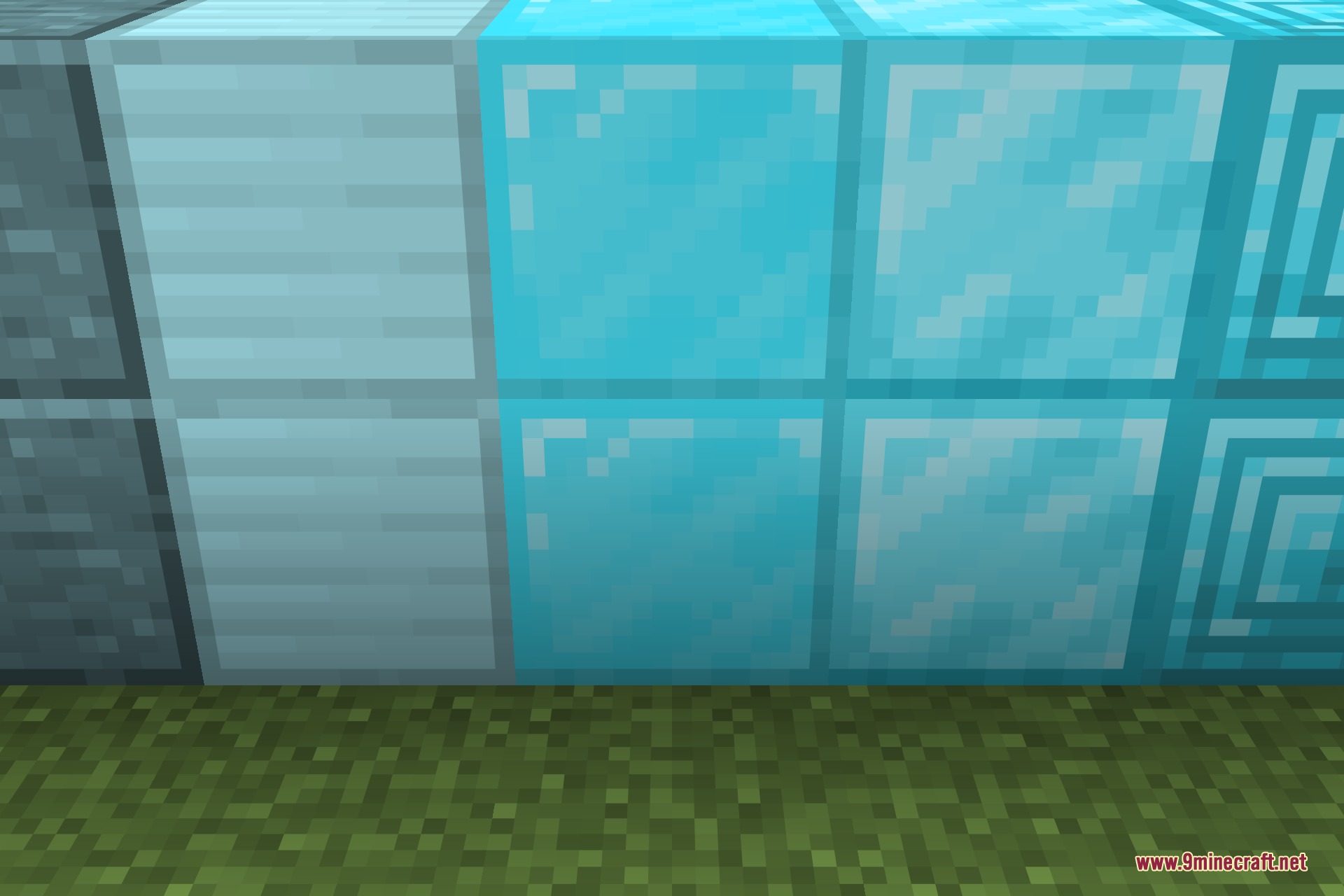
A close-up of the restyled metal and gem blocks
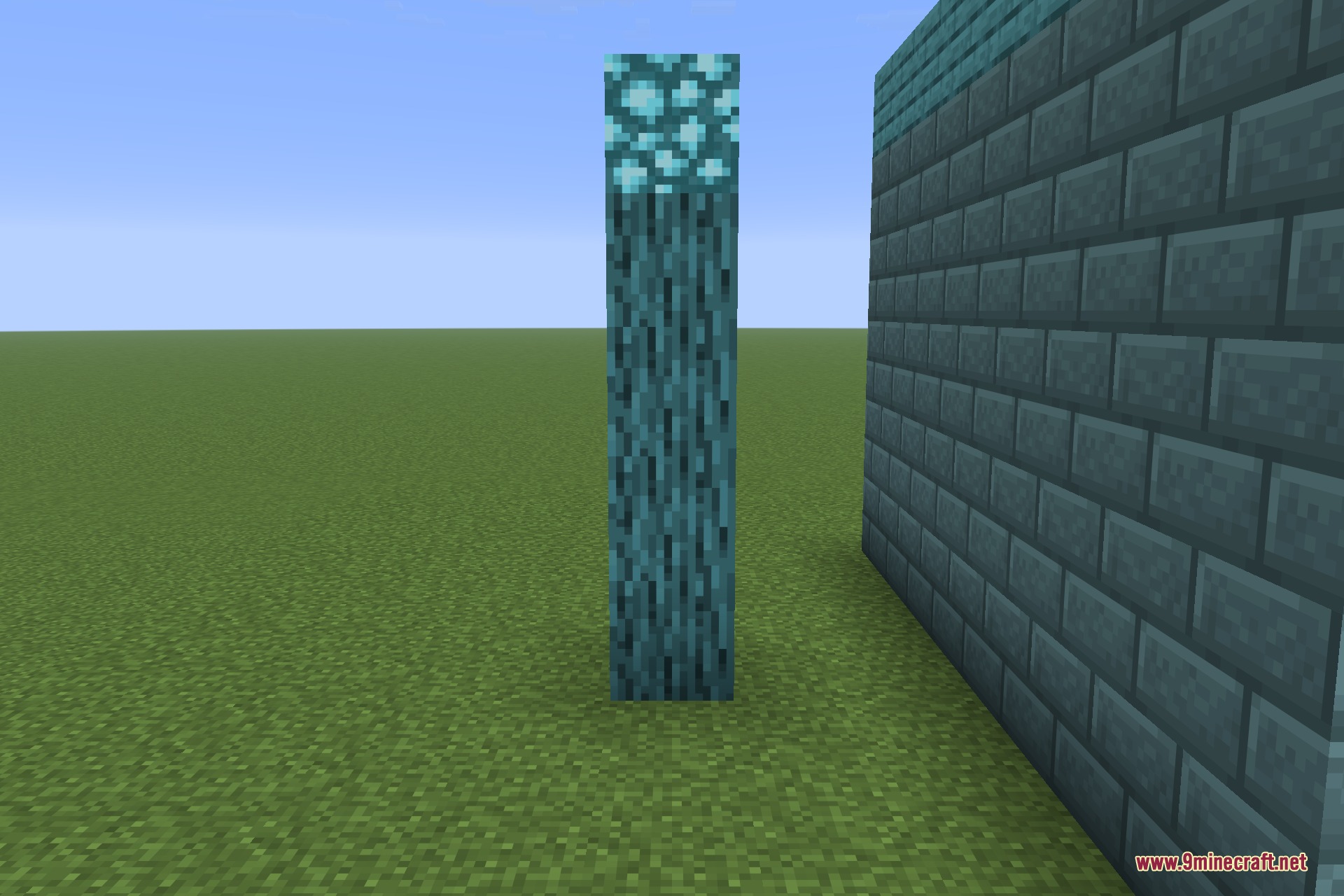
A restyled log column beside a wall, lit from above
A wall showing the restyled brickwork up close
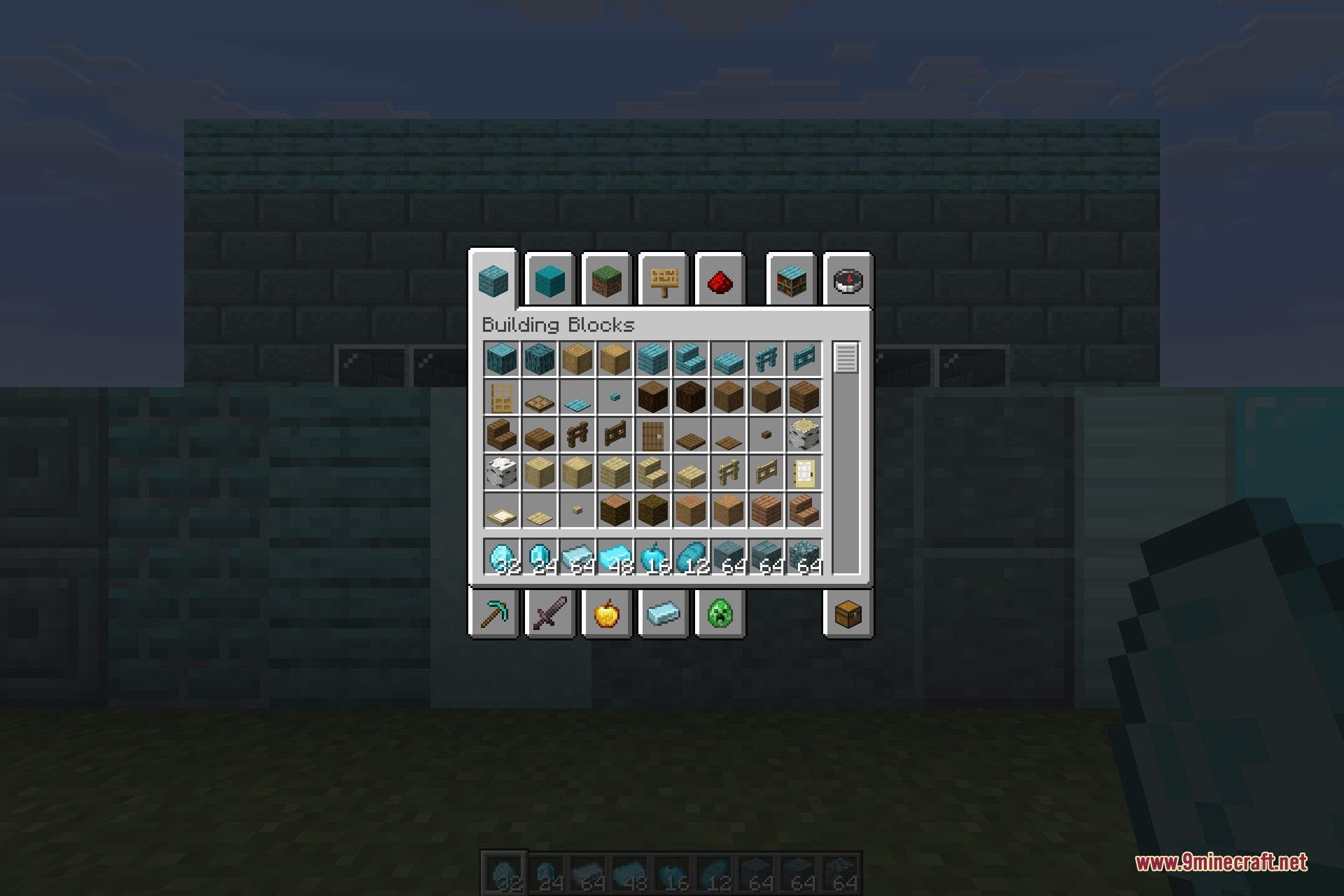
The inventory showing restyled items and a renamed block from the same folder

Load My Resources 9minecraft Mod 下载链接

筛选

适用于 Minecraft 26.2

NeoForge 51 KB Sep 5, 2026
Fabric 52 KB Sep 5, 2026
点击为这篇文章评分!
[Total: 0 Average: 0]