


Pop Up Mod (1.21.1, 1.20.1) – 添加屏幕剧情事件
 84
84
 0
0


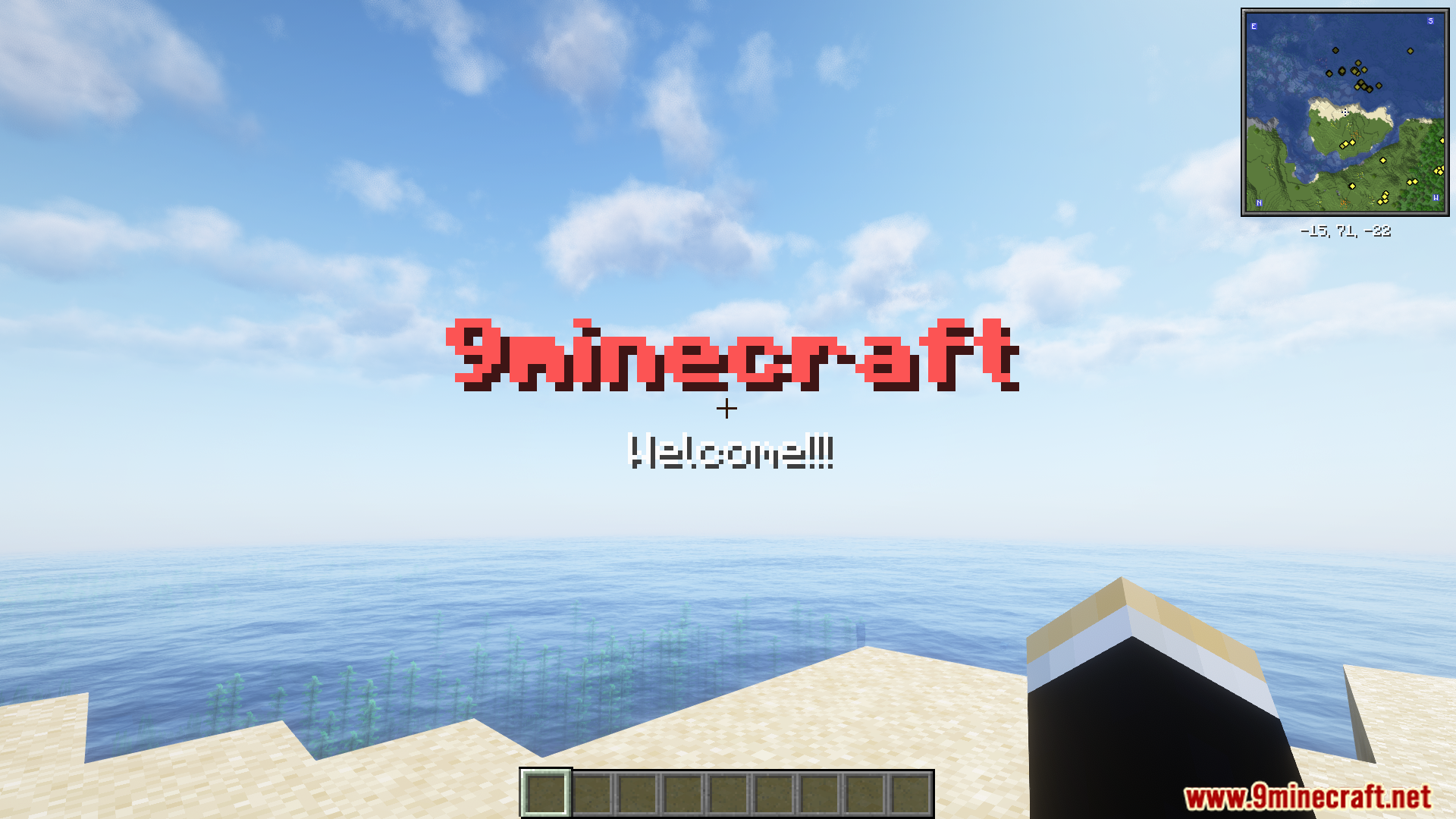
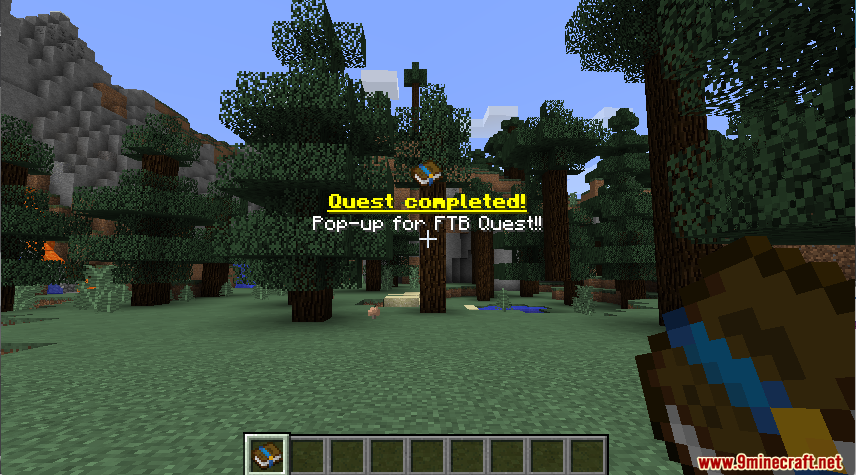
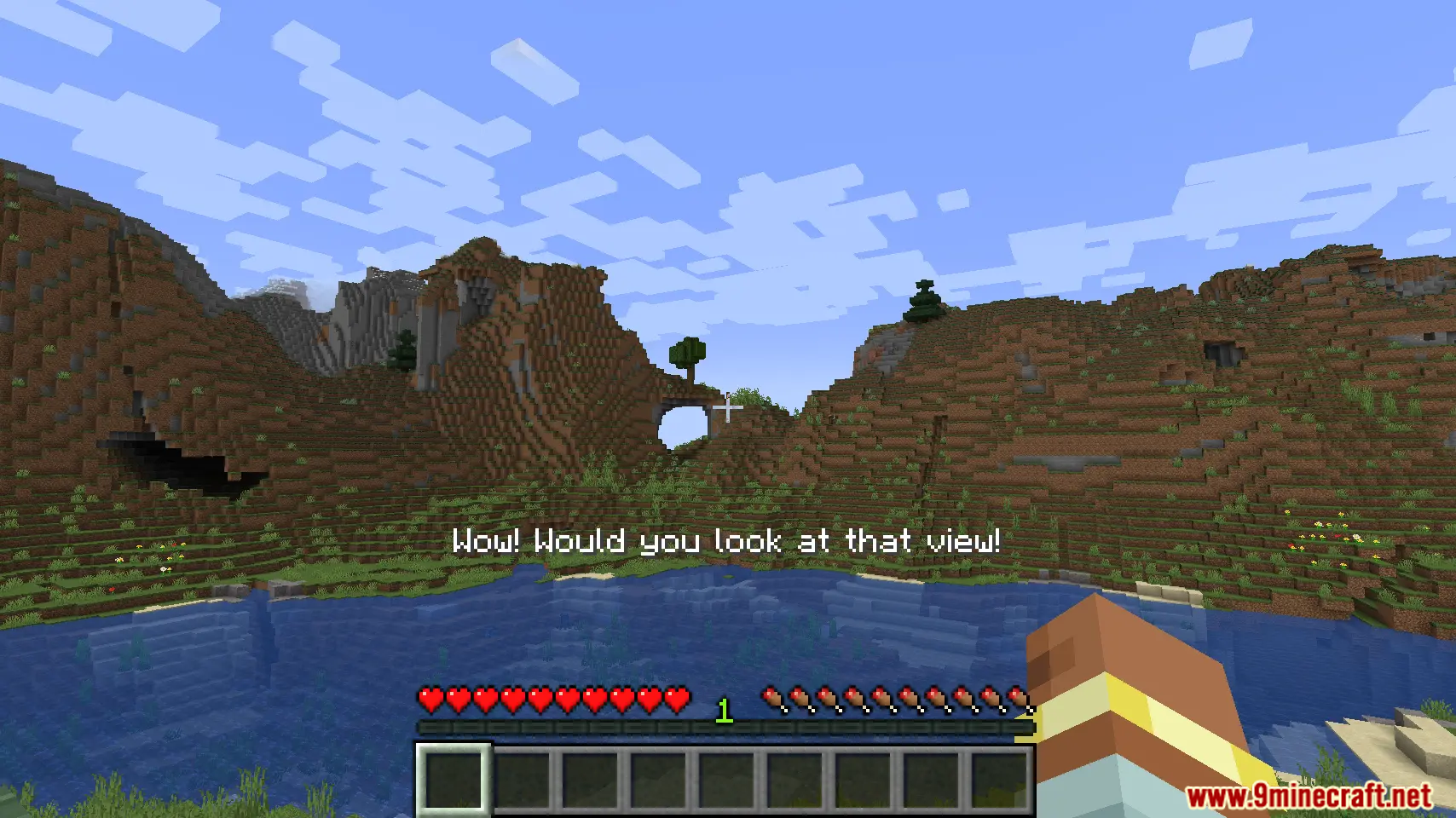
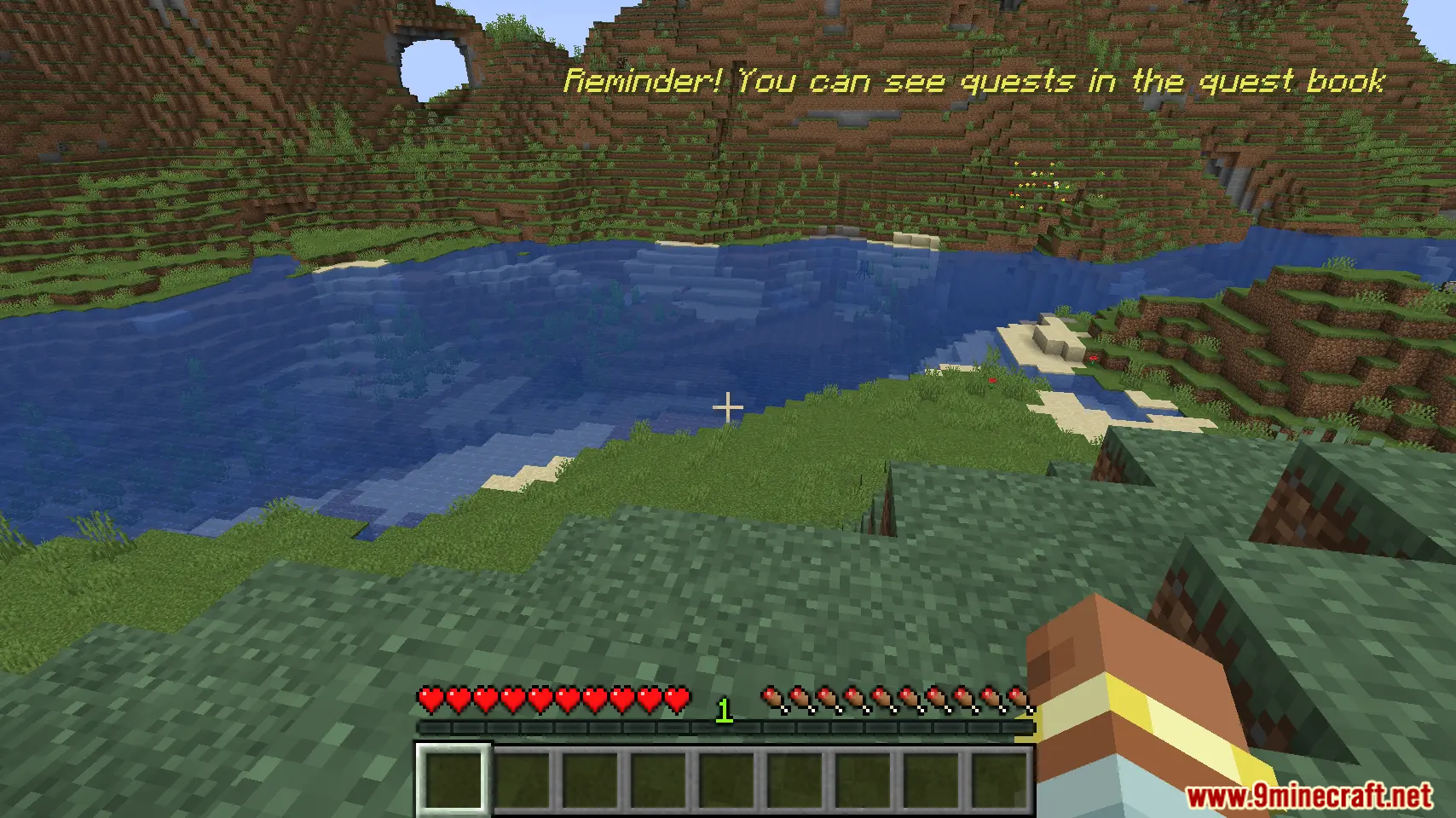
Pop Up Mod 允许整合包制作者在屏幕上显示自定义文本。你可以通过简单的指令或 KubeJS 脚本来创建弹出消息。该模组支持在屏幕的不同位置放置文本,并支持多语言。它非常适合在游戏中展示任务更新或特殊通知等内容。
功能特点:
- 使用简单指令在屏幕上显示自定义信息。
- 支持本地化翻译,因此消息可以用不同语言显示。
- 可选择不同的屏幕位置来放置文本。
- 支持 KubeJS,实现更高级的脚本化弹出窗口。
指令:
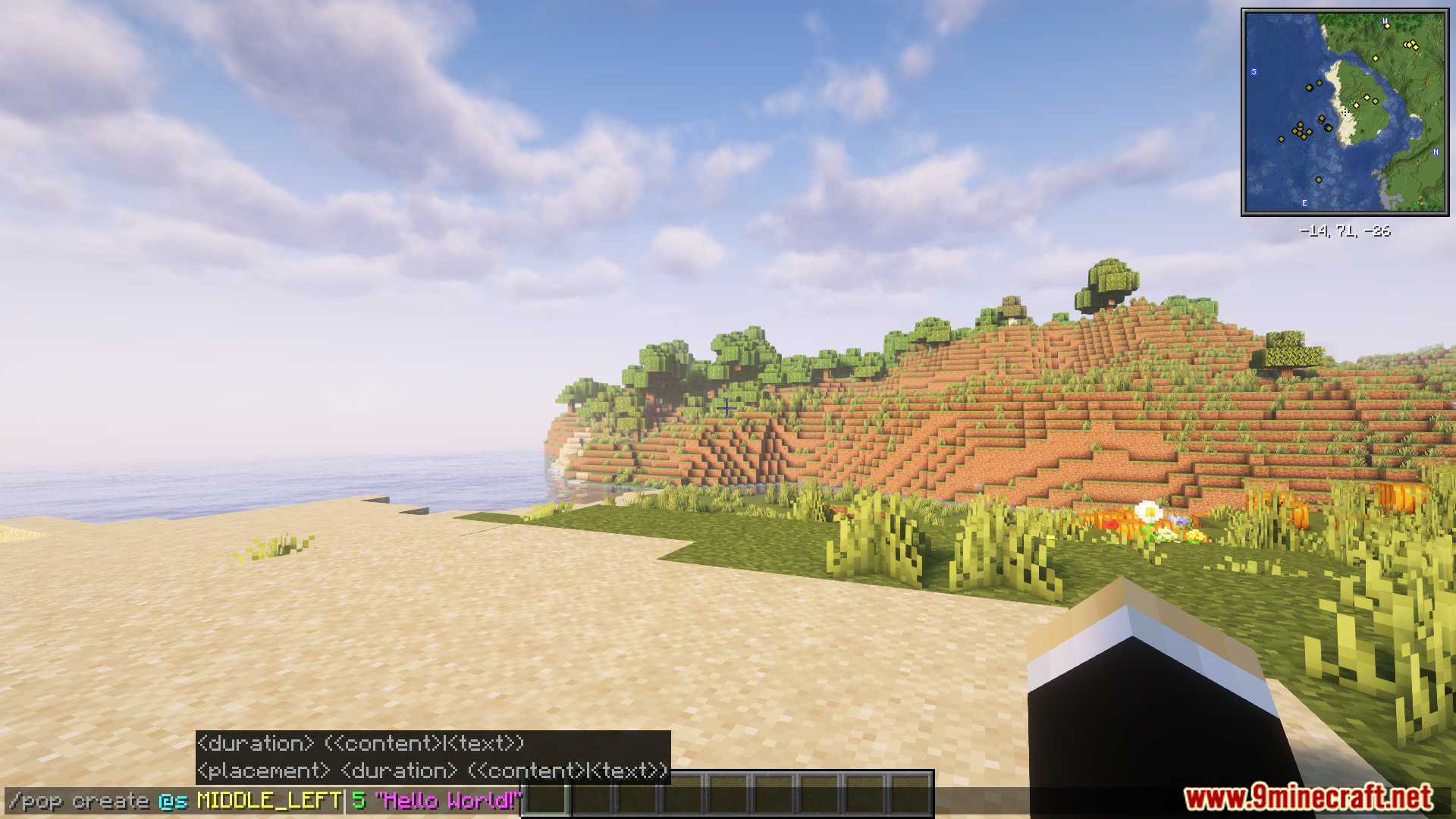
你可以使用 /pop 指令创建弹出消息。示例如下:
/pop create @s MIDDLE_LEFT "Hello World!"
对于更高级的用途,可以通过 KubeJS 控制该模组。以下是示例脚本:
// server.js
const PopBuilder = java.load('pro.mikey.mods.pop.PopBuilder');
const Placement = java.load('pro.mikey.mods.pop.data.Placement'); // 可选
const pop = PopBuilder.create()
    .duration(5)
    .content({ text: "Hello World!" })
    .placement("middle_left") // 或 .placement(Placement.MIDDLE_LEFT)

// 你现在可以构建它并获取 PopData 对象,或者直接发送给玩家
// 如果在服务端
pop.sendToPlayer(player);

// 如果在客户端
pop.display()
使用方法:
- 安装模组后运行游戏。
- 在游戏内使用
/pop指令创建新的弹出消息。 - 或者,你可以使用 KubeJS 来访问和管理弹出系统。
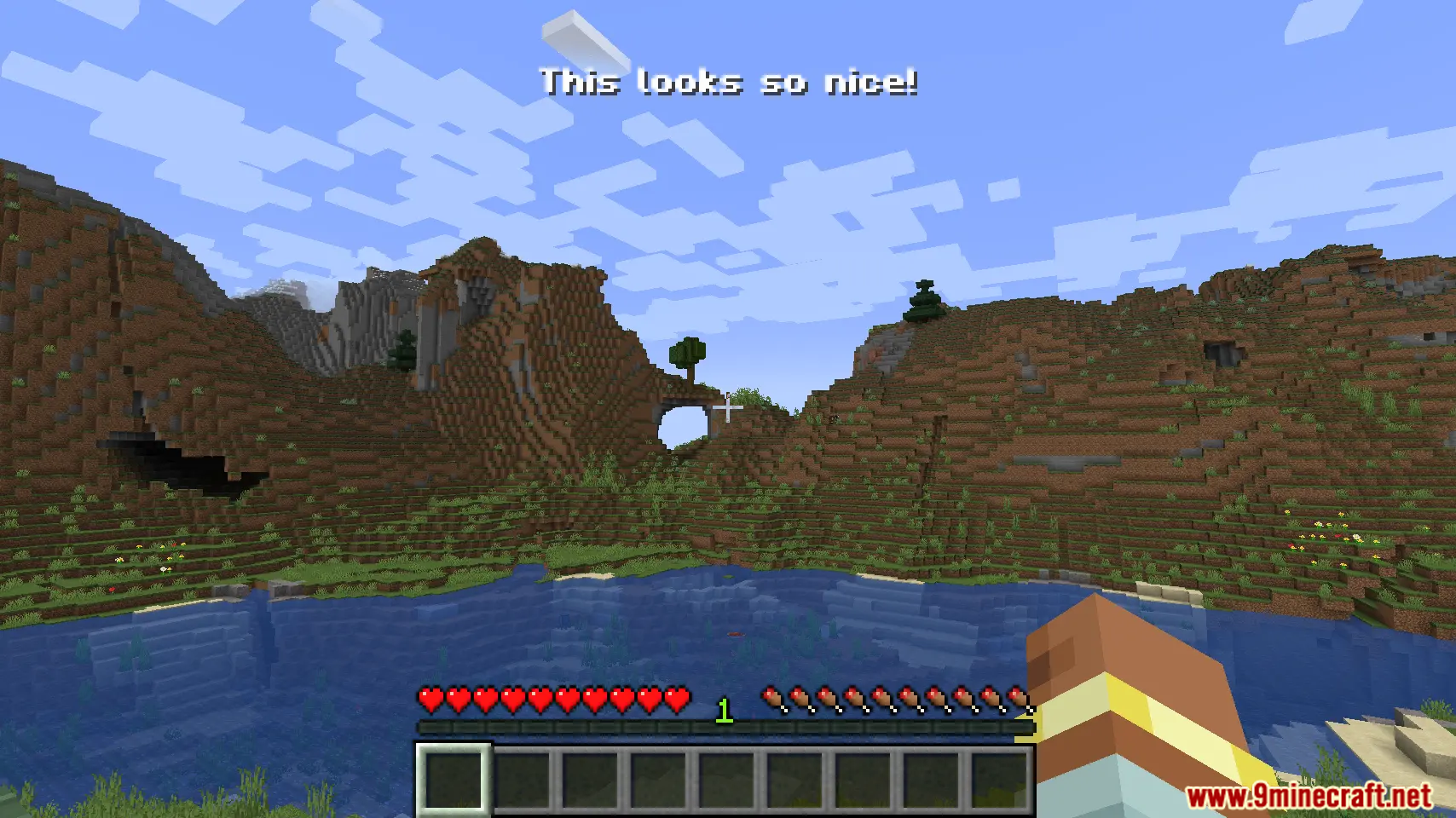
屏幕截图:
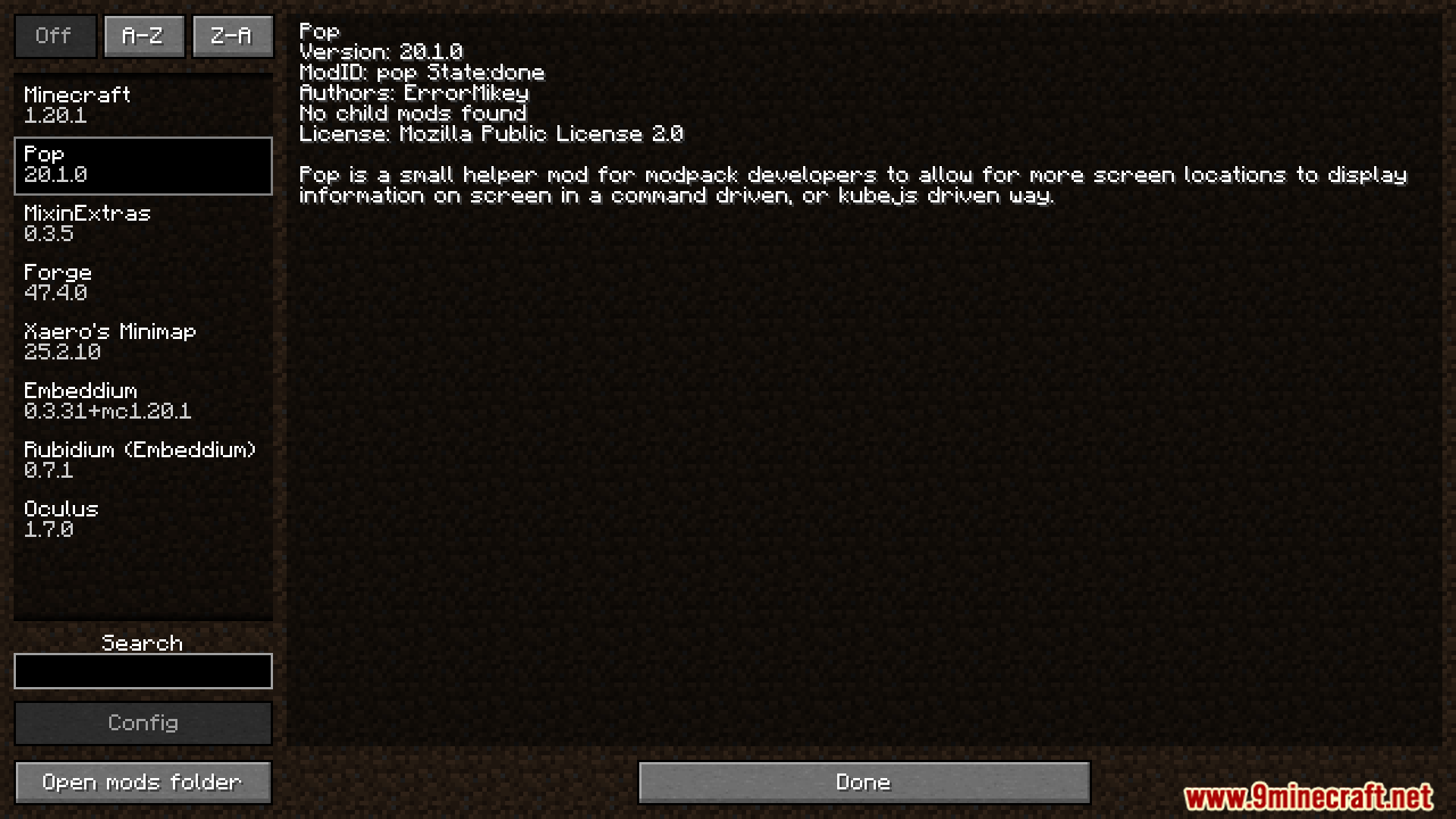
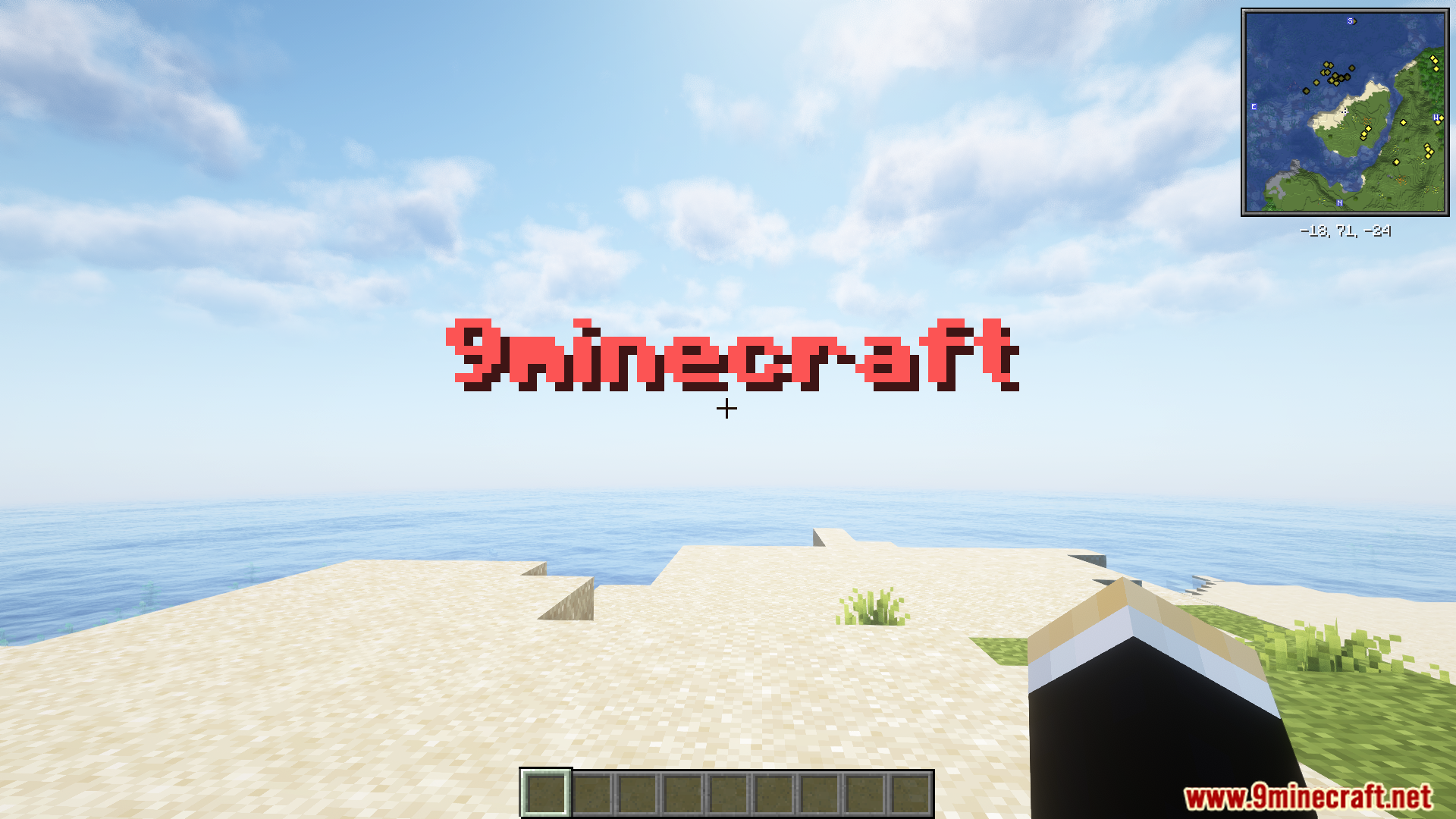
Pop Up Mod 下载链接
针对 Minecraft 1.21.1, 1.21
针对 Minecraft 1.20.1, 1.20
点击为这篇文章评分!
[Total: 2 Average: 5]
你可能也喜欢






这篇文章还没有评论。 来抢沙发吧 —— 你的评论会显示在这里。