🌐 您正在以中文阅读本文。想切换吗?
📖 阅读英文原文或选择您喜欢的语言:
Title Screen Mobs Mod 将生物直接带到了你的 Minecraft 标题界面。现在,在开始游戏之前,你看到的不再是空荡荡的背景,而可能是监守者 (Warden)、凋灵 (Wither),甚至是只鹦鹉。这款模组让主菜单变得更加生动有趣。你还可以进入设置,精准挑选想要看到的生物。
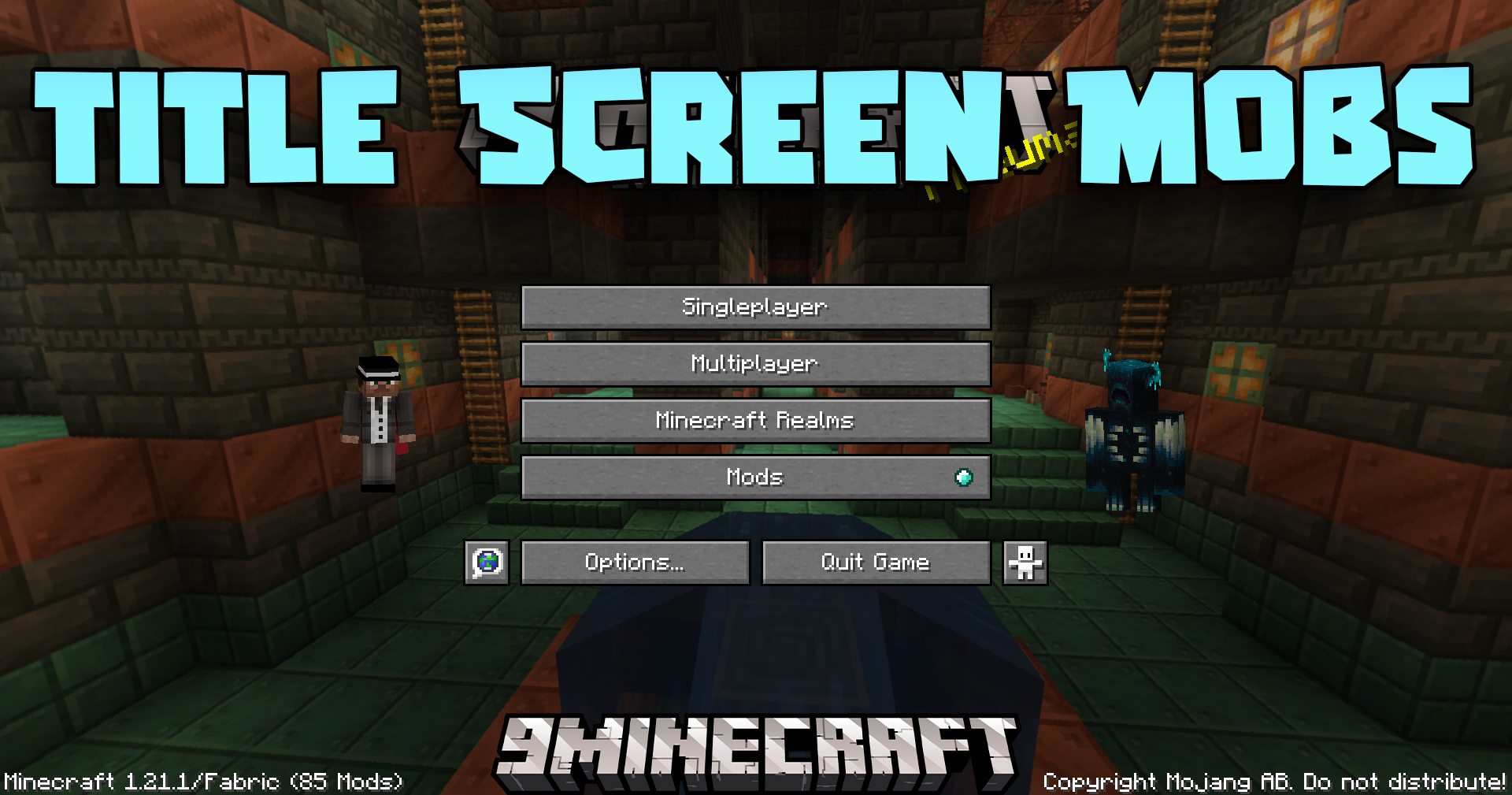
主要功能:
- 在标题界面背景中添加游戏内的各种生物。
- 支持通过白名单功能自定义想要显示的生物。
- 兼容多种生物,包括凋灵和监守者等大型 Boss。
- 如果安装了 ModMenu,可以直接在游戏内更改所有设置。
- 如果与其他模组发生冲突,屏幕上会显示友好的警告提示。
- 警告消息可以在设置中关闭。
游戏截图:
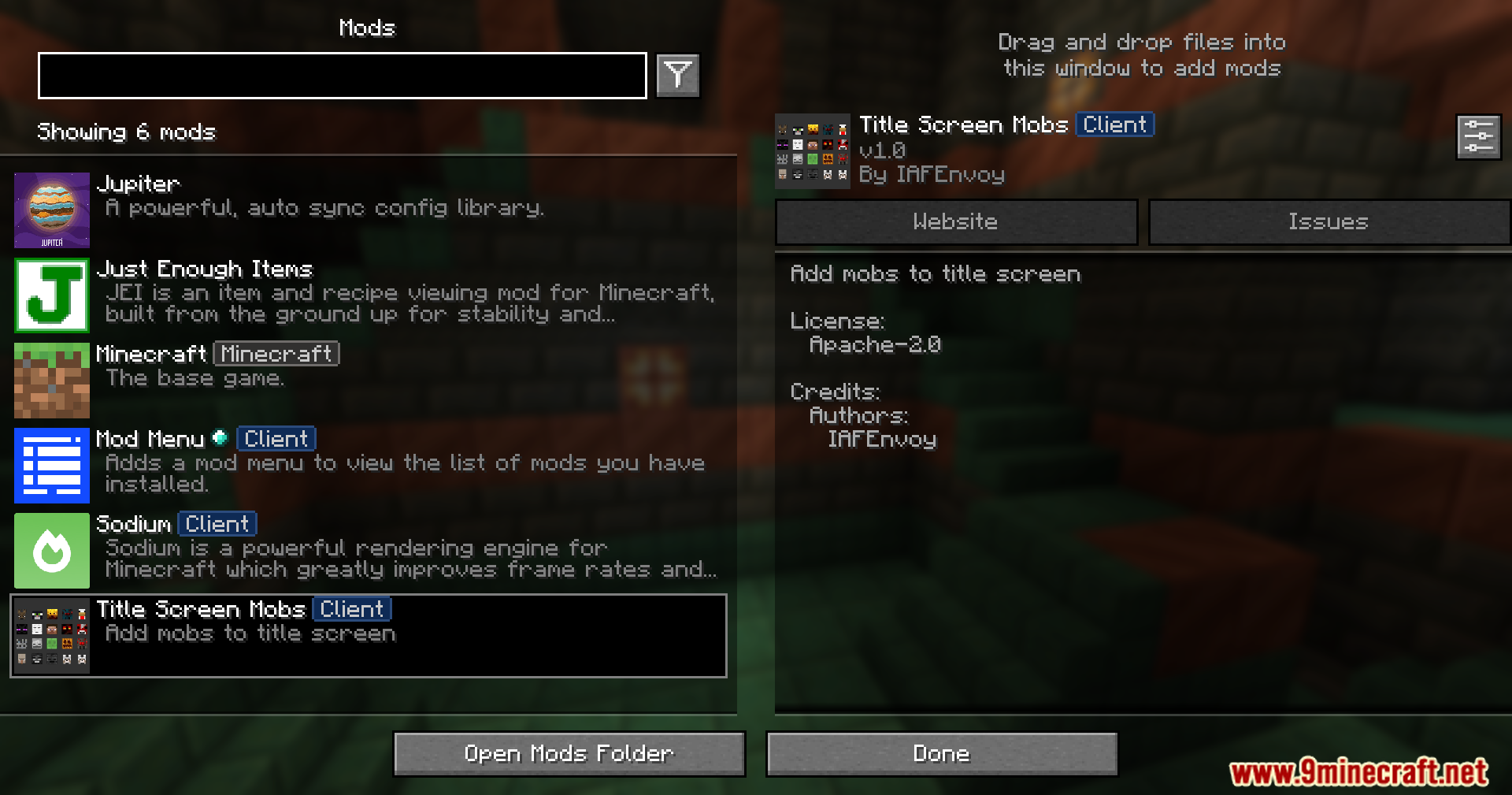 在主菜单列表中查看 Title Screen Mobs 模组
 在菜单中调整 Title Screen Mobs 模组设置
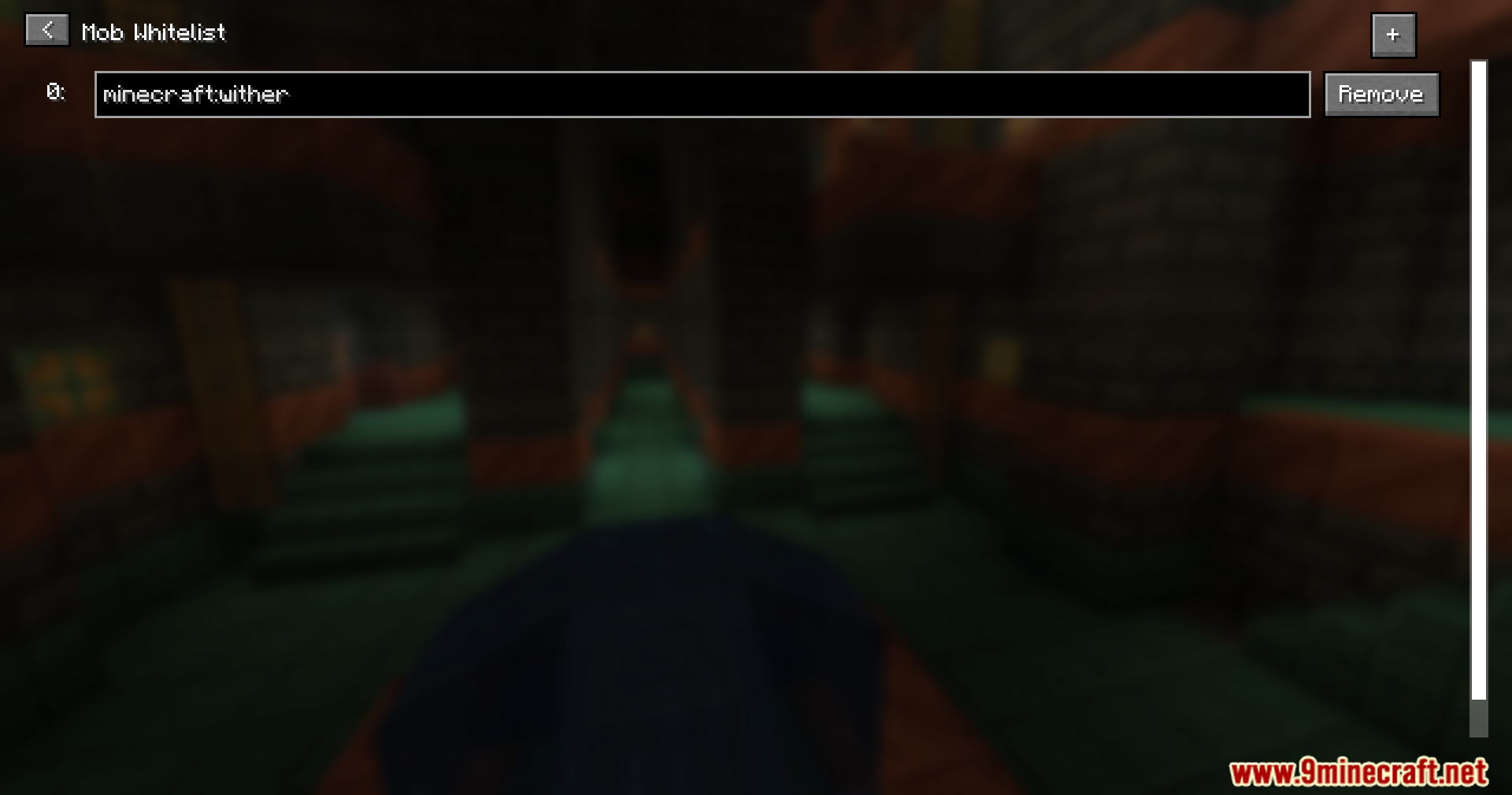 将凋灵添加到 Title Screen Mobs 白名单
 展示模组新角色的主菜单背景
 玩家和鹦鹉在游戏标题界面生成
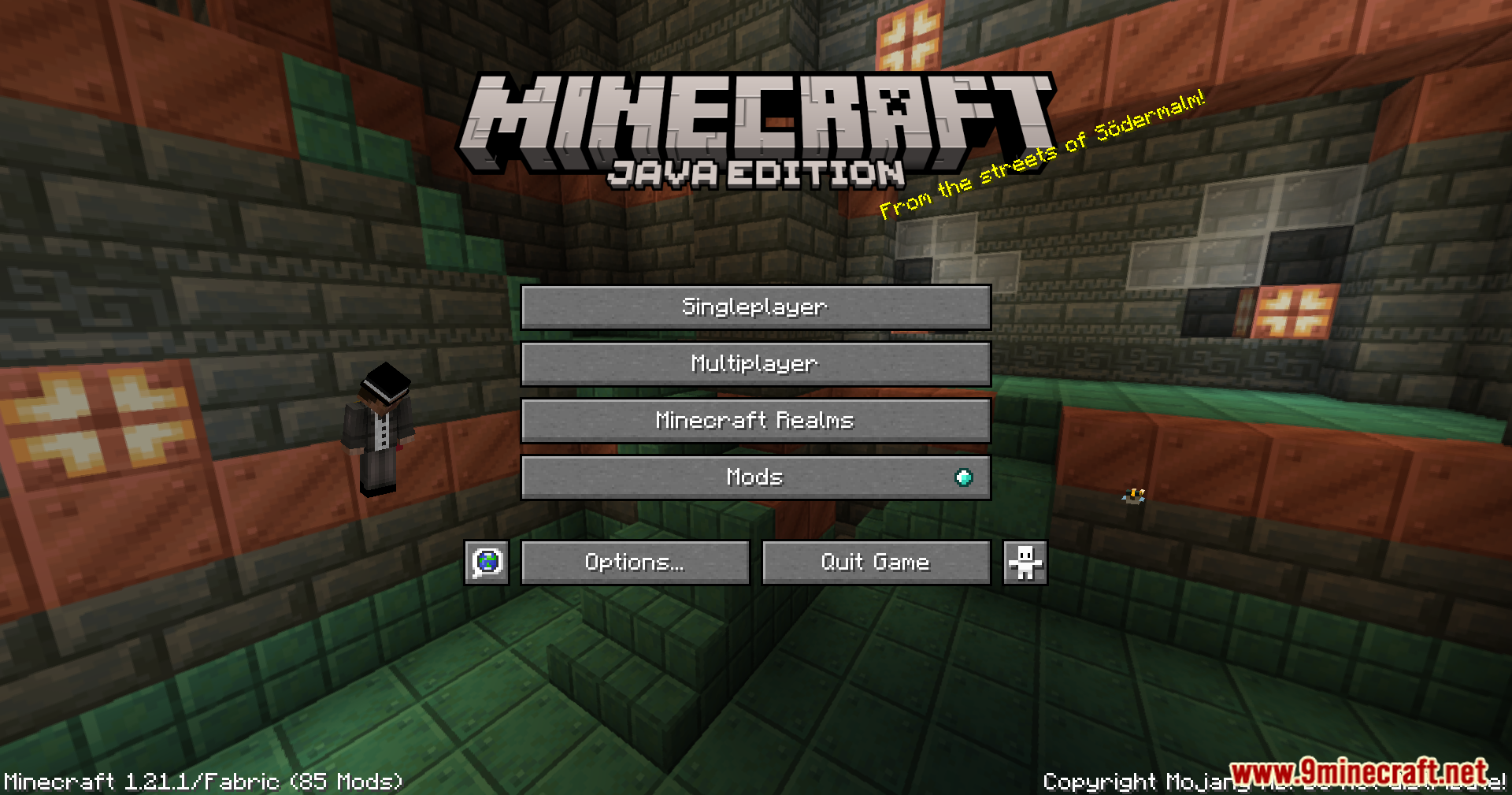 站在标题界面背景中的自定义生物
 使用此模组后,监守者出现在主菜单中
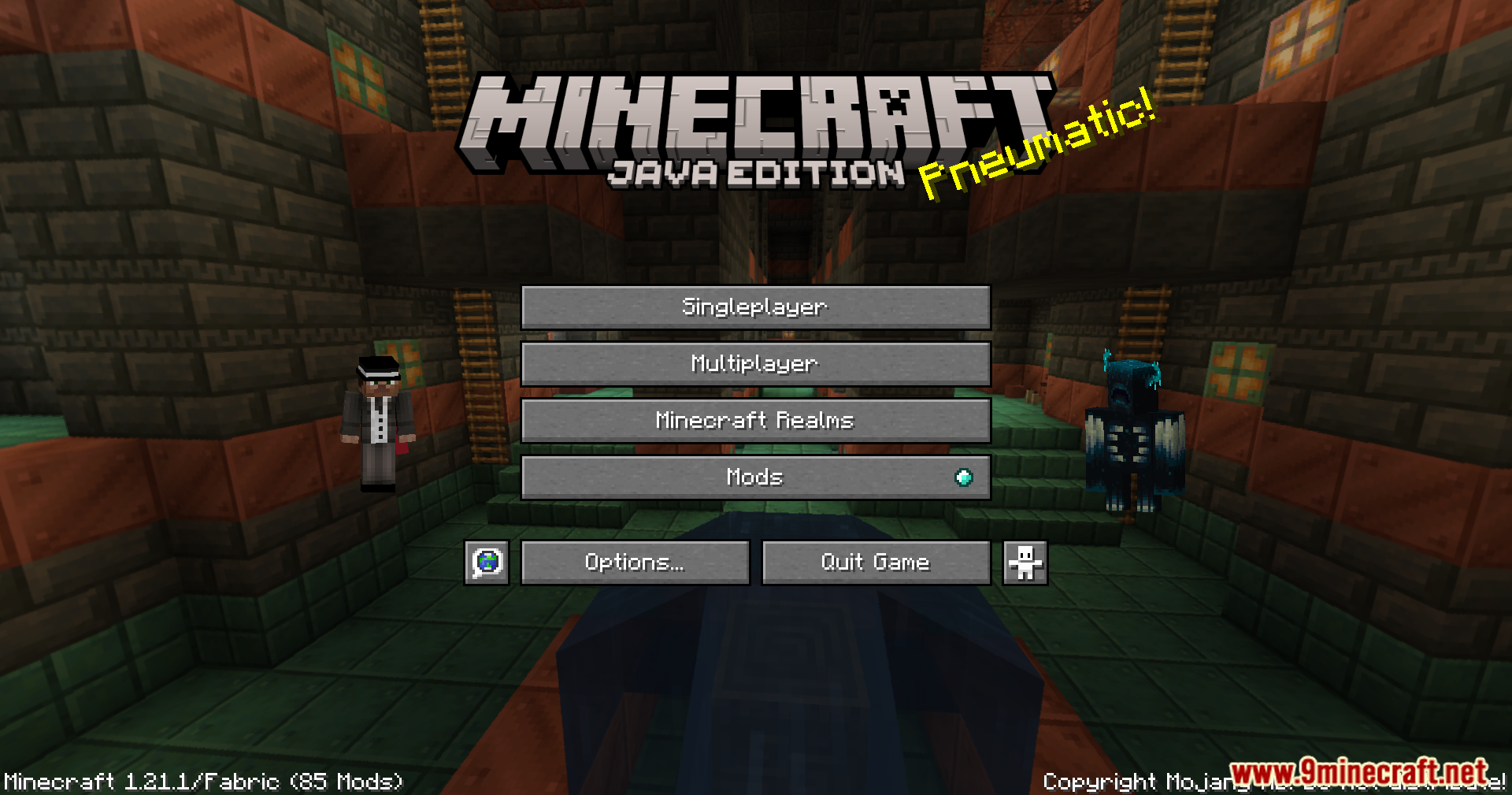 Title Screen Mobs 在主菜单渲染监守者
Title Screen Mobs Mod 下载链接
适用于 Minecraft 1.21.4
Fabric 版本:从服务器 1 下载 – 从服务器 2 下载
NeoForge 版本:从服务器 1 下载 – 从服务器 2 下载
适用于 Minecraft 1.21.1, 1.21
Fabric 版本:从服务器 1 下载 – 从服务器 2 下载
NeoForge 版本:从服务器 1 下载 – 从服务器 2 下载
适用于 Minecraft 1.20.6
Fabric 版本:从服务器 1 下载 – 从服务器 2 下载
NeoForge 版本:从服务器 1 下载 – 从服务器 2 下载
适用于 Minecraft 1.20.4
Fabric 版本:从服务器 1 下载 – 从服务器 2 下载
NeoForge 版本:从服务器 1 下载 – 从服务器 2 下载
适用于 Minecraft 1.20.1, 1.20
Forge/NeoForge 版本:从服务器 1 下载 – 从服务器 2 下载
Fabric 版本:从服务器 1 下载 – 从服务器 2 下载
适用于 Minecraft 1.19.4
Forge 版本:从服务器 1 下载 – 从服务器 2 下载
Fabric 版本:从服务器 1 下载 – 从服务器 2 下载
适用于 Minecraft 1.19.2
Forge 版本:从服务器 1 下载 – 从服务器 2 下载
Fabric 版本:从服务器 1 下载 – 从服务器 2 下载




 0
0 





这篇文章还没有评论。 来抢沙发吧 —— 你的评论会显示在这里。