


Forgotten Items Mod (1.12.2, 1.11.2) – Hunt for Randomized Recipes
 685
685
 0
0
 April 14, 2022
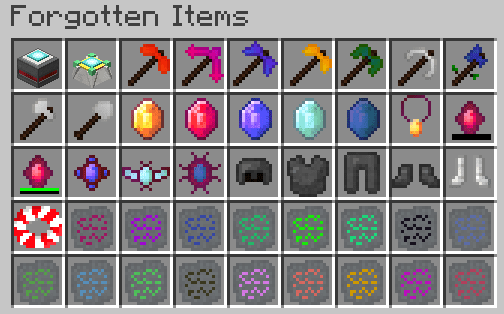
Forgotten Items Mod adds many new tools and items with special crafting recipes. These recipes are not fixed; they change with every new world you start. To learn how to craft these items, you must find and read runes hidden in chests throughout the world. This system encourages exploration to discover the new recipes.
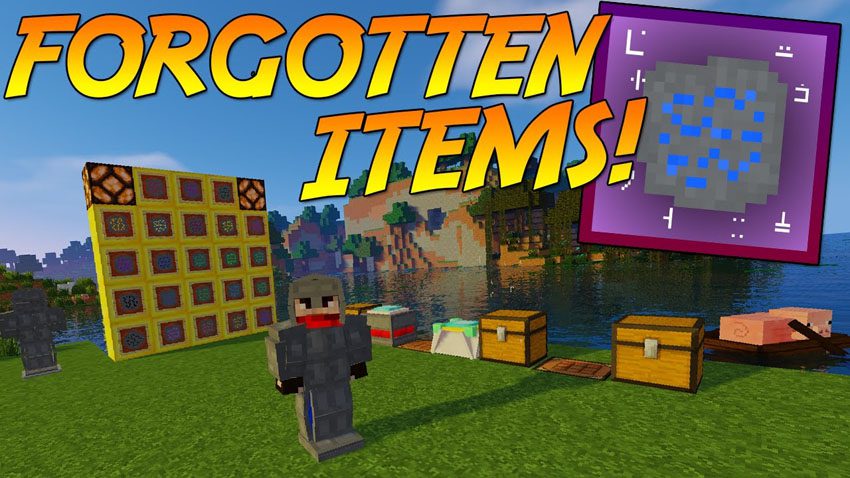
Features:
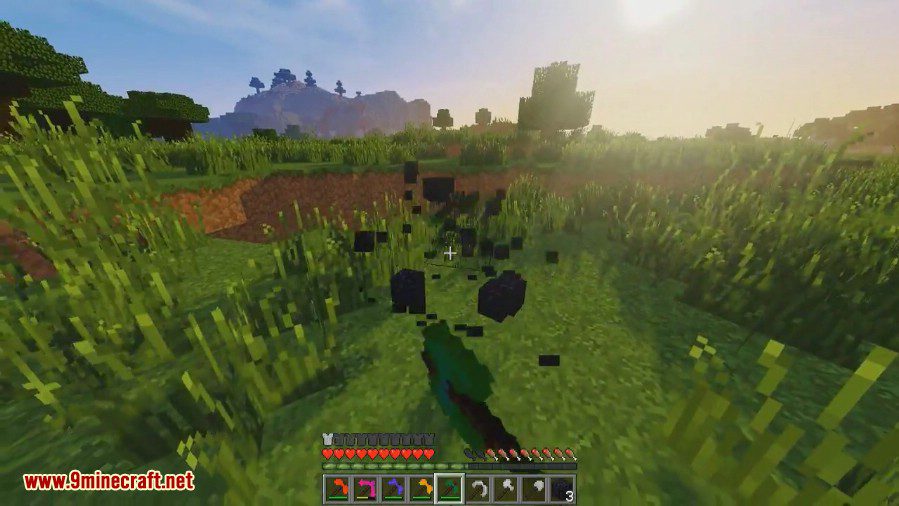
- Explosion Pickaxe: Creates an explosion when breaking a block. The player is immune to the blast, which can be canceled by sneaking.
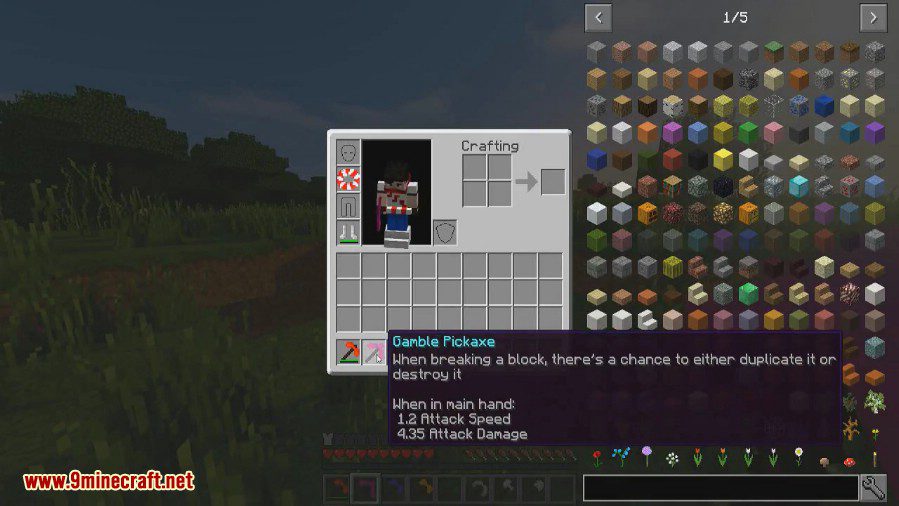
- Gamble Pickaxe: Has a chance to either duplicate a block’s drops or destroy the block, dropping nothing. The Fortune enchantment increases the chance of duplication.
- Vein Pickaxe: Mines an entire vein of ore in a single break. This ability can be turned off by sneaking.
- Bound Tools: These tools stay in your inventory when you die. They cannot despawn, are immune to lava, and can only be picked up by the player who crafted them.
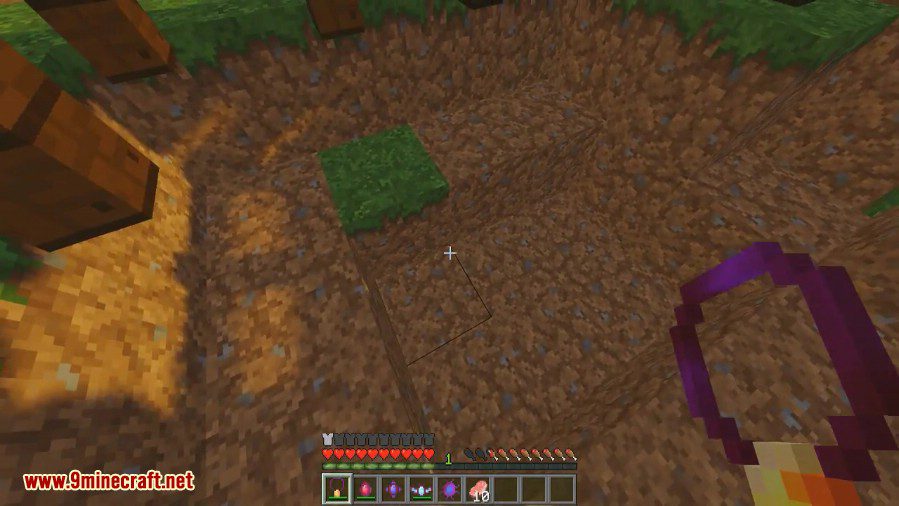
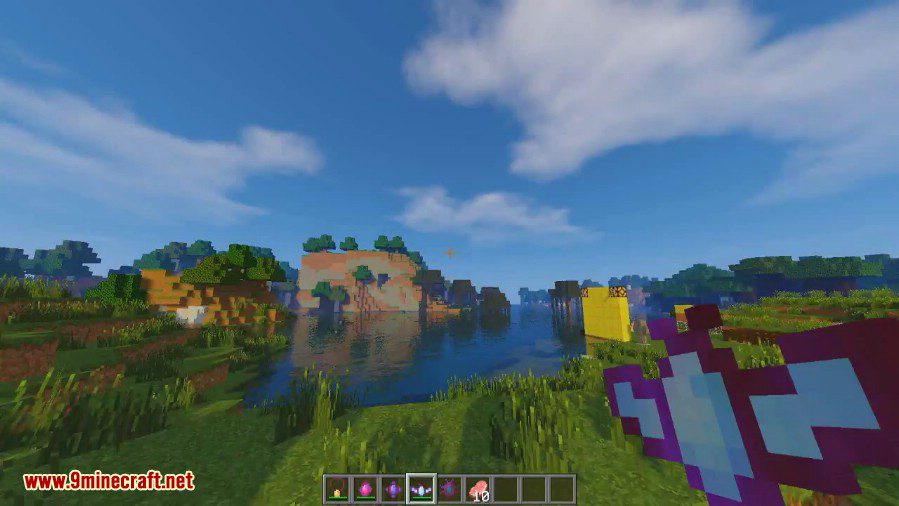
- Talismans: Adds several talismans with special powers, such as the Shock Talisman that turns fall damage into an explosion, or the Wind Talisman that lets you fly.
- Golem Armor: A very strong armor set that provides full knockback resistance but causes you to sink in water.
- Hasty Pickaxe: A fast pickaxe that can instantly mine stone when enchanted with Efficiency V.
- Obsidian Harvester: Breaks obsidian as quickly as a diamond pickaxe breaks cobblestone.
- Barkified Axe: When used with the Barkifier mod, this axe creates logs with bark on all six sides when breaking trees.
- Cushioned Boots: Reduces fall damage by 75%.
- Lifebelt: Wear this in the chestplate slot to float on water, even with Golem Armor.
How to Use:
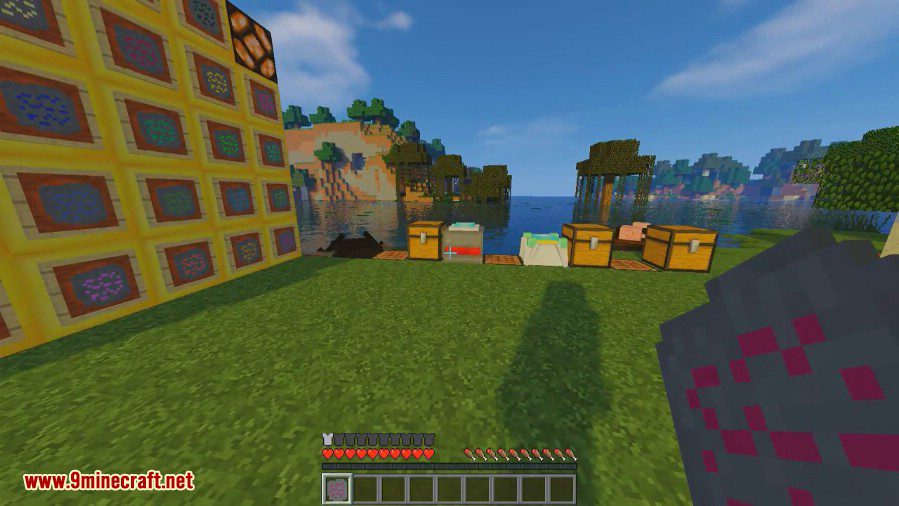
- Find Crafting Runes inside chests in structures like End Cities, Strongholds, Igloos, Desert Pyramids, and Woodland Mansions.
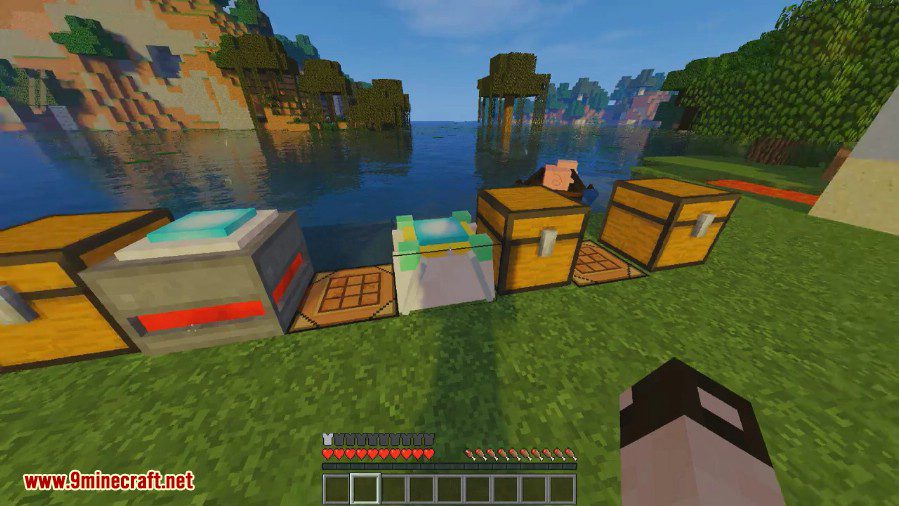
- Craft a Rune Reader using at least two runes. Insert a rune to see its recipe, but the resulting item will be a secret.
- Craft an Advanced Rune Reader to see what item a recipe will create.
- Use the Advanced Rune Reader to see both the required ingredients and the final item before you craft it.
Configuration:
- You can register custom colors for Bound Tools in the config file.
- The Ender Talisman’s teleport range can be changed in the config.
- A config file named ForgottenItemsBannedList.cfg lets you prevent certain items from being used in recipes.
- You can create your own custom recipes for other items using the ForgottenItemsCustomRecipes.cfg file.
Crafting Recipes:
All crafting recipes are generated with the world seed. That means that you will have different crafting recipes for every world (unless you use the same seed of course). All crafting recipes have one core item, and eight other items. The core item stays the same, but the other items change depending on the world. To find out what items you need to craft something, you need to find Crafting Runes. These runes generate in End Cities, Stronghold Libraries, Igloos, Desert Pyramids and Woodland Mansions. When you have found at least two runes, you can craft the Rune Reader:
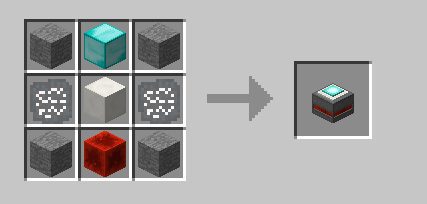
There, you insert a rune to see the recipe connected to that rune:
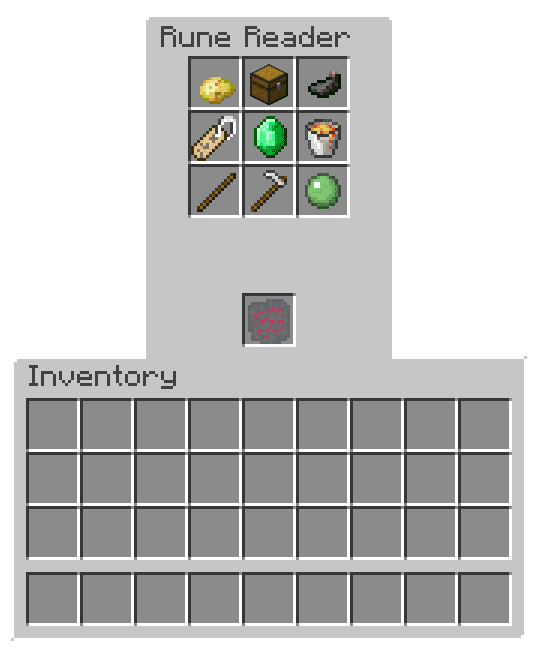
We can now see what the recipe is, but we don’t know what it will output (You can see it in creative mode, but not in survival mode). Now to find out what the output of this recipe is, we need to place the ingredients in a crafting table. But if the ingredients are hard to get, we may not want to spend a lot of time grinding only to find out that the output is an item that you don’t really need. That’s why there is the advanced rune reader:
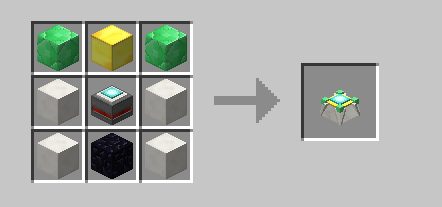
The advanced rune reader now shows the output of the recipe.
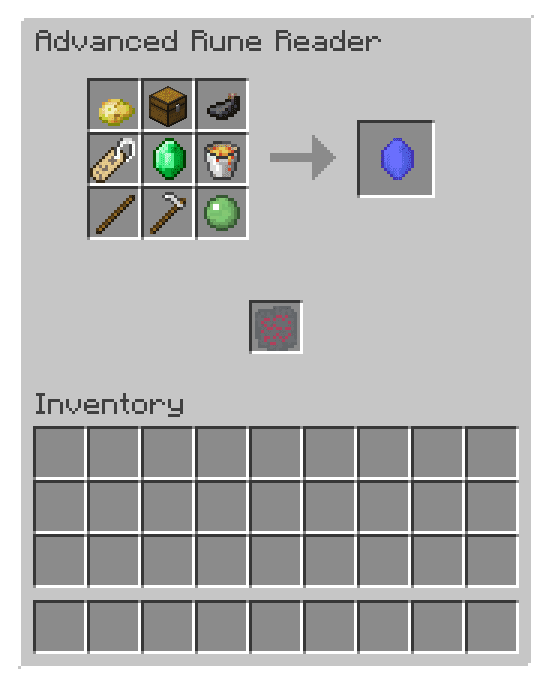
So now we can see, that this recipe would craft an ender gem.
The recipes can be generated with any block or item. This means, that if you’re playing with many mods, that possibly add some creative-only items, it is possible that these items could end up in your recipes. To prevent this, there’s a big config file (ForgottenItemsBannedList.cfg) with a list of all banned items. In there, you would write down all items that you want to disable for crafting.
Screenshots:
How to Install:
New to Minecraft? Follow our step-by-step guide to install Mods on your PC.View Guide
Requirements:
Forgotten Items Mod Download Links
For Minecraft 1.11.2
For Minecraft 1.12.2
You May Also Like






This post has no comments yet. Be the first — your comment will appear here.