


KUDA Shaders (26.2, 1.20.1) – Clean Visuals for All PCs

 0
0 

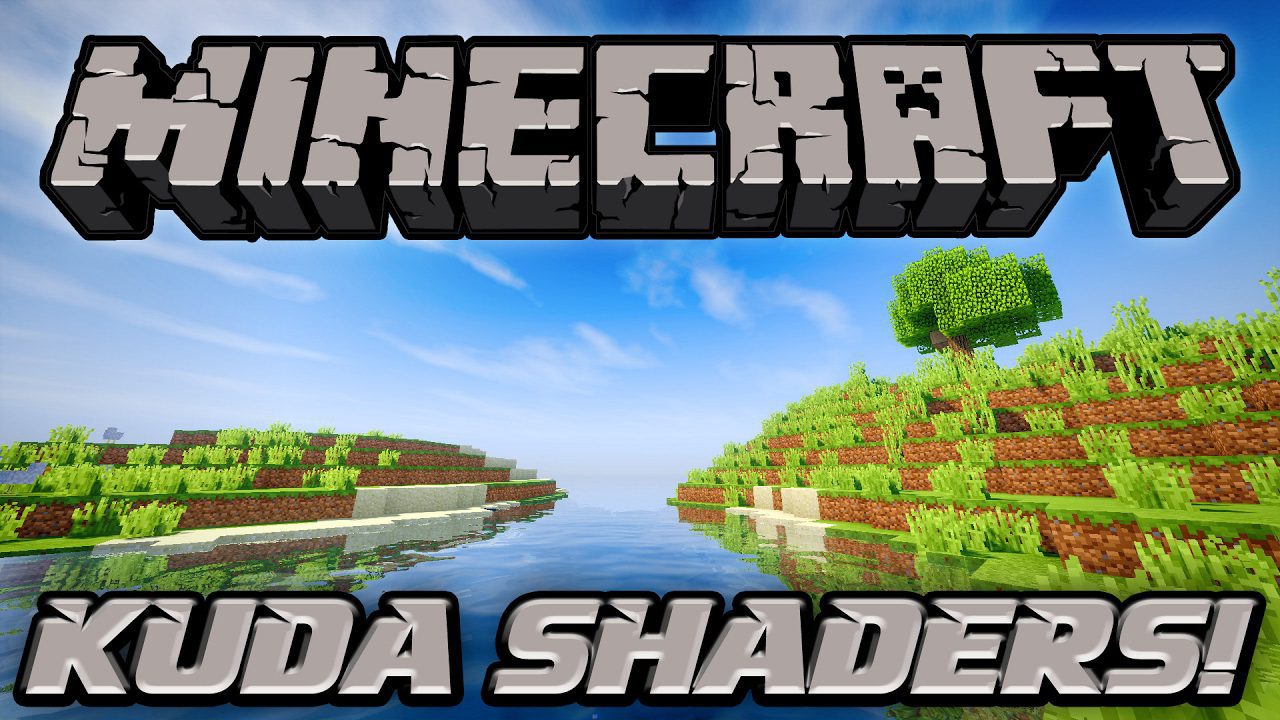
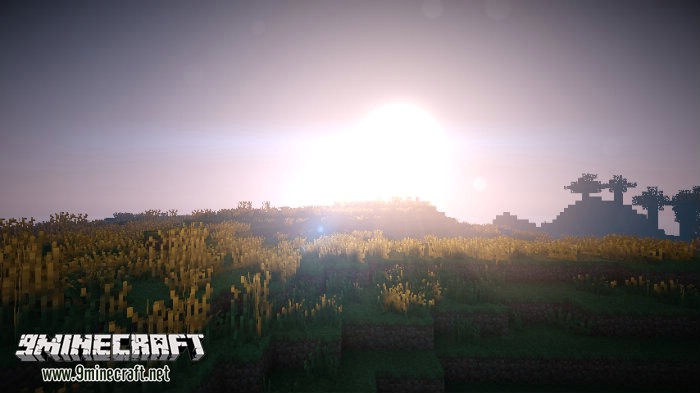
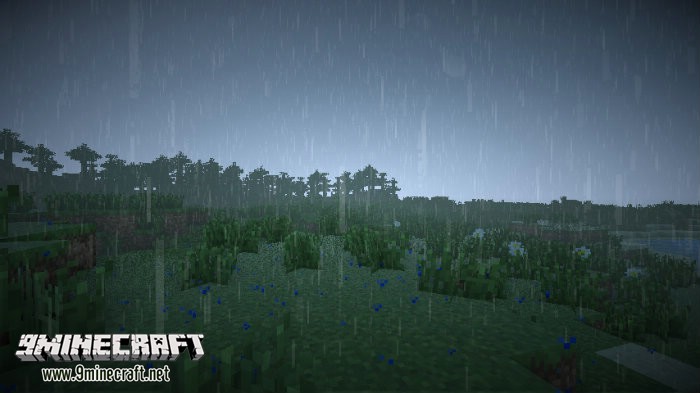
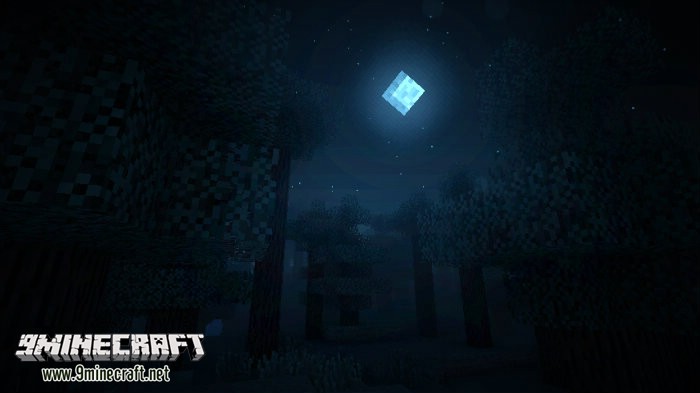
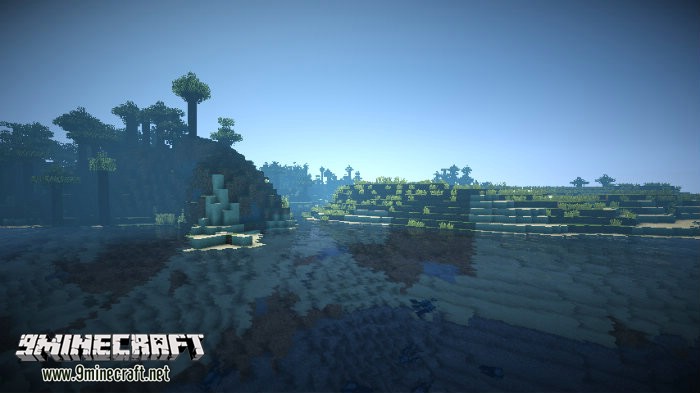
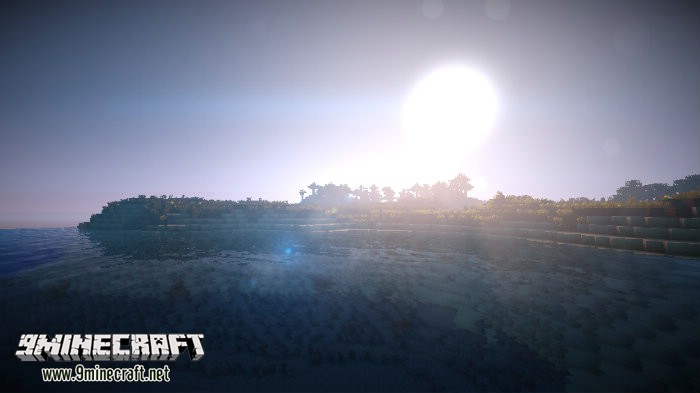
KUDA Shaders changes how Minecraft looks by adding a new lighting system, shadows, and godrays. This shader pack focuses on creating a clean and realistic experience without overwhelming effects. The sun shines beautifully over the landscape and reflects on the water’s surface, while soft clouds drift across the sky. It is designed to be customizable, allowing you to find a good balance between looks and performance.
Features:
- Adds a detailed and realistic lighting system to your world.
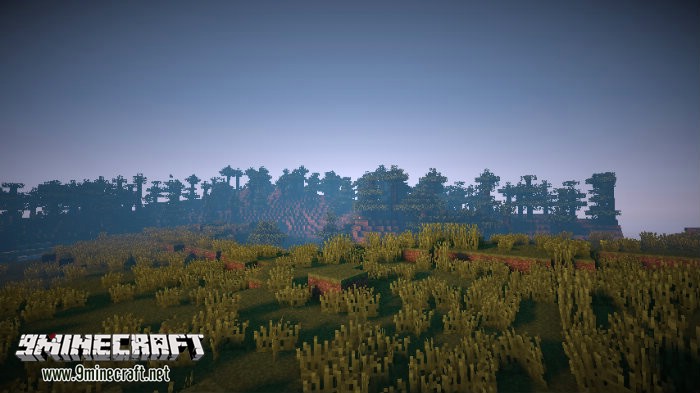
- Creates dynamic fog that enhances the atmosphere.
- Uses clean color grading for a balanced and immersive look.
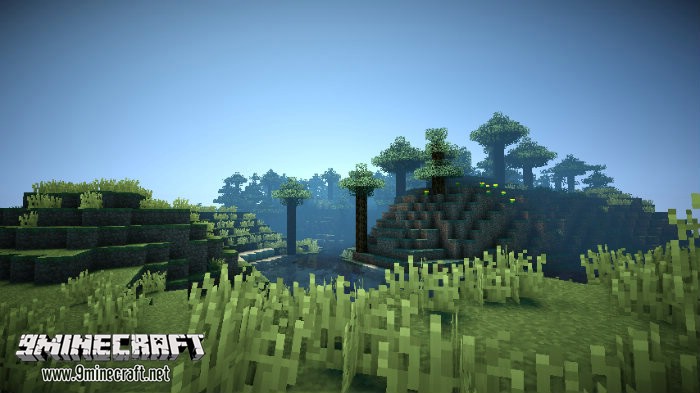
- Casts beautiful shadows from objects and the landscape.
- Produces godrays that shine down from the sky.
- Improves water with detailed surfaces and light reflections.
- Offers multiple quality settings, from “Lowest” for low-end PCs to “Cinematic” for high-end PCs.
- Compatible with both Iris and OptiFine.
How to Use:
- To change settings, open the Iris shader pack options menu. The default key to open this menu is 0.
- Choose a shader pack quality level that is suitable for your computer.
- If you have an older computer, select a lower setting like “Low” or “Medium” to avoid lag. For powerful PCs, you can try “Ultra” or “Cinematic”.
🎛️ Compare 40+ Minecraft Shaders Side by Side →
Drag the slider across 16 real in-game scenes — find YOUR perfect shader.
Screenshots:
How to Install:
New to Minecraft? Follow our step-by-step guide to install Shaders on your PC.View Guide
Requirements:

KUDA Shaders Download Links
For All Versions of Minecraft
KUDA Shaders Lite
KUDA Shaders Default
KUDA Shaders Ultra
KUDA Shaders Ultra Blur
KUDA Shaders Medium
KUDA Shaders v6.1 Legacy
You May Also Like



This post has no comments yet. Be the first — your comment will appear here.