


NoCubes Mod (1.21.1, 1.20.1) – A World with Rolling Hills

 0
0  June 23, 2024
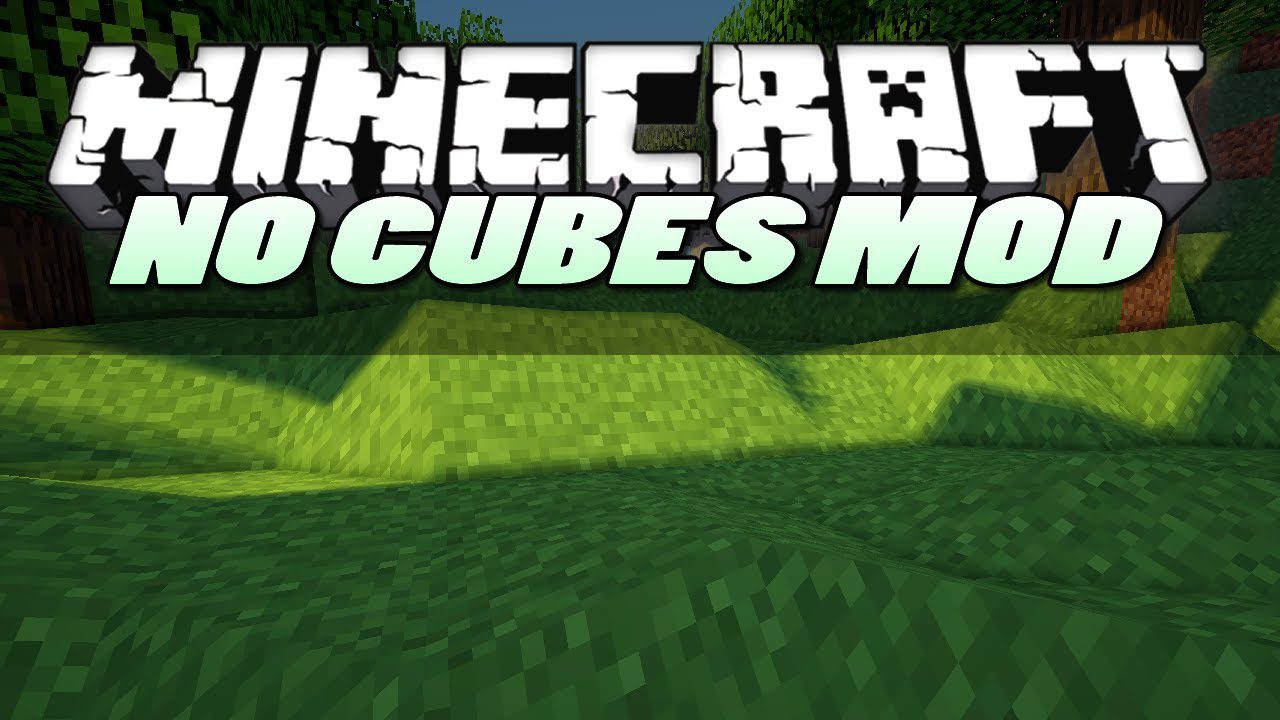
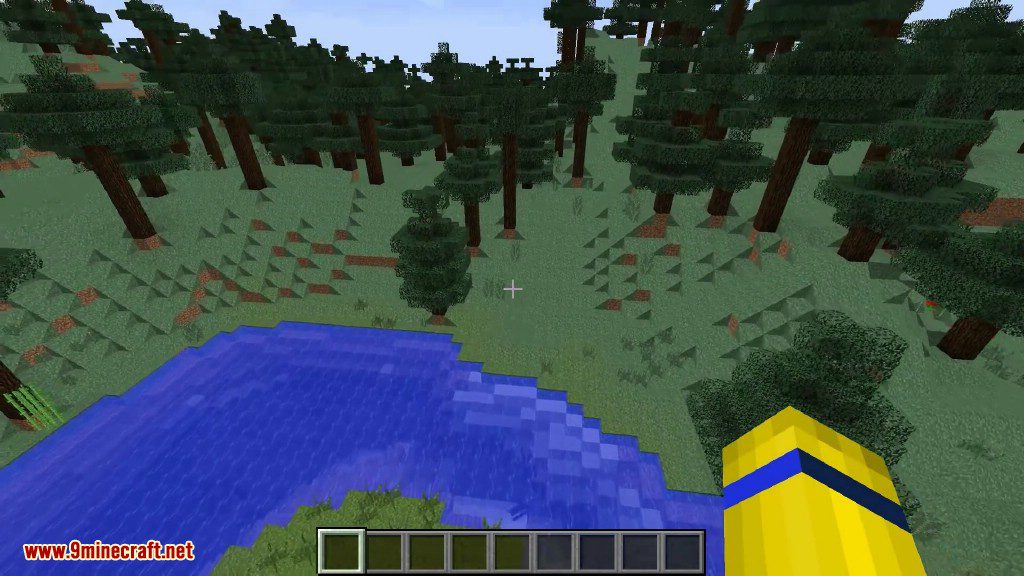
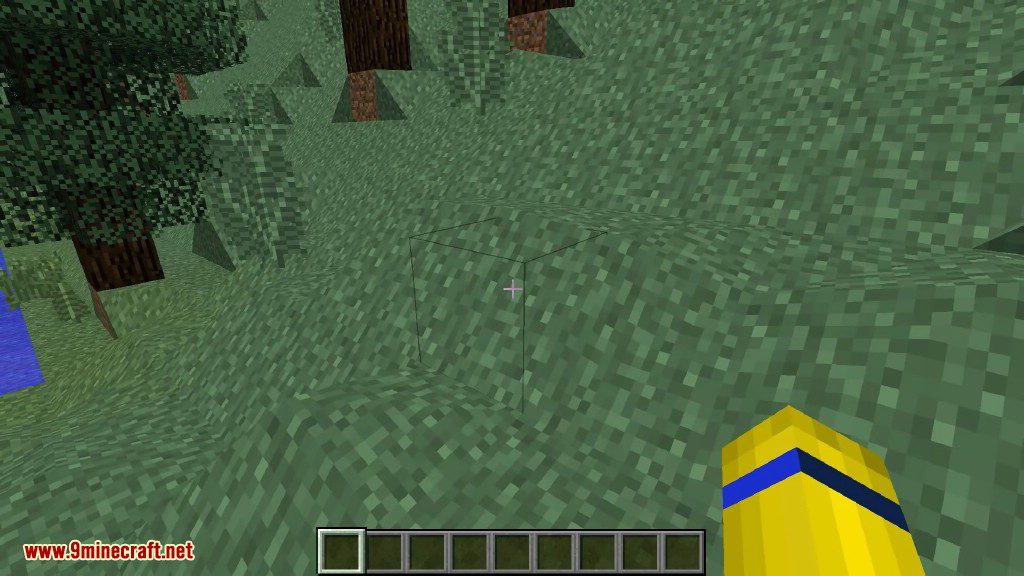
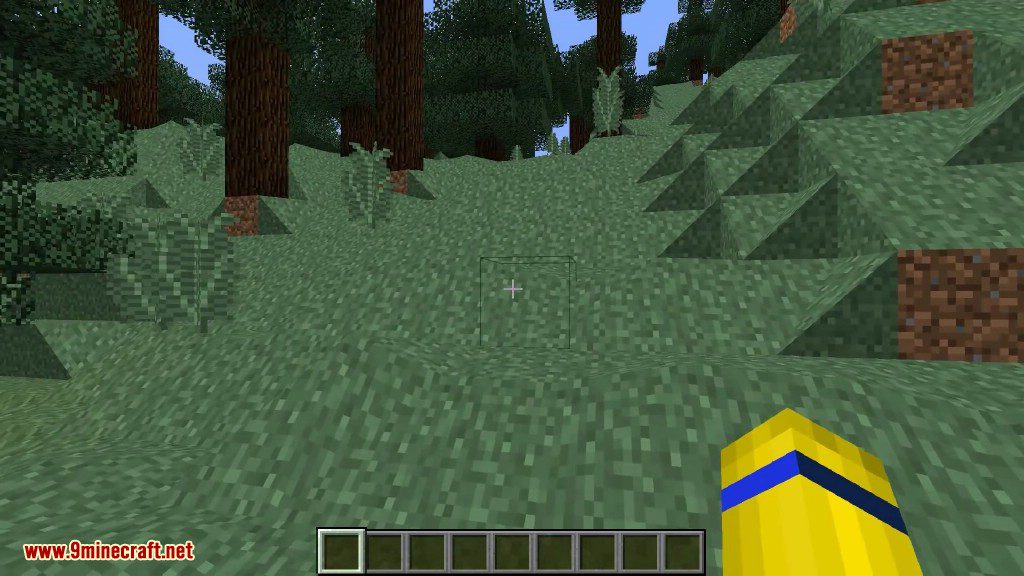
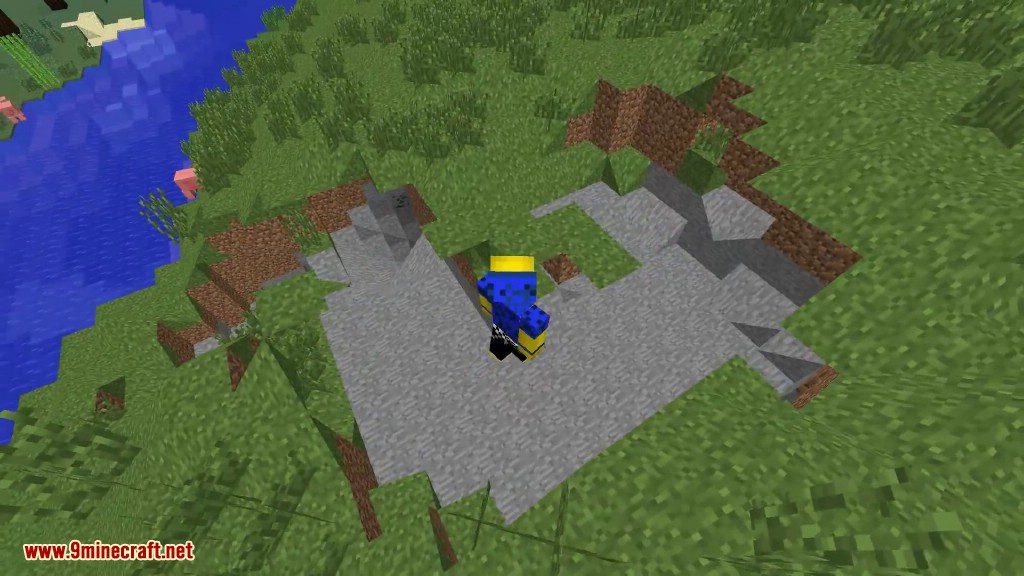
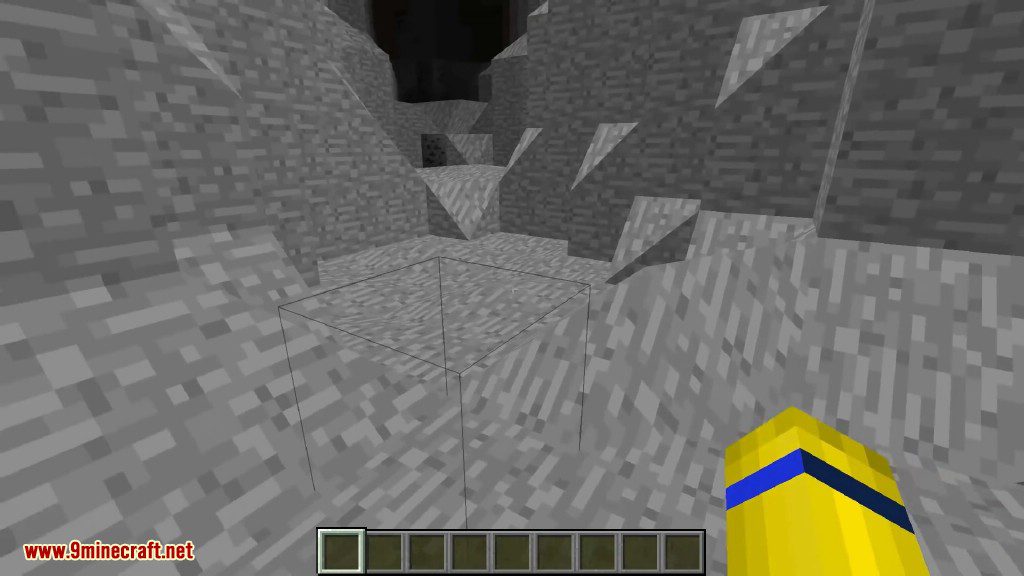
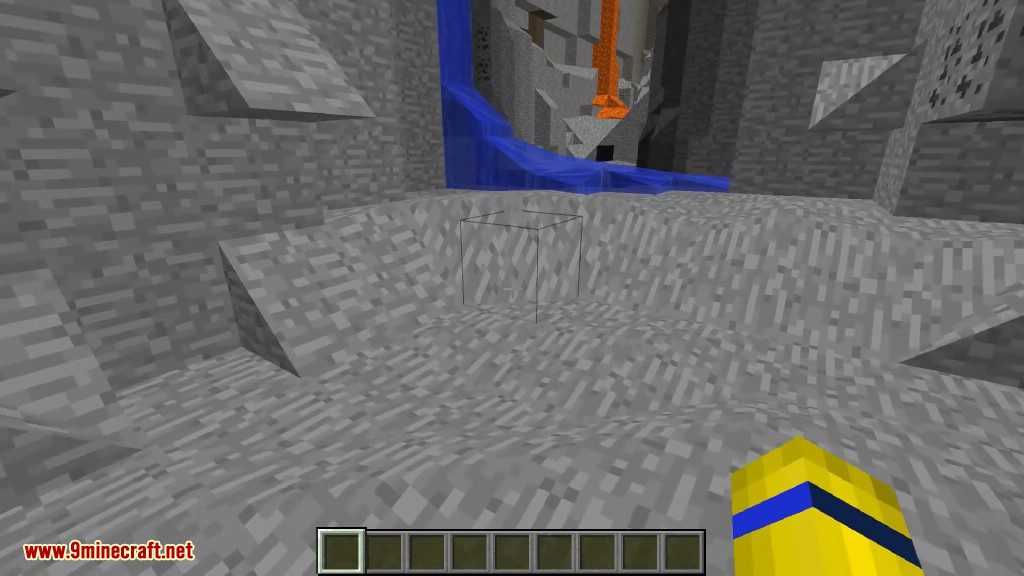
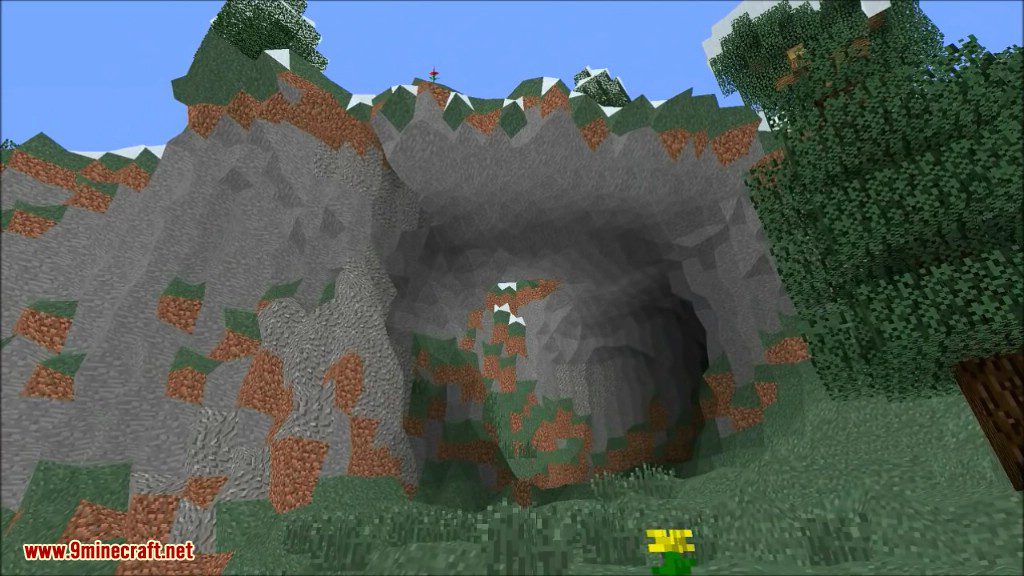
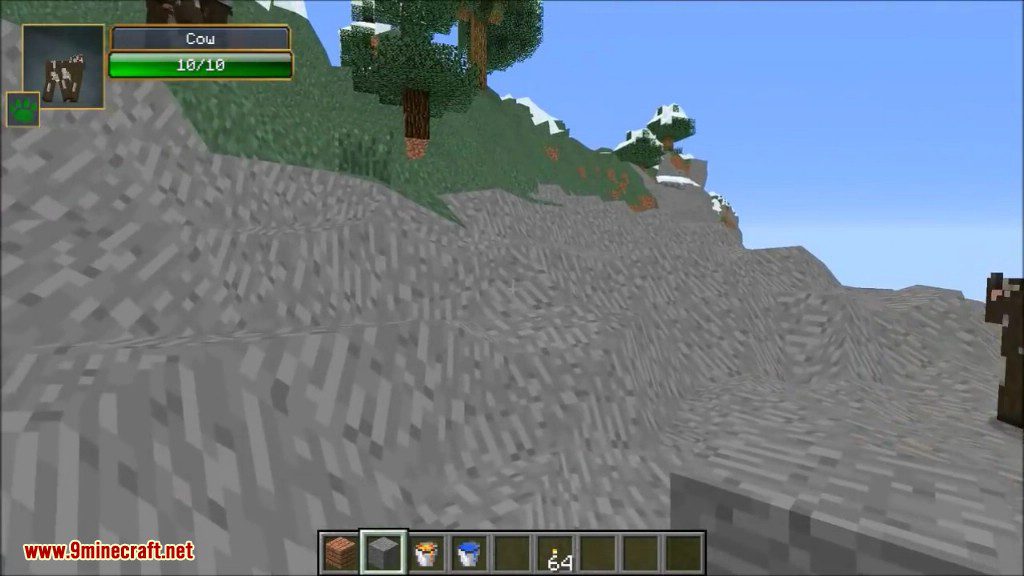
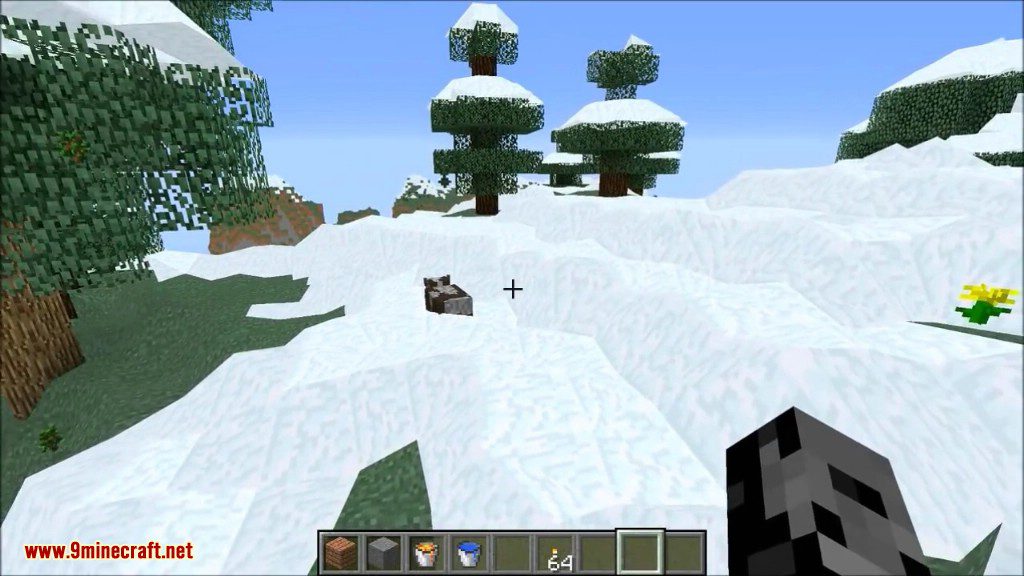
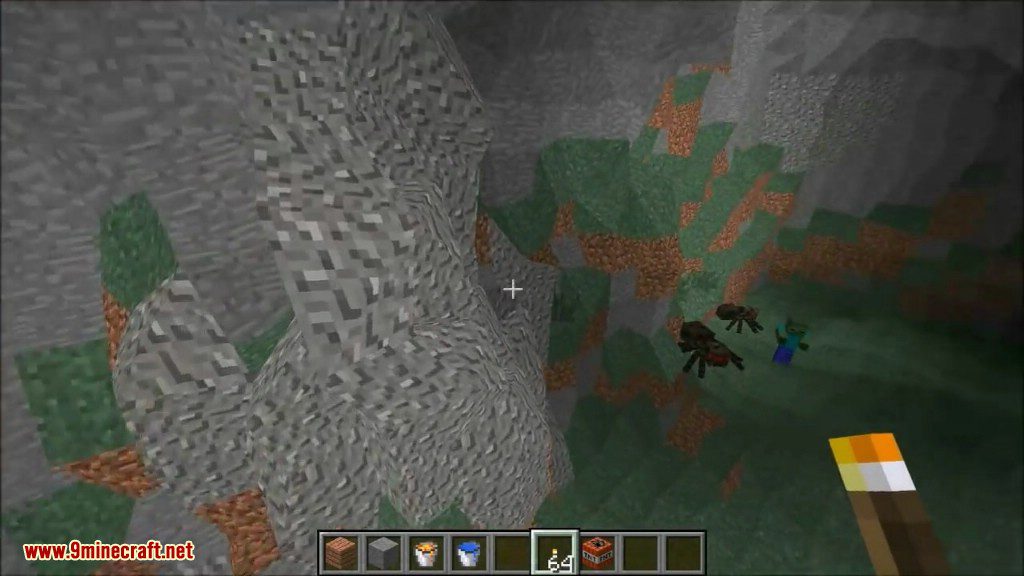
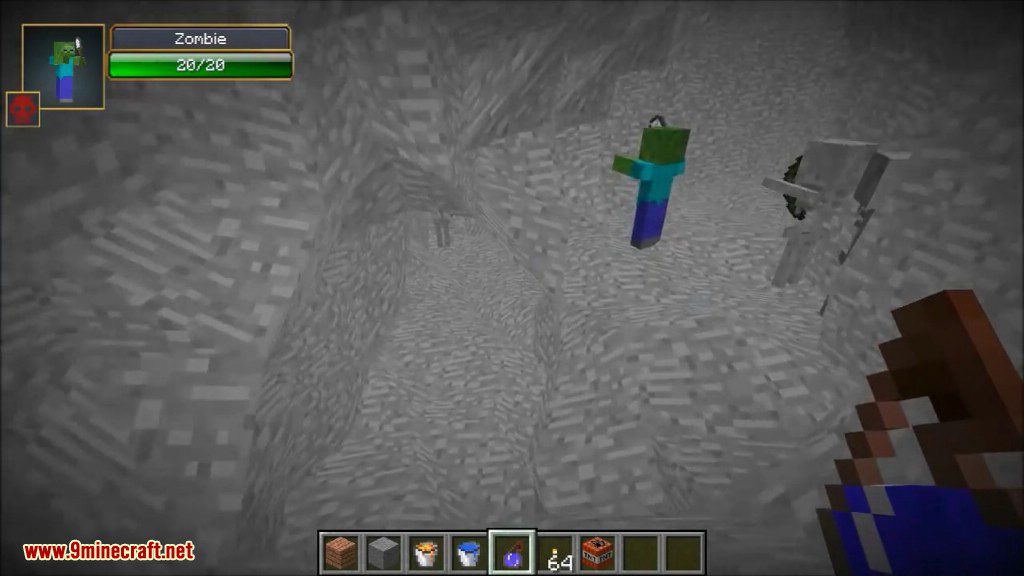
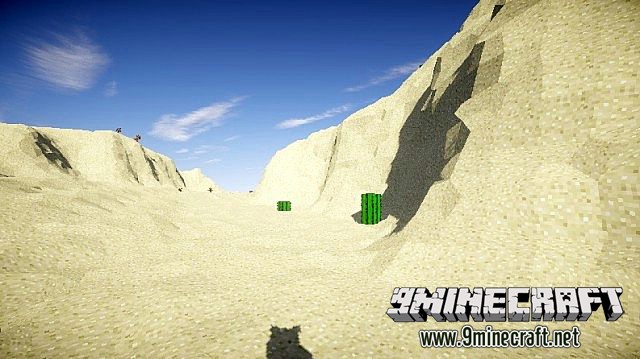
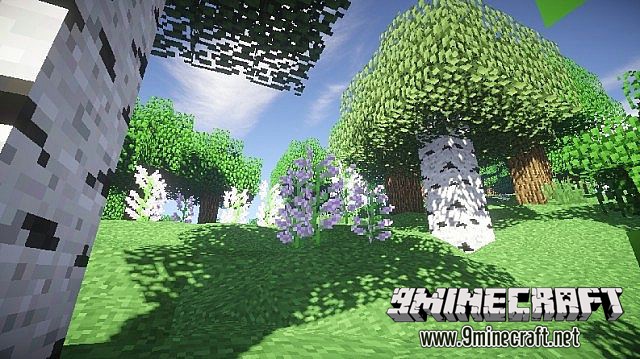
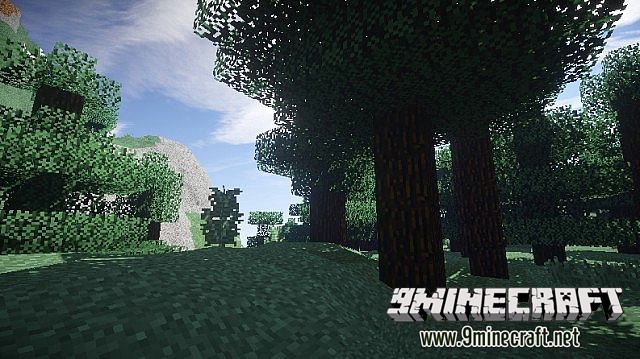
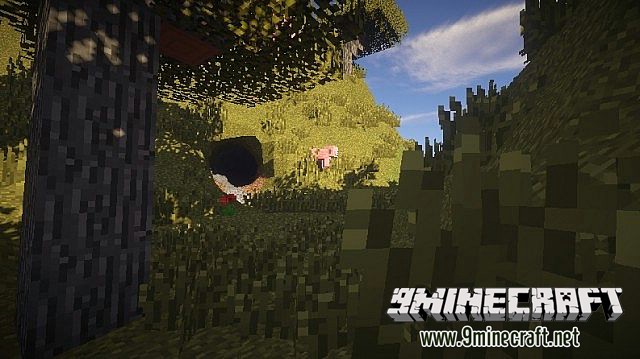
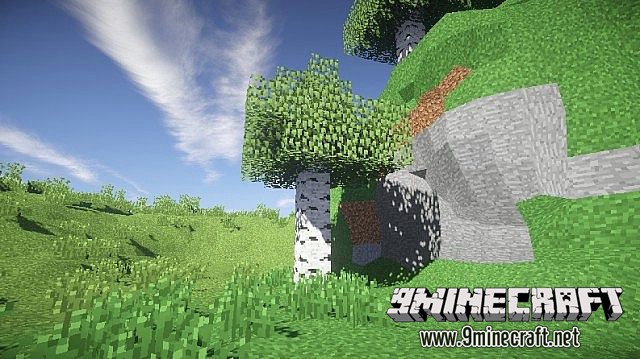
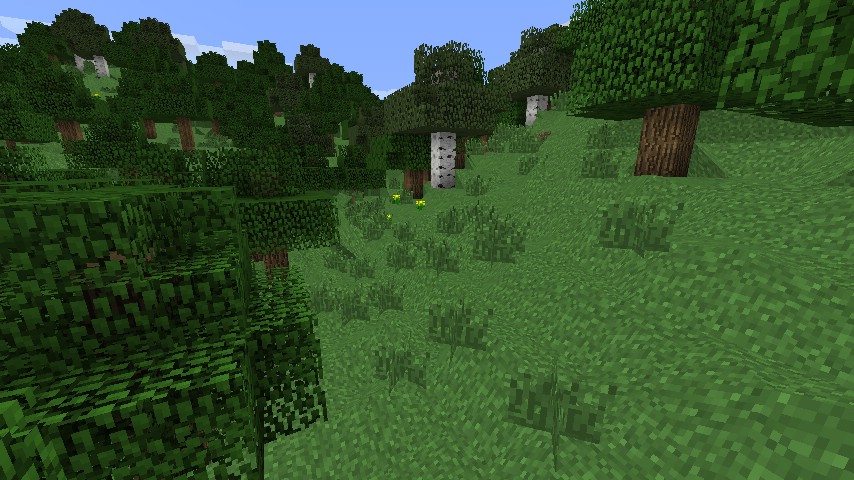
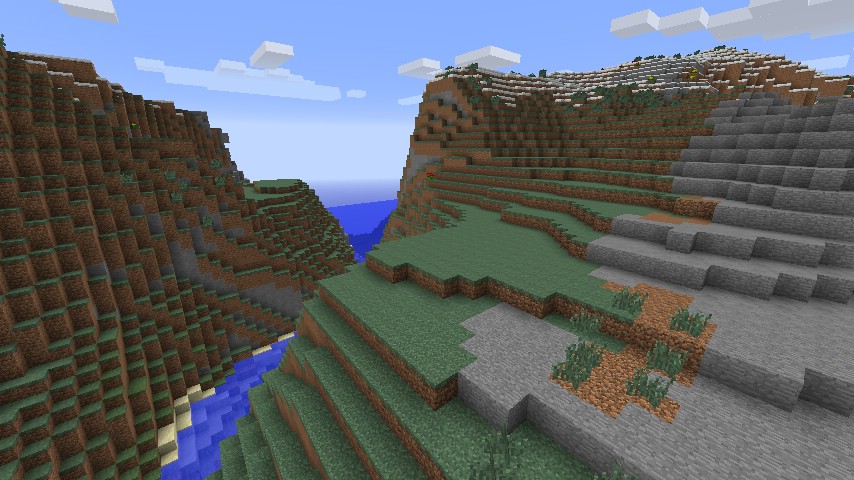
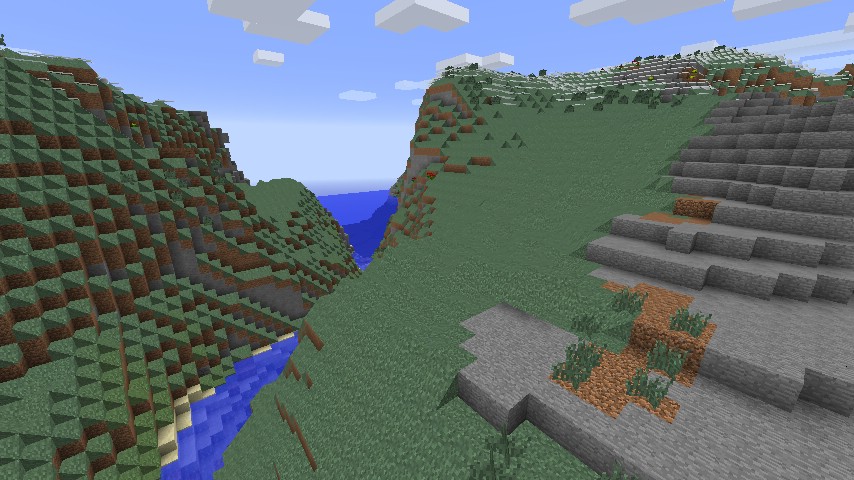
NoCubes Mod transforms the blocky world of Minecraft into a smooth, rounded landscape. It replaces sharp cubes with rolling hills, circular caves, and flowing mountains, giving the game a completely new look. This mod is compatible with multiplayer, so you can explore the new scenery with friends. It also includes many options you can change to get the perfect experience.
Features:
- Replaces blocky terrain with smooth, rolling landscapes.
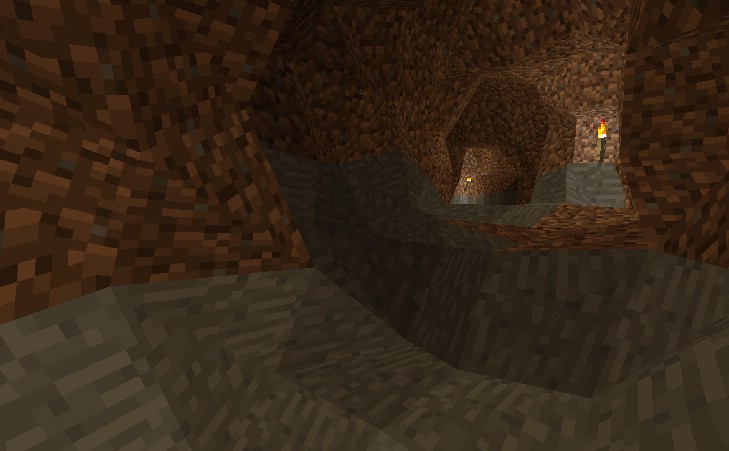
- Generates circular caves and natural-looking mountain ranges.
- Your own buildings and structures are not changed.
- Play with friends in multiplayer worlds.
- Includes many settings to customize the look of the world.
- Optimized for good performance and does not lower your FPS.
- Blocks look smooth but still function like normal square blocks.
- Features accurate collision, so you can walk on slopes properly.
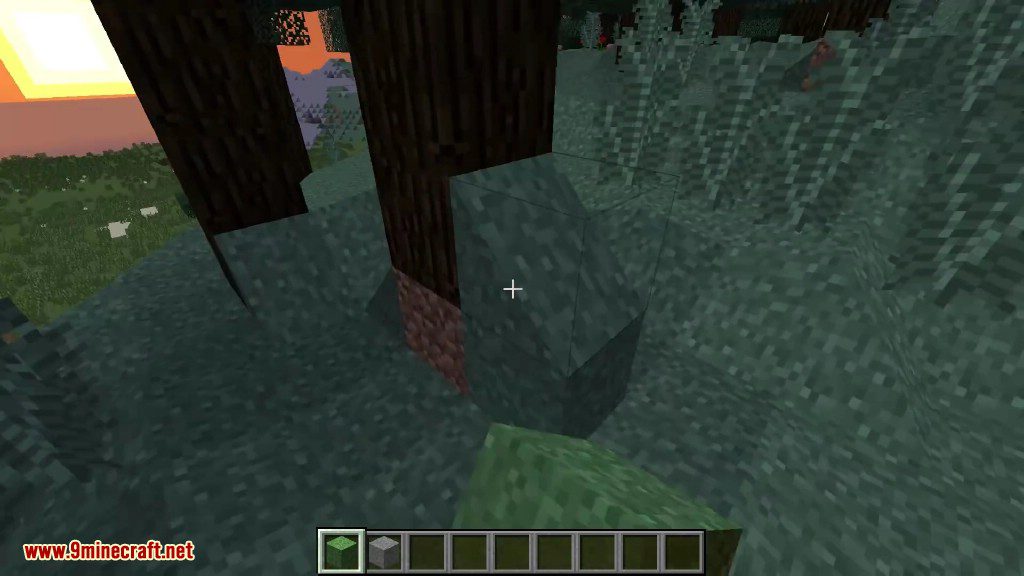
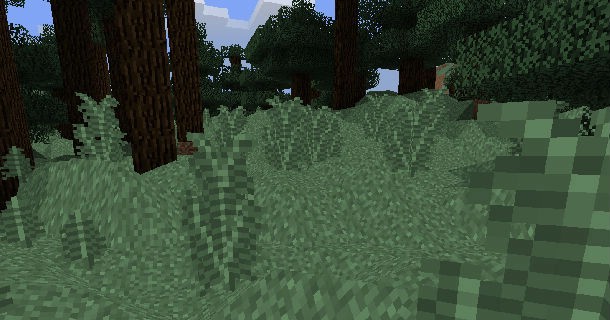
- Makes trees and leaves appear more rounded.
- Improves lighting and makes biome colors blend smoothly.
- Works with other mods like OptiFine, Shaders, and BetterFoliage.
Bonus Fluid Rendering Fixes:
- Adds smooth lighting effects to water and lava.
- Makes fluid colors transition smoothly between different biomes.
- Gives water and lava more natural-looking textures.
- You can enable these fluid fixes separately, even without the smooth terrain.
How to Use:
With the Option GUI you manage No Cubes’ settings. You can open it by pressing “O”. Below are the available options listed:
- No Cubes general: With this option you can toggle whether No Cubes should be enabled or disabled in it’s whole. This option can be useful on servers.
- Auto step (disabled for now): By clicking this you can switch the ability to walk upon hills without jumping.
Screenshots:
How to Install:
New to Minecraft? Follow our step-by-step guide to install Mods on your PC.View Guide
NoCubes Mod Download Links
For Minecraft 1.12.2
Forge version: Download from Server 1
For Minecraft 1.16.5
Forge version: Download from Server 1
For Minecraft 1.18.1
Forge version: Download from Server 1
For Minecraft 1.18.2
Forge version: Download from Server 1 – Download from Server 2
For Minecraft 1.19.2
Forge version: Download from Server 1 – Download from Server 2
For Minecraft 1.19.3
Forge version: Download from Server 1 – Download from Server 2
For Minecraft 1.19.4
Forge version: Download from Server 1 – Download from Server 2
For Minecraft 1.20.1, 1.20
Forge version: Download from Server 1 – Download from Server 2
For Minecraft 1.20.4
Forge version: Download from Server 1 – Download from Server 2
For Minecraft 1.21.1, 1.21
Forge version: Download from Server 1 – Download from Server 2
You May Also Like











This post has no comments yet. Be the first — your comment will appear here.