


Pocket Phantom Protocol Data Pack (26.2, 1.21.11) – Fly and Command Your Pocket
 0
0
 0
0

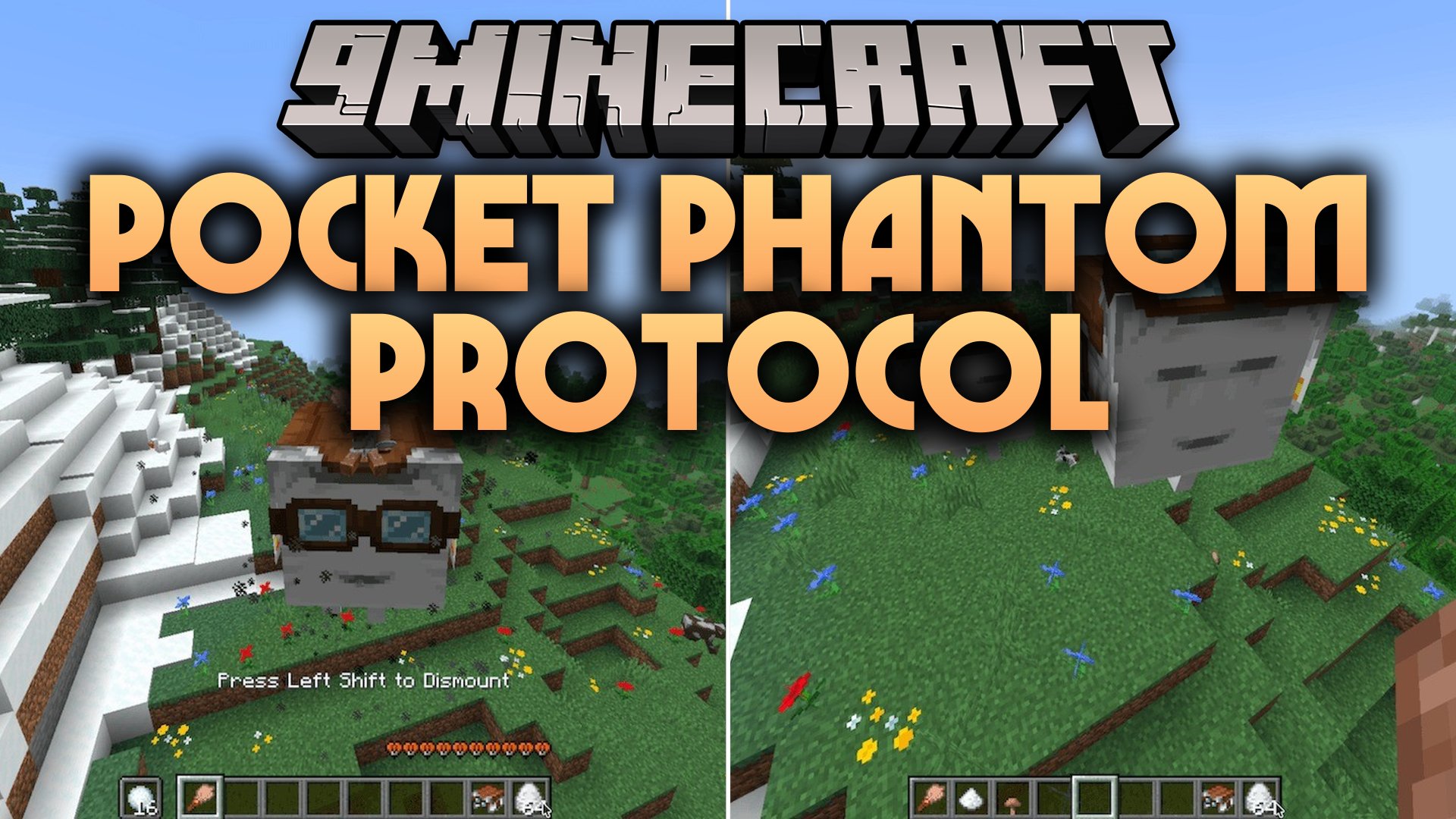
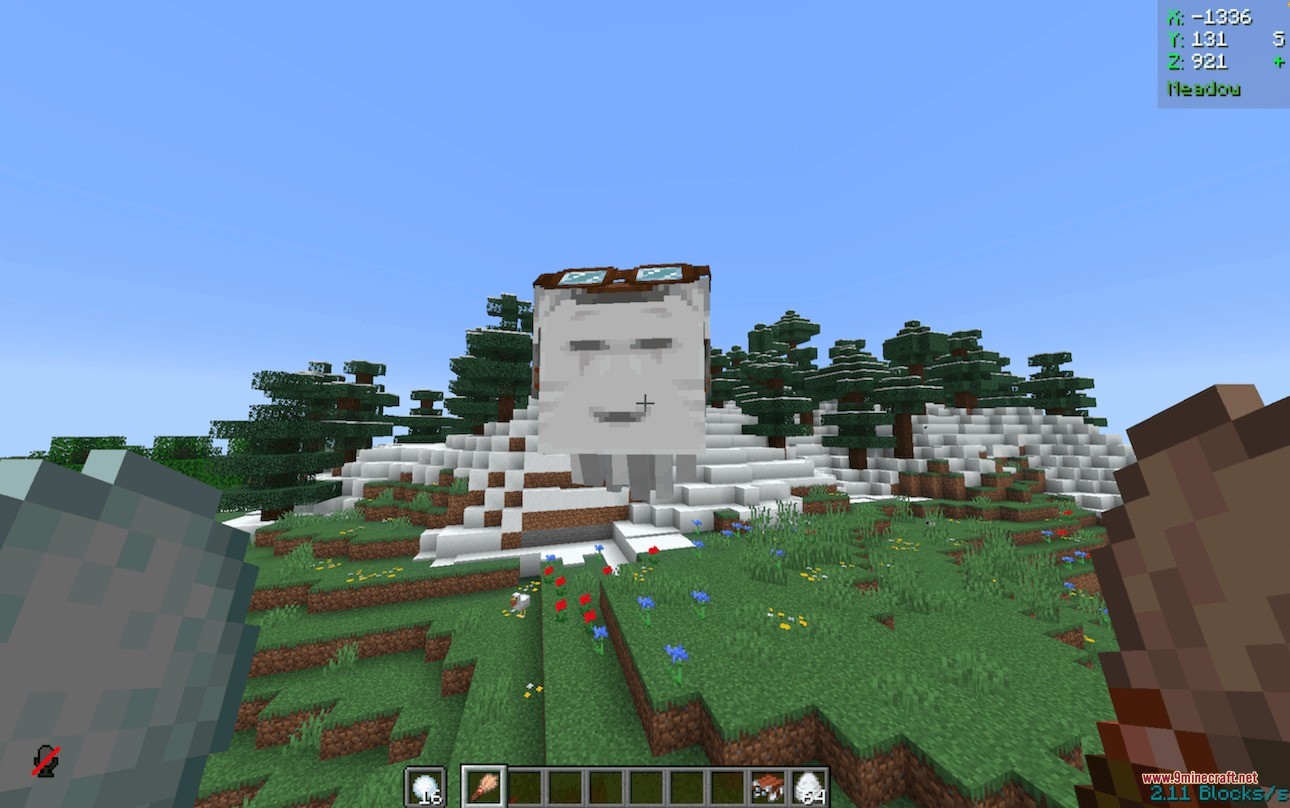
Pocket Phantom Protocol Data Pack upgrades your tamed Happy Ghast companions with customizable traits and handy survival controls. It allows you to adjust flight speed, reduce mob size, stop wandering behavior, and quiet noisy cries using standard items. You can also bind a horn to summon your flying pet across dimensions and receive on-screen alerts when it takes damage. The pack makes riding ghasts smoother by keeping you mounted even when submerged underwater.
Features:
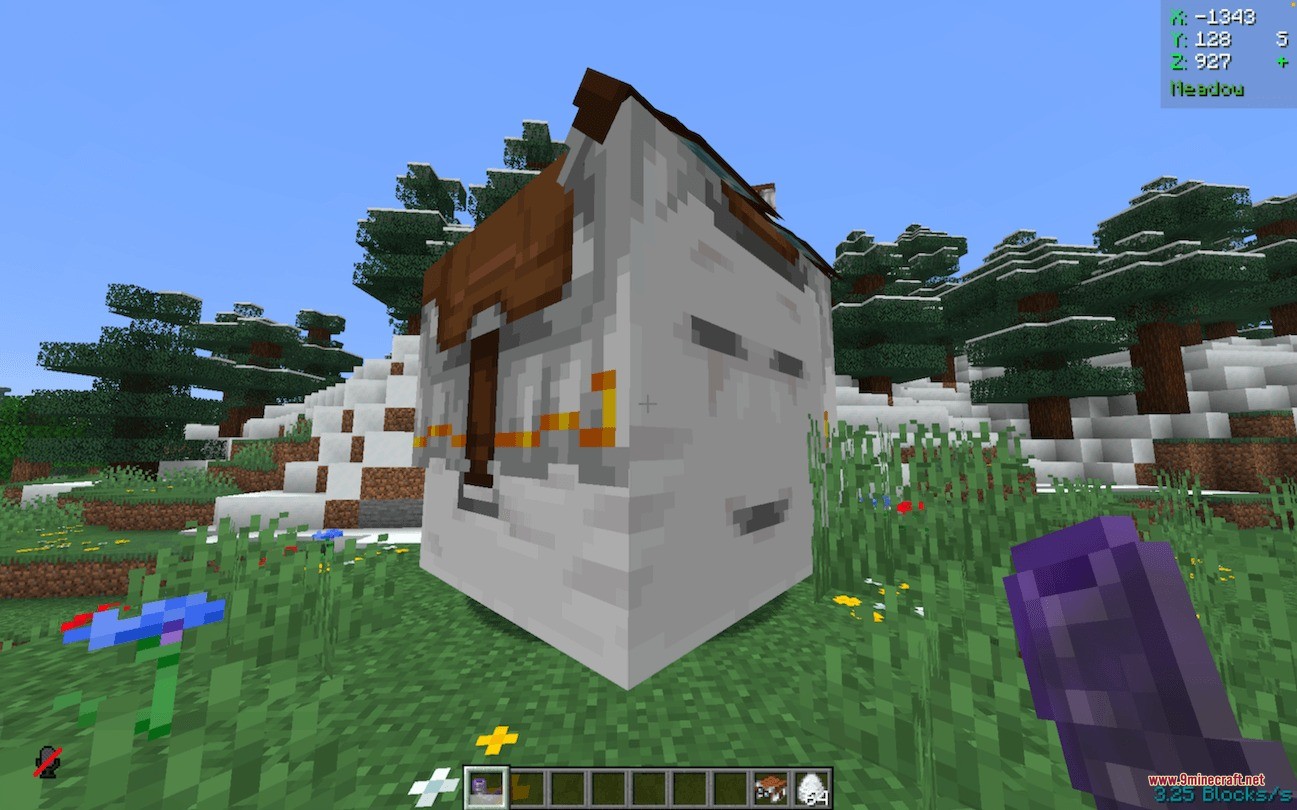
- Lets you stop Happy Ghasts from wandering away by right-clicking them with a brush.
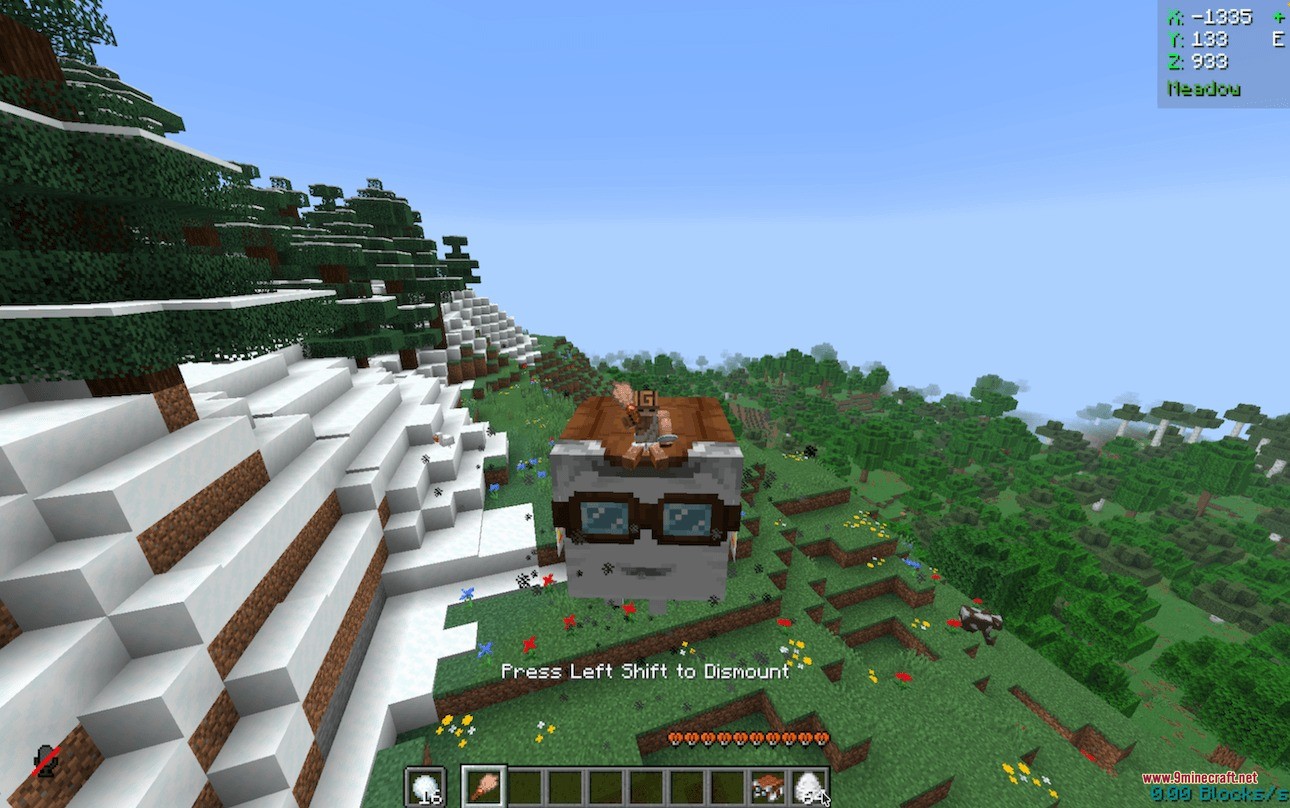
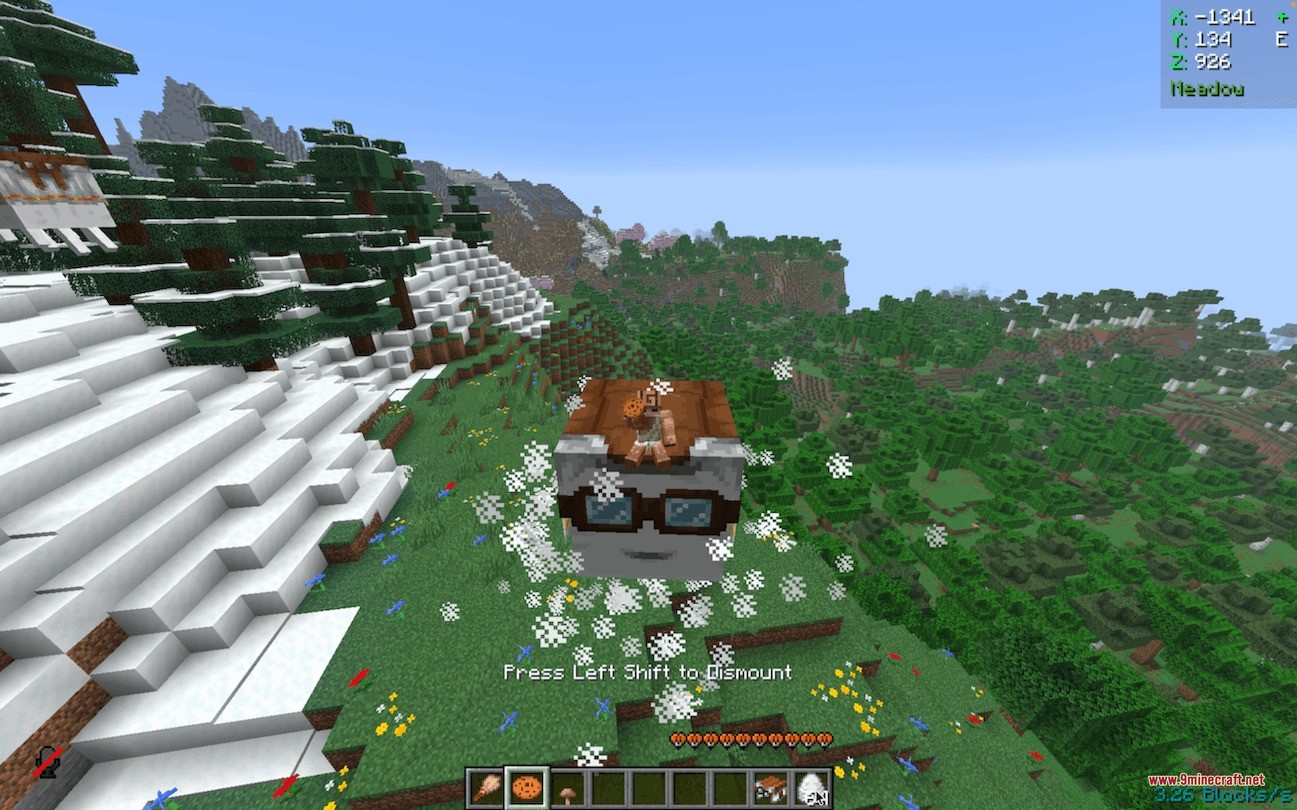
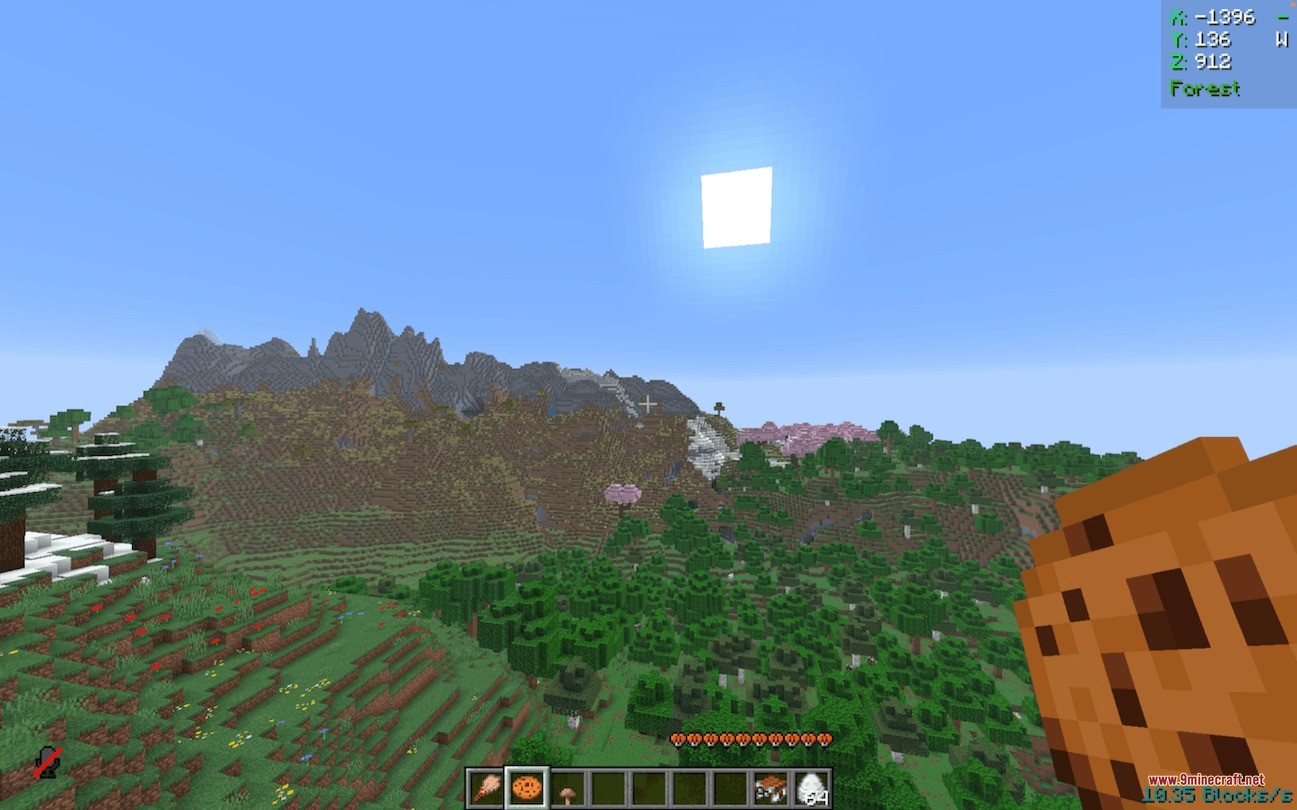
- Boosts ghast flying speed up to ten blocks per second when fed a cookie.
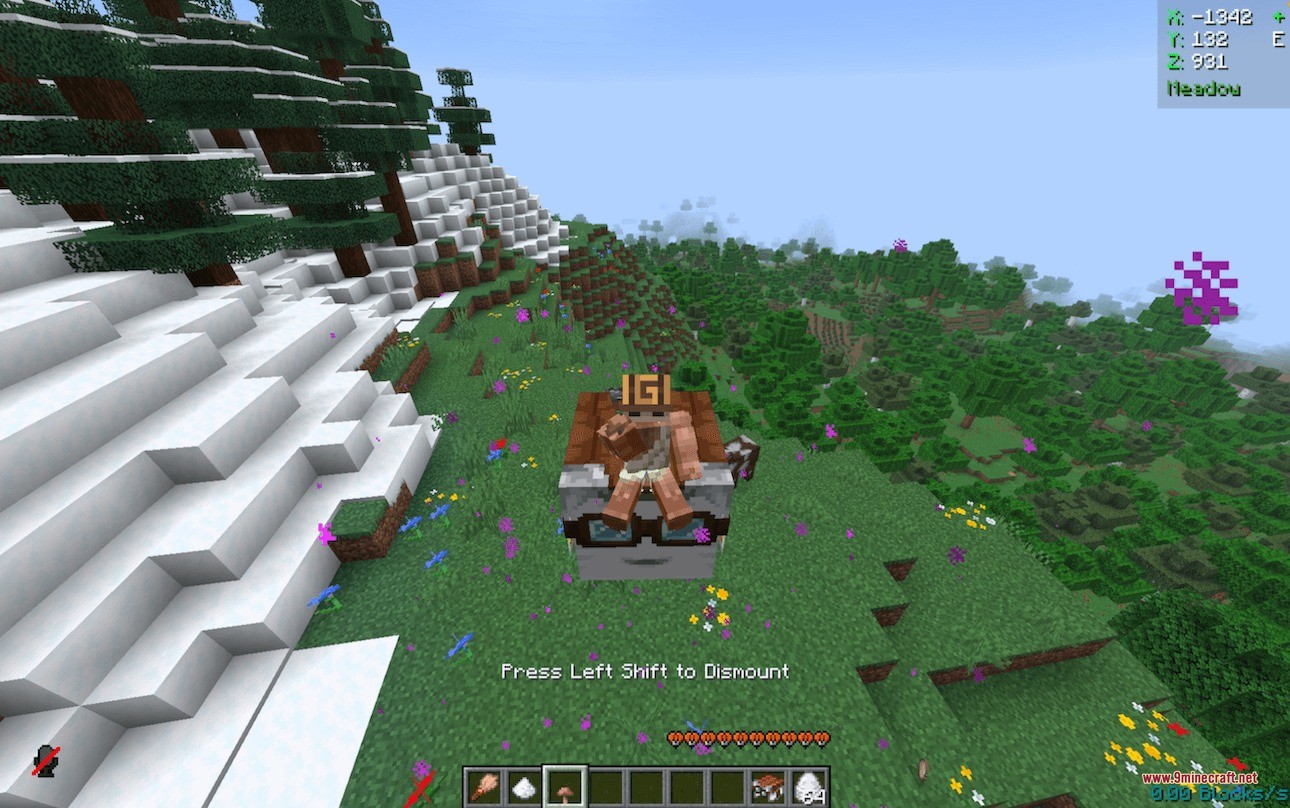
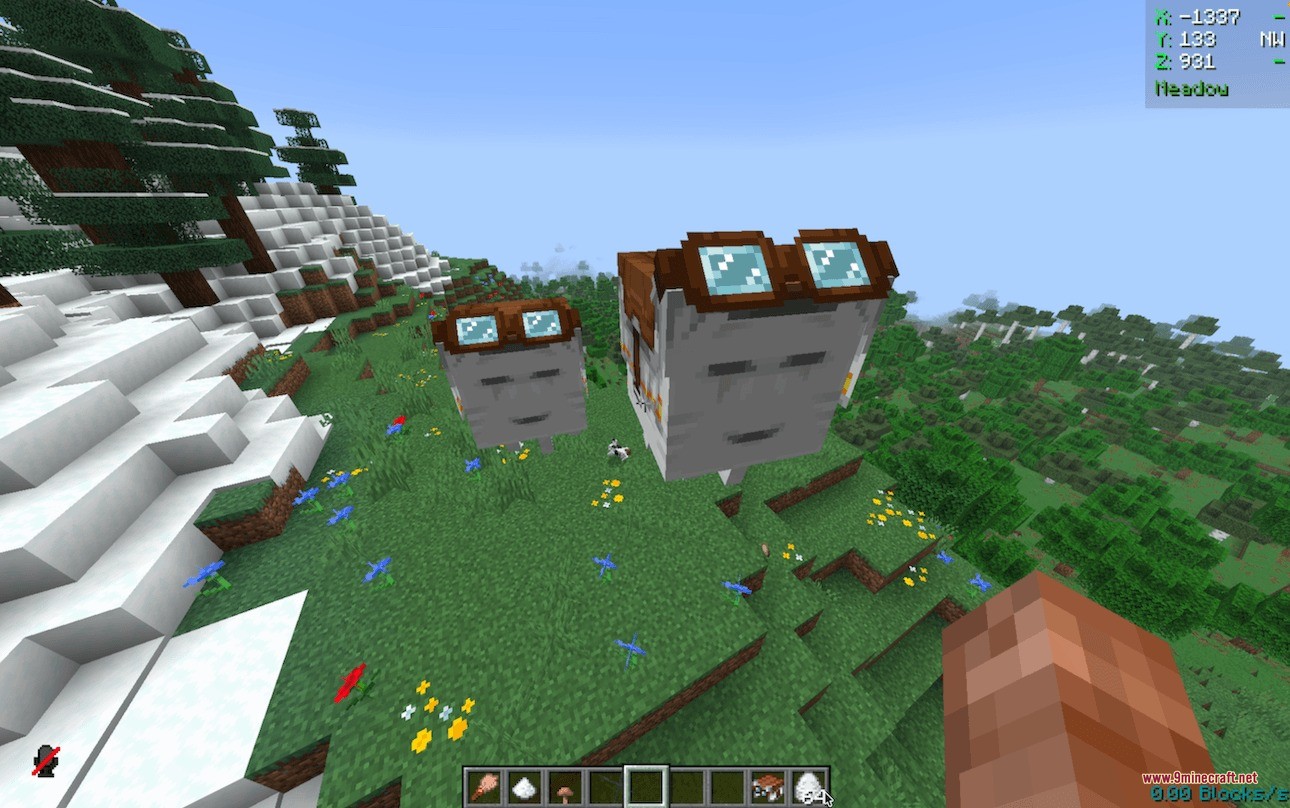
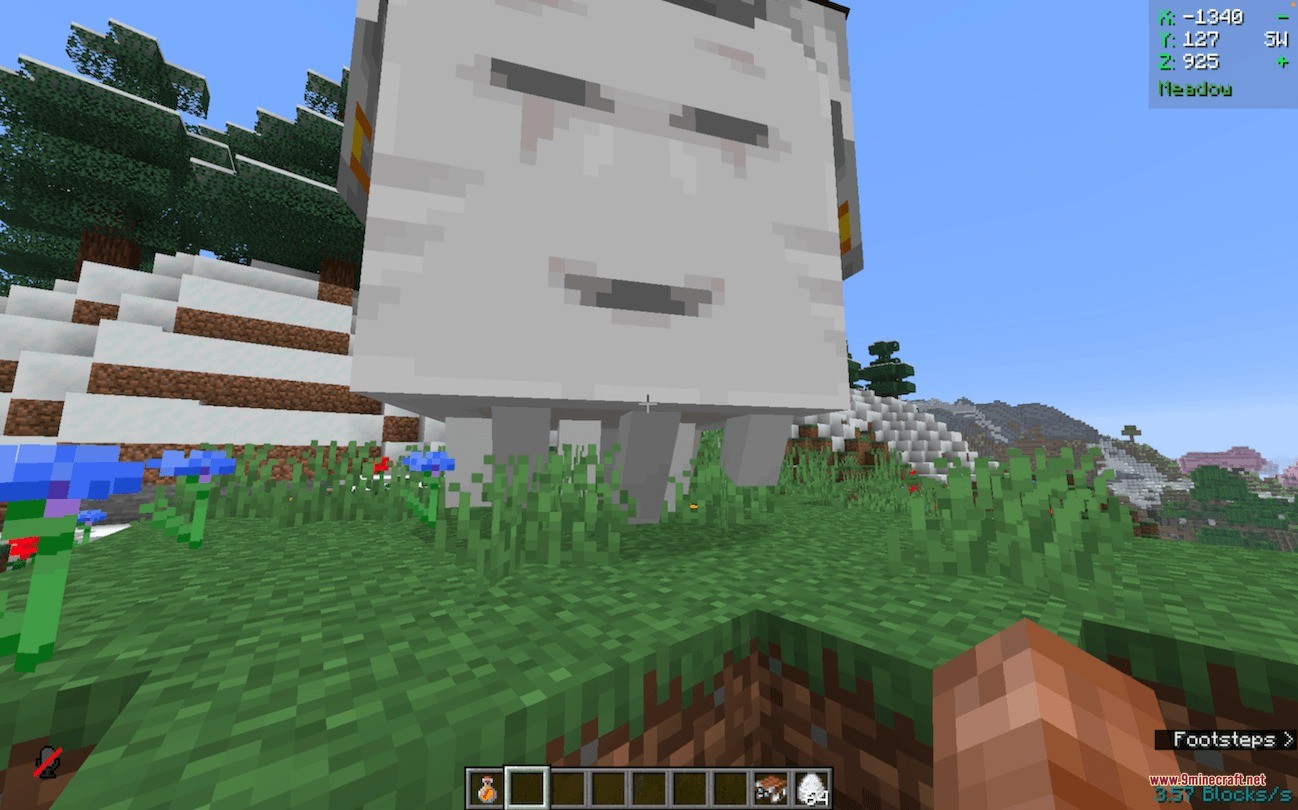
- Shrinks the ghast to a smaller size using a brown mushroom so it fits into tighter spaces.
- Silences ghast sounds completely by applying a honey bottle.
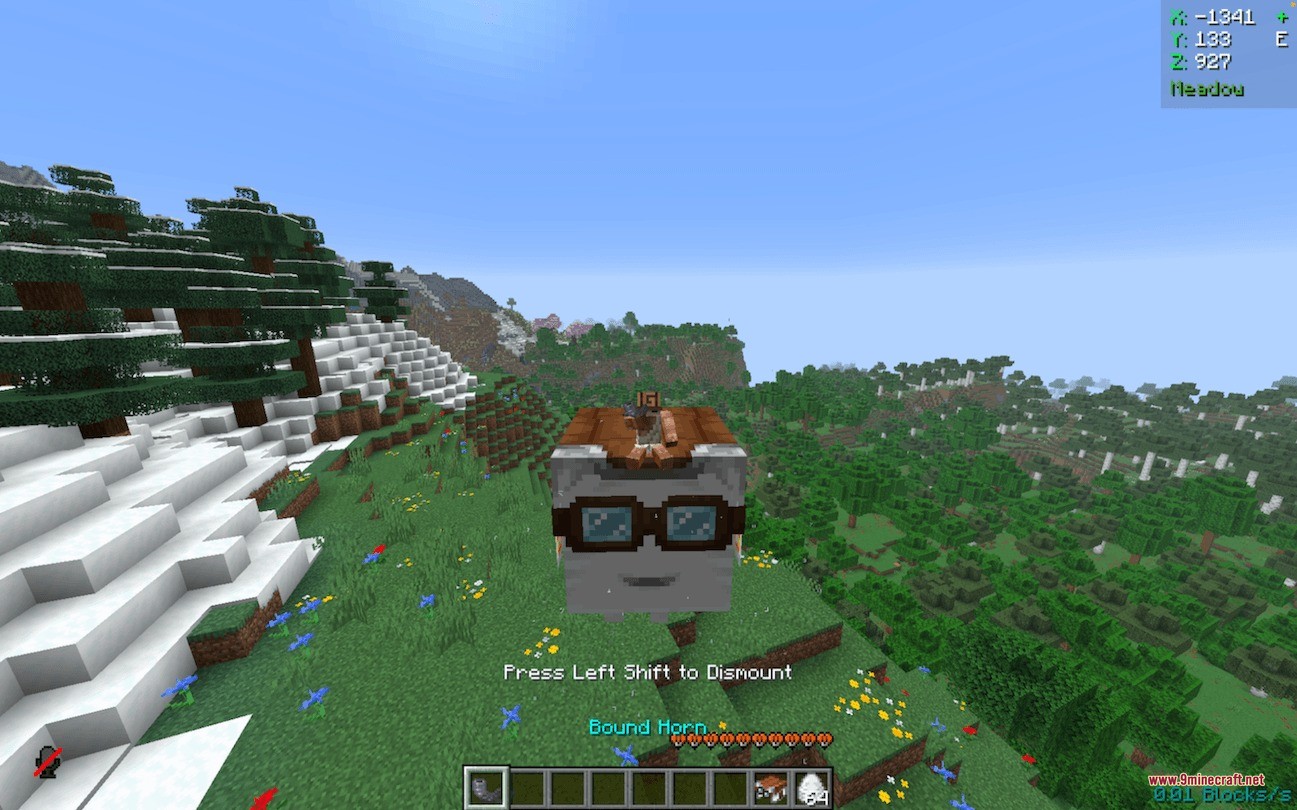
- Binds a goat horn to your ghast, allowing you to summon it to your side across any dimension.
- Sends automatic chat alerts whenever your tamed companion takes damage nearby or while you ride it.
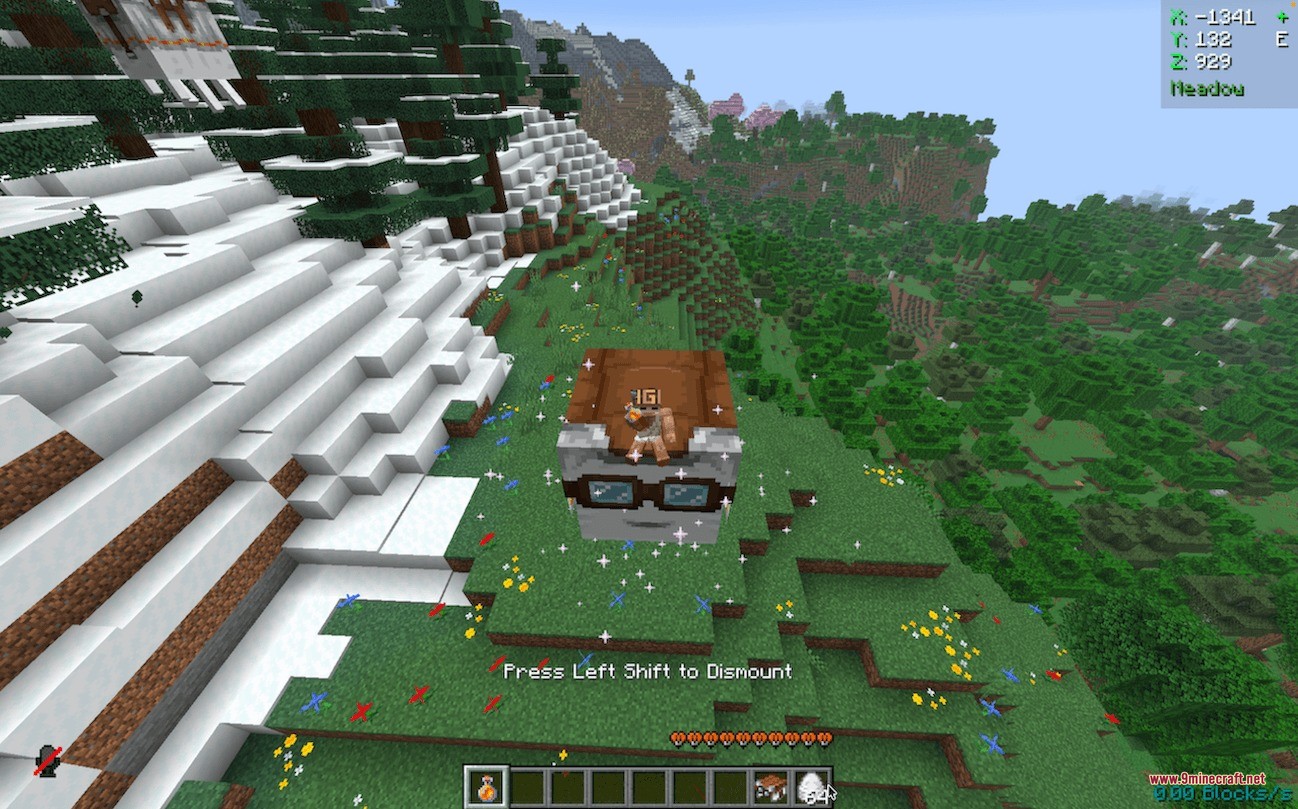
- Prevents you from automatically dismounting when floating underwater.
- Allows all modifications to be removed simply by using the same item on the ghast again.
Ghast Upgrade Items:
- Brush: Disables wandering and stops the ghast from chasing snowballs.
- Cookie: Increases travel speed up to roughly 10 blocks per second.
- Brown Mushroom: Reduces physical body size for easier navigation.
- Honey Bottle: Removes all cry sounds and mob noises.
- Goat Horn: Links with your pet to recall it from anywhere in the world.
Commands:
/function improved_happy_ghast:about: opens an interactive menu panel with pack information.
How to Use:
- Hold the required modifier item in your main hand.
- Right-click your Happy Ghast to apply the upgrade.
- Watch for confirmation particles and listen for the sound cue to ensure the trait is active.
- Use a Bound Goat Horn by holding Right-click to summon your ghast directly to your position.
- Right-click with the same item again whenever you want to revert a modification.
Screenshots:
How to Install:
New to Minecraft? Follow our step-by-step guide to install Data Packs on your PC.View Guide
Pocket Phantom Protocol Data Pack Download Links
For Minecraft
26.2,
26.1.2,
26.1.1
All Versions Covered
26.2
26.1.2
26.1.1
26.1
1.21.11
1.21.10
1.21.9
1.21.8
1.21.7
1.21.6
All Versions Covered
26.2
26.1.2
26.1.1
26.1
1.21.11
1.21.10
1.21.9
1.21.8
1.21.7
1.21.6
Click to rate this post!
[Total: 0 Average: 0]
You May Also Like







This post has no comments yet. Be the first — your comment will appear here.