
Wraith Hovercraft Schematic (1.21.x) – Compact Flying Bike for Create Mod
 10
 0


Wraith Hovercraft Schematic provides a simple way to build a personal flying vehicle for your world. This hovercraft works without using any levitite and fits into tight spaces with its small size. It moves using standard movement controls and needs a simple switch to start the engine. You can use this design to travel quickly across land or water.
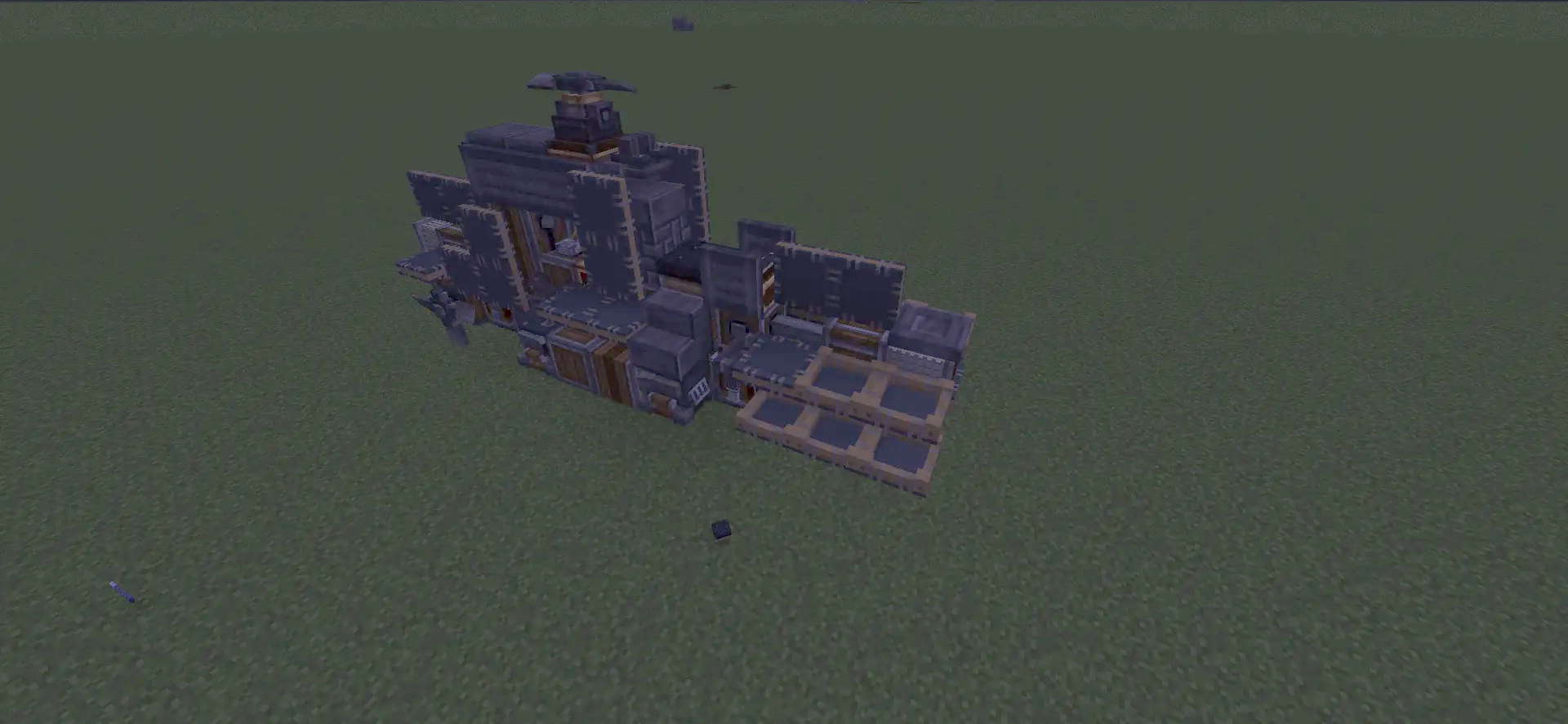
3D Preview & Editor:
Materials
29 types · 110 blocks
| Vanilla 1 | ||||||||
| Lever | 1 | |||||||
| Create 17 | ||||||||
| Copycat Panel | 23 | Gray Sail | 10 | Encased Chain Drive | 7 | |||
| Gearbox | 5 | Redstone Link | 4 | Polished Cut Deepslate Stairs | 3 | |||
| Shaft | 3 | Andesite Encased Shaft | 2 | Cogwheel | 2 | |||
| Nozzle | 2 | Encased Fan | 2 | Industrial Iron Block | 1 | |||
| Deepslate Pillar | 1 | Polished Cut Deepslate Wall | 1 | Small Deepslate Brick Stairs | 1 | |||
| Andesite Encased Cogwheel | 1 | Analog Lever | 1 | |||||
| Simulated 7 | ||||||||
| Gray Symmetric Sail | 23 | Gray Portable Engine | 4 | Iron Handle | 4 | |||
| Directional Gearshift | 2 | Analog Transmission | 1 | Linked Typewriter | 1 | |||
| Rope Connector | 1 | |||||||
| Aeronautics 3 | ||||||||
| Propeller Bearing | 1 | Andesite Propeller | 1 | Smart Propeller | 1 | |||
| Interiors 1 | ||||||||
| Kelp Seat | 1 | |||||||
How to place this schematic
.nbt This is a Create mod schematic. The Schematicannon builds it for you, block by block, from the materials you load into it.
| 1 | Put the .nbt file in .minecraft/schematics. |
| 2 | Open a Schematic Table, drop in an Empty Schematic, pick the file and write it. |
| 3 | Hold the written schematic and position the outline in the world, then confirm. |
| 4 | Place a Schematicannon, load it with the building blocks and gunpowder for fuel, then hit play. |
About this build
| 1 | Place the schematic in your world using the Create mod tools. |
| 2 | Build the hovercraft using the required blocks from the Aeronautics and Interiors mods. |
| 3 | Walk to the back of the vehicle and flip the lever to start the engine. |
| 4 | Sit in the pilot seat and use W, A, S, and D to fly around. |
| 5 | Flip the lever again when you want to park and turn off the power. |
Features:
- Uses no levitite to stay in the air, making it easier to build with basic materials.
- Controls easily with WASD keys for movement in any direction.
- Includes a lever at the back to turn the hovercraft on or off quickly.
- Fits into small areas with a compact size of only 3 blocks wide and 6 blocks high.
- Requires a total of 110 blocks to complete the full build.
Schematic Specs:
 Minecraft1.21.x
 Create Mod6.0.10
 Dimensions3×6×12
 Total Blocks110
 Top Blocks Used
Copycat Panel 23Gray Symmetric Sail 23Deepslate Pillar 11Gray Sail 10Small Deepslate Bricks 9
Requirements:

Wraith Hovercraft Schematic Download Links
For Minecraft 1.21.x
Click to rate this post!
[Total: 0 Average: 0]
You May Also Like
Picked for this page
 Airbus A380 800 Schematic (1.21.x) – Fly the Largest Commercial Airplane
 SS Venator Endgame Skybase Carrier Factory Schematic (1.21.x) – Massive Endgame Airship Base
 Military Fight Heli Schematic (1.21.x) – Compact War Helicopter Build for Create
 Sklad Schematic (1.20.x) – Automated Wooden Storage Building for Create
 The Lotnos V3 Schematic (1.21.x) – Fast Mechanical Car for Create
 A German Styled Trainstation Schematic (1.21.x) – German Styled Create Mod Train Station
 Dual Flight Mode Helicopter Survival Friendly Runs on Diesel Gasoline or Biodiesel and Comes with a
 Ver 5 of the Wall Schematic (1.21.x) – Detailed Wall with Mixer
 The Provoker Schematic (1.21.x) – Fast and Beginner Friendly Airship Build
 Rubber Farm Schematic (1.21.x) – Compact Automated Machine for Create
 The Juicebox a Refuelling Vehicle Schematic (1.21.x) – Compact Tracked Tanker for Create Mod
 Working SpaceX Starship and Mechazilla Tower with Chopsticks Based off the 13th Flight Test
Most viewed in Create Mod Schematics over the last 7 days
 Copper Flying Ship That Can Also Act as a Normal Boat Schematic (1.21.x) – Dual Purpose Copper
 Arasaka Tower Schematic (1.21.x) – Massive Black Industrial Skyscraper Build
 Rail Gun Schematic (1.21.x)
 Starter Iron Farm Schematic (1.21.x) – Simple Early Game Iron Production Build
 Large Submarine Schematic (1.21.x) – Build a Large Submarine for Travel
 Fast Small Airship Steam Schematic (1.21.x) – Small and Fast Steam Powered Airship
 Agrimotor Schematic (1.21.x) – Build a Functional Create Mod Tractor
 F16 Falcon Schematic (1.21.x)
 Ultimate Nuclear Reactor Schematic (1.21.x) – High Power Reactor Build for Create
 NSV Skyliner Mobile Base and Factory Schematic (1.21.x) – Massive Steampunk Flying Factory
 A Simple Mob Trap Schematic (1.21.x) – Build a Massive Automatic Mob Farm Structure
 Practical Compact Mining Machine Schematic (1.21.x) – Compact Drilling Vehicle for Create
More from Create Mod Schematics
 Cobblestone Farm 2 Stack S Schematic (1.21.x) – Fast Automatic Cobblestone Generator for Create Mod
 Rv 86 Crystal Runner Schematic (1.21.x) – Rugged Survival Rv for Long Journeys
 Leaf Skiff with Storage Schematic (1.21.x) – Simple Early Game Transport with Storage
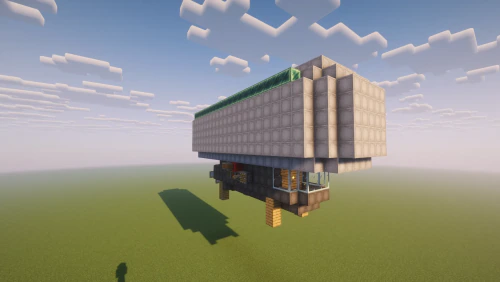 Bomber Airship Schematic (1.21.x) – Industrial Flying Machine for Create Mod
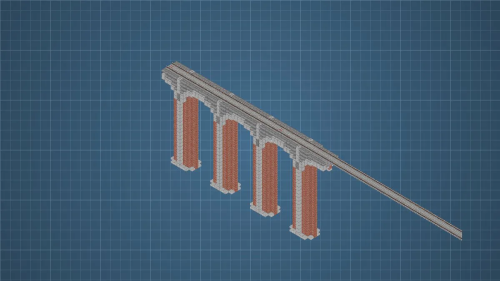 Pieza DE Puente Schematic (1.21.x) – Classic Brick Bridge for Train Tracks
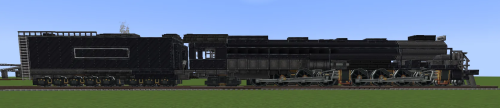 Big Boy Union Pacific 4104 Schematic (1.21.x) – Massive Steam Locomotive for Create Mod
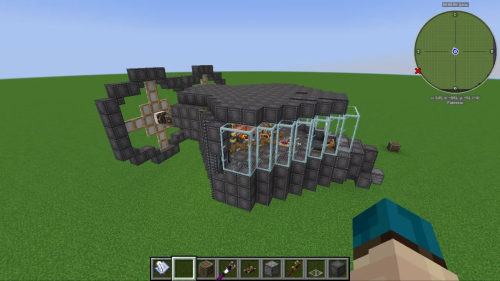 Komar V2 Schematic (1.21.x) – Detailed Helicopter Design for Create Mod
 Mini Biodiesel Farm Schematic (1.21.x) – Compact Automated Biodiesel Fuel Setup
 Functional Garage Door Schematic (1.21.x) – Realistic Folding Door for Create Mod
 Vt11.5 Schematic (1.21.x) – Classic Red Tee Train Design for Create
 B a L L S Ballistic Automated Long Range Launch System Schematic (1.21.x)
 Tren DE Vapor Lujoso Schematic (1.21.x) – 1930s Aerodynamic Luxury Steam Train

This post has no comments yet. Be the first — your comment will appear here.