
HUD Reworked (26+, 1.21) – Live Stats on Your Screen
 61
 0

HUD Reworked refreshes the screen layout in Minecraft Pocket Edition and Bedrock with clear Java-style visuals and helpful tools. This pack places coordinates, days played, a working clock and compass, clear item names, and durability warnings right on your game screen. It also upgrades the experience bar with level-up numbers and gives the Ender Dragon, Wither, and Raids new dynamic boss bars. Through an in-game menu, you can turn on modules like a debug screen, an inventory HUD, a player list, an ore visualizer, and a night vision menu. You can customize your screen further with 8 custom crosshairs, 10 hotbar textures, and 20 selected hotbar styles. The pack works on Windows and PC too, and it supports English, Spanish, and Indonesian to prevent errors.
Requirements:
- MCPE/Bedrock 1.20 – 26.0.02
all 45 versions
26.0.02, 26.0, 1.21.132, 1.21.131, 1.21.130, 1.21.124, 1.21.123, 1.21.122, 1.21.121, 1.21.120, 1.21.114, 1.21.111, 1.21.101, 1.21.100, 1.21.94, 1.21.93, 1.21.92, 1.21.90, 1.21.82, 1.21.81, 1.21.80, 1.21.73, 1.21.72, 1.21.71, 1.21.70, 1.21.61, 1.21.60, 1.21.51, 1.21.50, 1.21.44, 1.21.43, 1.21.41, 1.21.40, 1.21.30, 1.21.21, 1.21.20, 1.21.2, 1.21, 1.20.80, 1.20.70, 1.20.60, 1.20.50, 1.20.40, 1.20.1, 1.20

Features:
- Quick HUD Buttons: Places a Menu button next to the emote button and an F1 button next to the pause button so you can hide the GUI anytime.
- Upgraded XP Bar: Shows your XP percentage on the left side, the XP needed to level up on the right side, and Java-style XP numbers.
- Durability Viewer and Warning: Tracks item durability on screen and shows a low durability warning when your tool is close to breaking.
- Dynamic Boss Bars: Replaces the default boss bar with new dynamic textures for the Ender Dragon, Wither, and Raids.
- Displays your current coordinates and days played right above the hotbar.
- Shows a working clock and compass in the bottom-left corner of the screen.
- Moves chat messages to the bottom of the screen in a Java-style layout.
- Makes item names clearer when you switch slots on your hotbar.
- Works on Windows and PC as well as mobile Bedrock devices.
- Supports English, Spanish, and Indonesian languages; use one of these supported languages to prevent errors.
Toggleable HUD Modules:
- Shows your FPS counter, world name, current gamemode, Overworld-to-Nether and Nether-to-Overworld positions, chunk position, and item ID aux display in the Debug Screen.
- Displays your stored items on screen with the Inventory HUD so you do not need to open your inventory to check them.
- Adds a Hotbar Selector next to the hotbar that shifts your selected slot left or right.
- Turns the experience bar into an animated RGB XP Bar.
- Adds a Player List HUD where you can click a player’s name or gamerpic right on screen.
- Shows how much ore you can find based on your current Y-coordinate with the Ore Visualizer, using a yellow arrow to mean go up and a blue arrow to mean go down.
- Brightens your screen through the Night Vision menu, with brightness levels 2 to 4 recommended.
- Includes a gamma slider beside the custom hotbar texture button, a gear icon for HUD screen settings, and a More Settings menu.
Customization Options:
- Organizes visual tweaks into 2 customization tabs inside the menu screen.
- Lets you pick from 8 custom crosshair textures and click an RGB button to turn your crosshair RGB.
- Includes 10 custom texture variants for the hotbar.
- Includes 20 custom texture variants for the selected hotbar slot.
How to Use:
- Set your game language to English, Spanish, or Indonesian before playing to prevent errors.
- Tap the Menu button beside the emote button, or open the pause screen and select the Menu button in the top-left corner to open the pack’s menu.
- Click the module buttons in the menu to turn on or off the Debug Screen, Inventory HUD, Hotbar Selector, RGB XP Bar, and Player List HUD.
- Open the 2 customization tabs to choose from 8 custom crosshairs (click the RGB button to make your crosshair RGB), 10 hotbar textures, and 20 selected hotbar styles.
- Adjust brightness using the gamma slider beside the custom hotbar texture button, or open the Night Vision menu and set brightness between levels 2 and 4.
- Select the gear icon to open HUD screen settings, or check the More Settings menu for extra options.
- Follow the arrows on the Ore Visualizer to check ore levels for your current Y-coordinate: a yellow arrow means go up, and a blue arrow means go down.
- Tap the F1 button next to the pause button whenever you want to hide the GUI during gameplay.
- Press the ESC key on Windows to close the menu screen.
Screenshots:


For MCPE/Bedrock 26+
What type of user interface (GUI) do you prefer in your resource packs?
10 responses · See the full results →
You May Also Like
Picked for this page
 Security Craft Addon (26.x, 1.21) – Bedrock Edition Mod
 System Dynamic Lights Addon (26.x, 1.21) – Compatible With Any Addons
 Dragon Mounts 2 Addon (1.26+) – MCPE/Bedrock Dracomalum Mod
 Glowing Armor Trims Texture Pack (1.21, 1.20) – MCPE/Bedrock
 Relta Visuals (26+) – MCPE/Bedrock Shader
 PvP Crosshair Crosshairs (26+, 1.21) – MCPE/Bedrock Texture Pack
 Small Items (26+) – MCPE/Bedrock Texture Pack
 RealSource CARTOONIZED (26+, 1.21) – MCPE/Bedrock Texture Pack
 Dark Mode Theme (26+, 1.21) – MCPE/Bedrock Texture Pack
 Dark Mode UI (26+) – MCPE/Bedrock Texture Pack
 Faithful Nature Texture Pack (26.x, 1.21) – Vibrant Foliage and Refined Nature
 Glowdragon Texture Pack (26.x) – Sleek Dark Interface and On-Screen HUD
Most viewed in Texture Packs over the last 7 days
 Mizuno’s 16 Craft Texture Pack (26.30, 1.21) for MCPE/Bedrock Edition
 Distant Horizons Texture Pack (26.x, 1.21) – MCPE/Bedrock
 Xnova Model Texture Pack (26.x, 1.21) – Smaller First-person Hands and Custom
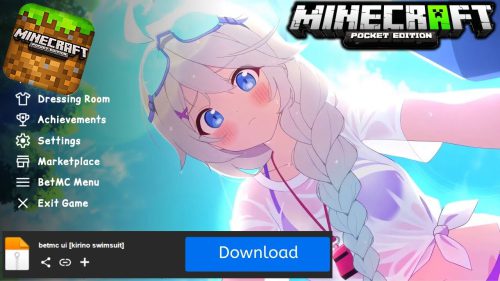 Anime Girl UI Pack (26.x, 1.21) – MCPE/Bedrock
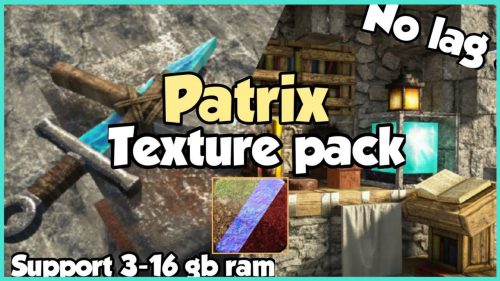 Patrix Texture Pack (1.26+) – No Lag, Ultra Realistic for MCPE
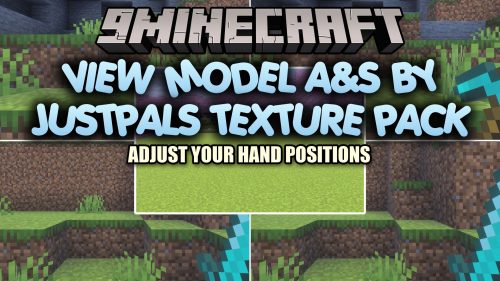 View Model A&S by Justpals Texture Pack (26.x, 1.21) – X
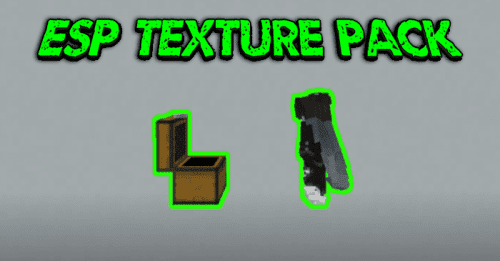 ESP Texture Pack (26.x, 1.21) – MCPE/Bedrock
 Hover Text Fix Pack (1.21, 1.20) – MCPE/Bedrock
 X-Ray Texture Pack (26.x, 1.21) for MCPE/Bedrock with Glow
 Soartex Fanver Texture Pack (26.x, 1.21) – MCPE/Bedrock
 Night Vision Texture Pack (26.x, 1.21) – MCPE/Bedrock Edition
 Better X-Ray Texture Pack (26.x, 1.21) – MCPE/Bedrock
More from Texture Packs
 Crosshairs Collection Pack (26+, 1.21) – MCPE/Bedrock Texture Pack
 Koi Menu (26+, 1.21) – MCPE/Bedrock Texture Pack
 Vanilla Resource Pack (1.26.50) – Default Bedrock Texture Template and Base Pack
 New Armor Stand Revamped (26+, 1.21) – MCPE/Bedrock Texture Pack
 Visual Tamer (26+, 1.21) – MCPE/Bedrock Texture Pack
 Hysterias Vibrent (26+, 1.21) – MCPE/Bedrock Shader
 Space with Stars – Custom Sky (26+, 1.21) – MCPE/Bedrock Texture Pack
 Karen Visual (26+) – MCPE/Bedrock Shader
 Paperdoll Slider (26+, 1.21) – MCPE/Bedrock Texture Pack
 Sodium Boost (26+, 1.21) – MCPE/Bedrock Texture Pack
 THLanguage_Bedrock Texture Pack (1.20.0) – Full Thai Translation for Bedrock Edition
 Bosya’s Japan Katana (26+, 1.21) – MCPE/Bedrock Texture Pack

This post has no comments yet. Be the first — your comment will appear here.