
Relta Visuals (26+) – Warm Sun and Starry Skies
 98
 0

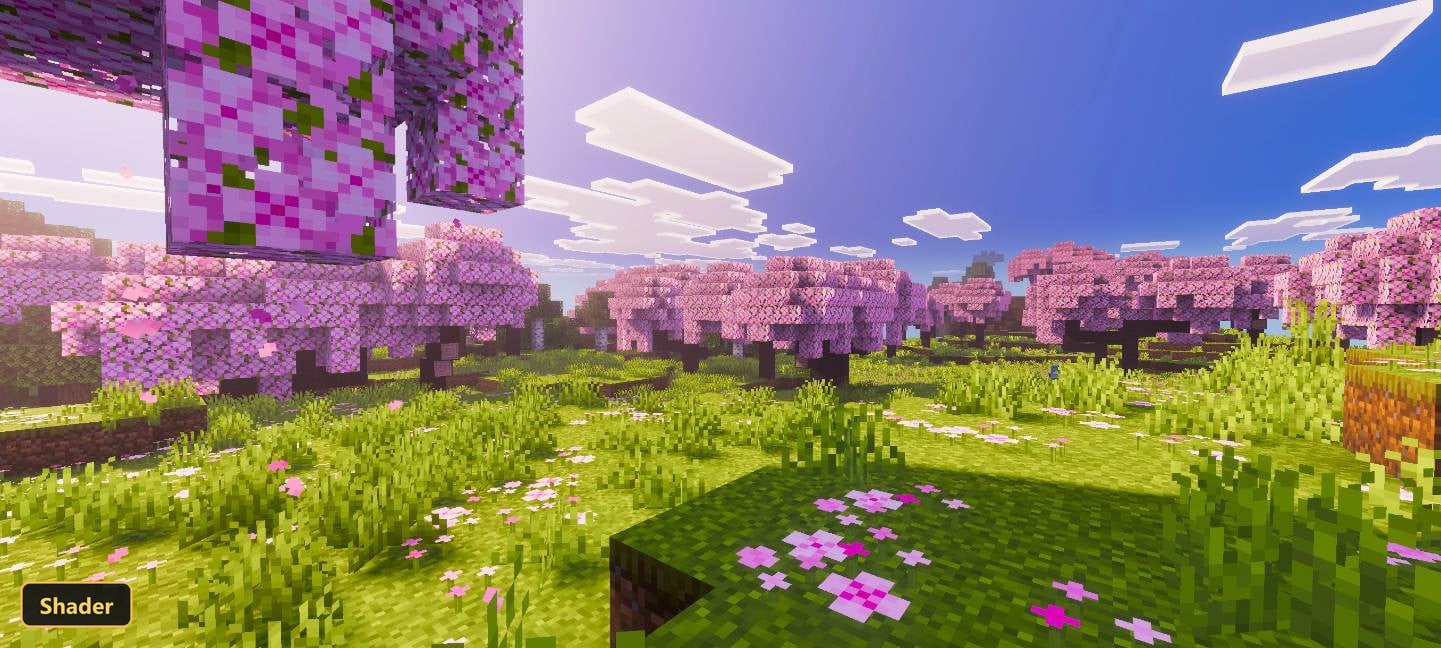
Relta Visuals improves the look of Minecraft with a clean and simple style. This shader updates lighting, color balance, and the overall atmosphere to give your world a smoother and clearer appearance. To make it work properly, you need to turn on Vibrant Visuals in your game settings.
Requirements:
- MCPE/Bedrock 26.0.02
Features:
- Improves lighting so both days and nights look brighter and clearer.
- Adjusts color balance to give your world a smooth and clean look.
- Cleans up the overall atmosphere for a simple, easy-on-the-eyes visual style.
How to Use:
- Open your Minecraft game settings before playing with this shader.
- Turn on Vibrant Visuals so the shader works properly in your world.
Screenshots:


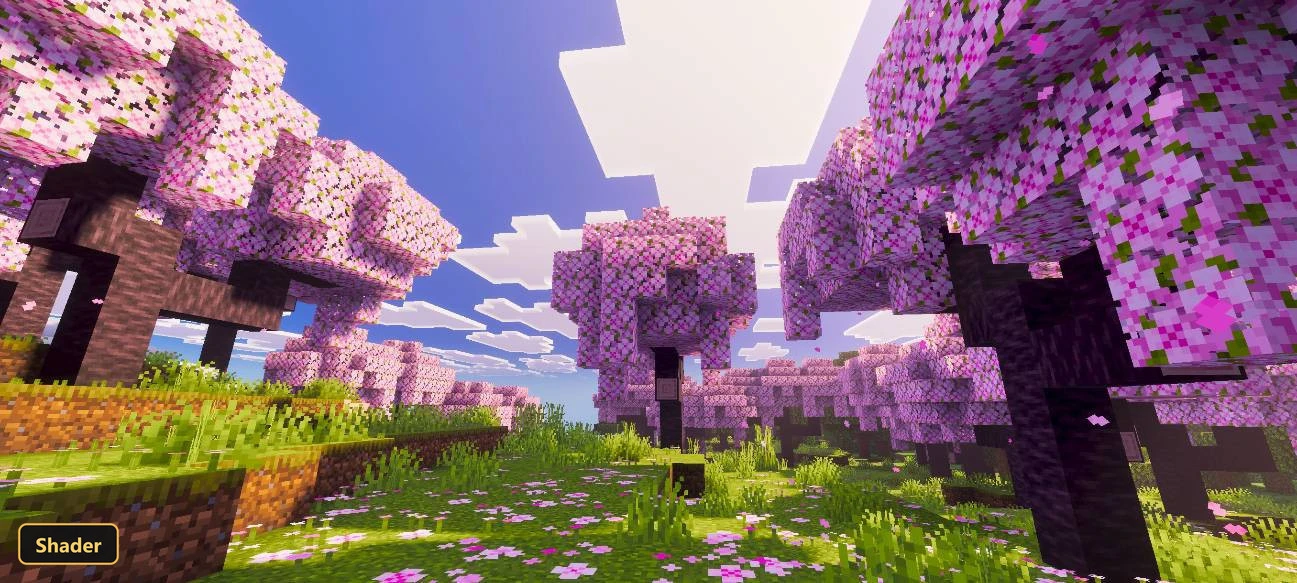
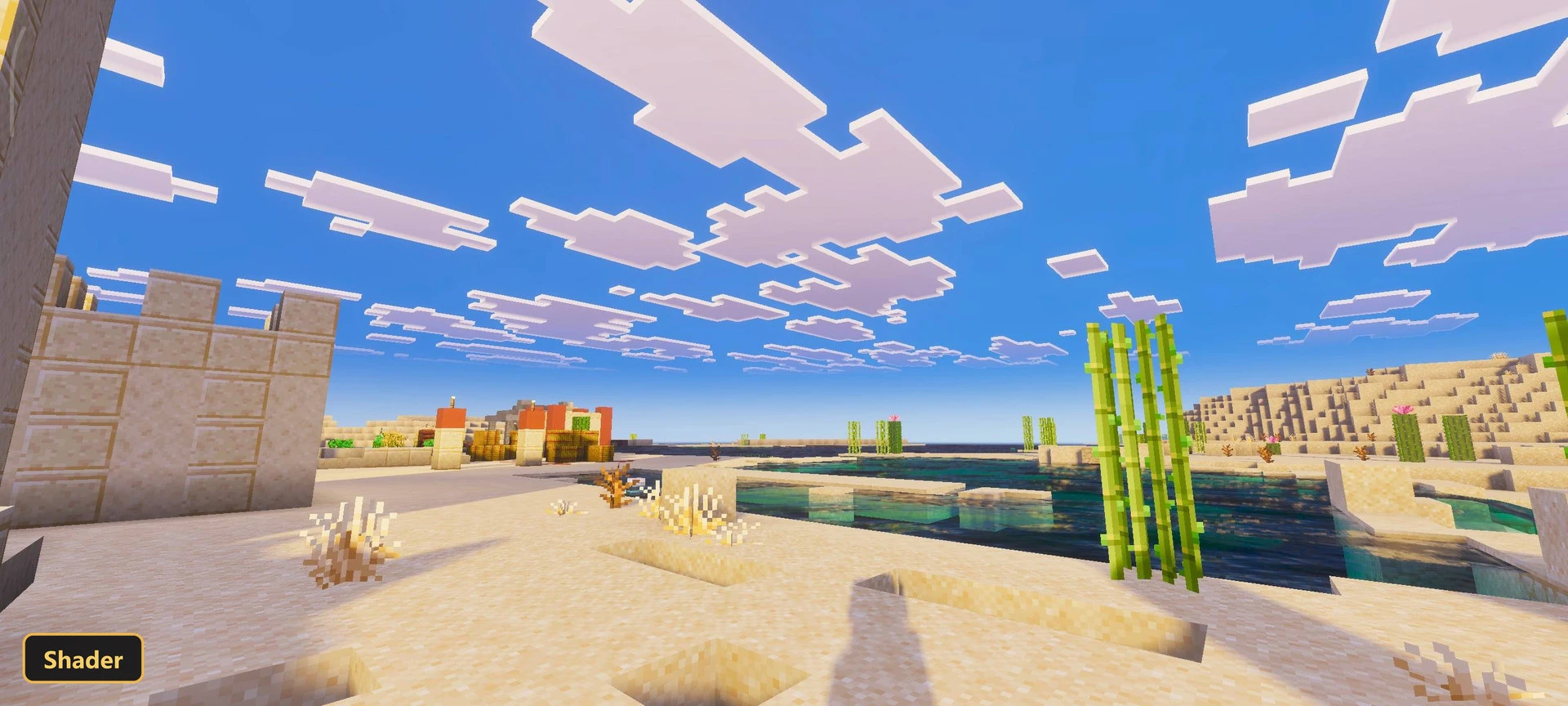
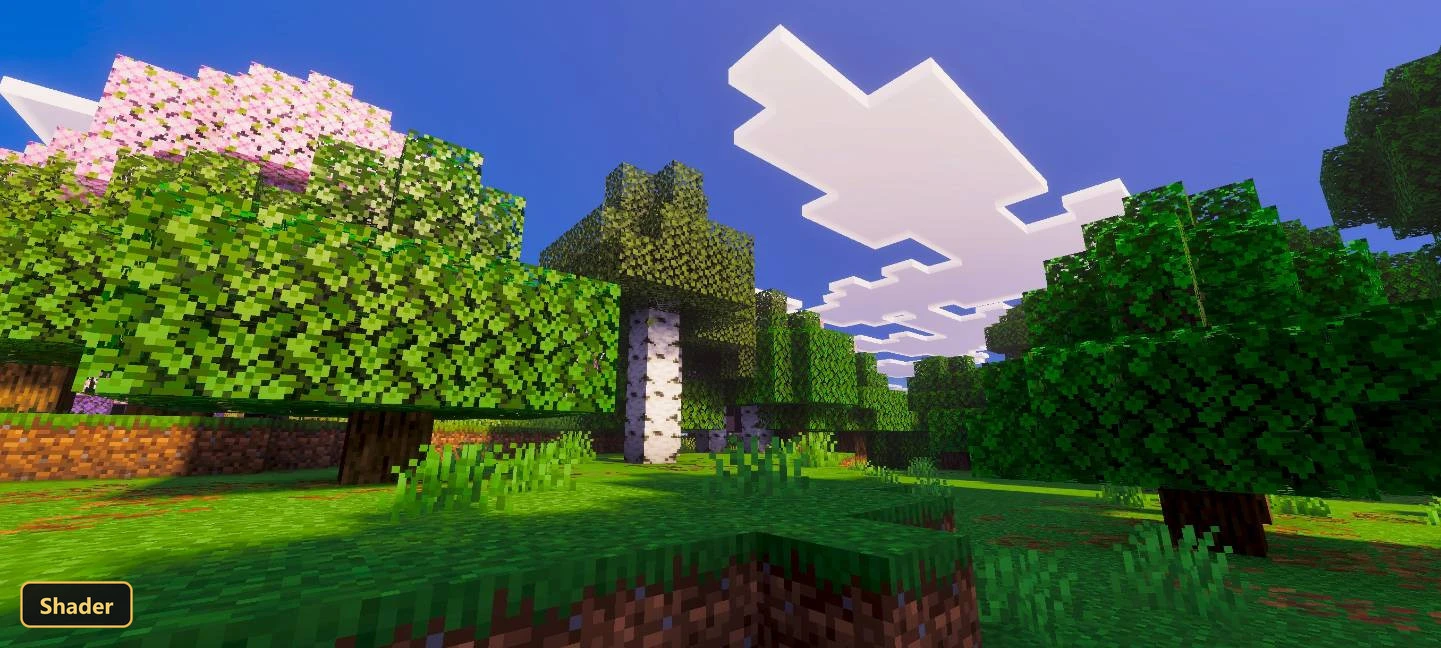
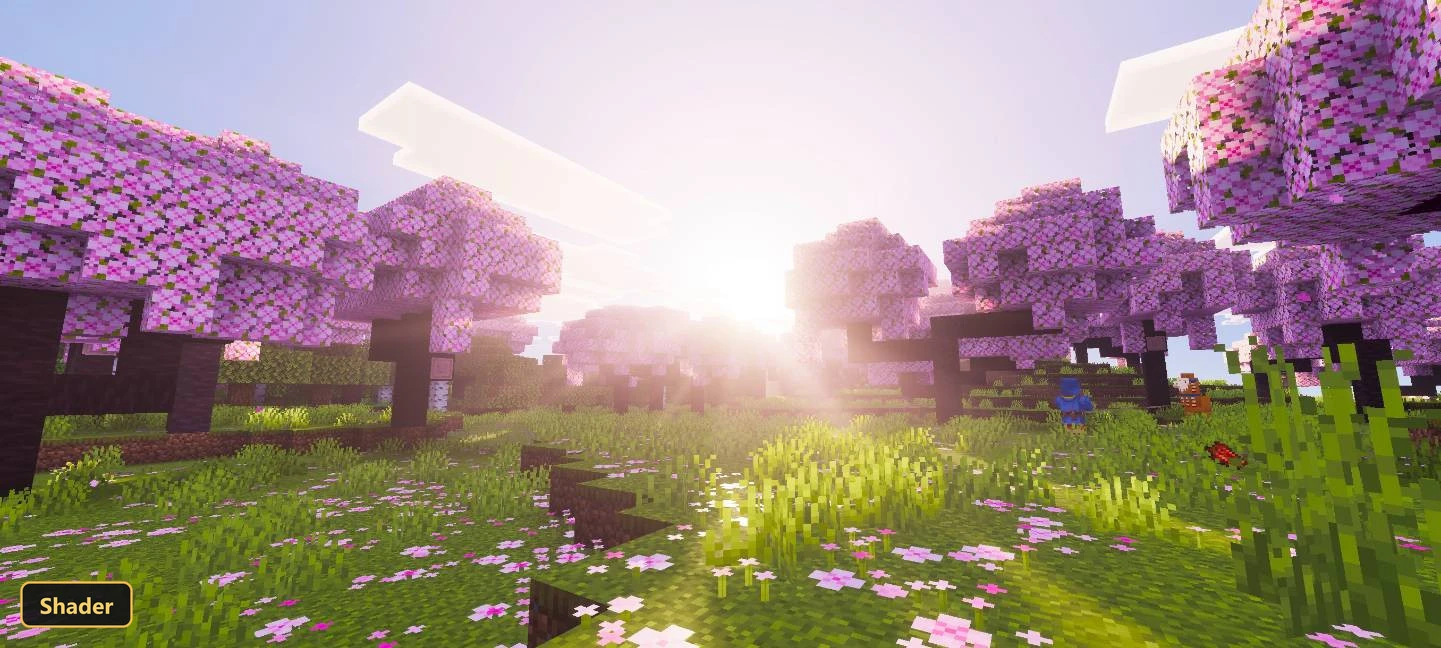
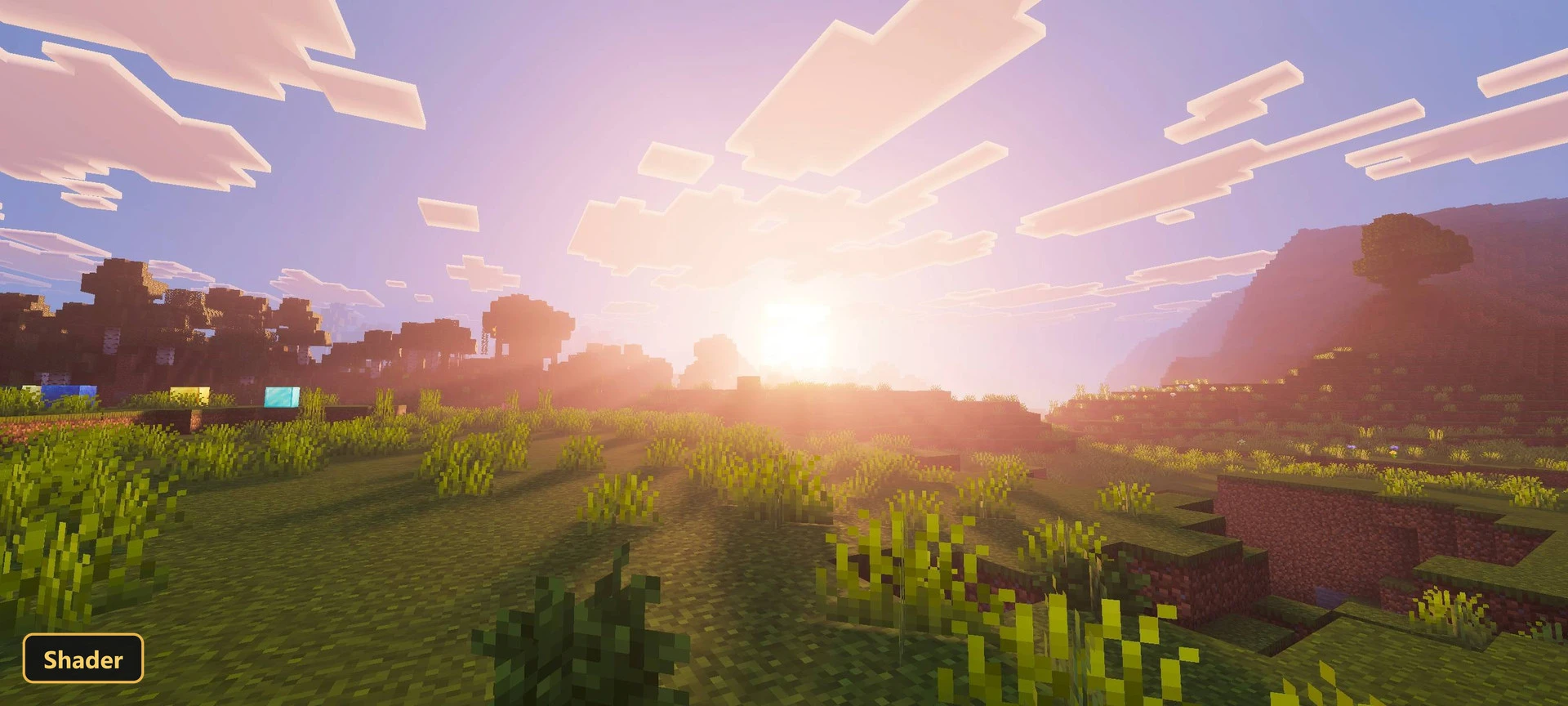
For MCPE/Bedrock 26+
For MCPE/Bedrock 1.21+
Click to rate this post!
[Total: 0 Average: 0]
QUICK MINECRAFT SURVEY · ONE TAP
Shaders & Resource Packs
Which water appearance do you prefer when using shaders?
0 responses · See the full results →
You May Also Like
Picked for this page
 Newb Glow Shader (1.21.20+) – MCPE/Bedrock
 Definitive Vibrant Visuals Shader (1.26+) – MCPE/Bedrock
 Vibrant Lumina Shader (1.26+) – MCPE/Bedrock
 Wandrer’s Visual Shader (1.26+) – MCPE/Bedrock
 Hyper Visuals Shader (1.26+) – MCPE/Bedrock
 Mystica Shader (1.21.20+) – MCPE/Bedrock Dream Fog Shader
 Aetheris Visuals Shader (1.26+) – MCPE/Bedrock
 Luvid Visuals Shader (1.26+) – MCPE/Bedrock
 Parkour I Map (1.21) – MCPE/Bedrock
 Infinity Visuals (26+, 1.21) – MCPE/Bedrock Shader
 Ultra Vibrant Visuals for Vibrant Visuals (26+, 1.21) – MCPE/Bedrock Shader
 Cat RTX (26+, 1.21) – MCPE/Bedrock Shader
Most viewed in Shaders over the last 7 days
 Mirai Shader (1.26+) – Sharp Water Reflections and Volumetric Clouds
 Best Minecraft PE Shader for 1.26+ – Realistic and Lightweight For Low-End Devices
 Newb X Iterationt Shader (1.26+) – Black Hole Skybox And Stylized Clouds
 Better Render Dragon (1.26+) – Add Shaders Back To Minecraft
 Newb X RTX Shader (1.26+) – Support RenderDragon
 MLYX Shader (1.21.50+) – MCPE/Bedrock
 Solar Shader (1.26+) – Support BetterRenderDragon
 Auren Visuals Shader (26.x) – Warm PBR Lighting and Reflective Water
 BSL X Improvement Shader (1.21.31+) – MCPE/Bedrock
 Dark Fantasy Visuals (26+, 1.21) – MCPE/Bedrock Shader
 Newb X Dawn Shader (1.26+) – RenderDragon, All Devices
 YSSBE Shader (1.21, 1.20) – Shader Cinematic for RenderDragon
More from Shaders
 Atmospheric Fog+ Shader (26.x) – Custom Biome Mist Tints on Any Mobile
 Baku X RTX Shader (26.x, 1.21) – Cinematic Sunlight and Soft Water Caustics
 Newb Aetheris Shader (26.x) – Vibrant Lighting and Smooth Water for Bedrock
 PURE MAKER REALISM Shader (26.x) – Realistic Rain and Cosmic Night Sky on Mobile
 NatureHaze Visuals Shader (26.x, 1.21) – Volumetric God Rays and Shadow-Synced
 Newb X Blissful HDR Rewrite Shader (26.x) – Rich HDR Tonemapping and Soft
 pack.png Panorama with (26+, 1.21) – MCPE/Bedrock Shader
 Solstice Visual (26+, 1.21) – MCPE/Bedrock Shader
 Newb X Golden Legacy Shader (26.x) – Emissive Ores and Warm Sunlight on Bedrock
 Ender Horrorfic Shader (26.x, 1.21) – Dense End Fog and Dark Lighting on Bedrock
 Classic Graphics Shader (26.x) – Beta Lighting and Emissive Textures on Bedrock
 Reze Visuals Shader (26.x, 1.21) – PBR Materials and Realistic Water Reflections

This post has no comments yet. Be the first — your comment will appear here.