


Simple Store Shell Schematic (1.21.x) – Basic Building Frame for Custom Shops
 0
0
 0
0


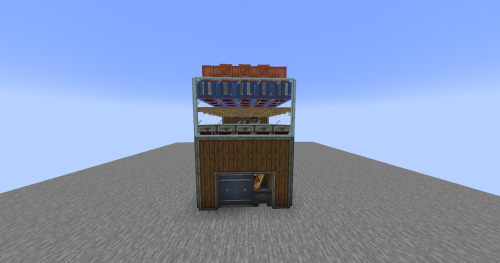
Simple Store Shell Schematic provides a clean building frame that you can turn into any shop you want. This build works with the Create mod and offers a small footprint for your world. It comes as a shell, meaning the inside is empty and ready for your own decorations. You can use this structure to start a small business in a village or a city. The design fits well in many different biomes because of its simple look.
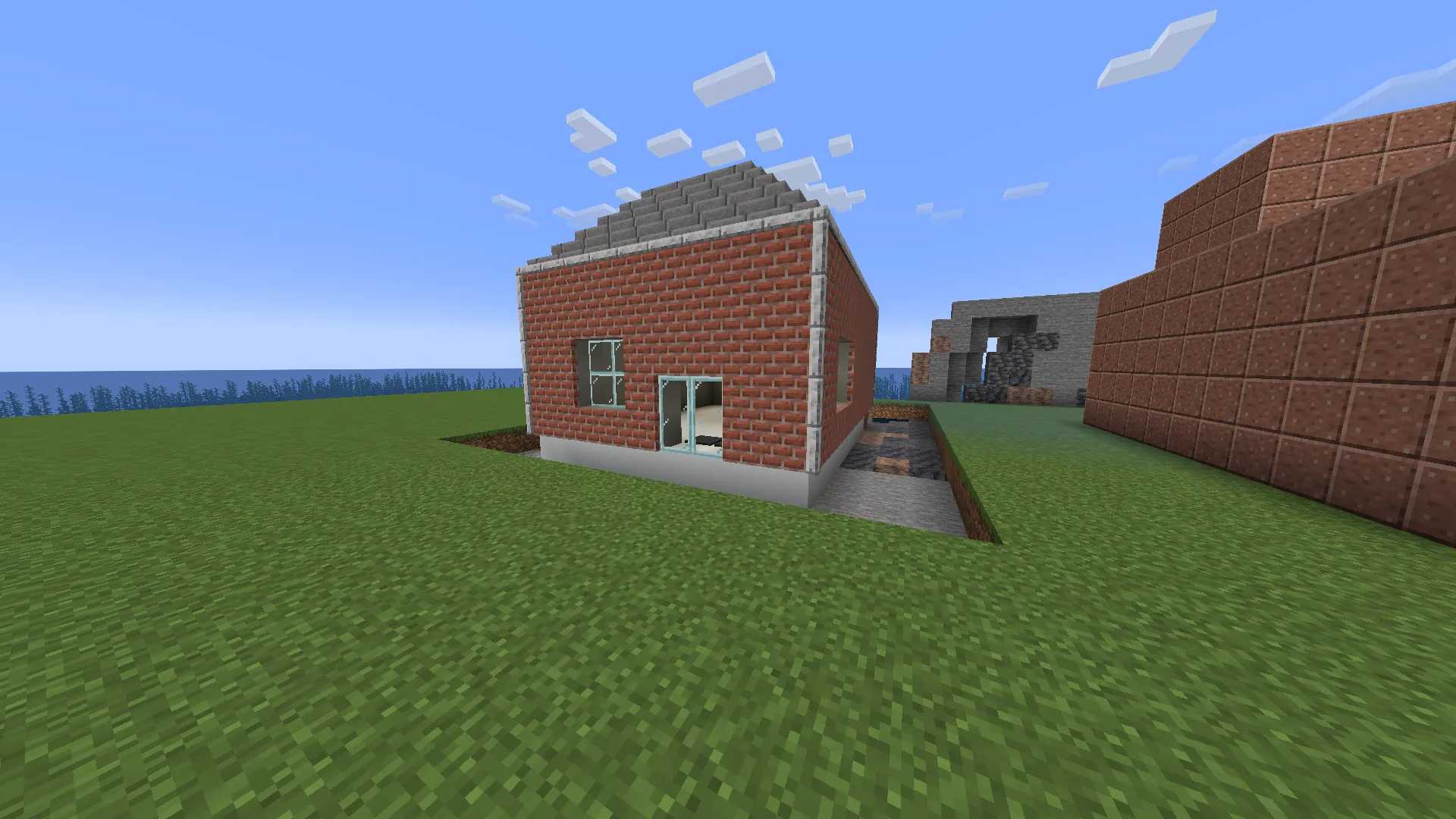
3D Preview:
Features:
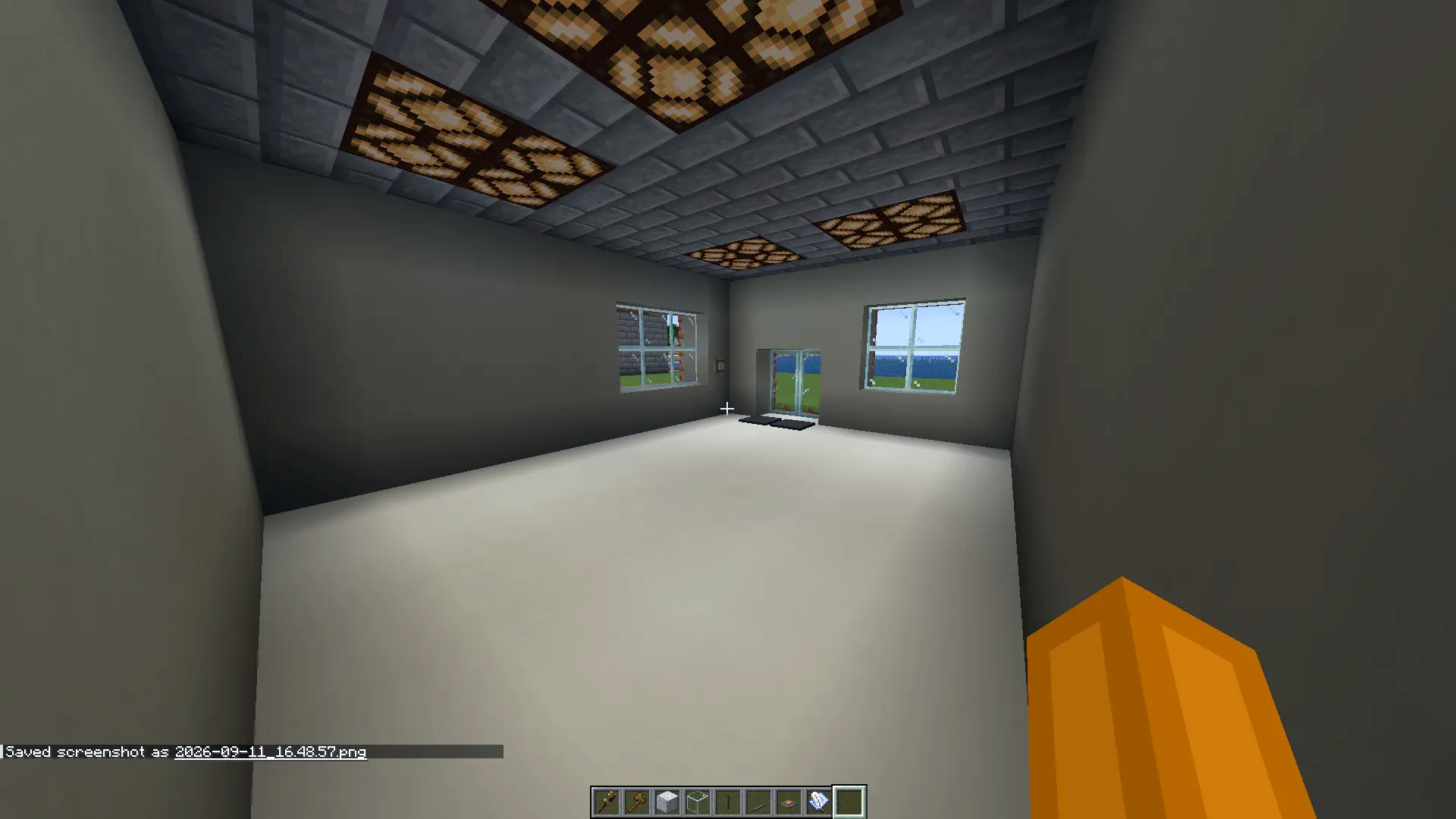
- Empty Interior: The inside is completely open so you can place your own counters, chests, and shelves.
- Small 11x10x15 size fits into tight spaces in your base.
- Uses a total of 908 blocks to create a sturdy and good-looking exterior.
- Works for players who want a quick building base without starting from zero.
- Includes support for Create mod components like special lights and controls.
- Lets you change the walls and floors to match your style.
- Does not require the Gunpowder mod even if it appears in some lists.
Schematic Specs:
 Minecraft1.21.x
 Create Mod6.0.10
 Dimensions11×10×15
 Total Blocks908
 Top Blocks Used
Bricks 272Copycat Panel 206Stone Bricks 160Light Gray Concrete 136White Concrete 101
How to Use:
- Load the schematic file into your Minecraft world using the Create mod’s Schematicannon or Schematic Table.
- Place the ghost image of the store where you want to build it.
- Collect the 908 required blocks, including parts from the required mods.
- Let the Schematicannon build the shell for you or build it manually following the blue lines.
Screenshots:
Requirements:
Simple Store Shell Schematic Download Links
For Minecraft 1.21.x
Click to rate this post!
[Total: 0 Average: 0]
You May Also Like





This post has no comments yet. Be the first — your comment will appear here.