
Catalistam 3 Medium Schematic (1.21.x) – Large Heavy Tank with Powerful Cannons

 0


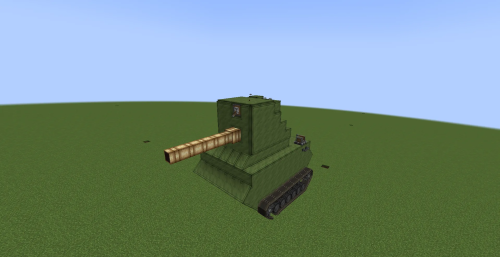
Catalistam 3 Medium Schematic provides a large and strong heavy tank for your world. It is bigger and tougher than previous versions to help you survive battles. You can drive this vehicle and use its weapons to protect your base. This design focuses on size and high resistance against attacks.
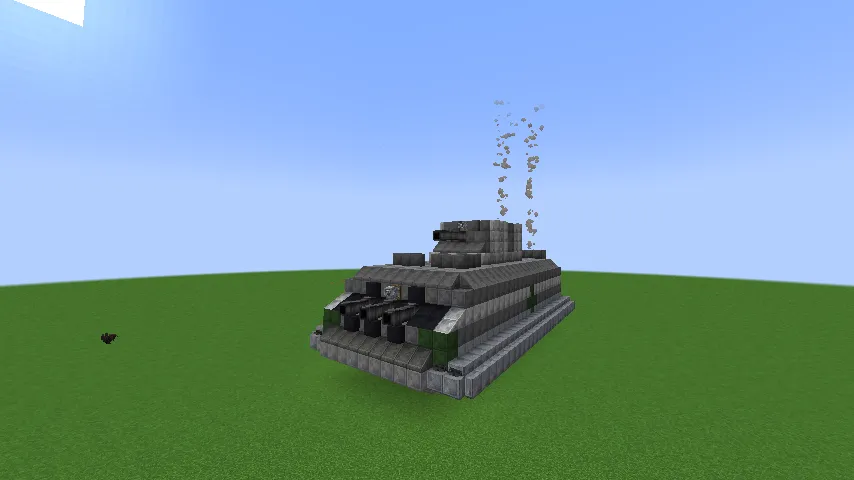
3D Preview & Editor:
Materials
59 types · 1,486 blocks
| Vanilla 8 | ||||||||
| Grass Block | 17 | Lever | 6 | Redstone Wall Torch | 4 | |||
| Hay Block | 2 | Iron Bars | 2 | Campfire | 2 | |||
| Spruce Planks | 1 | Dirt | 1 | |||||
| Create 15 | ||||||||
| Gearbox | 30 | Redstone Link | 23 | Creative Crate | 9 | |||
| Depot | 6 | Brass Belt Funnel | 6 | Mechanical Arm | 4 | |||
| Cogwheel | 4 | Gearshift | 3 | Clutch | 3 | |||
| Brass Funnel | 3 | Fluid Pipe | 1 | Mechanical Pump | 1 | |||
| Large Cogwheel | 1 | Hand Crank | 1 | Creative Motor | 1 | |||
| Copycats 7 | ||||||||
| Copycat Slab | 195 | Copycat Slope | 45 | Copycat Slope Layer | 39 | |||
| Copycat Layer | 11 | Copycat Ladder | 10 | Copycat Beam | 3 | |||
| Copycat Trapdoor | 2 | |||||||
| S A B 5 | ||||||||
| Hardsteelblockdeepslate | 530 | Hardsteelblockpanzergrau | 191 | Hardsteelblockstone | 77 | |||
| Whitehardsteelblock | 55 | Hardsteelblockgrassswamp | 16 | |||||
| Simulated 5 | ||||||||
| Linked Typewriter | 2 | White Portable Engine | 1 | Throttle Lever | 1 | |||
| Analog Transmission | 1 | Swivel Bearing | 1 | |||||
| Createbigcannons 4 | ||||||||
| Cannon Mount | 4 | Cast Iron Cannon Chamber | 3 | Cast Iron Cannon Barrel | 2 | |||
| Cast Iron Quickfiring Breech | 1 | |||||||
| Create Radar 4 | ||||||||
| Monitor | 4 | Data Link | 2 | Network Filterer | 1 | |||
| Radar Bearing | 1 | |||||||
| Sg Tracks 2 | ||||||||
| Suspension Track | 96 | Track Drive Wheel | 8 | |||||
| Vista 2 | ||||||||
| Television | 8 | Viewfinder | 2 | |||||
| Yuushya 1 | ||||||||
| Modern Lamp 1 | 20 | |||||||
| Createpropulsion 1 | ||||||||
| Platinum Fluid Tank | 12 | |||||||
| Interiors 1 | ||||||||
| White Floor Chair | 6 | |||||||
| Gnkinetics 1 | ||||||||
| Creative Gear Motor | 2 | |||||||
| Createdeco 1 | ||||||||
| Yellow Andesite Lamp | 1 | |||||||
| Createdieselgenerators 1 | ||||||||
| Diesel Engine | 1 | |||||||
| Cbc At 1 | ||||||||
| Cast Iron Fume Extractor | 1 | |||||||
How to place this schematic
.nbt This is a Create mod schematic. The Schematicannon builds it for you, block by block, from the materials you load into it.
| 1 | Put the .nbt file in .minecraft/schematics. |
| 2 | Open a Schematic Table, drop in an Empty Schematic, pick the file and write it. |
| 3 | Hold the written schematic and position the outline in the world, then confirm. |
| 4 | Place a Schematicannon, load it with the building blocks and gunpowder for fuel, then hit play. |
Features:
- Heavy Tank Build: Offers a large frame that is much stronger and bigger than older models.
- Multiple Weapons: Equips you with three base cannons and one main turret cannon for heavy fire.
- Uses a total of 1,486 blocks to create a detailed and functional vehicle.
- Fits into a space of 19x14x34 blocks for an imposing presence in your world.
- Works with the Create mod and several addons to provide realistic movement.
Schematic Specs:
 Minecraft1.21.x
 Create Mod6.0.10
 Dimensions19×14×34
 Total Blocks1,486
 Top Blocks Used
Hardsteelblockdeepslate 615Copycat Slab 195Hardsteelblockpanzergrau 191Suspension Track 96Hardsteelblockstone 77
How to Play:
- Place the schematic in your world using a Schematicannon or Creative mode tools.
- Press W to drive forward or S to move backward.
- Press A or D to turn the tank left or right.
- Press 1 to fire the three cannons at the base of the vehicle.
- Press 2 to fire the single cannon on the rotating turret.
Requirements:
 Create Mod Required
S A B Required
vista Required
createbigcannons Required
gnkinetics Required
Sg Tracks Required
Create Radar Required
Cbc At Required
createdieselgenerators Required
copycats Required
interiors Required
simulated Required
createdeco Required
 Yuushya Modelling Mod Required
createpropulsion Required
Catalistam 3 Medium Schematic Download Links
For Minecraft 1.21.x
Click to rate this post!
[Total: 0 Average: 0]
You May Also Like
Picked for this page
 Practical Compact Mining Machine Schematic (1.21.x) – Compact Drilling Vehicle for Create
 Aeronautics Crawler Schematic (1.21.x) – Walk Across the Land in a Mechanical Spider
 Sauron’s Tower Schematic (1.21.x) – Giant Dark Fantasy Spire for Create
 Aeronauticsstuff’s Airship Schematic (1.21.x) – Massive Steam Powered Flying Vessel
 Train Tgv 100 Schematic (1.21.x) – French High Speed Passenger Train Build
 Simple Airship Schematic (1.21.x) – Small Flying Machine for Create
 Gallant Class Destroyer Schematic (1.21.x) – Massive Naval Warship for Your Fleet
 The Light Offroad Speed Jeep Schematic (1.21.x) – Fast Offroad Vehicle for Steep Mountains
 Blue Sky Speeder Schematic (1.21.x) – Fast Jet Plane for the Create Mod
 White Car Survival Friendly Schematic (1.21.x) – Physics Driven Survival Friendly White Car
 5x8x11 Level 9 Self Sufficient Steam Engine Schematic (1.21.x) – Compact Self Running Steam Power
 Darkspy V1 Schematic (1.21.x) – Dark Stealth Aircraft with Ion Thrusters
Most viewed in Create Mod Schematics over the last 7 days
 Fast Small Airship Steam Schematic (1.21.x) – Small and Fast Steam Powered Airship
 Arasaka Tower Schematic (1.21.x) – Massive Black Industrial Skyscraper Build
 Camioneta Schematic (1.21.x) – Driveable Pickup Truck with Gear System
 Project StarGaze Schematic (1.21.x) – Build and Drive Your Own Military Vehicle
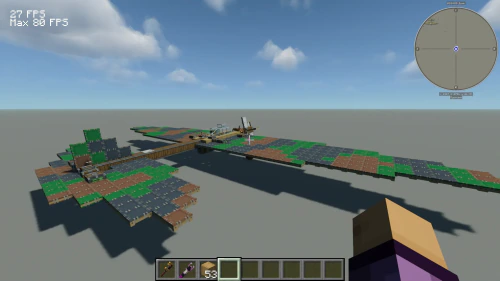 Il 2 Schematic (1.21.x) – Vintage Flying Machine for Create Mod
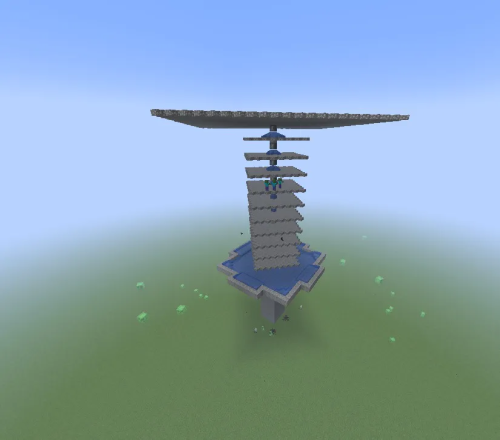 A Simple Mob Trap Schematic (1.21.x) – Build a Massive Automatic Mob Farm Structure
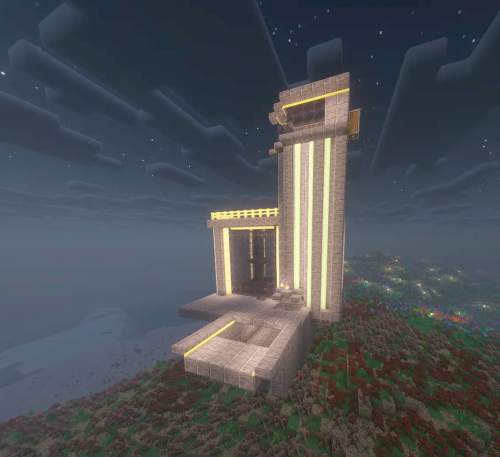 XP Farm Schematic (1.21.x) – Automated Mob Farm Tower Design
 Rail Gun Schematic (1.21.x)
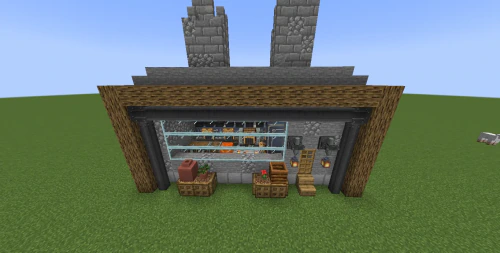 Stone Farm Schematic (1.21.x) – Efficient Create Mod Cobblestone Generator Build
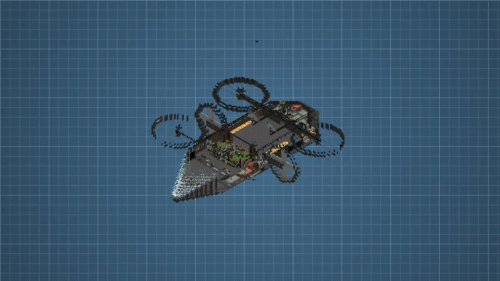 Avrora Schematic (1.21.x) – Massive Flying Base for Sky Travel
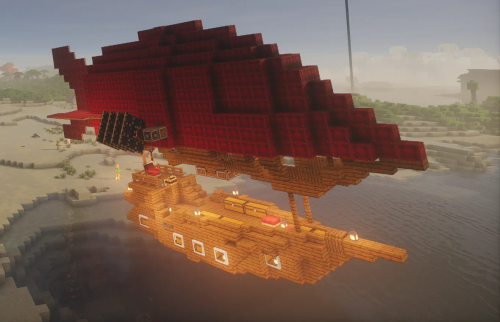 Small Airship Portative Engine Schematic (1.21.x) – Simple Flying Machine for Fast Exploration
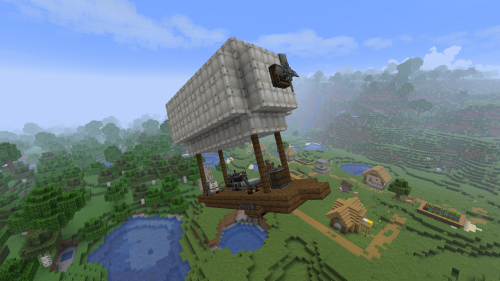 Basic Aeronautics Airship Schematic (1.21.x) – Small Flying Machine For Create
More from Create Mod Schematics
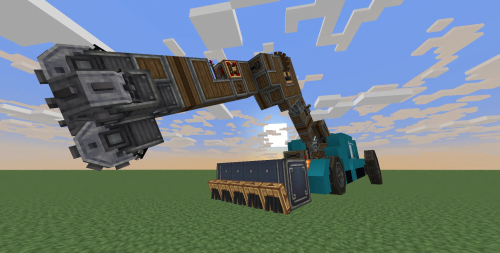 Cincospillar Mk2 Excavator Schematic (1.21.x) – Compact Cave Excavator with Collection Scoop
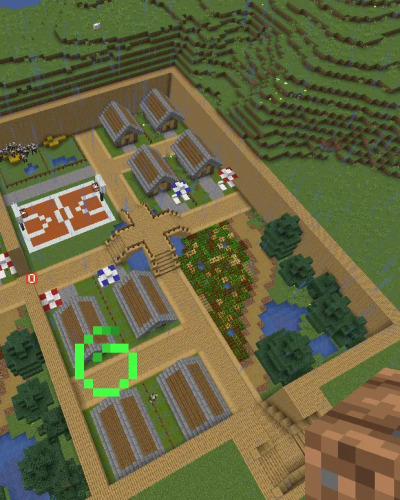 Underground City by Loomby Schematic (1.21.x) – Big Underground Base with Houses and Farms
 Coastal Steam Puffer Schematic (1.21.x) – Small Coal-Fired Scottish Steam Cargo Ship
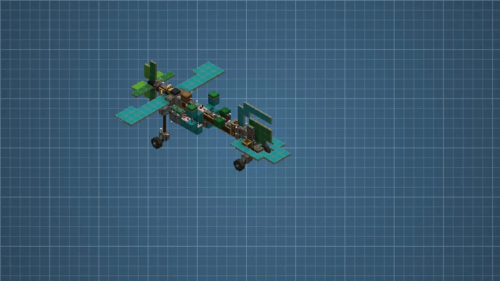 Normal Plane Schematic (1.21.x) – Three Seater Plane Build for Aeronautics
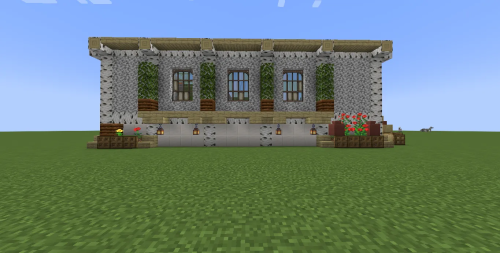 Factory Quarts and Gold Ingots V1 Schematic (1.21.x) – Mid-Game Create Factory with Boiler Power
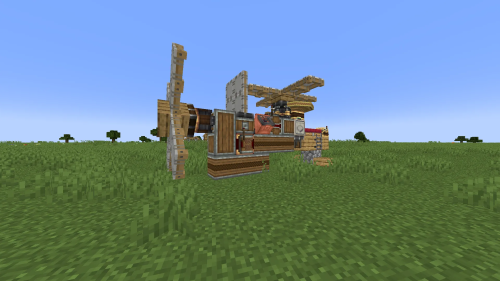 Create Aeronautics Mini Helicopter Minimal Resources Compact Size Fast Schematic (1.21.x)
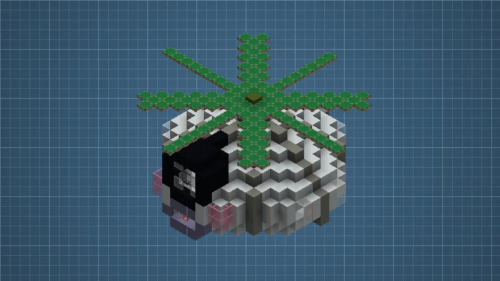 Garlic Drone Schematic (1.21.x) – Flying PvZ Garlic Drone Build for Create
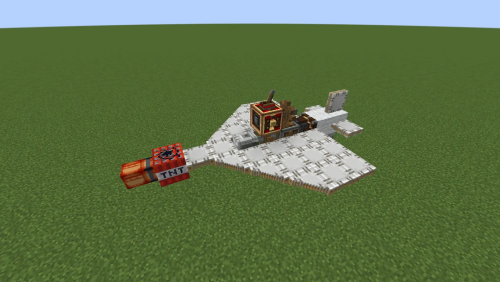 Geran 2 Shahed Schematic (1.21.x) – Small Create Drone Build with Long Flight
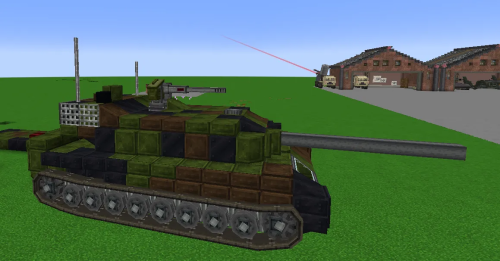 Babrams Mmbt Schematic (1.21.x) – Survival Friendly Abrams Tank Build
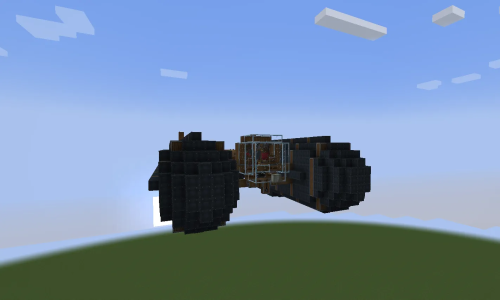 Dualoon Schematic (1.21.x) – Create Airship Build with Logistics Theme
 Japanese Temple Schematic (1.21.x) – Beautiful Traditional Building for Create Mod
 Vodovoz 444 Schematic (1.21.x) – Heavy Tracked Assault Tank for Create Mod

This post has no comments yet. Be the first — your comment will appear here.