
GUI Overhaul (26+) – Redesigned Menus with Custom Dark Themes
 76
 0

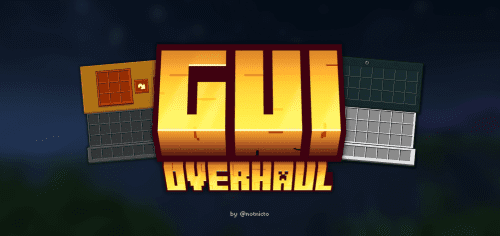
GUI Overhaul transforms standard block menus and interfaces into vibrant, immersive screens for Minecraft Bedrock. It replaces vanilla menus with redesigned layouts inspired by their respective blocks like the crafting table, enchanting table, and furnace. Players can easily choose between Dark Mode and Light Mode to match their style, while subtle animations add extra movement and personality to the user interface.
Requirements:
- MCPE/Bedrock 26.0 – 26.3
all 3 versions
26.3, 26.0.02, 26.0

Features:
- Light Mode and Dark Mode: Gives you two different in-game style options to pick from.
- Redesigned Block Menus: Changes standard interfaces for crafting tables, enchanting tables, and furnaces to match their in-world blocks.
- Includes subtle animations that bring movement and extra personality to menus.
- Delivers a cleaner, colorful look across all standard game interfaces.
How to Install:
Screenshots:


For MCPE/Bedrock 26+
Click to rate this post!
[Total: 0 Average: 0]
QUICK MINECRAFT SURVEY · ONE TAP
Shaders & Resource Packs
How often do you play Minecraft with shaders enabled?
0 responses · See the full results →
You May Also Like
Picked for this page
 Enchantment Glint Customizer Texture Pack (26.x, 1.21) – MCPE/Bedrock
 Venom Client Pack (26.x, 1.21) – FPS Booster
 GUI Overhaul Texture Pack (26.x, 1.21) – MCPE/Bedrock
 Snowy Rework Texture Pack (26.x, 1.21) – MCPE/Bedrock
 Baby Tweaks Texture Pack (26.x, 1.21) – MCPE/Bedrock
 Relta Visuals (26+) – MCPE/Bedrock Shader
 PvP Crosshair Crosshairs (26+, 1.21) – MCPE/Bedrock Texture Pack
 Simple X-Ray (26+) – MCPE/Bedrock Texture Pack
 Small Items (26+) – MCPE/Bedrock Texture Pack
 Dark Mode Theme (26+, 1.21) – MCPE/Bedrock Texture Pack
 MONSTER SHADER (26+) – MCPE/Bedrock Shader
 Dark Mode UI (26+) – MCPE/Bedrock Texture Pack
Most viewed in Texture Packs over the last 7 days
 Mizuno’s 16 Craft Texture Pack (26.30, 1.21) for MCPE/Bedrock Edition
 Distant Horizons Texture Pack (26.x, 1.21) – MCPE/Bedrock
 Xnova Model Texture Pack (26.x, 1.21) – Smaller First-person Hands and Custom
 Anime Girl UI Pack (26.x, 1.21) – MCPE/Bedrock
 Patrix Texture Pack (1.26+) – No Lag, Ultra Realistic for MCPE
 ESP Texture Pack (26.x, 1.21) – MCPE/Bedrock
 View Model A&S by Justpals Texture Pack (26.x, 1.21) – X
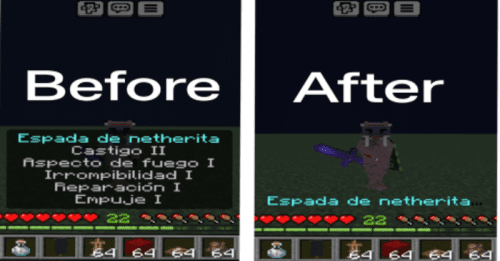 Hover Text Fix Pack (1.21, 1.20) – MCPE/Bedrock
 X-Ray Texture Pack (26.x, 1.21) for MCPE/Bedrock with Glow
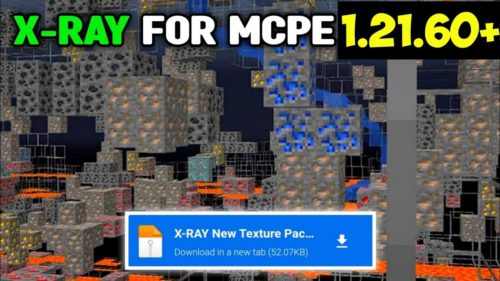 Better X-Ray Texture Pack (26.x, 1.21) – MCPE/Bedrock
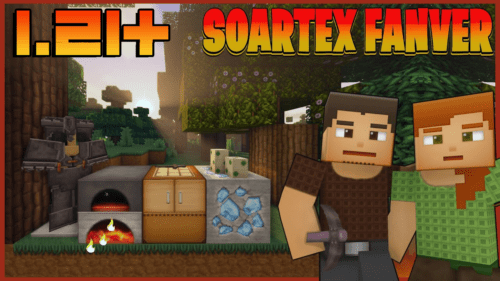 Soartex Fanver Texture Pack (26.x, 1.21) – MCPE/Bedrock
 Night Vision Texture Pack (26.x, 1.21) – MCPE/Bedrock Edition
More from Texture Packs
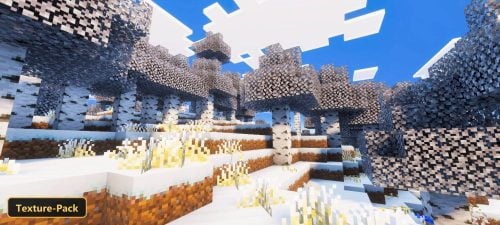 Christmas Theme (26+, 1.21) – MCPE/Bedrock Texture Pack
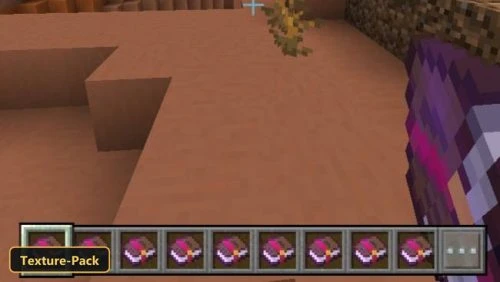 Bosya’s Enchant Icons (26+, 1.21) – MCPE/Bedrock Texture Pack
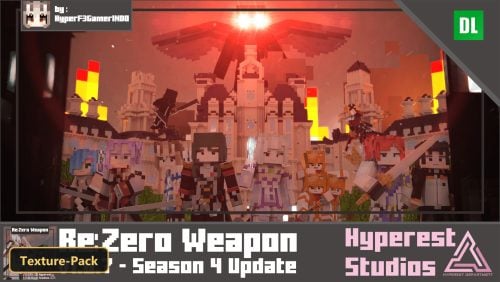 Re:Zero Weapon (26+, 1.21) – MCPE/Bedrock Texture Pack
 Utility Dark Vanilla (26+, 1.21) – MCPE/Bedrock Texture Pack
 My Chibi Totem (26+, 1.21) – MCPE/Bedrock Texture Pack
 Better Skeletons (26+, 1.21) – MCPE/Bedrock Texture Pack
 Son Goku (26+, 1.21) – MCPE/Bedrock Texture Pack
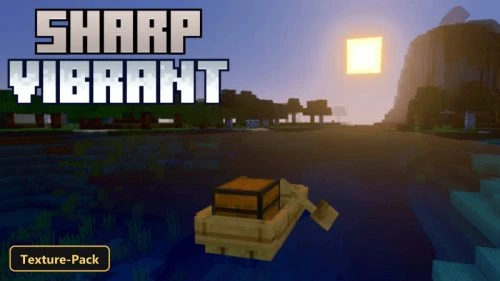 SHARP VIBRANT (26+) – MCPE/Bedrock Texture Pack
 Hide Armor (26+, 1.21) – MCPE/Bedrock Texture Pack
 Lumora (26+, 1.21) – MCPE/Bedrock Shader
 Cat Crosshair (26+, 1.21) – MCPE/Bedrock Texture Pack
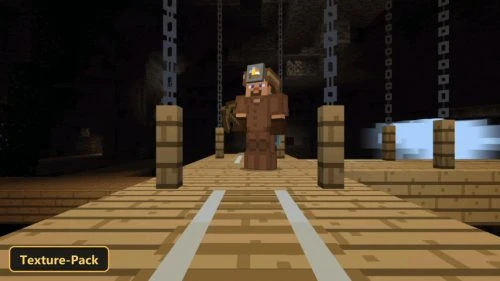 Dynamic Lightning X Bare Bones (26+) – MCPE/Bedrock Texture Pack

This post has no comments yet. Be the first — your comment will appear here.