
Insta Farm (26+, 1.21) – Place Giant Auto Machines
 127
 0

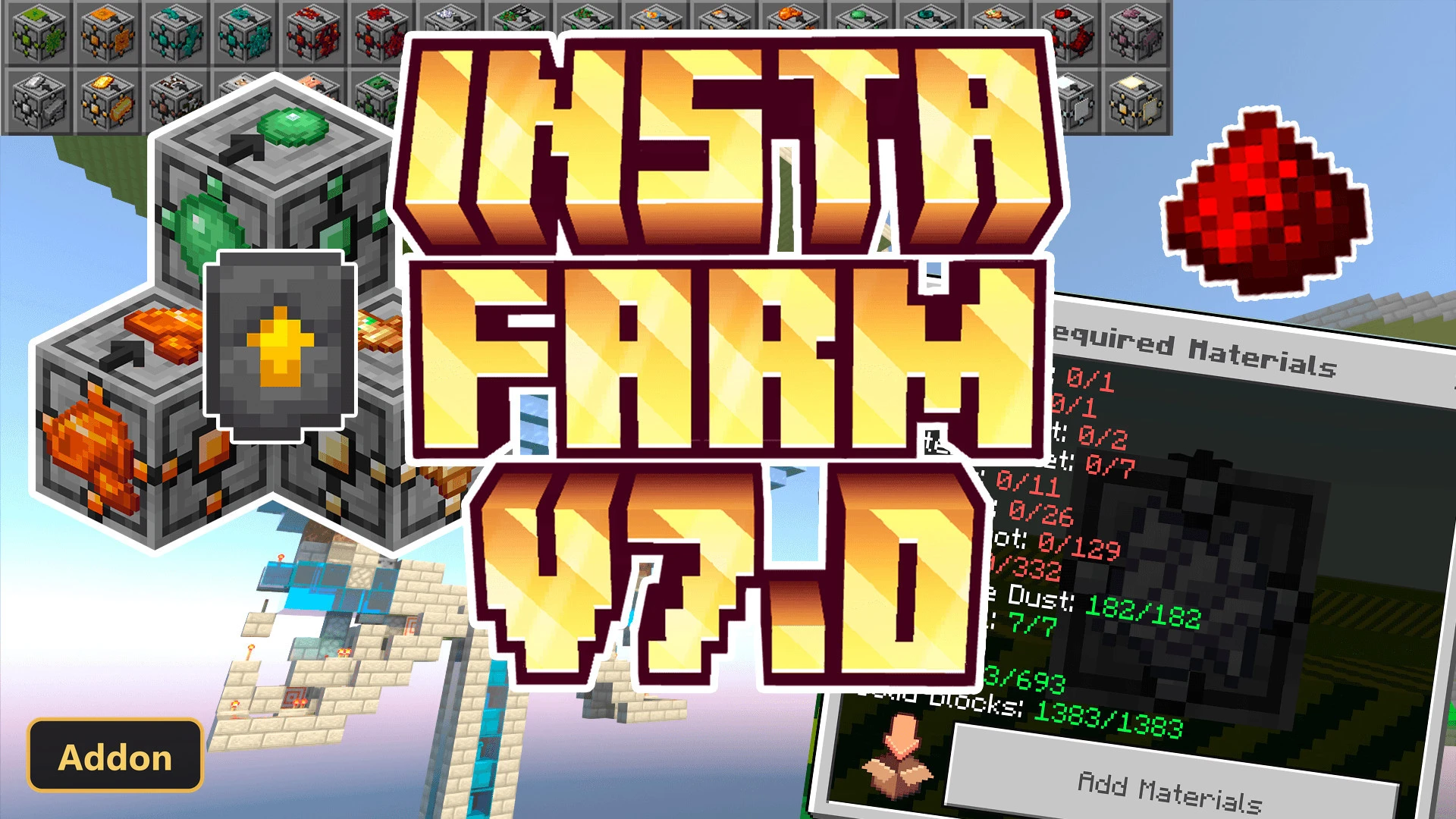
Insta Farm lets you build automated farms and redstone contraptions in your survival world with one click. You do not have to build anything by hand, because you just place a starter block, add the needed items from your inventory, and generate the full setup. This addon includes over 40 different farms and machines, from crops like carrots and bamboo to cows, creepers, cobblestone, bartering, and automatic tree farms. It also gives you helpful tools like an in-game guidebook, a Farm Booster to improve efficiency, and an Automatic Smelter to handle raw materials. Every feature works in survival mode, and you only need to turn on Experimental Features in your world settings to use the scripting APIs.
Requirements:
- MCPE/Bedrock 1.21.70 – 1.21.82
all 7 versions
1.21.82, 1.21.81, 1.21.80, 1.21.73, 1.21.72, 1.21.71, 1.21.70
- Turn on Experimental Features — this addon uses scripting APIs
Features:
- Over 40 Automated Farms: Adds one-click starter blocks for redstone contraptions and farms, including bamboo, bartering, basalt, beetroot, bone meal, bread, cactus, carrots, cobblestone, cows, creepers, crimson roots, automatic tree farms, and more.
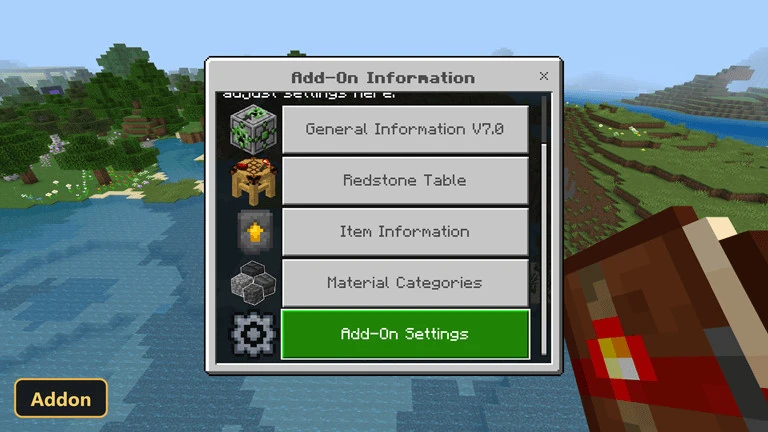
- In-Game Guidebook: Gives you a built-in guide where you can view item information and change settings for this addon.
- Adjustable Material Costs: Lets you lower the required material percentage in the settings menu if the default building cost feels too high.
- Farm Booster & Automatic Smelter: Includes a Farm Booster to upgrade your farms for better efficiency, plus an Automatic Smelter to process raw materials.
- Works completely in survival mode by taking the needed building items straight from your inventory through the starter block menu.
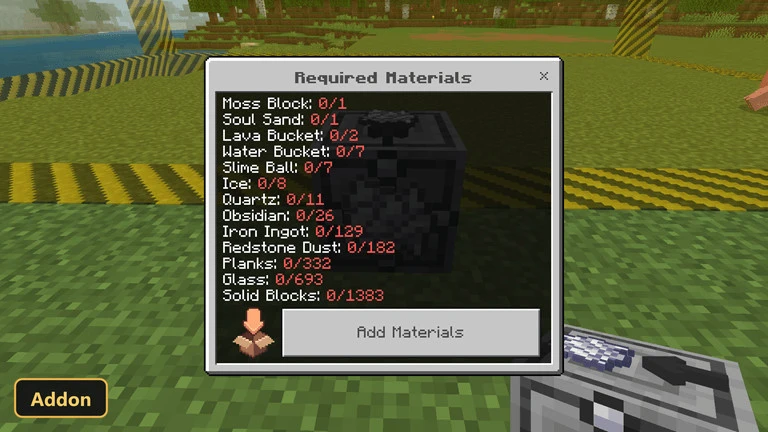
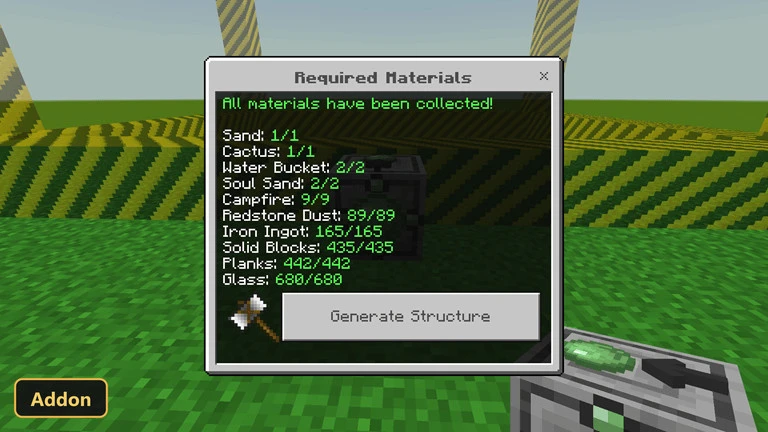
- Shows a collected materials list inside the starter block menu and lets you build the complete structure with one button once all items are added.
- Adds a Biome Detector to help you plan where to build your farms.
- Includes a Material List item so you can plan the items needed before building.
- Adds a Cardboard Box item that lets you carry your items around easily.
How to Use:
- Turn on Experimental Features in your world settings before you play, because this addon needs scripting APIs to work.
- Open the in-game guidebook to read item information or adjust the material percentage in the settings menu if you want lower building costs.
- Place your chosen starter farm block on the ground where you want the farm to appear.
- Keep the needed building items in your inventory, open the starter block menu to view the required materials, and click the button to add items from your inventory.
- Click the generate structure button once all required materials are collected, and the working farm appears in your world.
- Use a Farm Booster on your farm if you want to upgrade it for better efficiency.
Screenshots:
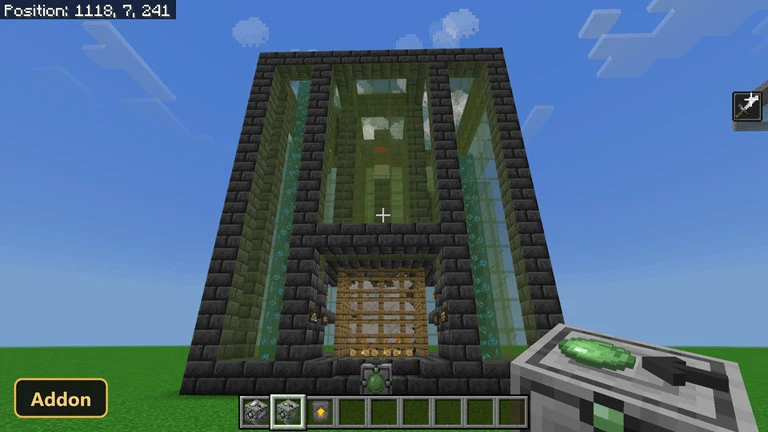
For MCPE/Bedrock 1.21+
You May Also Like
Picked for this page
 Avaritia Addon (1.21, 1.20) – MCPE/Bedrock Mod
 StitchCraft Addon (26.x, 1.21) – MCPE/Bedrock Mod
 Instant Miner Plus Addon (26.x, 1.21) – Mine Blocks Instantly With Auto Item Pickup
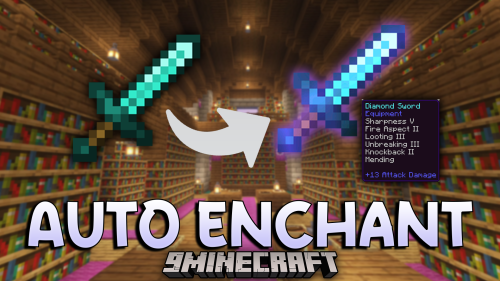 Auto Enchant Addon (26.x, 1.21) – Automatically Apply Enchantments To Weapons And Tools
 Custom Skies Cubemaps Addon (26.x, 1.21) – High Resolution Skies And Realistic Clouds
 Player Dead Body Addon (26.x, 1.21) – Store Your Dropped Items Safely After Death
 Naruto Uzumaki Addon (26.x, 1.21) – Battle Ninja Bosses With Rasengan And Shadow Clones
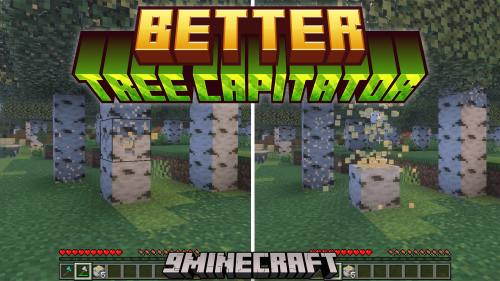 Better Tree Capitator Addon (26.x, 1.21) – Harvest Entire Trees With A Single Swing
 Hunter X Craft Addon (26.13+) – MCPE/Bedrock
 Structures Loots Are OP Addon (26.x, 1.21) – Overpowered Chest Rewards
 BE Ghoulcraft Furniture Pack Addon (26.x, 1.21) – Over 400 Custom 3D
 Outlined Ores (26+, 1.21) – MCPE/Bedrock Texture Pack
Most viewed in Mods & Addons over the last 7 days
 Mob Girls Addon (1.26+, 1.21) – MCPE/Bedrock Mod
 Secrets of Berk Addon (26.33+) – How To Train Your Dragon Mod MCPE/Bedrock
 Jenny Colette Version Addon (26.x, 1.21) – MCPE/Bedrock Mod
 Jujutsu Awakening Addon (1.26+, 1.21+) – Prison Realm Update
 New Jujutsu Awakening Addon (1.26+) – MCPE/Bedrock
 Jenny Add-on (Fapcraft) APK MCPE Full Guide – How to use, Tutorial
 Shadow Company Addon (26.x, 1.21) – MCPE/Bedrock Mod
 Titan Craft Addon (1.26+, 1.21) – MCPE/Bedrock Attack on Titan Mod
 Asa’s One Piece Addon (1.26+, 26.32) – MCPE/Bedrock Mod
 Raxiores of Raxiore Addon (1.26+) – MCPE/Bedrock
 Fapcraft Addon (1.26, 1.21) – MCPE/Bedrock Jenny Mod
 Naruto Jedy Addon V8 (26.30+, 1.18+) for MCPE/Bedrock Edition
More from Mods & Addons
 Keys & Crates (26+) – MCPE/Bedrock Addon
 Security Protection Blocks (26+, 1.21) – MCPE/Bedrock Addon
 Lucky OneBlock (26+, 1.20) – MCPE/Bedrock Addon
 Fantasy Villagers Remake (26+, 1.21) – MCPE/Bedrock Addon
 Siren Head: The Siren’s Field (26+, 1.21) – MCPE/Bedrock Addon
 CocoaWarrior’s Minecraft Redone (26+) – MCPE/Bedrock Addon
 One-Way Ghost Blocks (26+, 1.21) – MCPE/Bedrock Addon
 BLOOD STEVE (26+) – MCPE/Bedrock Addon
 RS Craft Modpack (26+, 1.21) – MCPE/Bedrock Addon
 Fast And Furious Vehicle Pack (26+, 1.21) – MCPE/Bedrock Addon
 The Last Dragon (26+) – MCPE/Bedrock Addon
 KwZ’s Essence (26+) – MCPE/Bedrock Addon

This post has no comments yet. Be the first — your comment will appear here.