
Coldbar Indicator (26+, 1.21) – Track Stats with Custom HUD Bars
 47
 0

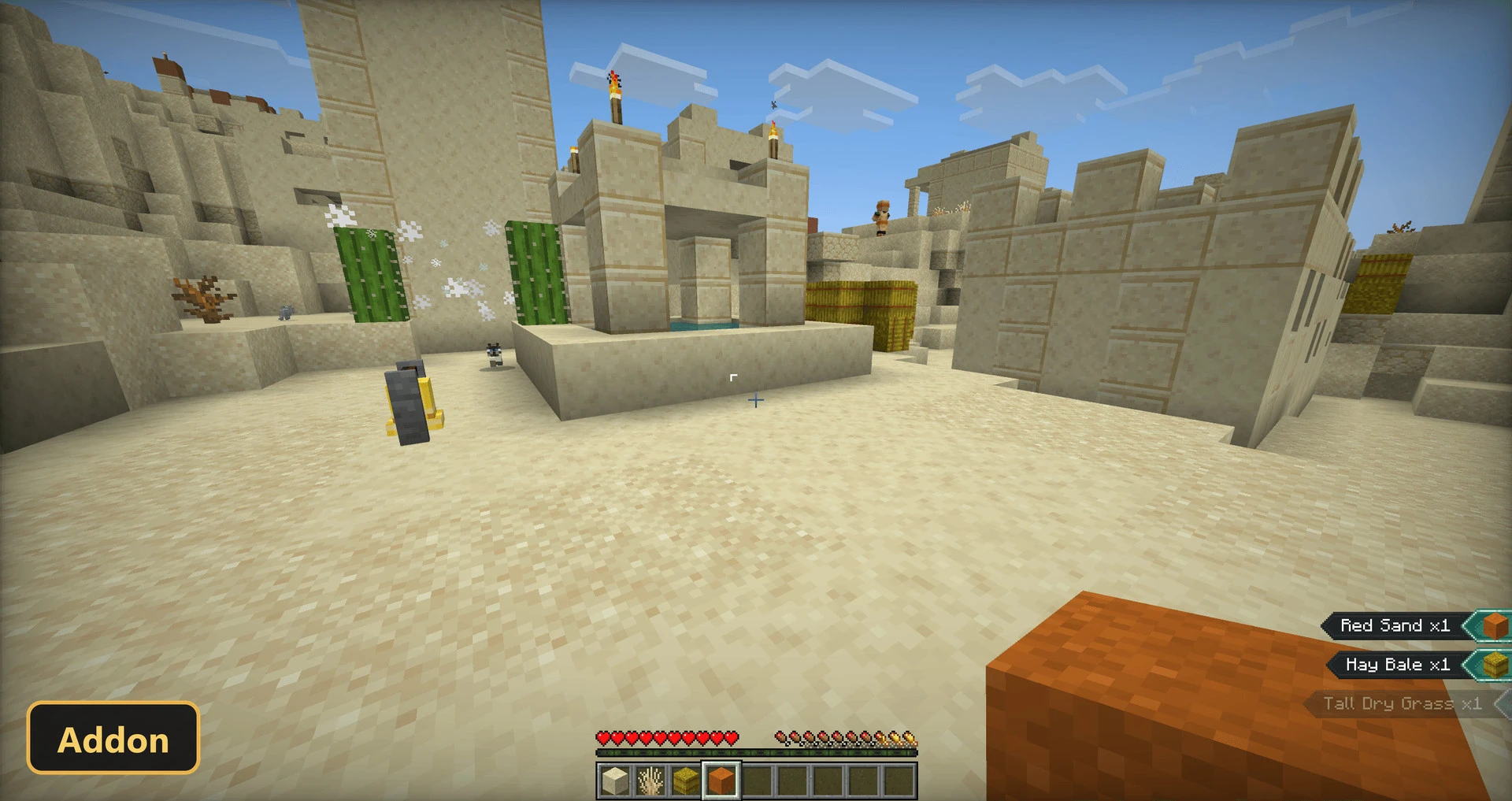
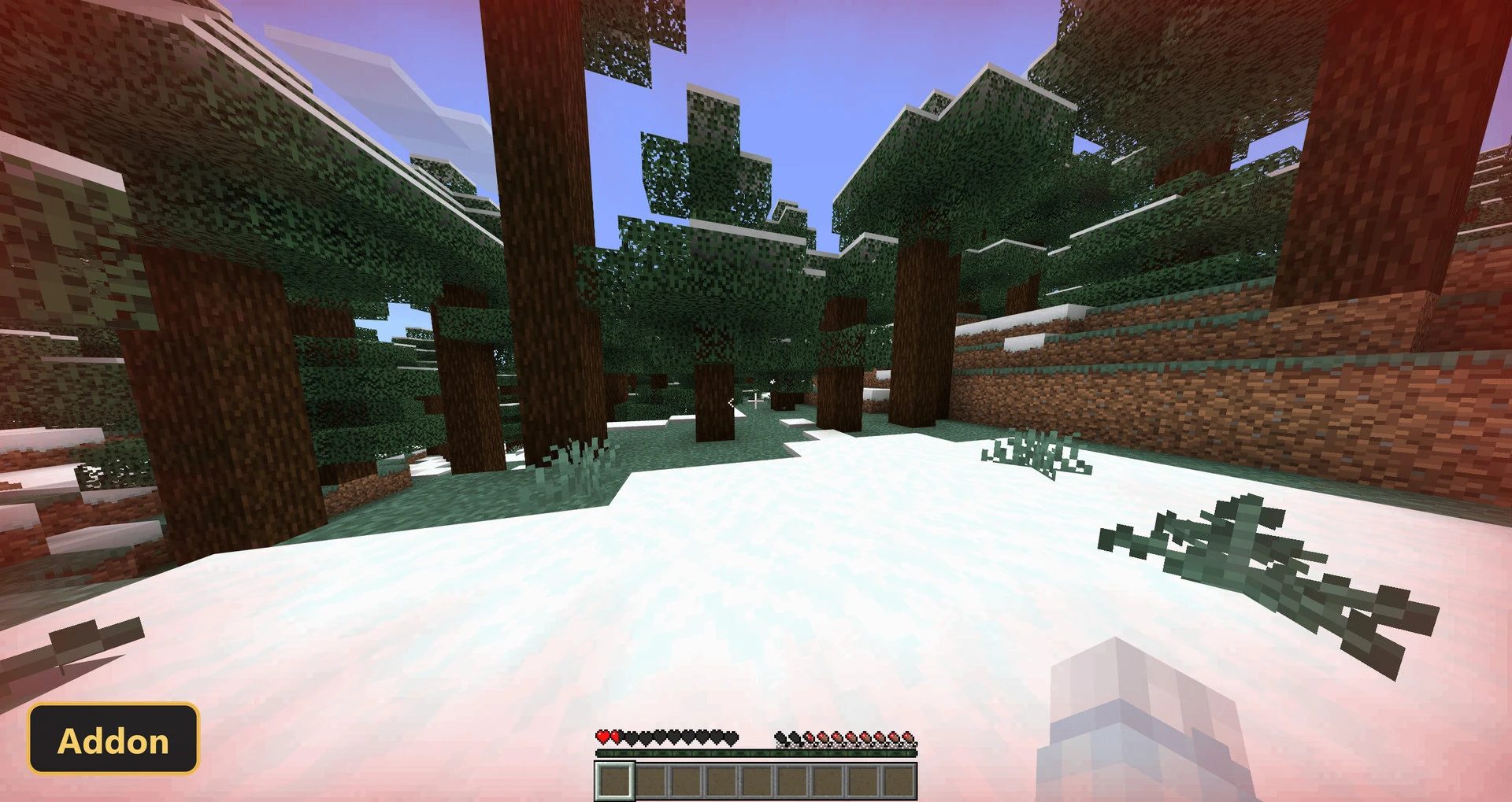
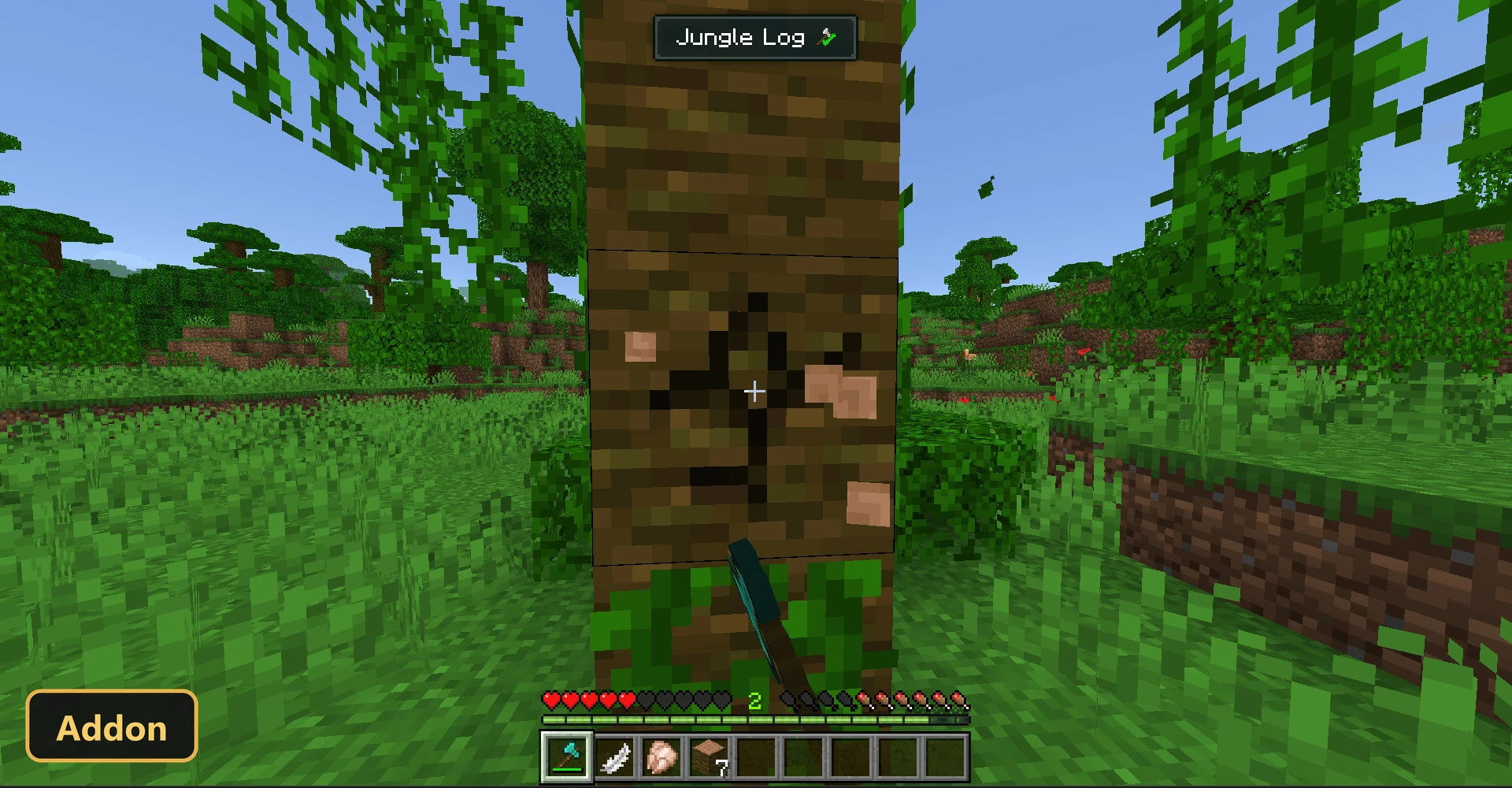
Coldbar Indicator adds extra status bars and screen cues to the HUD to show more information during gameplay. Beyond standard health and hunger, it introduces armor toughness, saturation, exhaustion, and a thirst saturation bar for users of the Adventure Condiment add-on. Holding food shows a preview of restored hunger and thirst, while visual cues include an Enderman glitch effect, explosion flashes, entity direction markers, hit direction indicators, potion screen tints, pickup notifications, target details, and current biome names.
Features:
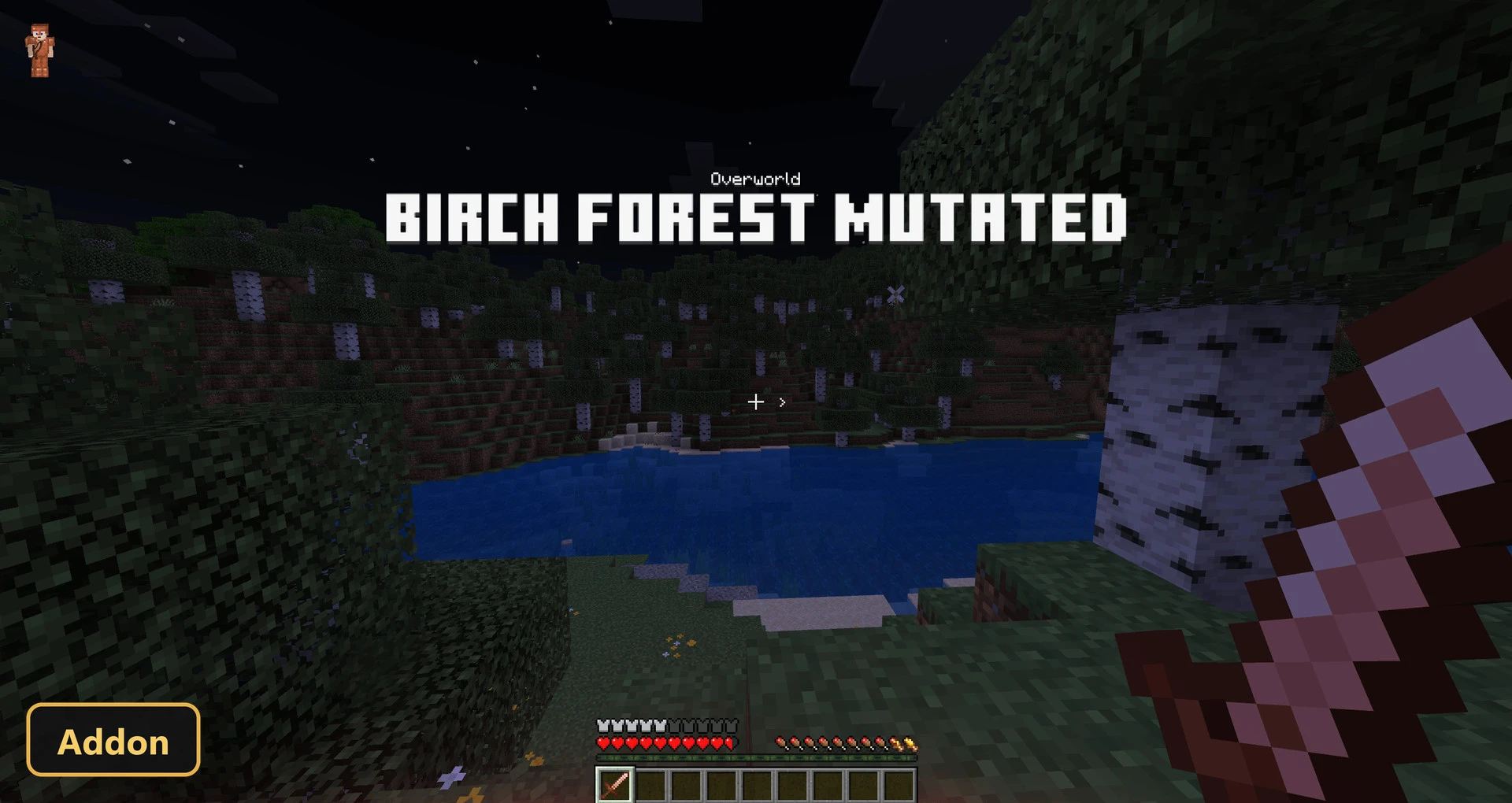
- Overloaded Armor Bar: Adds extra bars when armor usage exceeds twenty points for custom armor.
- Armor Toughness Bar: Shows the armor toughness information of the equipped gear.
- Food Hunger Preview Bar: Gives a preview when players hold food items.
- Saturation Bar: Exposes the player’s current saturation level.
- Exhaustion Bar: Shows the player’s current exhaustion level.
- Thirst Saturation Bar: Displays the current thirst saturation when using the Adventure Condiment add-on.
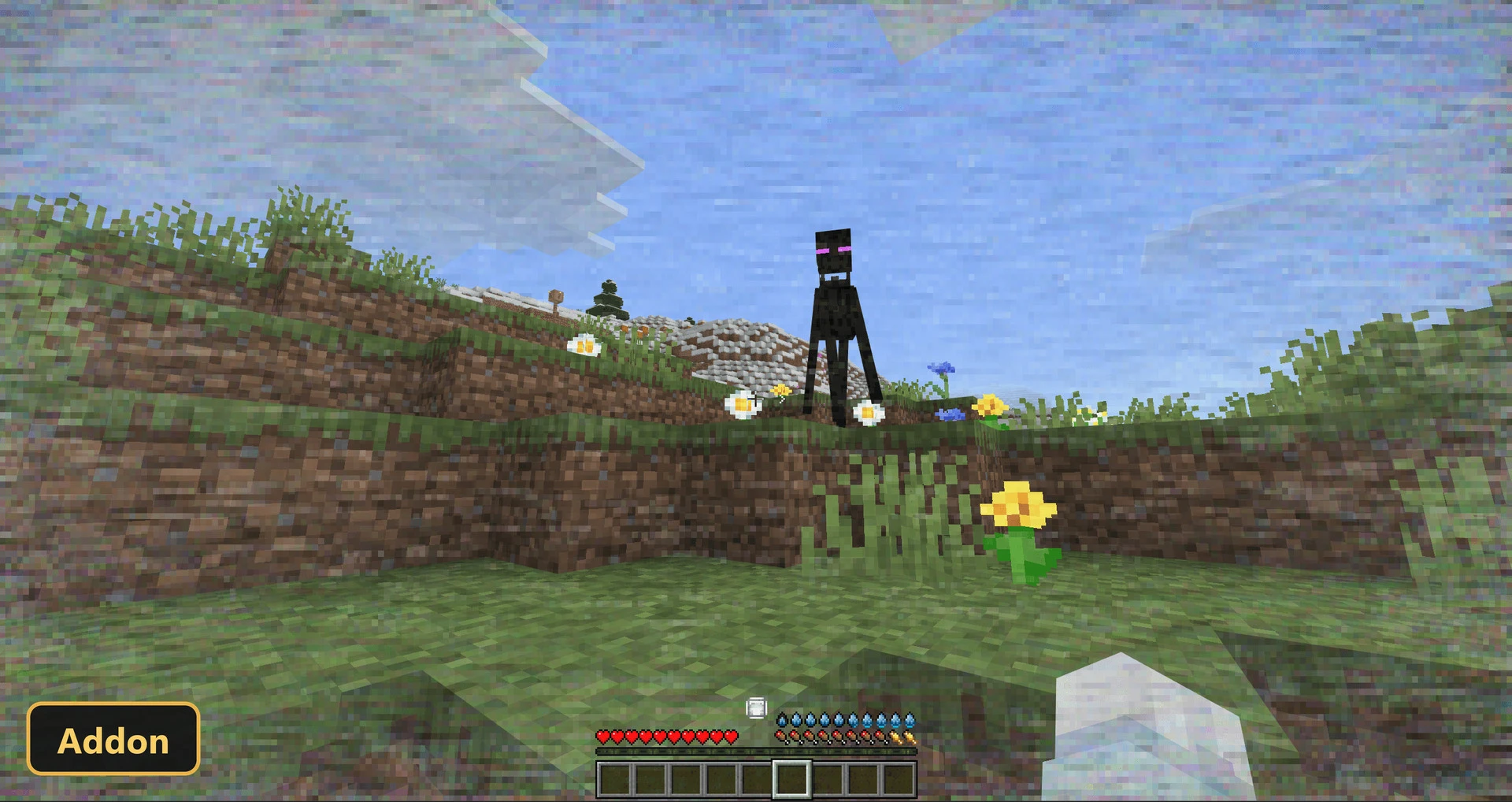
- Triggers an Enderman glitch effect whenever an Enderman appears on the screen.
- Shows a damage overlay when taking hits.
- Highlights the direction of the nearest entity while moving with a step direction indicator.
- Reveals the attack source direction with a hurt direction indicator.
- Flashes the screen briefly during nearby explosions.
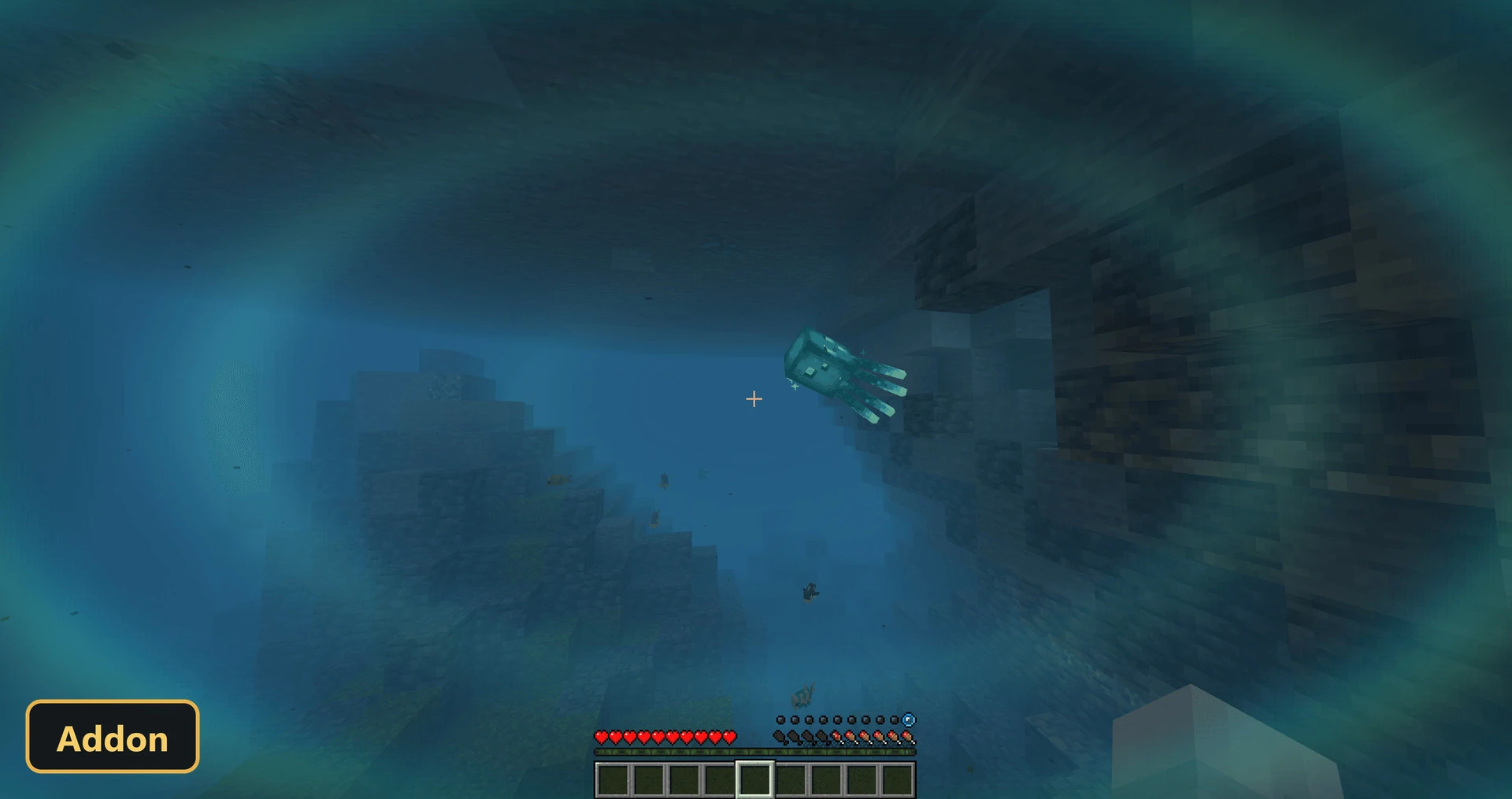
- Triggers a hypnotize effect near glow squids.
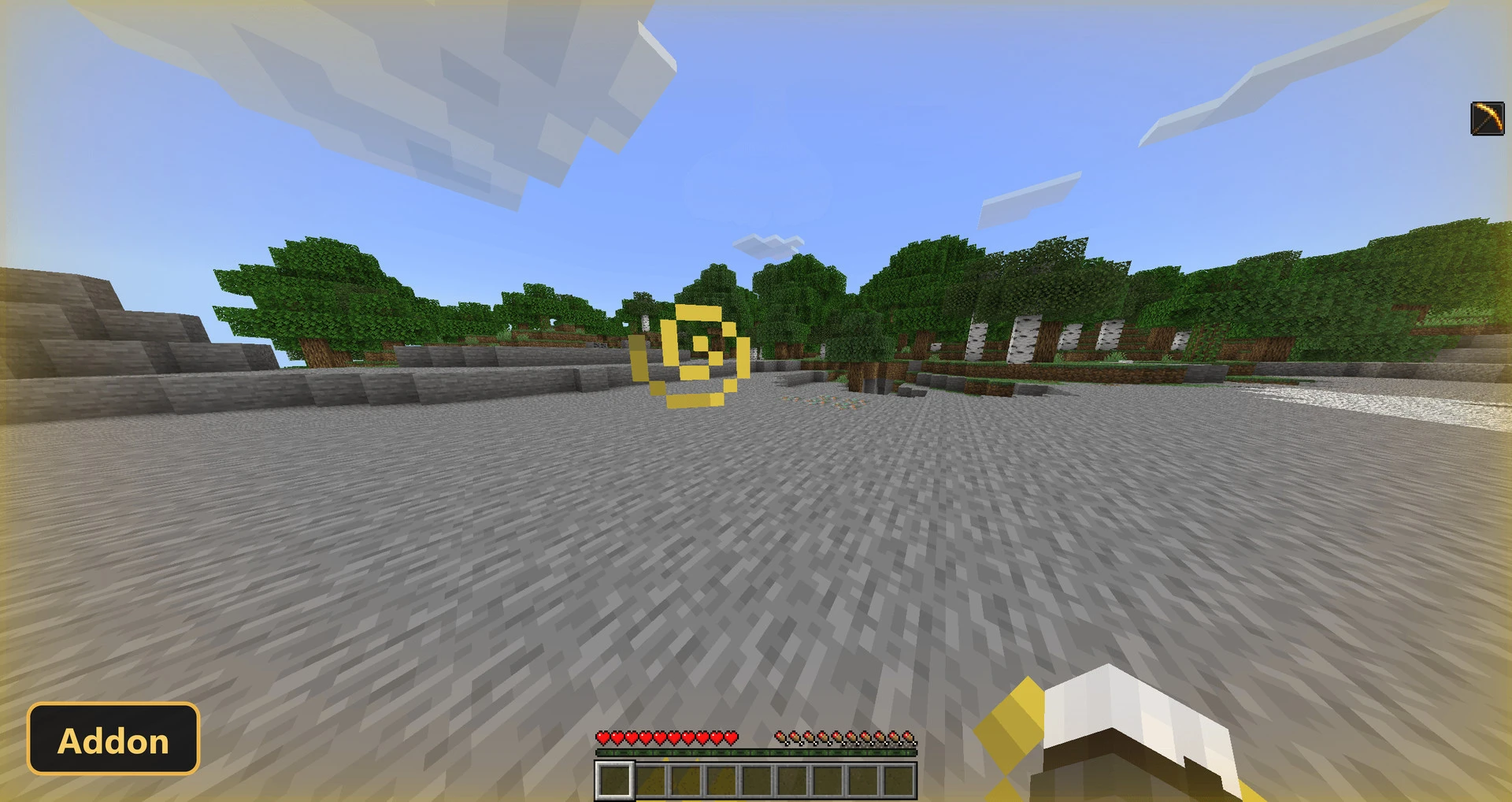
- Tints the screen to match active potion effect colors.
- Shows a thirst preview when holding food items.
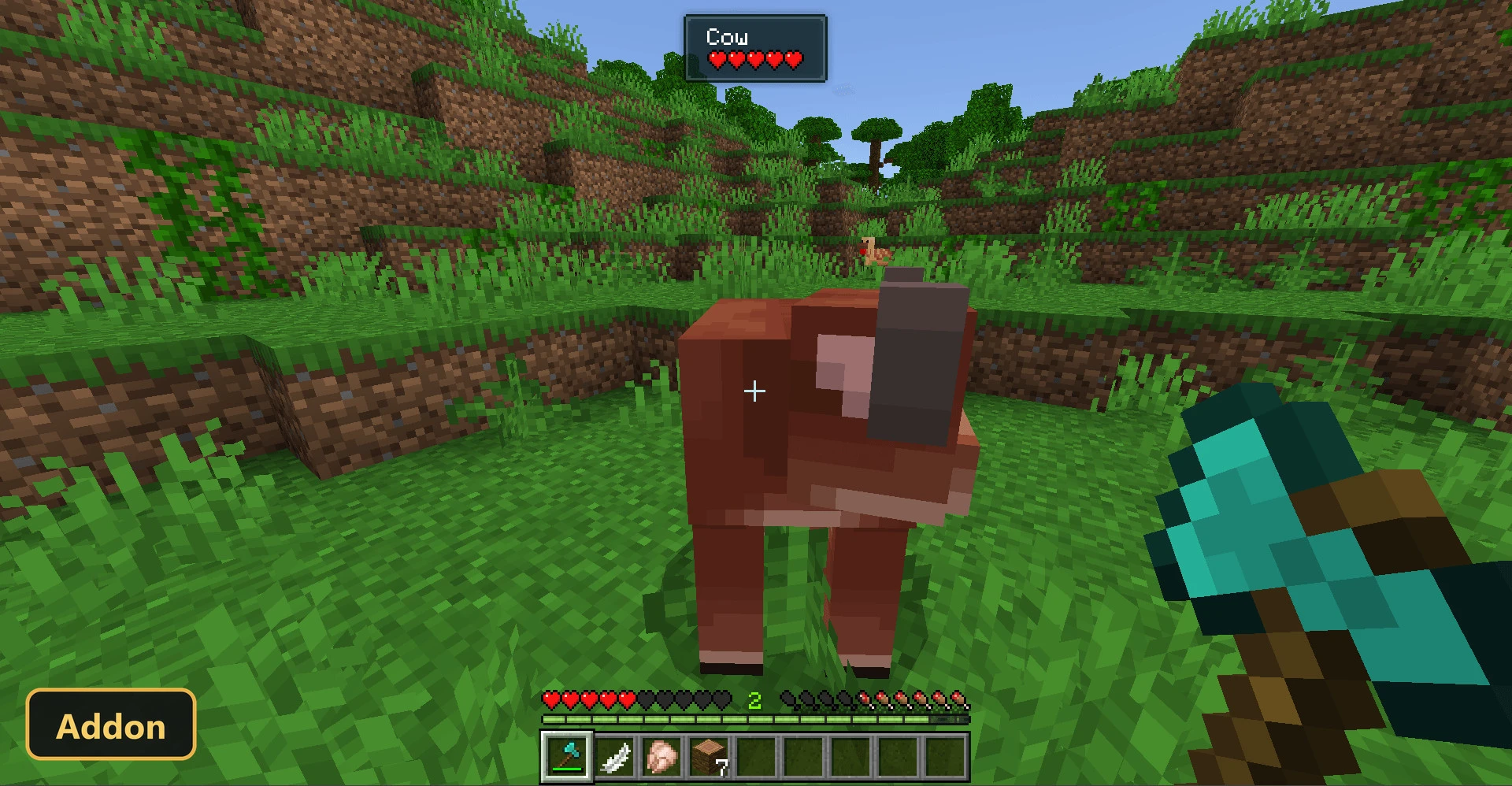
- Displays block or entity detail information for the player’s current target.
- Shows pick-up notifications for collected items.
- Displays the player’s current biome name on the screen.
Requirements:
- MCPE/Bedrock 1.21.120
- Turn on Experimental Features — this addon uses scripting APIs
- Apply BOTH the behavior and the resource pack to your world
How to Install:
New to Minecraft PE? Follow our step-by-step guide to install Mods/Addons on your Mobile.View Guide
Screenshots:
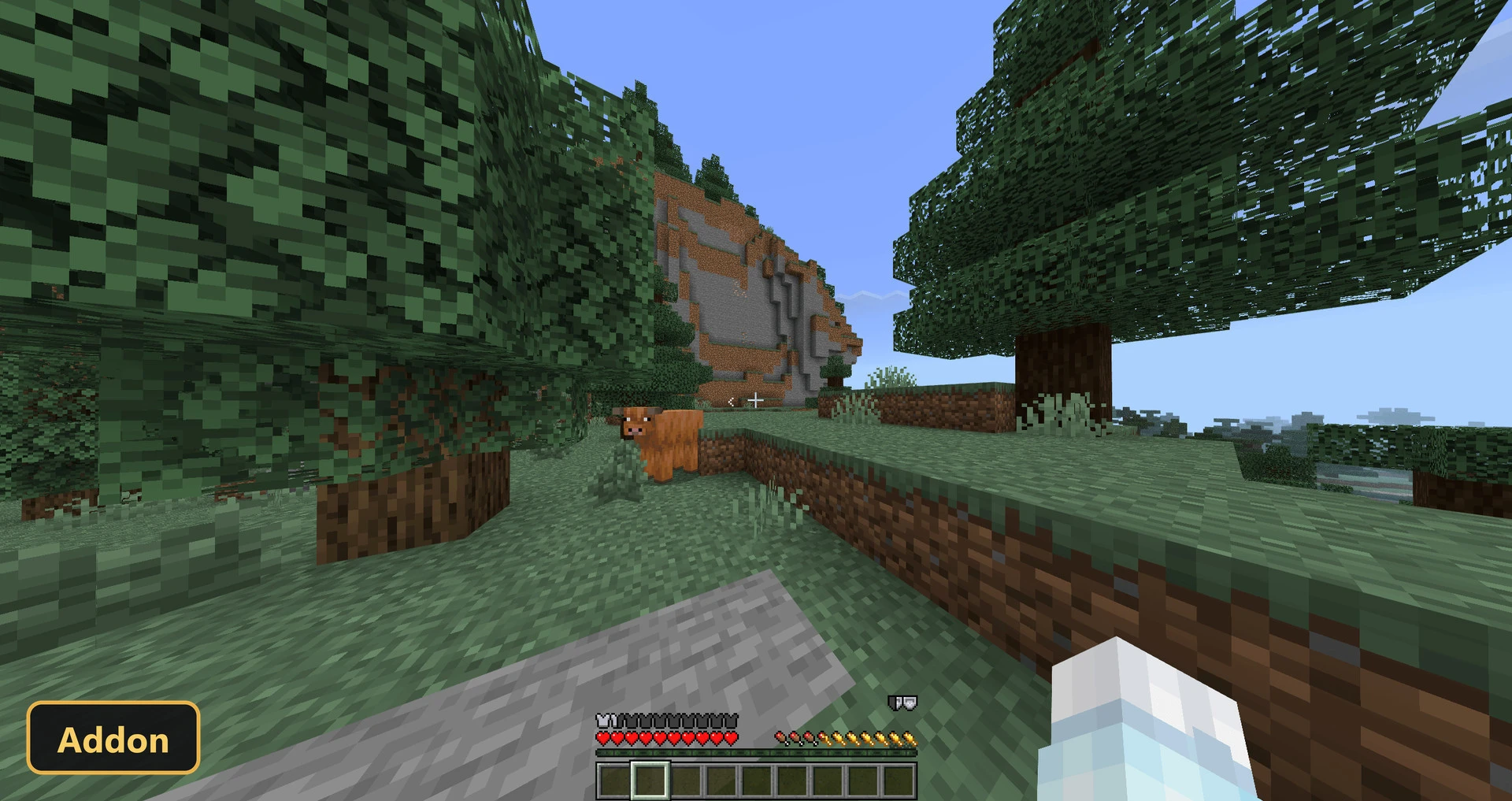
For MCPE/Bedrock 1.21+
Click to rate this post!
[Total: 1 Average: 2]
You May Also Like
Picked for this page
 Asa’s One Piece Addon (1.26+, 26.32) – MCPE/Bedrock Mod
 True Weapons Addon (26.x, 1.21) – Minecraft PE/Bedrock Mod
 Enhanced Items Texture Pack (1.26+, 1.20) – 3D Items & Animations
 Magnificent Minimap Addon (26.x, 1.21) – MCPE/Bedrock Mod
 Comes Alive Addon (1.21, 1,20) – MCPE/Bedrock Mod
 Real Tree Capitator Addon (26.x, 1.21) – MCPE/Bedrock
 Avras Heroes The Flash Addon (26.x, 1.21) – Unlock Speedster Suits And Flash Abilities
 Biomes Beyond Addon (26.x, 1.21) – Explore Stunning New Worlds
 Void Flyer Addon (26.x) – MCPE/Bedrock
 Take A Seat Addon (26.x, 1.21) – Sit On Stairs And Slabs In Your World
 Novelty API (26+) – MCPE/Bedrock Addon
 TIGREX VISUAL SHADER (26+) – MCPE/Bedrock Shader
Most viewed in Mods & Addons over the last 7 days
 Mob Girls Addon (1.26+, 1.21) – MCPE/Bedrock Mod
 Secrets of Berk Addon (26.33+) – How To Train Your Dragon Mod MCPE/Bedrock
 Jenny Colette Version Addon (26.x, 1.21) – MCPE/Bedrock Mod
 Jujutsu Awakening Addon (1.26+, 1.21+) – Prison Realm Update
 New Jujutsu Awakening Addon (1.26+) – MCPE/Bedrock
 Jenny Add-on (Fapcraft) APK MCPE Full Guide – How to use, Tutorial
 Shadow Company Addon (26.x, 1.21) – MCPE/Bedrock Mod
- Asa’s One Piece Addon (1.26+, 26.32) – MCPE/Bedrock Mod
 Titan Craft Addon (1.26+, 1.21) – MCPE/Bedrock Attack on Titan Mod
 Fapcraft Addon (1.26, 1.21) – MCPE/Bedrock Jenny Mod
 Raxiores of Raxiore Addon (1.26+) – MCPE/Bedrock
 Naruto Jedy Addon V8 (26.30+, 1.18+) for MCPE/Bedrock Edition
More from Mods & Addons
 Sleeping Bags (26+, 1.21) – MCPE/Bedrock Addon
 Beachside Furniture (26+, 1.21) – MCPE/Bedrock Addon
 Easy Cinematic (26+, 1.21) – MCPE/Bedrock Addon
 Better Boats (26+, 1.21) – MCPE/Bedrock Addon
 HERBCRAFT (26+, 1.21) – MCPE/Bedrock Addon
 Survival Pack (26+) – MCPE/Bedrock Addon
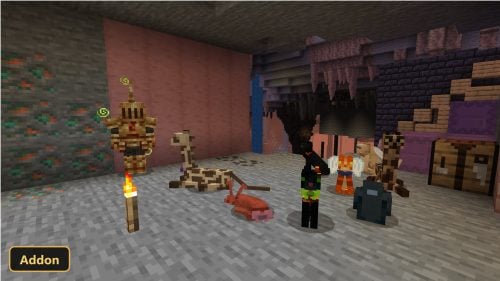 Arduous Journey Modpack (26+) – MCPE/Bedrock Addon
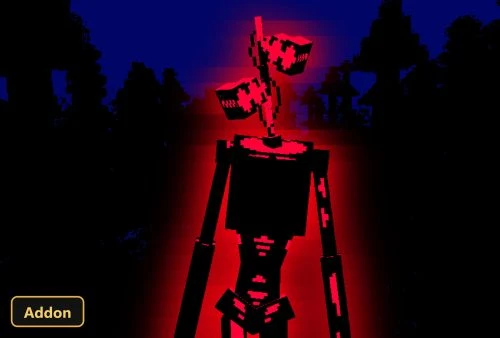 Siren Head (26+, 1.21) – MCPE/Bedrock Addon
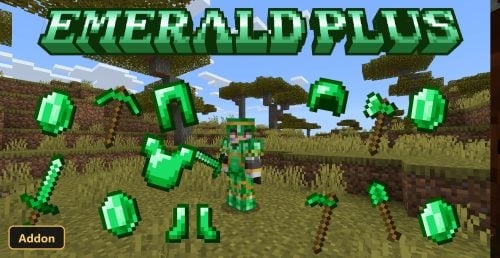 Emerald Plus (26+, 1.21) – MCPE/Bedrock Addon
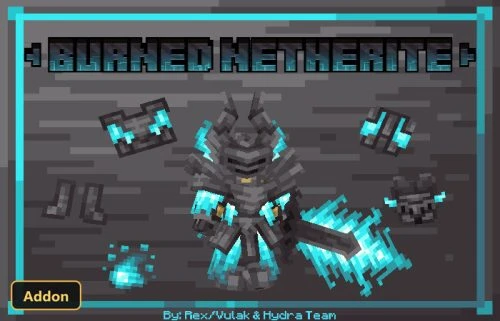 Burned Netherite (26+, 1.21) – MCPE/Bedrock Addon
 Better Structure Loot (26+) – MCPE/Bedrock Addon
 Gravity Guns 3D (26+, 1.21) – MCPE/Bedrock Addon

This post has no comments yet. Be the first — your comment will appear here.