
Drone , TNT Drones (26+, 1.21) – Fly Remote Camera Drones
 64
 0

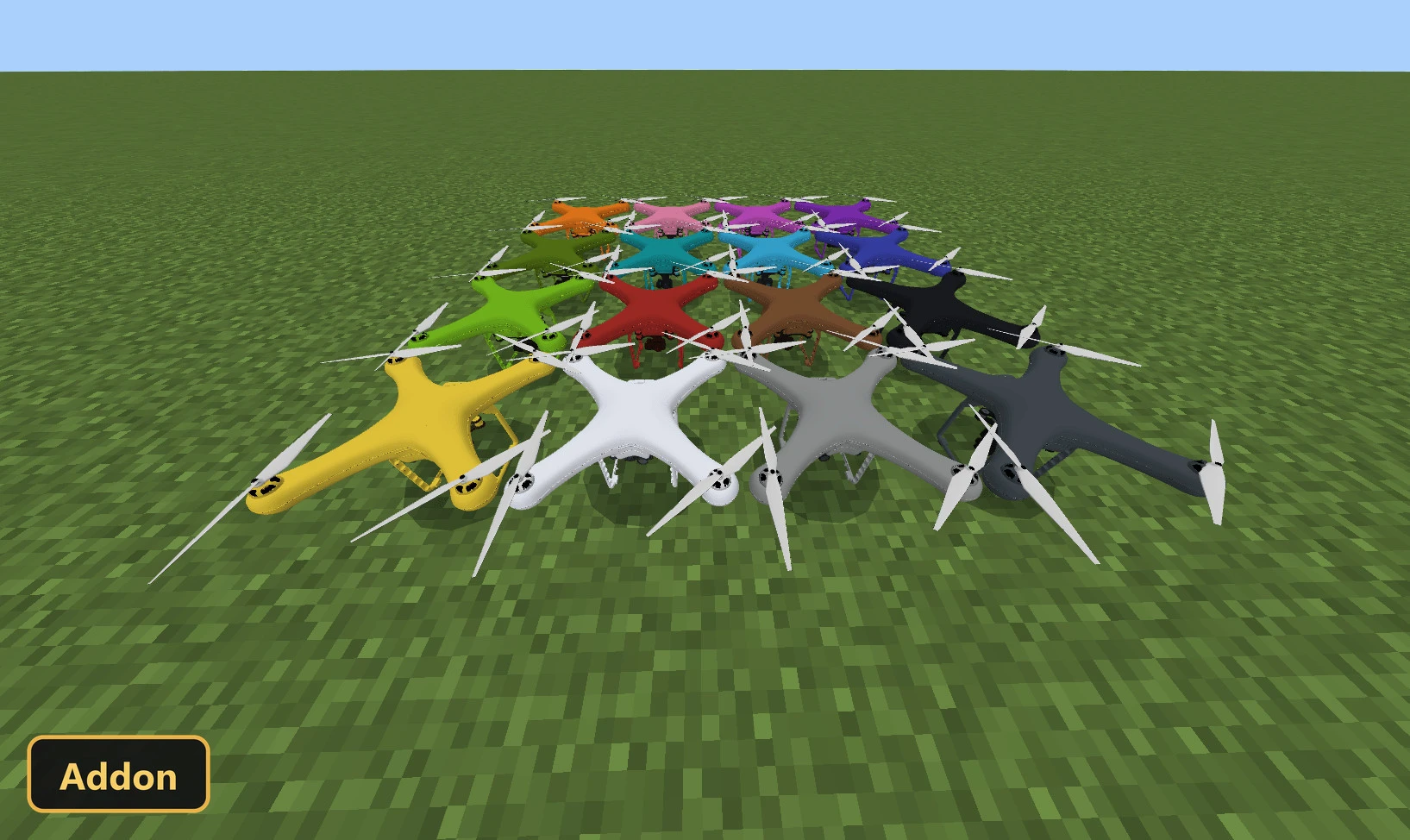
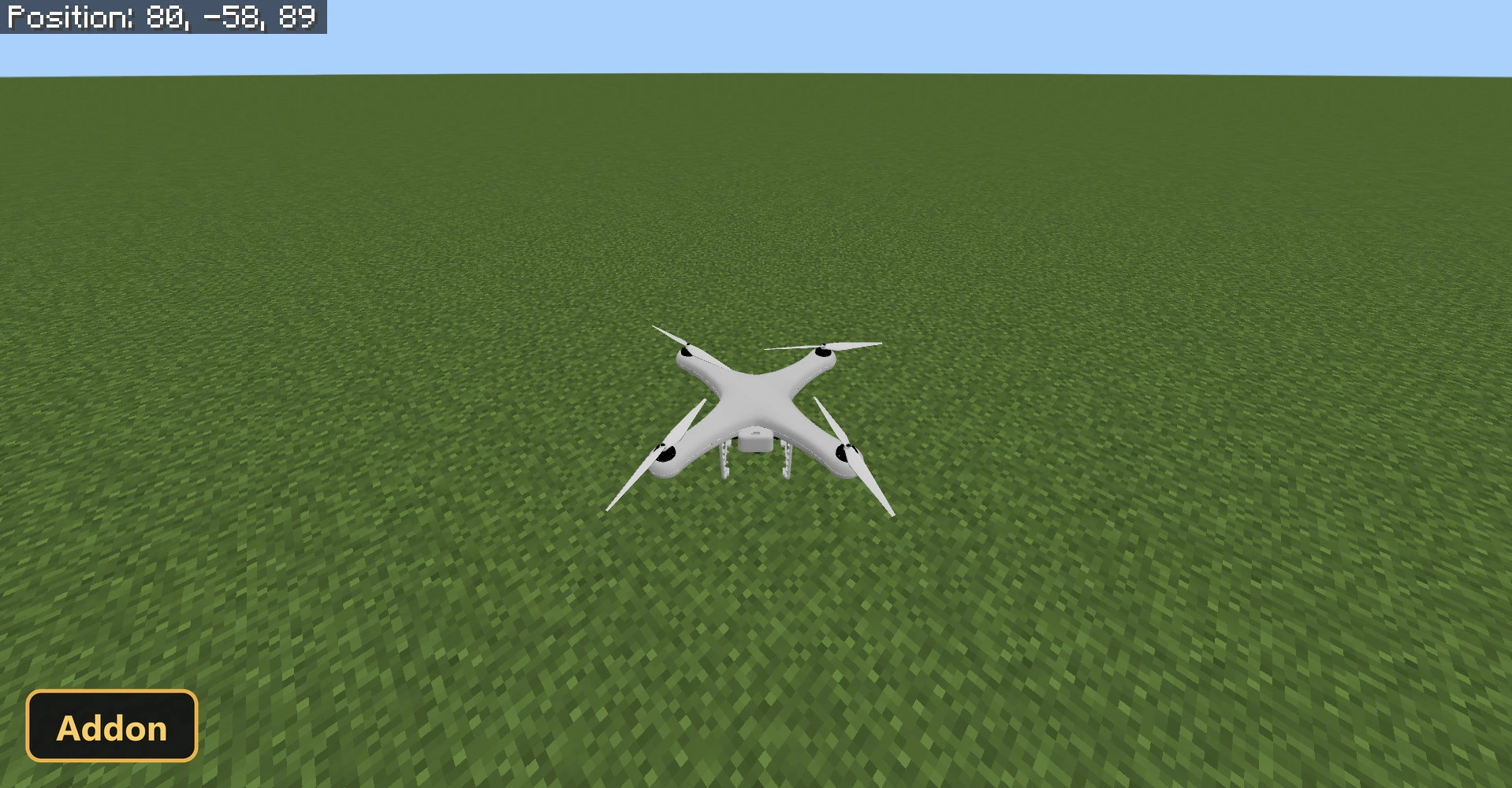
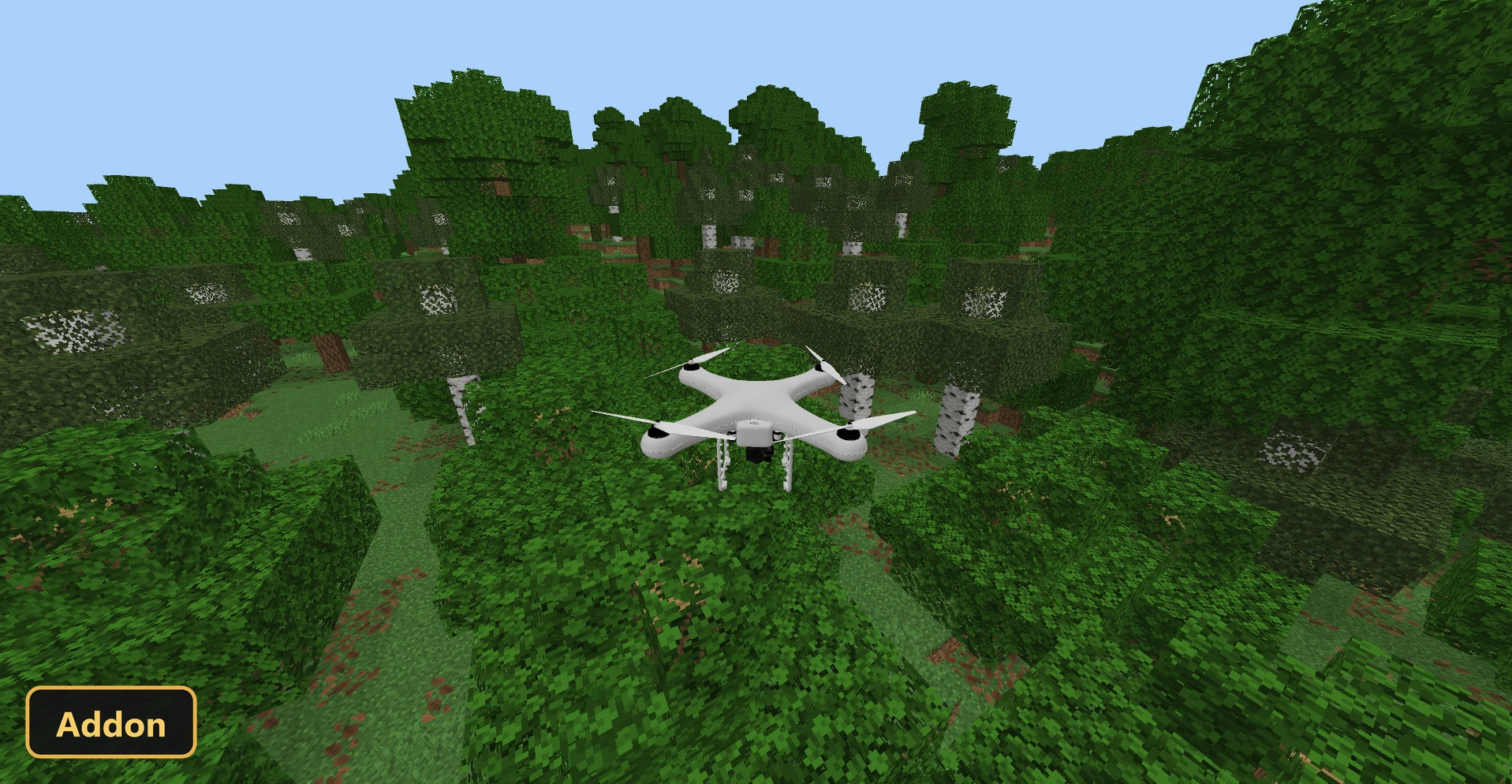
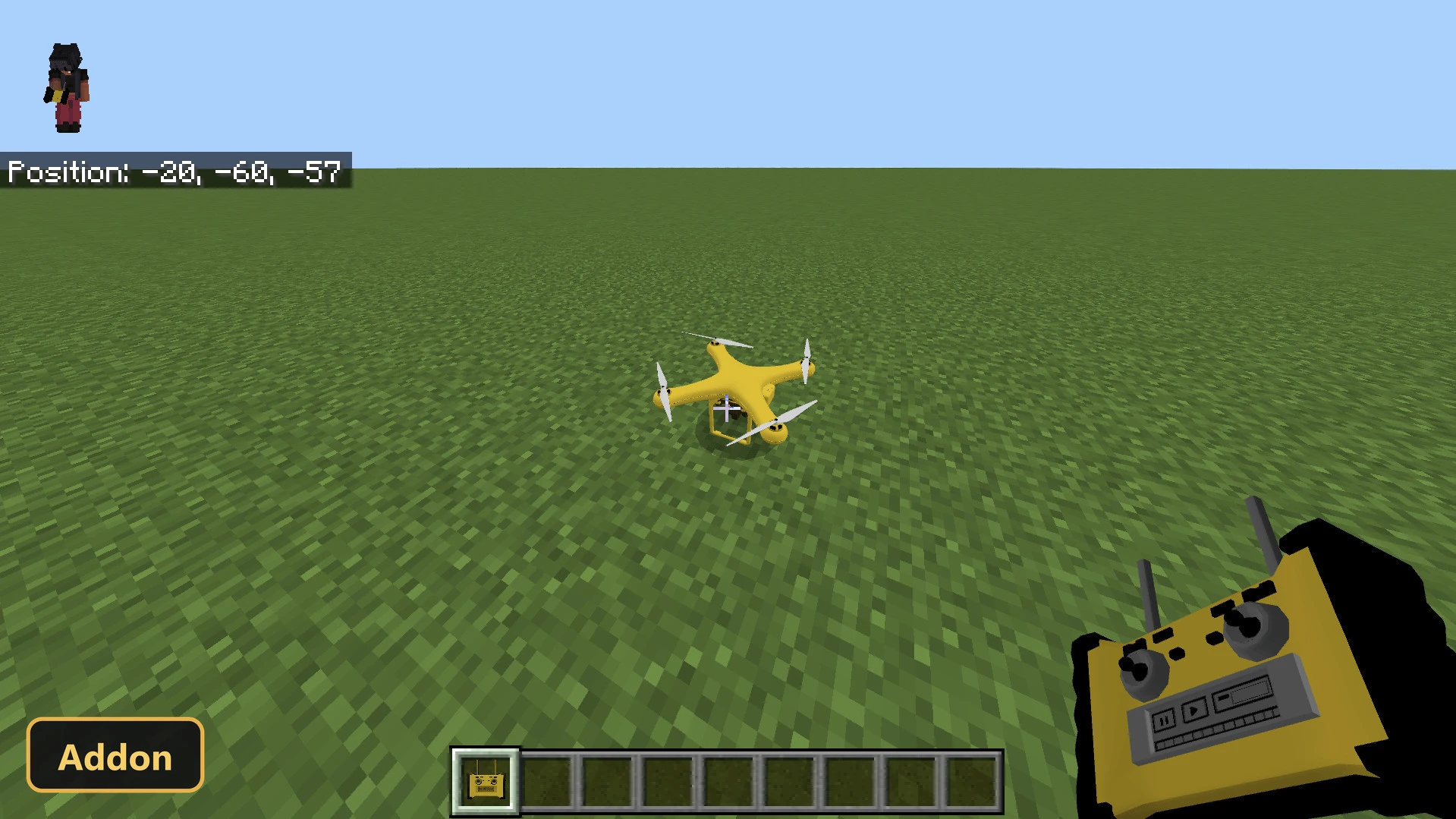
Drone , TNT Drones adds a controllable flying drone that lets you explore the world from the sky. You craft a drone and a 3D remote controller to pilot it and view its live camera feed from anywhere. The addon lets you pick up and move blocks, including full chests and TNT blocks that you can drop to cause explosions. It works well in multiplayer with options for password protection, speed limits, and custom colors using dyes or cauldrons.
Requirements:
- MCPE/Bedrock 1.21.130 – 26.30
all 12 versions
26.30, 26.20, 26.13, 26.12, 26.11, 26.10, 26.3, 26.0.02, 26.0, 1.21.132, 1.21.131, 1.21.130
- Turn on Experimental Features — this addon uses scripting APIs
Features:
- Remote Control & Camera: Lets you fly a drone around the world or watch its live camera view from any distance through a drone selection menu.
- Block & Chest Carrying: Allows the drone to pick up, move, and drop any block, including chests, while matching the drone’s rotation.
- TNT Bombing: Lets you load TNT onto the drone and drop it from the sky to cause explosions.
- Custom Dyeing: You can change the color of both the drone and the 3D controller using dyes or a dyed cauldron.
- Flight Movement Options: Includes a setting to toggle reverse and strafe movement so the drone can fly forward, backward, left, and right.
- Provides admin settings to control TNT explosions, blast radius, fire, underwater detonation, and block damage.
- Includes multiplayer support with password protection, sound toggles, and adjustable speed limits.
- Does not require any experimental features to work.
Commands:
/drone:settings: opens your local drone settings menu to adjust speed, movement mode, and password options./drone:fix: fixes your player state if you get stuck while using a drone.
How to Use:
- Craft a drone and a controller using diamonds, iron ingots, and redstone torches.
- Place the drone on the ground and interact with it while holding the controller to start flying.
- Use W, touch controls, or a joystick to fly, move your camera to steer, and press Jump to boost upward.
- Fly right above any block and press Crouch + Jump at the same time to pick it up or drop it (you can also right-click the drone with TNT in your hand to load it).
- Hold Crouch for 0.25 seconds (5 ticks) to stop controlling the drone, which makes it fall to the ground at that spot.
- Right-click or hold touch with the controller in hand to open your drone list and view a camera, then press Crouch to exit the camera view.
- Interact with a parked drone using an empty hand to pick it back up into your inventory, or use a dye or cauldron to change its color.
Screenshots:
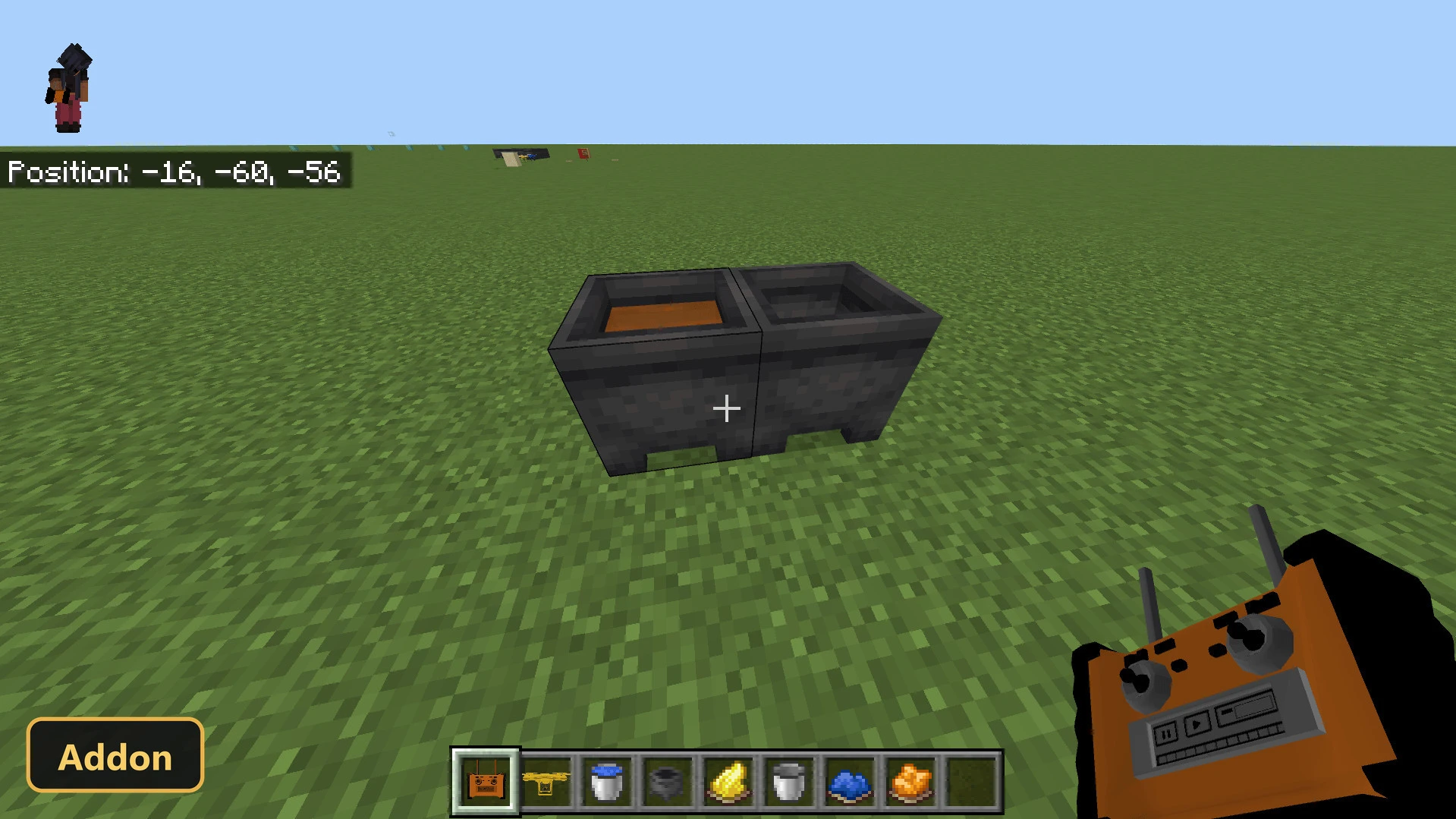
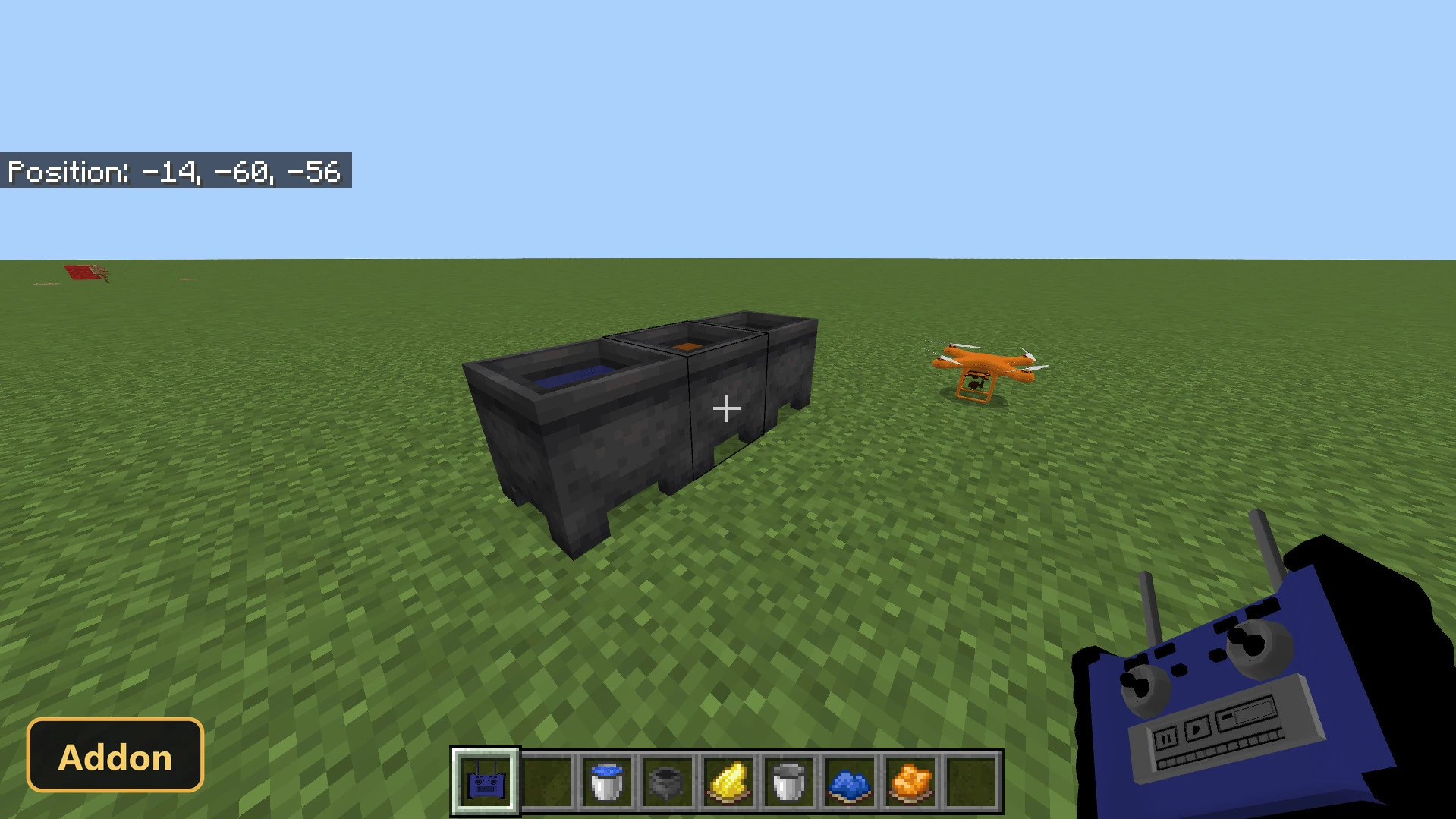
For MCPE/Bedrock 26+
Click to rate this post!
[Total: 0 Average: 0]
You May Also Like
Picked for this page
 PvP Practice Bots Addon (26.x) – MCPE/Bedrock
 Sweep N Slash Addon (26.x) – Adds the Sweeping Sword Attack From Java Edition.
 BZF FURNITURE’S V3.1.0. Addon (26.x, 1.21) – Craft Hundreds of Custom Furniture
 Wells RPG Adventure (26+) – MCPE/Bedrock Addon
 Sodium GL Reimagined (26+) – MCPE/Bedrock Texture Pack
 Rise of The Wyverns (26+, 1.21) – MCPE/Bedrock Addon
 Novelty API (26+) – MCPE/Bedrock Addon
 Revive Me! (26+) – MCPE/Bedrock Addon
 Experiment (26+) – MCPE/Bedrock Addon
 Infinite Villager Trades (26+, 1.21) – MCPE/Bedrock Addon
 AdminUtils Addon (26.x, 1.21) – Moderation Tools to Freeze, Jail
 Skill Runes (26+, 1.21) – MCPE/Bedrock Addon
Most viewed in Mods & Addons over the last 7 days
 Mob Girls Addon (1.26+, 1.21) – MCPE/Bedrock Mod
 Secrets of Berk Addon (26.33+) – How To Train Your Dragon Mod MCPE/Bedrock
 Jenny Colette Version Addon (26.x, 1.21) – MCPE/Bedrock Mod
 Jujutsu Awakening Addon (1.26+, 1.21+) – Prison Realm Update
 New Jujutsu Awakening Addon (1.26+) – MCPE/Bedrock
 Jenny Add-on (Fapcraft) APK MCPE Full Guide – How to use, Tutorial
 Shadow Company Addon (26.x, 1.21) – MCPE/Bedrock Mod
 Titan Craft Addon (1.26+, 1.21) – MCPE/Bedrock Attack on Titan Mod
 Asa’s One Piece Addon (1.26+, 26.32) – MCPE/Bedrock Mod
 Raxiores of Raxiore Addon (1.26+) – MCPE/Bedrock
 Fapcraft Addon (1.26, 1.21) – MCPE/Bedrock Jenny Mod
 Naruto Jedy Addon V8 (26.30+, 1.18+) for MCPE/Bedrock Edition
More from Mods & Addons
 Nico’s More Mineshaft (26+) – MCPE/Bedrock Addon
 Keep Inventory (26+, 1.21) – MCPE/Bedrock Addon
 Adventures Structures (26+, 1.21) – MCPE/Bedrock Addon
 Dew Ore Vein Miner (26+, 1.21) – MCPE/Bedrock Addon
 Auto Totem Equipment “Smart Totem Safety System” (26+) – MCPE/Bedrock Addon
 Better Boats (26+, 1.21) – MCPE/Bedrock Addon
 HERBCRAFT (26+, 1.21) – MCPE/Bedrock Addon
 Survival Pack (26+) – MCPE/Bedrock Addon
 Arduous Journey Modpack (26+) – MCPE/Bedrock Addon
 Siren Head (26+, 1.21) – MCPE/Bedrock Addon
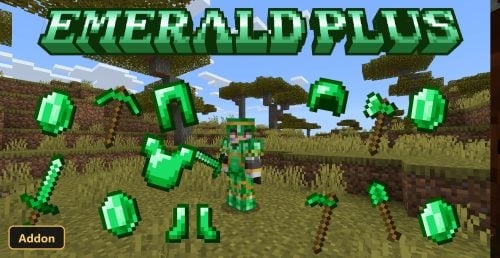 Emerald Plus (26+, 1.21) – MCPE/Bedrock Addon
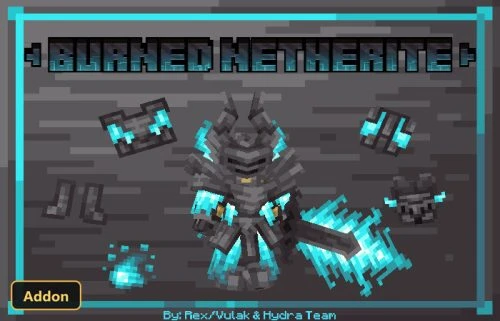 Burned Netherite (26+, 1.21) – MCPE/Bedrock Addon

This post has no comments yet. Be the first — your comment will appear here.