
Apex PvP Model – Brings Clean 3D Combat Visuals to Multiplayer Battles
 202
 0


Apex PvP Model refreshes competitive Minecraft with clean 3D visuals and smooth frame rates. The pack updates key utility blocks and rare items while keeping a familiar vanilla look during fast fights. It introduces animated surfaces and lightweight shapes to keep your screen clear during intense PvP matches.
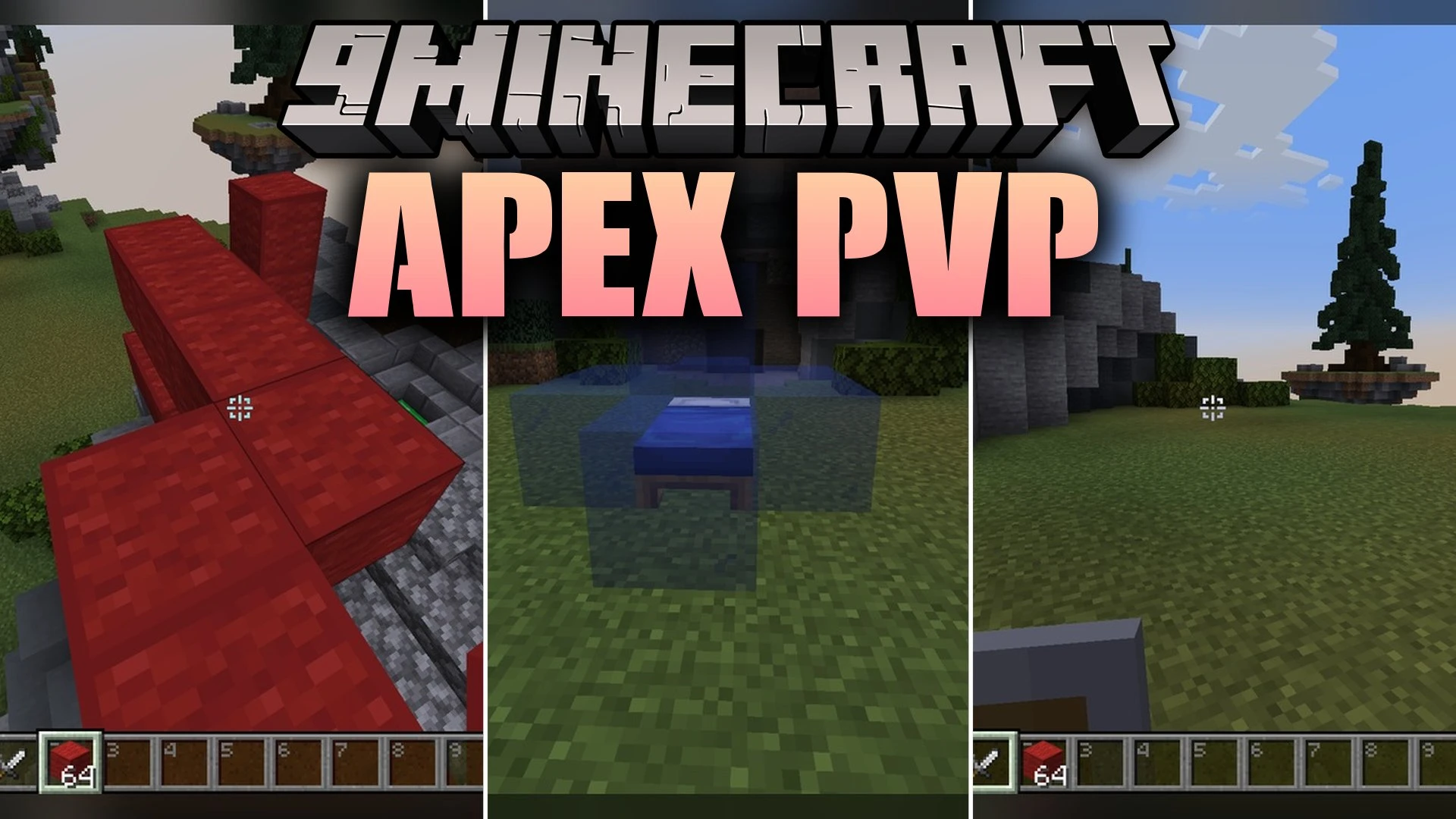
Features:
- Adds custom 3D shapes for 12 distinct blocks and items.
- Includes 122 textures with animated surfaces for clear visual cues.
- Reworks redstone comparators across all states, including powered and subtract modes.
- Gives distinct looks to valuable materials like ancient debris, ore blocks, and heavy cores.
- Features clean visual models for utility targets like the beacon, dragon egg, and lightning rod.
- Revises chorus plant growth and stable scaffolding blocks for quick identification.
- Maintains high FPS during crowded multiplayer battles.
How to Use:
- Place the pack into your resourcepacks folder and move it to the active list in your settings.
- Mine in the Nether to view the updated 3D shape of ancient debris blocks.
- Place a comparator on the ground and right-click it to watch the model swap between normal and subtract modes.
- Set down a beacon or a lightning rod to inspect their clean geometric outlines.
- Head to the End dimension to see the custom models for chorus plants and the dragon egg.
- Build upward with scaffolding or place a heavy core to view their new combat-ready block forms.
Requirements:
- A Minecraft version that supports animated textures
Screenshots:
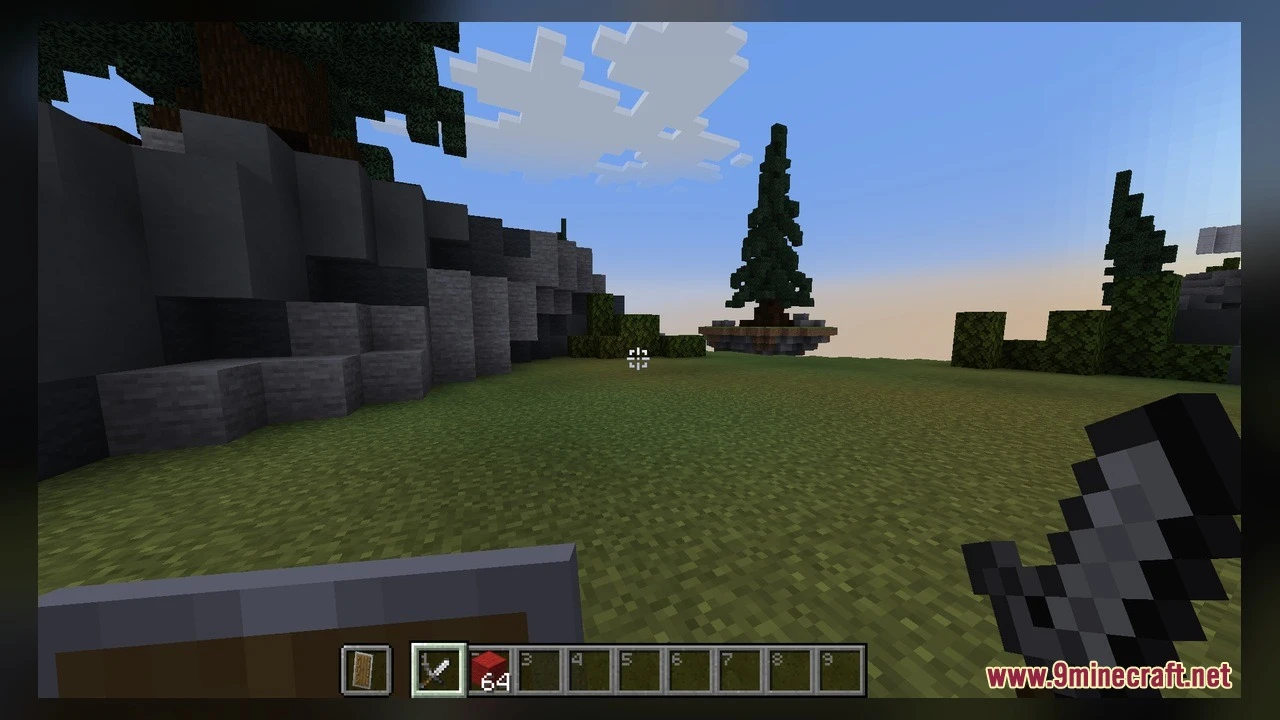

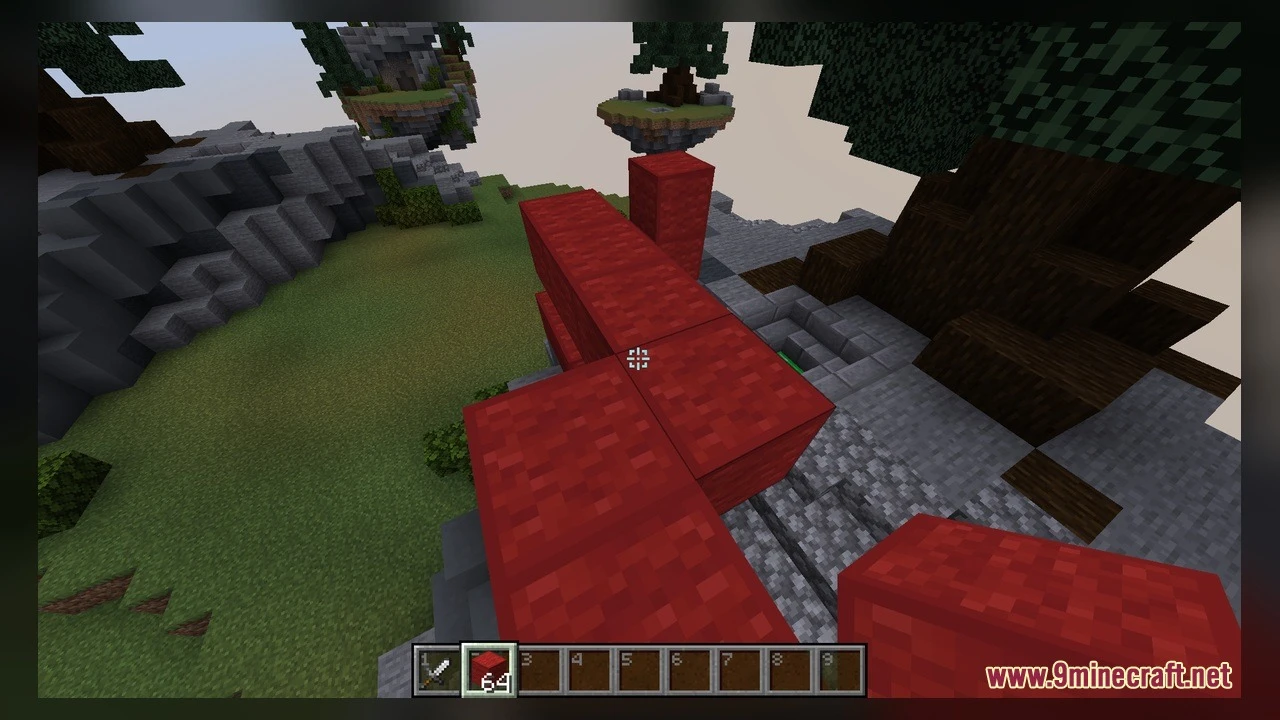
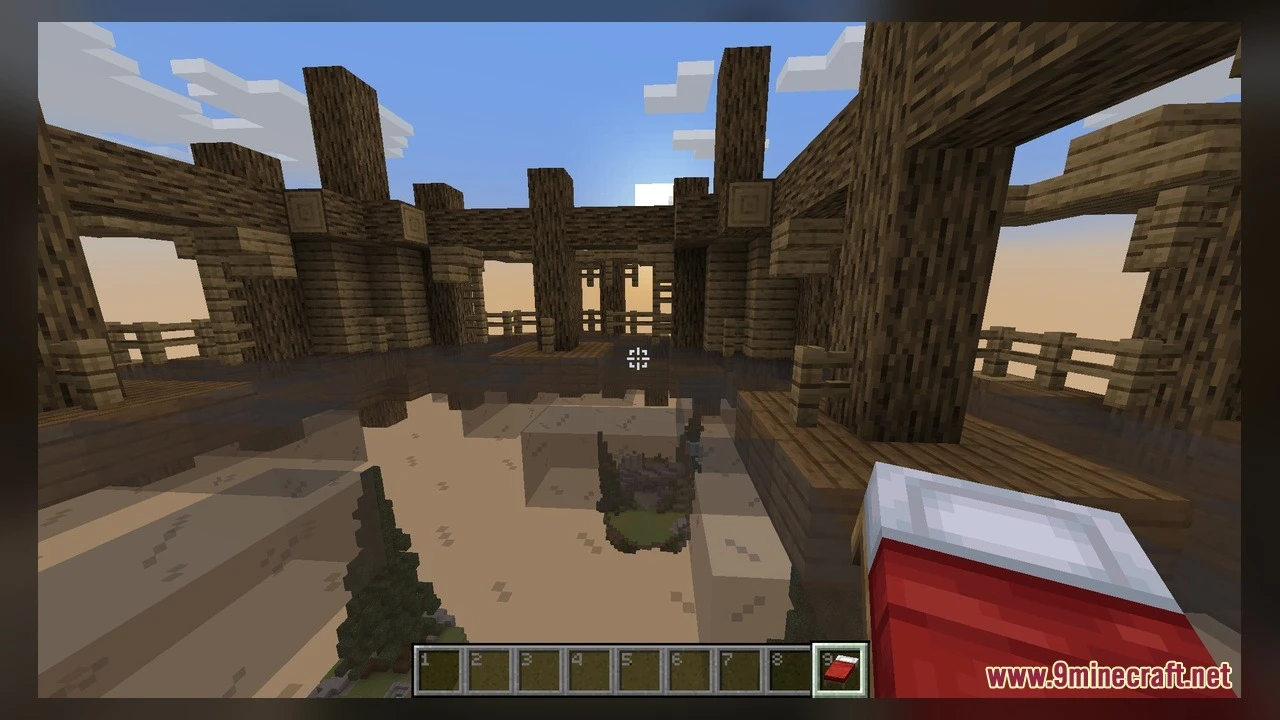
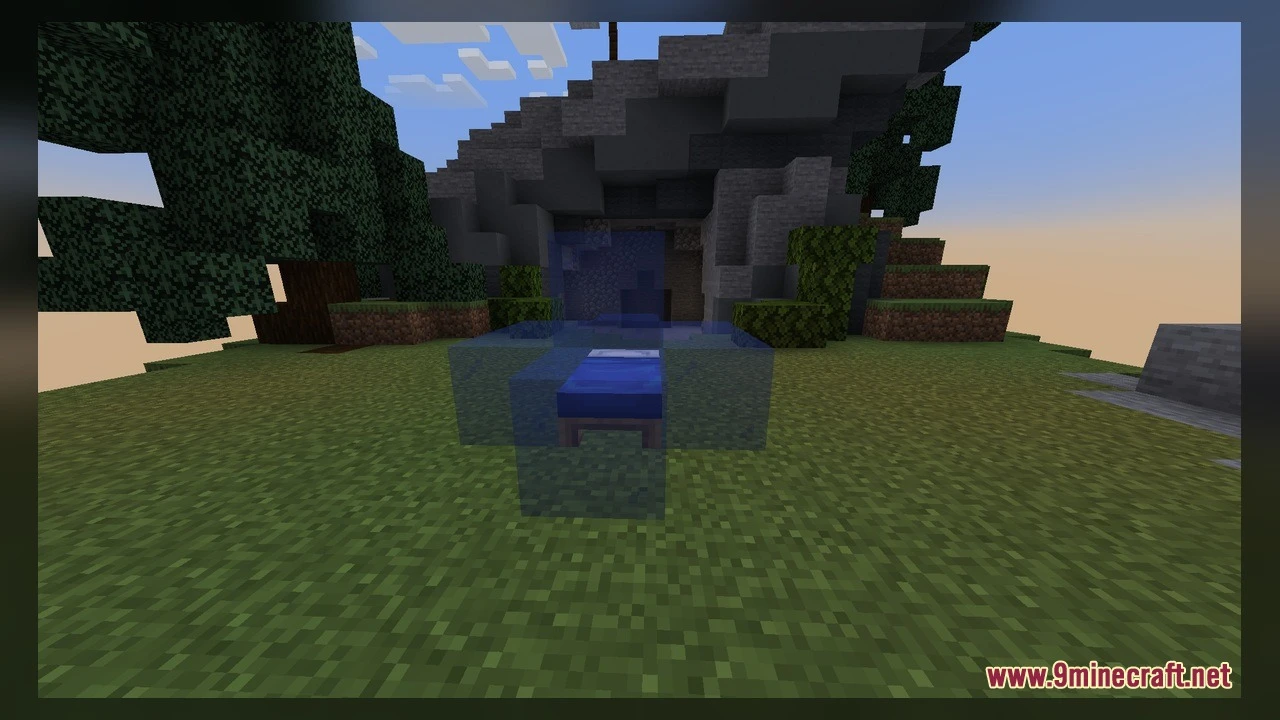

Apex PvP Model Download Links
Click to rate this post!
[Total: 0 Average: 0]
You May Also Like
Picked for this page
 Arty Reindeer Jenny Mod Model
 Yukio The Ice Dragon Model
 The Forgotten Terrors V1 Model
 Lillith The Demon Model
 Season Icons Model
 Capra The Goat Demon Model
 Minerals Pack Model
 Lord Khyadon Darkness Staff Model – Unleashes Void Boss Combat
 Human Era Vanilla Military Model – Adds Classic Firearms and Military Gear
 WU_SHUANGCB’s Zombie Skin Model – Transforms Zombies with Heavy Viral Weapons
 Bare Bones X PvP Model – Transforms Blocks Into Clean 3D Combat Visuals
 Simplistic 3D Doors Model – Adds Clean Depth to Vanilla Entryways
Most viewed in Models over the last 7 days
 Jenny Mod Skin Pack Mega Collection – 310+ Characters
 The Most Complete Collection of Jenny Mod Resources – Models, Animations, Structures,…
 Albedo Rework Jenny Mod Model
 Power Model – Custom Girl for PleasureCraft Mod
 Ram Model – Custom Girl for PleasureCraft Mod
 100+ Custom Animations For Jenny Mod
 Galath Rework Model – Custom Girl for PleasureCraft Mod
 Steve (Jenny & Zoey) Pack Jenny Mod Model
 Albedo Jenny Mod Model
 Fern Jenny Mod Model
 750 Models Addon for Yes Steve Model Mod
 Alex Model – Custom Girl for PleasureCraft Mod
More from Models
 French Coral Car Model – Brings French Passenger Carriages to Rail Networks
 Hex Casting 3D Model – Adds Animated Visual Depth to Arcane Blocks
 ItzRayyyyy Model – Brings Clean Combat Visuals to Intense PvP Matches
 MTR Low Effort Retextured Trains Model – Brings Fresh Subway Train Liveries
 Vanilla Recrafted Model – Brings Crisp 3D Shapes and Smooth Animations
 Berserker Tools & Weapons Model – Unleashes Fierce Animated Battle Gear
 Nogs Budgies Model – Adds Adorable Budgie Mobs
 Wearable Villager Hats Model – Transforms Carved Pumpkins Into Village Hats
 Kia Granbird Model – Brings Highway Coach Buses to City Streets
 My Totem Doll Model – Transforms Totems Into Custom Mini Player Dolls
 F1 2025 Boat 16x Model – Transforms Vanilla Boats Into Formula Racing Cars
 F1 2026 Boat 16x Model – Transforms Vanilla Boats Into Sleek Race Cars

This post has no comments yet. Be the first — your comment will appear here.