
My Totem Doll Model – Transforms Totems Into Custom Mini Player Dolls
 71
 0


My Totem Doll Model replaces your standard Totem of Undying with detailed mini doll characters. This pack works with both slim and classic arm models as well as custom player skins. You can also show off small gear items like raincoats and elytras on your pocket companion. Every doll looks great in your offhand slot while you travel across dangerous worlds.

Features:
- Model Variety: Packs in 44 different doll appearances to revamp your totem item.
- Skin Compatibility: Works with any player skin without breaking the textures.
- Arm Types: Fits both classic four-pixel arms and slim three-pixel player arms.
- Extra Accessories: Displays extra cosmetic items like little raincoats and tiny elytras.
- Lets you pick and customize doll looks directly through an anvil.
- Includes source model files for easy editing inside Blockbench.
How to Use:
- Put the resource pack into your Minecraft resource packs folder and turn it on in the settings menu.
- Obtain a Totem of Undying in your survival world or take one from the Creative inventory.
- Place an Anvil down on the ground and open its menu.
- Place your Totem of Undying in the left slot of the Anvil.
- Rename the totem to change its model into one of the custom doll looks.
- Hold the totem in your offhand to see the mini doll companion follow your moves.
Requirements:
- Blockbench, only if you want to edit the included source models
Screenshots:


My Totem Doll Model Download Links
Click to rate this post!
[Total: 0 Average: 0]
QUICK MINECRAFT SURVEY · ONE TAP
Mods & Modpacks
Who do you usually play modded Minecraft with?
42 responses · See the full results →
You May Also Like
Picked for this page
 Arty Reindeer Jenny Mod Model
 Dwarf Set Model
 The Forgotten Terrors V1 Model
 Royal Furniture Pack Volume 1 Model
 Season Icons Model
 Capra The Goat Demon Model
 Old Horse Model – Restores Classic Retro Horse Models and Animations
 CMG PP Model – Transforms Create Machinery Into Tactical Military Equipment
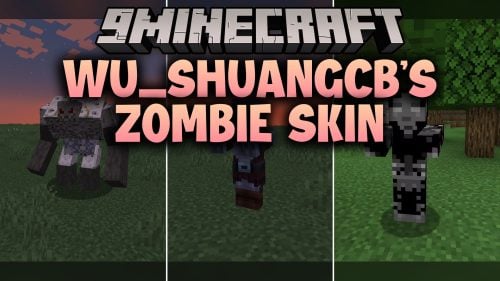 WU_SHUANGCB’s Zombie Skin Model – Transforms Zombies with Heavy Viral Weapons
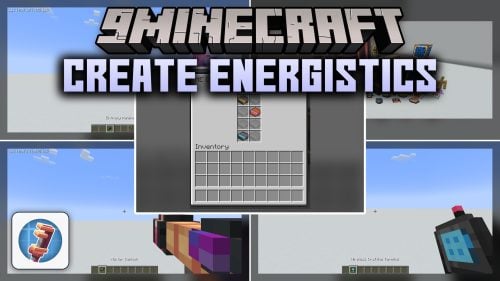 Create Energistics Model – Transforms Digital Storage Into Clockwork Machinery
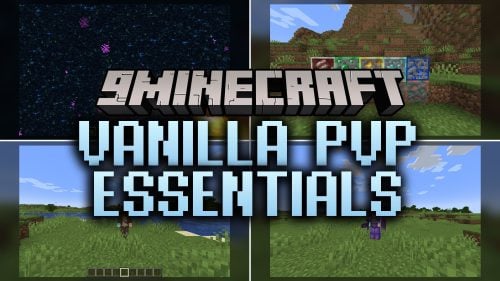 Vanilla PVP Essentials Model – Brings Clean 3D Overlays for Combat
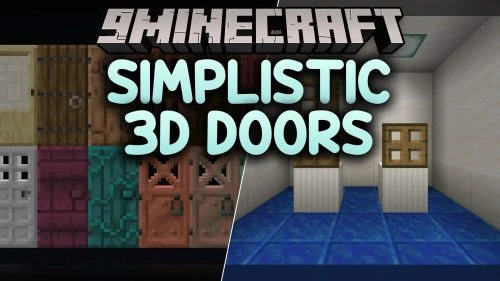 Simplistic 3D Doors Model – Adds Clean Depth to Vanilla Entryways
Most viewed in Models over the last 7 days
 Jenny Mod Skin Pack Mega Collection – 310+ Characters
 The Most Complete Collection of Jenny Mod Resources – Models, Animations, Structures,…
 Albedo Rework Jenny Mod Model
 Power Model – Custom Girl for PleasureCraft Mod
 Ram Model – Custom Girl for PleasureCraft Mod
 100+ Custom Animations For Jenny Mod
 Galath Rework Model – Custom Girl for PleasureCraft Mod
 Steve (Jenny & Zoey) Pack Jenny Mod Model
 Albedo Jenny Mod Model
 Fern Jenny Mod Model
 750 Models Addon for Yes Steve Model Mod
 Alex Model – Custom Girl for PleasureCraft Mod
More from Models
 Bare Bones X Nether Exoticism Model – Adds Vibrant 3D Nether Flora
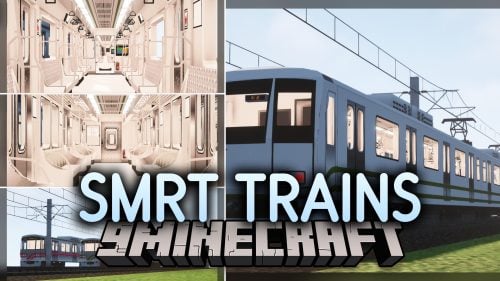 SMRT Trains Model – Brings Authentic Seoul Subway Trains to Custom Rails
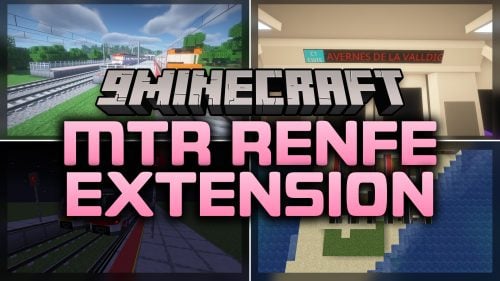 MTR RENFE Extension Model – Brings Spanish Passenger Trains to Railways
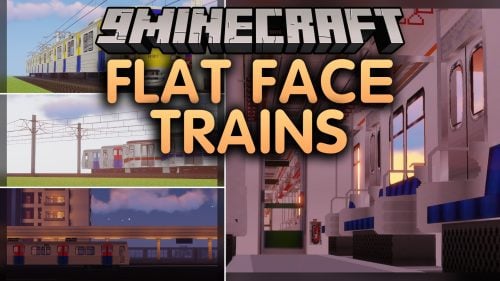 Flat Face Trains Model – Adds Classic Korean Commuter Trains to Tracks
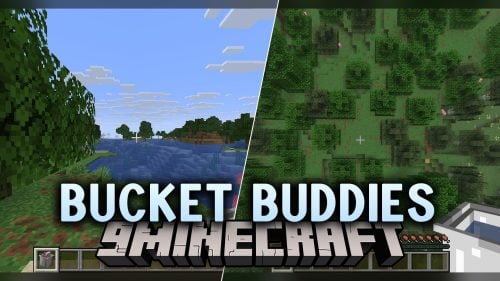 Bucket Buddies Model – Transforms Flat Buckets Into Cute Animated Critters
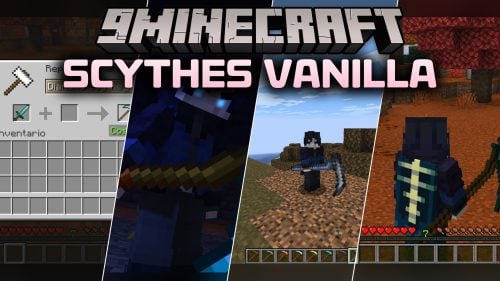 Scythes Vanilla Model – Brings Sharp Harvesting Weapons Across Every Tier
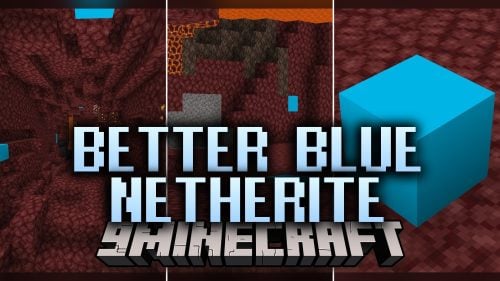 Better Blue Netherite Model – Transforms Ancient Debris Into Bright Blue Ores
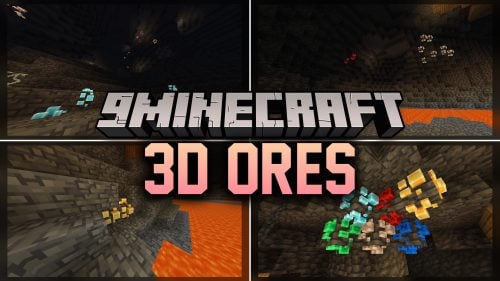 3D Ores Model – Transforms Flat Cave Minerals Into Sculpted Crystal Formations
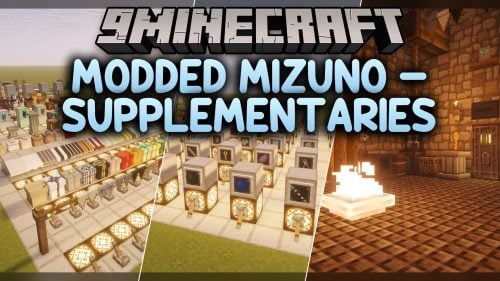 Modded Mizuno – Adds Charming Rustic 3D Animations to Utility Blocks
 Goose’s Crops Model – Transforms Flat Crops Into Detailed 3D Plants
 Cpvp-yxusuf05mai-anime-sky Model – Transforms Crystal PvP with Anime Skies
 GhibliBlocks 512x Model – Transforms World Blocks Into Painterly Anime Art

This post has no comments yet. Be the first — your comment will appear here.