
Fire in Water Stage Schematic (1.21.x) – Stunning Fire Performance Stage

 0


Fire in Water Stage Schematic builds a large performance stage that mixes fire and water effects for a great show. It uses parts from the Create mod to launch fire in ways that look like they are burning underwater. This world file is best for players who want to decorate their creative builds with moving parts. You can use it to host events or just make your base look more interesting. The design is big and detailed, making it a centerpiece for any park or city.

3D Preview & Editor:
How to place this schematic
.nbt This is a vanilla structure file. It loads through structure blocks with no mod at all, within the 48×48×48 size limit.
| 1 | Put the .nbt file in <your world>/generated/minecraft/structures. |
| 2 | Give yourself a structure block: /give @s structure_block. |
| 3 | Place it, open it and switch the mode to LOAD. |
| 4 | Type the file name without .nbt, press LOAD, then PLACE. |
| 1 | Load the schematic file into your Minecraft world using the Create mod tools. |
| 2 | Place the stage in a large open area with enough space for the 44x12x61 dimensions. |
| 3 | Turn on the launchers to start the fire and water display. |
| 4 | Switch to Creative Mode to see the full effect without worrying about fuel or ammo. |
Features:
- Stage Design: Fire and water come together to create a beautiful visual effect.
- Creative Device: The system uses launchers to shoot fire across the performance area.
- Includes over 10,000 blocks to form a complete and detailed structure.
- Fits into a space of 44 blocks wide and 61 blocks long.
- Requires specific addons to function correctly with the main machine system.
Schematic Specs:
 Minecraft1.21.x
 Create Mod6.0.10
 Dimensions44×12×61
 Total Blocks10,941
 Top Blocks Used
Requirements:

Fire in Water Stage Schematic Download Links
For Minecraft 1.21.x
What do you do when a mod you love is abandoned by its creator?
16 responses · See the full results →
You May Also Like
Picked for this page
 Basic Aeronautics Airship Schematic (1.21.x) – Small Flying Machine For Create
 Mega Netherite Farm 80 P Hor Schematic (1.21.x) – Automated Netherite Gathering Factory
 Ferma Splavov Andezita Schematic (1.21.x) – Compact Andesite Alloy Factory Build
 Kamikaze Bzr0 the Artificial Guidance Rocket Projectile Schematic (1.21.x)
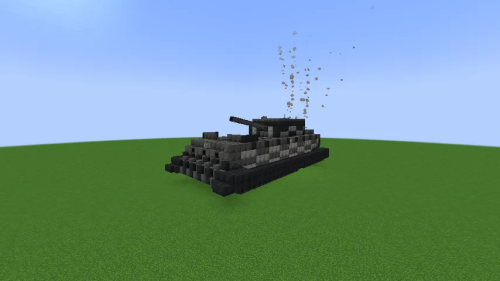 Obliterator 3 Schematic (1.21.x) – Heavy Combat Tank for Create Mod
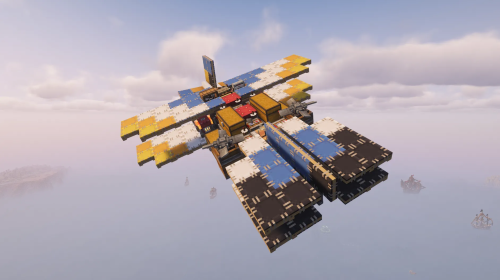 Welcome Swallow Beginner Vanilla Survival Plane Schematic (1.21.x) – Simple Flying Machine
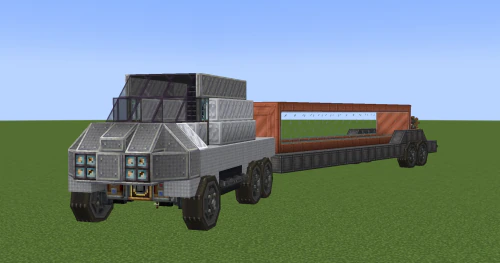 Large Semi Truck Fluid Tanker Schematic (1.21.x) – Heavy Duty Fluid Transport for Create
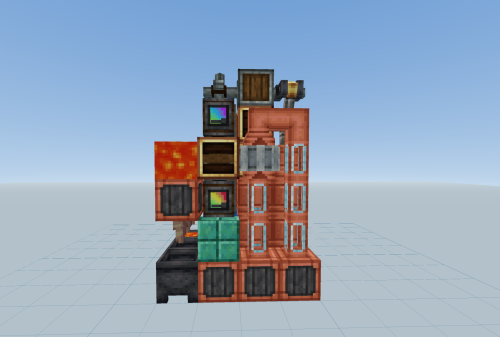 Compact Self Sufficent Lvl 2 Boiler for Aeronautics Schematic (1.21.x) – Compact Automated Boiler
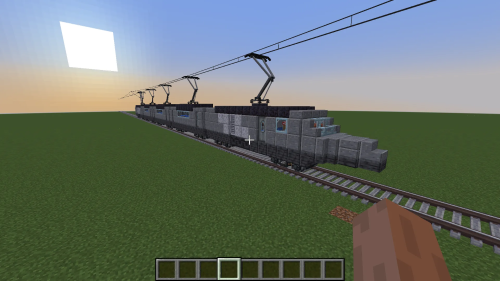 Sp60 Klas Db Nbt Schematic (1.20.x) – High-Speed Passenger Train Blueprint for Create
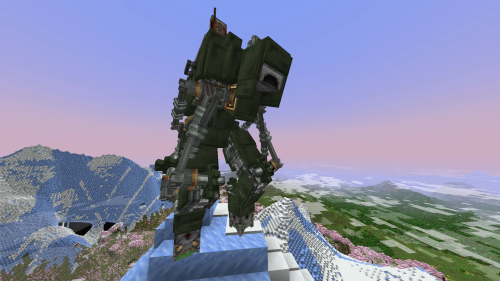 Creative More Compact Walker Schematic (1.21.x) – Tiny Walking Machine for Create Mod
 Medieval Castle Schematic (1.20.x) – Large Medieval Fortress for Create Mod
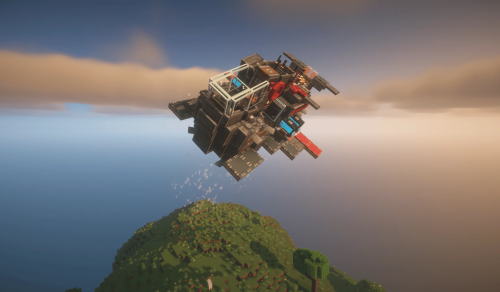 Mohawk Micro Fighter Schematic (1.21.x) – Compact Vtol Fighter Jet
Most viewed in Create Mod Schematics over the last 7 days
 Copper Flying Ship That Can Also Act as a Normal Boat Schematic (1.21.x) – Dual Purpose Copper
 Arasaka Tower Schematic (1.21.x) – Massive Black Industrial Skyscraper Build
 Rail Gun Schematic (1.21.x)
 Starter Iron Farm Schematic (1.21.x) – Simple Early Game Iron Production Build
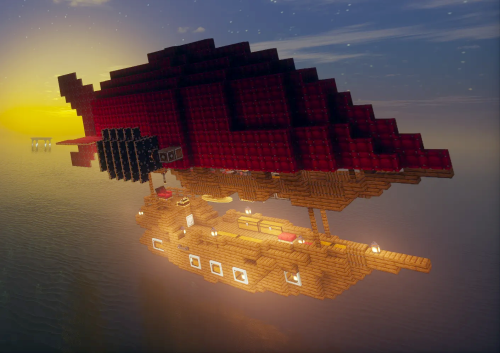 Fast Small Airship Steam Schematic (1.21.x) – Small and Fast Steam Powered Airship
 Agrimotor Schematic (1.21.x) – Build a Functional Create Mod Tractor
 Large Submarine Schematic (1.21.x) – Build a Large Submarine for Travel
 Ultimate Nuclear Reactor Schematic (1.21.x) – High Power Reactor Build for Create
 F16 Falcon Schematic (1.21.x)
 A Simple Mob Trap Schematic (1.21.x) – Build a Massive Automatic Mob Farm Structure
 Mini Copper Robot Schematic (1.21.x) – Compact Industrial Robot Build for Create Mod
 Areis 65 Aries Heavy RV Build Schematic (1.21.x)
More from Create Mod Schematics
 Old G P Narrow Olive Train with Caboose Red Schematic (1.20.x) – Classic Narrow Gauge Olive Train
 Cool Commercial Plane Schematic (1.21.x) – Build and Fly a Solar Powered Airplane
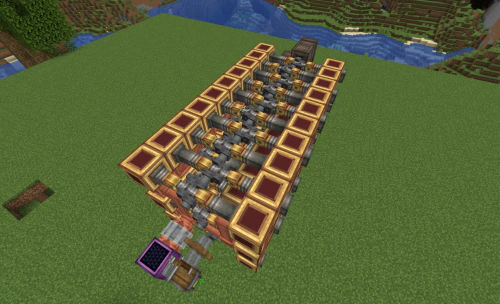 Huge Diesel Engine Block Schematic (1.21.x) – Massive Power for Create Mod Factories
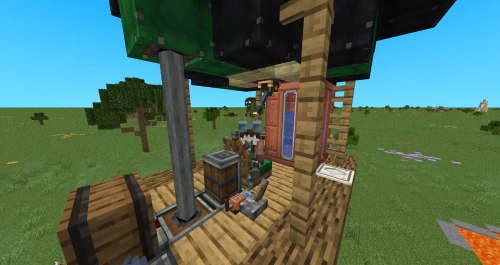 Petushara V0.2 Schematic (1.21.x) – Faster Flying Machine with Better Storage
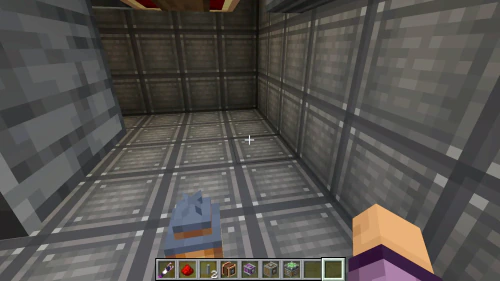 Hangar Schematic (1.21.x) – Large Storage Building for Create Mod
 Fast Small Airship Reactive Schematic (1.21.x) – High Speed Create Mod Exploration Airship
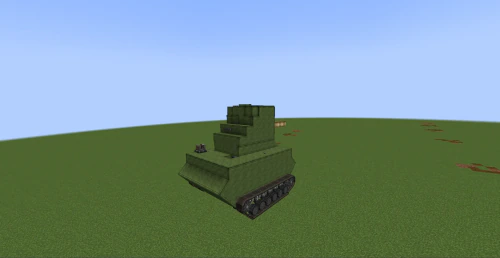 Tank Schematic (1.21.x) – Small Diesel Powered Tank Blueprint
 Ctiv 2 Core Tornado Interceptor Vehicle Schematic (1.21.x) – Powerful Storm Chasing Vehicle
 Powerpole Schematic (1.21.x) – Simple Industrial Power Pole for Create
 Cloud Skipper Schematic (1.21.x)
 Tram Klas Br 32 Nbt Schematic (1.20.x) – Small and Agile City Tram
 Extra Fast Airship Schematic (1.21.x) – Compact High Speed Flying Machine

This post has no comments yet. Be the first — your comment will appear here.