
Spawn PVP Server Schem Schematic (1.21.x) – Small Vanilla Build For PvP Server Spawns
 16
 0


Spawn PVP Server Schem Schematic gives you a small structure for your multiplayer world. This vanilla build uses 31 blocks and fits into a 1x1x31 space. It uses WorldEdit and the debug stick for its layout. You do not need any extra mods to load this file into your game.

3D Preview & Editor:
How to place this schematic
.schem This is a WorldEdit schematic. It pastes instantly on a server or single-player world that has WorldEdit (or FastAsyncWorldEdit).
| 1 | Install WorldEdit — as a plugin on the server, or as a mod for single player. |
| 2 | Drop the .schem file into plugins/WorldEdit/schematics (server) or config/worldedit/schematics (client). |
| 3 | Run //schem load <file name>. |
| 4 | Stand where you want it and run //paste. Add -a to skip air blocks. |
Features:
- Compact Size: Measures 1x1x31 blocks with a total of 31 blocks.
- Vanilla Build: Uses standard game blocks adjusted with WorldEdit and the debug stick.
- Works well when you set your server spawn protection to 16.
Schematic Specs:
 Minecraft1.21.x
 Dimensions1×1×31
 Total Blocks31
 Top Blocks Used
Oak Stairs 31
Screenshots:


Spawn PVP Server Schem Schematic Download Links
For Minecraft 1.21.x
Click to rate this post!
[Total: 0 Average: 0]
You May Also Like
Picked for this page
 Pokémon Temple Arena Japanese Litematica Schematic (1.21.x) – Large Asian Fortress With Fighting Rin
 Twenture Emerald Spawner Farm Schematic (1.21.x) – Double Vindicator Spawner Emerald Farm Layout
 9×9 Elevator Schematic (1.21.x) – Fully Working Vanilla Flying Machine
 Globe Schematic (1.21.x) – Decorative Planet Earth Build for Worlds
 Medieval Courtyard Cottage Schematic (1.21.x) – Beautiful Medieval Home with Private Courtyard
 Lox V7.1 Fixed Schematic (1.21.x) – Large Vanilla Redstone Build For Multiplayer Servers
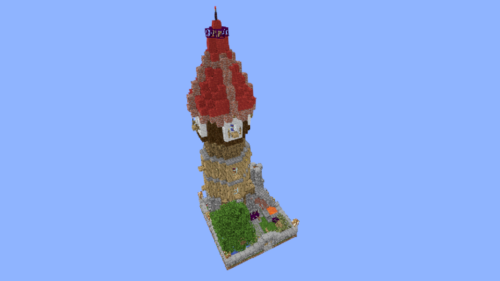 Blacksmith Tower Schematic (1.20.x) – Tall Vanilla Building Blueprint For Villages
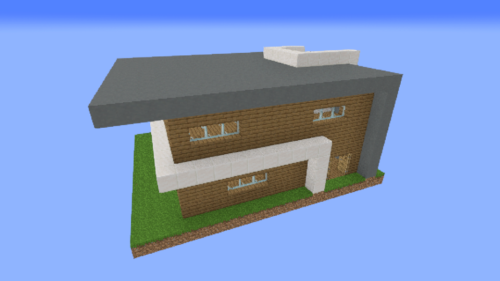 Small House 11 Schematic (1.20.x) – Tall And Compact Vanilla Home Build
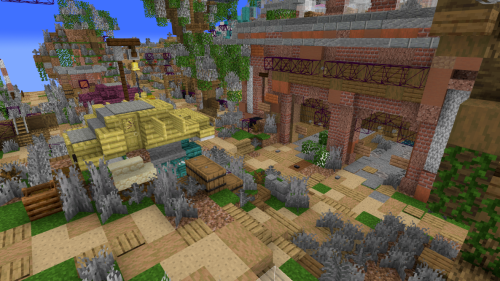 TagMap1 Schematic (1.20.x) – Massive Vanilla Build From Applecraft
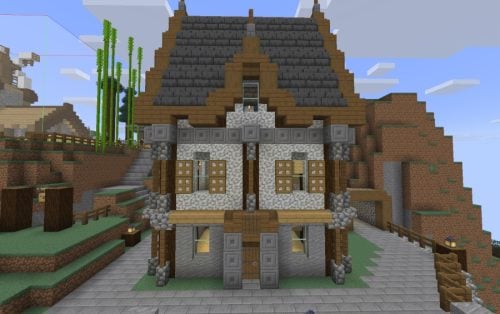 Medieval House 2 Schematic (1.21.x) – Classic Medieval Home for Custom Decoration
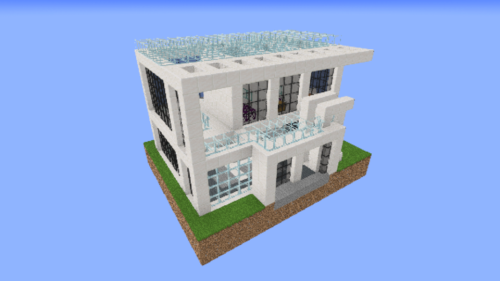 Small House 10 Schematic (1.20.x) – A Compact Vanilla Home Blueprint For Players
 Automated Sugarcane Farm Schem Schematic (1.21.x) – Compact Redstone Farm For Automatic Sugarcane Ha
Most viewed in Schematics over the last 7 days
 Gold Farm Schematic (1.21.x) – Automatic Nether Roof Gold Farm
 64 Module Cobblestone Farm Schematic (1.21.x) – Massive Automated Stone Gathering Build
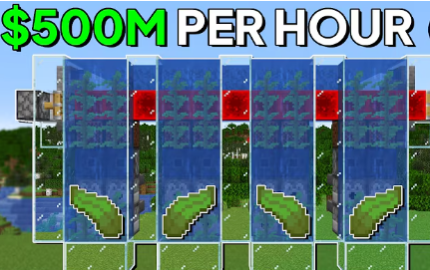 The Fastest Kelp Farm 500m per Hour Schematic (1.21.x) – Fast 4-Tick Vanilla Redstone Kelp Farm
 Fastest Bonemeal Farm Donut Smp Schematic (1.21.x) – Fast Redstone Bonemeal Farm Build
 Kelp Farm 2.0 Schematic (1.21.x) – Efficient Automatic Kelp Farming System For Survival
 Bamboo Farm Schematic (1.21.x) – Small Automated Redstone Bamboo Farm
 Villager Trading Hall Schematic (1.21.x) – Modern Shop Build For 48 Villagers
 Minutes End Base Before Spoke Null End Video Schematic (1.21.x) – Giant Unstable SMP End Base Schema
 Unstable SMP S Bomer Schematic (1.21.x) – Large Bomber Machine Build For Worlds
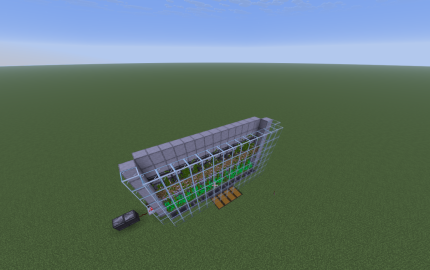 Easy Bamboo Farm No Lever Schematic (1.21.x) – Self-Running Bamboo Farm With Observers
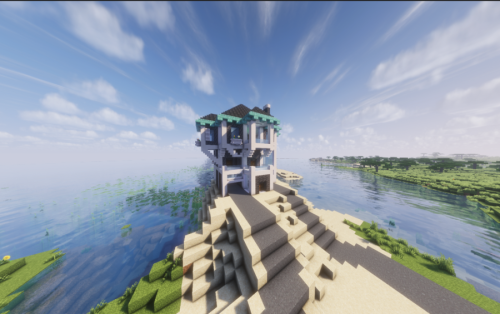 Beach House Schematic (1.21.x) – Modern Beach House With Finished Interior
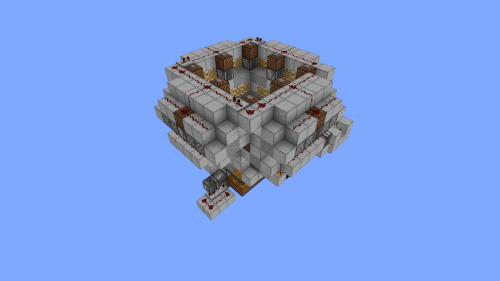 4k Bonemeal Farm Made by Basicredstone Schematic (1.21.x) – Compact Redstone Bonemeal Farm Build
More from Schematics
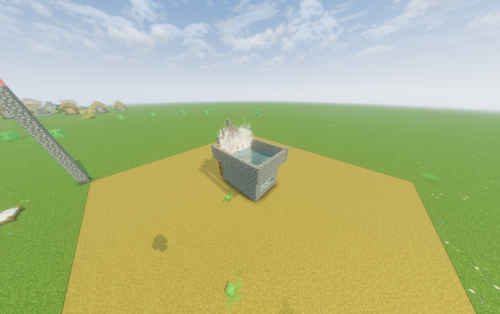 The Best and Easiest Iron Farm to Start with Schematic (1.21.x) – Simple Vanilla Starter Iron Farm B
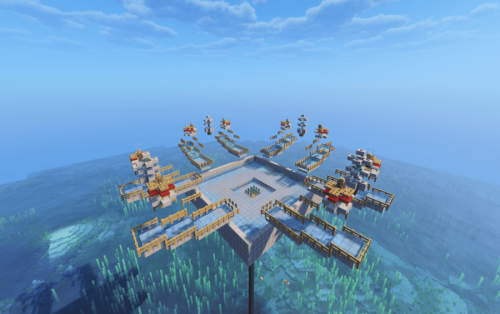 Easy Iron Farm Survival Schematic (1.21.x) – Simple Automatic Iron Farm For Survival Worlds
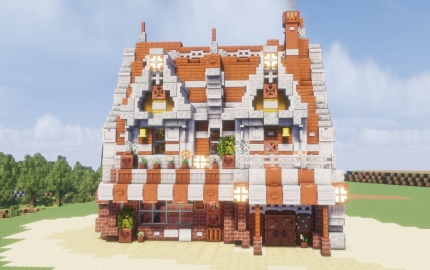 Fantasy Bakery Cottage Schematic (1.21.x) – Small Medieval Bakery Cottage Build for Your World
 FC Barcelona Schematic (1.21.x) – Flat Football Club Pixel Art Build
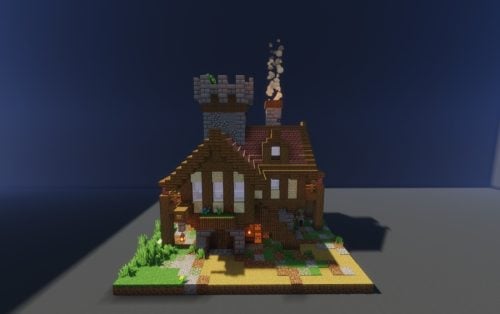 Survival House Schematic (1.21.x) – Cozy Medieval Base Ready For Your World
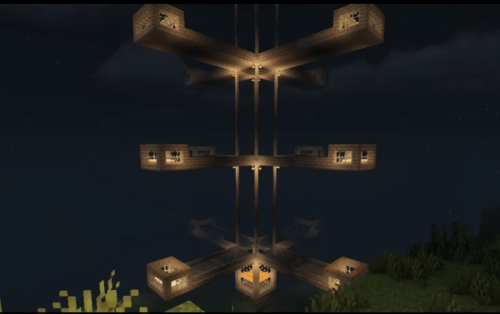 Iron Farm 12 Modules Java Schematic (1.21.x) – Multi-Module Iron Farm Build With 712 Blocks
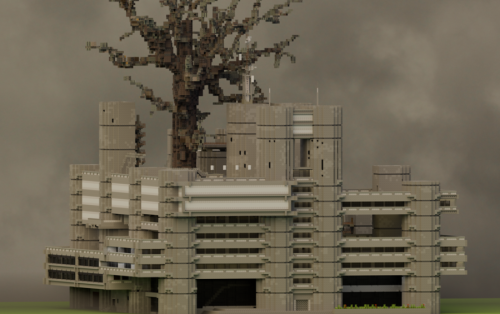 Kizumonogatari Eikou Cram School Schematic (1.21.x) – Modern Anime Cram School Building For Minecraf
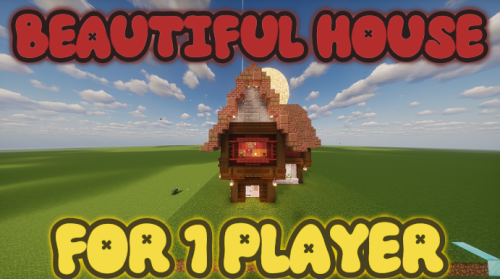 Beautiful House for 1 Player Schematic (1.21.x) – Cozy Medieval Solo Base With Full Interior
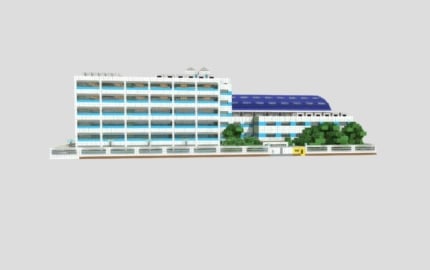 School Big with Interior Schematic – Large School Building With Furnished Classrooms
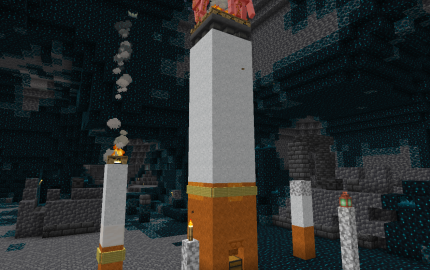 Cigarette Iron Farm Kill Chamber Schematic (1.21.x) – Small Water Stream Golem Kill Chamber Build
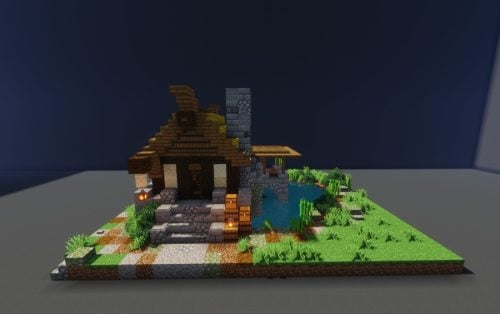 Fisherman’s House Schematic (1.21.x) – Cozy Waterfront Cottage with Built-In Fishing Farm
 Giant Diamond Ore Schematic (1.21.x) – Oversized Diamond Ore Block Build For Survival

This post has no comments yet. Be the first — your comment will appear here.