
Iron Farm 12 Modules Java Schematic (1.21.x) – Multi-Module Iron Farm Build With 712 Blocks

 0


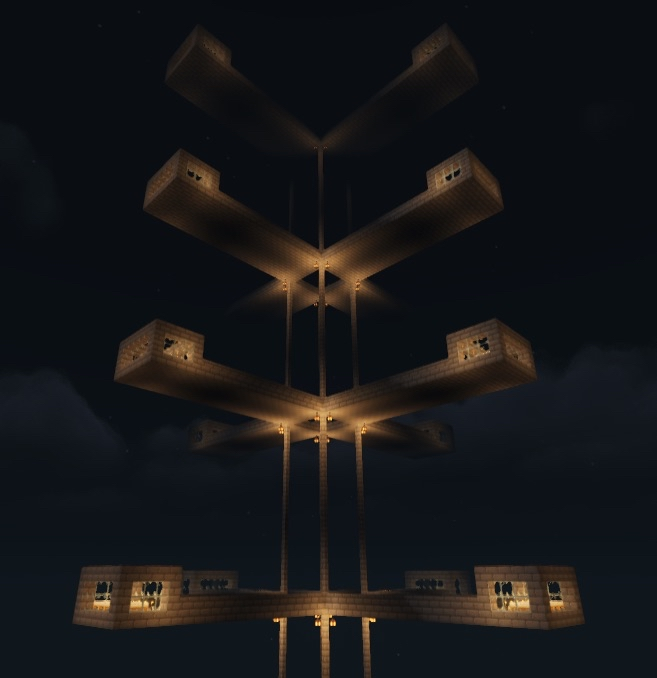
Iron Farm 12 Modules Java Schematic provides a compact vanilla build for farming iron. This schematic features a 12-module setup that fits inside an 18x12x17 block space and uses 712 blocks in total. If you place the build starting from negative world layers, it can expand up to 20 modules.
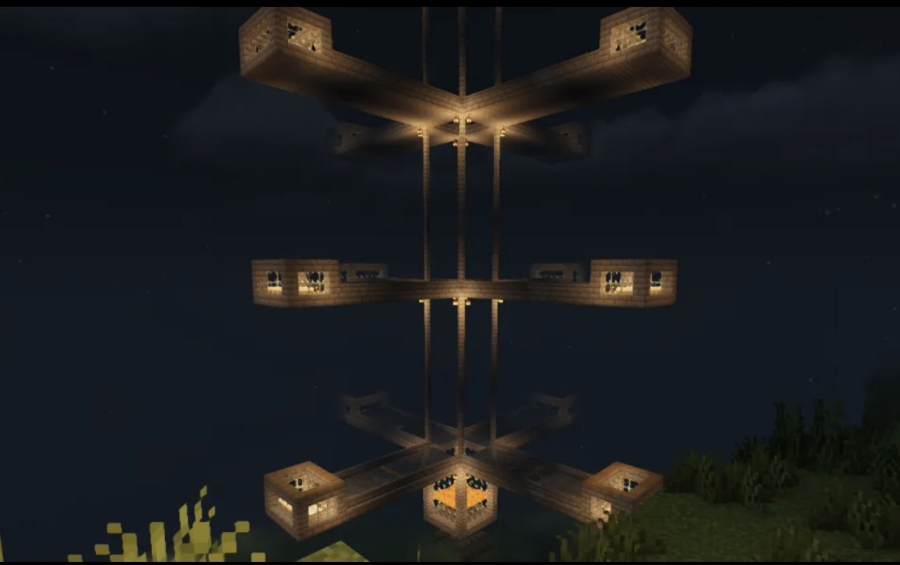
3D Preview & Editor:
How to place this schematic
.litematic This is a Litematica schematic. You place it with the Litematica mod, which shows the build as a ghost overlay you fill in.
| 1 | Install Litematica (plus MaLiLib) for your Minecraft version. |
| 2 | Put the .litematic file in .minecraft/schematics. |
| 3 | In game press M → Load Schematics, pick the file, then Load. |
| 4 | Position the ghost preview, then build it by hand — or turn on Easy Place to place blocks straight from your hotbar. |
Features:
- 12-Module Setup: Features a 12-module farm layout that can reach up to 20 modules when placed from negative layers.
- Villager Capacity: Uses 20 villagers inside each individual module.
- Measures 18x12x17 blocks in size and takes 712 total blocks to build.
- Works as a small vanilla build in LITEMATIC format with no extra mods needed.
- Building at least 5 villager farms beforehand helps speed up the construction process.
Schematic Specs:
 Minecraft1.21.x
 Dimensions18×12×17
 Total Blocks712
 Top Blocks Used
Purple Stained Glass 270Grass Block 182Birch Planks 63Cobblestone 36Oak Trapdoor 24
Screenshots:
Iron Farm 12 Modules Java Schematic Download Links
For Minecraft 1.21.x
Click to rate this post!
[Total: 0 Average: 0]
You May Also Like
Picked for this page
 Mega Mob XP Farm Schematic (1.21.x) – Massive Monster Farm Build With Zero Redstone
 Iron Farm Expandable Version Schematic (1.21.x) – Automatic Three Story Iron Farm Build
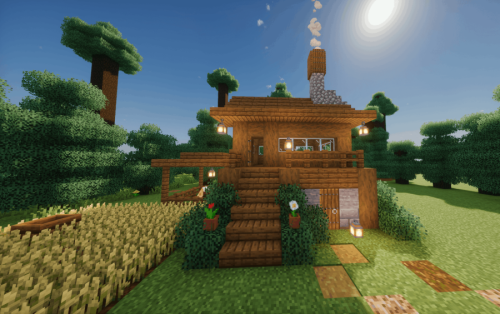 Cozy Spruce Log House Schematic (1.21.x) – Medium Survival Starter Build For Java
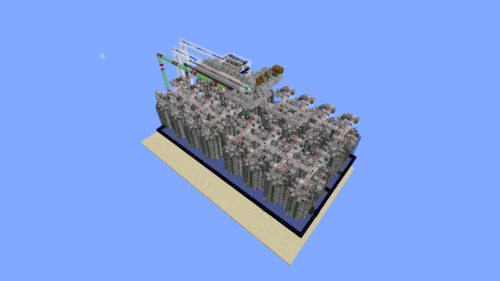 Best Cobble Farm Mid Game Schematic (1.21.x) – Large Vanilla Cobblestone Generator Blueprint
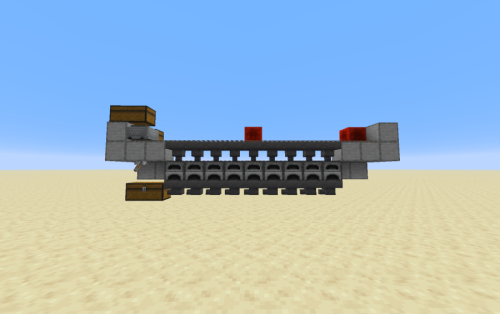 Super Smelter Expandable Schematic (1.21.x) – Fast And Compact Redstone Furnace Machine
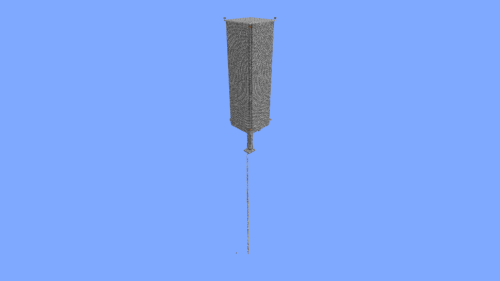 Tridnat Farm Schematic (1.21.x) – Giant Lake Farm Structure Build
 Jamble Regear by Fl AMFRAGS Schematic (1.21.x) – Vanilla Base Setup For DonutSMP Players
 Bee Green House Garden Apiary Schematic (1.21.x) – Ready To Build Vanilla Bee Farm
 Stone House 1 Schematic (1.20.x) – Simple Stone House Build For Your World
 Crystal S Requested Railway Station Schematic (1.21.x) – Medium Vanilla Train Station Building
 Netherless Cane Farm Schematic (1.21.x) – Small Auto Sugar Cane Machine
 Moon Themed Fantasy House Interior by US Schematic (1.21.x) – Cozy Moon-Shaped Fantasy House with Fu
Most viewed in Schematics over the last 7 days
 Gold Farm Schematic (1.21.x) – Automatic Nether Roof Gold Farm
 64 Module Cobblestone Farm Schematic (1.21.x) – Massive Automated Stone Gathering Build
 Kelp Farm 2.0 Schematic (1.21.x) – Efficient Automatic Kelp Farming System For Survival
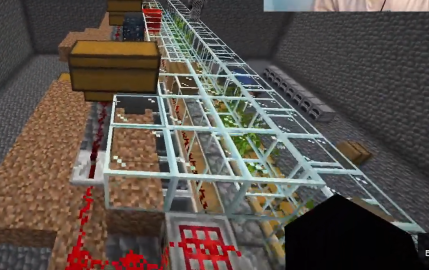 Bamboo Farm Schematic (1.21.x) – Small Automated Redstone Bamboo Farm
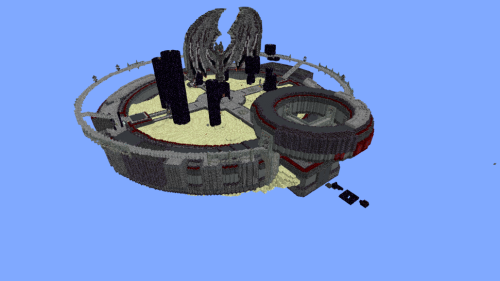 Minutes End Base Before Spoke Null End Video Schematic (1.21.x) – Giant Unstable SMP End Base Schema
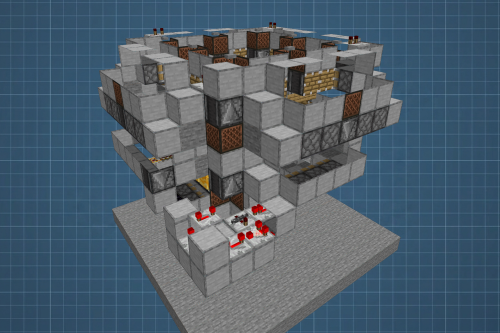 Fastest Bonemeal Farm Donut Smp Schematic (1.21.x) – Fast Redstone Bonemeal Farm Build
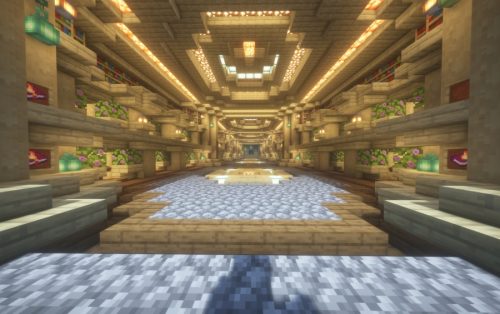 Villager Trading Hall Schematic (1.21.x) – Modern Shop Build For 48 Villagers
 The Fastest Kelp Farm 500m per Hour Schematic (1.21.x) – Fast 4-Tick Vanilla Redstone Kelp Farm
 Unstable SMP S Bomer Schematic (1.21.x) – Large Bomber Machine Build For Worlds
 4k Bonemeal Farm Made by Basicredstone Schematic (1.21.x) – Compact Redstone Bonemeal Farm Build
 Cobble Farm 50m per Hour Donut SMP Schematic – High Yield Cobblestone Generator Build
 Rail Gun Wind Chagre Schematic (1.21.x) – Compact Rail Gun Wind Charge Build
More from Schematics
 Castle Gate Schematic (1.20.x) – Medieval Gate For Your Castle Build
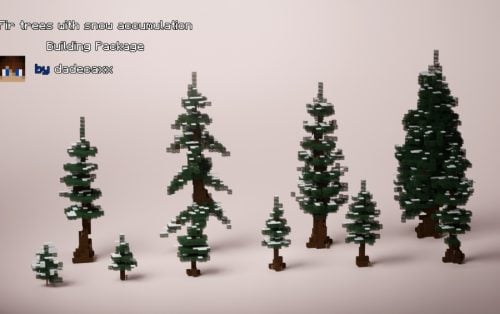 Fir Trees with Snow Accumulation Schematic (1.21.x) – Natural Snow Covered Pine Tree Schematics
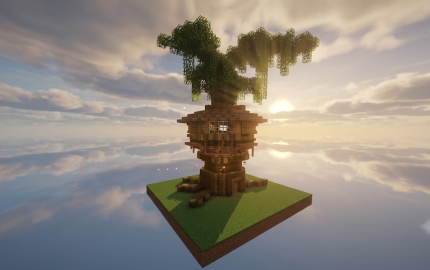 Verdant Treehouse Schematic (1.21.x) – A Beautiful Floating Treehouse for Medieval Worlds
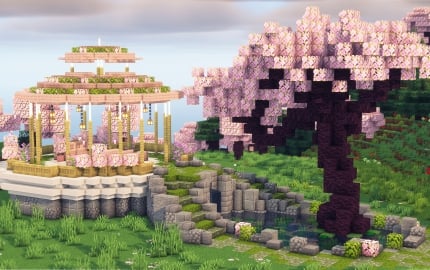 Minecraft Cherry Blossom Wedding Garden Schematic (1.21.x) – Beautiful Pink Garden and Wedding Altar
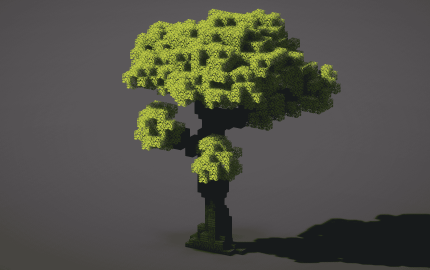 Big Custom Tree Schematic (1.21.x) – Detailed Large Tree for Your World
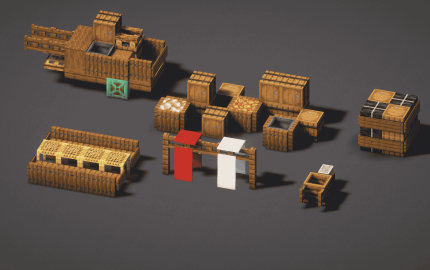 Medieval Decorations Schematic (1.21.x) – Detailed Medieval Builds For Your World
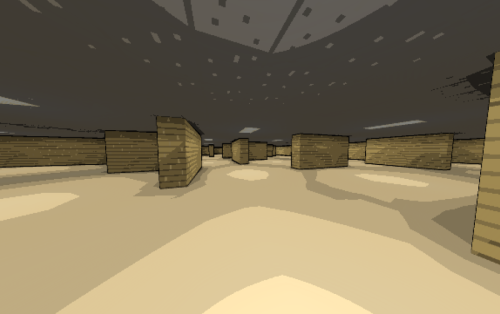 Backroom Schematic (1.21.x) – Large Ancient Maze for Minecraft Worlds
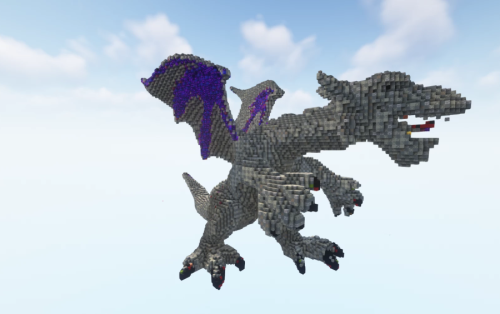 Dragon Spike 3d Schematic (1.21.x) – Build a Massive Fantasy Dragon Statue
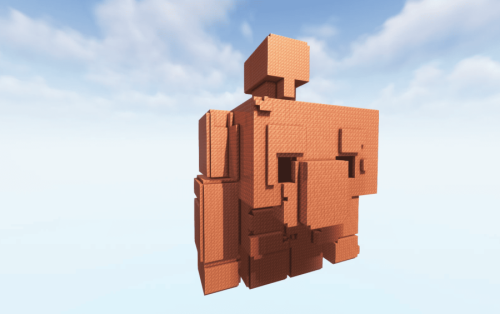 Copper Golem 3d Schematic (1.21.x) – Huge 3D Statue for Fantasy Worlds
 Pid Mud 3d Schematic (1.21.x) – Giant 3D Mud Pig Statue Build
 Progressive Jungle Tree Set Schematic (1.21.x) – Custom Tropical Tree Designs for Your World
 Medieval Economy Spawn Schematic (1.21.x) – A Complete Medieval Hub for Server Spawns

This post has no comments yet. Be the first — your comment will appear here.