
Better PvP By Damiann Model – Brings Animated 3D Blocks to Combat Worlds
 2
 0


Better PvP By Damiann Model brings 242 custom 3D models and 438 texture files into your combat worlds. This pack includes animated textures and updates the look of everyday blocks like brewing stands, beacons, bells, and buttons. It also changes the models for plants and food such as bamboo, cactus, and cake across different growth and usage stages. Players get fresh visuals for PvP essentials while keeping block states easy to read during a fight.

Features:
- 242 Custom 3D Models: Replaces standard block shapes with new 3D models for combat and world blocks.
- 438 Texture Files: Updates the surfaces of items and blocks with new artwork.
- Animated Textures: Adds moving visual details to supported textures in the pack.
- Changes the look of utility blocks like beacons, brewing stands, bells, and buttons.
- Updates natural plant blocks including cactus and multiple stages of bamboo.
- Shows clear model changes when you interact with blocks like eating cake slices, pressing buttons, or placing bottles in a brewing stand.
Block and Plant Models:
- Bamboo: Includes models for age 0 and age 1 variants (bamboo1 through bamboo4), plus small leaves and large leaves.
- Brewing Stand: Features separate 3D models for the base stand, empty slots 0 to 2, and filled bottle slots 0 to 2.
- Bell: Provides distinct models for bells placed on the floor, ceiling, a single wall, or between two walls.
- Button: Includes models for the button in your inventory, placed on a surface, and in its pressed state.
- Cake: Comes with a full cake model along with separate models for slice 1, slice 2, and slice 3 as players eat it.
- Beacon: Replaces the vanilla beacon with a custom 3D block model.
- Cactus: Updates the standard cactus block with a new 3D shape.
How to Use:
- Move the downloaded pack into your Minecraft resourcepacks folder and activate it in the Resource Packs menu.
- Craft or find a brewing stand, then place glass bottles inside to watch the model change between the empty slots and filled bottle states.
- Visit a jungle or desert biome to see the custom 3D models for cactus and bamboo as it grows from age 0 to age 1 with small and large leaves.
- Find a village bell or craft your own, then hang it on the floor, ceiling, a single wall, or between two walls to view each attachment model.
- Place a cake and a button on the ground, then right-click them to watch the button shift to its pressed model and the cake shrink through its three slice models.
- Set up a beacon block to check out its new 3D shape and any animated textures up close.
Requirements:
- A Minecraft version that supports animated textures
Screenshots:


Better PvP By Damiann Model Download Links
Click to rate this post!
[Total: 0 Average: 0]
You May Also Like
Picked for this page
 Hidyk’s Realm Model – Brings Animated 3D Depth to Vanilla Blocks
 Doc’s Whimscape Additions Friends & Foes Model – Restyles Modded Mobs and Gear
 ShadowBlade Model – Equips Animated 3D Fantasy Weapons for PvP Combat
 100Follower Bedwars Pack Model – Transforms Arena Blocks for Clearer Fights
 Ying Yang 16x Model – Transforms Bedwars Blocks with Animated 3D Designs
 Night Model – Brings Custom 3D Blocks and Clean Textures for Competitive PvP
 Moons Cuter Bedwars Model – Brings Cute 3D Blocks and Clean PvP Visuals
 Vanilla SMP Model – Brings Clear 3D Weapons and Visible Traps to PvP
 Drown’s Tool Tweaks Model – Brings Animated 3D Weapons and Glowing Altars
 Mob Cards Nether Model – Transforms Spawn Eggs Into Animated Collectible Cards
 ItzLuwix’s CPvP Essentials Model – Brings Animated 3D Blocks to Crystal PvP
 ReSky 16x Model – Brings 3D Weapons, Rails, and Animated PvP Textures
Most viewed in Models over the last 7 days
 Jenny Mod Skin Pack Mega Collection – 310+ Characters
 The Most Complete Collection of Jenny Mod Resources – Models, Animations, Structures,…
 Albedo Rework Jenny Mod Model
 750 Models Addon for Yes Steve Model Mod
 Power Model – Custom Girl for PleasureCraft Mod
 Galath Rework Model – Custom Girl for PleasureCraft Mod
 Pomni Jenny Mod Model
 Ram Model – Custom Girl for PleasureCraft Mod
 Femboy Ellie Rework Jenny Mod Model
 100+ Custom Animations For Jenny Mod
 Ellie Rework Jenny Mod Model
 Ellen Model – Custom Girl for PleasureCraft Mod
More from Models
 MC Paint Model – Adds Animated 3D Canvas Paintings and Custom Murals
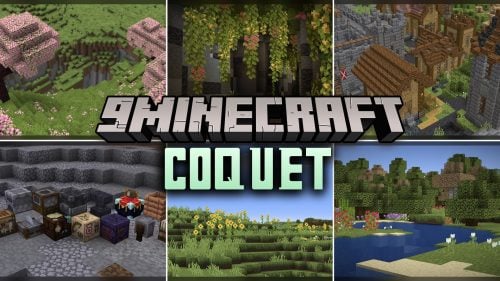 Coquet Model – Transforms Vanilla Foliage and Terrain with 3D Shapes
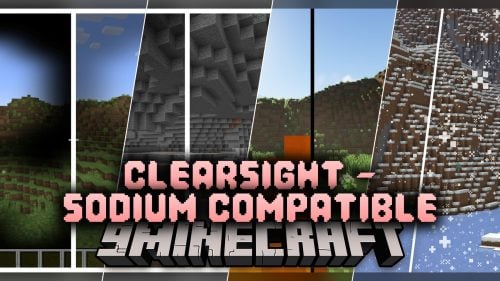 ClearSight – Adds 3D Tripwires and Clears Visual Clutter in Combat
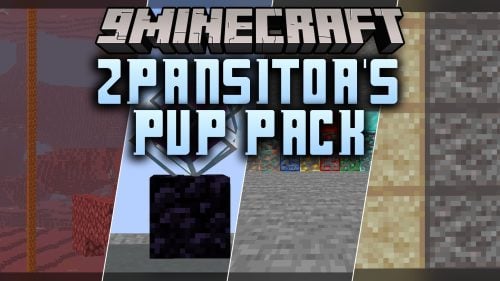 ZPansitoA’s PvP Pack Model – Brings Detailed 3D Blocks to Arenas
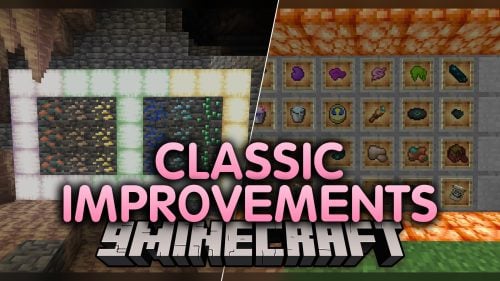 Classic Improvements Model – Transforms Flat Sprites Into 3D Gear
 Deeper MC Model – Brings Chunky 3D Depth to Vanilla Plants and Blocks
 Pastelcraft Model – Brings Soft Pastel Colors and 3D Redstone Blocks
 Vanilla Realism Model – Transforms Flat Blocks Into Animated 3D Shapes
 100 Better Model – Brings Animated 3D Depth to Vanilla Blocks and Plants
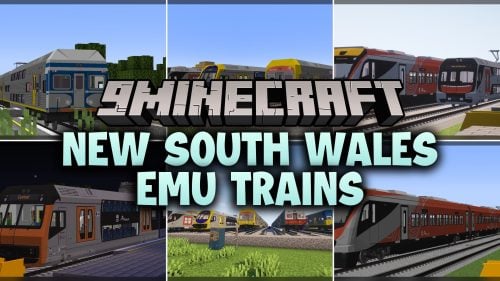 New South Wales EMU Trains Model – Adds Australian Electric Trains to MTR4
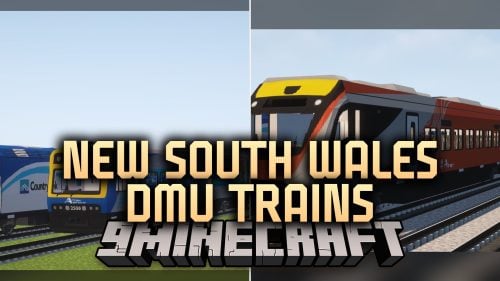 New South Wales DMU Trains Model – Brings Realistic Passenger Trains to Railways
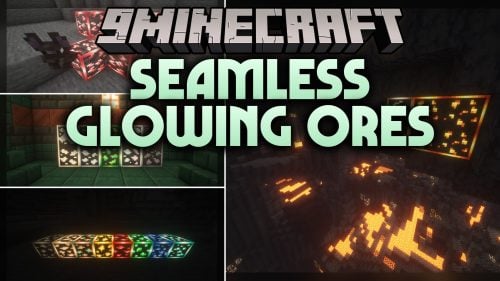 Seamless Glowing Ores Model – Adds Connected Glowing Borders to Ores

This post has no comments yet. Be the first — your comment will appear here.