
Doc’s Whimscape Additions Friends & Foes Model – Restyles Modded Mobs and Gear

 0


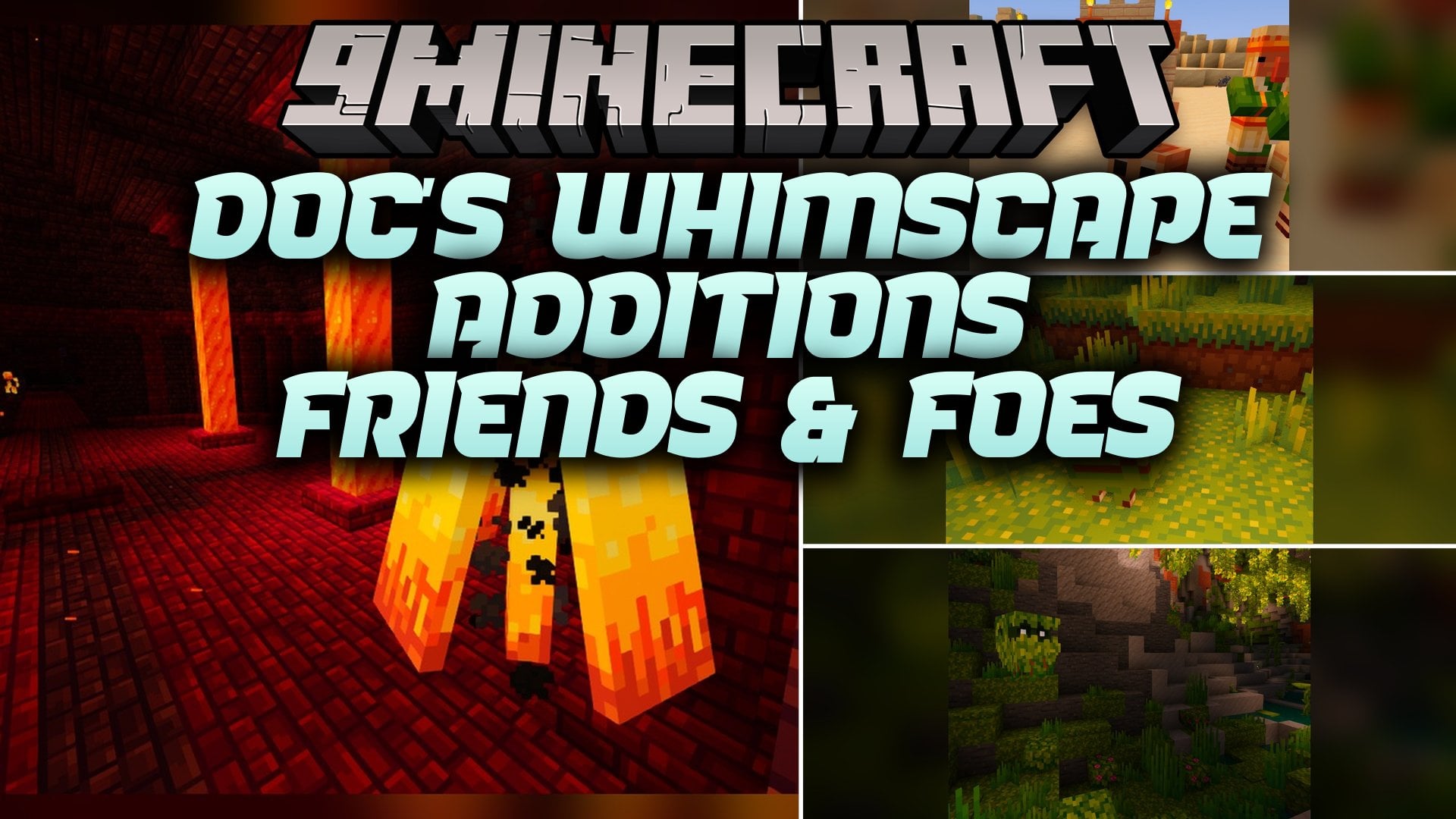
Doc’s Whimscape Additions Friends & Foes Model extends Whimscape with matching visuals for Friends & Foes content. This pack packs in 75 custom 3D models and 571 texture files so all your modded mobs and items match the main art style. You get updated looks for mob vote creatures, special totems, and boss drops.
Features:
- 75 Custom 3D Models: Gives a fresh shape and style to items and blocks from Friends & Foes.
- 571 Texture Files: Repaints modded content to blend right in with the Whimscape look.
- Reskins the buttercup flower to match your world’s nature blocks.
- Updates the Totem of Freezing and Totem of Illusion with new item visuals.
- Transforms the Wildfire Crown and Wildfire Crown Fragment with custom models.
- Restyles ten different spawn eggs, including the Copper Golem, Glare, Rascal, and Tuff Golem.
Spawn Egg Models:
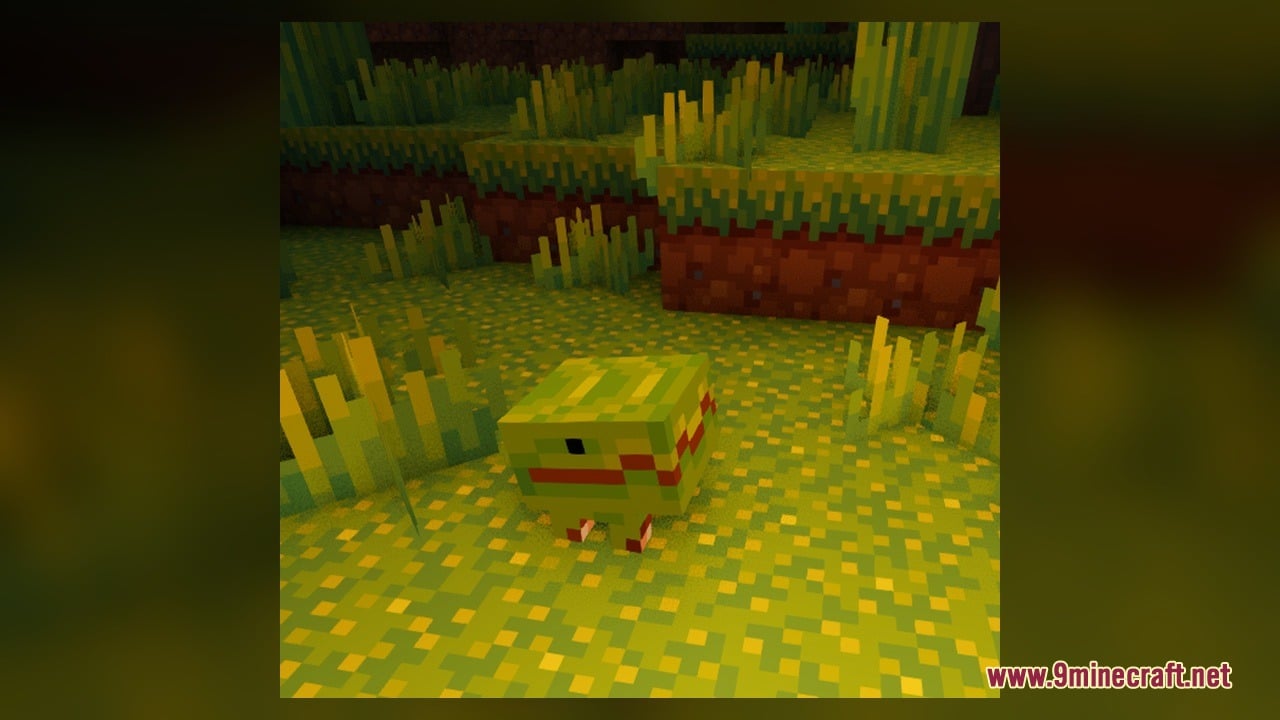
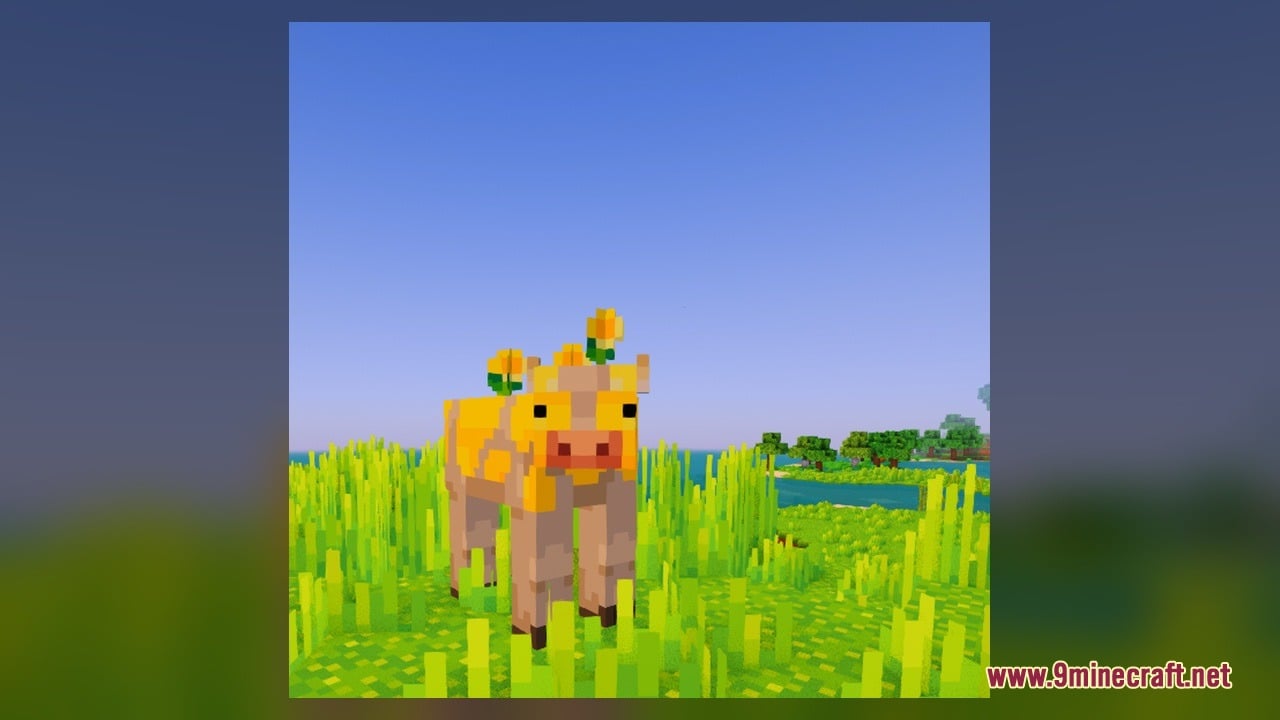
- Friendly and neutral mobs: Copper Golem, Crab, Glare, Moobloom, Rascal, and Tuff Golem spawn eggs.
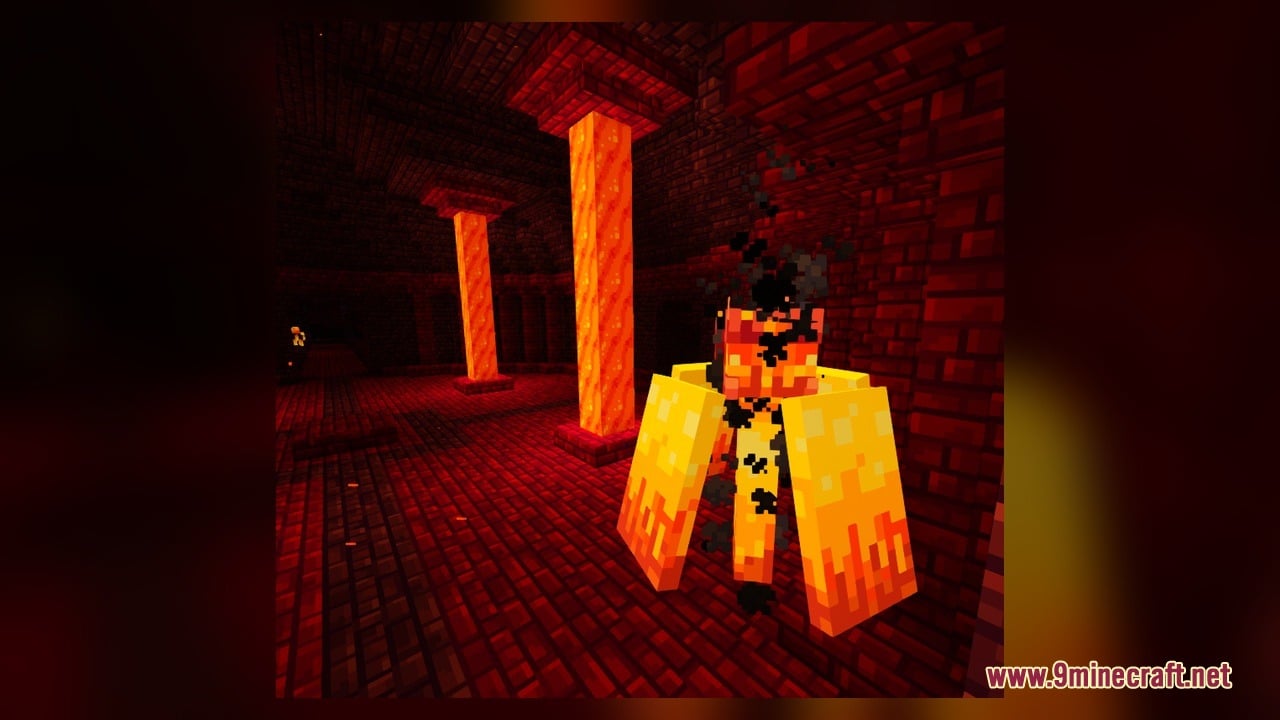
- Hostile mobs: Iceologer, Illusioner, Mauler, and Wildfire spawn eggs.
Gear and Item Models:
- Magical totems: Totem of Freezing and Totem of Illusion.
- Wildfire drops: Wildfire Crown and Wildfire Crown Fragment.
- Plants: Buttercup flower.
How to Use:
- Place this pack above the base Whimscape pack in your resource pack menu, and make sure the Friends & Foes mod is installed.
- Open your Creative Mode inventory and check the spawn eggs tab to see the custom visuals for the Copper Golem, Crab, Glare, Moobloom, Rascal, Tuff Golem, Iceologer, Illusioner, Mauler, and Wildfire spawn eggs.
- Explore flower forests or meadows to find a buttercup on the ground, or grab one from the inventory to view its custom 3D model.
- Find and defeat an Iceologer or Illusioner to obtain the Totem of Freezing and Totem of Illusion, then hold them in your hand to inspect their updated designs.
- Travel to a Nether Fortress to fight the Wildfire boss, or use Creative Mode to get the Wildfire Crown Fragment and craft the Wildfire Crown.
- Equip the Wildfire Crown on your head and press F5 to switch your camera view and see how the 3D crown model sits on your character.
Screenshots:
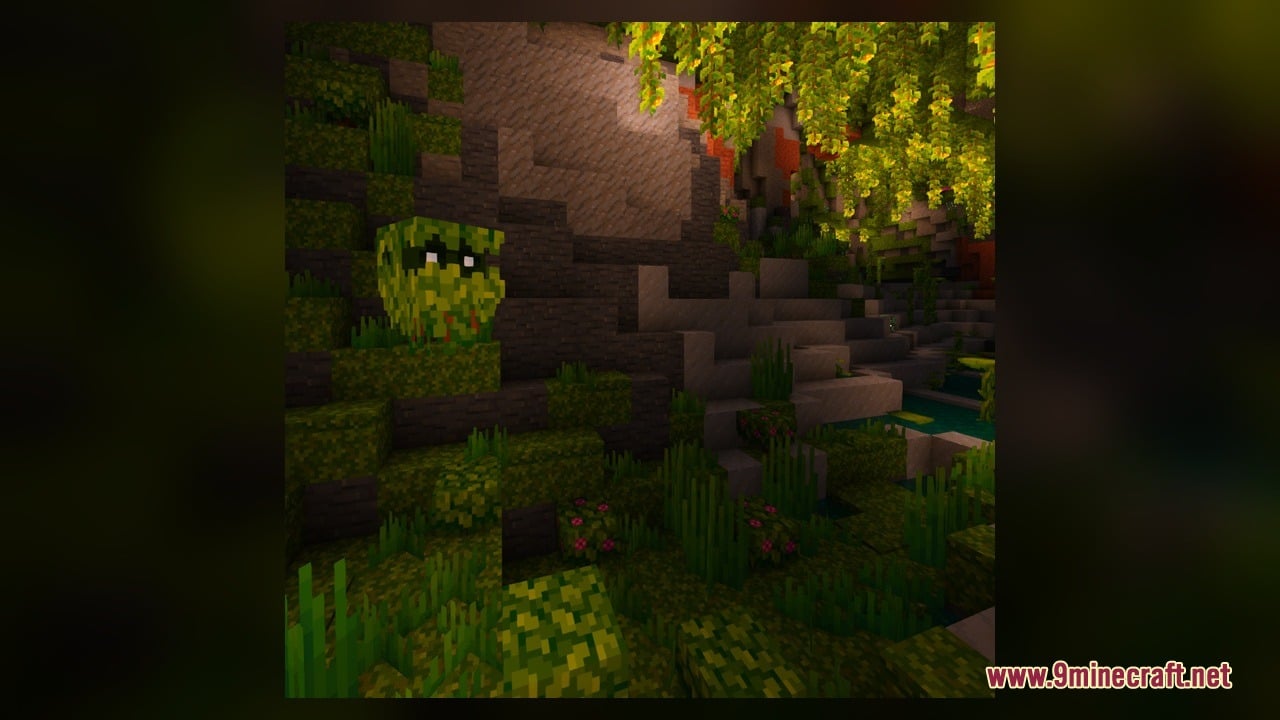
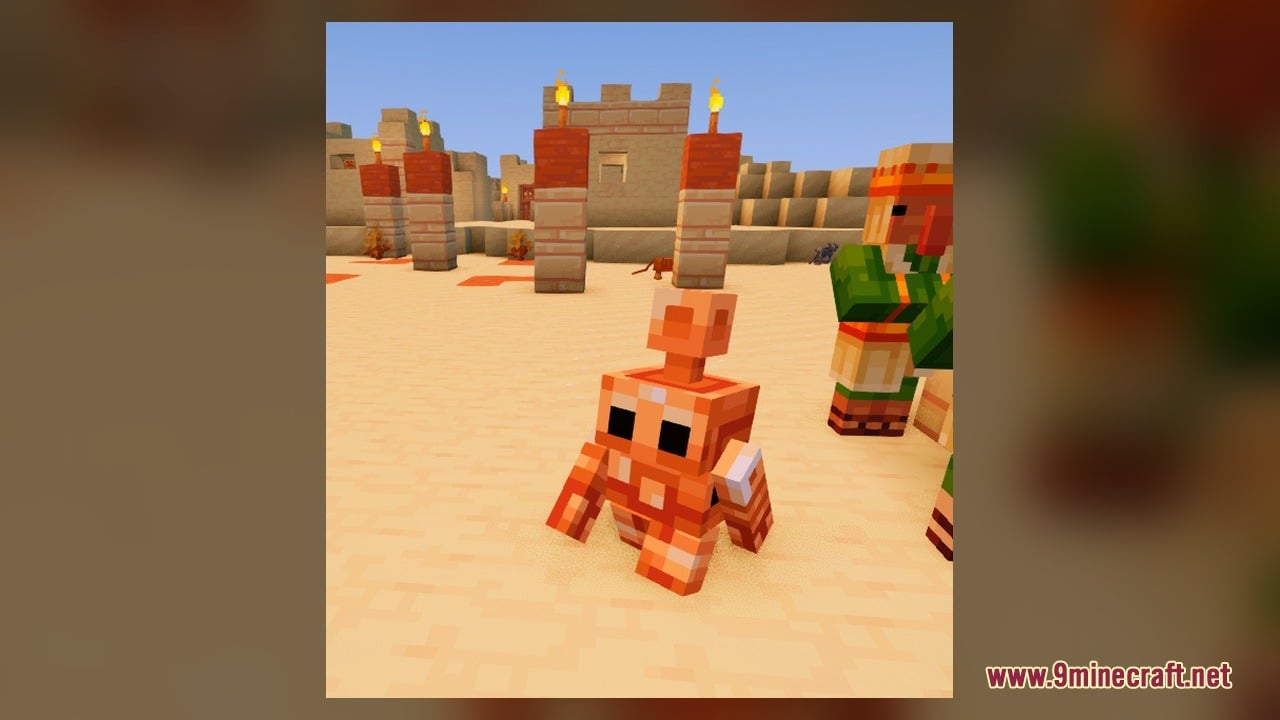
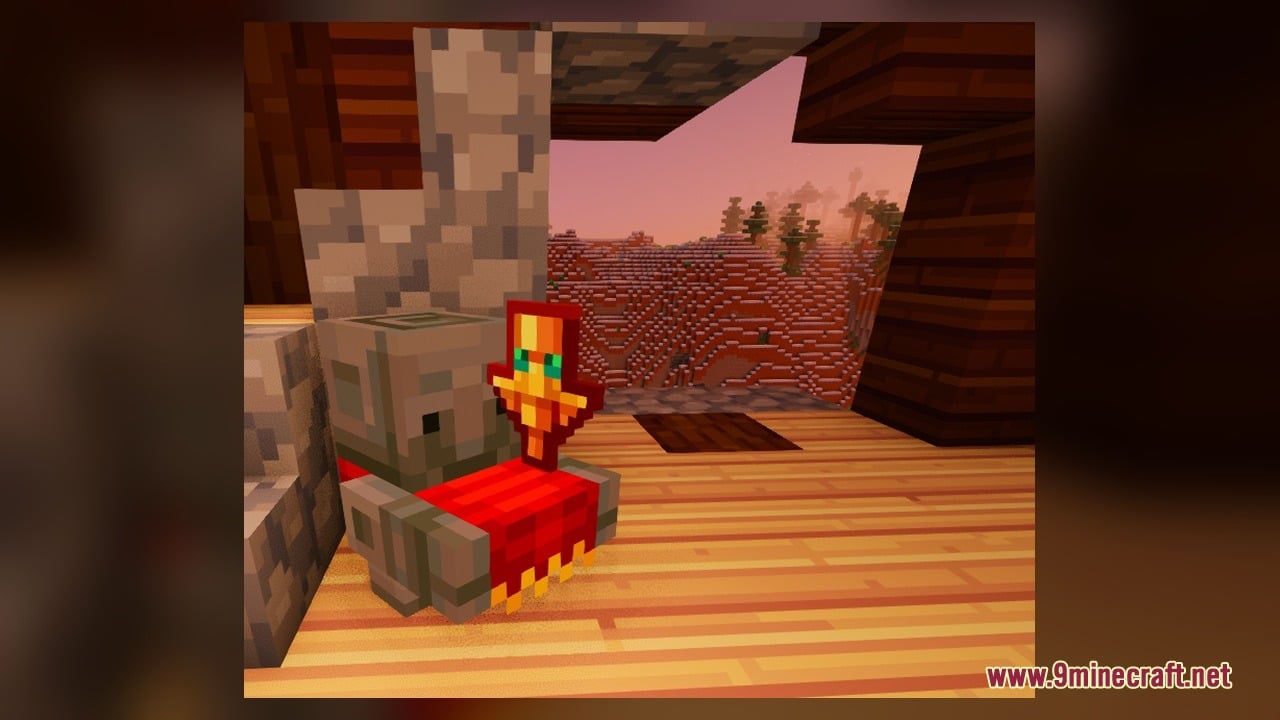
Doc’s Whimscape Additions Friends & Foes Model Download Links
Click to rate this post!
[Total: 0 Average: 0]
You May Also Like
Picked for this page
 Pixel Perfection X FARMER’S DELIGHT Model – Brings Rustic 3D Kitchen Visuals
 White And Black CPVP Model – Brings Sharp Monochrome Models to Combat Arenas
 Bare Bones X Model – Brings Simple 3D Foliage and Modded Block Visuals
 Just 3D Spawn Eggs Model
 Epic Swords Model – Equips Animated Fantasy Blades for Dual Wielding Combat
 Simply Alive Model – Brings Animated 3D Blocks and Capybara Totems
 Brush & Juice Model – Brings Animated 3D Redstone and Mechanical Blocks
 New South Wales EMU Trains Model – Adds Australian Electric Trains to MTR4
 Enchantment Outline Model – Adds Glowing Purple Borders to Enchanted Gear
 The Original Work Programmer Art Model – Brings Classic Retro Visuals and Models
 Aurin’s ShinobiCraft Icons Model – Brings 3D Elemental Ninja Powers
 Slimefun Model – Brings 3D Shields, Solar Panels, and Animated Server Tech
Most viewed in Models over the last 7 days
 Jenny Mod Skin Pack Mega Collection – 310+ Characters
 The Most Complete Collection of Jenny Mod Resources – Models, Animations, Structures,…
 Albedo Rework Jenny Mod Model
 Pomni Jenny Mod Model
 Power Model – Custom Girl for PleasureCraft Mod
 Galath Rework Model – Custom Girl for PleasureCraft Mod
 750 Models Addon for Yes Steve Model Mod
 Ram Model – Custom Girl for PleasureCraft Mod
 Femboy Ellie Rework Jenny Mod Model
 Ellie Rework Jenny Mod Model
 100+ Custom Animations For Jenny Mod
 Steve (Jenny & Zoey) Pack Jenny Mod Model
More from Models
 Pastelcraft Model – Brings Soft Pastel Colors and 3D Redstone Blocks
 Vanilla Realism Model – Transforms Flat Blocks Into Animated 3D Shapes
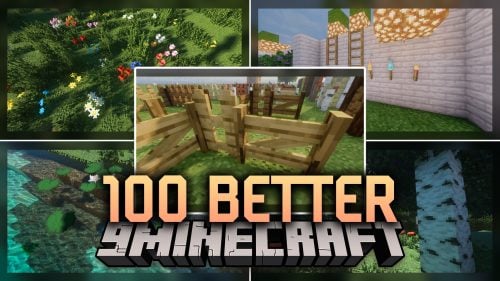 100 Better Model – Brings Animated 3D Depth to Vanilla Blocks and Plants
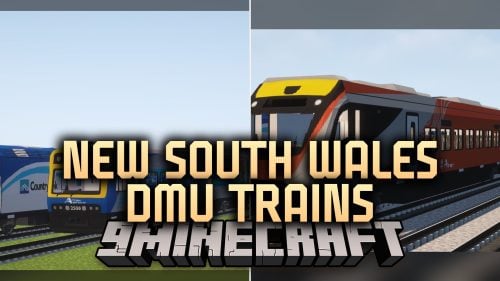 New South Wales DMU Trains Model – Brings Realistic Passenger Trains to Railways
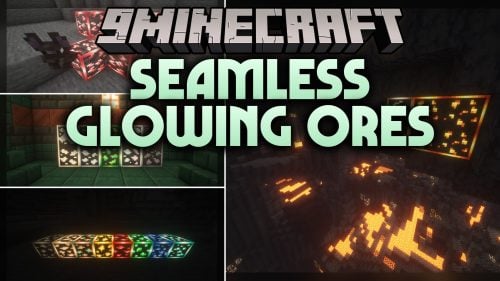 Seamless Glowing Ores Model – Adds Connected Glowing Borders to Ores
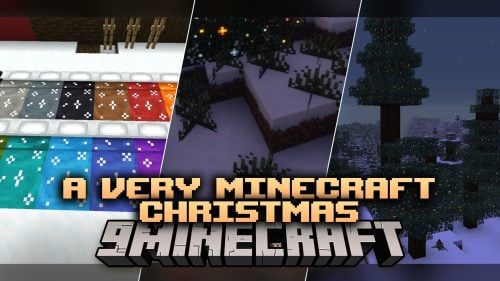 A Very Minecraft Christmas Model – Adds Festive Lights and Santa Hats
 VDL Retexture & Black Cab By Soodari Model
 British Rail HST & Mark Carriage Model – Brings Classic British Train Fleets
 TGV PSE TGV Postal Model – Brings Classic French High-Speed Trains to Tracks
 VDL Citea LLE-120 Model – Brings Custom Transit Buses to MTR Roads
 Sydney Metro & Sydney Trains Model – Brings Australian Rail Transit to MTR4
 Universal 3D Archery – Transforms Flat Bows and Crossbows Into 3D Weapons

This post has no comments yet. Be the first — your comment will appear here.