
Zero Particles Model – Brings Clear PvP Views and Readable Enchanting Spells

 0

Zero Particles Model removes distracting block particles and adds readable enchanting spells for PvP and Bedwars players. This pack packs in 304 custom 3D models and 233 texture files, including animated textures and a new font. It reworks the models of plants and functional blocks like bamboo, big dripleaf, brewing stands, beacons, bells, buttons, and cactus so they do not emit annoying particles when broken or interacted with. You get a cleaner view during fast fights while instantly knowing what enchantment you are picking at the enchanting table.

Features:
- No Block Particles: Removes particle bursts from blocks so your screen stays clear during PvP and Bedwars matches.
- Readable Enchanting Spells: Translates the enchanting table text so you can read the exact spells before enchanting your gear.
- New Font: Changes the default in-game text to a clean custom font across menus and chat.
- Includes 304 custom 3D models and 233 textures with animated texture effects.
Custom Block Models:
- Bamboo: Custom 3D models for four bamboo variants across growth ages 0 and 1, along with both small and large leaf states.
- Big Dripleaf: Separate models for the stem, normal leaf, partial tilt, and full tilt stages when a player stands on the plant.
- Brewing Stand: Models for the base stand plus individual empty and filled bottle slots (slots 0, 1, and 2).
- Bell: Distinct 3D models for bells placed on the floor, ceiling, single wall, or hung between two walls.
- Button: Custom models for the button in your inventory, placed normally, and in its pressed state.
- Beacon and Cactus: Replacements for the beacon block and desert cactus models to stop particle clutter.
How to Use:
- Open your Minecraft Options menu, go to Resource Packs, and move this pack to the active column on the right.
- Place an Enchanting Table and put a tool or armor piece inside to read the translated enchanting spells in the new font.
- Find a bamboo jungle or lush cave to see the custom bamboo growth stages and step onto a big dripleaf to watch it shift through its partial tilt and full tilt models.
- Craft or find a brewing stand in a village and add water bottles to slots 0, 1, and 2 to see the model change from empty to filled slots.
- Hang a bell on a floor, ceiling, single wall, or between two walls, and press a button to watch its model switch to the pressed state without extra block particles.
Requirements:
- A Minecraft version that supports animated textures
Screenshots:


Zero Particles Model Download Links
Click to rate this post!
[Total: 0 Average: 0]
You May Also Like
Picked for this page
 Klee Luna Jenny Mod Model
 Northern Wonderer Model – Adds 660 Custom 3D Models to Doors and Rails
 100Follower Bedwars Pack Model – Transforms Arena Blocks for Clearer Fights
 Night Model – Brings Custom 3D Blocks and Clean Textures for Competitive PvP
 Slimefun Model – Brings 3D Shields, Solar Panels, and Animated Server Tech
 Moons Cuter Bedwars Model – Brings Cute 3D Blocks and Clean PvP Visuals
 Vanilla SMP Model – Brings Clear 3D Weapons and Visible Traps to PvP
 Dokucraft Light Model – Transforms Everyday Blocks Into Fantasy 3D Shapes
 ItzLuwix’s CPvP Essentials Model – Brings Animated 3D Blocks to Crystal PvP
 ReSky 16x Model – Brings 3D Weapons, Rails, and Animated PvP Textures
 Better PvP By Damiann Model – Brings Animated 3D Blocks to Combat Worlds
 Sky 16x Model – Brings 3D Maces, Rails, and Animated PvP Visuals
Most viewed in Models over the last 7 days
 Jenny Mod Skin Pack Mega Collection – 310+ Characters
 The Most Complete Collection of Jenny Mod Resources – Models, Animations, Structures,…
 Albedo Rework Jenny Mod Model
 750 Models Addon for Yes Steve Model Mod
 Galath Rework Model – Custom Girl for PleasureCraft Mod
 Power Model – Custom Girl for PleasureCraft Mod
 Pomni Jenny Mod Model
 Ram Model – Custom Girl for PleasureCraft Mod
 Femboy Ellie Rework Jenny Mod Model
 100+ Custom Animations For Jenny Mod
 Ellie Rework Jenny Mod Model
 Steve (Jenny & Zoey) Pack Jenny Mod Model
More from Models
 Wet Backapacks Model – Unlocks Six Themed 3D Backpacks with Custom Straps
 Snowfall’s Crystal Essentials Model – Brings Animated 3D Blocks to Crystal PvP
 Tooniverse Texture Pack 32x Model – Brings Cute 3D Cartoon Blocks to Worlds
 Simplista – Brings Clean 64x Textures, 3D Block Models, and LabPBR Reflections
 Smooth PVP Model – Brings Clean Block Textures and Custom 3D Shapes for Combat
 Deep Origins Overlays Model – Adds Smooth Animated Block Transitions
 Kaleidoscope Deco Model – Adds Animated Fantasy Props and Collectible 3D Dolls
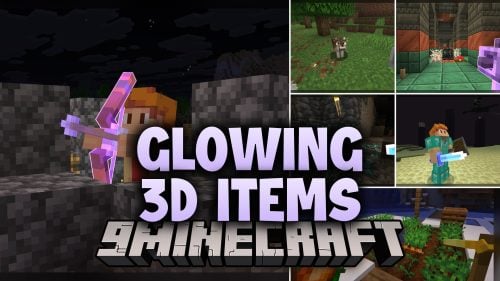 Glowing 3D Items Model – Transforms Flat Vanilla Tools Into Animated 3D Gear
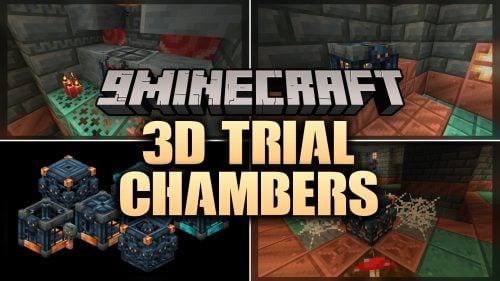 3D Trial Chambers Model – Transforms Spawners, Vaults, and Maces Into 3D Shapes
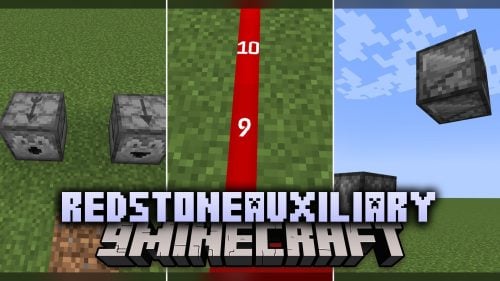 RedstoneAuxiliary Model – Adds Clear 3D Visual Cues to Redstone Blocks
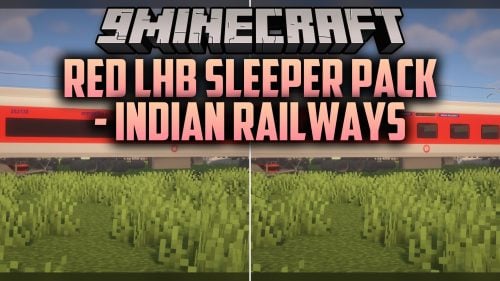 Red LHB Sleeper Pack – Brings Modern Indian Train Coaches to MTR
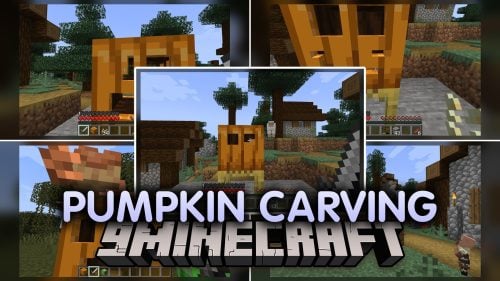 Pumpkin Carving Model – Unlocks Custom Voxel-By-Voxel 3D Pumpkin Sculptures

This post has no comments yet. Be the first — your comment will appear here.