
Slimefun Model – Brings 3D Shields, Solar Panels, and Animated Server Tech

 0


Slimefun Model restyles server items and blocks with 31 custom 3D models and 2,644 texture files. It serves as a simple remake of the original Slimefun Resourcepack. Players get fresh visuals for energy panels, magic shields, and utility machines, complete with animated textures and active blocking states.
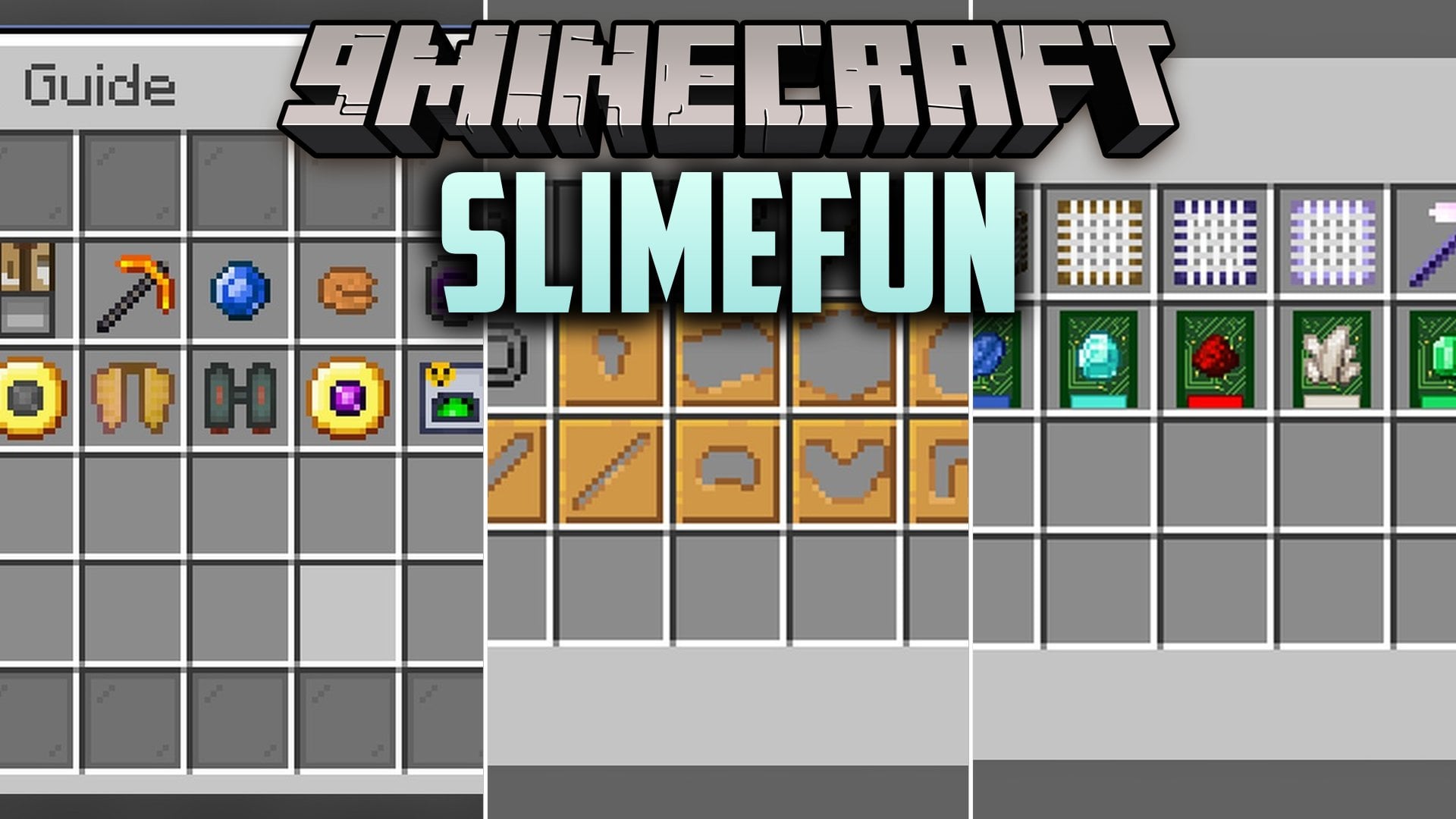
Features:
- 31 Custom 3D Models: Replaces standard item and block appearances with 3D designs for shields, generators, and machines.
- 2,644 Texture Files: Packs in thousands of custom textures, including animated textures for moving parts and energy effects.
- Active Shield Blocking Models: Changes the 3D model of shields when you hold right-click to block incoming attacks.
- Adds custom visuals for UI protection types, including both normal and blocking states.
- Includes specialized weapon models like the Soulbound Trident.
Shields & Combat Gear:
- Infinity Shield and Cosmic Aegis: High-tier shields with separate idle and blocking 3D models.
- Supreme Shields: Includes Rare, Epic, Legendary, Magic, Thornium, and Supreme tiers, each with its own blocking visual.
- Soulbound Trident: A custom 3D weapon model for combat.
Solar Panels & Tech Blocks:
- Solar Panels: Includes base Solar Panel, Solar Panel 2, Solar Panel 3, Void Panel, and Infinity Panel models.
- Solar Generators: Features custom models for base Solar Generator, plus tiers 2, 3, and 4.
- Utility Blocks: Adds 3D visuals for the Warp Pad, Void Block, and Strainer Base.
How to Use:
- Place the pack in your resourcepacks folder and activate it from the in-game Options menu before joining a Slimefun server.
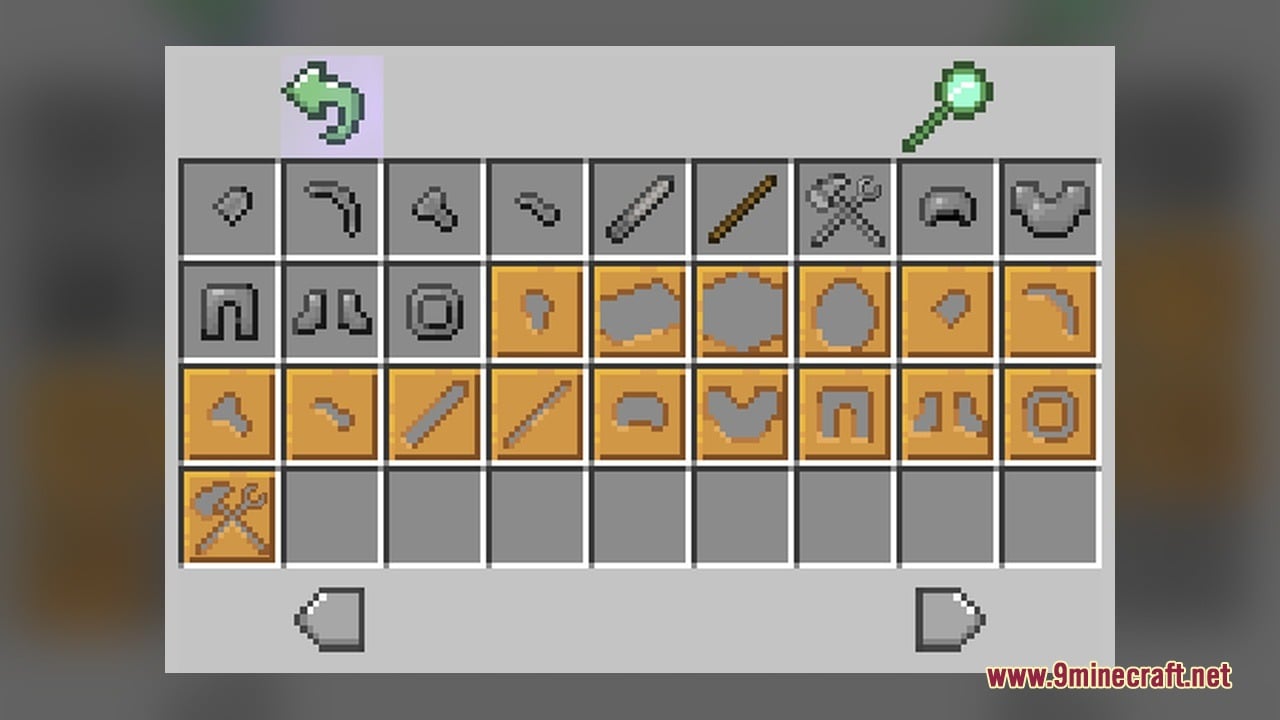
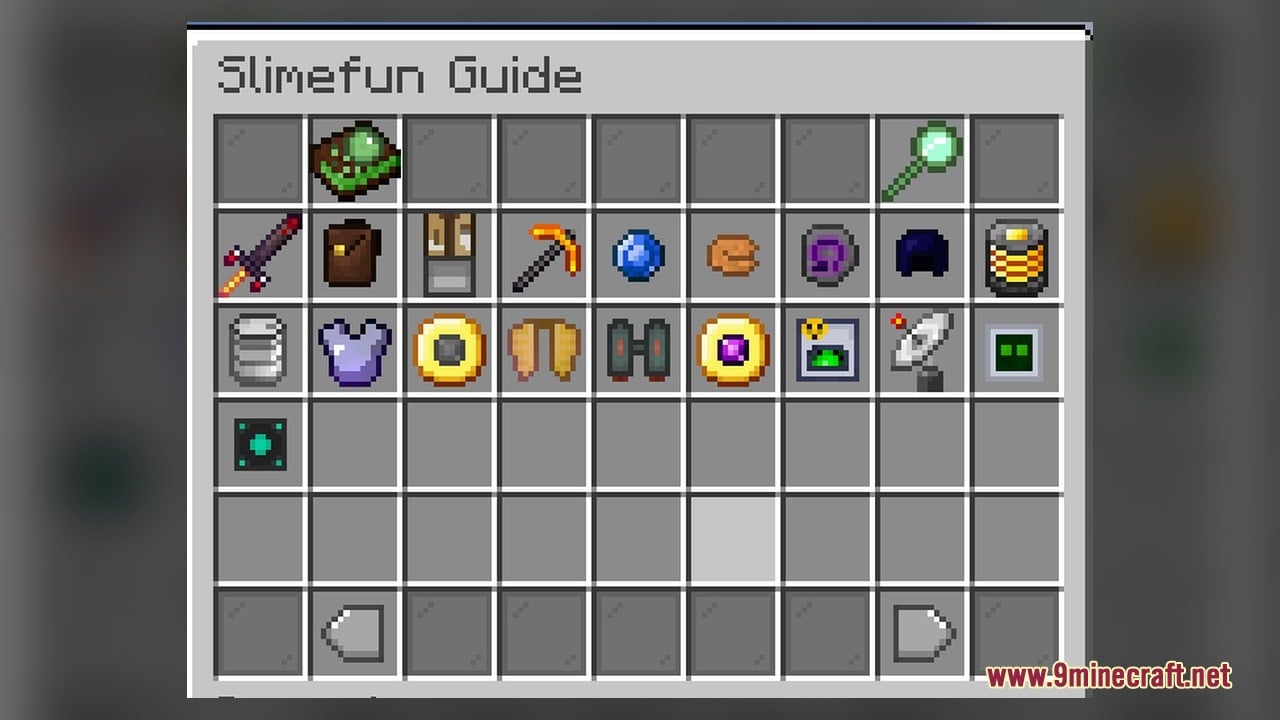
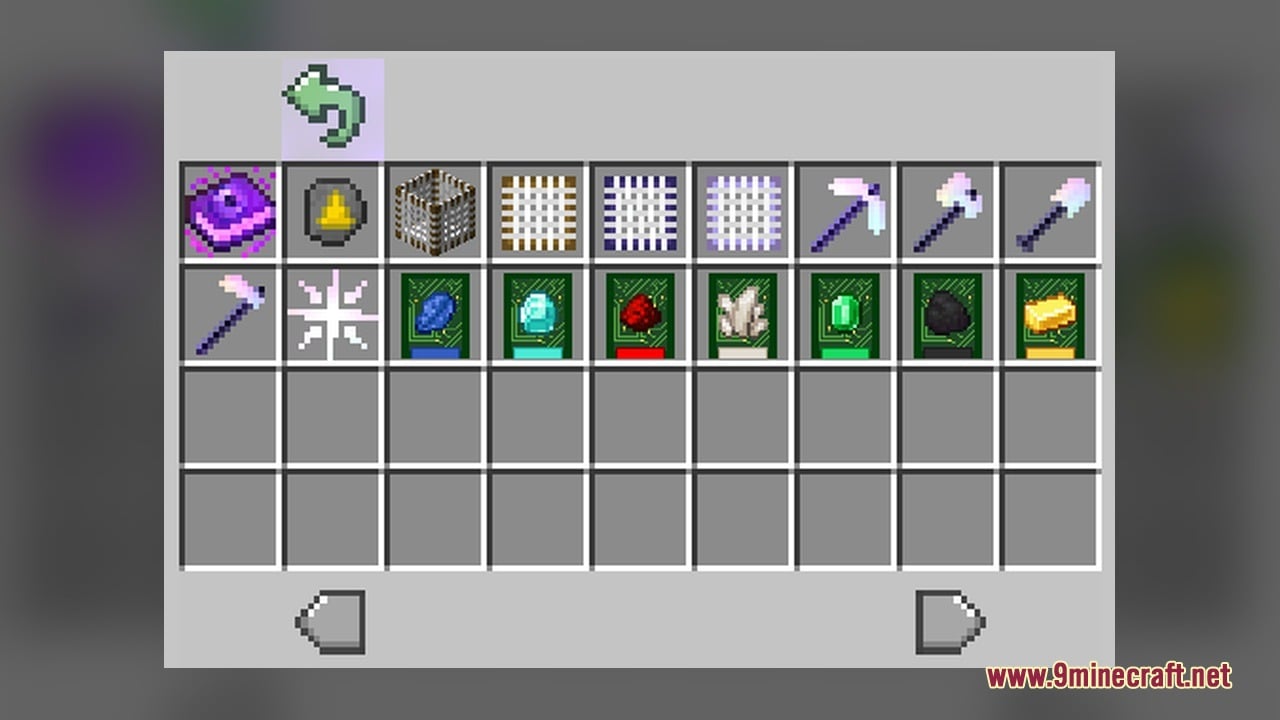
- Craft or obtain a Solar Panel, Void Panel, or Solar Generator from the Slimefun guide and place it on the ground to see the 3D machine models and animated textures.
- Build a Warp Pad, Strainer Base, or Void Block in your base to view their custom block shapes instead of vanilla blocks.
- Equip an Infinity Shield, Cosmic Aegis, or any Supreme Shield (such as Thornium, Magic, or Legendary) in your hand or off-hand.
- Hold Right-Click with your shield equipped to trigger the separate blocking model and see the shield shift into its defensive pose.
- Hold the Soulbound Trident or check the UI protection types in your Slimefun menu to view the remaining custom item visuals.
Requirements:
- A Minecraft version that supports animated textures
Screenshots:
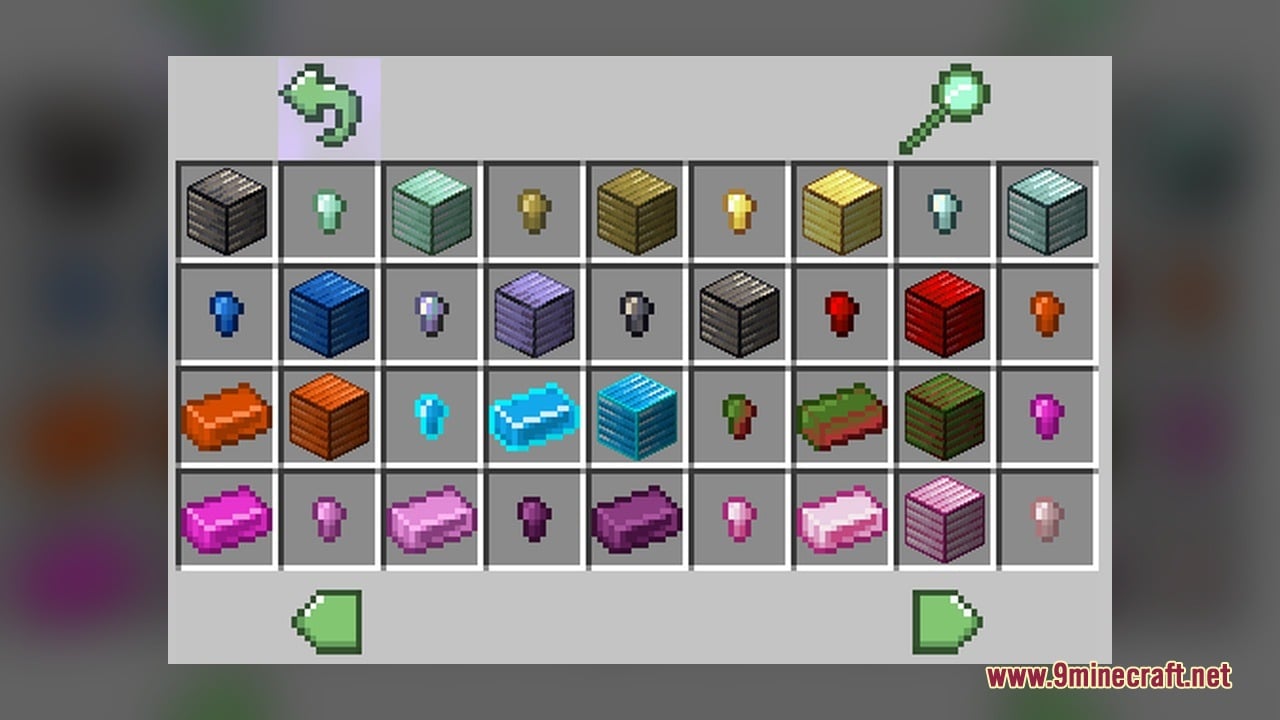
Slimefun Model Download Links
Click to rate this post!
[Total: 0 Average: 0]
You May Also Like
Picked for this page
 Pixel Perfection Fidelity Model – Brings Cozy Medieval 3D Models to Blocks
 Bare Bones X Model – Brings Simple 3D Foliage and Modded Block Visuals
 100Follower Bedwars Pack Model – Transforms Arena Blocks for Clearer Fights
 Quadral Model – Brings Vivid Colors and 31 Custom 3D Models to Vanilla
 Brush & Juice Model – Brings Animated 3D Redstone and Mechanical Blocks
 Simply Alive Model – Brings Animated 3D Blocks and Capybara Totems
 Fresh Ores And Ingots VR Model – Transforms Flat Minerals Into 3D Gems
 Deluxe Model – Transforms Flat Blocks Into Animated 3D Shapes with Fullbright
 The Original Work Programmer Art Model – Brings Classic Retro Visuals and Models
 ZickZack ORI Red Model – Brings 3D Pen Bows, Trackers, and Custom Skies
 ShadowBlade Model – Equips Animated 3D Fantasy Weapons for PvP Combat
 Gravestone Dungeons Resource Pack Model – Brings Animated 3D Dungeon Rituals
Most viewed in Models over the last 7 days
 Jenny Mod Skin Pack Mega Collection – 310+ Characters
 The Most Complete Collection of Jenny Mod Resources – Models, Animations, Structures,…
 Albedo Rework Jenny Mod Model
 Pomni Jenny Mod Model
 Galath Rework Model – Custom Girl for PleasureCraft Mod
 Power Model – Custom Girl for PleasureCraft Mod
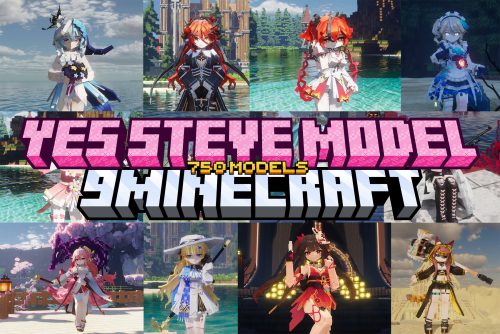 750 Models Addon for Yes Steve Model Mod
 Ram Model – Custom Girl for PleasureCraft Mod
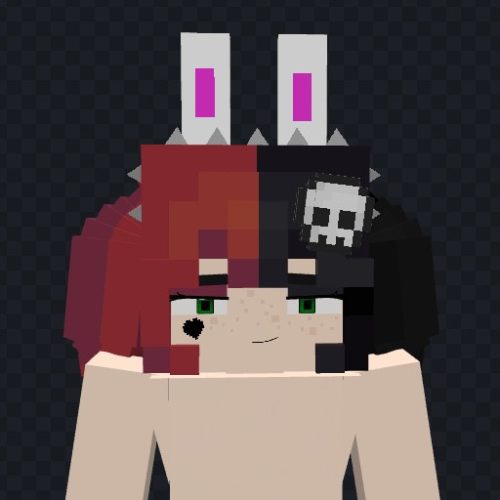 Femboy Ellie Rework Jenny Mod Model
 Ellie Rework Jenny Mod Model
 Steve (Jenny & Zoey) Pack Jenny Mod Model
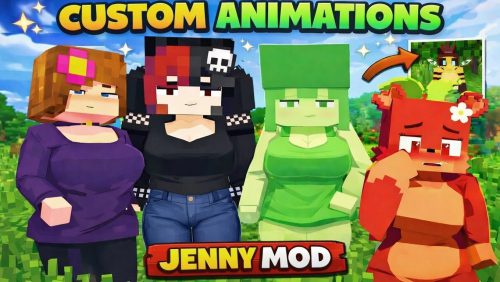 100+ Custom Animations For Jenny Mod
More from Models
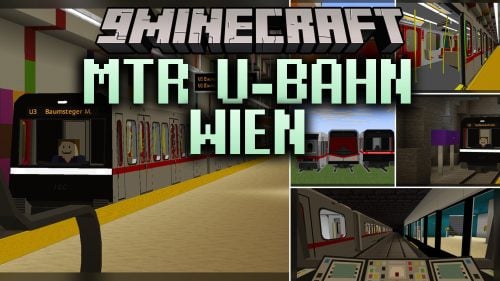 MTR U-Bahn Wien Model – Adds Vienna Metro Trains to Railway Routes
 MYTHOS Model – Brings 38 Custom 3D Models to Wynncraft Items
 Classic Faithful 32x Model – Brings Classic 32x Detail and 3D Redstone Blocks
 Cinnamon Model – Adds 894 Custom 3D Models to Blocks and Plants
 Glowing Emissive Ores Model – Brings Animated 3D Crystals to Dark Caves
 Programmer Art Fix Model – Fixes Repeaters, Comparators, and Brewing Stands
 Looshy Model – Adds 30 Custom 3D Models to Redstone, Torches, and Lanterns
 BnC Coaster Compat Model – Adds Hand-Made 3D Food Models to Coasters
 Rb’s Legendary Model – Adds 286 Custom 3D Models to Blocks and Items
 Human Era Villagers & Illagers X Fresh Animations Model
 Faithless Model – Adds 698 Custom 3D Models While Keeping the Vanilla Look
 Moonlit Model – Adds Soft Glowing Gear and Custom 3D Copper Lanterns

This post has no comments yet. Be the first — your comment will appear here.