
MTR Small Ferry Model – Adds a Two-Deck Passenger Ferry for Water Transit

 0


MTR Small Ferry Model adds a 2-deck ferry for the Minecraft Transit Railway mod. It includes two different livery variations so players can pick the paint job that fits their water transit routes. The pack also ships with one Blockbench source model and three texture files for custom edits.

Features:
- Two-Deck Ferry: Adds a small 2-deck passenger ferry built for the Minecraft Transit Railway mod.
- Livery Variations: Includes 2 distinct livery designs to give your water routes different visual styles.
- Packs in 3 texture files that apply the exterior and deck details to the boat.
- Provides 1 Blockbench source model file so you can open and edit the ferry structure yourself.
How to Use:
- Place the downloaded pack into your Minecraft resource packs folder and activate it in the game settings while running the Minecraft Transit Railway mod.
- Open a world and set up a boat route along the water using the transit mod’s boat nodes and depot blocks.
- Open the boat siding or depot configuration menu to browse your available water vehicles.
- Select the small 2-deck ferry from the vehicle list and pick between the 2 livery variations.
- Deploy the ferry onto your water route to watch the two-deck model travel between your docks.
- Open the included source file in Blockbench if you want to inspect the 3 texture files or edit the ferry shape.
Requirements:
- Blockbench, only if you want to edit the included source models
Screenshots:


MTR Small Ferry Model Download Links
Click to rate this post!
[Total: 0 Average: 0]
You May Also Like
Picked for this page
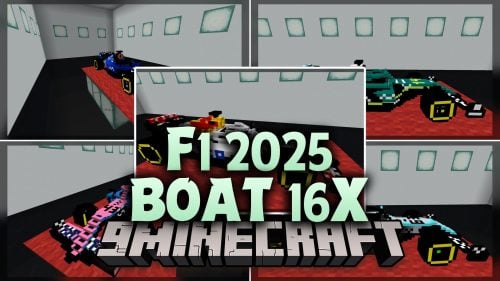 F1 2025 Boat 16x Model – Transforms Vanilla Boats Into Formula Racing Cars
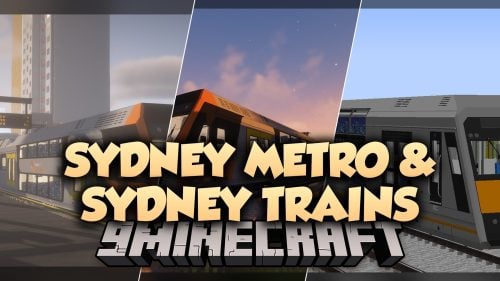 Sydney Metro & Sydney Trains Model – Brings Australian Rail Transit to MTR4
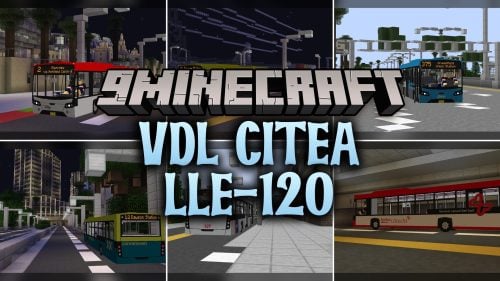 VDL Citea LLE-120 Model – Brings Custom Transit Buses to MTR Roads
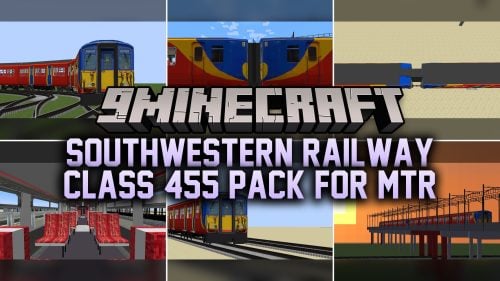 Southwestern Railway Class 455 Pack For MTR Model – Adds Custom Passenger Trains
 THSR 700T Model – Brings Taiwan High-Speed Rail Trains to Railway Networks
 ETR 470 Model – Brings Classic European Trains to Custom Transit Railways
 Mk.2 Redstone Model – Upgrades Redstone Circuits with Clear Animated 3D Signals
 Enchanted Cards Model – Transforms Enchanted Books Into 3D Trading Cards
 STAR21 Model – Brings the Class 952 Shinkansen Bullet Train to MTR4 Tracks
 Virgin BR Class 221 Super Voyager Model – Brings Passenger Trains to Your Tracks
 0 Series Shinkansen Model – Brings Classic Japanese Bullet Trains to Railways
 Avanti West Coast BR Class 221 Super Voyager Model – Adds MTR Passenger Trains
Most viewed in Models over the last 7 days
 Jenny Mod Skin Pack Mega Collection – 310+ Characters
 The Most Complete Collection of Jenny Mod Resources – Models, Animations, Structures,…
 Albedo Rework Jenny Mod Model
 750 Models Addon for Yes Steve Model Mod
 Power Model – Custom Girl for PleasureCraft Mod
 Galath Rework Model – Custom Girl for PleasureCraft Mod
 Femboy Ellie Rework Jenny Mod Model
 Ram Model – Custom Girl for PleasureCraft Mod
 Pomni Jenny Mod Model
 100+ Custom Animations For Jenny Mod
 Halloween Pack Jenny Mod Model – Transforms Companions with Spooky Costumes
 Ellie Rework Jenny Mod Model
More from Models
 Bows & Crossbows To Guns Model – Equips Animated WW1 Bolt-Action Rifles
 BedWars Model – Brings Custom 3D Guns and Animated Gear to Hypixel Bedwars
 AE2 TEXTURE BACKPORT Model – Brings Modern 1.21 Storage Visuals to Older Worlds
 Undopia 3D Pointed Dripstone Model – Transforms Flat Cave Spikes Into 3D Shapes
 Flows HD Full Model – Transforms Everyday Blocks with Crisp 128x 3D Shapes
 Create Old Copper Stuffs Model – Brings Back Classic Create Copper Blocks
 Unity Model – Transforms Everyday Blocks with Realistic 3D Shapes and Variants
 HOLD MY ACTIONS Model – Adds 3D Held Boats, Buckets, and Item Animations
 Xali’s Enhanced Biome River & Pond Model – Brings 3D Plants and Aquatic Wildlife
 Stylista – Transforms Worlds with 128x Stylized Textures and 3D Block Shapes
 LeoTweaks 3D String Model – Brings Visible 3D Tripwires and Traps
 Void Model – Brings Low-Clutter 3D Block Visuals and FPS Boosts for Crystal PvP

This post has no comments yet. Be the first — your comment will appear here.