
Unity Model – Transforms Everyday Blocks with Realistic 3D Shapes and Variants

 0


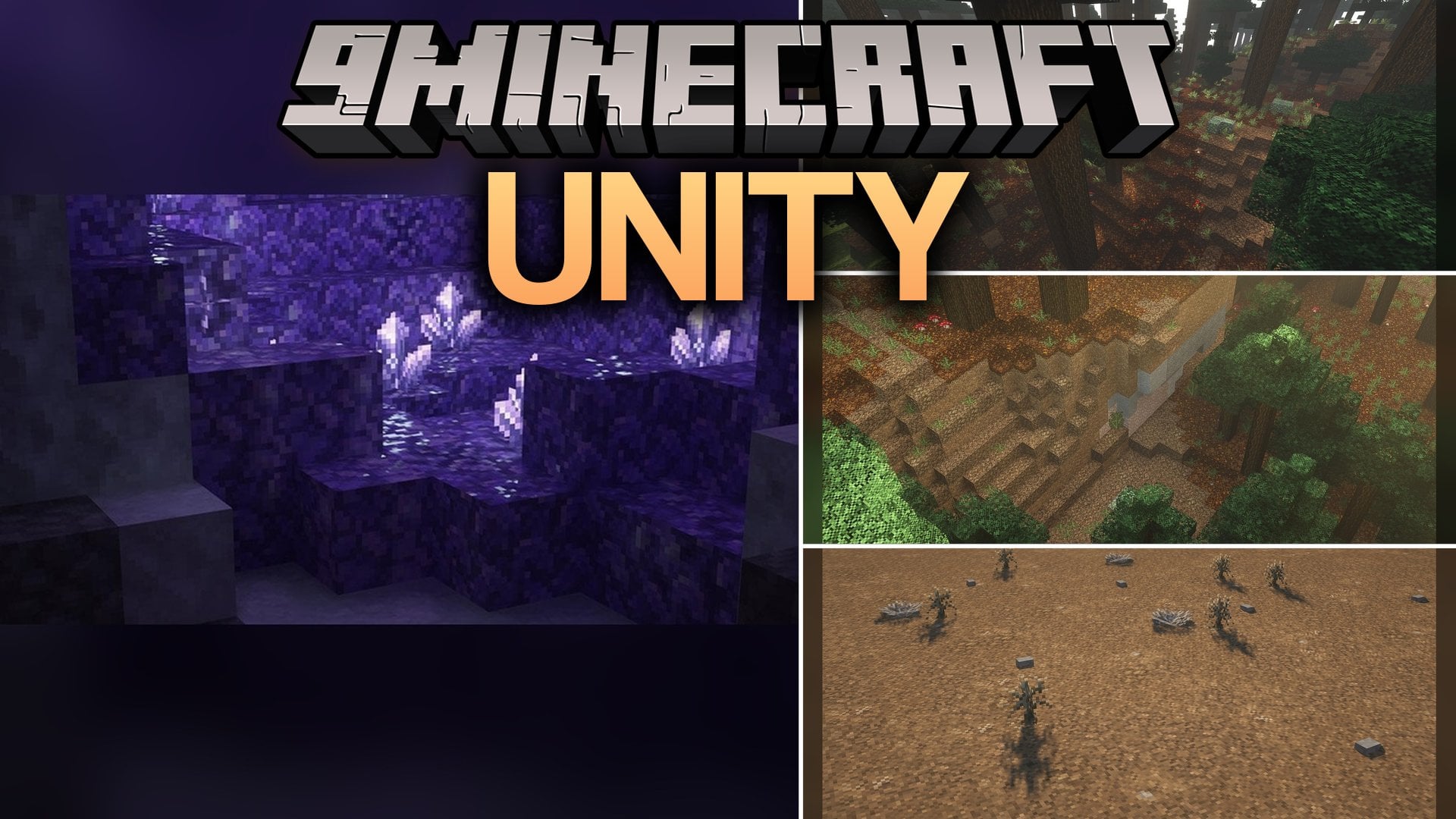
Unity Model transforms the look of your world with realistic tones and random block variants. This pack makes your surroundings feel more organic by packing in 130 custom 3D models and 1,985 texture files. It refreshes everyday blocks like crafting tables, bells, doors, and iron bars while adding animated textures to select surfaces. Players get fresh visual variety across bases, villages, and strongholds without changing core gameplay rules.
Features:
- 130 Custom 3D Models: Rebuilds common blocks and items with detailed three-dimensional shapes and alternate visual variants.
- 1,985 Texture Files: Repaints surfaces with realistic color tones and mirrored column sides to break up repetitive patterns.
- Animated Textures: Adds movement to specific block surfaces for a livelier world.
- Multi-State Block Models: Changes the 3D appearance of interactive blocks when you flip levers, fill end portal frames, or hang bells in different positions.
Utility & Decoration Models:
- Beacons: Includes standard beacon and alternate beacon models.
- Bells: Features distinct 3D models for bells placed on the floor, hung from the ceiling, mounted on a single wall, or wedged between two walls.
- Workstations & Storage: Updates the cauldron, lectern, enchanting table, and adds an alternate crafting table model.
Building & Redstone Models:
- Doors, Ladders & Fences: Reskins oak doors, crimson doors, ladders, fence posts, and the fence inventory icon.
- Iron Bars: Includes separate models for posts, post ends, caps, alternate caps, sides, and alternate sides.
- Redstone Mechanisms: Restyles the daylight detector and provides distinct models for levers in both off and on states.
Terrain & Dimension Models:
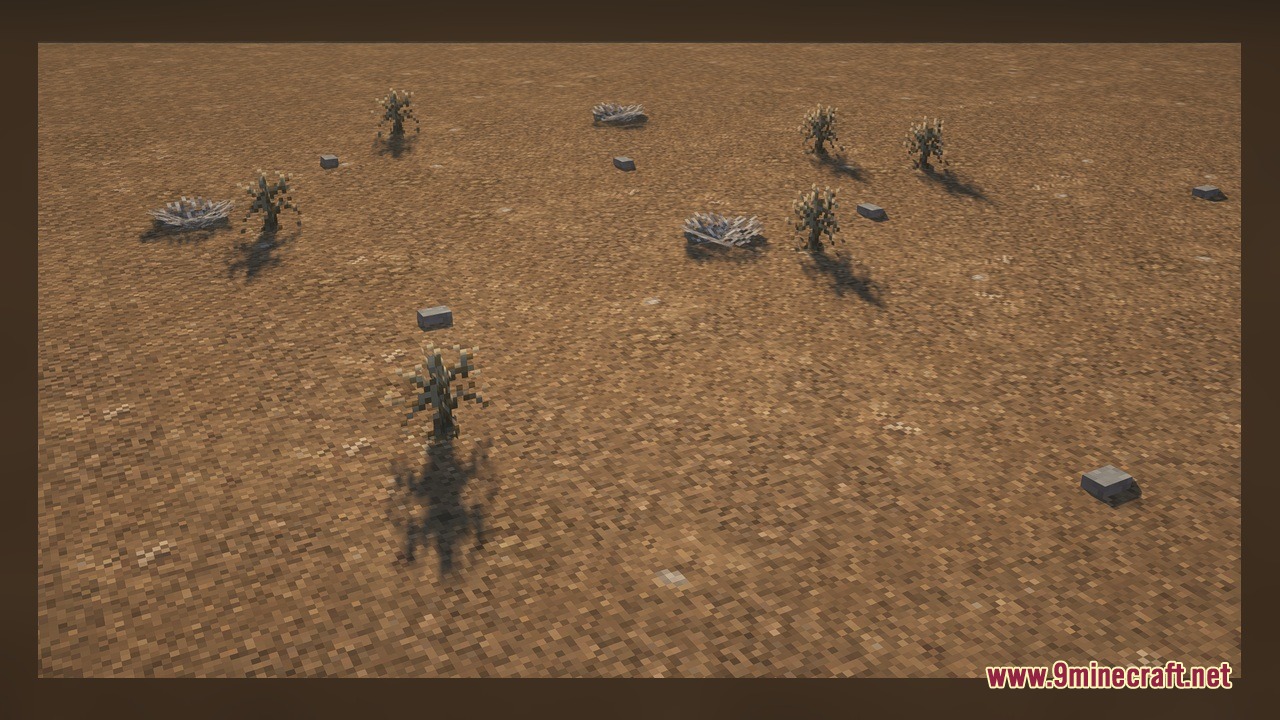
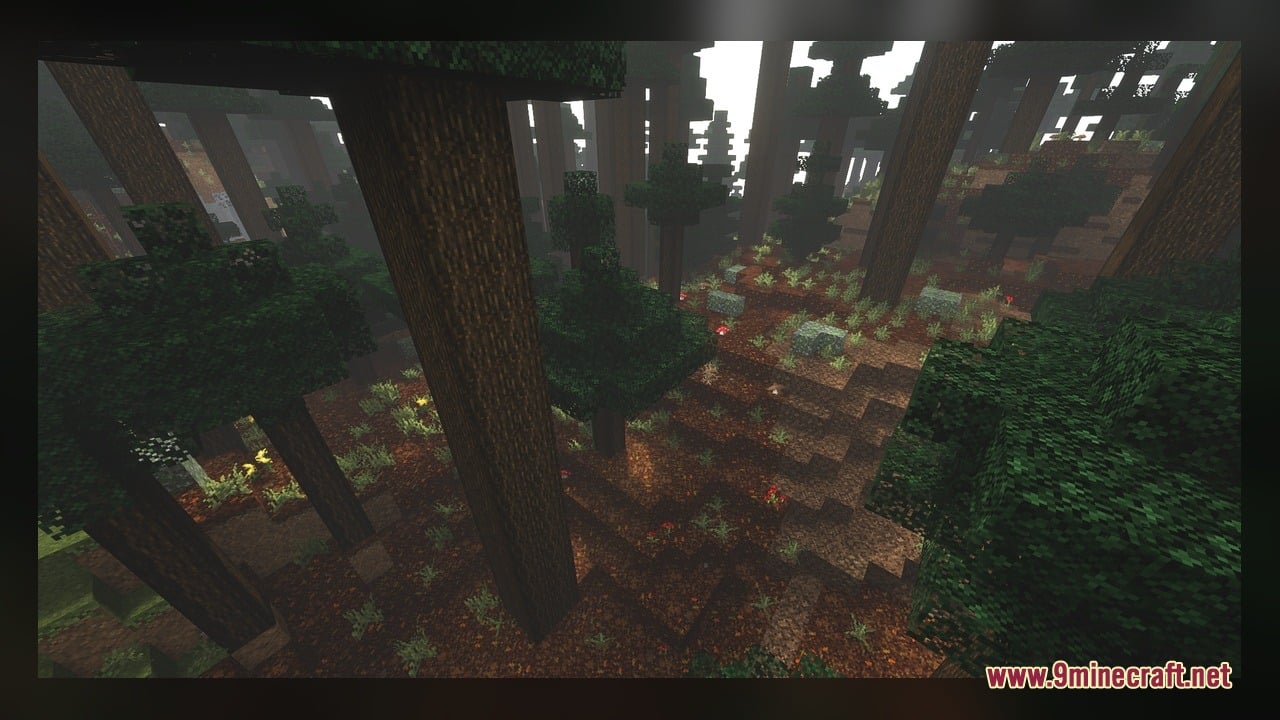
- Natural Blocks: Refreshes the grass block, dead bush, standard cube, and cube columns with mirrored sides.
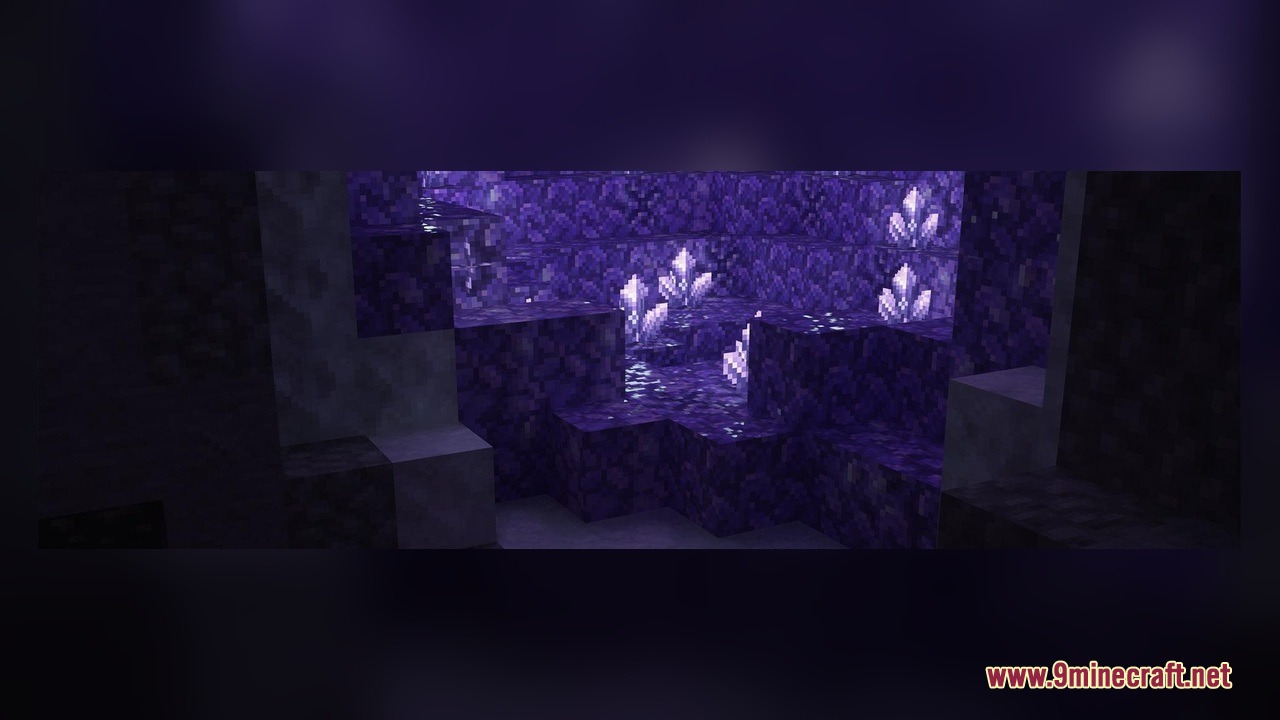
- End Portal Frames: Features separate 3D models for empty end portal frames and frames filled with an Eye of Ender.
How to Use:
- Place the pack into your resourcepacks folder and activate it from the in-game Options menu.
- Walk through plains and deserts to spot the updated grass block surfaces, dead bushes, and mirrored cube columns.
- Craft and place a crafting table, cauldron, lectern, enchanting table, and beacon in your base to view their new 3D shapes and random variants.
- Build with oak doors, crimson doors, ladders, fences, and iron bars to see how the post, cap, and side models connect together.
- Mount a bell on a floor, ceiling, single wall, or between two walls, and flip a lever next to a daylight detector to watch the models change state.
- Visit a Stronghold and insert an Eye of Ender into an empty end portal frame to see the frame switch to its filled 3D model.
Requirements:
- A Minecraft version that supports animated textures
Screenshots:

Unity Model Download Links
Click to rate this post!
[Total: 0 Average: 0]
You May Also Like
Picked for this page
 Bare Bones X Model – Brings Simple 3D Foliage and Modded Block Visuals
 Pixel Perfection Fidelity Model – Brings Cozy Medieval 3D Models to Blocks
 Quadral Model – Brings Vivid Colors and 31 Custom 3D Models to Vanilla
 Gui’s Better Vanilla Model – Brings Animated 3D Torches and Plants
 Simply Alive Model – Brings Animated 3D Blocks and Capybara Totems
 Vanilla Realism Model – Transforms Flat Blocks Into Animated 3D Shapes
 Brush & Juice Model – Brings Animated 3D Redstone and Mechanical Blocks
 Dimensionalized 3D Essentials Model – Adds 248 Vanilla-Style 3D Block Models
 The Original Work Programmer Art Model – Brings Classic Retro Visuals and Models
 Moons Cuter Bedwars Model – Brings Cute 3D Blocks and Clean PvP Visuals
 All Industry New Model – Transforms Industrial Mod Blocks Into 3D Factory Gear
 Golden Days Base Model – Brings Classic Beta Visuals to Modern Blocks
Most viewed in Models over the last 7 days
 Jenny Mod Skin Pack Mega Collection – 310+ Characters
 The Most Complete Collection of Jenny Mod Resources – Models, Animations, Structures,…
 Albedo Rework Jenny Mod Model
 750 Models Addon for Yes Steve Model Mod
 Galath Rework Model – Custom Girl for PleasureCraft Mod
 Power Model – Custom Girl for PleasureCraft Mod
 Femboy Ellie Rework Jenny Mod Model
 Ram Model – Custom Girl for PleasureCraft Mod
 Pomni Jenny Mod Model
 100+ Custom Animations For Jenny Mod
 Ellie Rework Jenny Mod Model
 Halloween Pack Jenny Mod Model – Transforms Companions with Spooky Costumes
More from Models
 Qube Model – Adds Physical 3D Depth to Vanilla Workstations, Rails, and Crops
 Tom’s Storage Create Style Model – Brings Mechanical Brass Visuals to Terminals
 Zhongtong Base Model – Brings Custom Zhongtong Buses to MTR Transit Networks
 JR East E531 Series Model – Brings Japanese Commuter Trains to MTR Railways
 Caelesti Fenestra Model – Adds Smooth Connected 3D Glass Windows
 London Underground 2009 Tube Stock Model – Brings Modern Subway Trains to Rails
 Kítòn Transit Adgency Model – Brings Custom Kiton Trains to Your Railways
 Overgrown Model – Brings Warm 3D Wood and Copper Blocks to Worlds
 Tianjin Metro Jinjing Line SFM120 Train Model – Adds 3-Car MTR Metro Trains
 Mk.2 Redstone Model – Upgrades Redstone Circuits with Clear Animated 3D Signals
 The Annoying Villagers Server Model – Equips Animated 3D Combat Weapons
 3D Spear – Equips Every Spear Tier with Movie-Inspired 3D In-Hand Weapons

This post has no comments yet. Be the first — your comment will appear here.