
Thomas The Tank Engine Model – Brings the Classic Blue Train to Railways

 0


Thomas The Tank Engine Model adds Thomas the Tank Engine to Minecraft Transit Railway. This resource pack ships with 1 Blockbench source model and 3 texture files to bring the famous blue train onto your railway tracks.

Features:
- Adds Thomas the Tank Engine for use with Minecraft Transit Railway.
- Includes 1 Blockbench source model file so you can open and edit the train model directly in Blockbench.
- Packs 3 texture files that paint the train’s classic blue body and details.
How to Use:
- Install Minecraft Transit Railway in your game so the train system is active.
- Move this resource pack into your Minecraft resourcepacks folder.
- Open the Resource Packs menu in your game settings and activate the pack.
- Place your railway tracks and train siding blocks from Minecraft Transit Railway in your world.
- Open your train depot or siding selection menu and pick Thomas the Tank Engine to spawn the model on the tracks.
- Optional: Open the included Blockbench source model file inside Blockbench if you want to edit the 3D shape or swap the 3 texture files.
Requirements:
- Blockbench, only if you want to edit the included source models
Screenshots:


Thomas The Tank Engine Model Download Links
Click to rate this post!
[Total: 0 Average: 0]
You May Also Like
Picked for this page
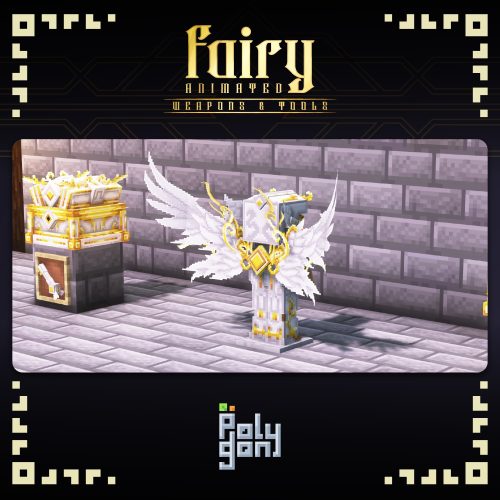 Fairy Animated Weapons Set Model – Adds A Full Set Of Animated Fairy Weapons
 Bare Bones X Model – Brings Simple 3D Foliage and Modded Block Visuals
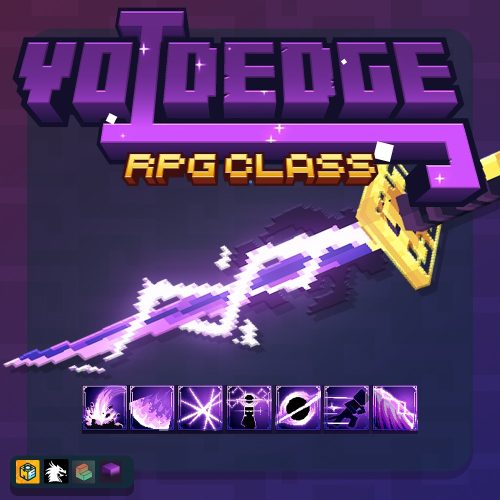 Void Edge Class Model – Unleashes Dimensional Strikes and a Black Hole Ultimate
 Aurin’s ShinobiCraft Icons Model – Brings 3D Elemental Ninja Powers
 The Original Work Programmer Art Model – Brings Classic Retro Visuals and Models
 Brush & Juice Model – Brings Animated 3D Redstone and Mechanical Blocks
 Fresh Ores And Ingots VR Model – Transforms Flat Minerals Into 3D Gems
 STAR21 Model – Brings the Class 952 Shinkansen Bullet Train to MTR4 Tracks
 0 Series Shinkansen Model – Brings Classic Japanese Bullet Trains to Railways
 Avanti West Coast BR Class 221 Super Voyager Model – Adds MTR Passenger Trains
 British Rail Class 142 Pacer Model – Brings Classic British Trains to Railways
 CP 4000 Alfa Pendular Series Model – Brings Passenger Trains to MTR4 Networks
Most viewed in Models over the last 7 days
 Jenny Mod Skin Pack Mega Collection – 310+ Characters
 The Most Complete Collection of Jenny Mod Resources – Models, Animations, Structures,…
 Albedo Rework Jenny Mod Model
 750 Models Addon for Yes Steve Model Mod
 Power Model – Custom Girl for PleasureCraft Mod
 Galath Rework Model – Custom Girl for PleasureCraft Mod
 Femboy Ellie Rework Jenny Mod Model
 Ram Model – Custom Girl for PleasureCraft Mod
 Pomni Jenny Mod Model
 100+ Custom Animations For Jenny Mod
 Halloween Pack Jenny Mod Model – Transforms Companions with Spooky Costumes
 Ellie Rework Jenny Mod Model
More from Models
 Protomanly’s Weather Resource Pack Model – Adds 3D Fire, Ice, and Weather Tools
 Enchanted Cards Model – Transforms Enchanted Books Into 3D Trading Cards
 Realistic Redstone 3D Model – Brings Physical Depth to Redstone and Blocks
 John Smith Legacy Models Model – Brings Detailed 3D Blocks and Plants
 Shroomland Model – Transforms Flat Mushrooms and Nether Fungi Into 3D Shapes
 Railgun’s Redstone Model – Adds 3D Visual Cues to Redstone Blocks
 Bows & Crossbows To Guns Model – Equips Animated WW1 Bolt-Action Rifles
 BedWars Model – Brings Custom 3D Guns and Animated Gear to Hypixel Bedwars
 AE2 TEXTURE BACKPORT Model – Brings Modern 1.21 Storage Visuals to Older Worlds
 Undopia 3D Pointed Dripstone Model – Transforms Flat Cave Spikes Into 3D Shapes
 Flows HD Full Model – Transforms Everyday Blocks with Crisp 128x 3D Shapes
 Create Old Copper Stuffs Model – Brings Back Classic Create Copper Blocks

This post has no comments yet. Be the first — your comment will appear here.