
Simple Spruce House Schematic (1.21.x) – Furnished Modern Spruce House For Survival

 0


Simple Spruce House Schematic brings a medium modern survival house into your vanilla Minecraft world. This build uses 899 blocks and mixes spruce, deepslate, white wool, white concrete powder, and dark prismarine for a clean look. Inside, you get a fully furnished interior that suits everyday survival play. It requires no extra mods and comes as a LITEMATIC file.

3D Preview & Editor:
How to place this schematic
.litematic This is a Litematica schematic. You place it with the Litematica mod, which shows the build as a ghost overlay you fill in.
| 1 | Install Litematica (plus MaLiLib) for your Minecraft version. |
| 2 | Put the .litematic file in .minecraft/schematics. |
| 3 | In game press M → Load Schematics, pick the file, then Load. |
| 4 | Position the ghost preview, then build it by hand — or turn on Easy Place to place blocks straight from your hotbar. |
Features:
- Fully Furnished Interior: Comes fully furnished inside for immediate survival use.
- Vanilla Survival Build: Uses standard Minecraft blocks only and requires no mods to load in your world.
- Has a medium build size measuring 15×12×12 blocks (X × Y × Z).
- Contains 899 total blocks, with spruce, deepslate, white wool, white concrete powder, and dark prismarine as the main resources.
- Follows a modern house style suited for the Houses And Shops category.
- Comes in the LITEMATIC schematic file format.
Schematic Specs:
 Minecraft1.21.x
 Dimensions15×12×12
 Total Blocks899
 Top Blocks Used
Grass Block 134Spruce Log 116Spruce Slab 72Polished Deepslate Stairs 69Cobbled Deepslate Stairs 55
Screenshots:


Simple Spruce House Schematic Download Links
For Minecraft 1.21.x
Click to rate this post!
[Total: 0 Average: 0]
QUICK MINECRAFT SURVEY · ONE TAP
Build Tools & Schematics
How do you use Litematica's Material List feature in Survival?
1 responses · See the full results →
You May Also Like
Picked for this page
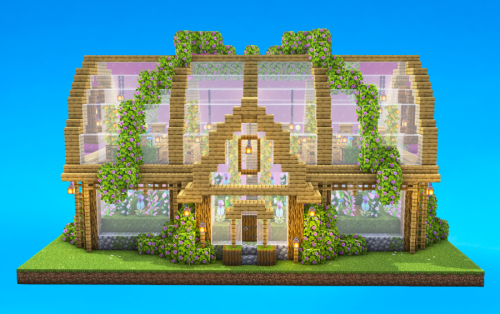 Greenhouse Schematic (1.21.x) – Beautiful Two Story Botanical Glass House
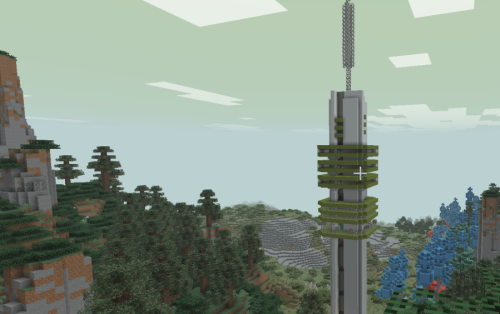 Hilversum Broadcasting Tower 1 1.5 Scale Replica Schematic (1.21.x) – Realistic Modern Dutch Radio T
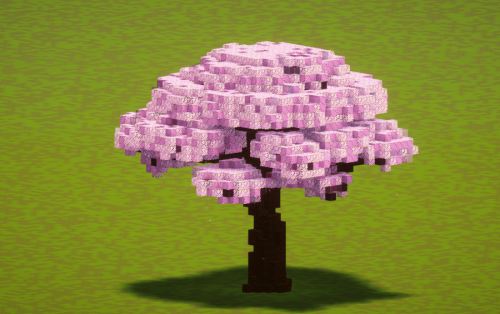 Tall Cherry Tree Schematic (1.21.x) – A Tall Custom Cherry Blossom Build
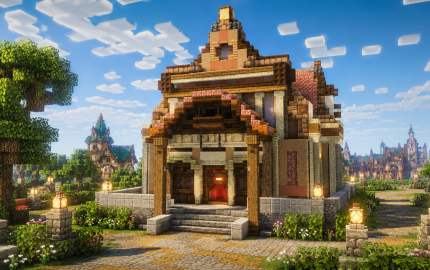 Medieval Bank Schematic (1.21.x) – Grand Medieval Bank for Roleplay Worlds
 Oak Tree Schematic (1.21.x) – Large Custom Vanilla Oak Tree Build
 Void Death Schematic (1.21.x) – Simple Redstone Void Trap Build
 Knoster Spawner Base Small by Konst4638 Schematic (1.21.x) – Compact AFK Area For Mob Spawners
 Birch Tree Farm Schematic (1.20.x) – Simple Manual Birch Wood Farm Build
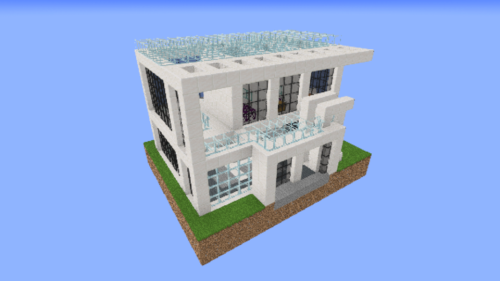 Small House 10 Schematic (1.20.x) – A Compact Vanilla Home Blueprint For Players
 Gold Farm Sorting Trash Bin for Rotten Flesh Gold Blocks Crafter Schematic (1.21.x) – Automated Reds
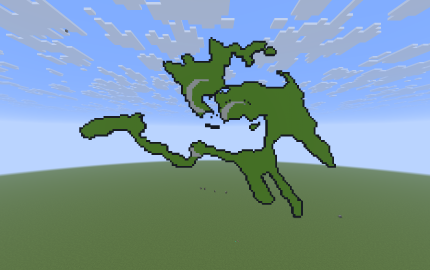 Ottoman Empire Schematic (1.21.x) – Historical 1566 Map Border Pixel Art Build
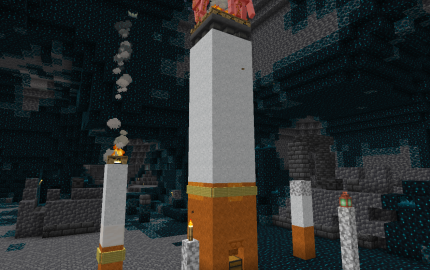 Cigarette Iron Farm Kill Chamber Schematic (1.21.x) – Small Water Stream Golem Kill Chamber Build
Most viewed in Schematics over the last 7 days
 64 Module Cobblestone Farm Schematic (1.21.x) – Massive Automated Stone Gathering Build
 Gold Farm Schematic (1.21.x) – Automatic Nether Roof Gold Farm
 Fastest Bonemeal Farm Donut Smp Schematic (1.21.x) – Fast Redstone Bonemeal Farm Build
 Kelp Farm 2.0 Schematic (1.21.x) – Efficient Automatic Kelp Farming System For Survival
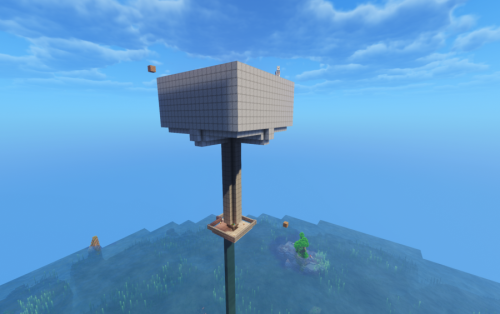 Easy Creeper Farm Schematic (1.21.x) – Simple Survival Gunpowder Farm Build For Minecraft
 Villager Trading Hall Schematic (1.21.x) – Modern Shop Build For 48 Villagers
 Bamboo Farm Schematic (1.21.x) – Small Automated Redstone Bamboo Farm
 Minutes End Base Before Spoke Null End Video Schematic (1.21.x) – Giant Unstable SMP End Base Schema
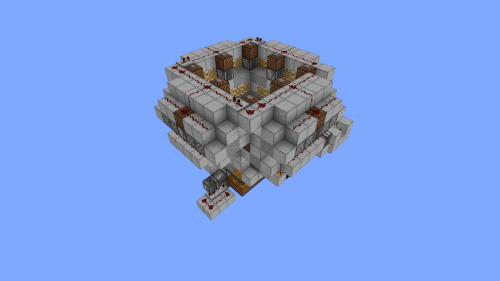 4k Bonemeal Farm Made by Basicredstone Schematic (1.21.x) – Compact Redstone Bonemeal Farm Build
 Unstable SMP S Bomer Schematic (1.21.x) – Large Bomber Machine Build For Worlds
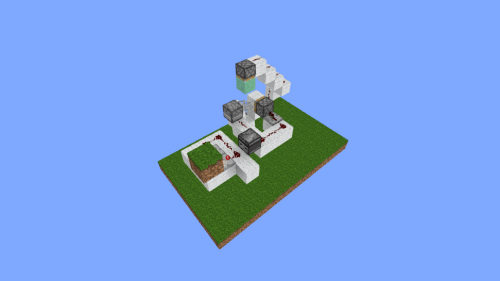 Rail Gun Wind Chagre Schematic (1.21.x) – Compact Rail Gun Wind Charge Build
 The Fastest Kelp Farm 500m per Hour Schematic (1.21.x) – Fast 4-Tick Vanilla Redstone Kelp Farm
More from Schematics
 Cobble Generator for Server with Miner Minions Schematic (1.21.x) – Server Cobble Generator For Mine
 Villager Breeder Schematic (1.21.x) – Compact Vanilla Farm With Easy Shutoff
 Spawn Asian Schematic (1.21.x) – Massive Asian Styled Vanilla Starter Hub
 Mountain Schematic (1.21.x) – Large Classic Vanilla Peak Ready To Paste
 Hoglin Farm Schematic (1.21.x) – Compact Vanilla Build For Meat And Leather
 Gold Pigman Farm Schematic (1.21.x) – Medium Vanilla Build for Gold Nuggets and Flesh
 End Earth Village Schematic (1.21.x) – Huge Medieval Settlement For All Villager Jobs
 Kfd V3.3 Kelp Farm Compact Schematic (1.21.x) – Compact Low-Cost Redstone Kelp Farm Build
 Stone Bridge V1 Schematic (1.21.x) – Medium Medieval Stone Bridge for Castles and Bases
 Tower on a Hill Schematic (1.21.x) – Medieval Castle Tower Built on a Small Hill
 1 Byte RAM 4×4 Display Schematic (1.21.x) – Redstone Screen With Working Memory Storage
 Farm of Witches Schematic (1.21.x) – Fast Redstone Witch Farm for Vanilla Survival

This post has no comments yet. Be the first — your comment will appear here.