
Mountain Schematic (1.21.x) – Large Classic Vanilla Peak Ready To Paste

 0


Mountain Schematic drops a large classic peak into your Minecraft world as a ready-to-paste terrain build. This structure spans 122×52×110 blocks and uses 198,615 blocks in total, so you get an instant landscape centerpiece without hand-terraforming every slope. It relies strictly on vanilla blocks with no mods required and comes in the SCHEM format.

3D Preview & Editor:
How to place this schematic
.schem This is a WorldEdit schematic. It pastes instantly on a server or single-player world that has WorldEdit (or FastAsyncWorldEdit).
| 1 | Install WorldEdit — as a plugin on the server, or as a mod for single player. |
| 2 | Drop the .schem file into plugins/WorldEdit/schematics (server) or config/worldedit/schematics (client). |
| 3 | Run //schem load <file name>. |
| 4 | Stand where you want it and run //paste. Add -a to skip air blocks. |
Features:
- Large Classic Peak Layout: Measures 122×52×110 blocks (X × Y × Z) across a full 198,615-block footprint.
- 100% Vanilla Blocks: Uses only standard Minecraft blocks with no extra mods required to load or display properly.
- Provides a classic mountain terrain shape that fits naturally as a large landmark or background landscape.
- Comes saved as a SCHEM file for straightforward placement into your world.
Schematic Specs:
 Minecraft1.21.x
 Dimensions122×52×110
 Total Blocks198,615
 Top Blocks Used
Stone 187,805Dead Bubble Coral Block 2,010Gravel 1,733Tuff 1,723Andesite 1,619
Mountain Schematic Download Links
For Minecraft 1.21.x
Click to rate this post!
[Total: 0 Average: 0]
QUICK MINECRAFT SURVEY · ONE TAP
Build Tools & Schematics
How do you feel about builders paying for exclusive schematics (via Patreon, Ko-fi, etc.)?
0 responses · See the full results →
You May Also Like
Picked for this page
 Budapest Parliament Building 1 1 Schematic (1.21.x) – Large Neo Gothic Parliament Build
 Lox V10.2 Kelp Farm Schematic (1.21.x) – Huge Vanilla Kelp Farm Blueprint
 Bone Meal Farm Moss Farm Schematic (1.21.x) – Quick And Easy Bone Meal Farm Build
 Netherless Mushroom Farm Schematic (1.21.x) – Compact Automatic Mushroom Farm Build
 Carpet Dupper Schematic (1.21.x) – Automated Vanilla Carpet Duplicator Build
 Max Gear Schematic (1.21.x) – Fully Enchanted Netherite Armor And Weapons Chest
 Bench Schematic (1.21.x) – A Small Garden Bench For Your World
 Medium House 6 Schematic (1.20.x) – Ready To Use Vanilla House Build
 Fireball Launcher Defence Schematic (1.21.x) – Ghast Fireball Stopper And Base Defender
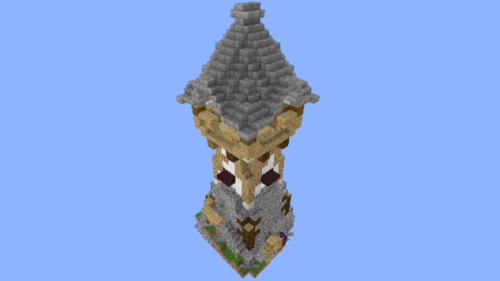 Tower 2 Schematic (1.20.x) – Tall Vanilla Minecraft Building Schematic
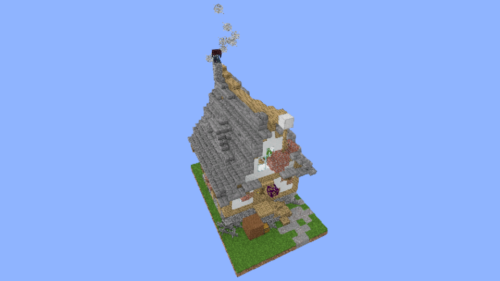 Medium House 5 Schematic (1.20.x) – Ready To Build Vanilla Home Layout
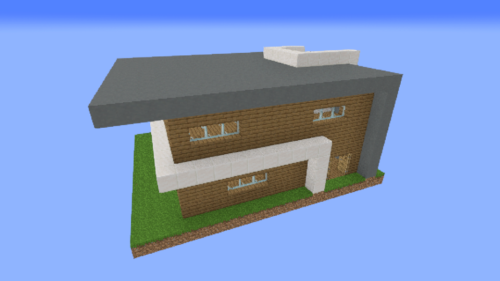 Small House 11 Schematic (1.20.x) – Tall And Compact Vanilla Home Build
Most viewed in Schematics over the last 7 days
 64 Module Cobblestone Farm Schematic (1.21.x) – Massive Automated Stone Gathering Build
 Gold Farm Schematic (1.21.x) – Automatic Nether Roof Gold Farm
 Fastest Bonemeal Farm Donut Smp Schematic (1.21.x) – Fast Redstone Bonemeal Farm Build
 Kelp Farm 2.0 Schematic (1.21.x) – Efficient Automatic Kelp Farming System For Survival
 Bamboo Farm Schematic (1.21.x) – Small Automated Redstone Bamboo Farm
 Villager Trading Hall Schematic (1.21.x) – Modern Shop Build For 48 Villagers
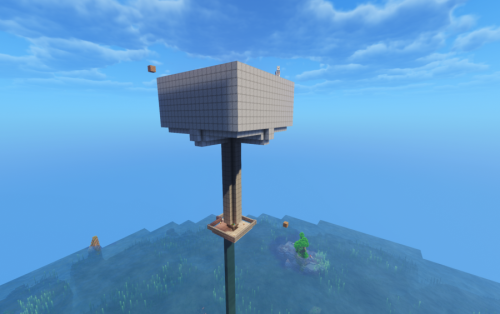 Easy Creeper Farm Schematic (1.21.x) – Simple Survival Gunpowder Farm Build For Minecraft
 Minutes End Base Before Spoke Null End Video Schematic (1.21.x) – Giant Unstable SMP End Base Schema
 The Fastest Kelp Farm 500m per Hour Schematic (1.21.x) – Fast 4-Tick Vanilla Redstone Kelp Farm
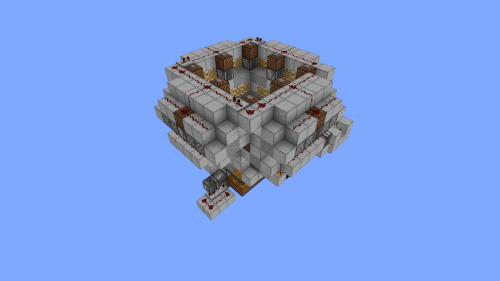 4k Bonemeal Farm Made by Basicredstone Schematic (1.21.x) – Compact Redstone Bonemeal Farm Build
 Unstable SMP S Bomer Schematic (1.21.x) – Large Bomber Machine Build For Worlds
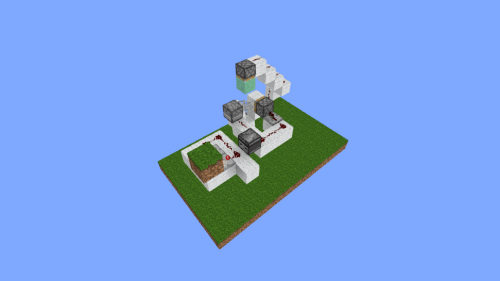 Rail Gun Wind Chagre Schematic (1.21.x) – Compact Rail Gun Wind Charge Build
More from Schematics
 Easy Iron Farm Schematic (1.21.x) – Simple High Output Iron Farm Build
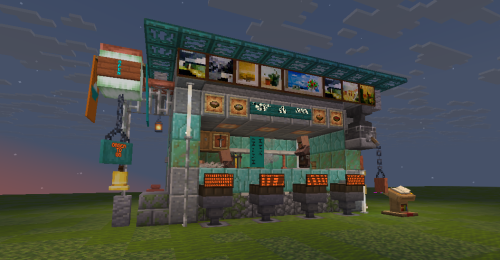 Japanese Street Vendor Schematic (1.21.x) – Small Modern Japanese Street Shop Build for Minecraft
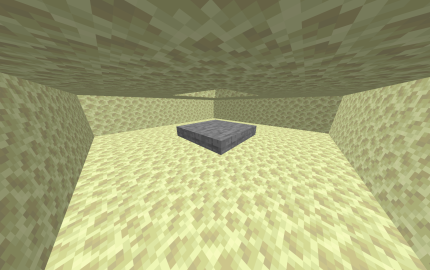 Endermann Farm Schematic (1.21.x) – Compact Vanilla Farm for XP and Ender Pearls
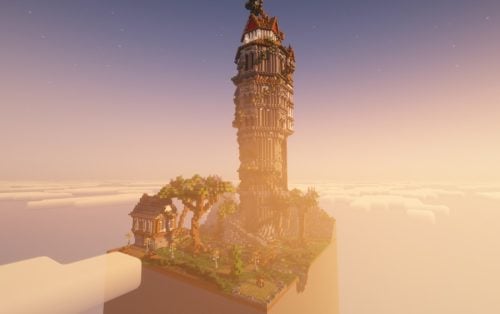 Medival Tower Schematic (1.21.x) – An Overgrown Ancient Stone Tower For Your World
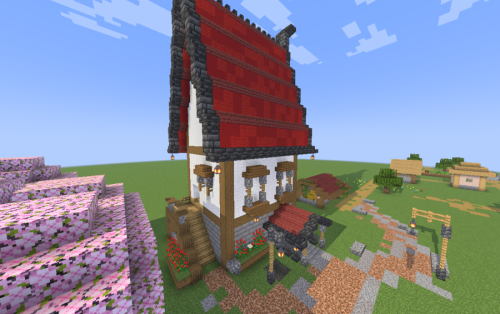 House Schematic (1.21.x) – Old Medieval And Asian Style Home
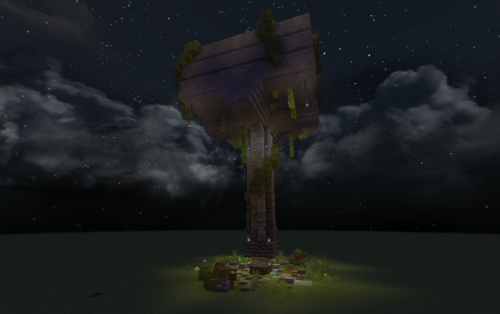 Textured XP Farm with Auto Sorter Schematic (1.21.x) – Large redstone mob farm with storage
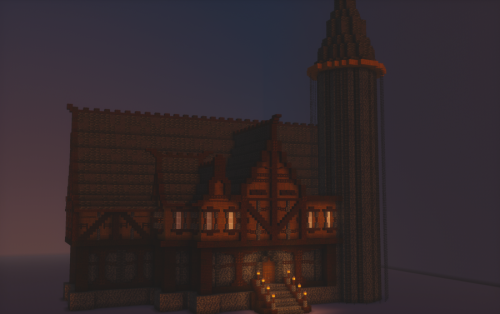 Minecraft Wooden Mansion Base Schematic (1.21.x) – Massive Medieval Wooden Estate for Minecraft
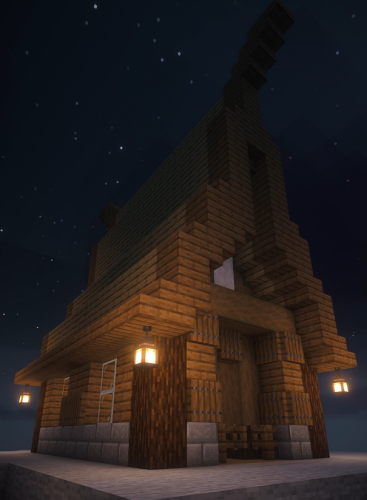 Mountain House Schematic (1.21.x) – Cozy Medieval Nordic Retreat for Your World
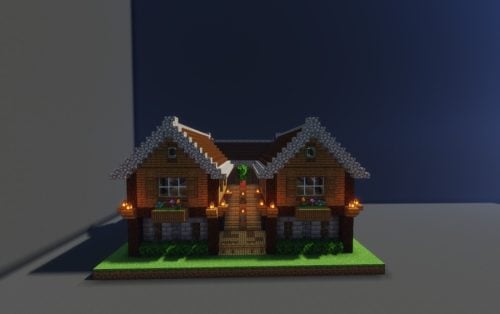 First Day Duo House Schematic File Schematic (1.21.x) – Cozy Medieval Two Player Starter House Build
 Free Enchanted Mushroom Mansion Schematic (1.20.x) – Detailed Purple Fantasy Base For Survival World
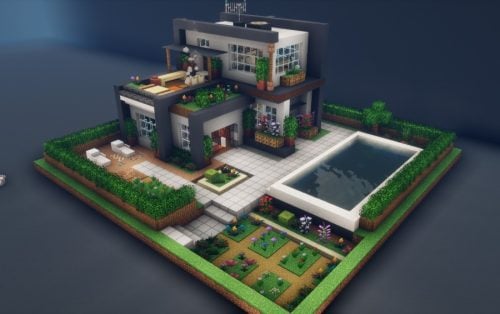 Modern House Schematic File Schematic (1.21.x) – Clean Modern Home With Full Interior And Pool
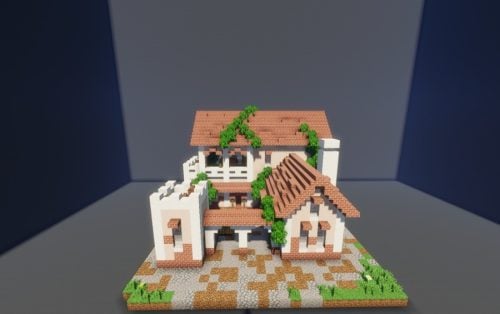 Ancient Greek House Full Interior Schematic File Schematic (1.21.x) – Warm Mediterranean Home With C

This post has no comments yet. Be the first — your comment will appear here.