


GamemodeOverhaul Mod (26.1.2, 1.20.1) – Bring Back Many Old Commands
 19,364
 0
0


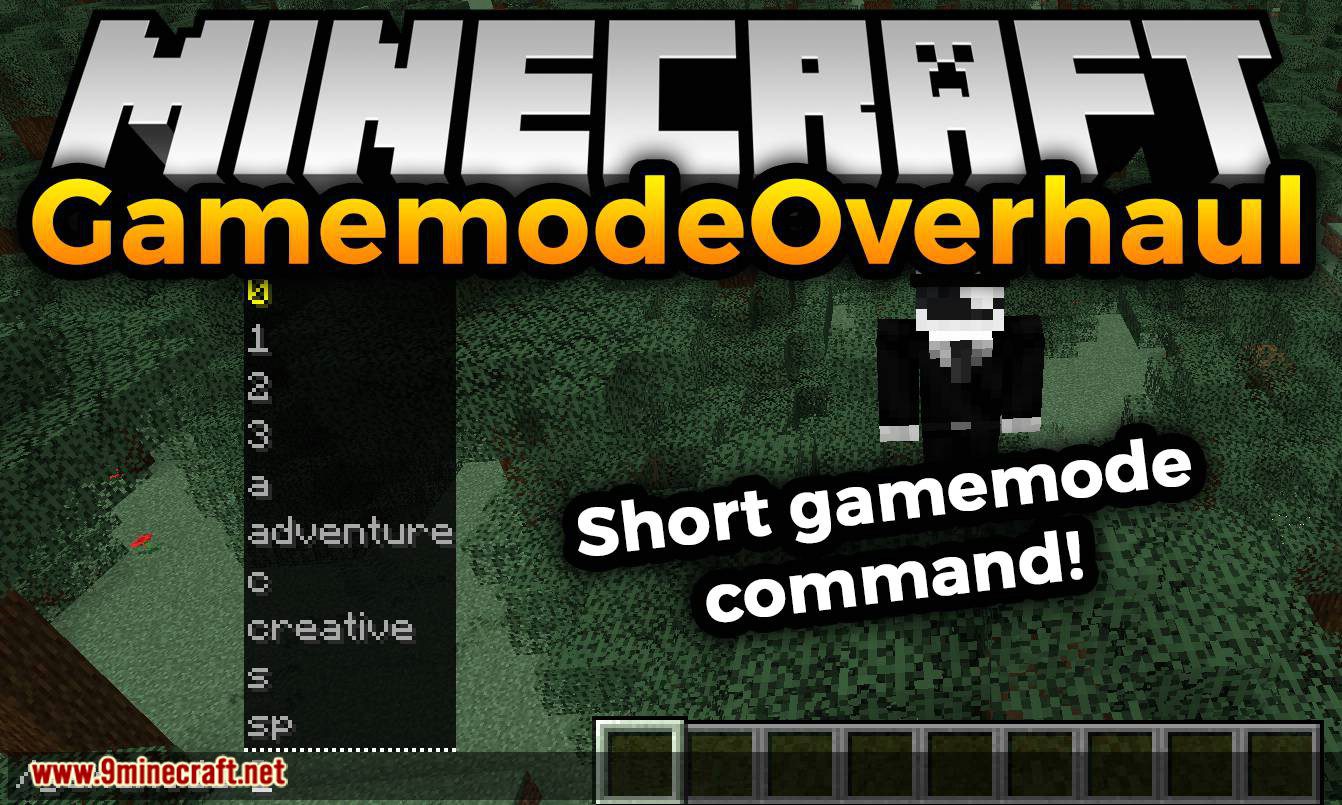
GamemodeOverhaul Mod adds back many commands and their arguments that were removed in version 1.13+. This mod is only required on the server. You can join a server that is running this mod and have the commands.
Features:
100% configurable:
- Enable the commands that you want, and disable the ones you don’t!
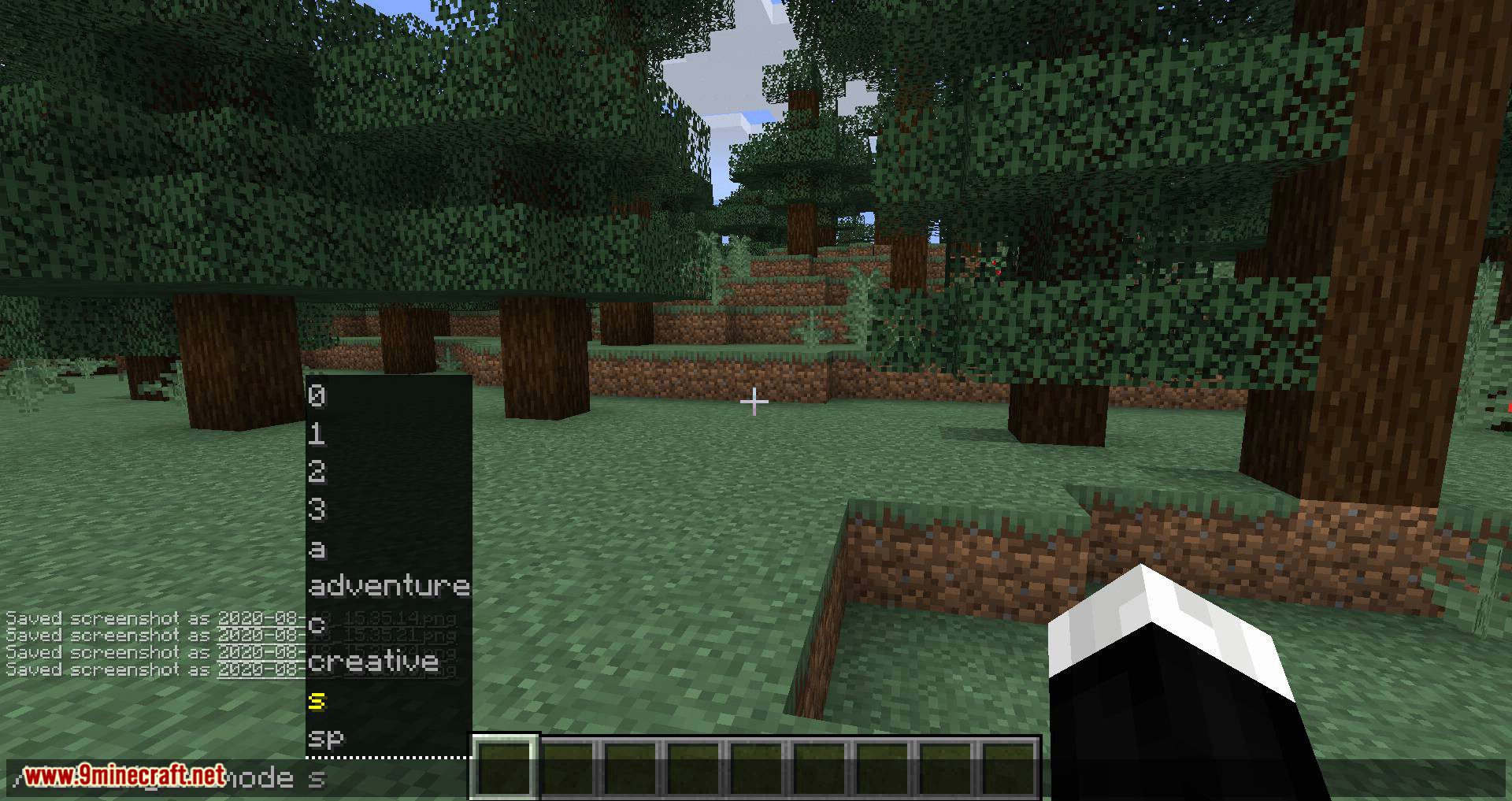
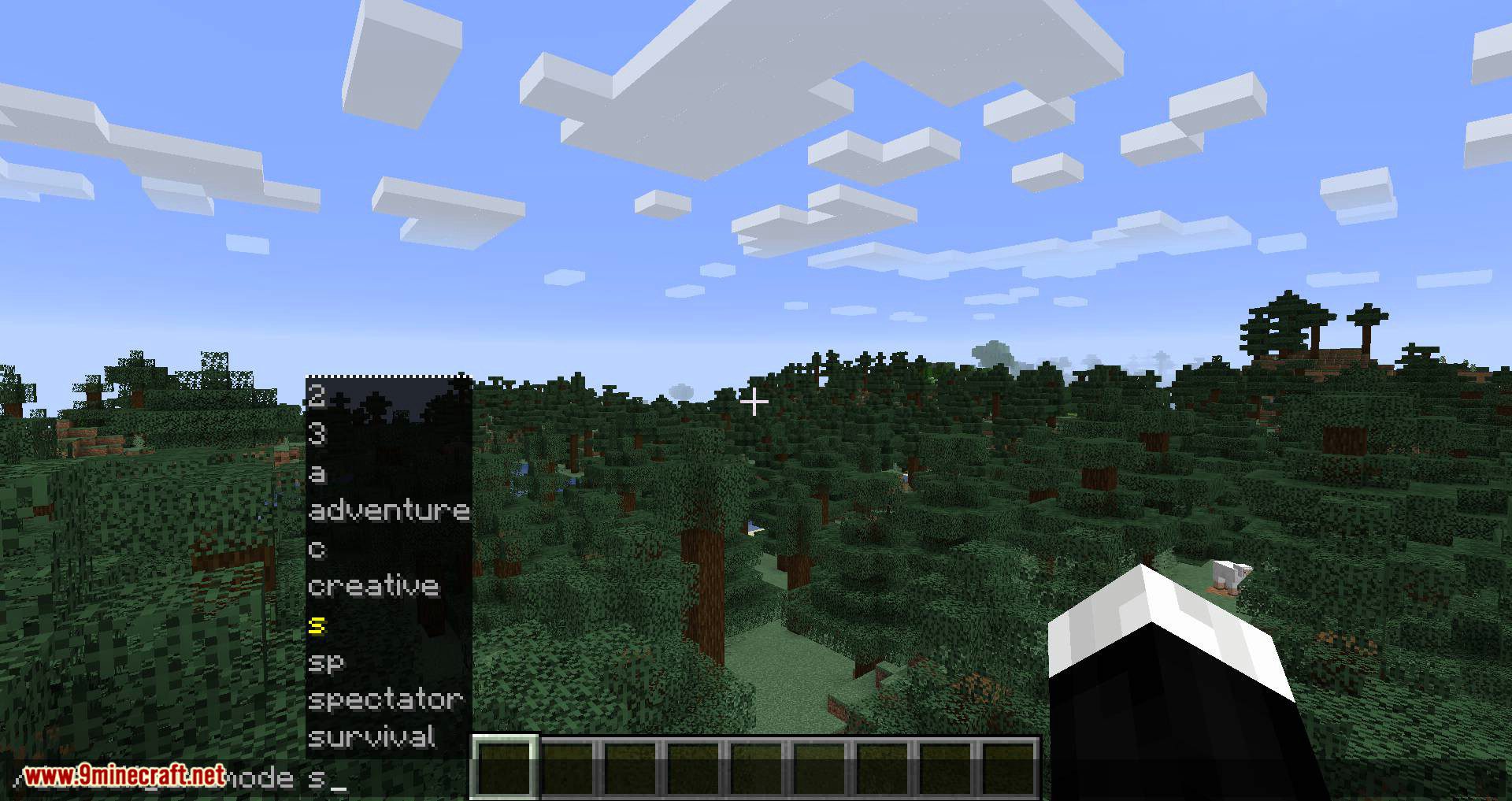
Allows you to use those magical gamemode numbers (and letters!) again:
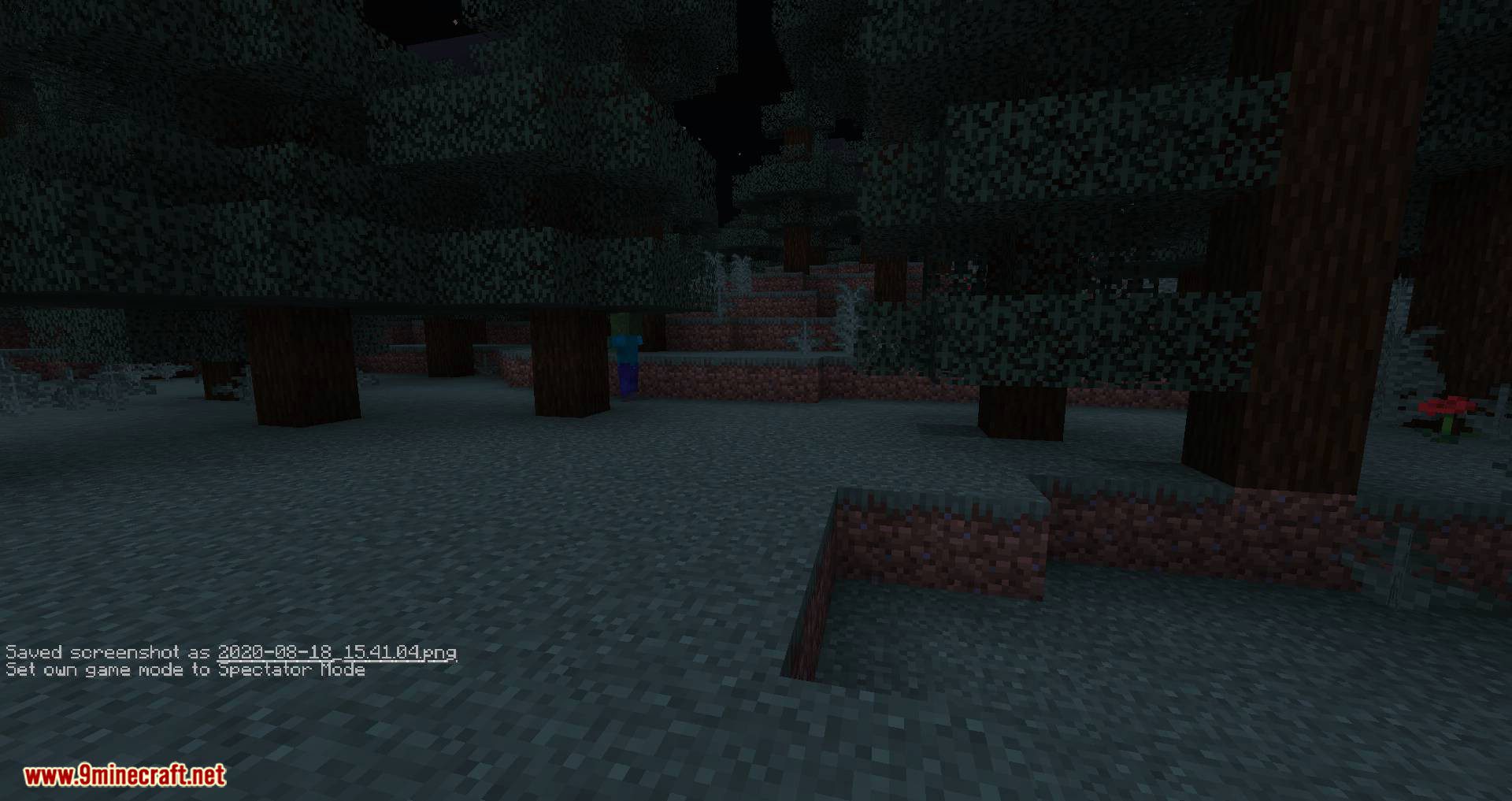
- Ex. ‘/gamemode sp’ – Changes your gamemode to spectator mode
- Ex. ‘/gamemode 2’ – Changes your gamemode to adventure mode
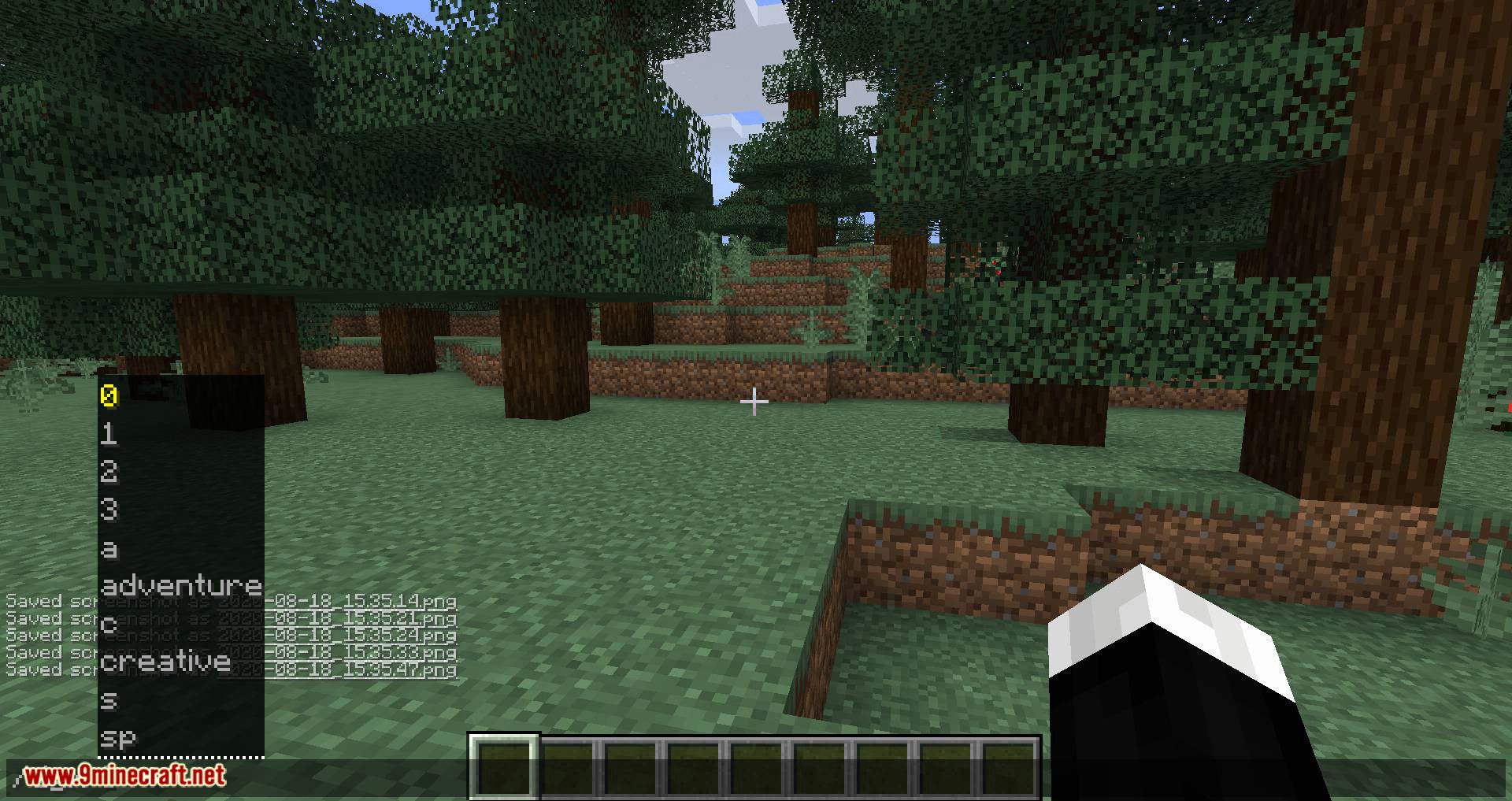
Adds a new command: ‘/gm’ same as ‘/gamemode’ but shorter:
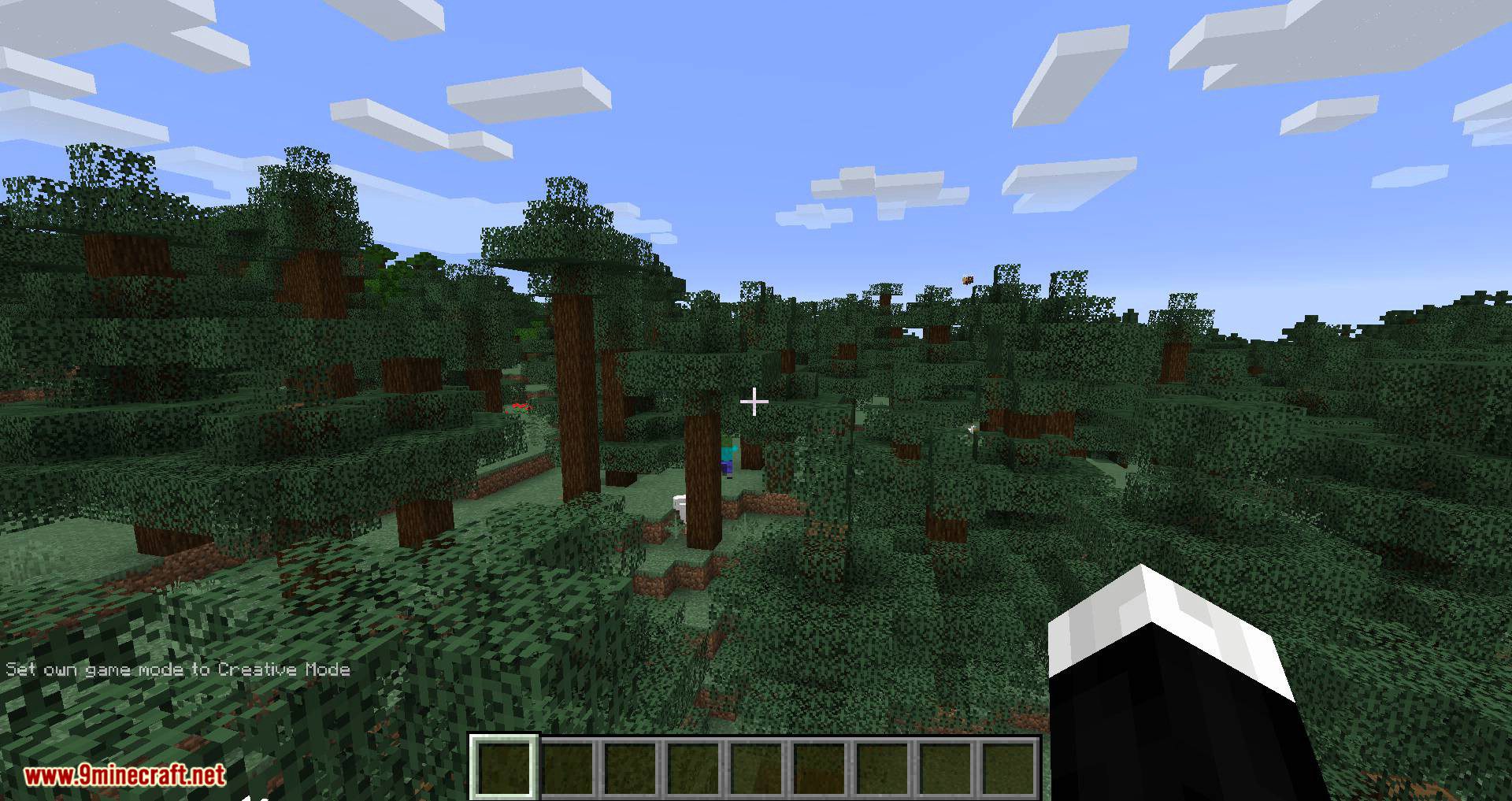
- Ex. ‘/gm c’ – Changes your gamemode to creative mode
- Ex. ‘/gm 0’ – Changes your gamemode to survival mode
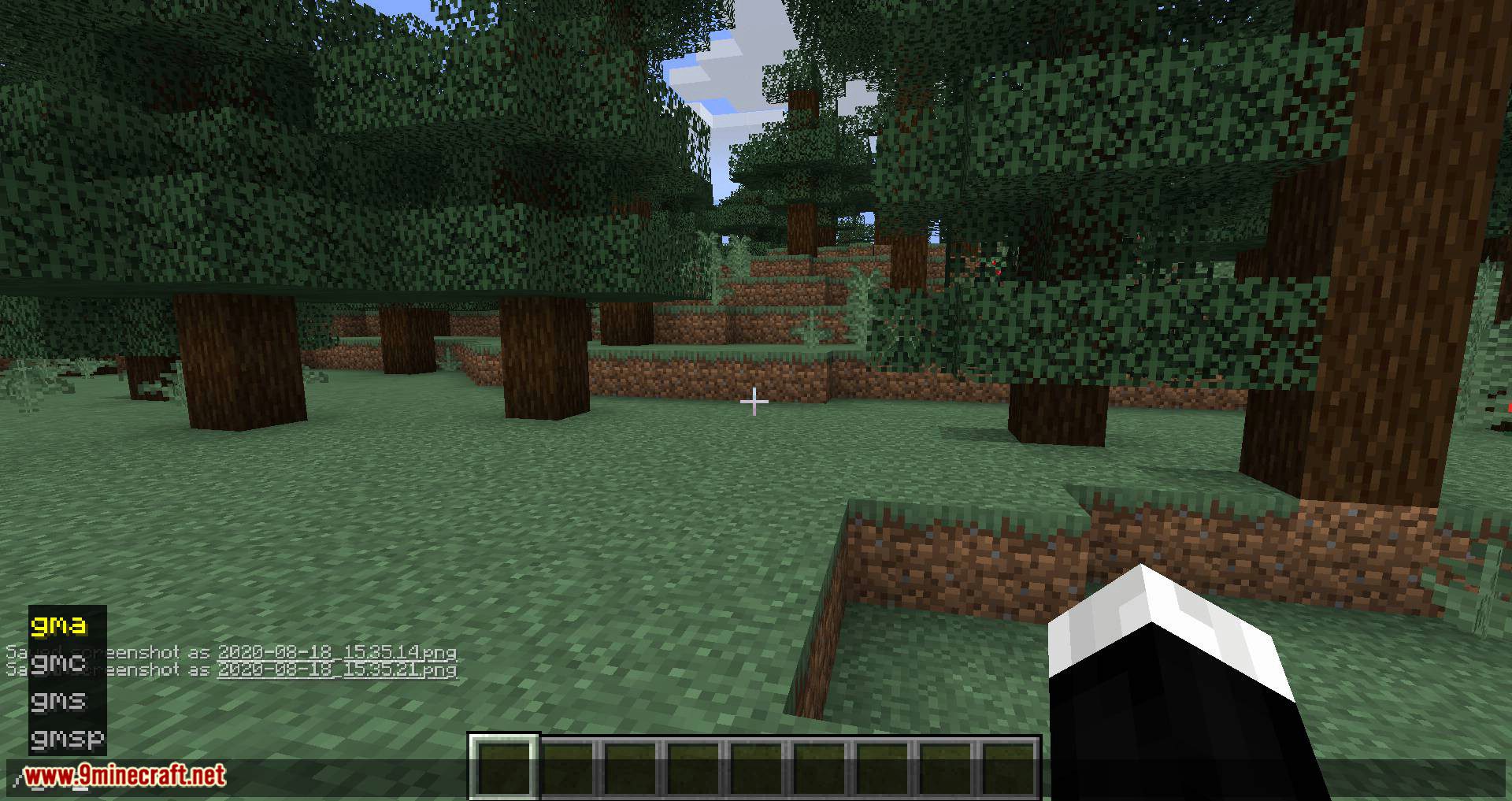
Adds a 4 other commands: ‘/gm*’ same as ‘/gm *’ but even shorter!:
- Ex. ‘/gmc’ – Changes your gamemode to creative mode
- Ex. ‘/gms’ – Changes your gamemode to survival mode
Note: Doesn’t allow numbers.
Adds support for ‘/defaultgamemode’:
- Ex. ‘/defaultgamemode 1’ – Changes the world’s default gamemode to creative mode
- Ex. ‘/defaultgamemode s’ – Changes the world’s default gamemode to survival mode
Adds a new command: ‘/dgm’ same as ‘/defaultgamemode’ but shorter:
- Ex. ‘/dgm c’ – Changes the world’s default gamemode to creative mode
- Ex. ‘/dgm 0’ – Changes the world’s default gamemode to survival mode
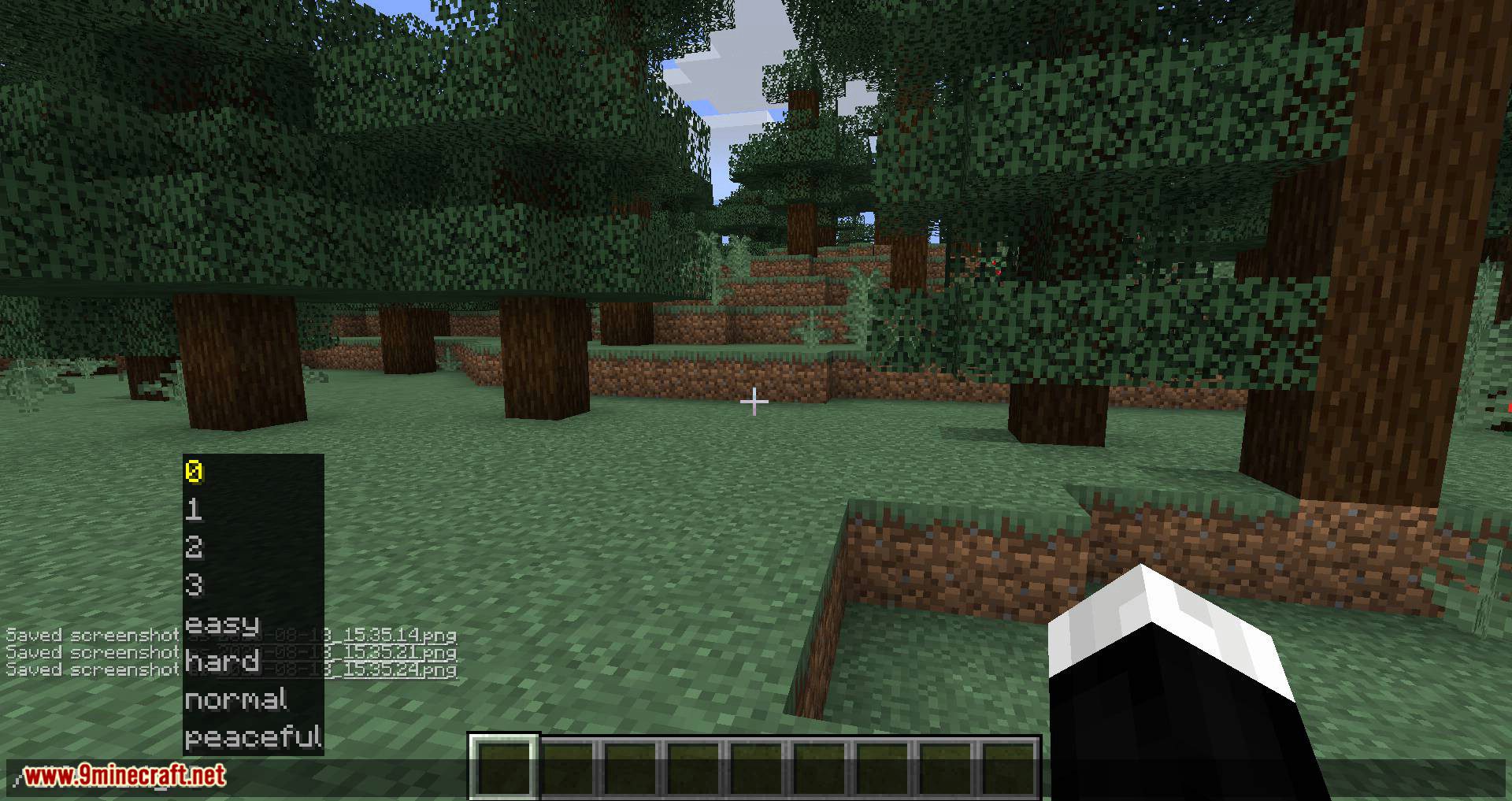
Allows you to use numbers in ‘/difficulty’ again:
- Ex. ‘/difficulty 1’ – Changes the world’s difficulty to normal mode
- Ex. ‘/difficulty 0’ – Changes the world’s difficulty to peaceful mode
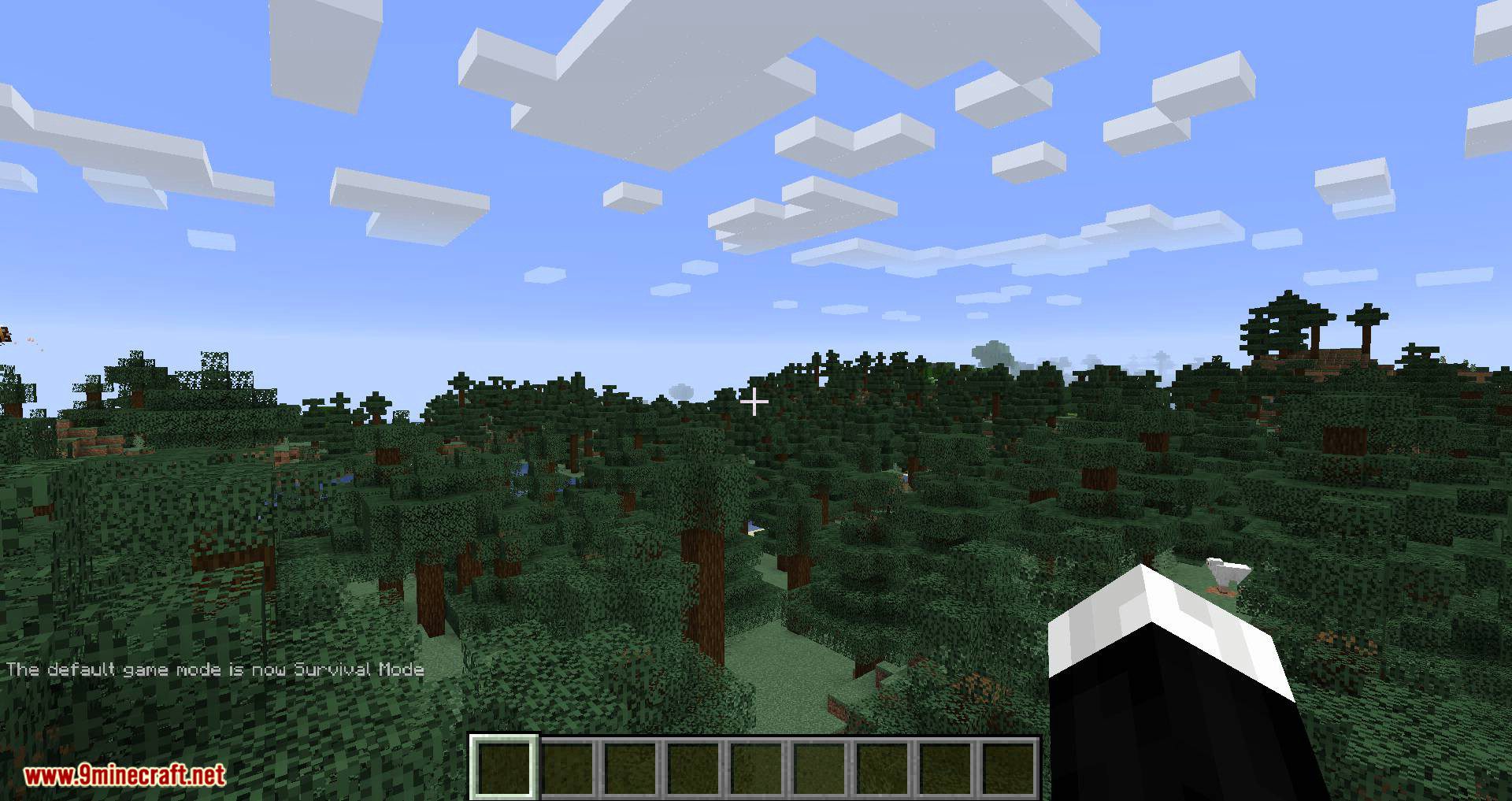
Screenshots:
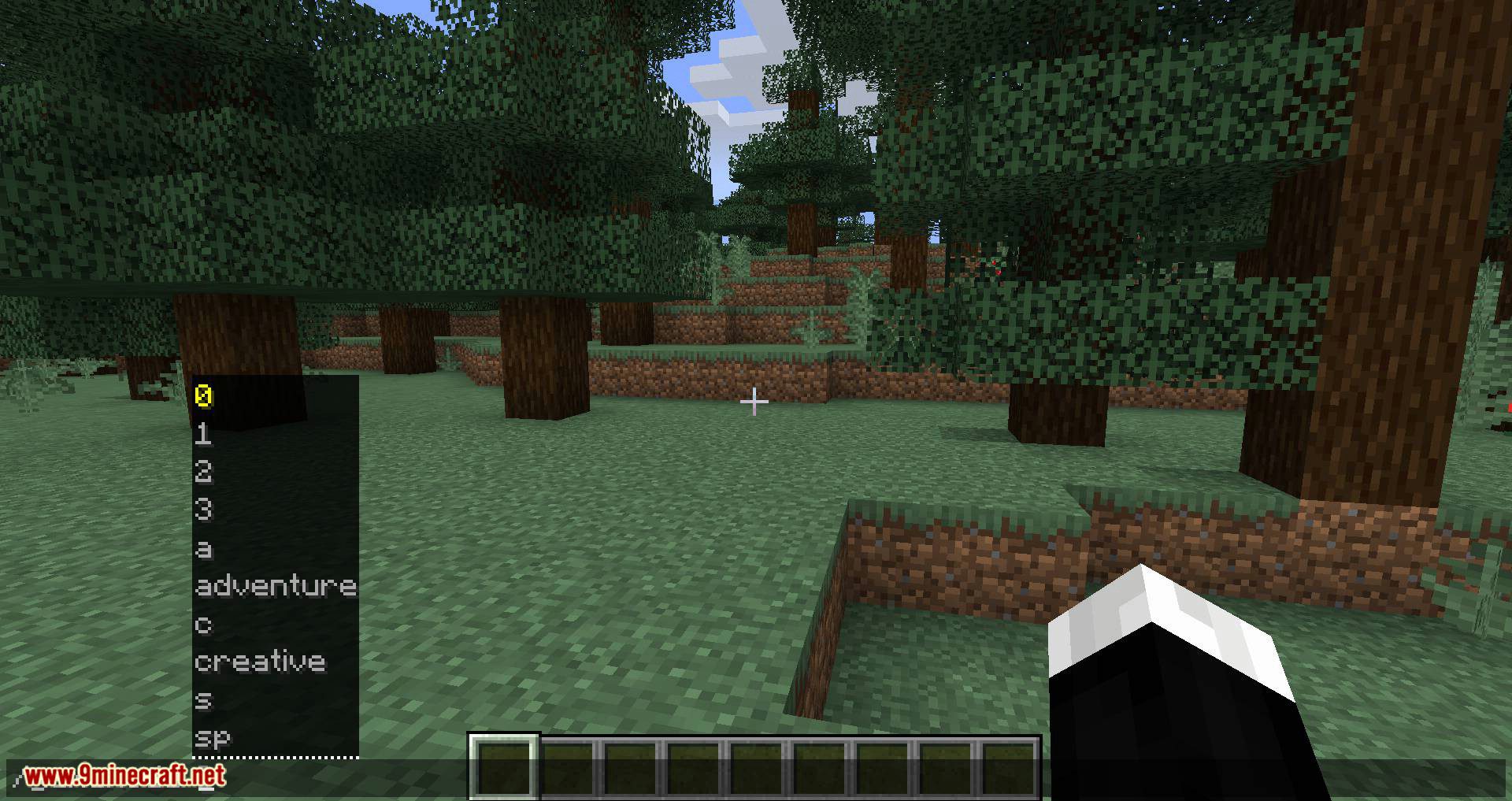
/gamemode
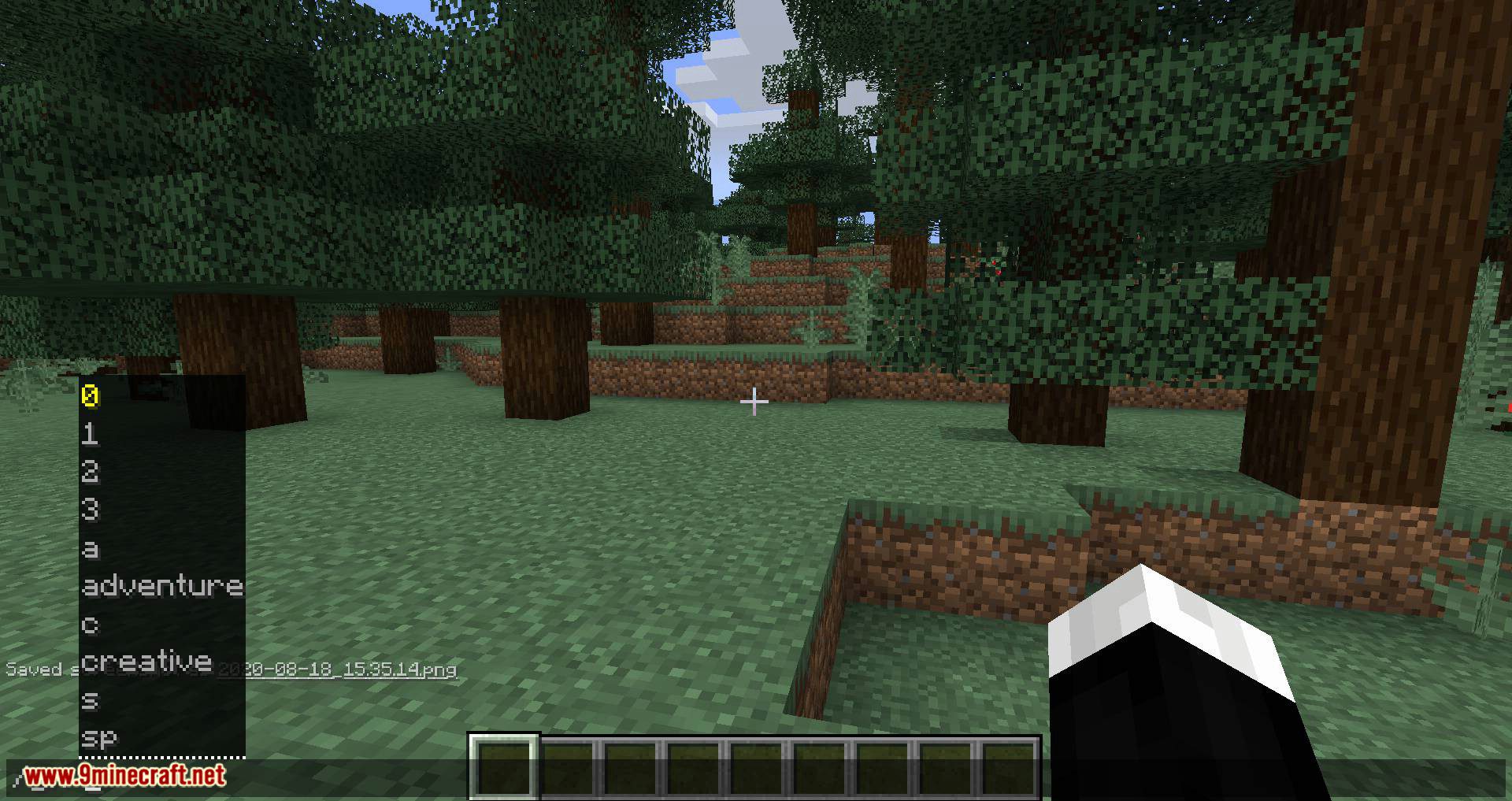
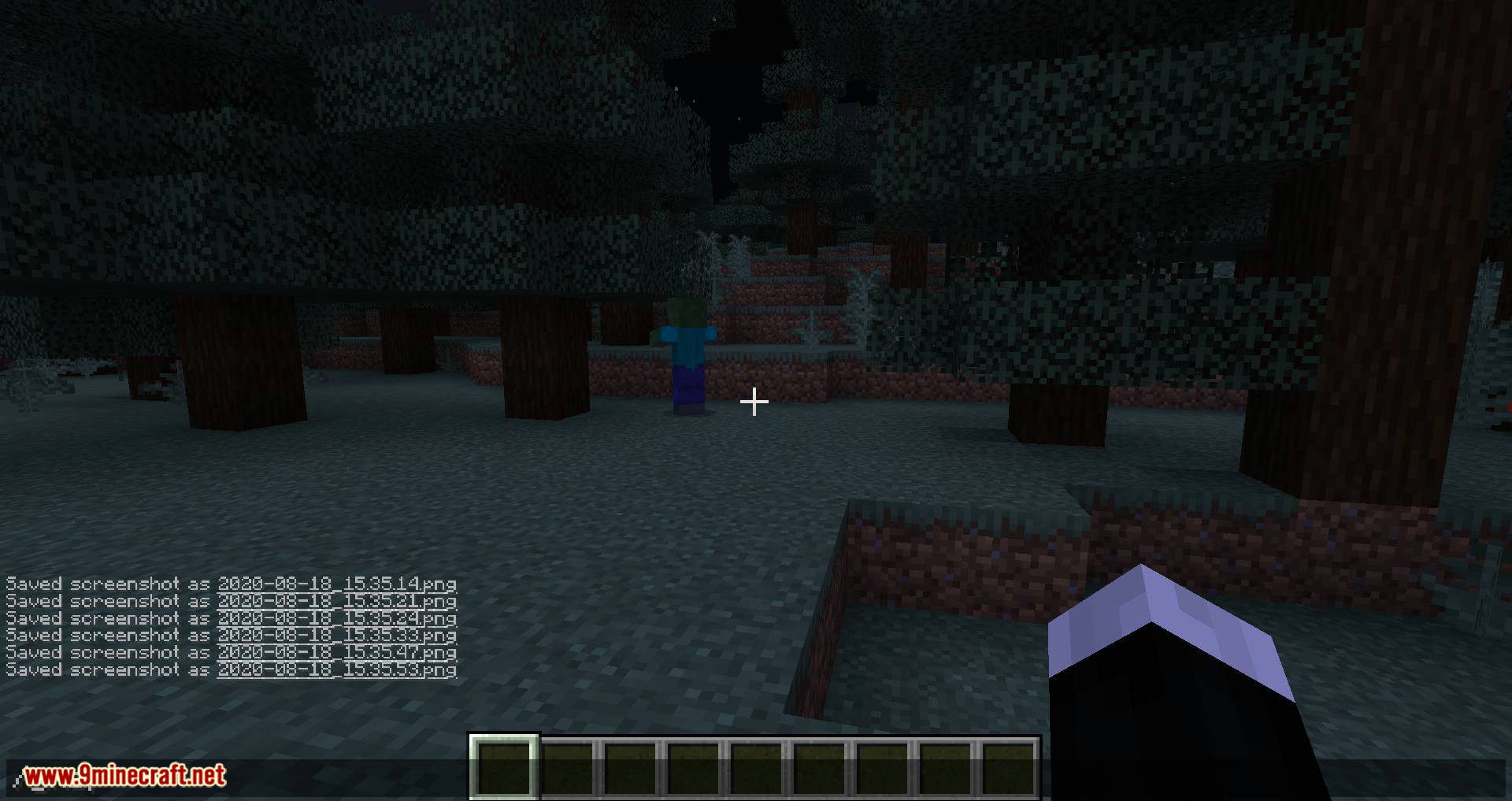
/kill – It’s just ‘/kill’ – (Otherwise you would need to use ‘/kill @p’)
How to Install:
New to Minecraft? Follow our step-by-step guide to install Mods on your PC.View Guide




GamemodeOverhaul Mod Download Links
For Minecraft 26.1.2, 26.1.1, 26.1
For Minecraft
1.21.11,
1.21.10,
1.21.9
All Versions Covered
1.21.11
1.21.10
1.21.9
1.21.8
1.21.7
1.21.6
1.21.5
1.21.4
1.21.1
1.21
For Minecraft 1.21.1, 1.21
For Minecraft 1.20.6
For Minecraft 1.20.2
For Minecraft 1.20.1, 1.20
For Minecraft 1.19.4
For Minecraft 1.19.2, 1.19.1
For Minecraft 1.19.1
For Minecraft 1.19
For Minecraft 1.18.2
For Minecraft 1.18.1
For Minecraft 1.17.1
For Minecraft 1.16.5
For Minecraft 1.15.2
For Minecraft 1.14.4
You May Also Like


This post has no comments yet. Be the first — your comment will appear here.