


Chat Tools Mod (26.2, 1.20.1) – Advanced Tools and Customization Chat Options
 1,154
1,154
 0
0


Chat Tools Mod enhances chat with advanced tools and customization options. It introduces message timestamps, translation, chat navigation, and customizable notifications.
Features:
Glossary & Technical Details
- Session Identifier (Chat Tools-specific term):
- In single-player: corresponds to the current save name.
- In multiplayer: corresponds to the server address.
- Related Regular Expressions use the matches() method.
- Pattern (General term):
- Refers to the Regular Expression pattern.
- Uses MULTILINE mode and matches via the find() method.
- Version Compatibility:
- Multiple Minecraft versions are supported via macro replacement.
- Behavior may slightly differ between Minecraft versions.
- Message Processing:
- All color codes (§.) are removed from player messages.
- Advanced Tooltips:
- Enable via F3 + H.
- Hover over config items to view keys, default values, and details.
Function Introduction
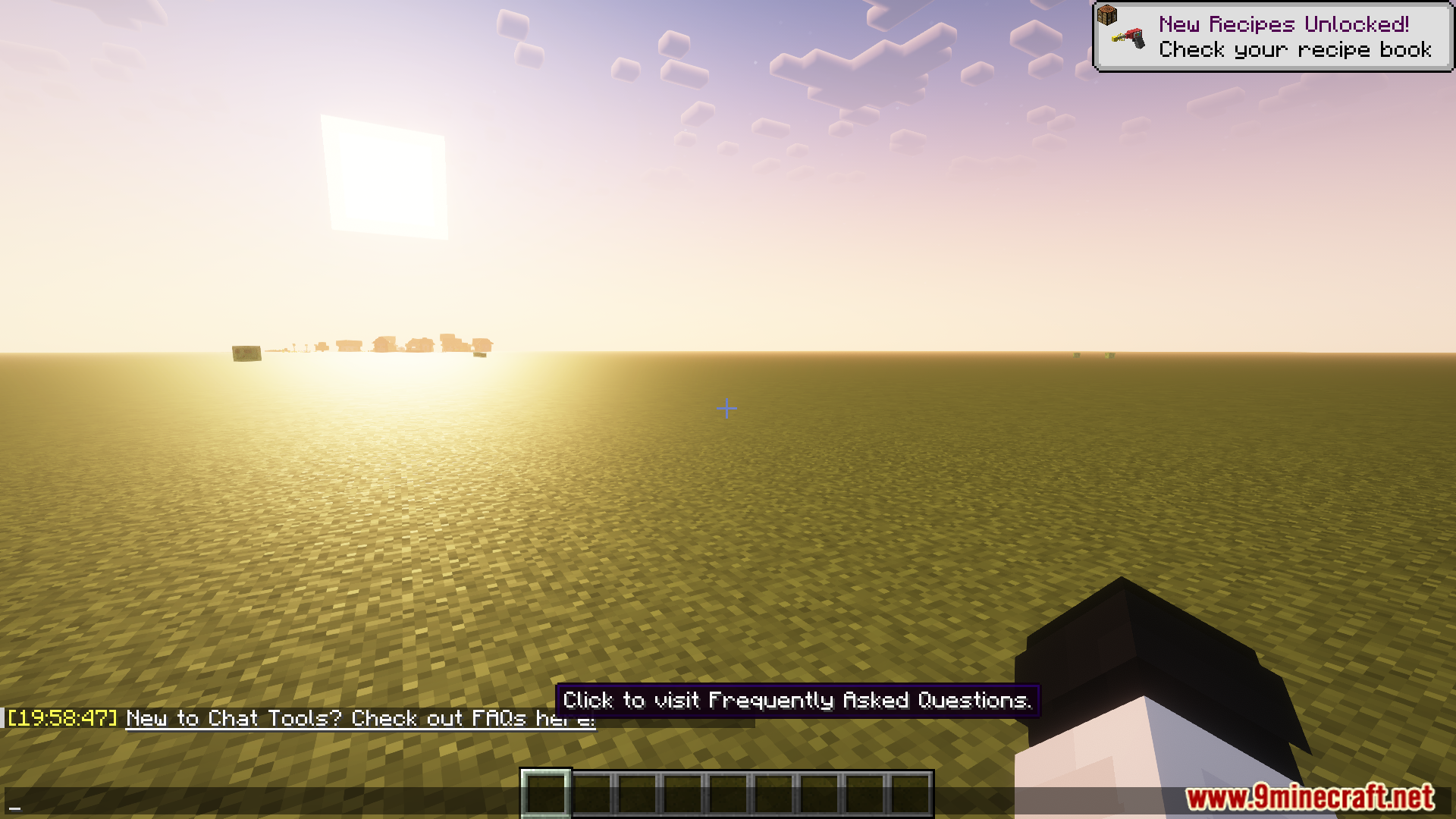
- For detailed explanations and examples, see the FAQ.
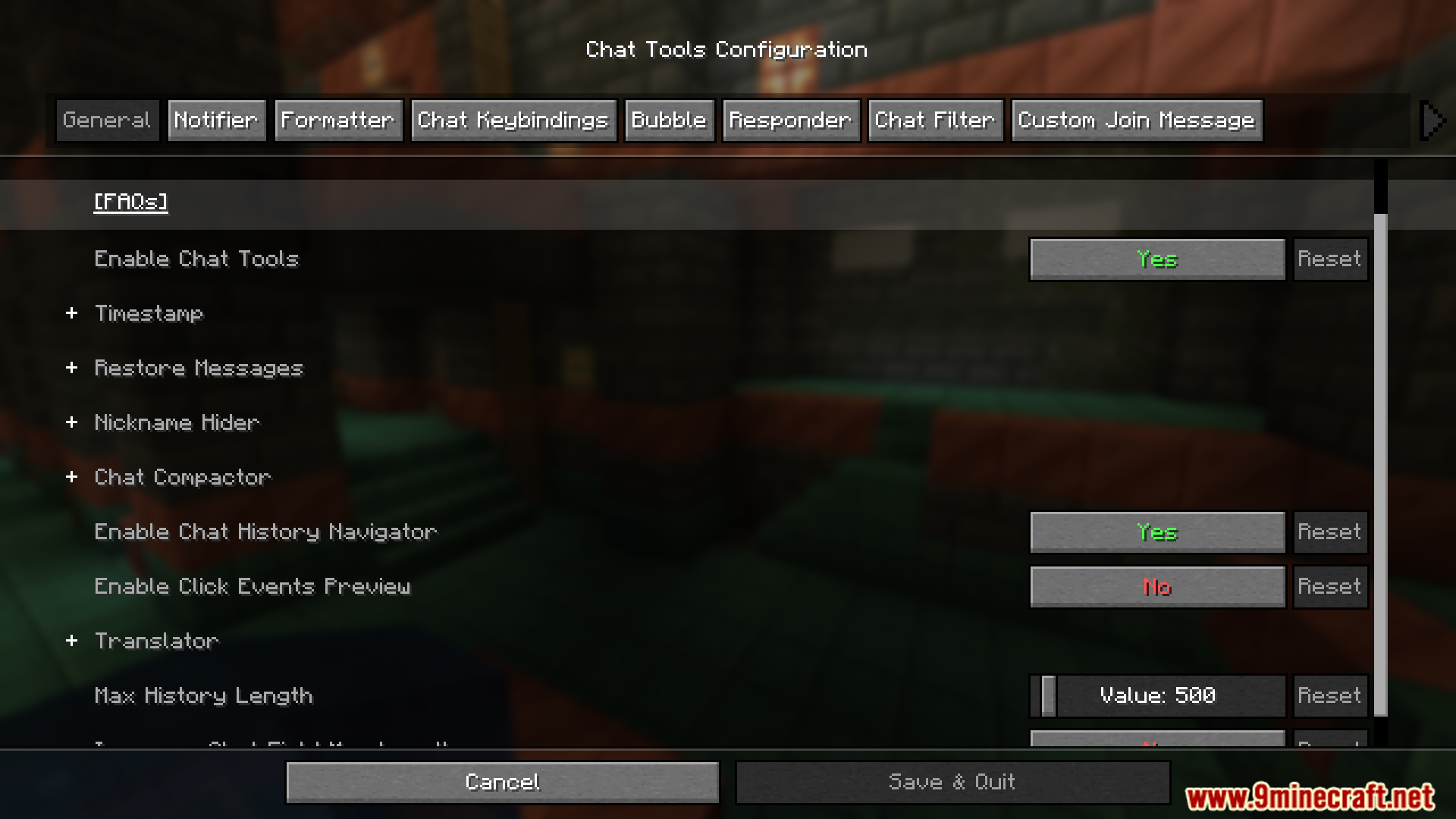
General Settings
- Show Timestamp
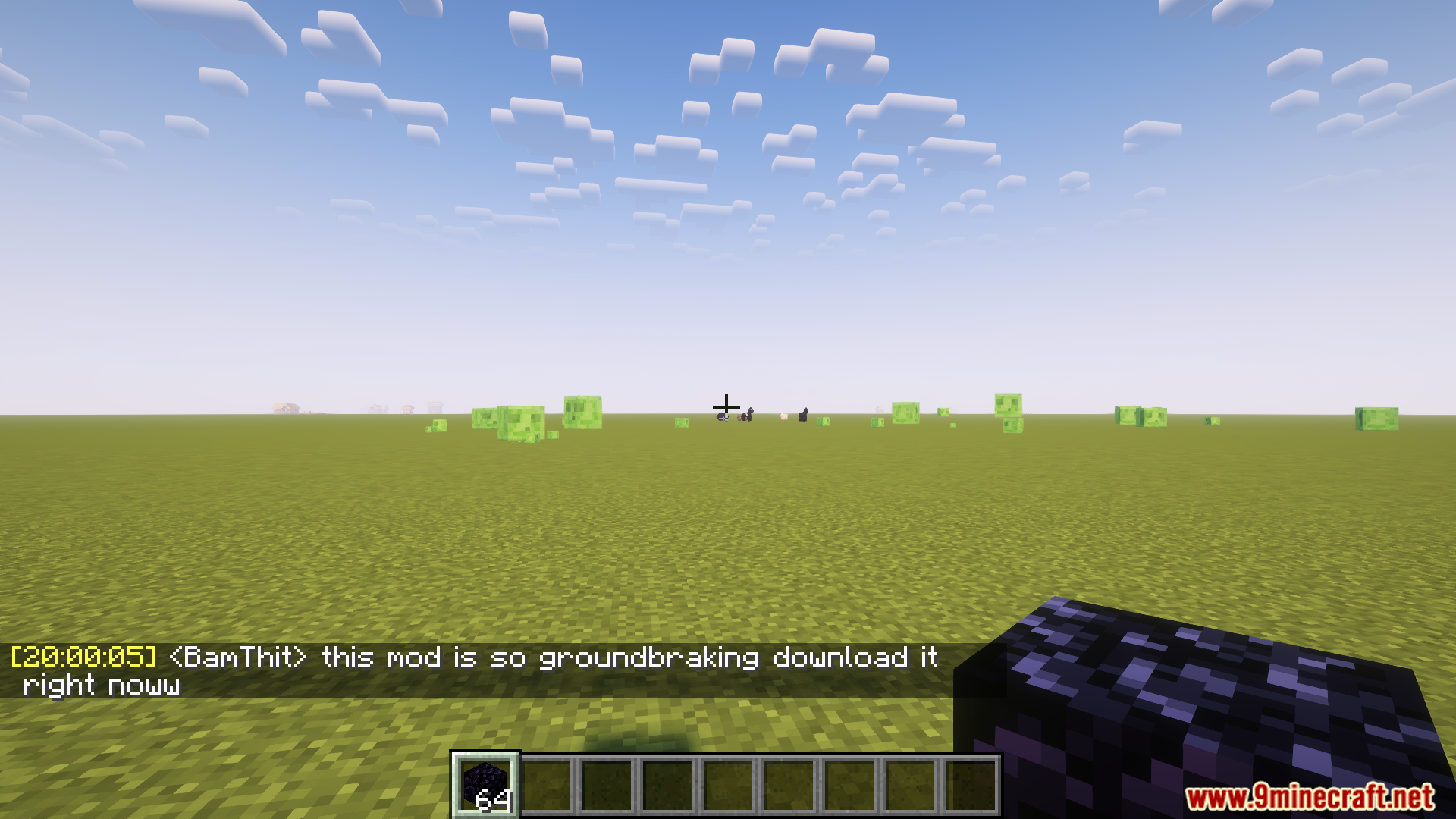
- Adds a timestamp to each chat message.
- Restore Messages
- Recovers messages from previous sessions.
- Nickname Hider
- Conceals your real nickname from your own view.
- Translator
- Press Shift + Tab in the chat bar to translate.
- Chat History Navigator
- Use Ctrl + F to navigate chat history.
- Max History Length
- Defines the maximum number of stored chat messages.
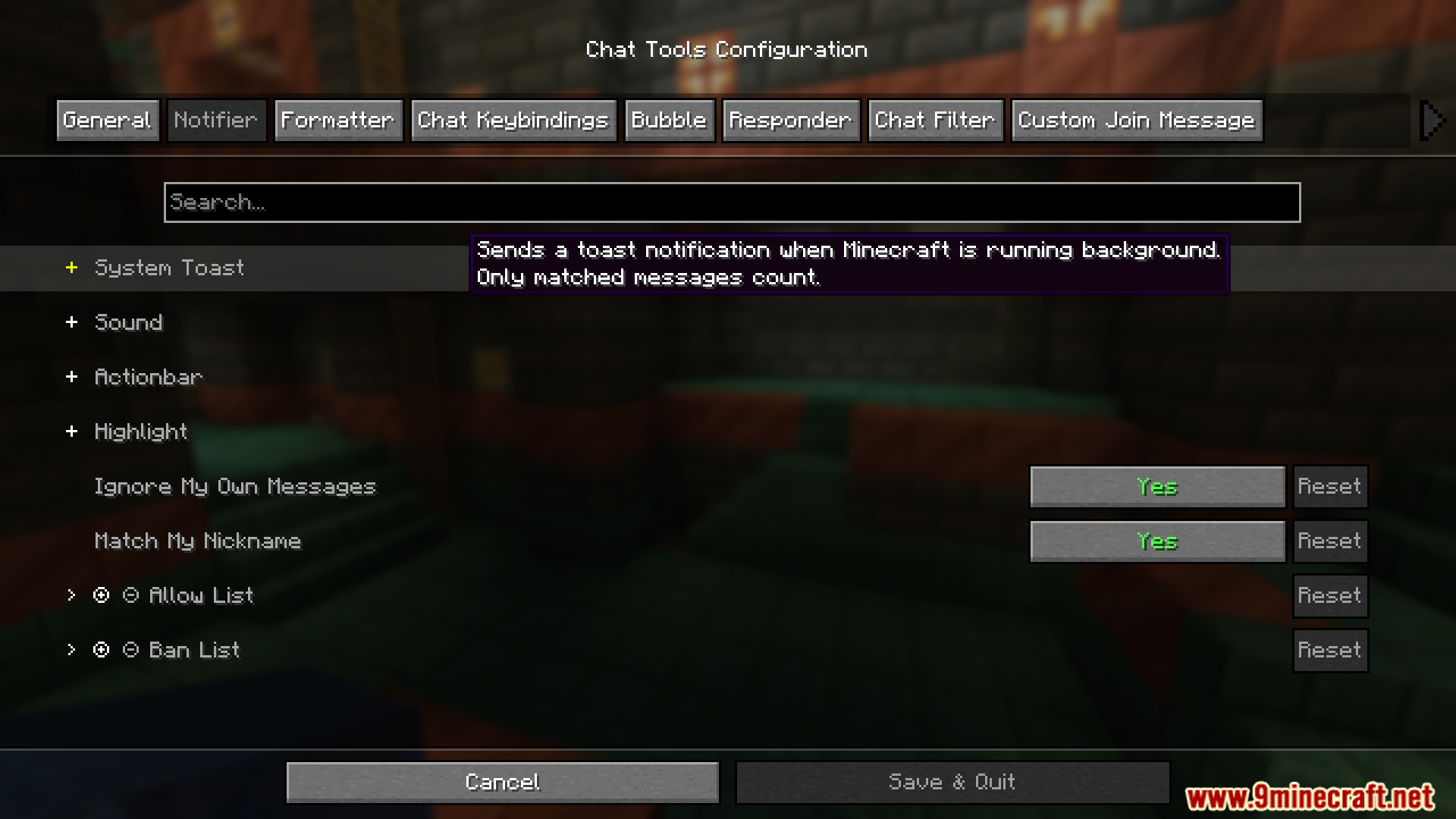
Notifier Settings
- Toast Notification
- Sound
- Supports custom sound effects.
- Actionbar
- Displays alerts in the action bar.
- Highlight
- Supports custom highlight prefixes.
- Allow List
- Messages matching this list are allowed.
- Ban List
- Messages matching this list are blocked.
- Has higher priority than the Allow List.
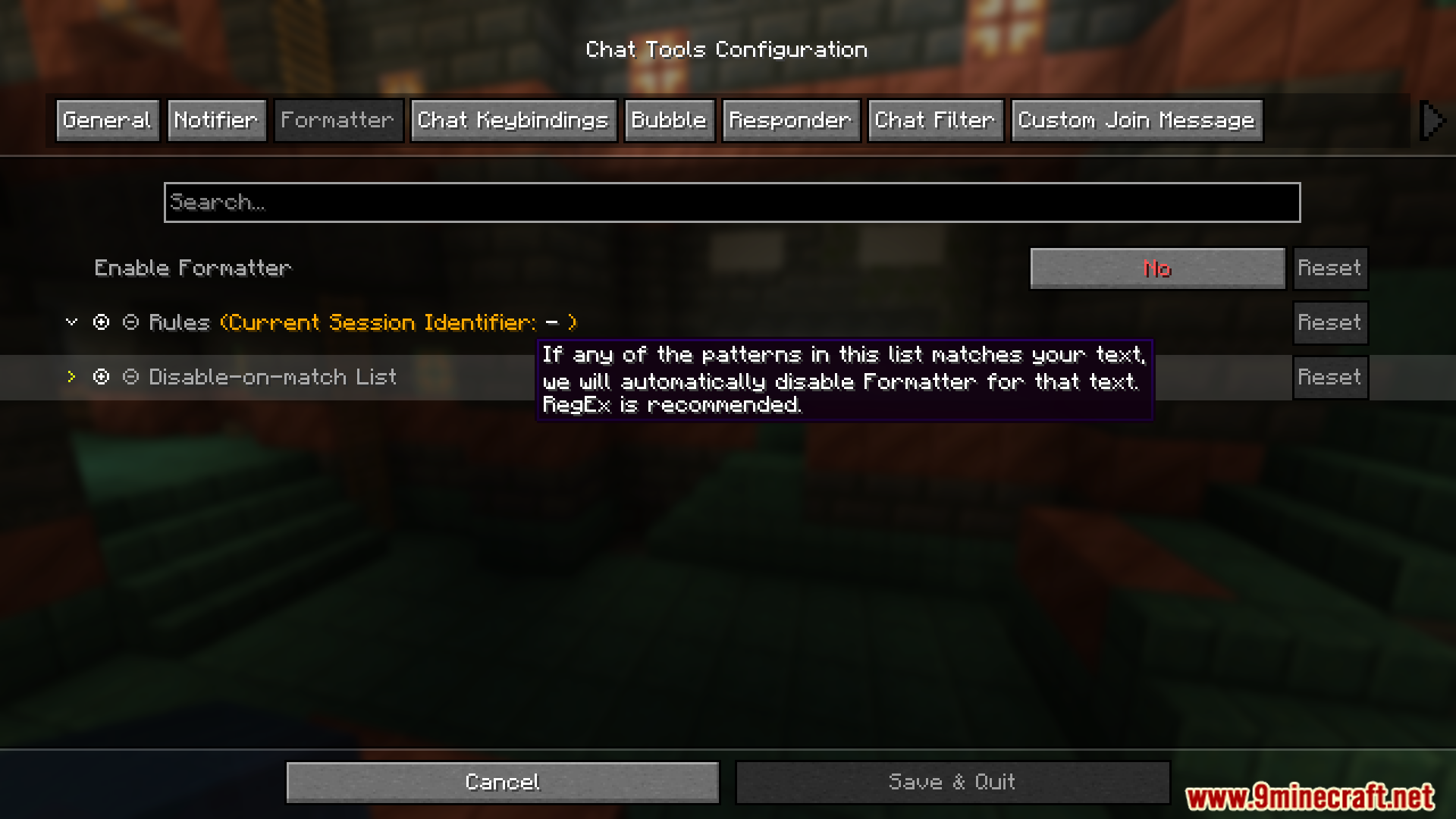
Formatter Settings
- Pattern-Based Formatting
- Automatically formats messages using defined styles.
- Supports server-specific rules.
- Examples
- &e{text} → Gold-colored message (if supported).
- &e{text} ~(ovo)~ → Adds a custom suffix.
- {pos} → Replaced with current coordinates.
- Auto-Disable Formatting
- Prevents formatting in specific cases.
- Common cases include:
- Item counts or “all” in Chest Shop trading.
- Commands starting with special characters.
- Default RegEx:
^d+$|^[.#%$/].*|ballb
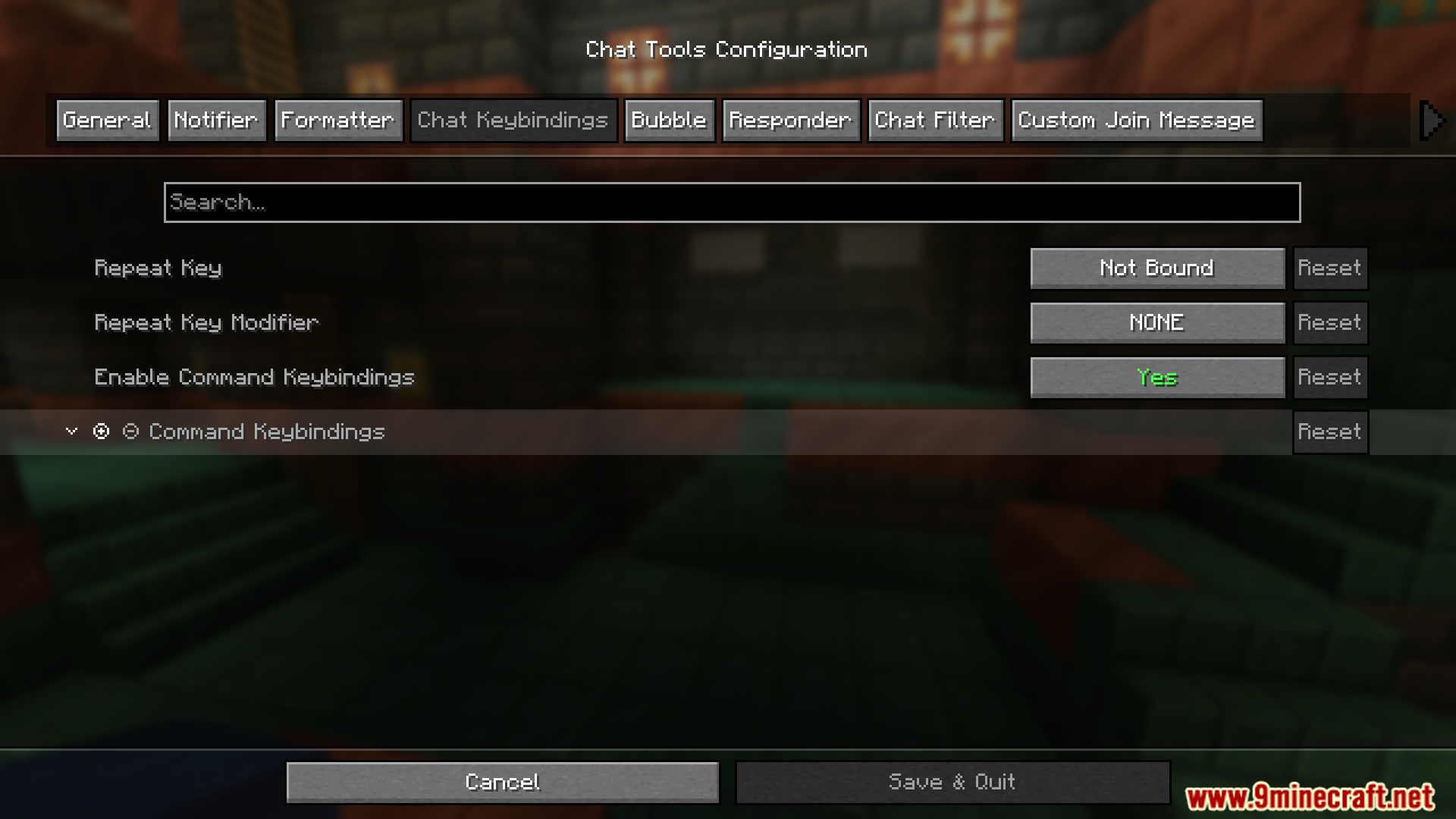
Chat Keybindings
- Trigger Last Command
- Repeat the previous command using a hotkey.
- Useful for parkour checkpoints or saved positions.
- Command Keybindings
- Bind hotkeys to frequently used commands.
Bubble Settings
- Enable Chat Bubbles
- Displays chat bubbles above your character.
- Bubble Rules
- Apply different rules per server.
Responder Settings
- Warning: Always check with server admins before use.
- Enable Responder
- Automatically replies to incoming messages.
- Responder Rules
- Server-specific responder behavior.
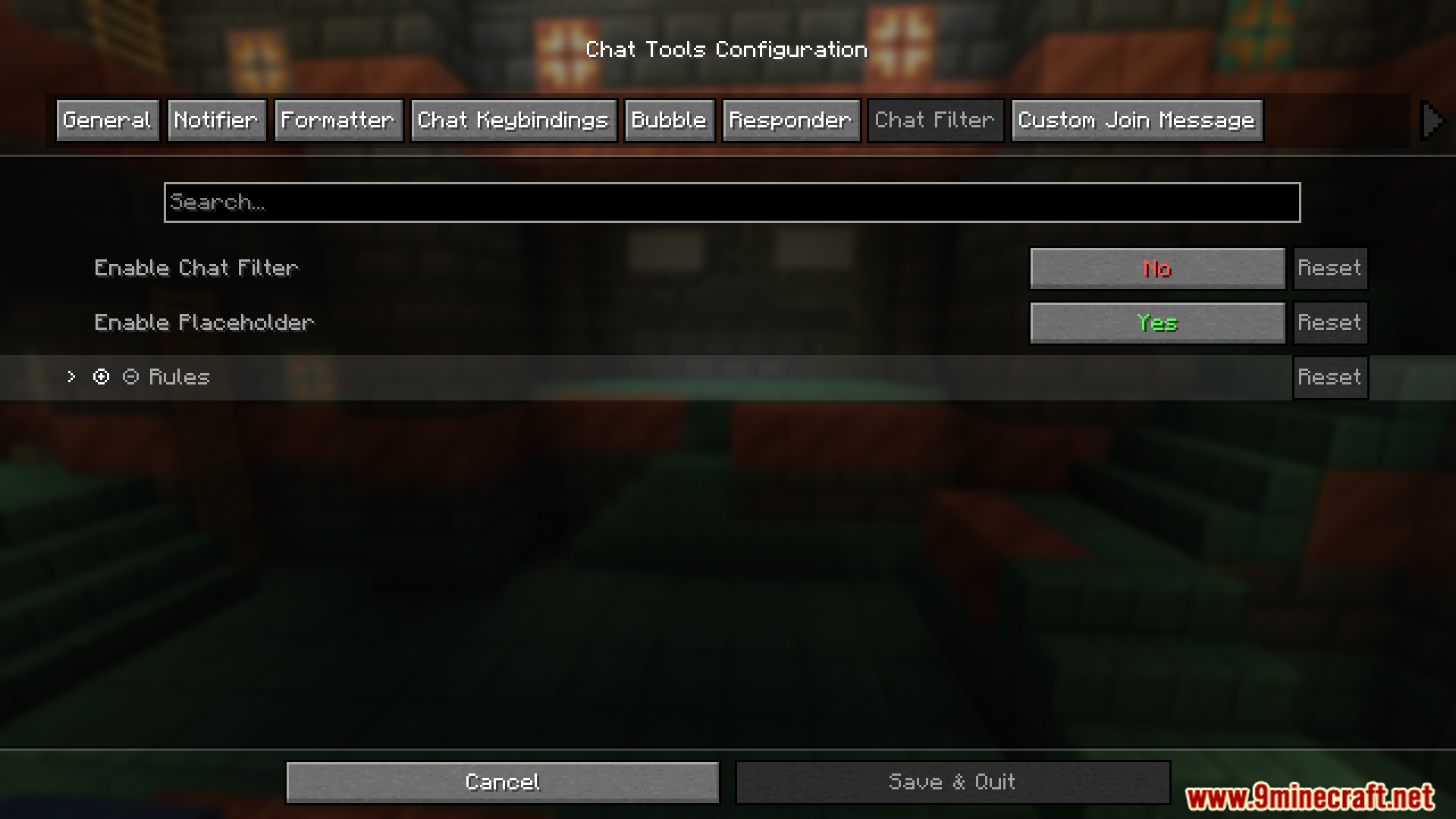
Chat Filter Settings
- Enable Chat Filter
- Filters incoming messages using defined rules.
- Filter Rules
- If any pattern matches, the message is filtered.
Commands:
/chattools on– Enable the mod./chattools off– Disable the mod./chattools opengui– Open the configuration page./chattools download– Download addons./chattools regex_checker <pattern> [<test_content>]– Without test content: check if the pattern is a valid regex. With test content: validate the pattern and test if it matches the content./chattools send_to_client text <text_JSON_component>– Send specific text to the client chat bar./chattools send_to_client actionbar <text_JSON_component>– Display specific text on the client actionbar./chattools config openfile– Open the configuration file (editing requires a game restart to apply changes)./chattools config get <key>– Retrieve the value of a specific configuration key for the current session./chattools config set <key> <value> [<save>]– Set the value of a specific configuration key. If save is set to true, the changes will also be saved to the file./chattools config toggle <key> [<save>]– Toggle the state of a boolean-type configuration key. If save is set to true, the changes will also be saved to the file.
Screenshots:


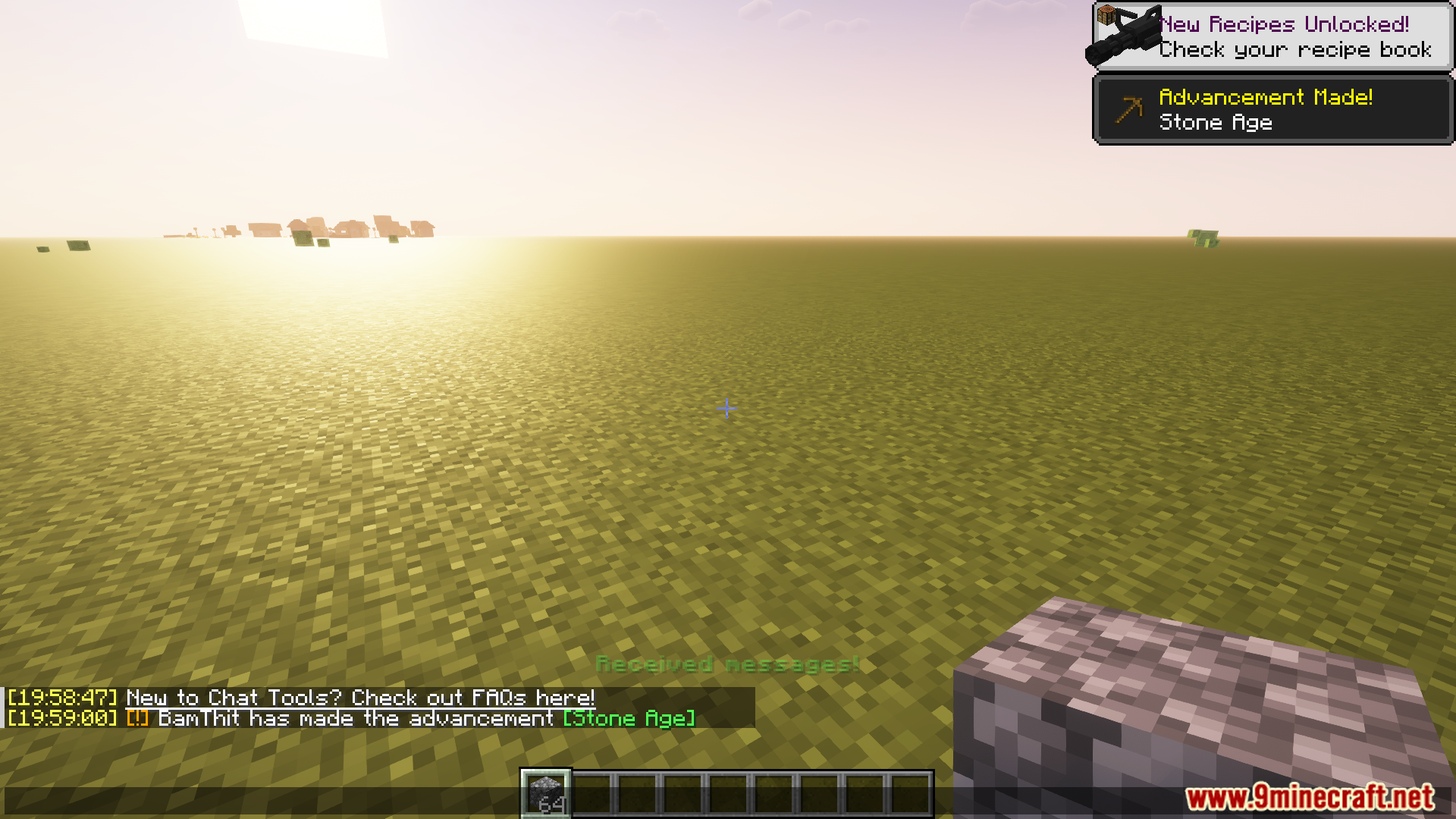
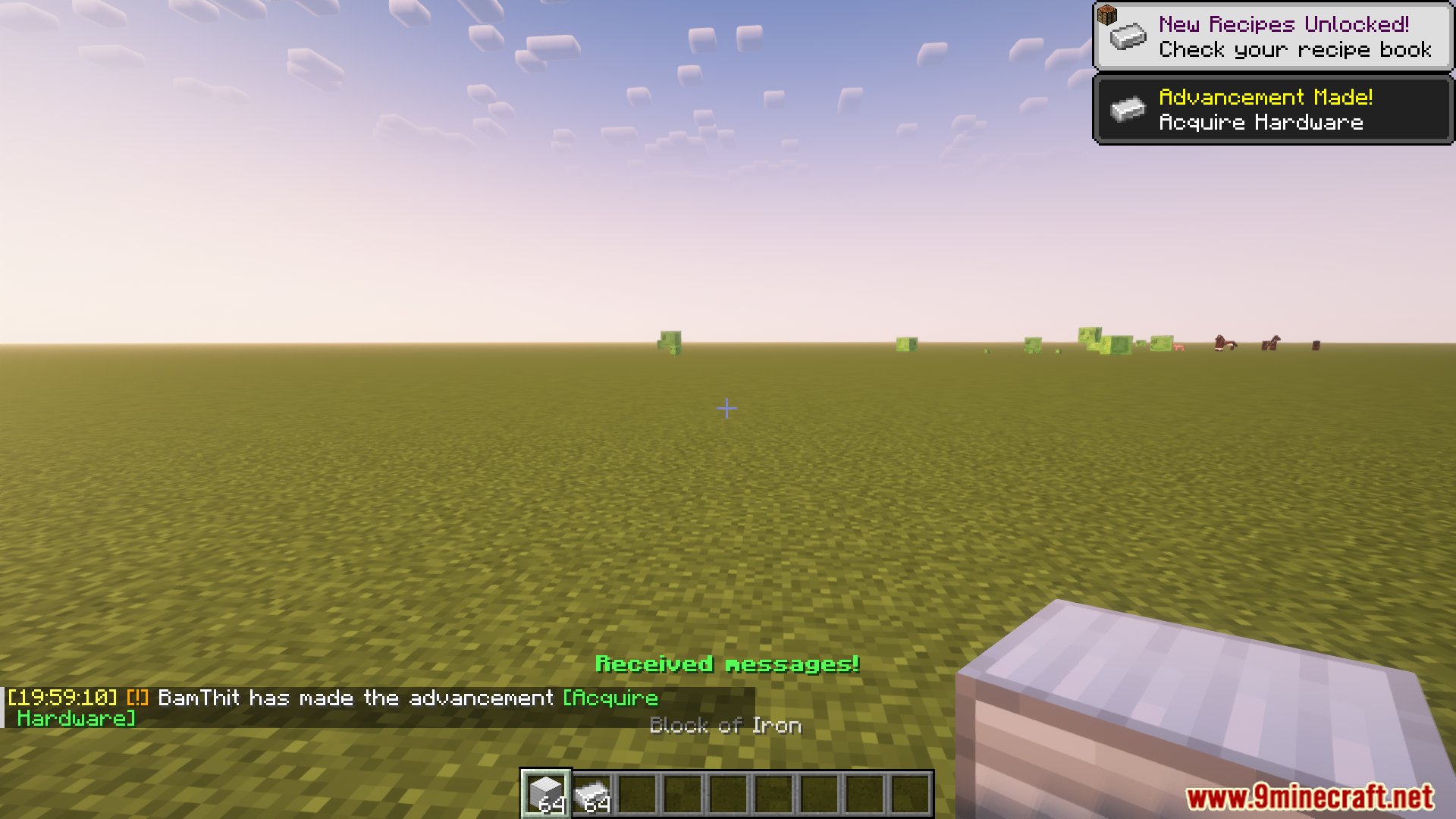
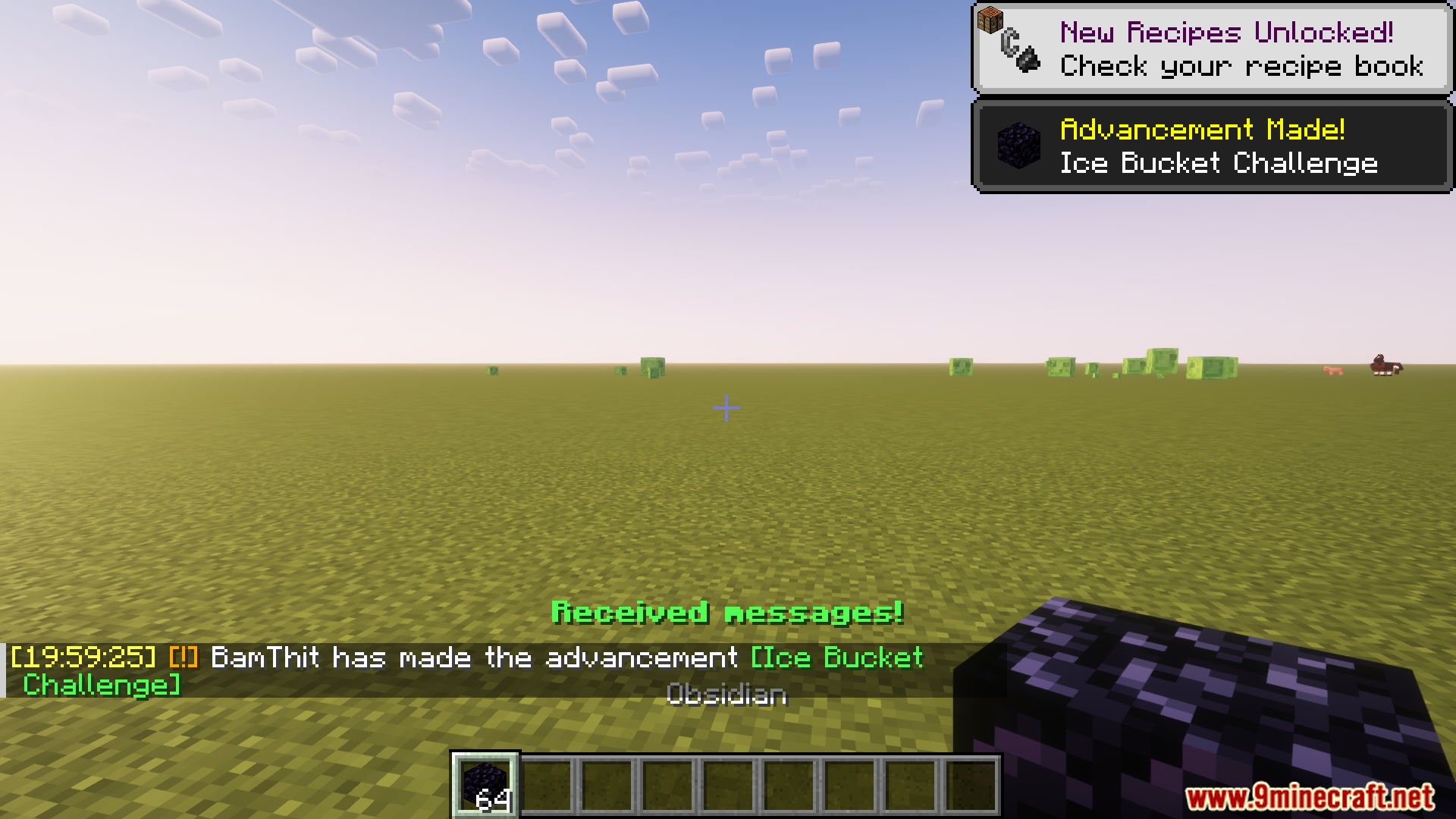
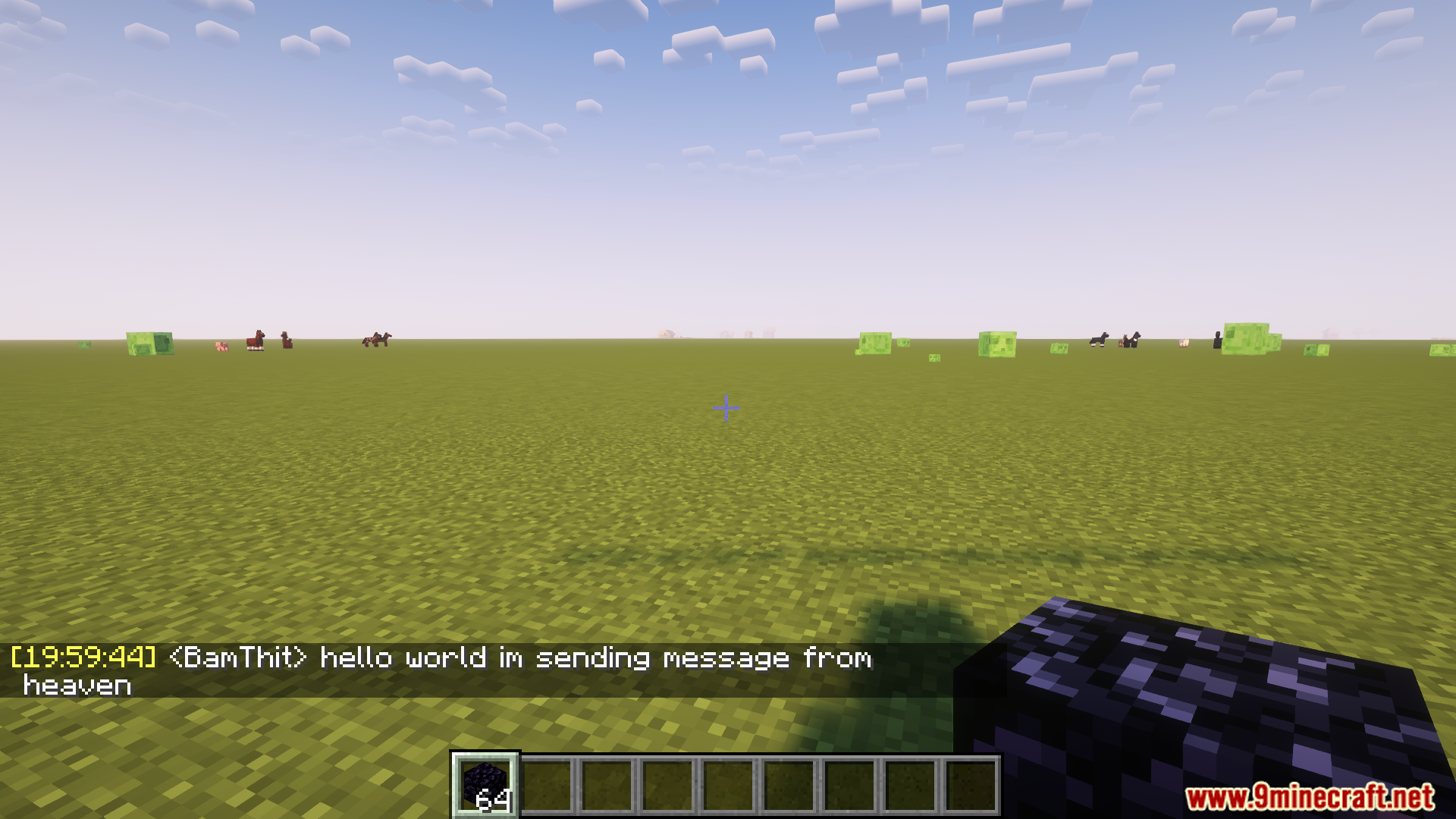
How to Install:
New to Minecraft? Follow our step-by-step guide to install Mods on your PC.View Guide
Requirements:





Chat Tools Mod Download Links
For Minecraft 26.2
For Minecraft 26.1.2, 26.1.1, 26.1
For Minecraft 1.21.11
For Minecraft 1.21.10, 1.21.9
For Minecraft 1.21.8, 1.21.7, 1.21.6
For Minecraft 1.21.5
For Minecraft 1.21.4, 1.21.3, 1.21.2
For Minecraft 1.21.1, 1.21
For Minecraft 1.20.6
For Minecraft 1.20.4, 1.20.2
For Minecraft 1.20.1, 1.20
For Minecraft
1.19.4,
1.19.3,
1.19.2
All Versions Covered
1.19.4
1.19.3
1.19.2
1.19.1
1.19
All Versions Covered
1.19.4
1.19.3
1.19.2
1.19.1
1.19
For Minecraft 1.18.2, 1.18.1, 1.18
For Minecraft 1.17.1
For Minecraft 1.16.5, 1.16
Click to rate this post!
[Total: 1 Average: 5]
You May Also Like



This post has no comments yet. Be the first — your comment will appear here.