


Audio Hotkeys Mod (26.2, 1.20.1) – Easily Tweak the Volume

 0
0 

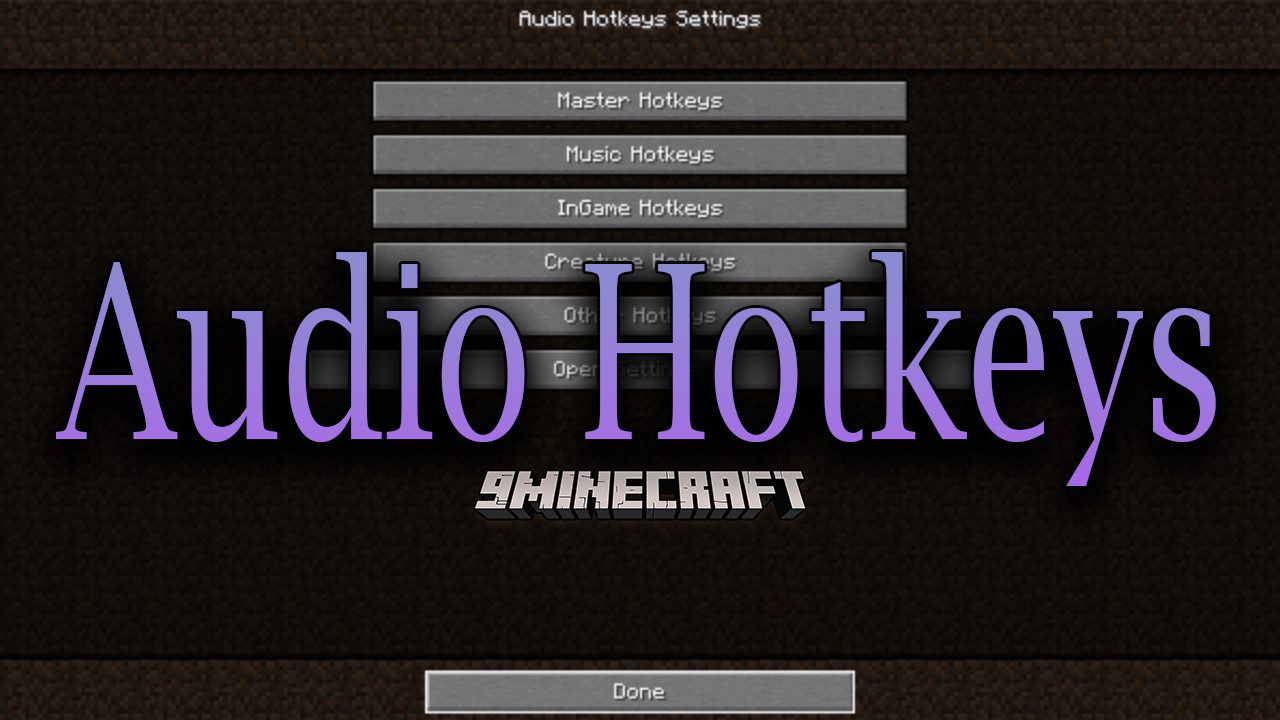
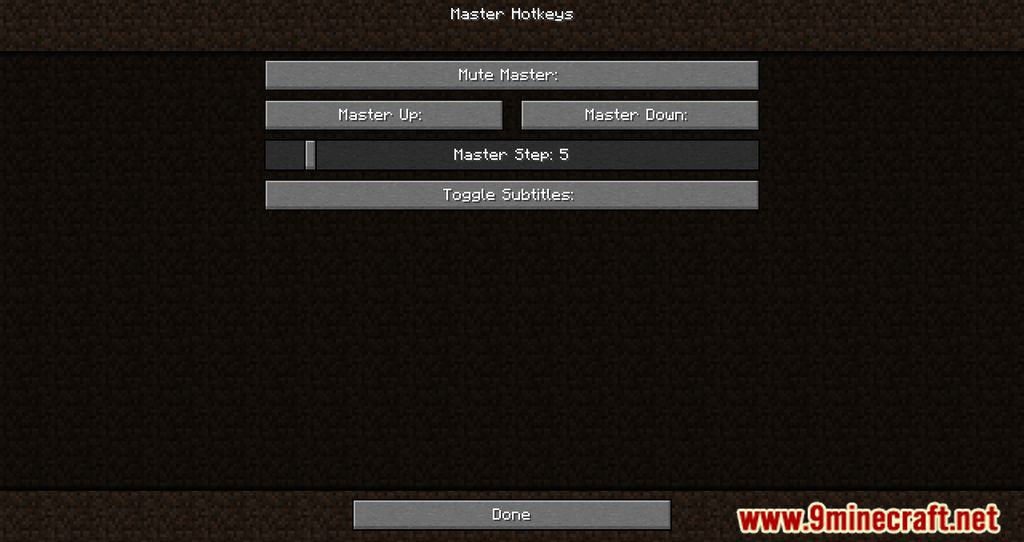
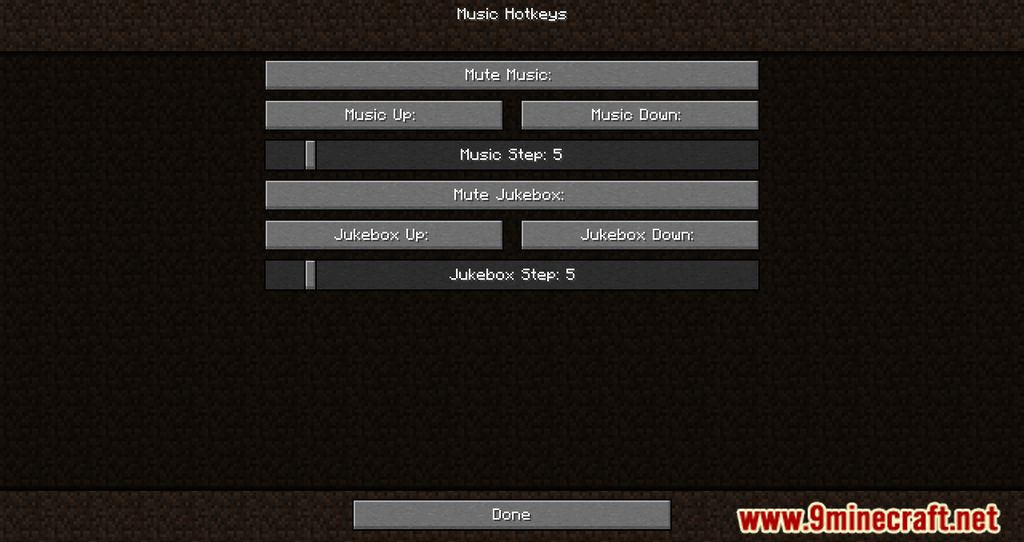
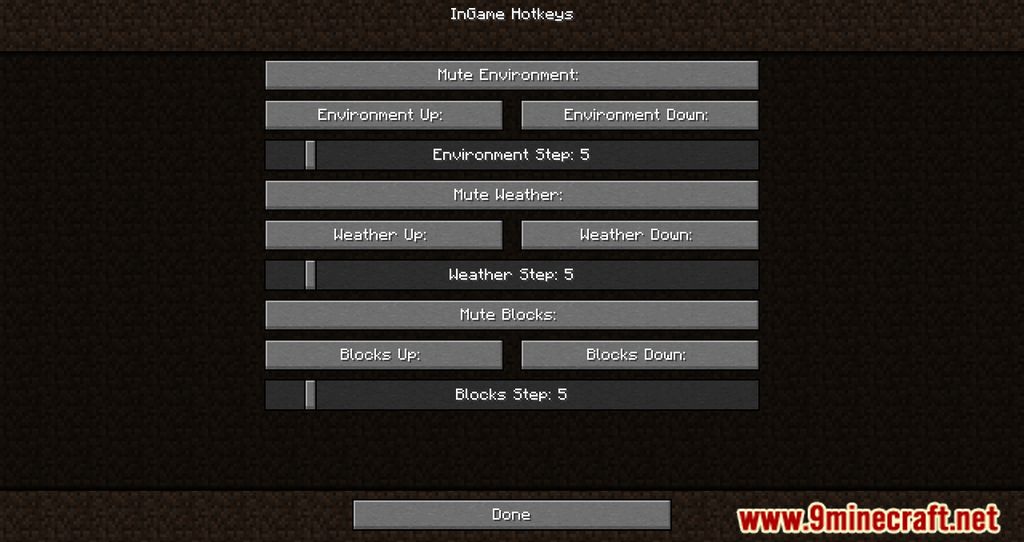
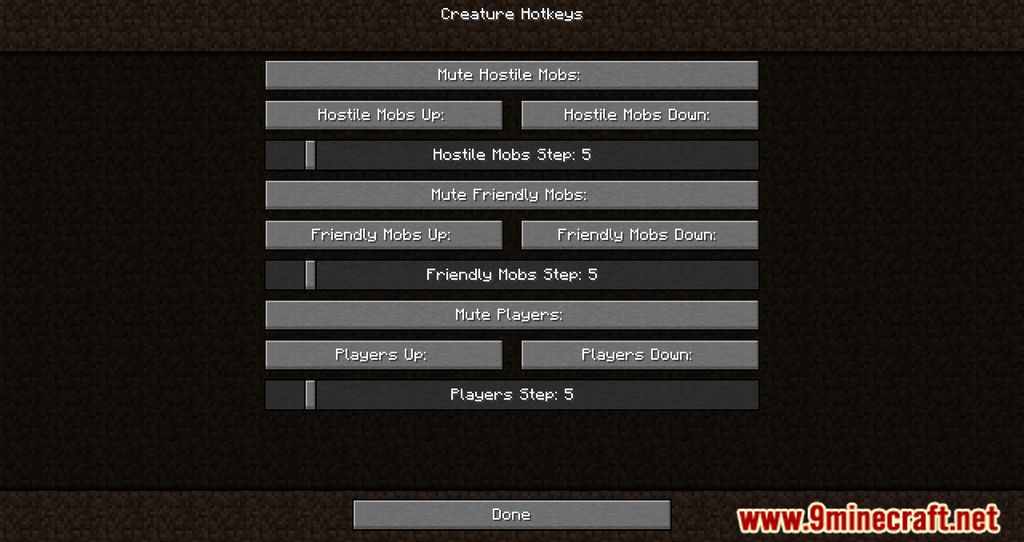
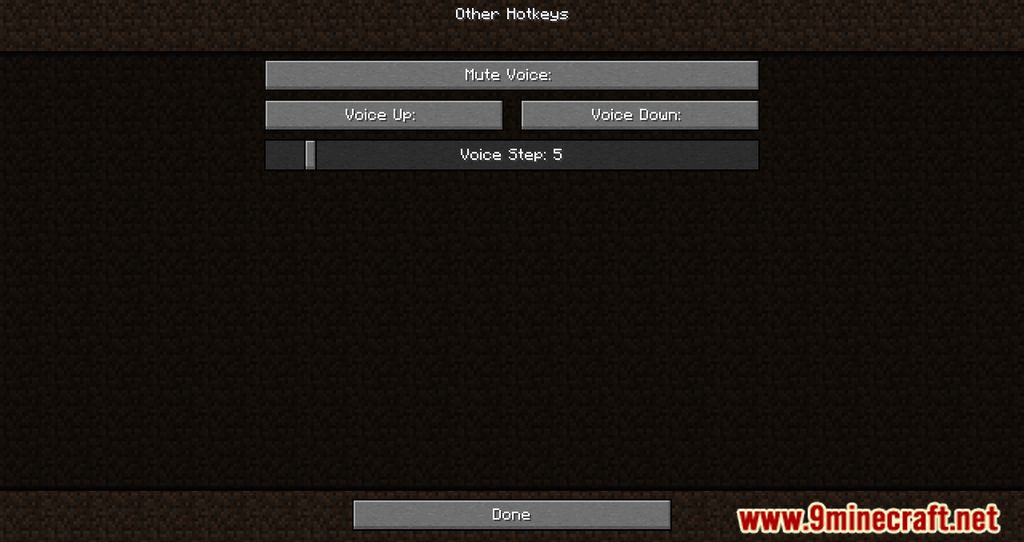
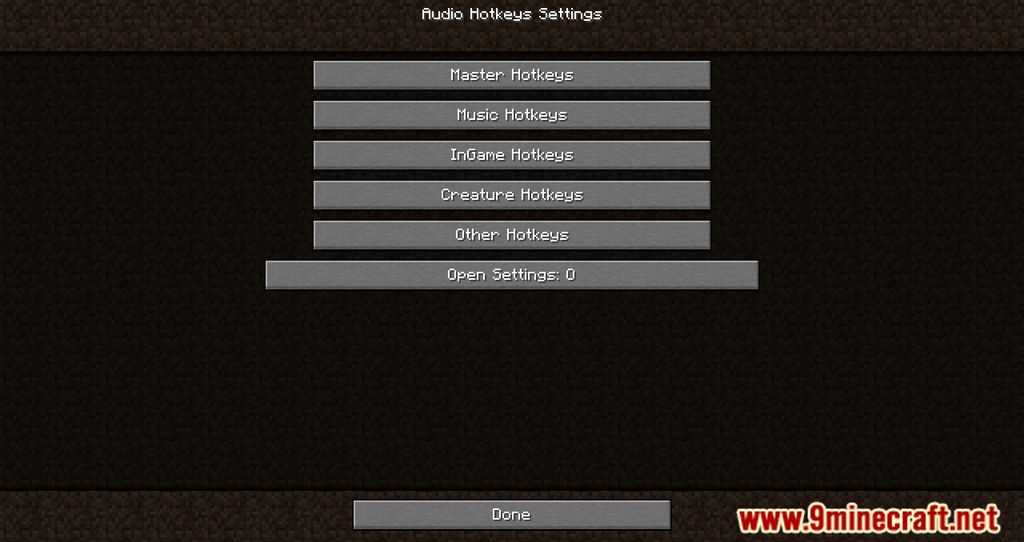
Audio Hotkeys Mod introduces an option where players can open the hotkey menu by pressing O, allowing them to set a hotkey for muting, and changing volume. In a standard setting, players would need to press Esc, go into the Audio settings and tweak the volume, however, this process can be quite tiresome as there are too many steps. At the same time, during multiplayer gameplay, it is going to be difficult to tweak these volumes as pressing Esc would not pause the game, thus risking players from being defeated by hostile entities and other players. With Audio Hotkeys, it would a lot easier as players can press one button to either Mute or change the current volume of the game. Facilitating this simple feature allows players to be more immersed in Minecraft and enjoy the game a lot more.
Features:
- Players can press O to change the hotkeys of muting, and changing audio.
Screenshots:
How to Install:
New to Minecraft? Follow our step-by-step guide to install Mods on your PC.View Guide



Audio Hotkeys Mod Download Links
For Minecraft 26.2
For Minecraft 26.1.2, 26.1.1, 26.1
For Minecraft 1.21.11
For Minecraft
1.21.10,
1.21.9,
1.21.8
All Versions Covered
1.21.10
1.21.9
1.21.8
1.21.7
1.21.6
For Minecraft
1.21.5,
1.21.4,
1.21.3
All Versions Covered
1.21.5
1.21.4
1.21.3
1.21.2
For Minecraft 1.21.1, 1.21
For Minecraft
1.20.6,
1.20.5,
1.20.4
All Versions Covered
1.20.6
1.20.5
1.20.4
1.20.3
1.20.2
1.20.1
1.20
For Minecraft 1.19.2
You May Also Like












This post has no comments yet. Be the first — your comment will appear here.