


Global Shaderpack Properties Mod (1.21.11, 1.20.1) – Tweak Modpack Shaders

 0
0 

Global Shaderpack Properties Mod lets you change your shader settings without opening the actual shader files. Normally, players must edit the files inside a shader pack to change how the lighting looks. This mod changes that by reading your custom properties from a basic config folder instead. It points the game to your new settings while leaving the original shader pack untouched. It is helpful for building modpacks because you can set up specific rules for different shaders without moving the original files around.
Features:
- Custom Config Paths: Global Shaderpack Properties redirects the way Iris reads settings so you do not have to edit the shader files directly.
- Modpack Friendly: This mod lets you change shader settings in a modpack without putting the whole shader file in an override folder.
- You can apply settings to all shaders using Global Shaderpack Properties by putting your property files right into the config/global_shaderpack_properties folder.
- Lets you target just one specific shader by making a new subfolder with that exact shader’s name.
- Changes how specific dimensions look, like adding a thick Nether fog effect to the Aether dimension through custom block properties.
How to Use:
- Go to the config/global_shaderpack_properties folder in your game files.
- Put your properties file into this folder.
- To change settings for a specific shader pack, create a folder with the exact name of that shader pack.
- Place your properties file inside that new folder.
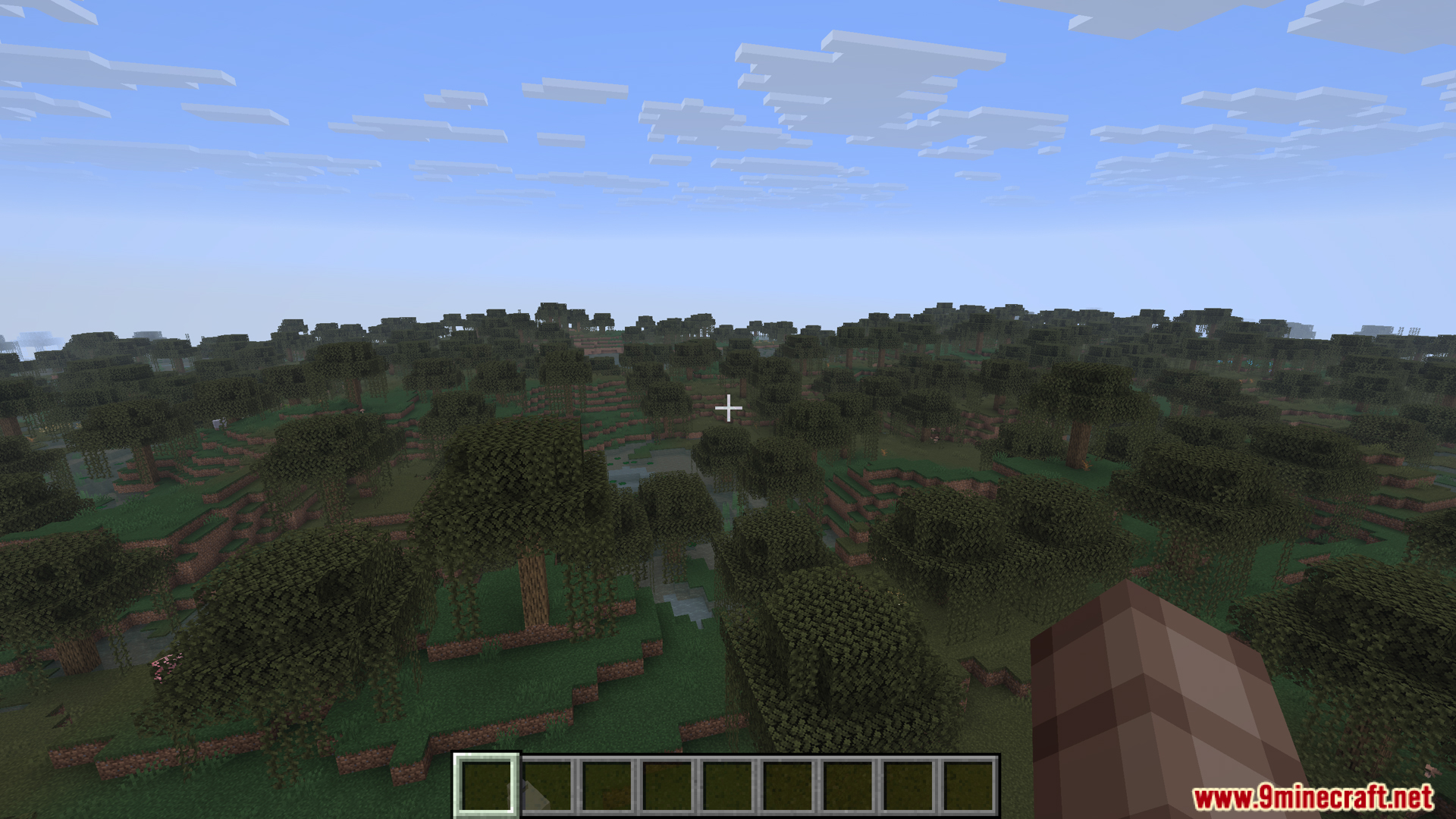
Screenshots:
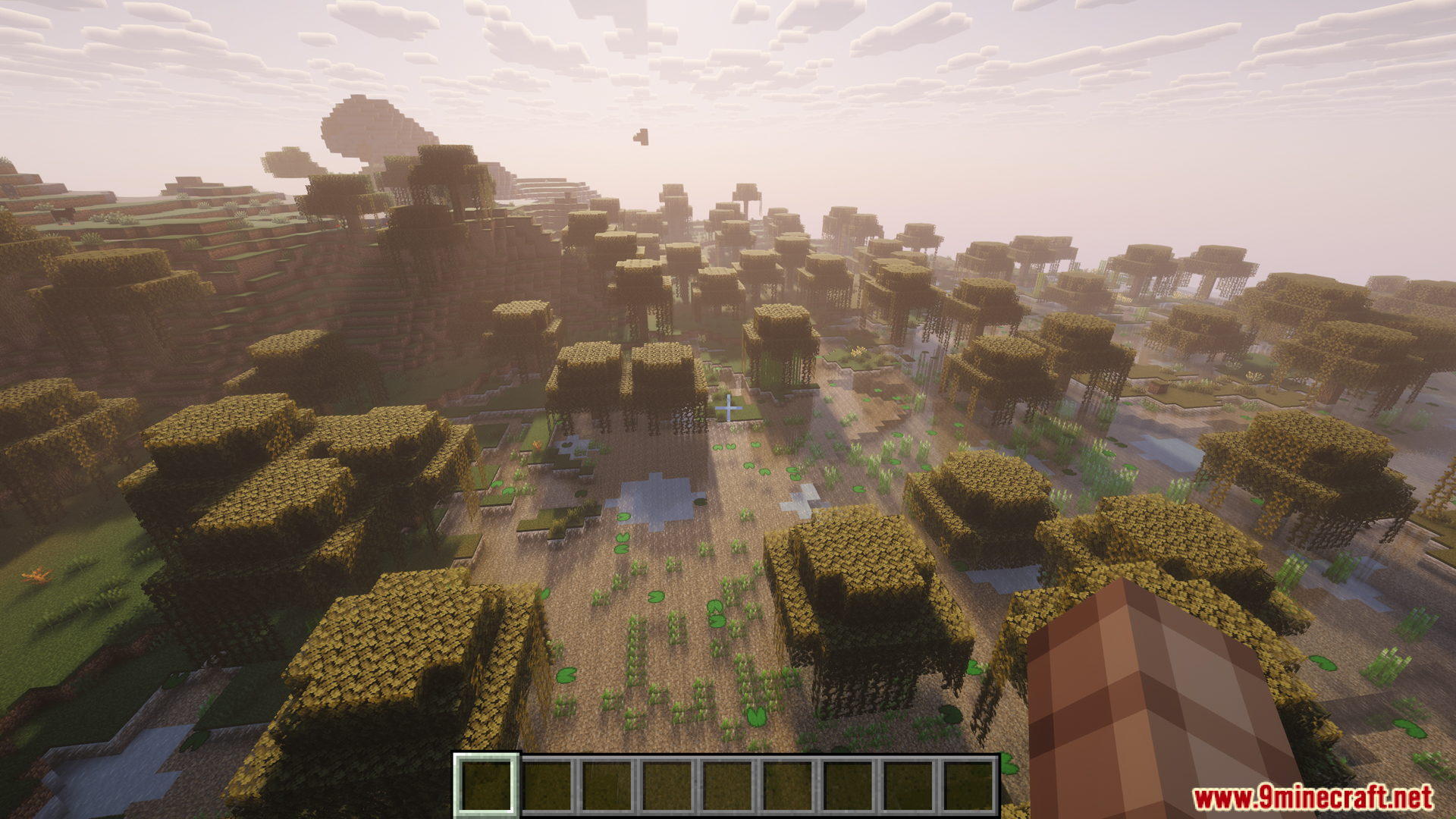
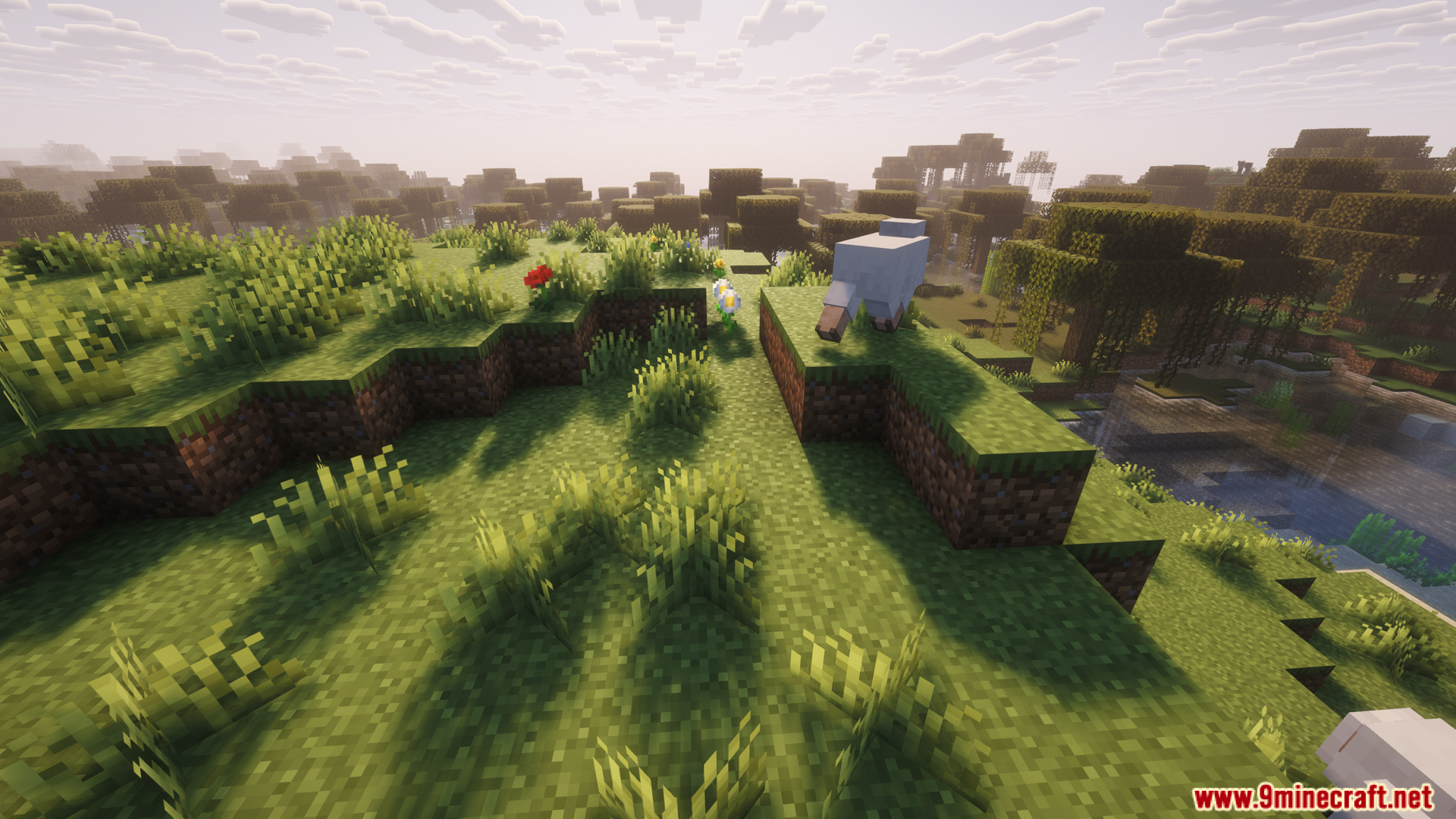
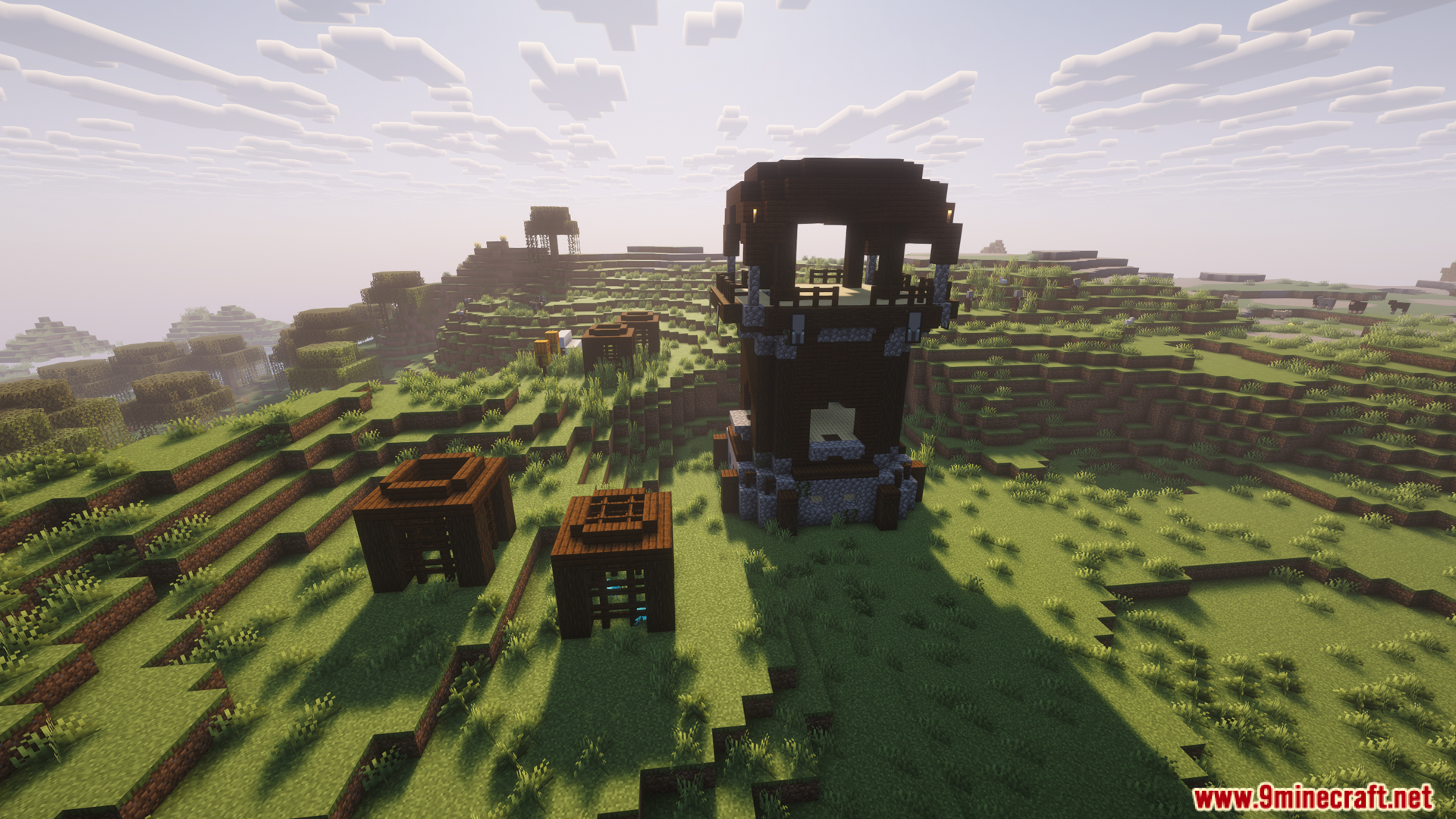
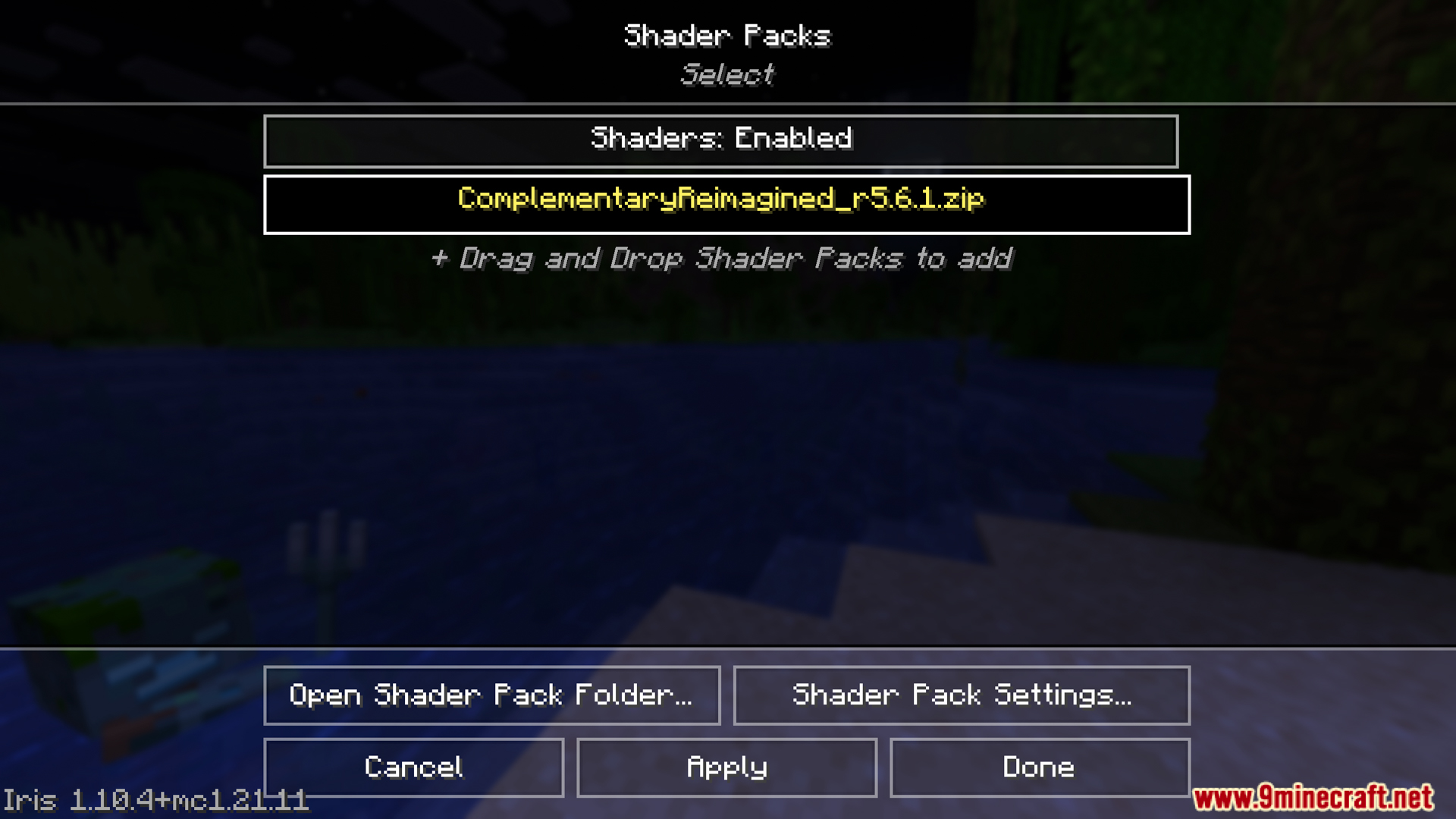
How to Install:
New to Minecraft? Follow our step-by-step guide to install Mods on your PC.View Guide
Requirements:
Global Shaderpack Properties Mod Download Links
For All Versions from Minecraft 1.21 to Minecraft 1.21.11
Fabric/Quilt version: Download from Server 1 – Download from Server 2
NeoForge version: Download from Server 1 – Download from Server 2
For Minecraft 1.20.6, 1.20.4, 1.20.2
Fabric/Quilt version: Download from Server 1 – Download from Server 2
For Minecraft 1.20.1, 1.20
Forge version: Download from Server 1 – Download from Server 2
Fabric/Quilt version: Download from Server 1 – Download from Server 2
You May Also Like

This post has no comments yet. Be the first — your comment will appear here.