


Immersive Paintings Mod (26.2, 1.20.1) – Craft a Custom Painting

 0
0 

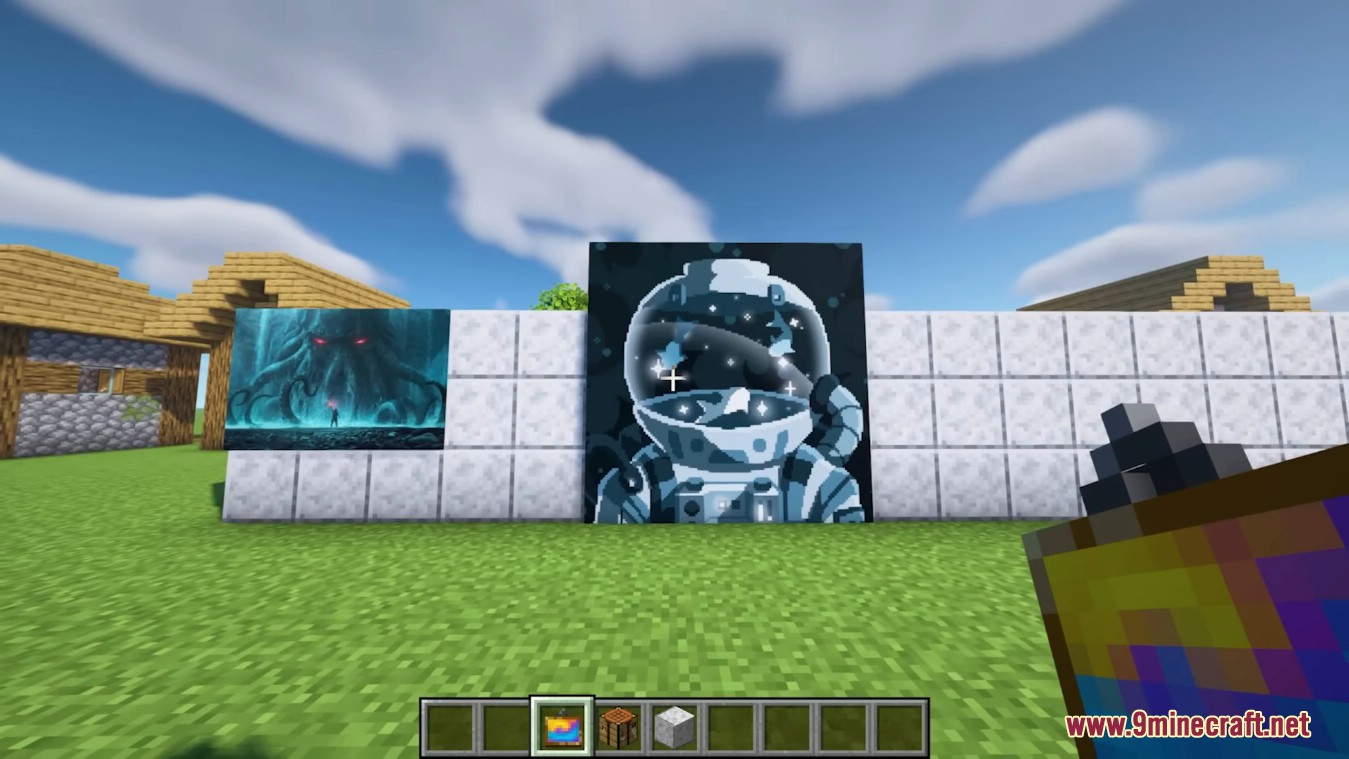
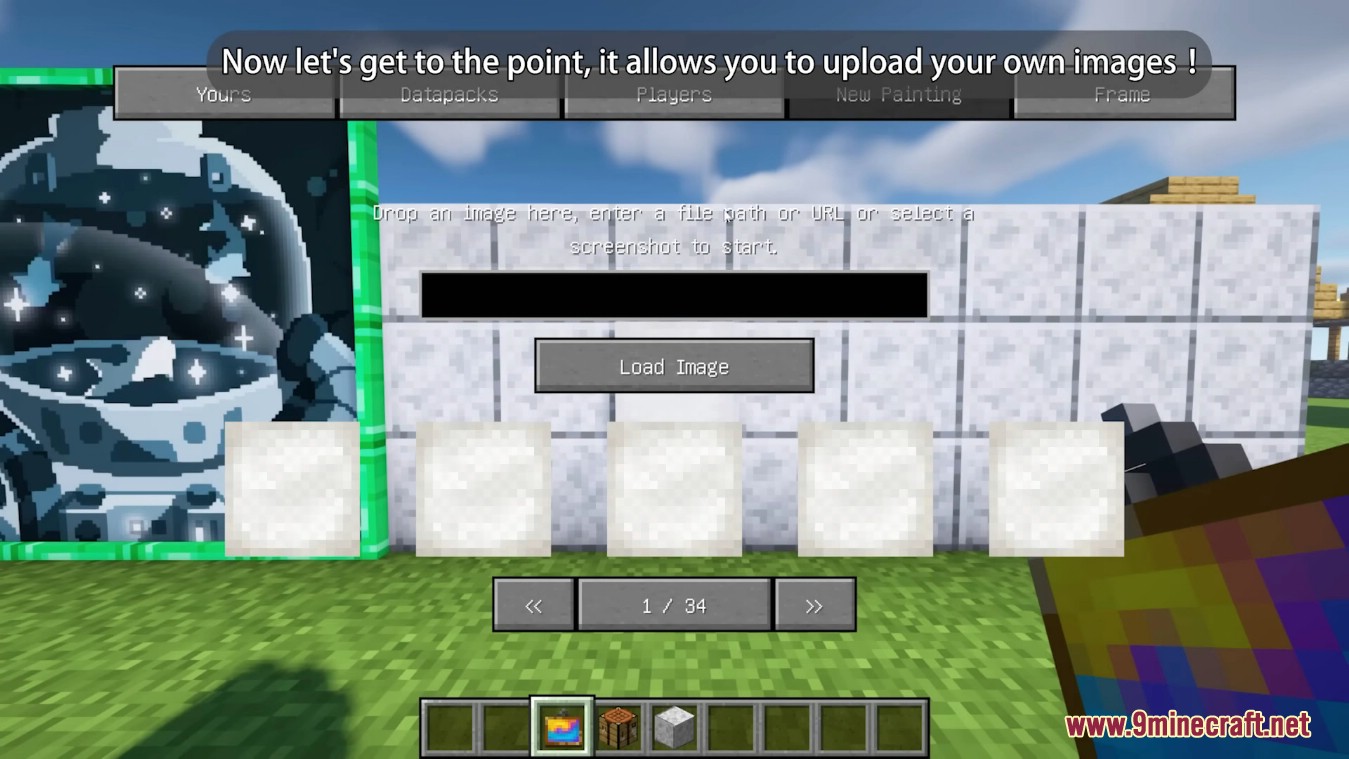
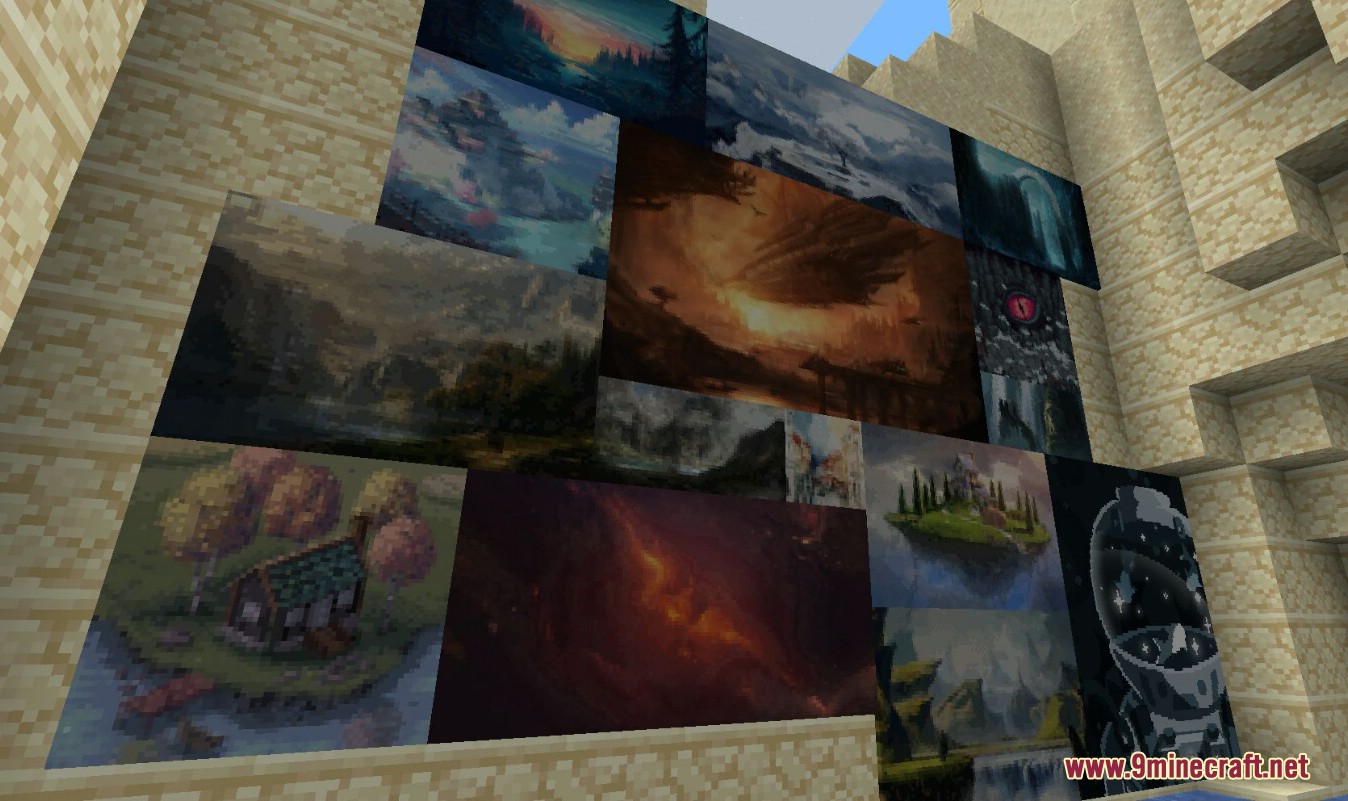
Immersive Paintings Mod allows users to create their own, Minecraft-stylized paintings via drag and drop, or by providing a URL. You can also direct choose a screenshot. No resource pack required, Multiplayer friendly and easy to use.
Features:
- Players can import images via drag-and-drop, screenshots, or URLs, transforming them into Minecraft-stylized paintings.
- Paintings can be shared and viewed by other players on a server.
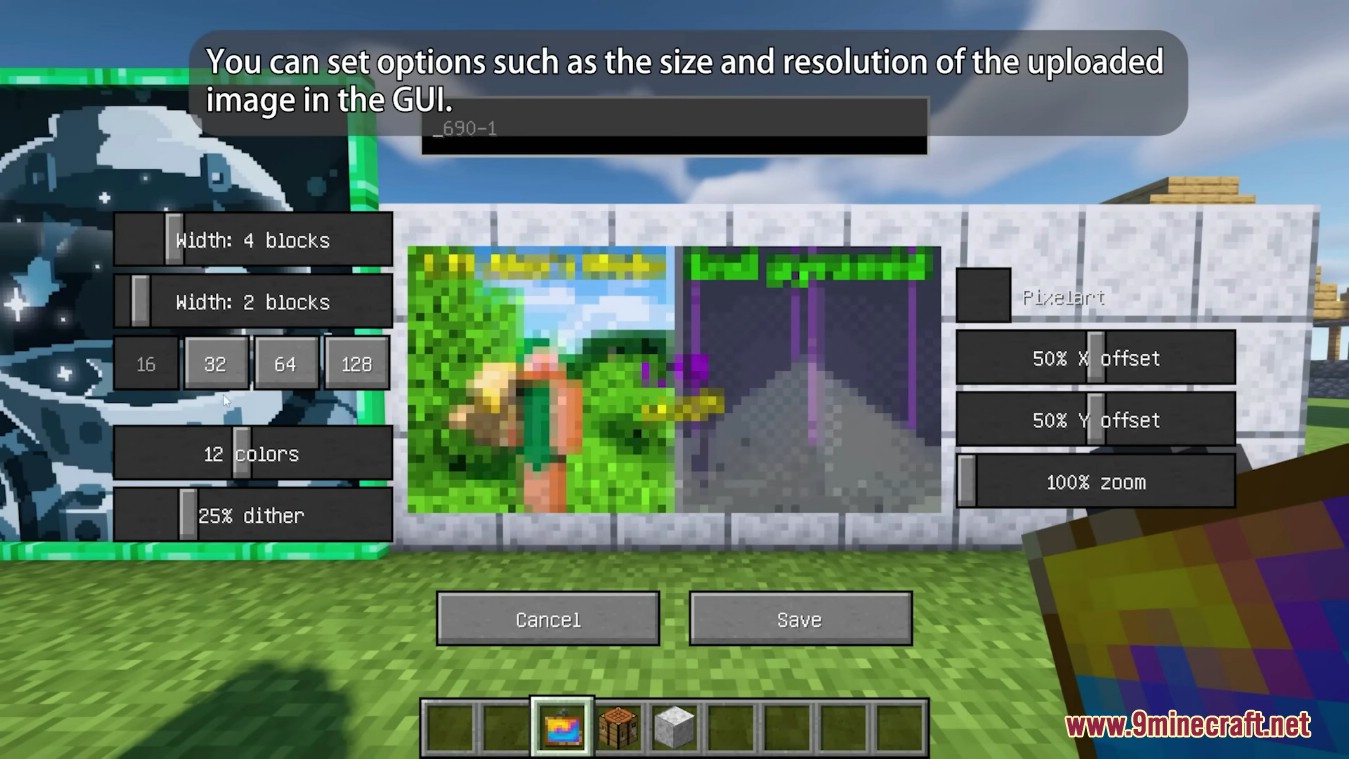
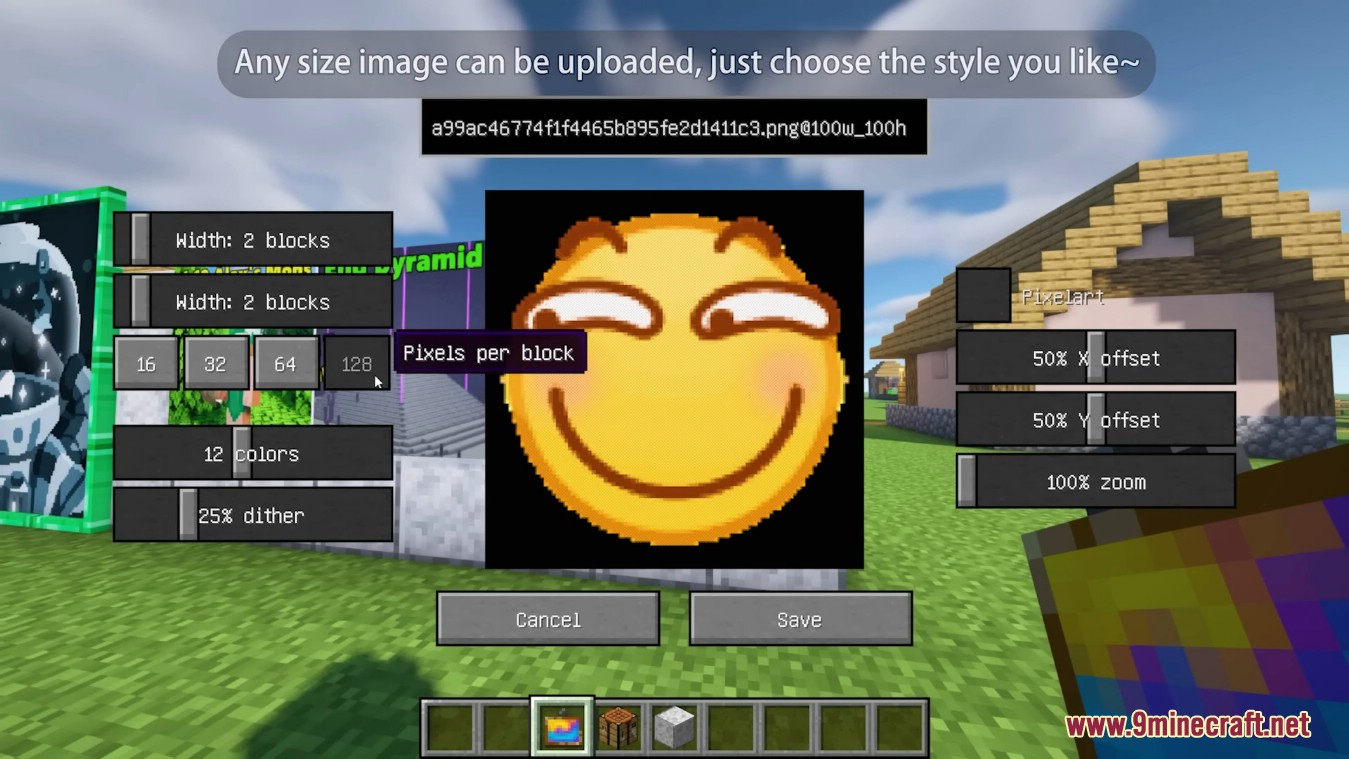
- Users can apply pixelation, dithering, and post-effects to make images blend naturally into Minecraft’s aesthetic.
- Various frame styles and materials are available to enhance the look of paintings.
- Players can create glowing paintings or spray graffiti on walls.
Screenshots:
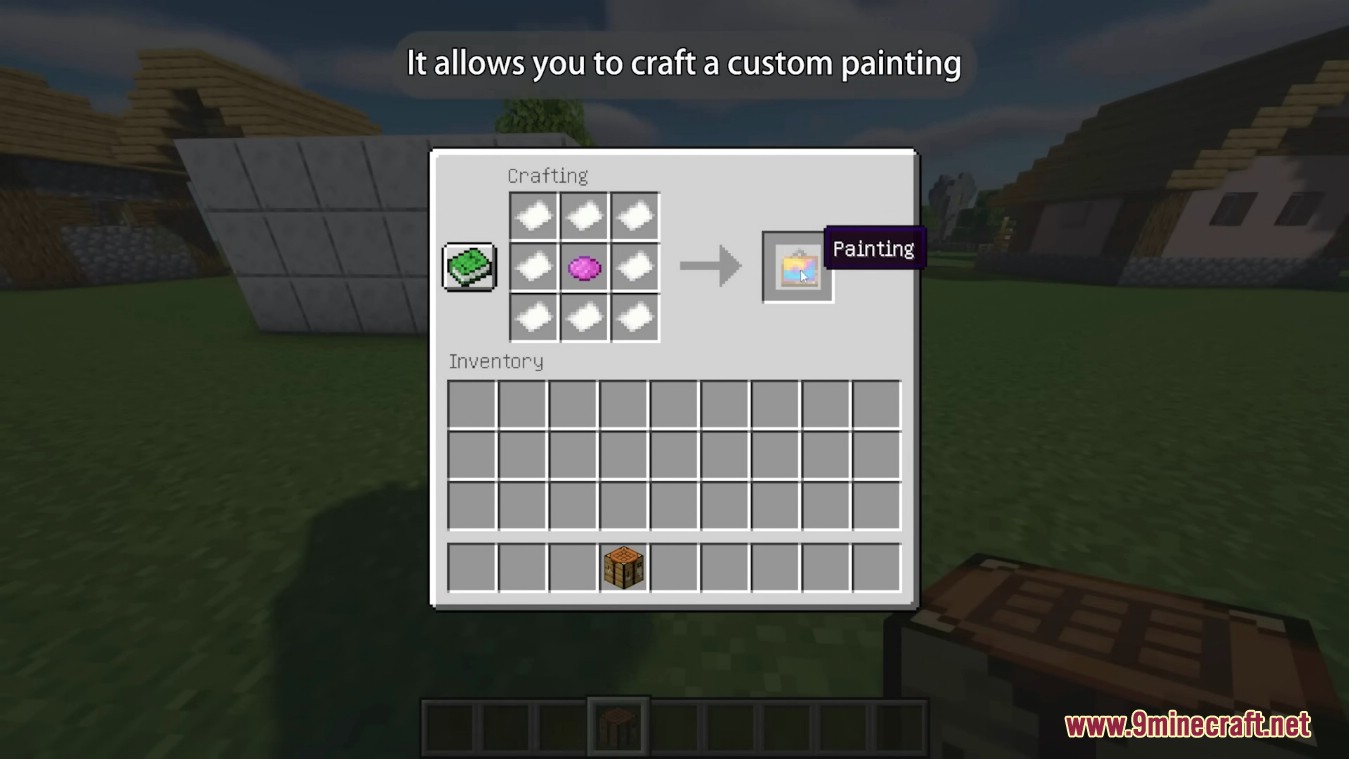
Crafting Recipes:
How to use:
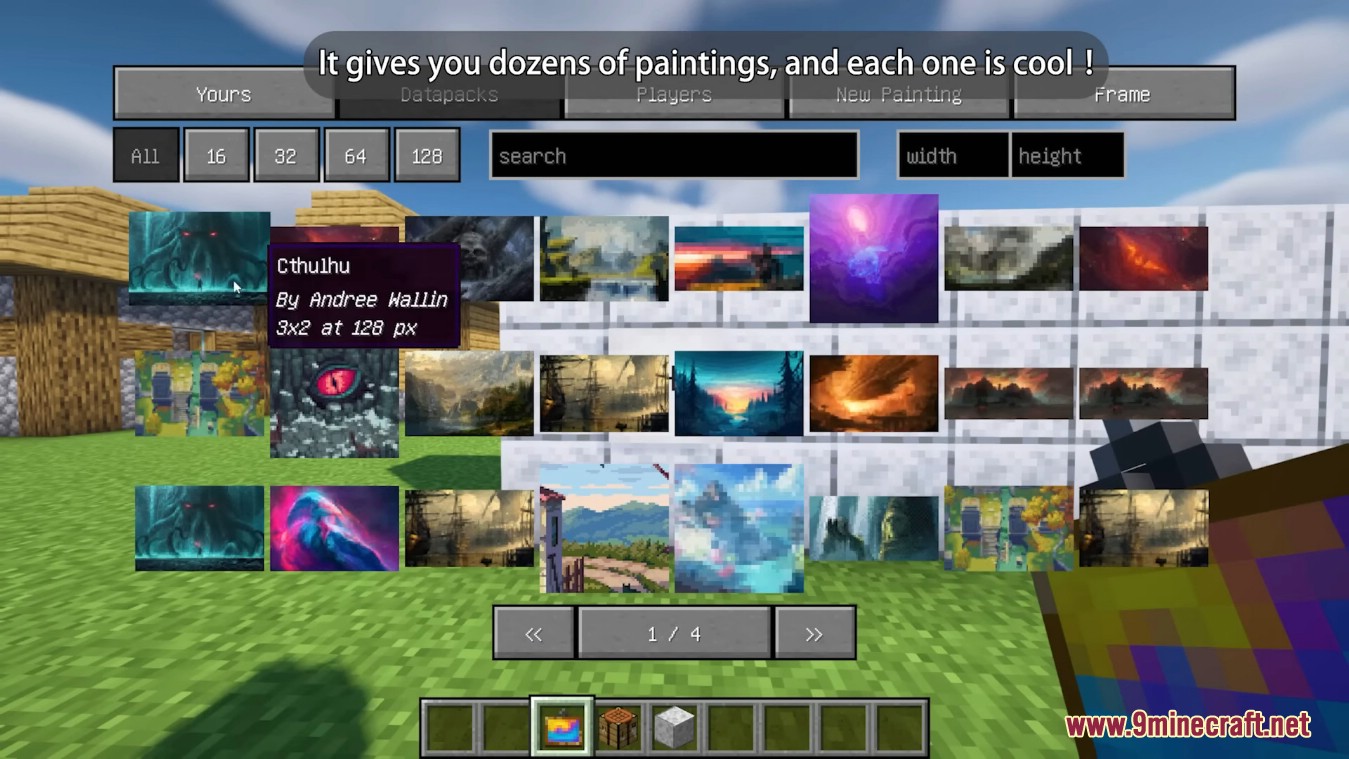
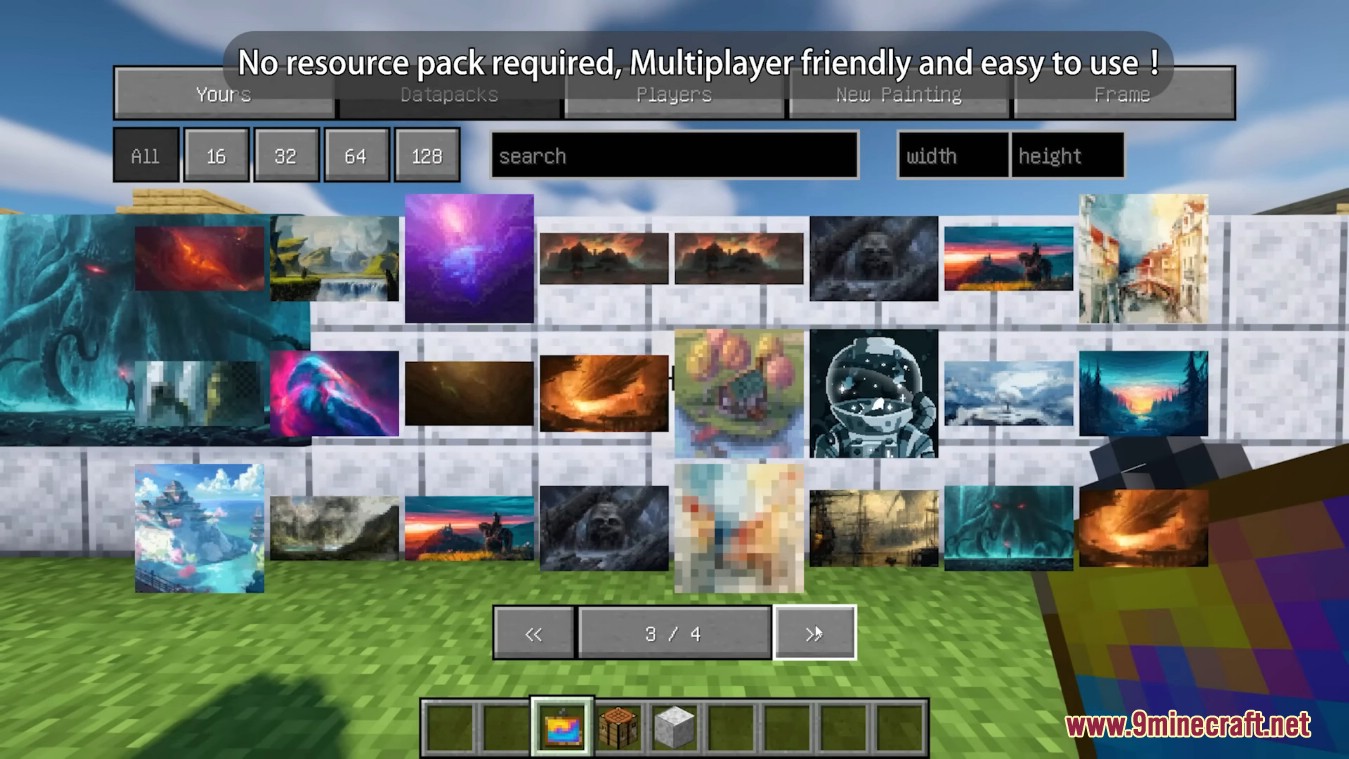
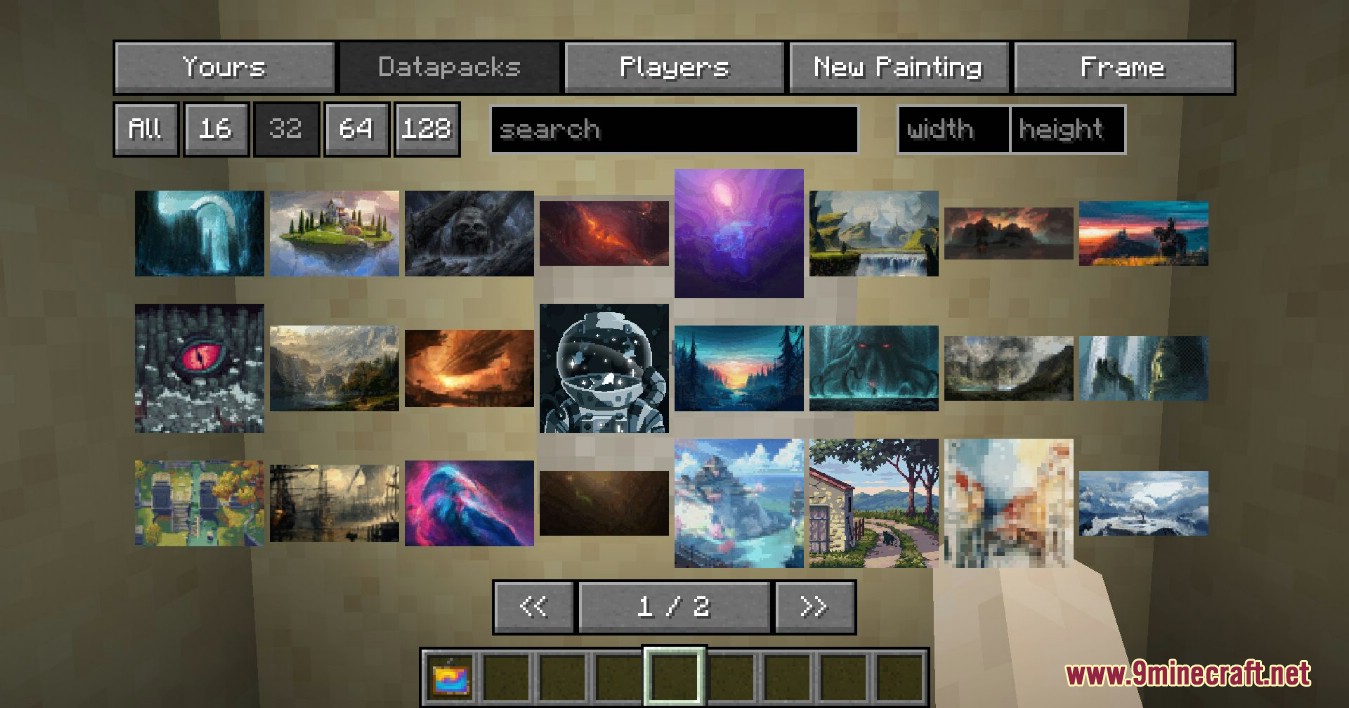
The mod offers a simple yet powerful GUI to select your paintings, those from fellow players or those provided via optional datapacks. Default datapack available for a quick start!
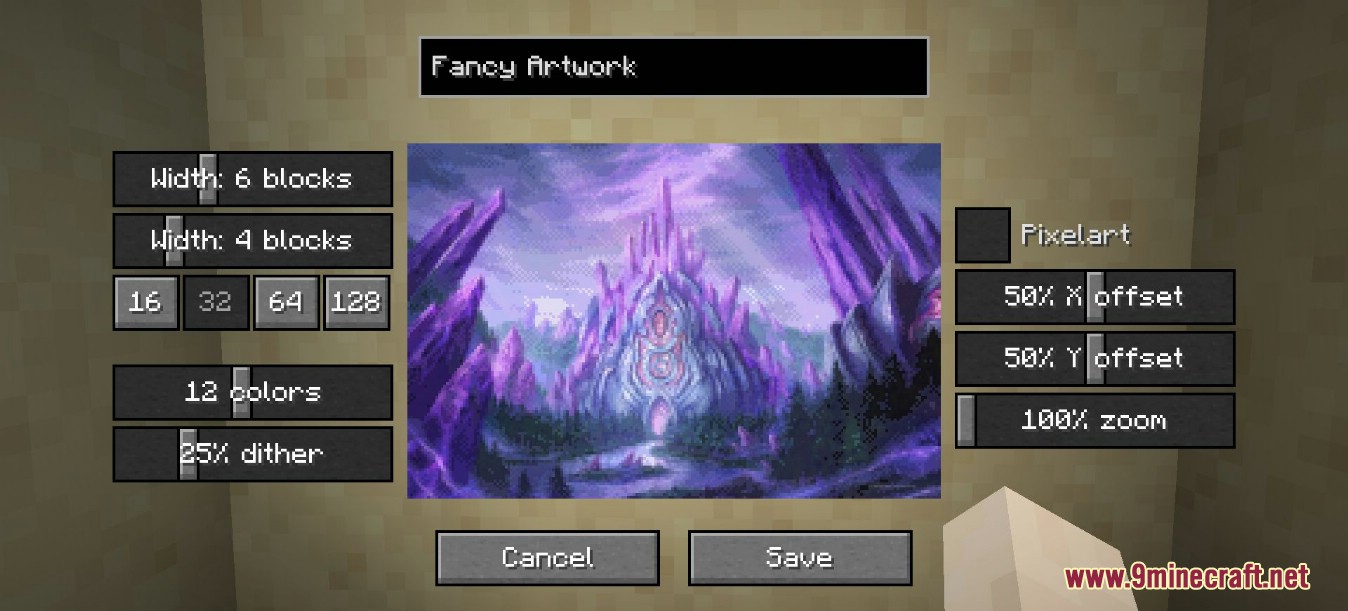
The creation menu allows you to quickly pixelate your images and apply post-effects and dithering to make them look like they fit into Minecraft, without much fiddling around.
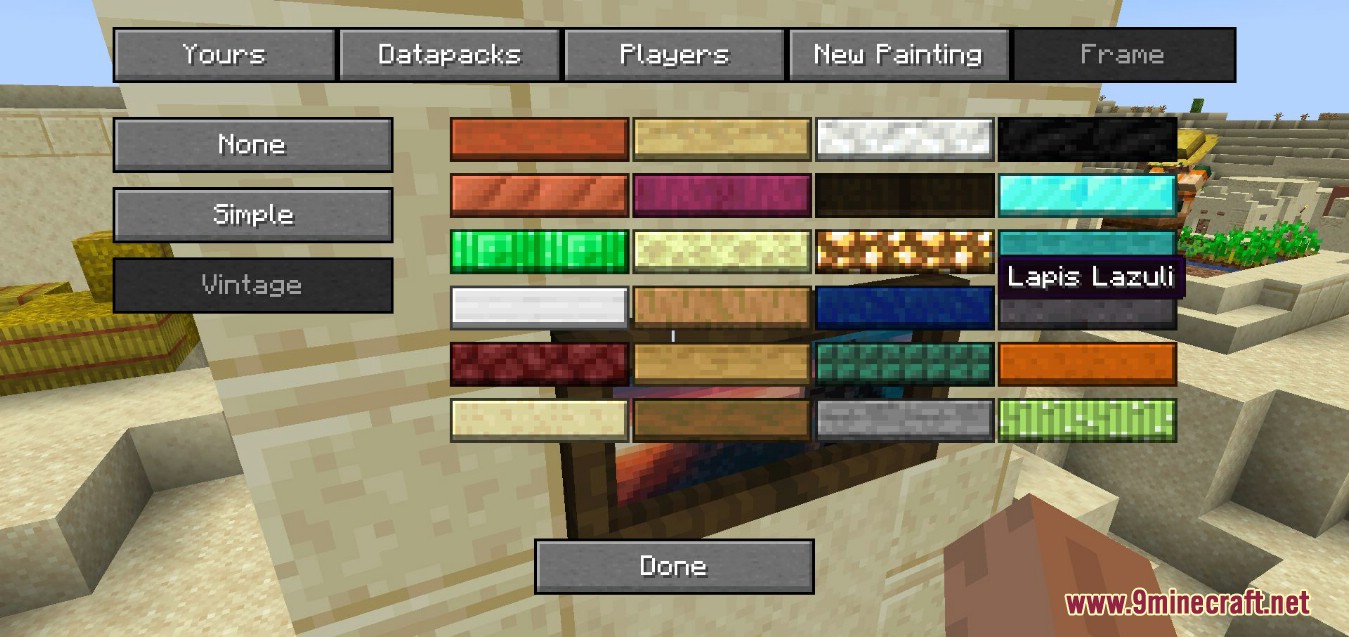
But what’s a fancy painting without a fancy frame? Select from different styles and a lot of materials to put your artwork into a better focus.
Using smart level of details, caching and lazy streaming of data the performance impact is not noticeable.
How to Install:
New to Minecraft? Follow our step-by-step guide to install Mods on your PC.View Guide
Requirements:






Immersive Paintings Mod Download Links
For Minecraft 26.2
For Minecraft 26.1.2, 26.1.1, 26.1
For Minecraft 1.21.11
For Minecraft 1.21.1, 1.21
For Minecraft 1.20.1, 1.20
For Minecraft 1.19.4
For Minecraft 1.19.3
For Minecraft 1.19.2
For Minecraft 1.19
For Minecraft 1.18.2
For Minecraft 1.16.5
You May Also Like

This post has no comments yet. Be the first — your comment will appear here.