
Embrace Pixels Resource Pack (1.21.1, 1.20.1) – Subtle PBR Depth for Classic

 0


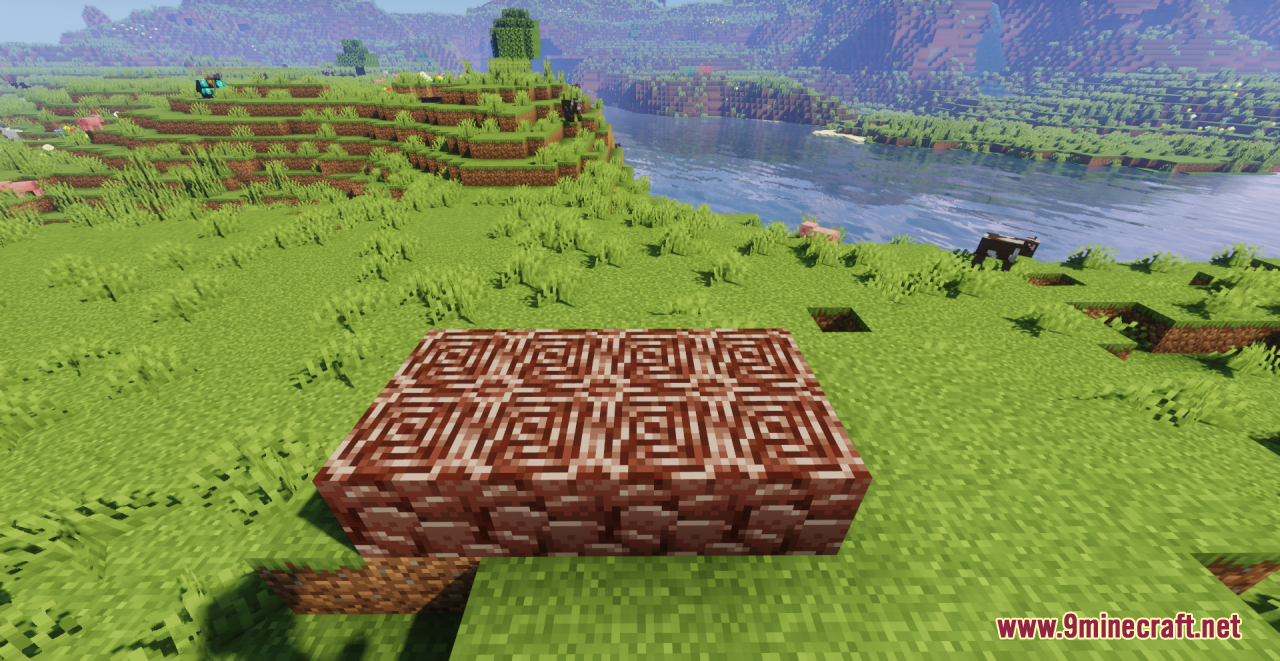
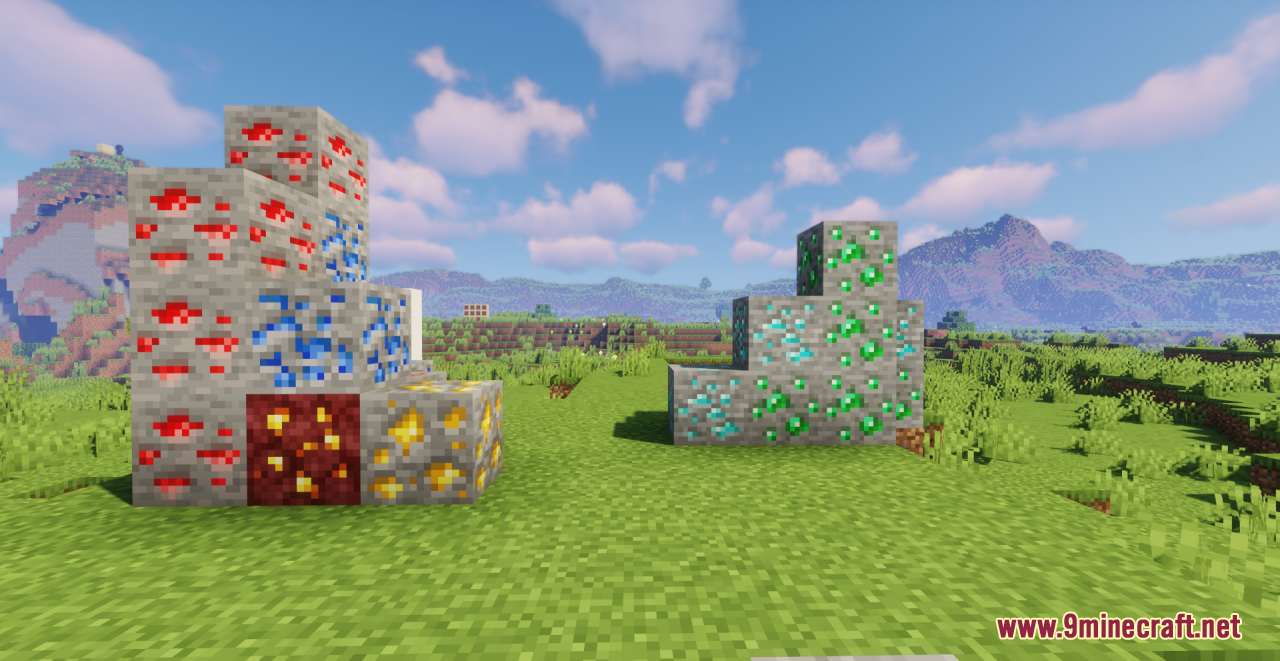
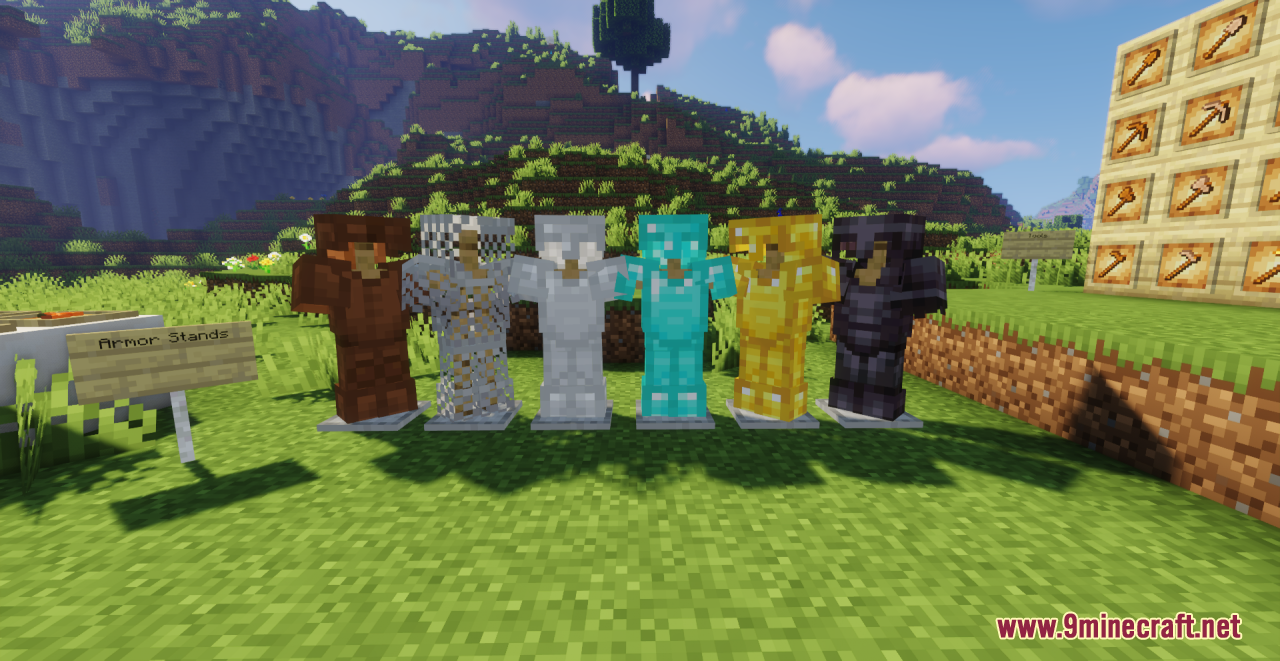
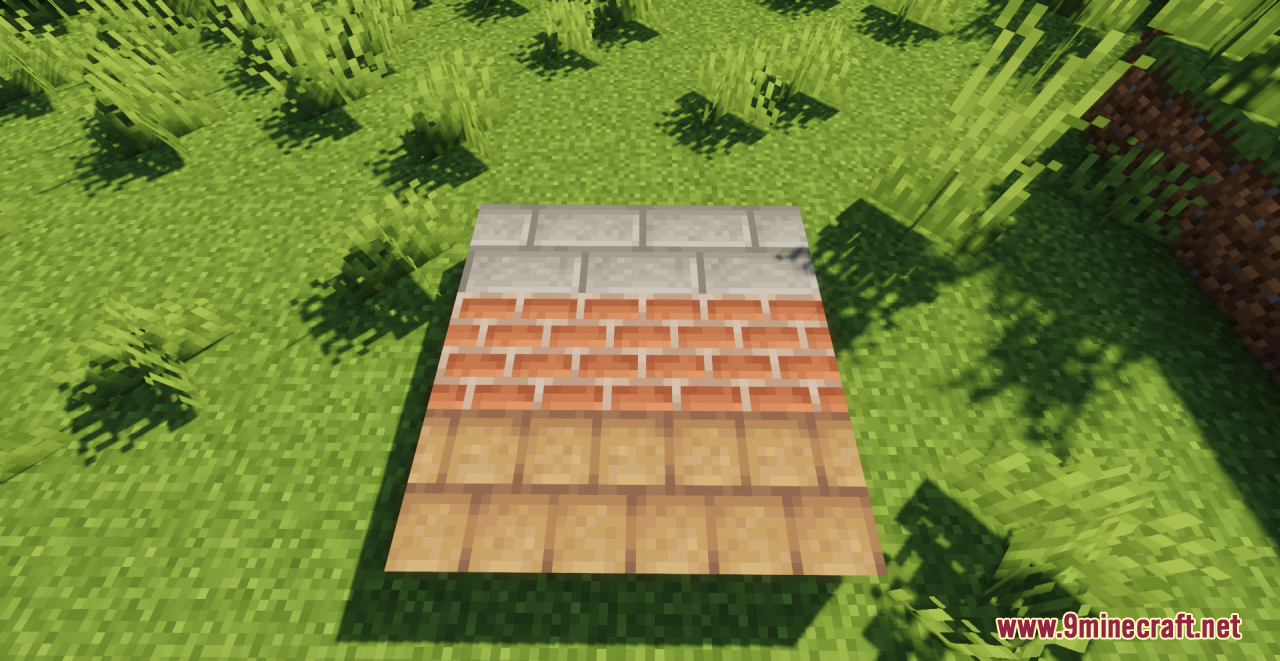
Embrace Pixels Resource Pack refreshes default Minecraft textures with 16×16 normal and specular maps. This pack updates blocks across the game along with beds, signs, ores, doors, corals, glazed terracotta, armor, slimes, and iron golems. It keeps a subtle pixel art look that does not get in the way of vanilla gameplay, and most details stand out clearly during sunrises and sunsets. You need any labPBR supported shader, such as BSL, to see these visual effects in your world.
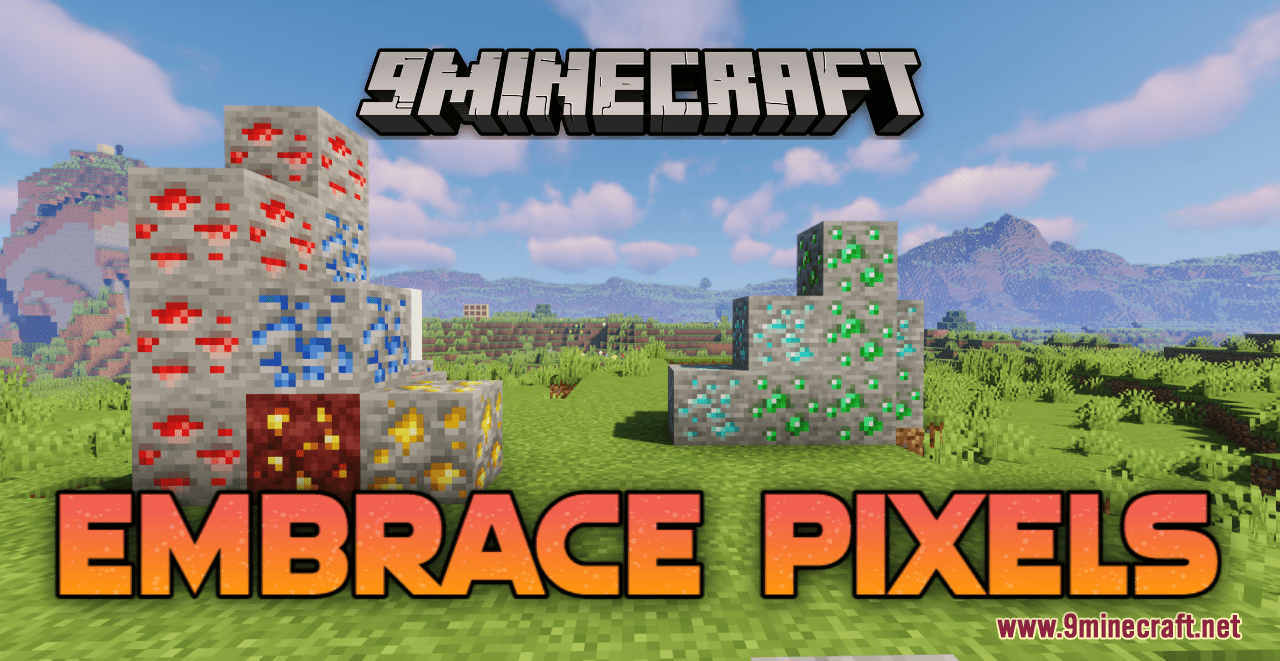
Features:
- Applies 16×16 normal and specular maps on top of default Minecraft textures as a tribute to classic pixel art.
- Updates every block in the game while keeping the familiar vanilla look.
- Adds PBR maps to beds, signs, ores, doors, corals, and glazed terracotta.
- Refreshes armor along with slimes and iron golems to match the updated blocks.
- Works with any labPBR supported shader and comes with a suggested settings file for BSL shaders.
- Keeps visual changes subtle so vanilla gameplay stays untouched, with most details showing clearly during sunrises and sunsets.
How to Use:
- Enable any labPBR supported shader, such as BSL shaders, so the normal and specular maps work in your game.
- Drag the included
.txtfile into your shader pack folder to apply the suggested BSL settings. - Open your shader options and set Advanced Materials to ON.
- Set Parallax Mapping to OFF in the shader options.
- Set Subsurface Scattering to FULL to match the recommended setup.
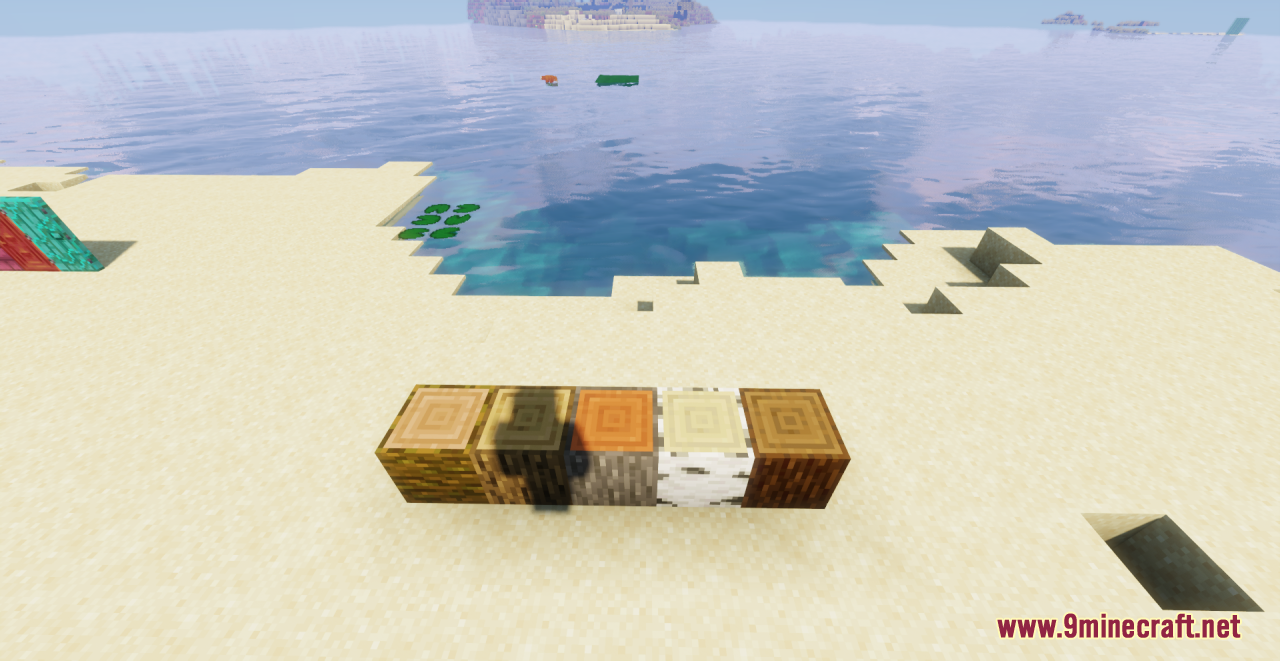
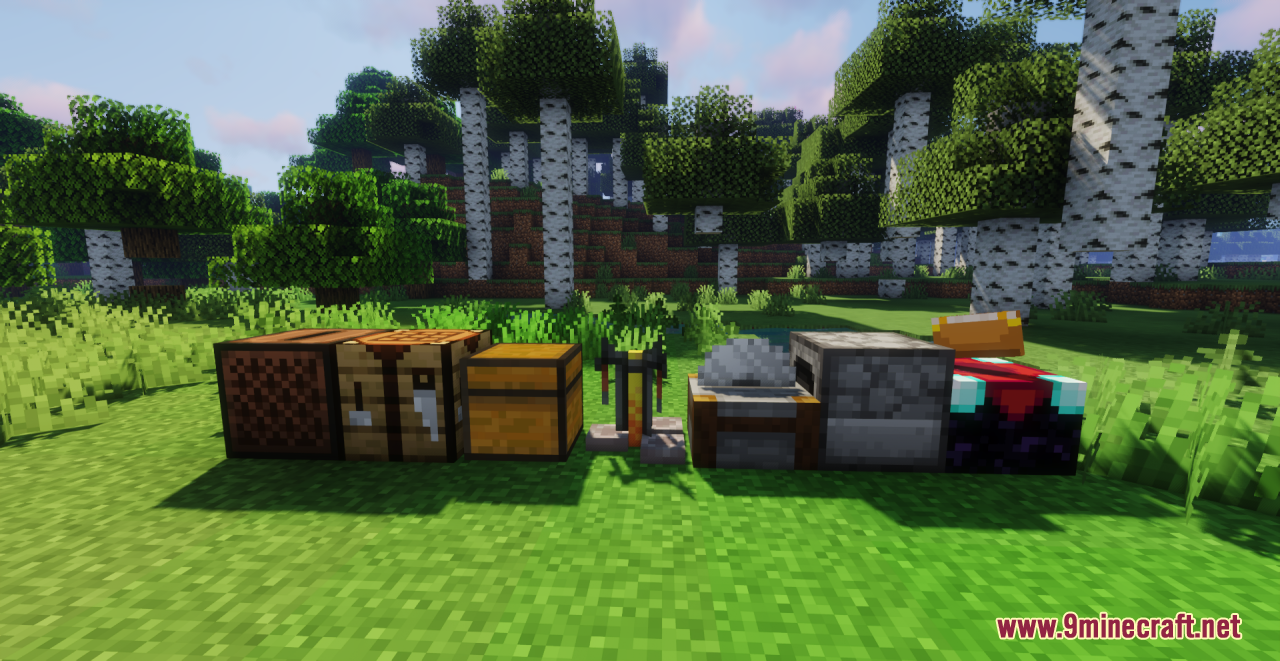
Screenshots:
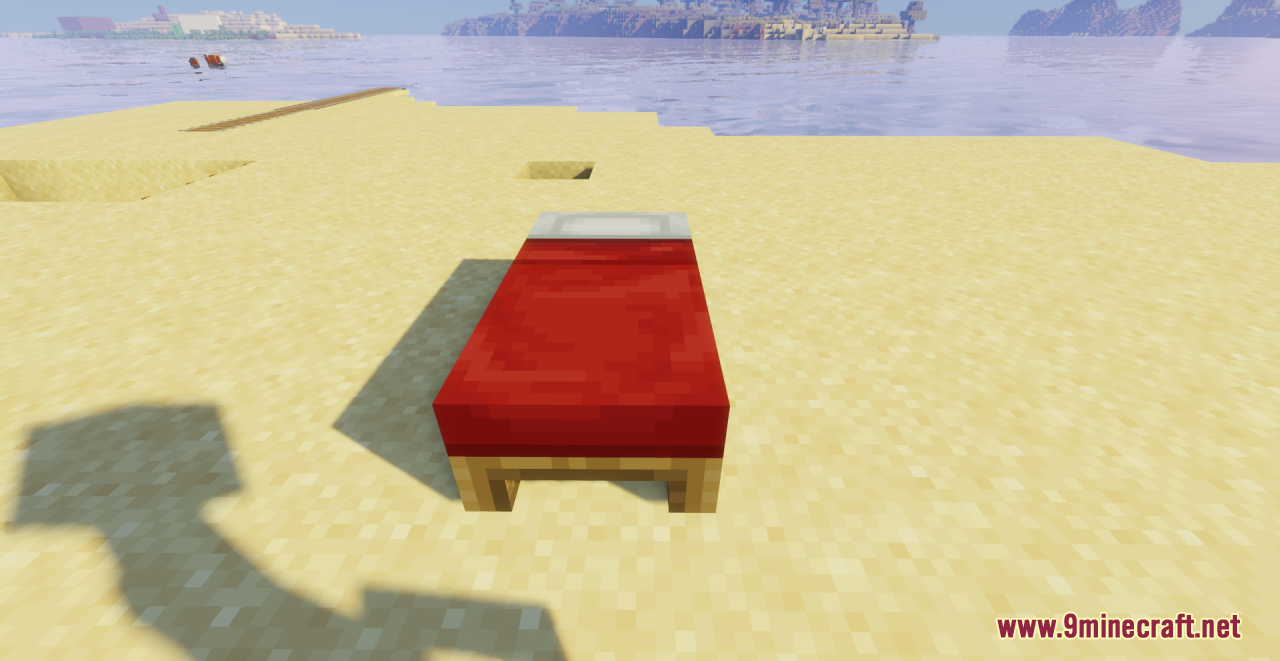
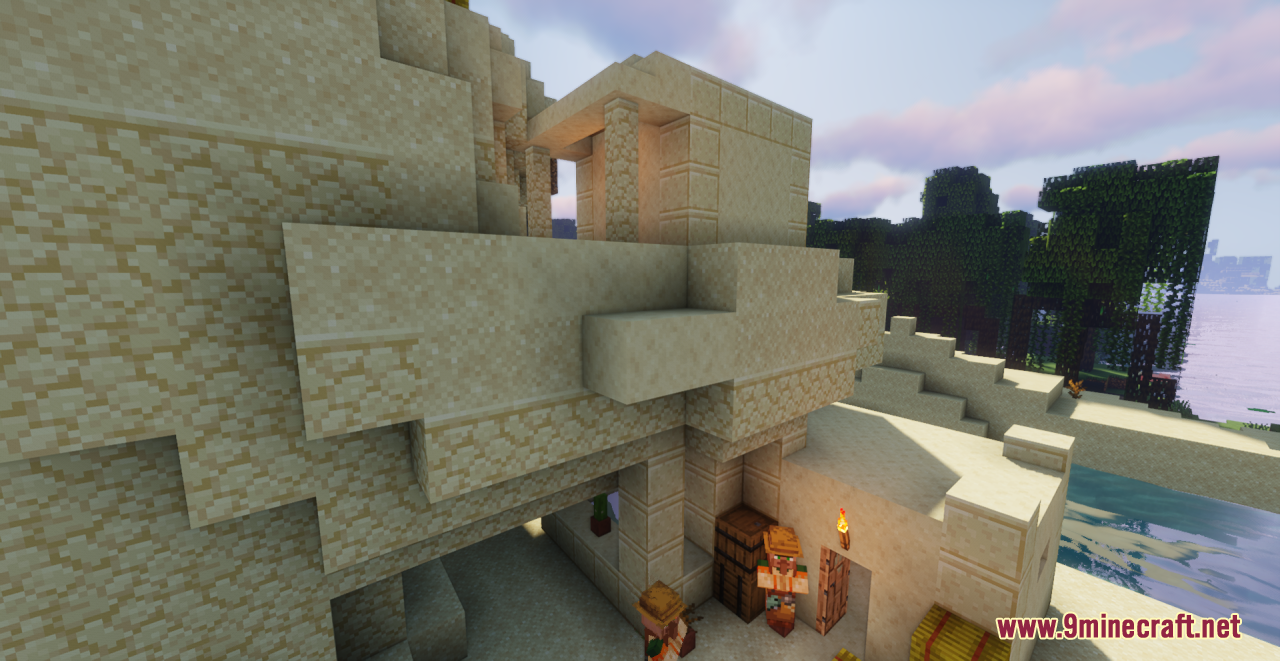
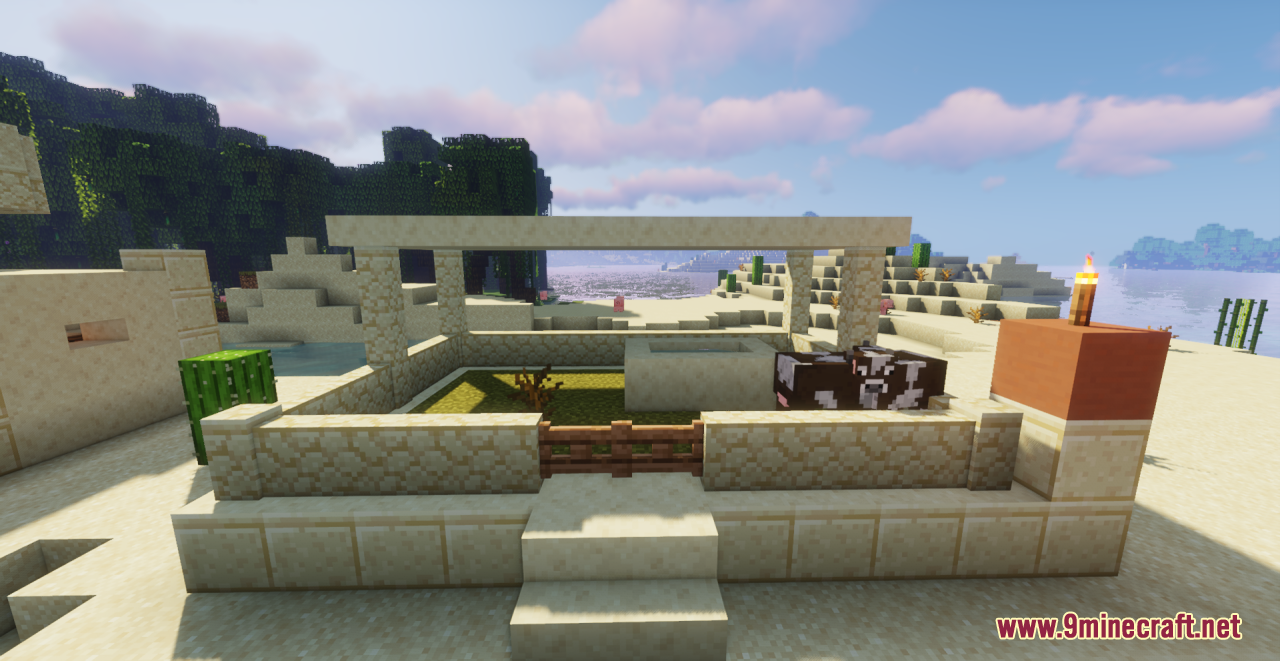
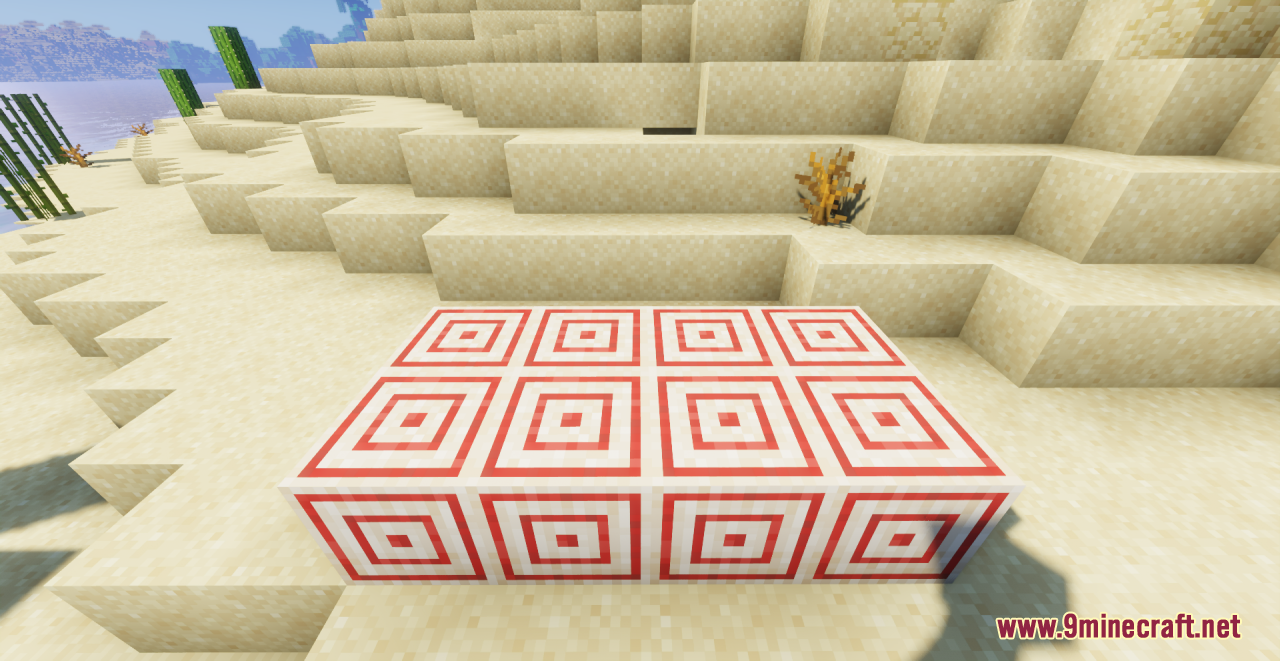
How to Install:
New to Minecraft? Follow our step-by-step guide to install Resource Packs on your PC.View Guide
Embrace Pixels Resource Pack Download Links
For Minecraft from 1.16.5 to 1.21.5, 1.21.1, 1.20.6, 1.20.1, 1.19.3, 1.19.2
Click to rate this post!
[Total: 0 Average: 0]
You May Also Like
Picked for this page
 Aimz (26.3, 1.20.1) – Tiny Crosshair Resource Pack – Texture Pack
 Aimz (26.3, 1.20.1) – PVP Crosshair Resource Pack – Texture Pack
 Better Visibility Of Ores Resource Pack (26.3, 1.20.1) – Texture Pack
 Aimz (26.3, 1.20.1) – Lunar Orbit PVP Crosshair Resource Pack – Texture Pack
 Aimz (26.3, 1.20.1) – Better Crosshair Resource Pack – Texture Pack
 Aimz (26.3, 1.20.1) – Lunar Arrow Crosshair Resource Pack – Texture Pack
 Custom Background HD Resource Pack (26.3, 1.20.1) – Texture Pack
 STONEBORN UI Overhaul Resource Pack (26.2, 1.20.1) – Texture Pack
 Cassette Music Disc Resource Pack (1.21.11, 1.20.1) – Texture Pack
 Aimz (26.3, 1.20.1) – Throne and Liberty Crosshair Resource Pack – Texture Pack
 Cubic Stars Resource Pack (26.1.2, 1.20.1) – Texture Pack
 Farm 3D Resource Pack (26.2, 1.20.1) – Makes Minecraft Plants 3D
Most viewed in Resource Packs over the last 7 days
 Jenny Mod Skins Resource Pack (1.12.2) – Uzaki, Klee, Mita, and More
 Jenny Mod Skin Pack Mega Collection – 310+ Characters
 Jennycraft Resource Pack (1.20.1) – Skins for Jennycraft Mod
 Dewier’s 20k Resource Pack (1.8.9) – Texture Pack
 750 Models Addon for Yes Steve Model Mod
 Animation Collection for Jenny Mod – 60+ Animations, Updated Regularly
 Vanilla+ 3D Crystal Resource Pack (1.21.1, 1.20.1) – Texture Pack
 Mandala’s GUI Dark Mode 9minecraft Resource Pack (26.3) – Eye-Soothing Dark Mode Menus
 Bare Bones 9minecraft Resource Pack (26.3) – Official Cinematic Trailer Look
 Patrix Resource Pack (26.3, 1.20.1) – The Peak of Photorealism
 Mizuno’s Craft 9minecraft Resource Pack (26.3) – A Cozy Handpainted Storybook World
 Karambit Vault X Punchy Resource Pack (26.3, 1.20.1) – Tactical Knives
More from Resource Packs
 MTR3 4 Eurostar Class 373 Resource Pack (1.21.11, 1.20.1)
 STONEBORN Gear Overhaul Resource Pack (1.19.2, 1.12.2)
 Excalibur Hold My Items Support Resource Pack (1.21.11, 1.21.1)
 Mizuno’s Pig Variants X FA Resource Pack (26.2, 1.21.11)
 Melody’s Cute XP Orbs Pink Resource Pack (1.21.11, 1.20.1)
 Emissive Trim Armors Resource Pack (1.21.5, 1.20.1) – Radiant Gear in Darkness
 Egg Like Totem Resource Pack (1.21.11, 1.21.1) – Goofy Villager Nose Totems
 Immersive GUI 9minecraft Resource Pack (26.3) – Custom Artistic Menus for Every Block
 Small Caps DEEZ Resource Pack (26.3, 1.20.1) – Clean Small Caps Font Style
 Pumpkins Reforged Resource Pack (26.2, 1.20.1) – Spooky Garden Patches
 MTR Beijing Subway Addon Resource Pack (1.20.1) – Authentic Chinese Metro Decor
 Better Pixelmon Flying Resource Pack (1.21.1) – Endless Pokemon Sky Adventures

This post has no comments yet. Be the first — your comment will appear here.