🌐 Good news — we've translated this article into other languages!
Or pick the one you like:

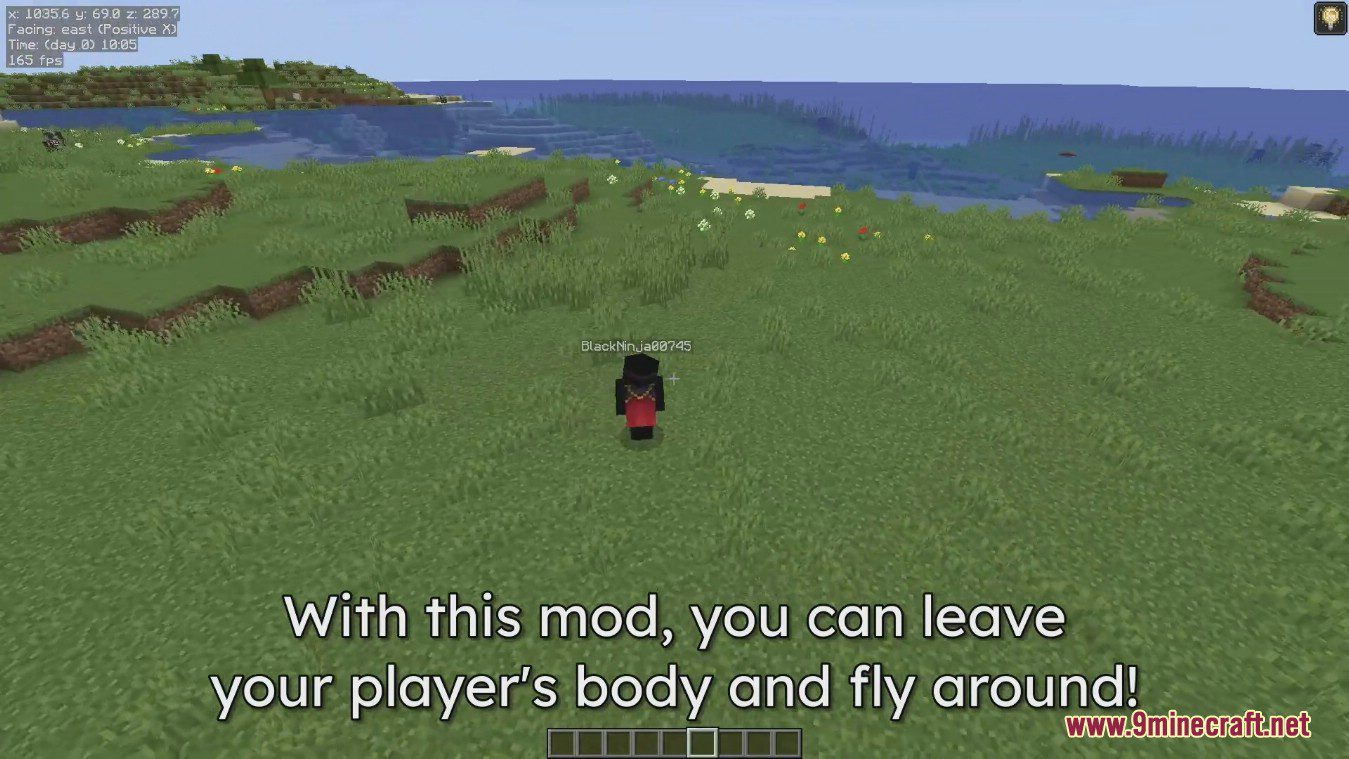
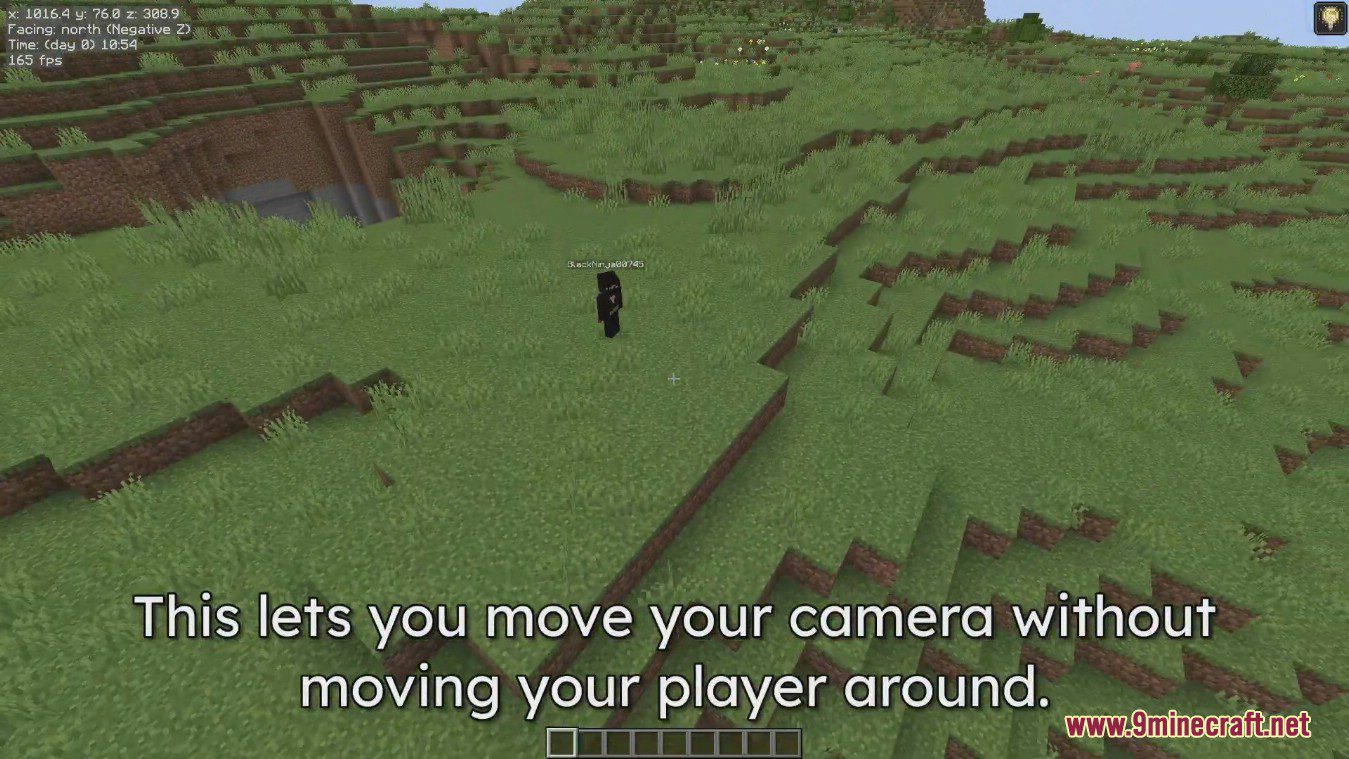
Freecam Mod lets you separate your camera from your player’s body. This allows you to fly around freely, even through blocks, to get a better look at your builds or explore your world. When you turn it off, you’ll pop right back to where your character was standing. The mod works in multiplayer, but be careful, as some servers might consider it cheating.
Features:

  • Move your camera independently from your player.
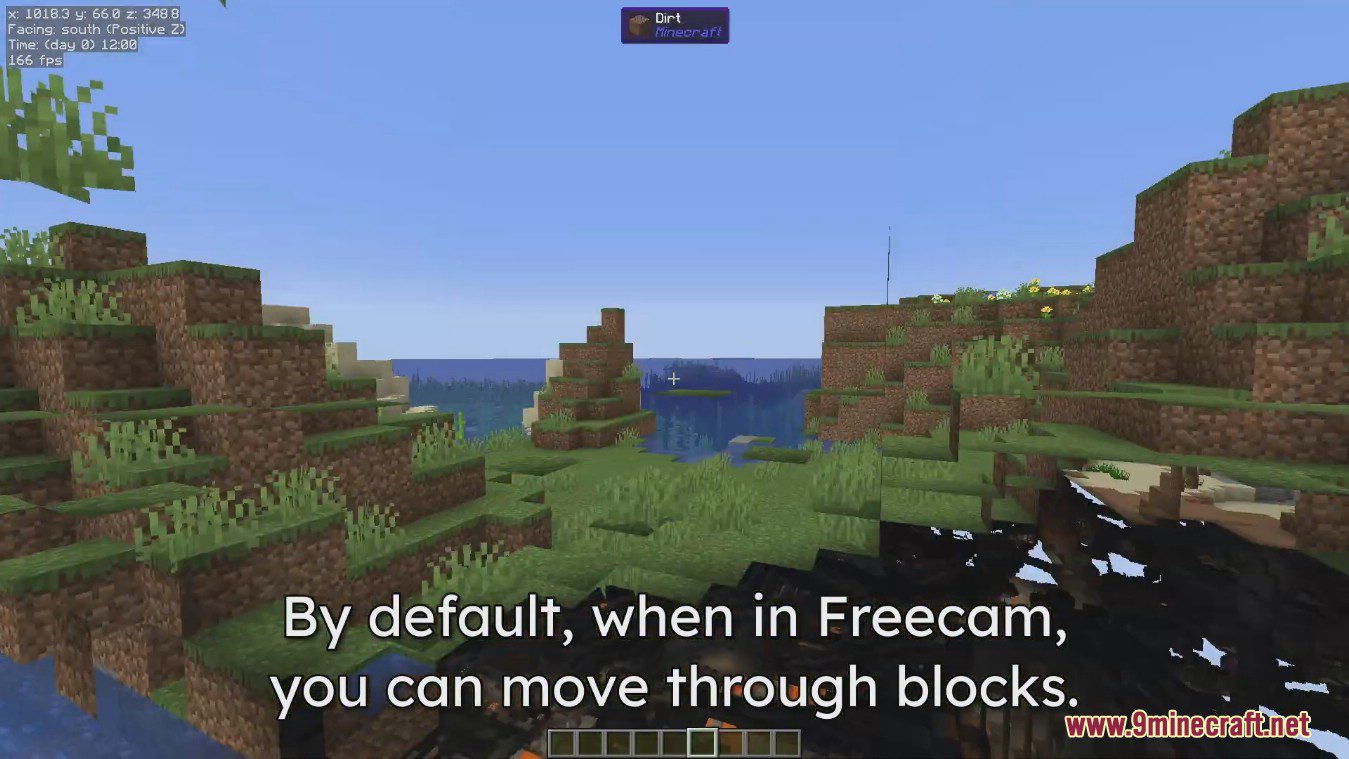
  • Fly around your world and pass through solid blocks.
  • Inspect large builds from any angle without moving your character.
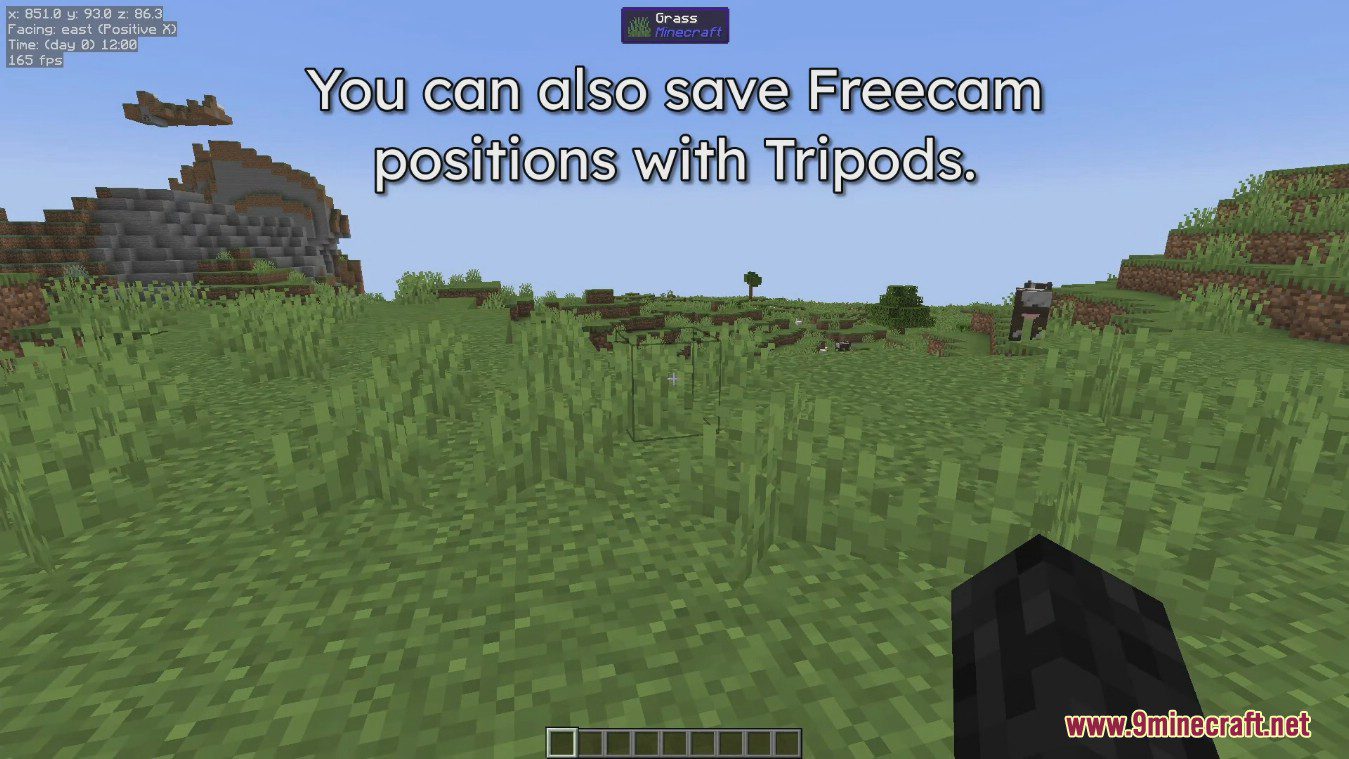
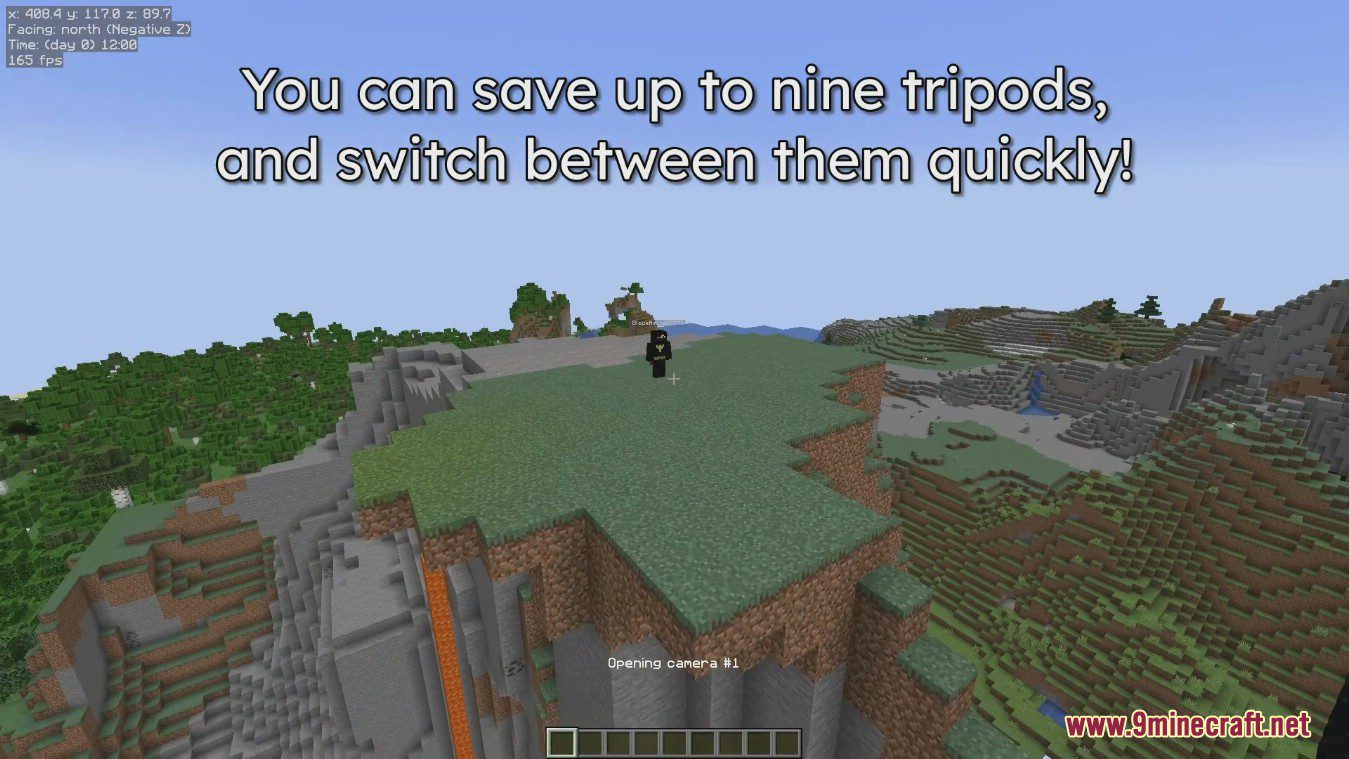
  • Set up multiple fixed camera spots with the tripod system and switch between them.
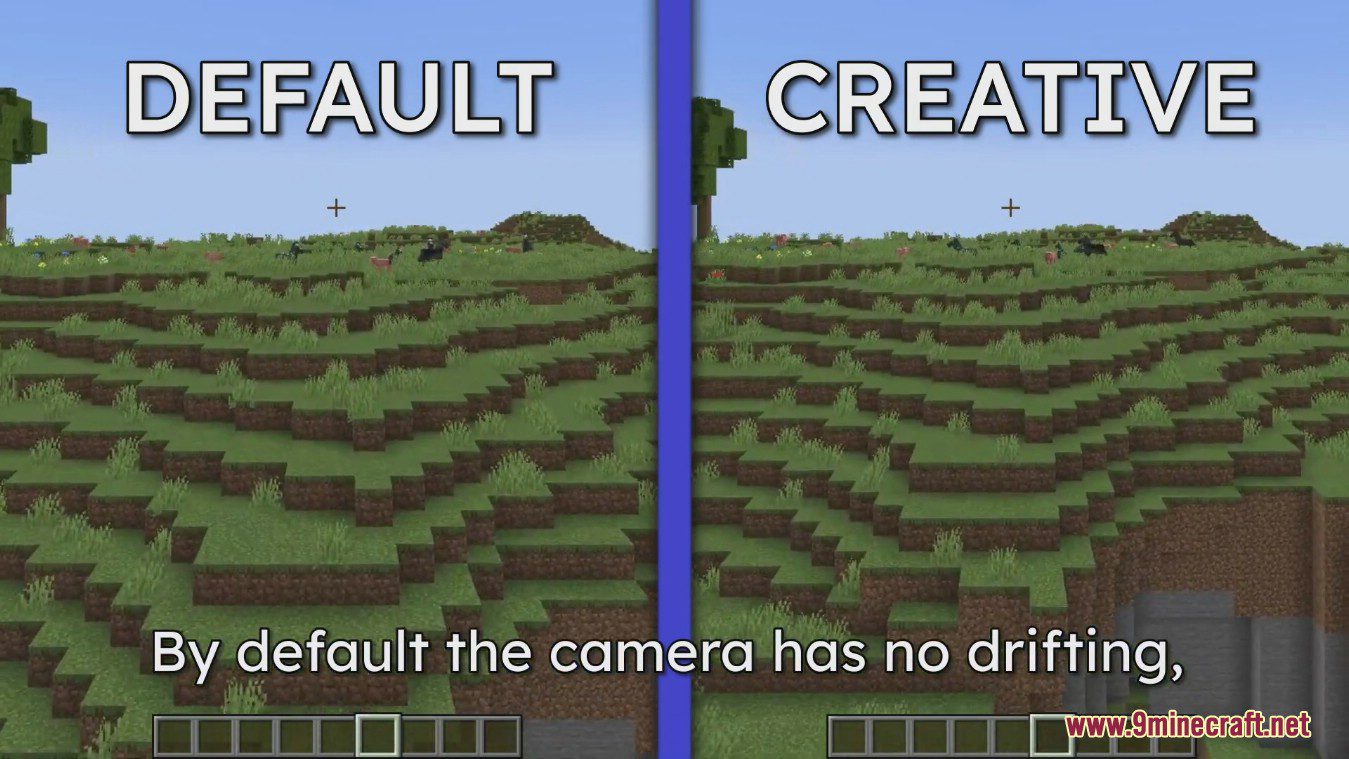
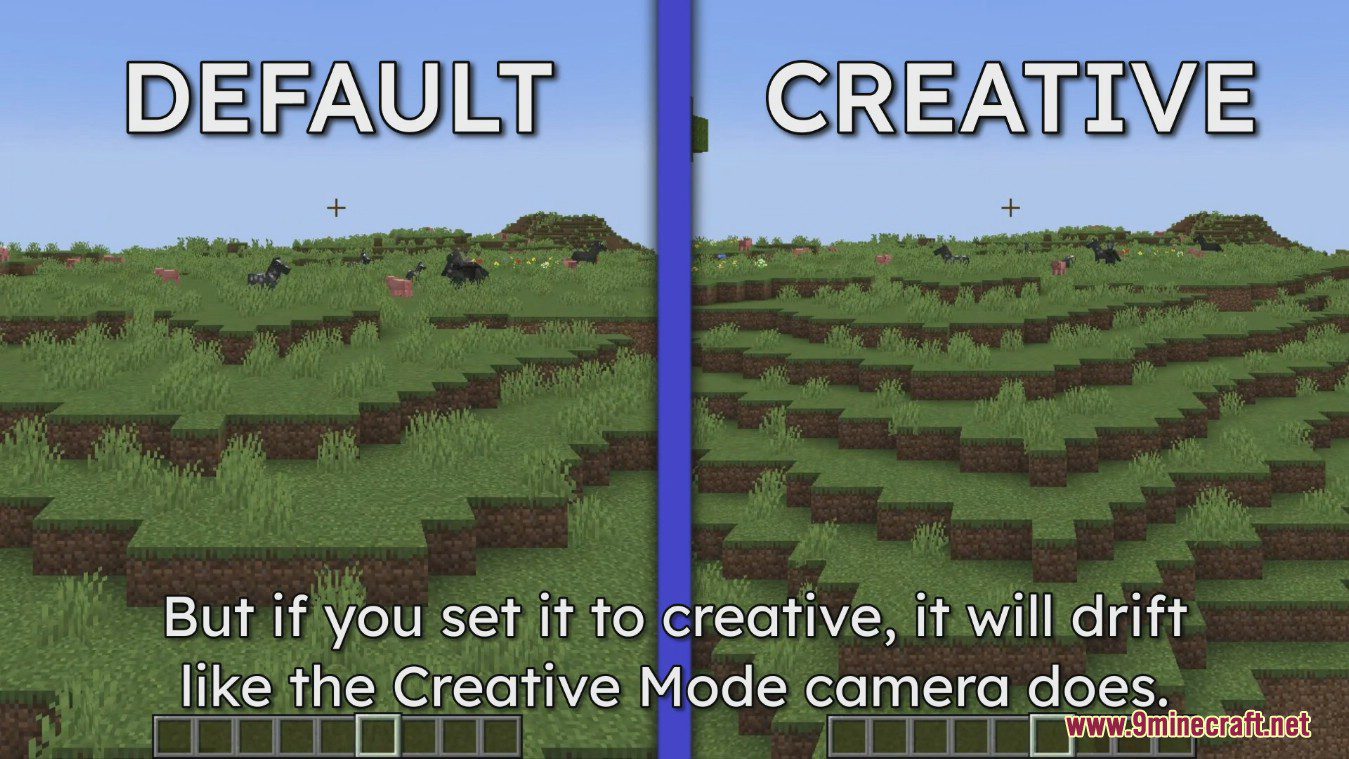
  • Choose between different flight styles, like default or creative mode.
  • Adjust your horizontal and vertical movement speed.
  • Change camera perspectives and toggle full brightness for a clearer view.
  • Decide whether to show your player model while in freecam.

Configuration:

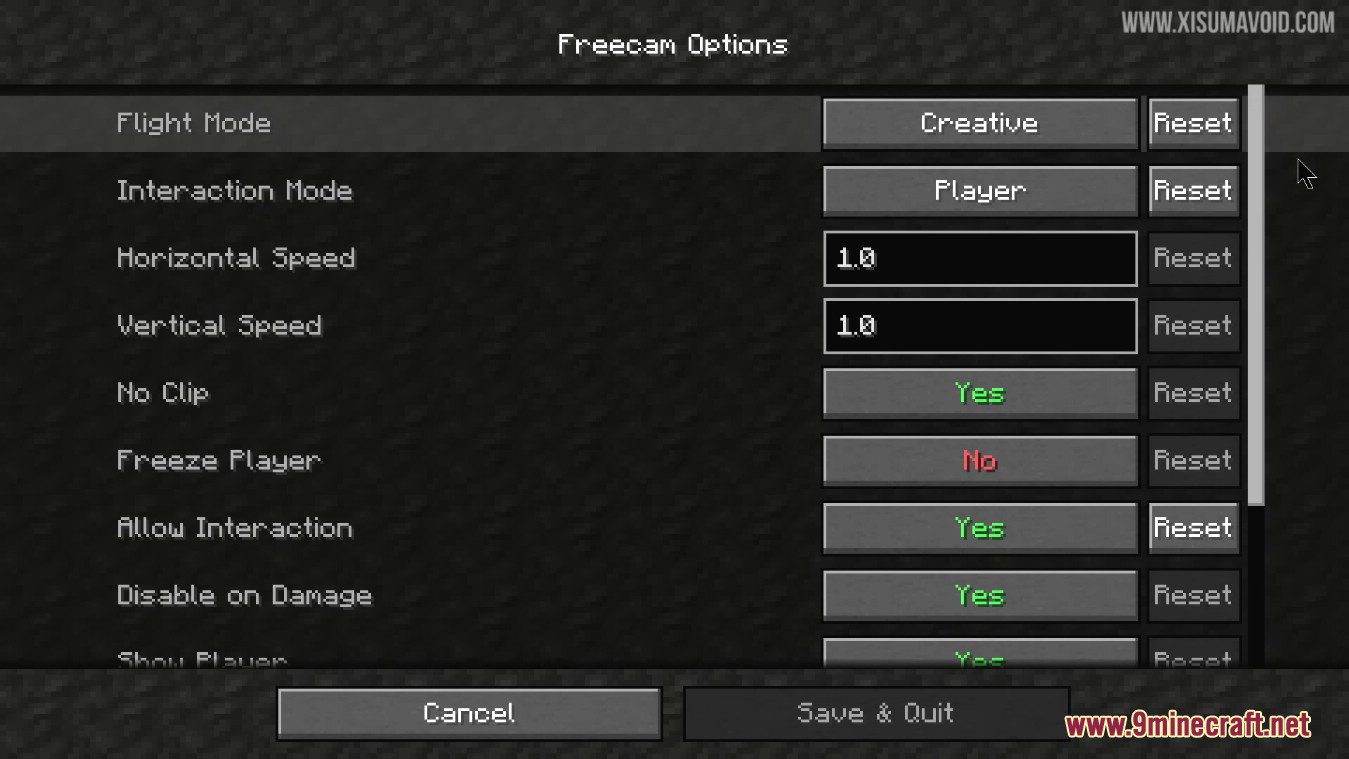
  • Flight Mode: Choose between a static flight mode or standard creative flight.
  • Interaction Mode: Decide whether your interactions (like placing blocks) come from the camera’s position or the player’s position.
  • Speed Settings: Adjust the horizontal and vertical speed of the camera.
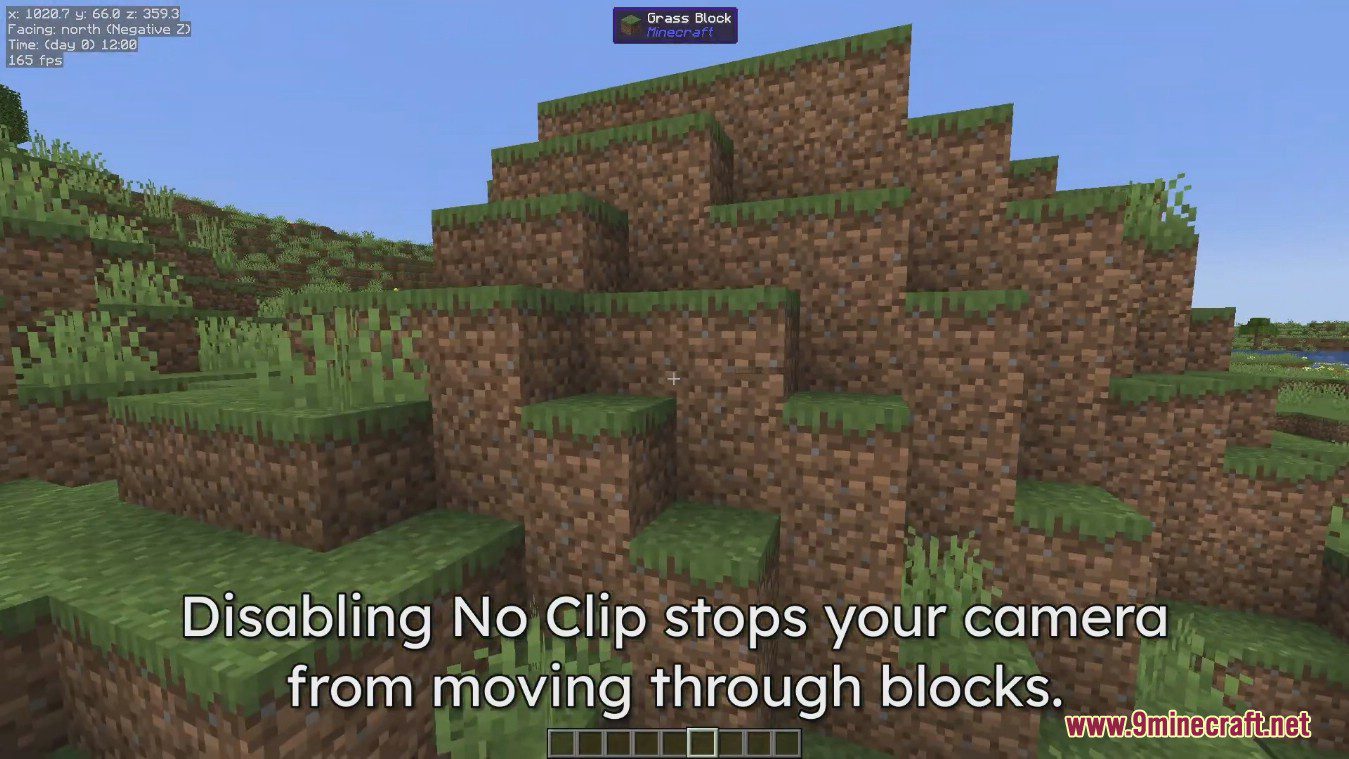
  • No Clip: Turn on or off the ability to travel through blocks.
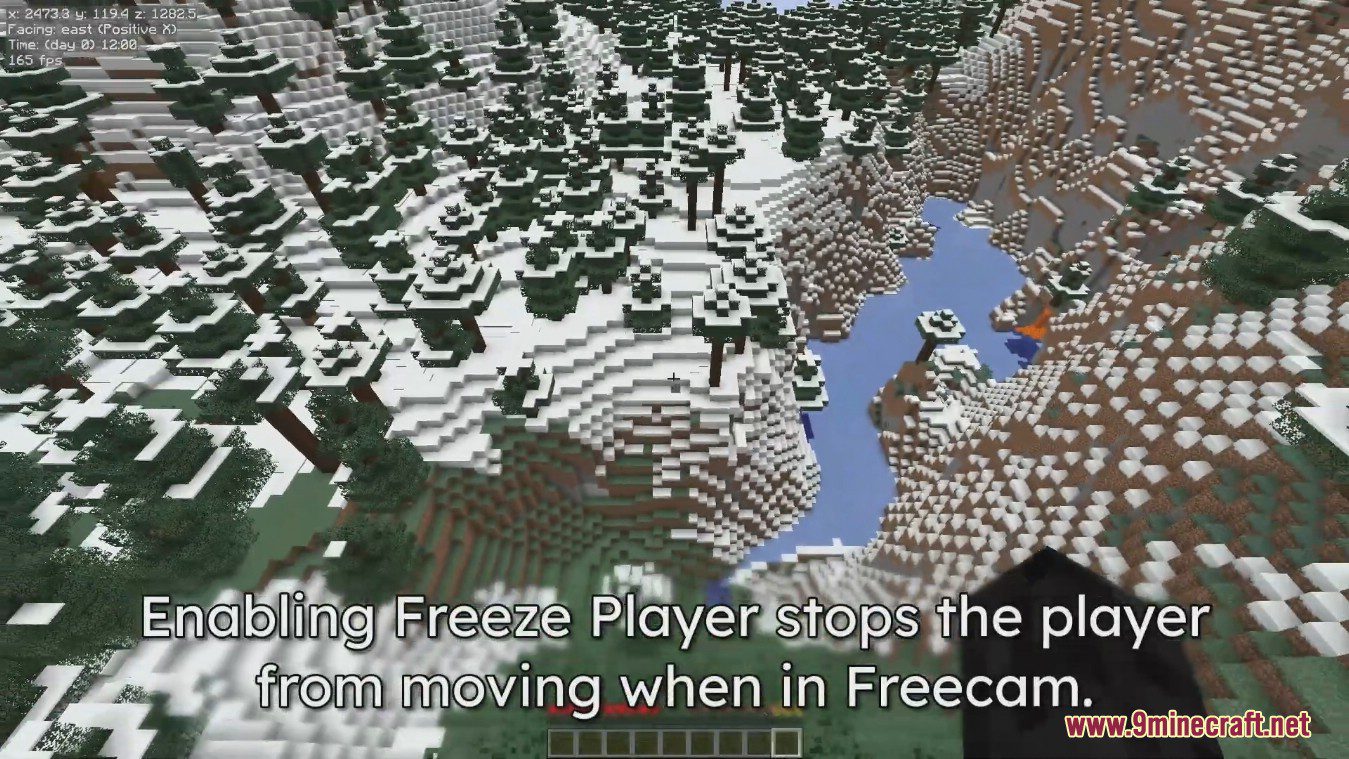
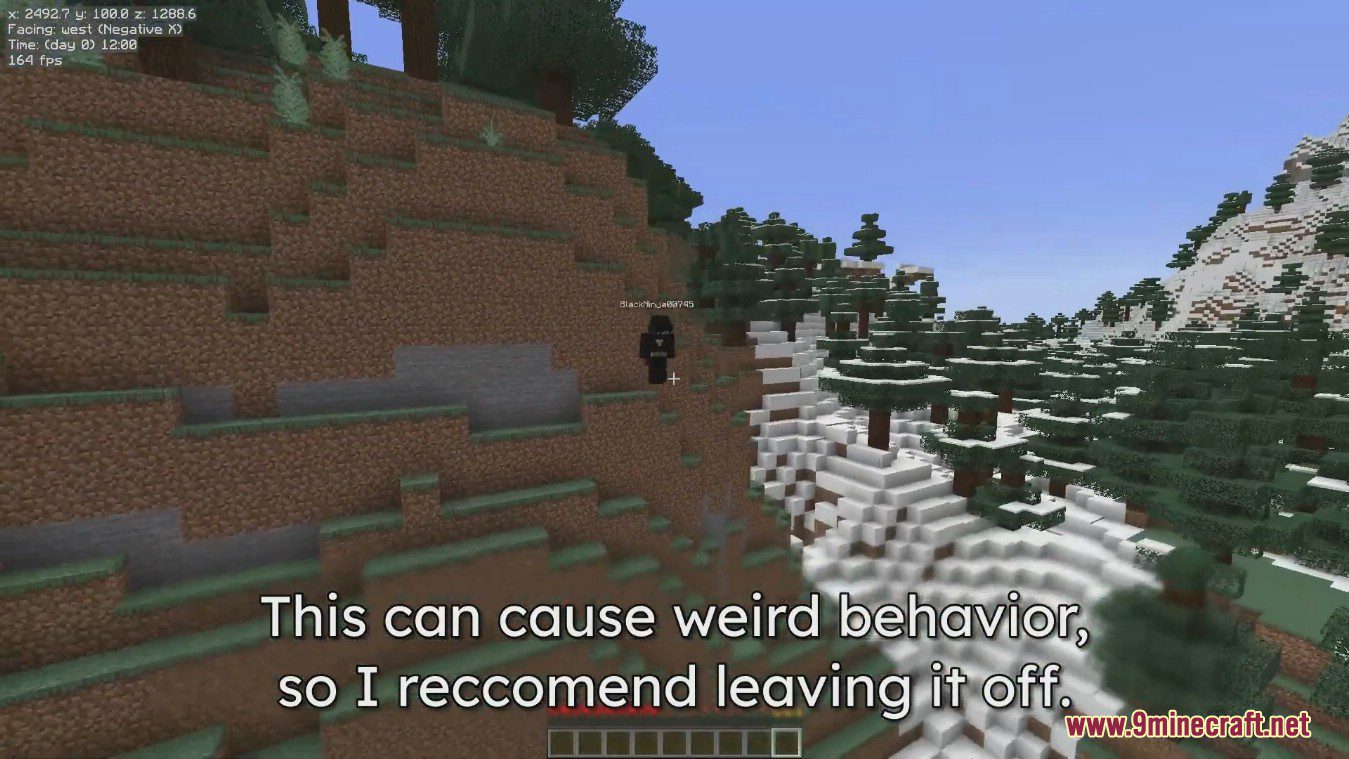
  • Freeze Player: Lock your player in place so it doesn’t move while you use the freecam.
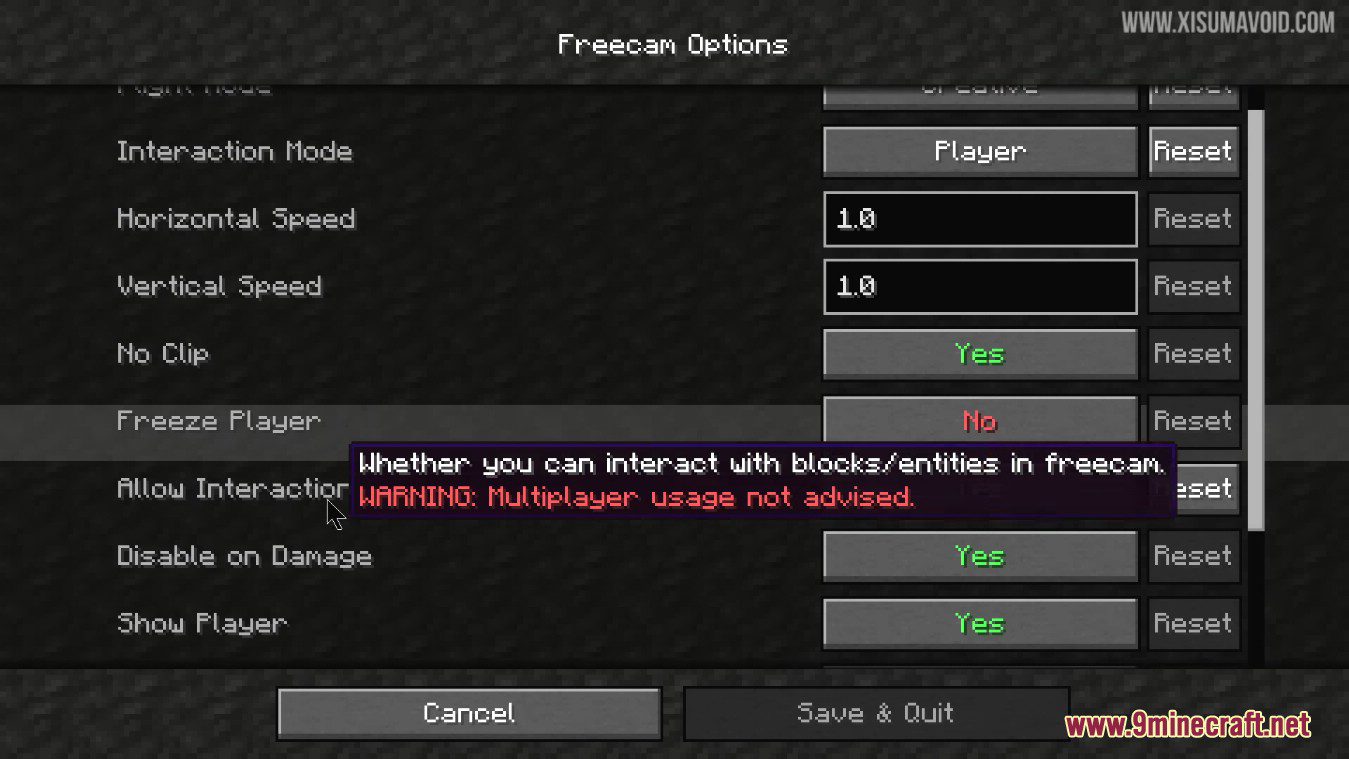
  • Allow Interaction: Enable or disable the ability to interact with the world while in freecam.
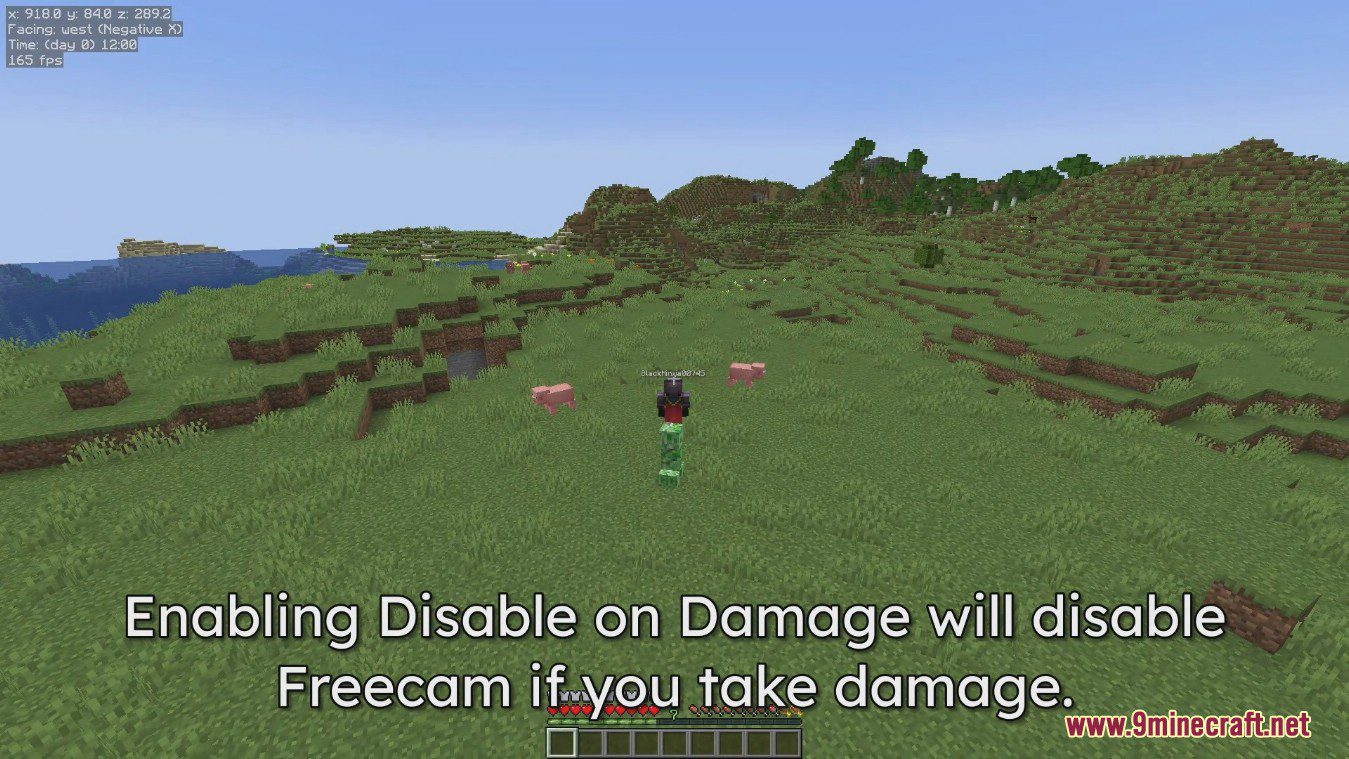
  • Disable on Damage: Automatically turns off freecam if your player takes damage.
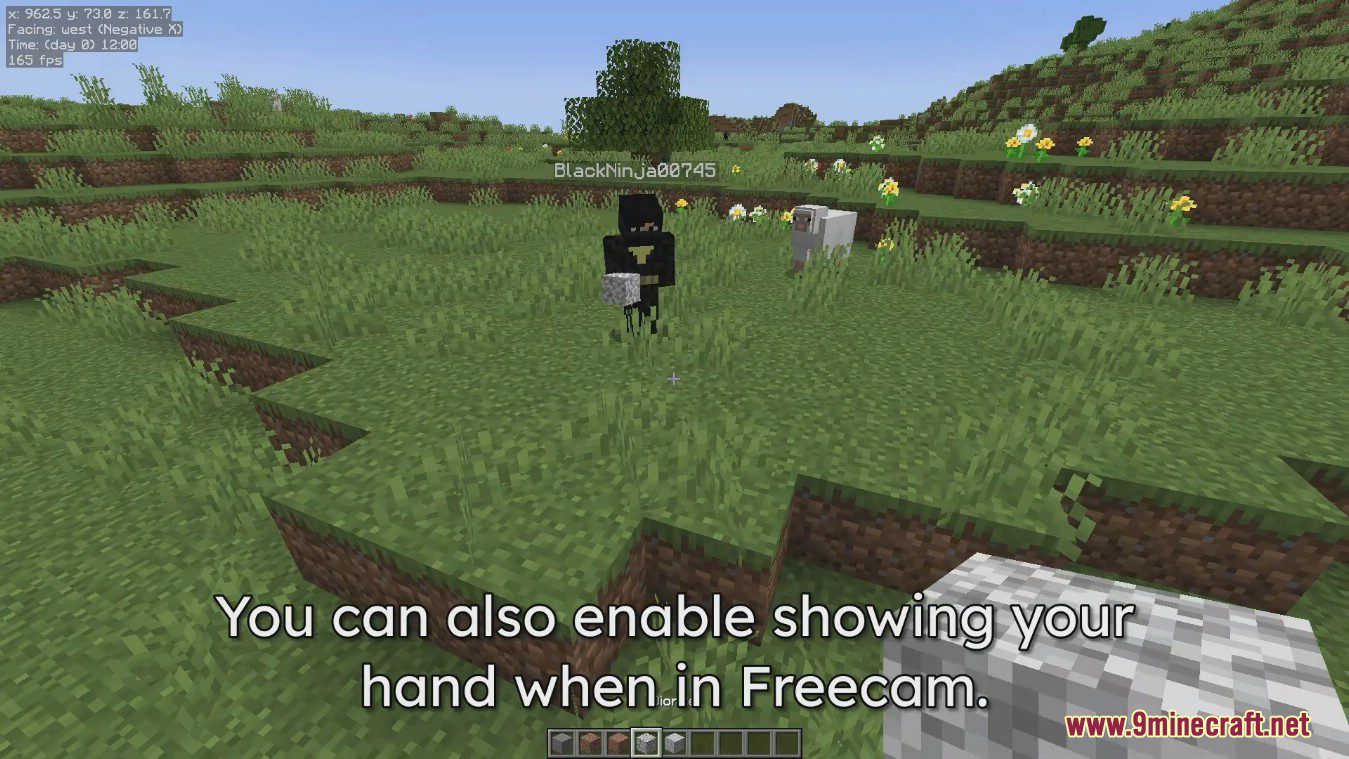
  • Visuals: Choose to show or hide your player, your hand, and fog effects.
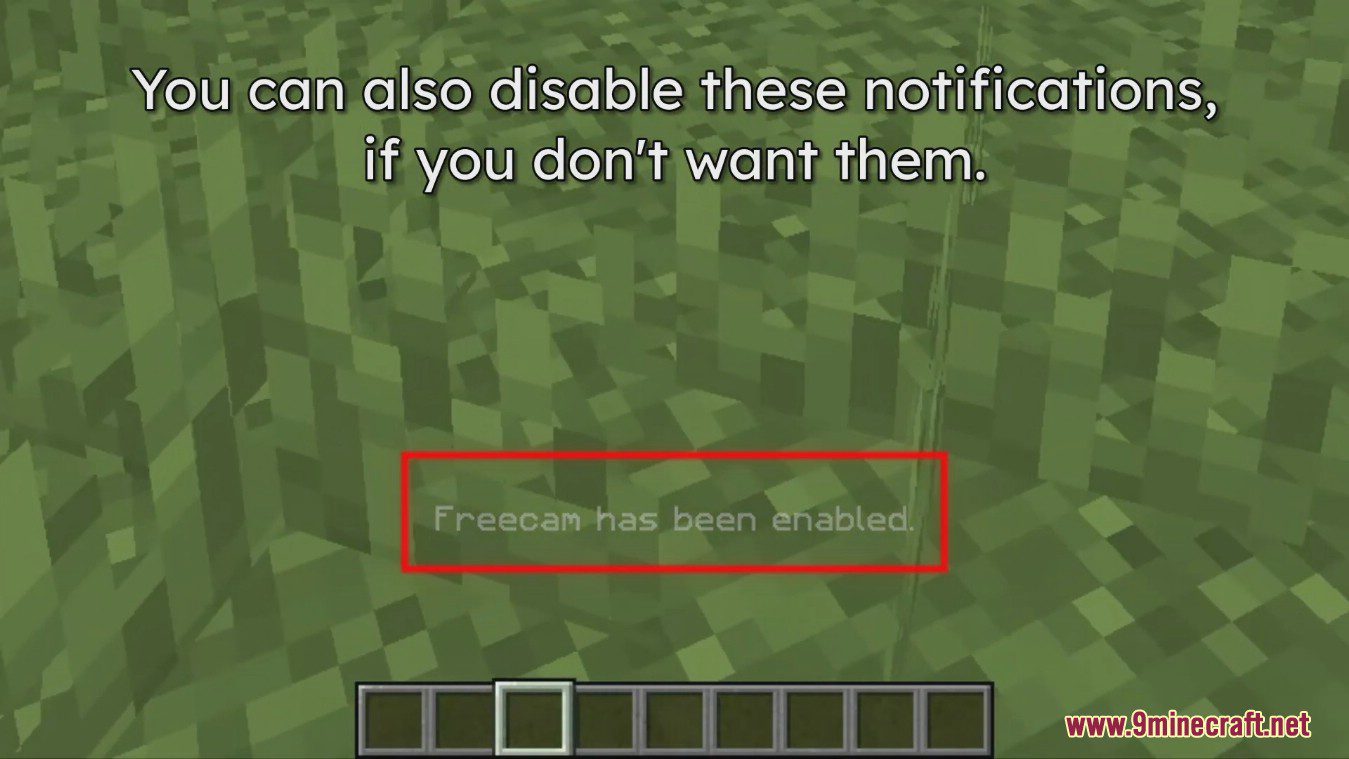
  • Notifications: Get on-screen messages when you enable or disable freecam and tripod cameras.

How to Use:

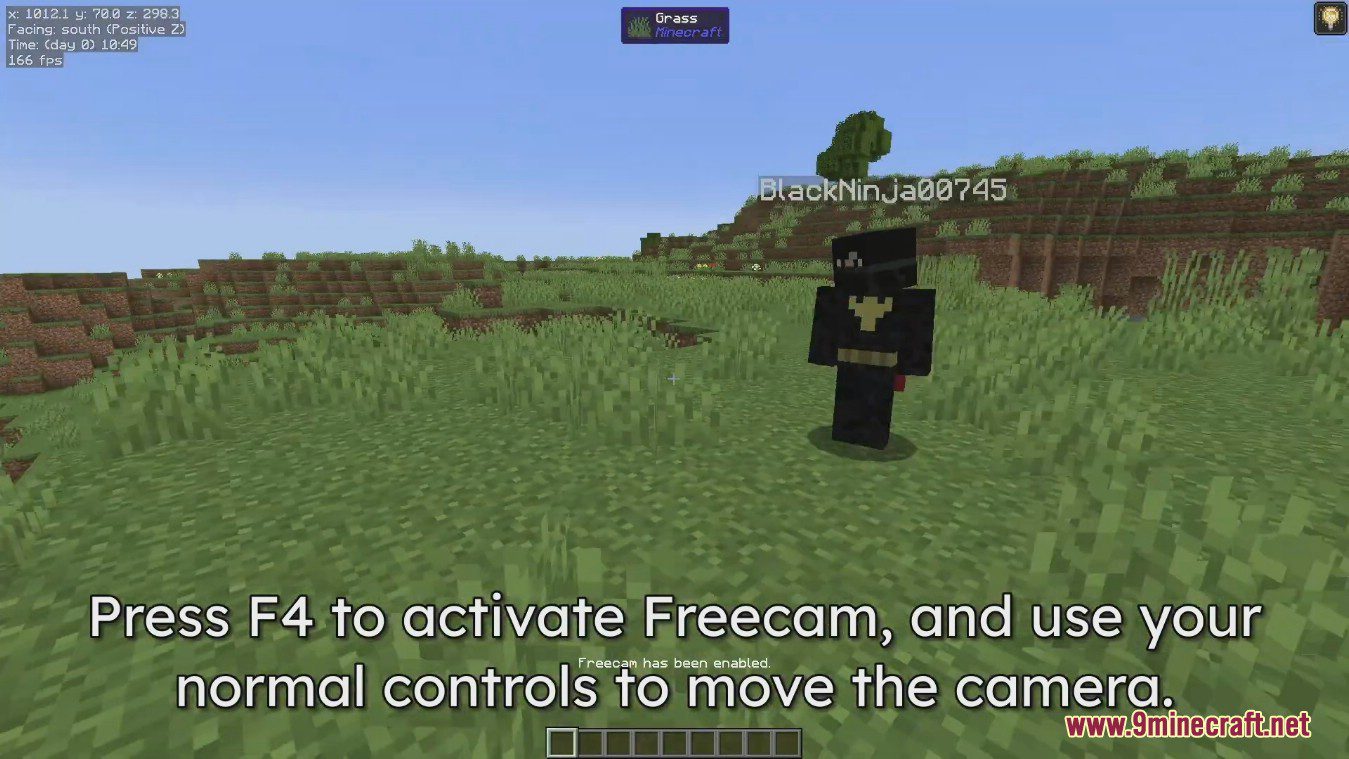
  • Press F4 to turn freecam on or off.
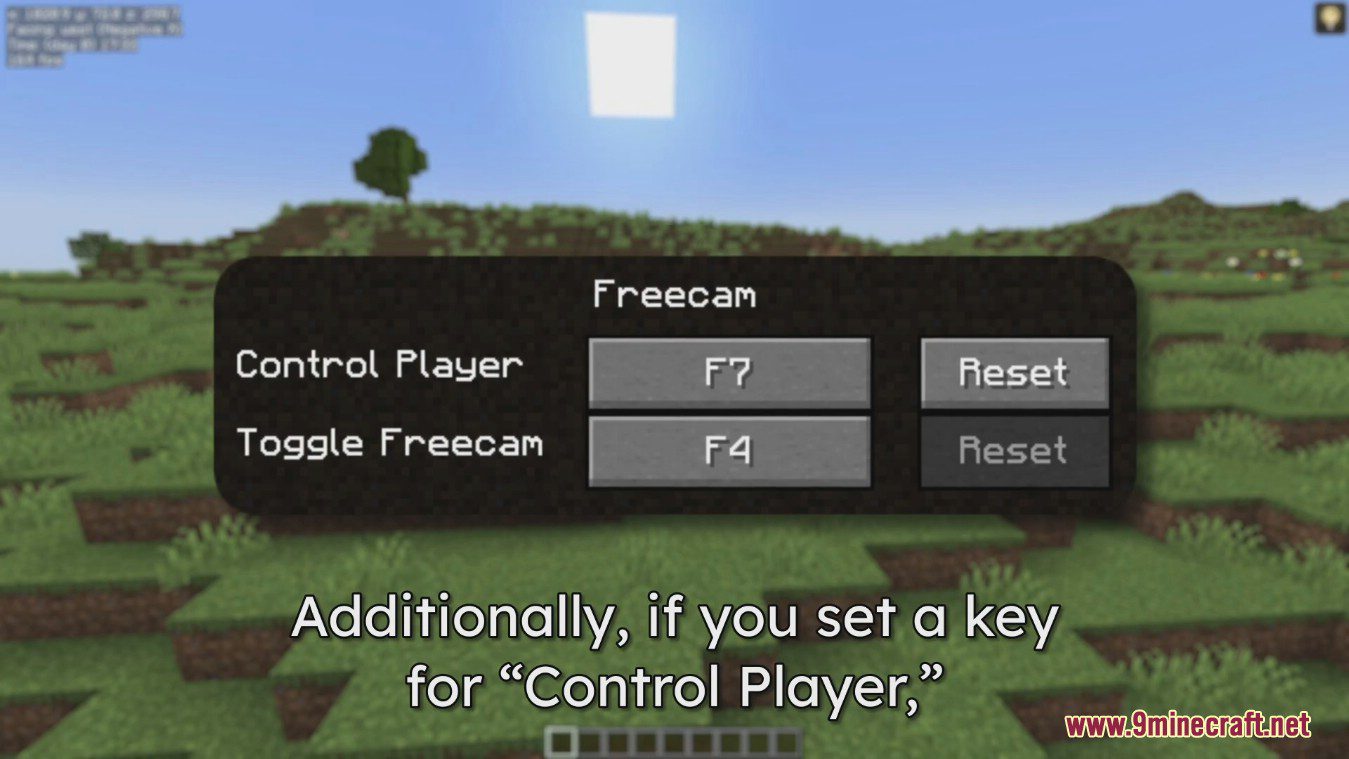
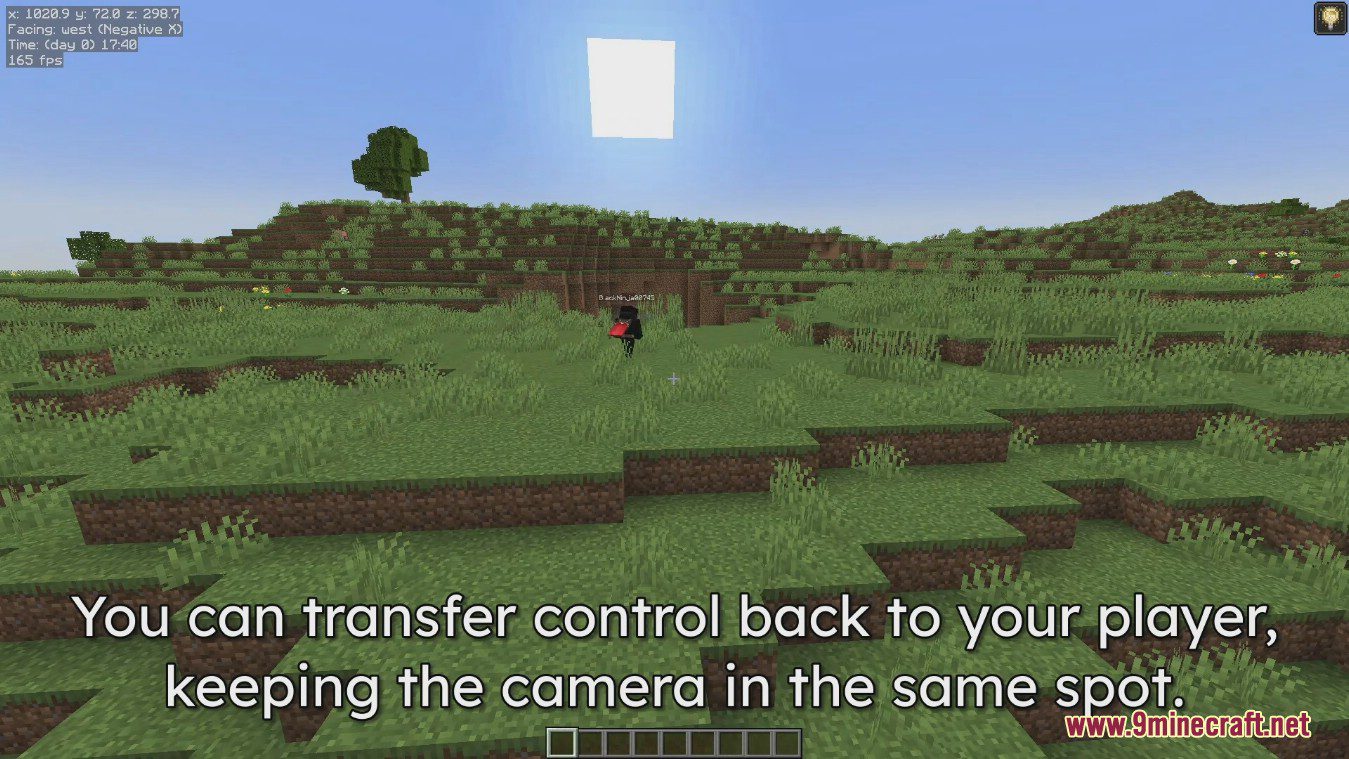
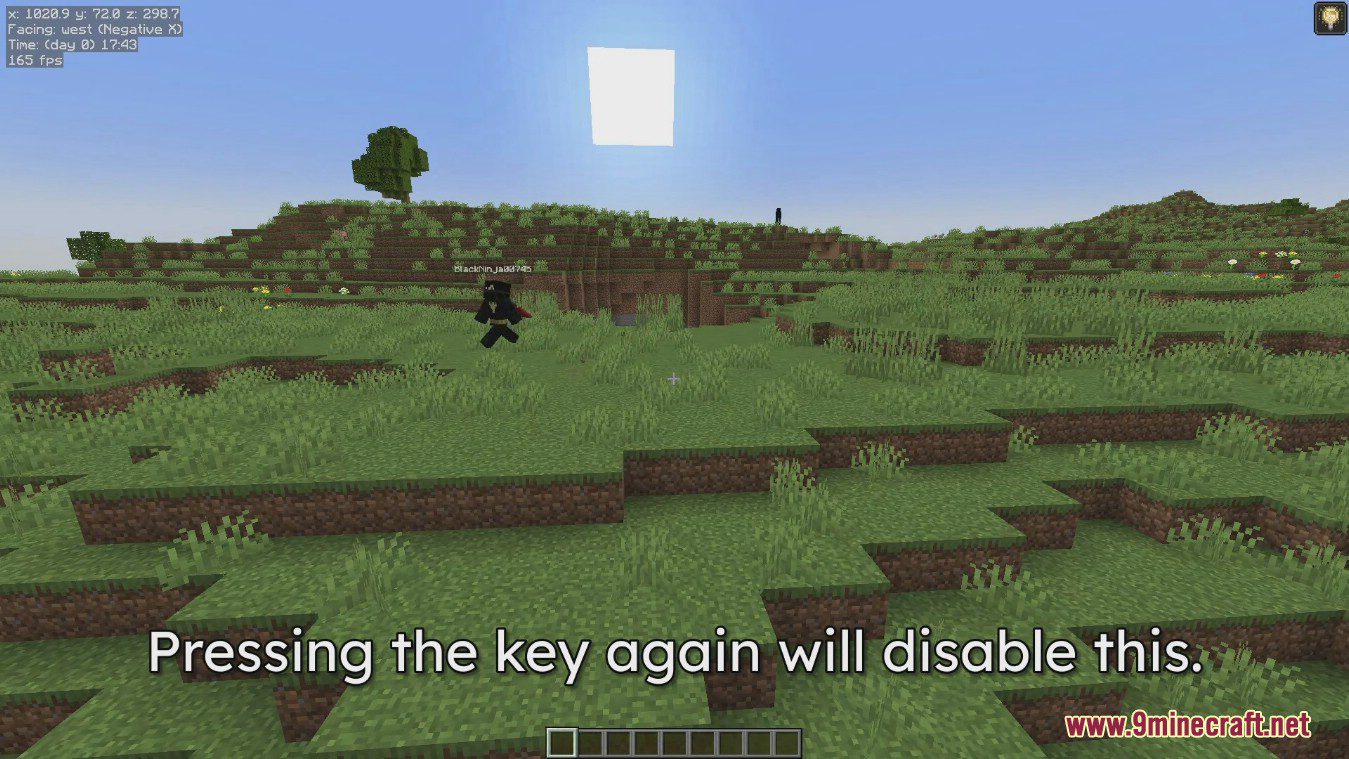
  • You can set a key to control your player while the camera stays in its new position. This is unbound by default.
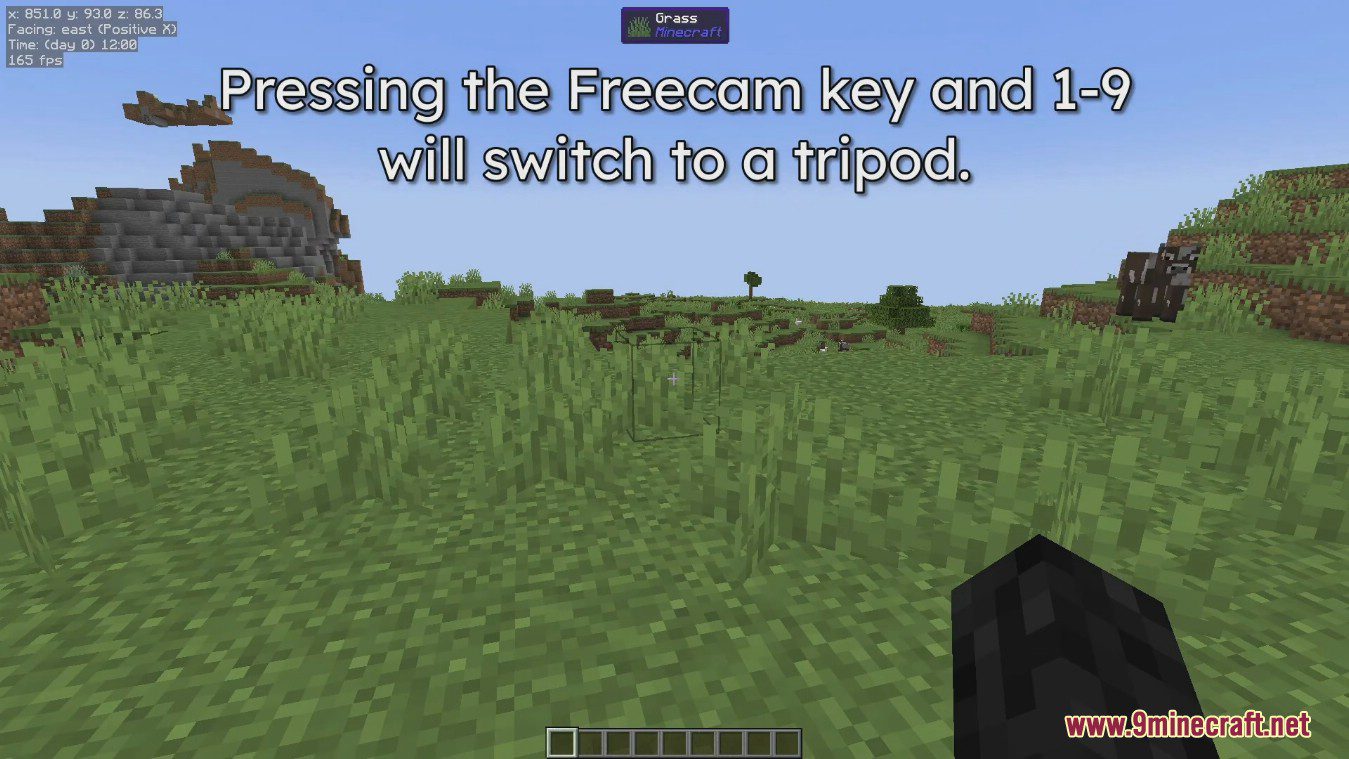
  • To use the tripod feature, press F4 along with a number key (1-9). This saves your current camera position to that key.
  • Press the same key combination again to switch back to that saved camera view.

Screenshots:
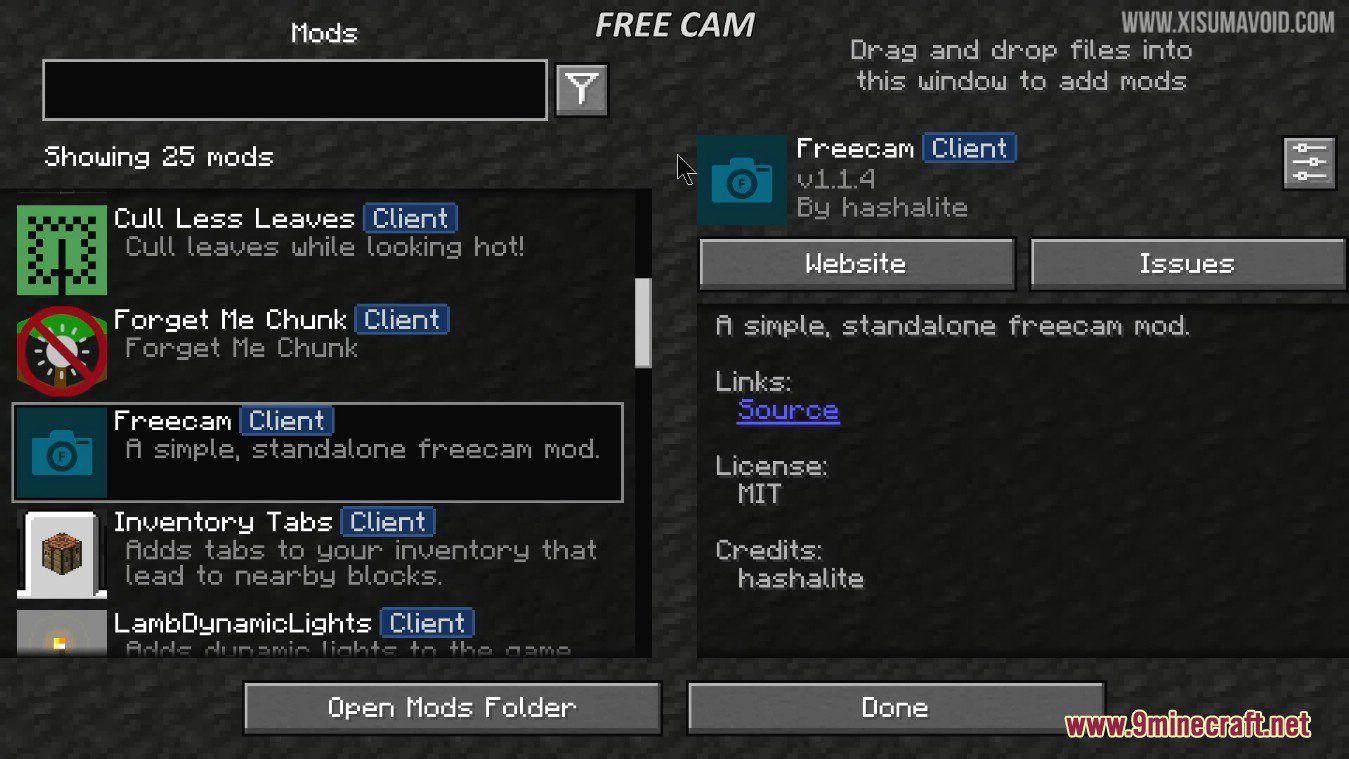
Minecraft mod list interface showing the Freecam client and its description
The configuration menu showing various flight and interaction settings for the player
The options menu showing configuration settings and a warning tooltip for Freecam
A player character standing in a field viewed from a detached camera
Player character standing in a field with instructions to activate freecam mode
High angle view of a player standing in a field using freecam
Configuration menu showing keybinds for player control and freecam toggle options
A player character standing in a grassy field with a detached camera
A player character stands in a grassy field under a bright square sun
Split screen comparison of default and creative camera modes in a grassy field
A split screen comparison of default and creative camera movement in Minecraft
The Freecam mod allows players to move through solid blocks in Minecraft
A grassy hill in Minecraft with text about disabling the no clip feature
A snowy Minecraft mountain biome with text about freezing the player in Freecam
A Minecraft player character standing on a dirt cliff near a snowy forest
A Minecraft player character in a grassy field with a creeper and pigs
A player character in a field with a block visible in their hand
A notification message on the screen showing that Freecam has been enabled
A grassy Minecraft field with text about saving camera positions with Tripods
Instructions on how to switch between tripod cameras using hotkeys in Minecraft
The tripod camera system allows players to save and switch between nine perspectives

Freecam Mod Download Links

Filter by

For Minecraft 26.2

Fabric 1 MB Jun 19, 2026
NeoForge 1 MB Jun 19, 2026

For Minecraft 26.1.2, 26.1.1, 26.1

Fabric 1 MB Apr 10, 2026
NeoForge 1 MB Apr 10, 2026

For Minecraft 1.21.11

Fabric 1 MB Apr 2, 2026
NeoForge 1 MB Apr 2, 2026

For Minecraft 1.21.10, 1.21.9

Fabric 1 MB Apr 2, 2026
NeoForge 1 MB Apr 2, 2026

For Minecraft 1.21.8, 1.21.7, 1.21.6

Fabric 1 MB Apr 2, 2026
NeoForge 1 MB Apr 2, 2026

For Minecraft 1.21.5

Fabric 1 MB Apr 2, 2026
NeoForge 1 MB Apr 2, 2026

For Minecraft 1.21.4

Fabric 1 MB Apr 2, 2026
NeoForge 1 MB Apr 2, 2026

For Minecraft 1.21.3

Fabric 1 MB Apr 2, 2026
NeoForge 1 MB Apr 2, 2026

For Minecraft 1.21.1, 1.21

Fabric 1 MB Apr 2, 2026
NeoForge 1 MB Apr 2, 2026

For Minecraft 1.20.6

Fabric 1 MB Apr 2, 2026
NeoForge 1 MB Apr 2, 2026

For Minecraft 1.20.5

Fabric 1 MB Apr 2, 2026
NeoForge 1 MB Apr 2, 2026

For Minecraft 1.20.4

Fabric 44 KB Apr 2, 2026
NeoForge 1 MB Apr 2, 2026
Forge 44 KB Apr 2, 2026

For Minecraft 1.20.2

Fabric 43 KB Apr 2, 2026
Forge 43 KB Apr 2, 2026

For Minecraft 1.20.1, 1.20

Forge 74 KB Apr 2, 2026
Fabric 1 MB Apr 2, 2026

For Minecraft 1.19.4

Fabric 1,022 KB Apr 2, 2026
Forge 56 KB Apr 2, 2026

For Minecraft 1.19.3

Fabric 1,013 KB Apr 2, 2026
Forge 49 KB Apr 2, 2026

For Minecraft 1.19.2, 1.19.1, 1.19

Fabric 1 MB Apr 2, 2026
Forge 1 MB Apr 2, 2026

For Minecraft 1.18.2

Fabric 1 MB Apr 2, 2026
Forge 1 MB Apr 2, 2026

For Minecraft 1.17.1

Fabric 976 KB Apr 2, 2026
Forge 48 KB Apr 2, 2026

For Minecraft 1.16.5

Fabric 1 MB Apr 2, 2026
Forge 141 KB Apr 2, 2026

Click to rate this post!
[Total: 34 Average: 3.6]