


Screenshot Viewer Mod (26.2, 1.20.1) – Seamless Screenshot Viewing

 0
0 

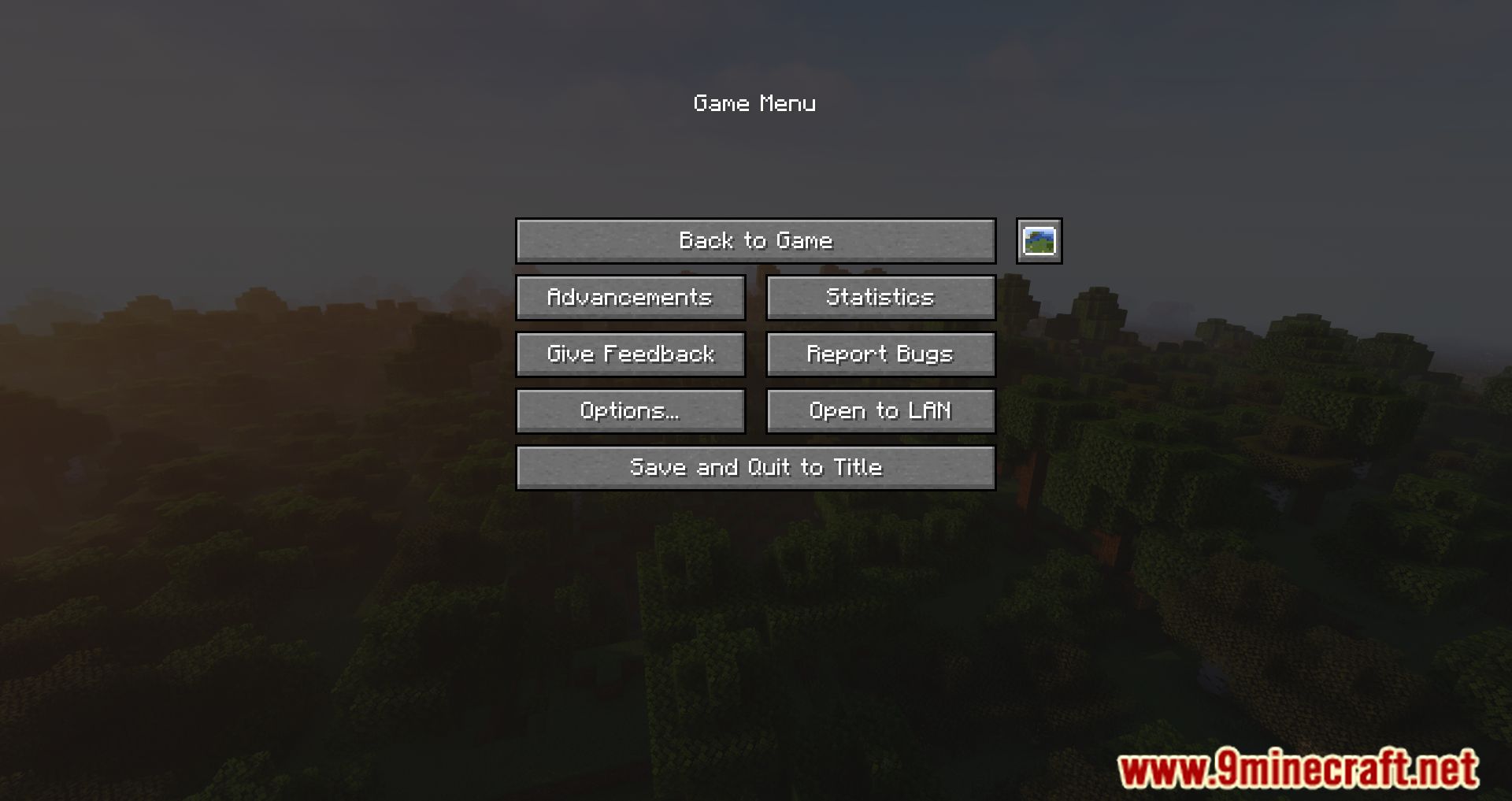
Tired of having to view the photos you take outside of Minecraft? View them inside the game. Screenshot Viewer Mod is a mod that allows us to view any screenshots you take while playing by pressing F2, within Minecraft. No more having to exit the game to see the photos you take. As you know, by default the images you take by pressing F2 are stored in the ‘screenshots’ folder of our Minecraft installation. However, to view these photos, you have to exit the game and navigate to this folder to see the photos. With this mod installed, you can have a specially designed graphical interface to view the photos without leaving the game. All you need to do is access the pause menu during the game and click on the new ‘Manage Screenshots’ icon.
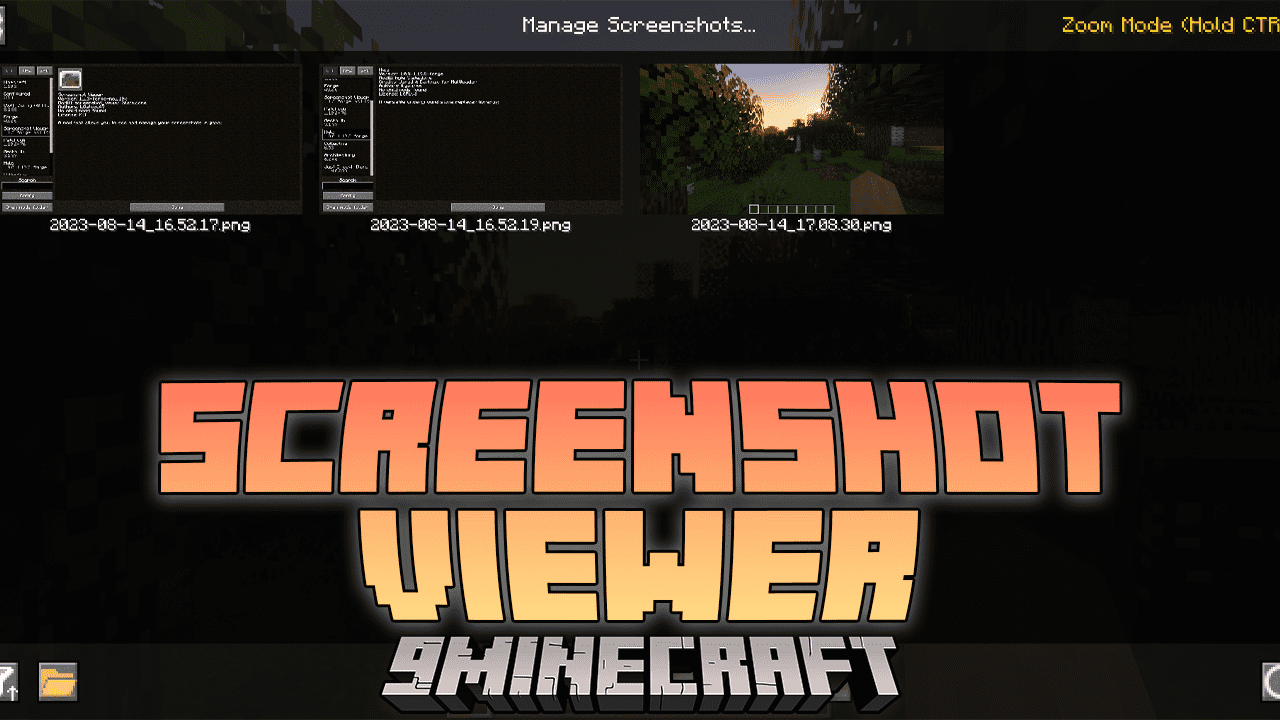
Features:
- Easily access and view all your captured screenshots within the game.
- Navigate through your screenshots with a simple and intuitive interface.
- Share your favorite moments with others by showcasing your screenshots.
- Organize and categorize your screenshots for easy retrieval and browsing.
- Navigate through your screenshots using both keyboard and controller inputs.
- Adjust viewing settings to suit your preferences and maximize your experience.
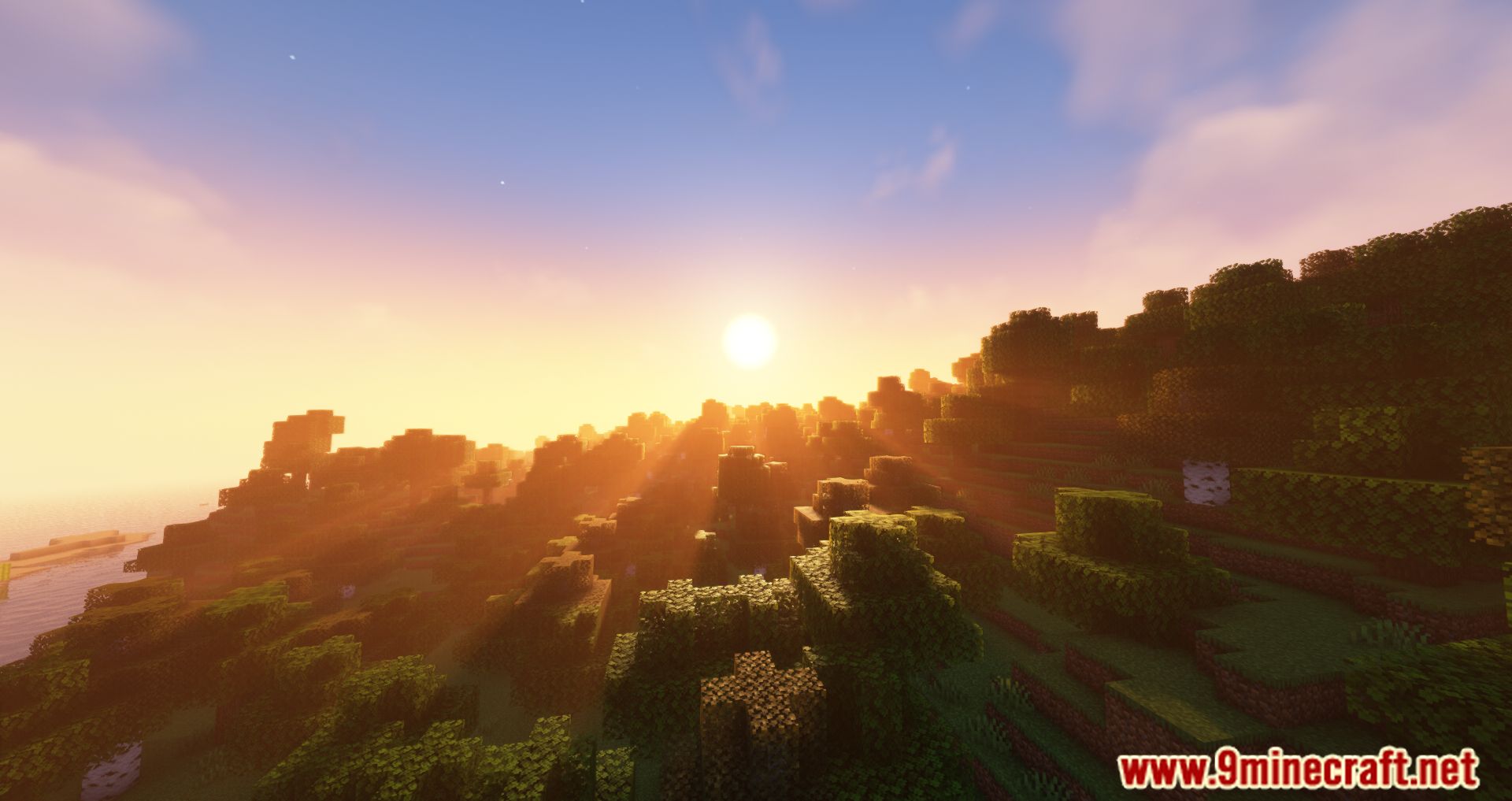
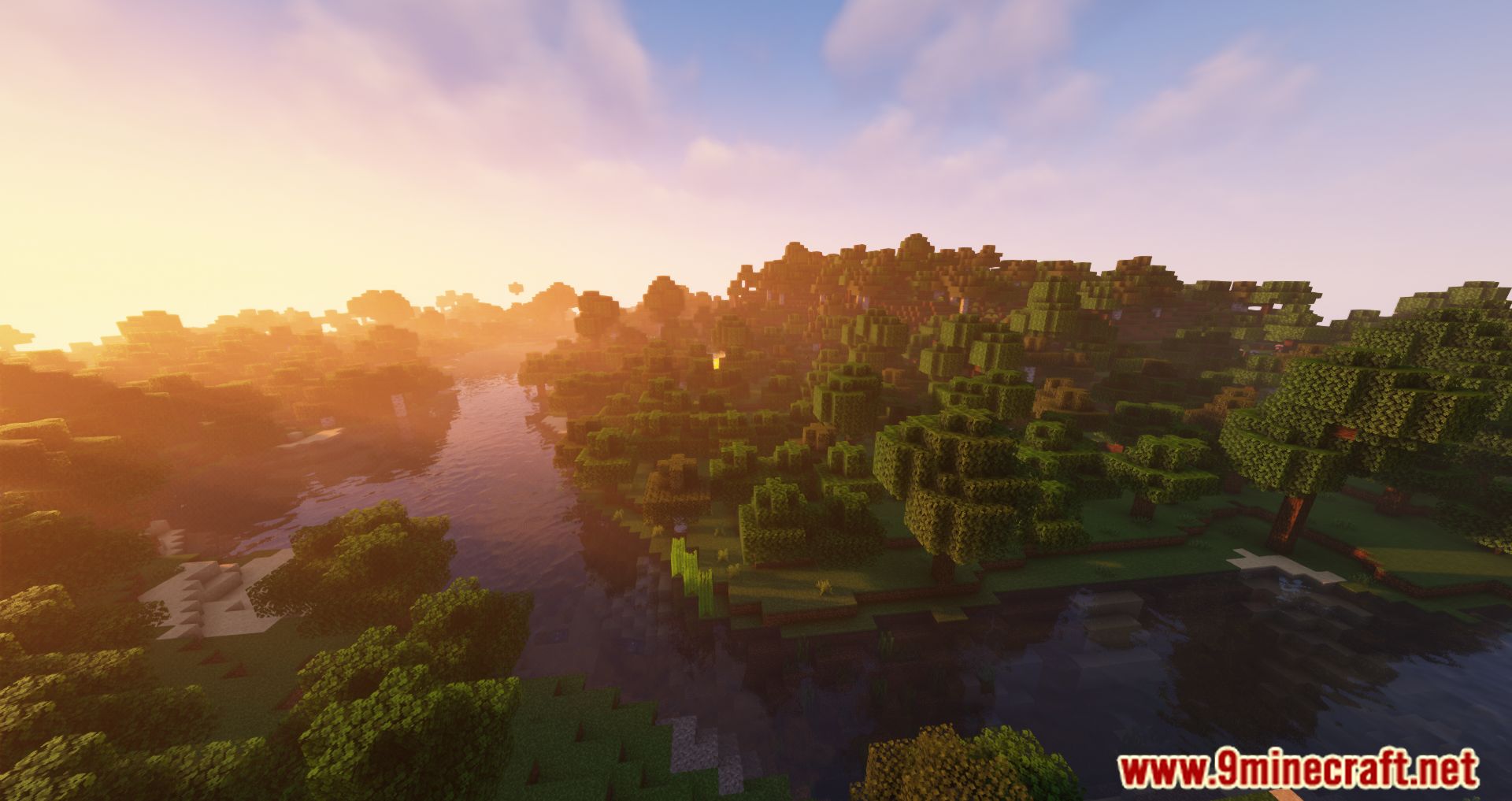
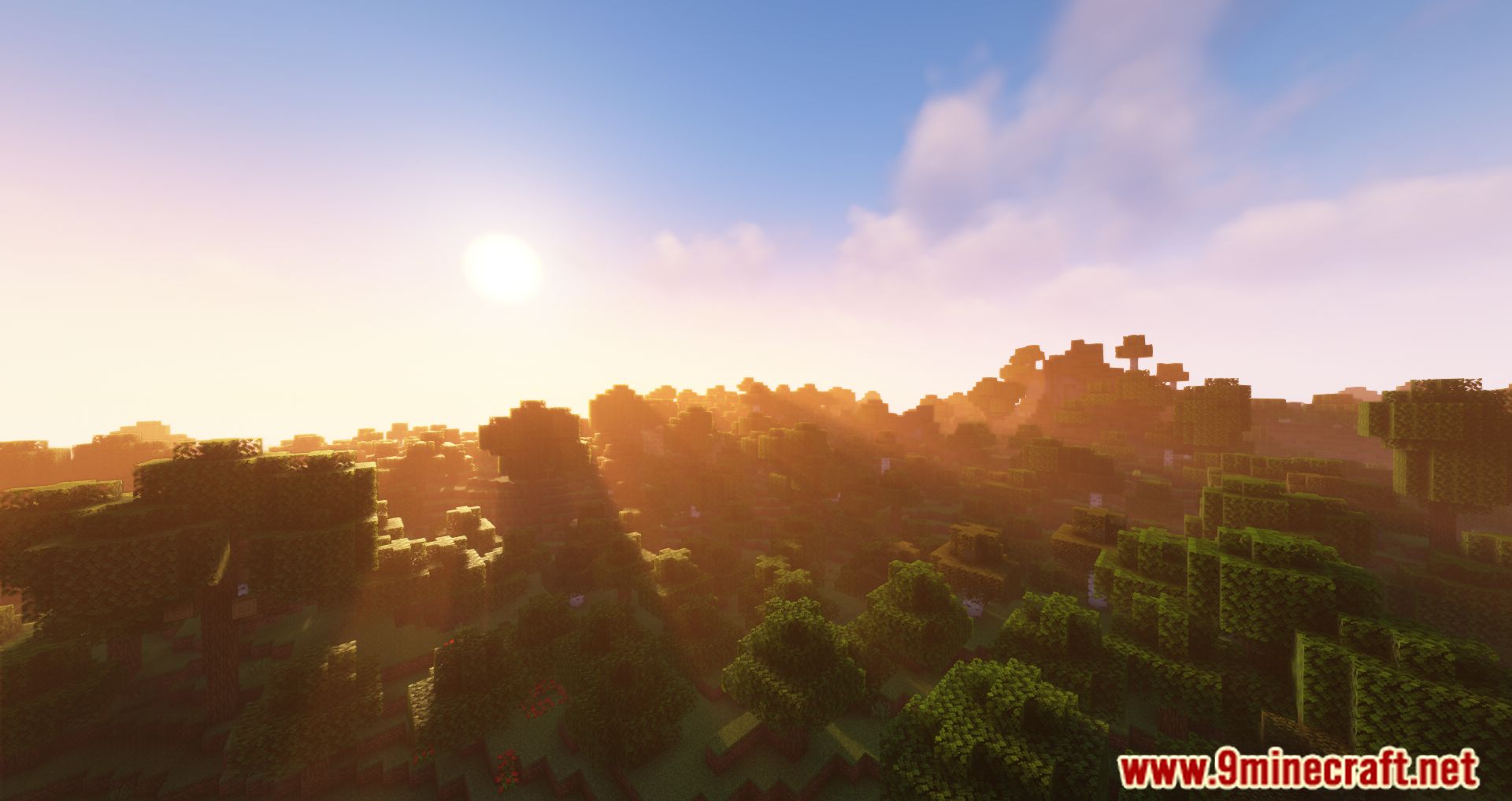
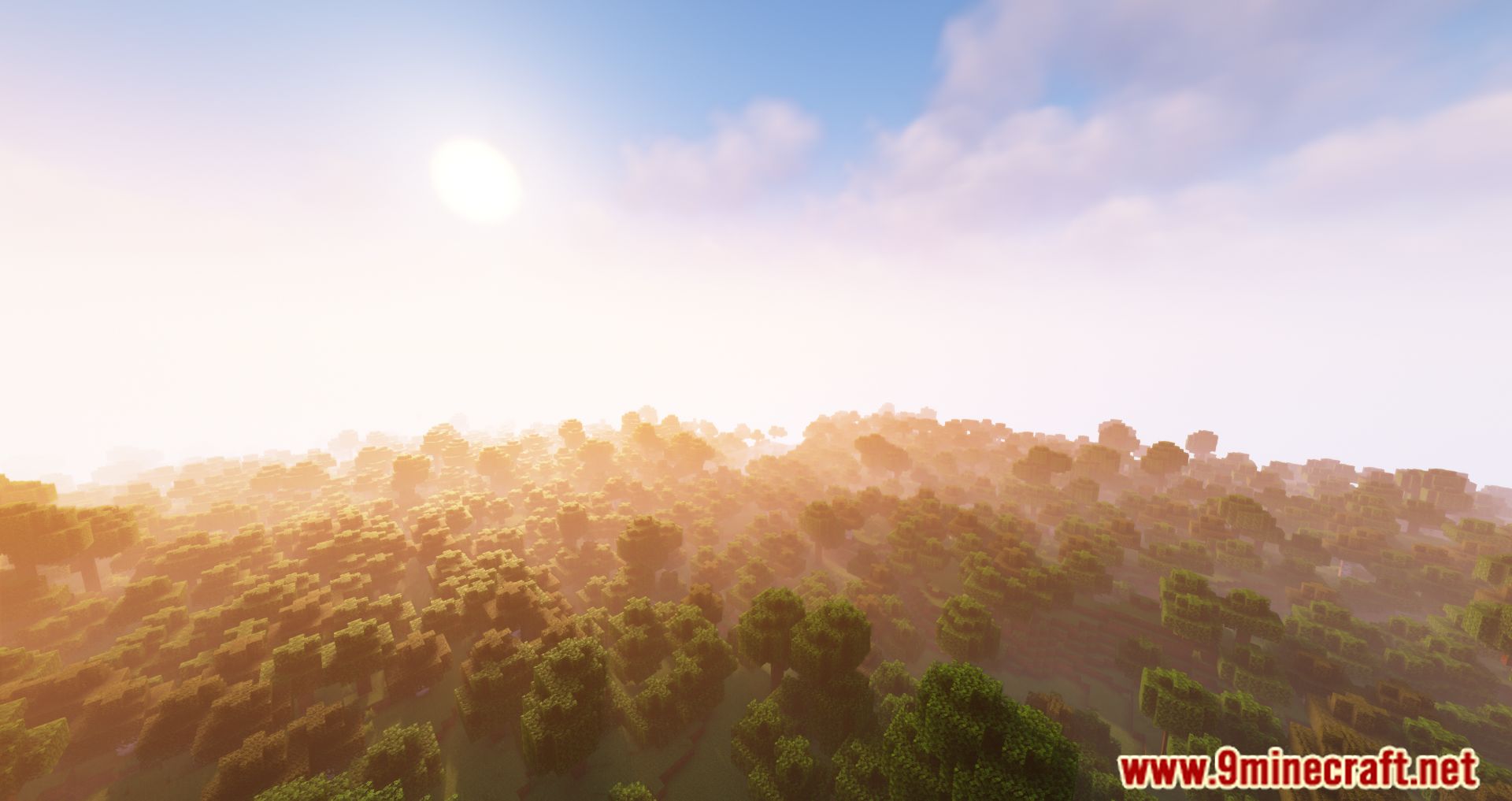
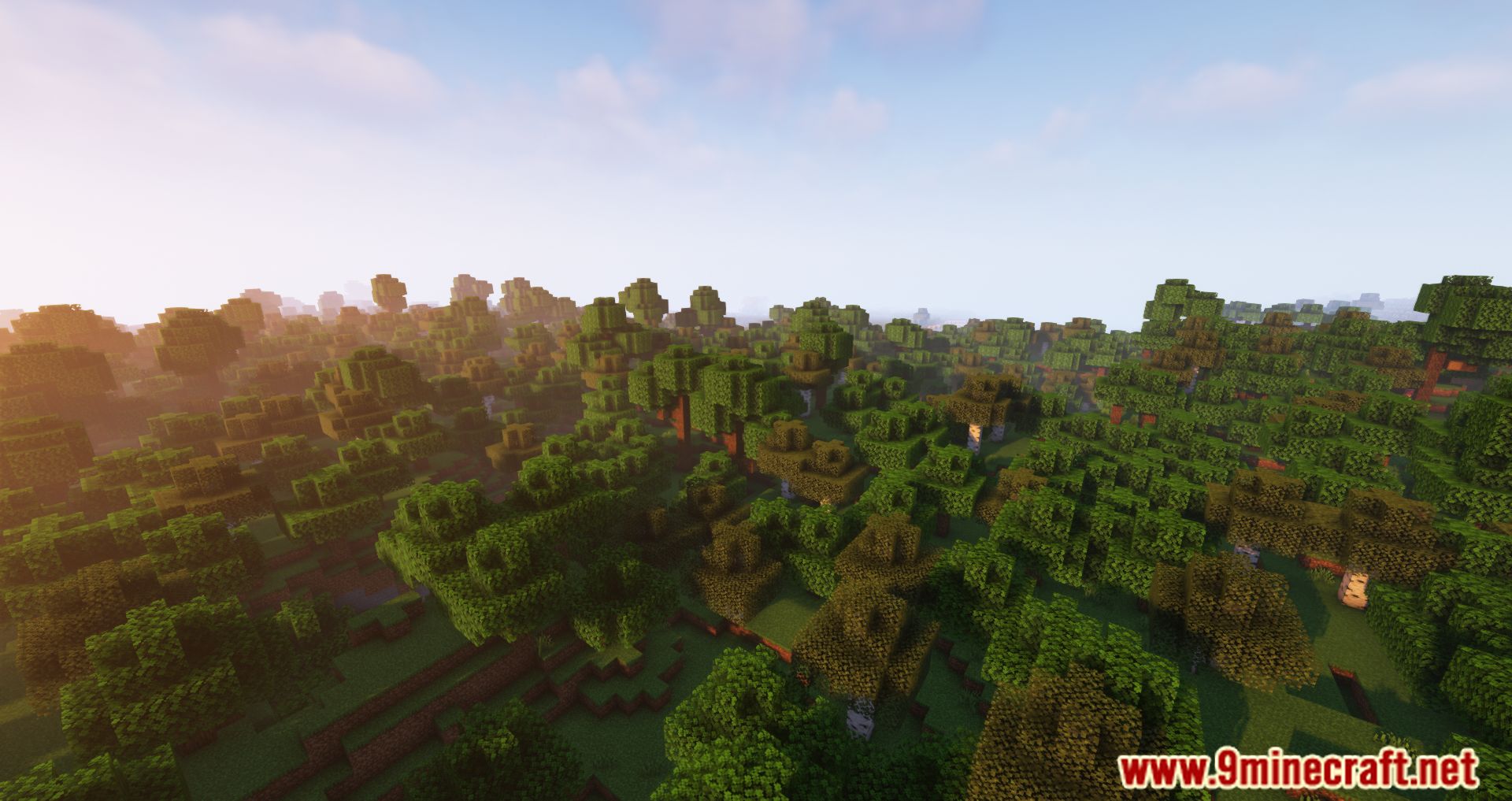
Screenshots:
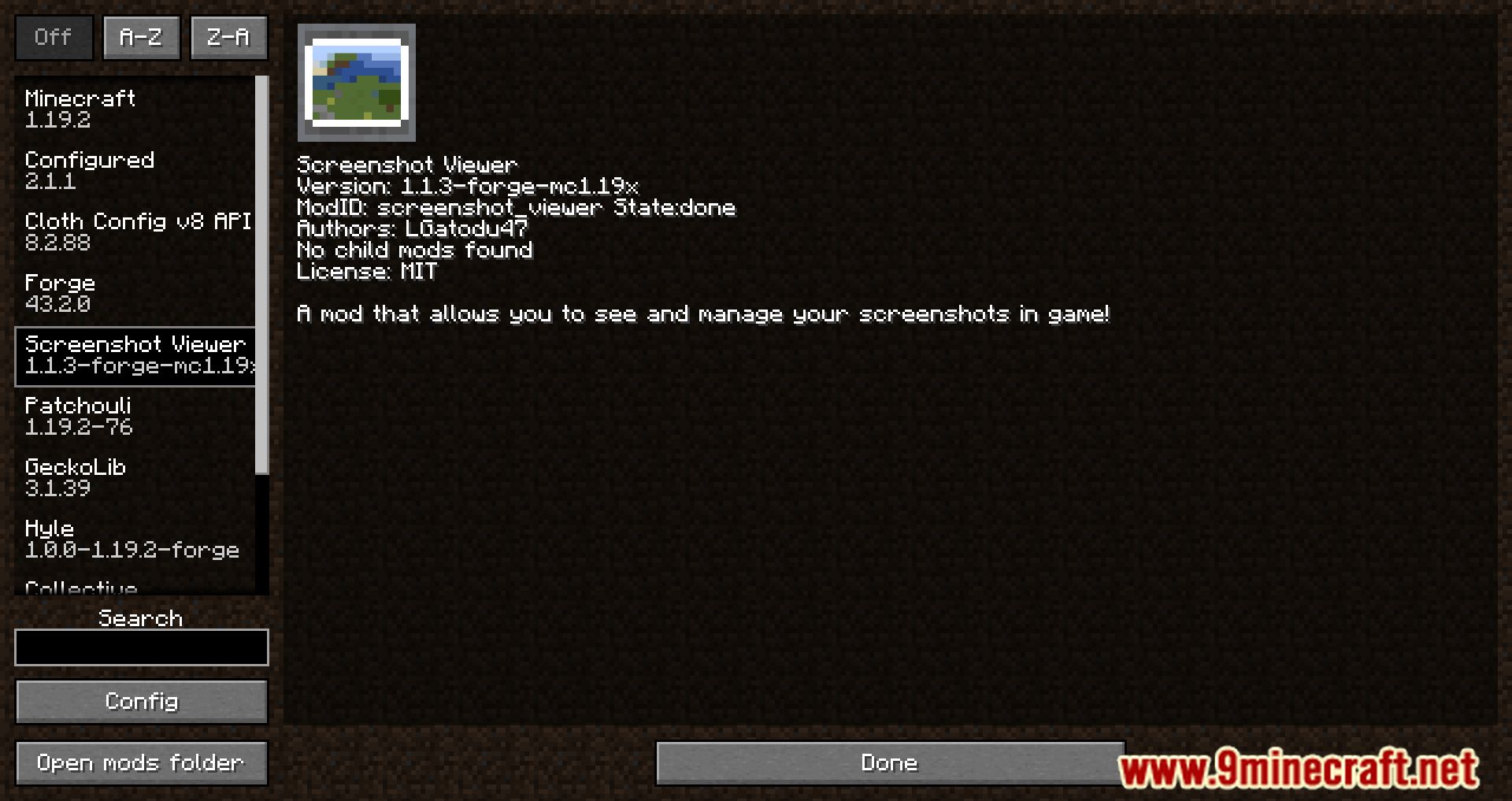
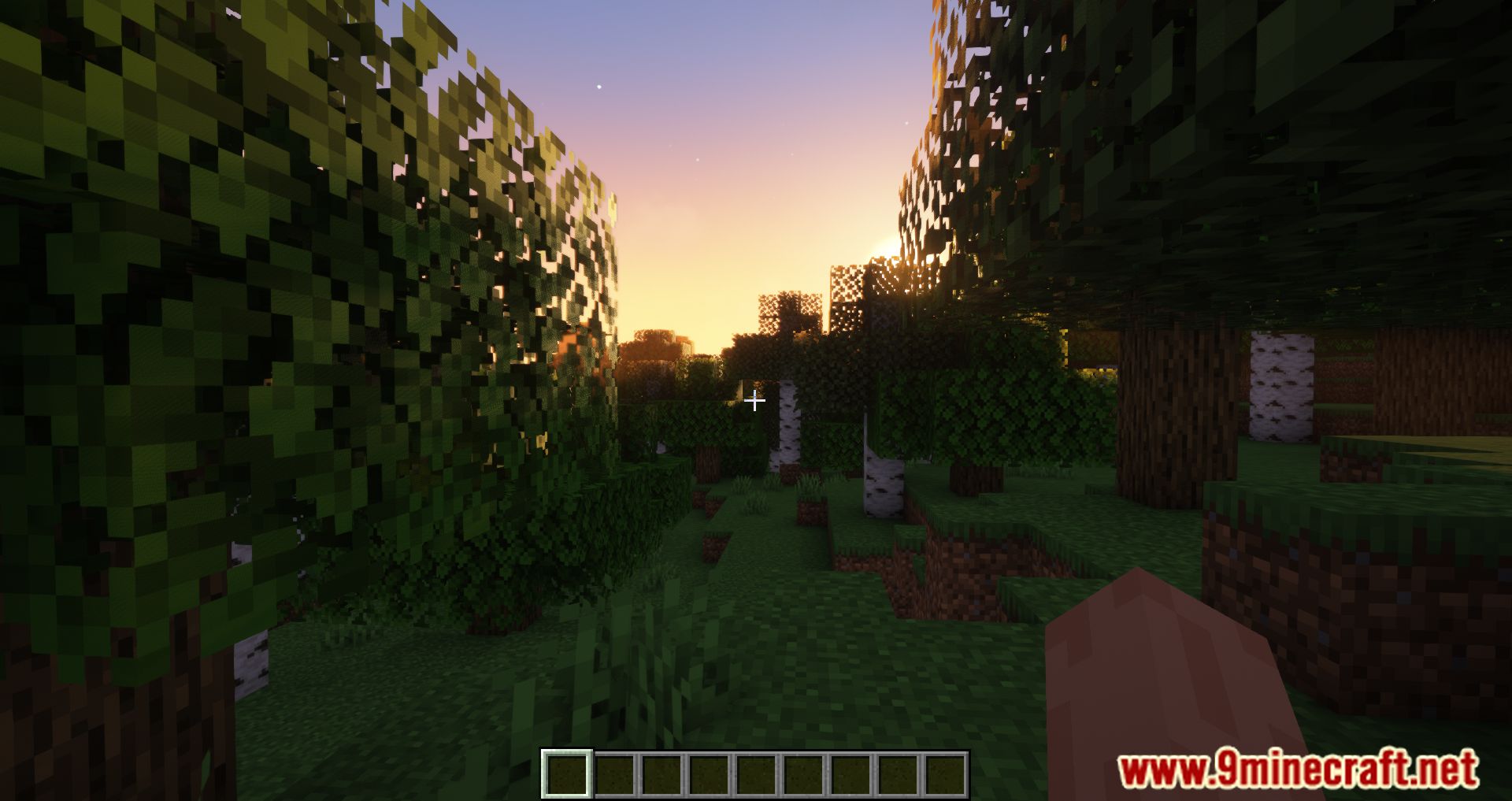
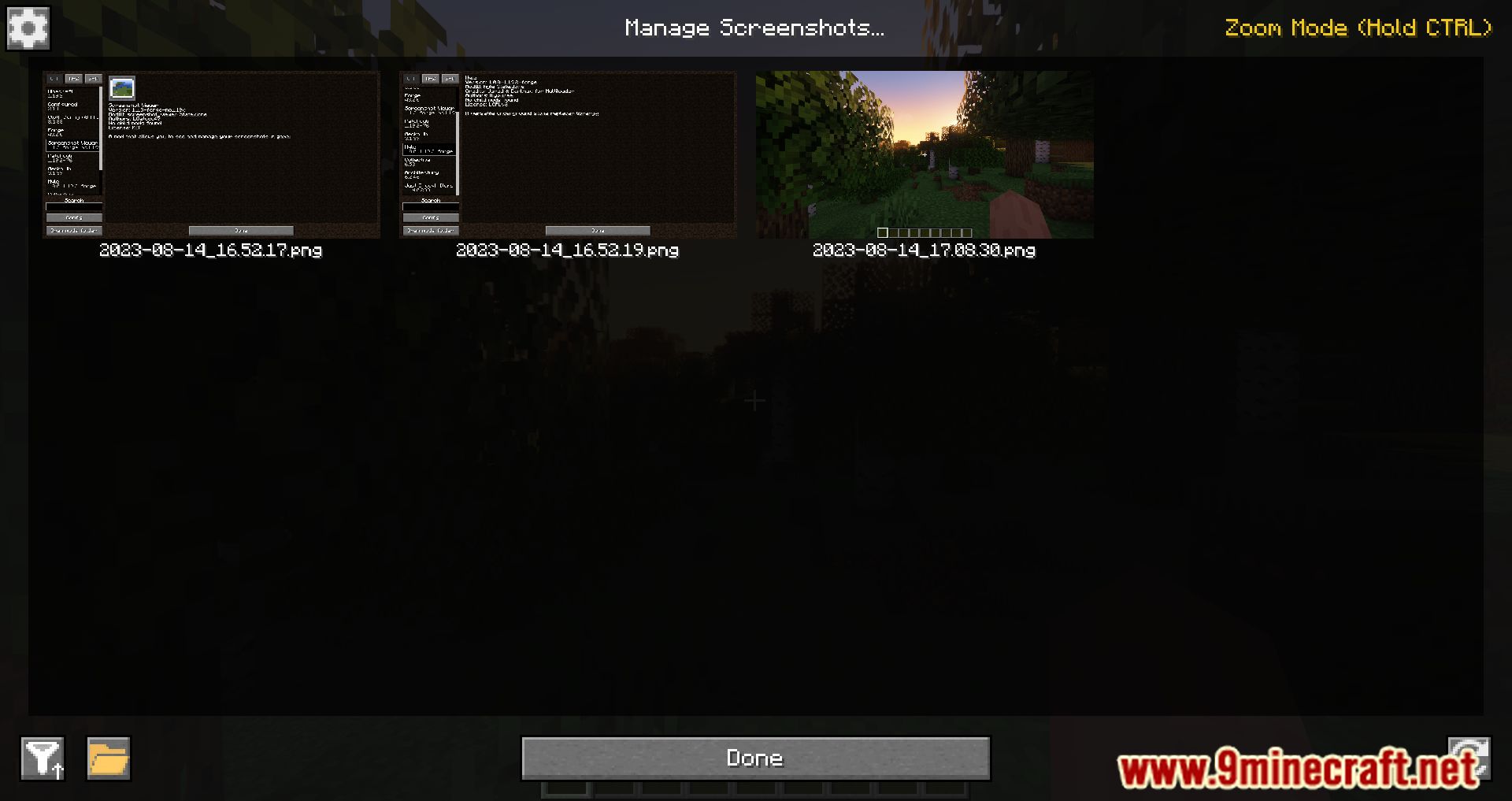
How to Install:
New to Minecraft? Follow our step-by-step guide to install Mods on your PC.View Guide




Screenshot Viewer Mod Download Links
For Minecraft 26.2
For Minecraft 26.1.2, 26.1.1, 26.1
For Minecraft 1.21.11
For Minecraft 1.21.4
For Minecraft 1.21.1, 1.21
For Minecraft 1.20.4
For Minecraft 1.20.2
For Minecraft 1.20.1, 1.20
For Minecraft 1.19.4
For Minecraft 1.19.3
For Minecraft 1.19.2, 1.19.1, 1.19
For Minecraft 1.18.2
For Minecraft 1.16.5, 1.16.4
For Minecraft 1.12.2
You May Also Like







This post has no comments yet. Be the first — your comment will appear here.