


Coordinates Display Mod (26.2, 1.20.1) – Minecraft Explorer’s Companion
 55,481
 0
0


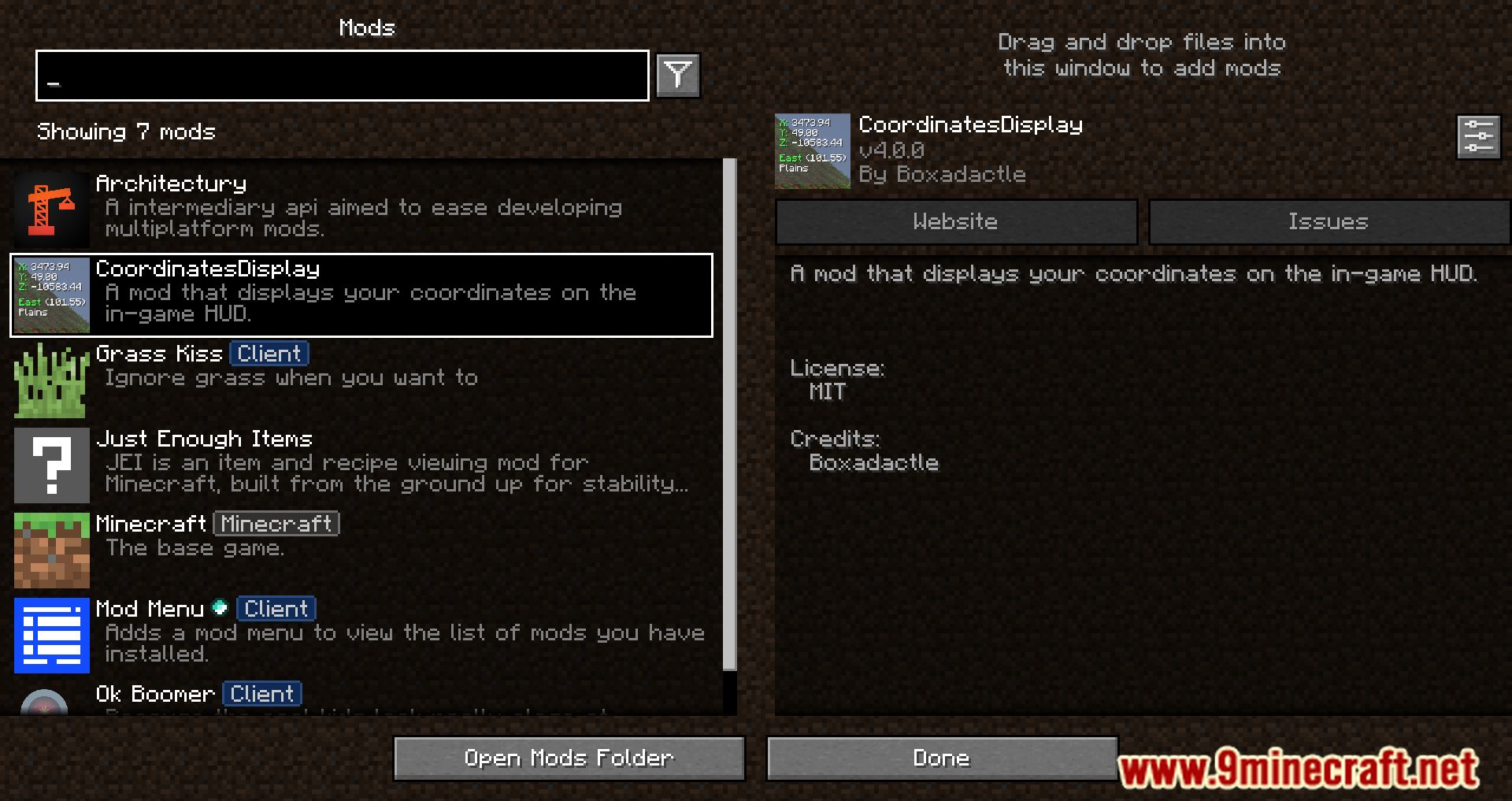
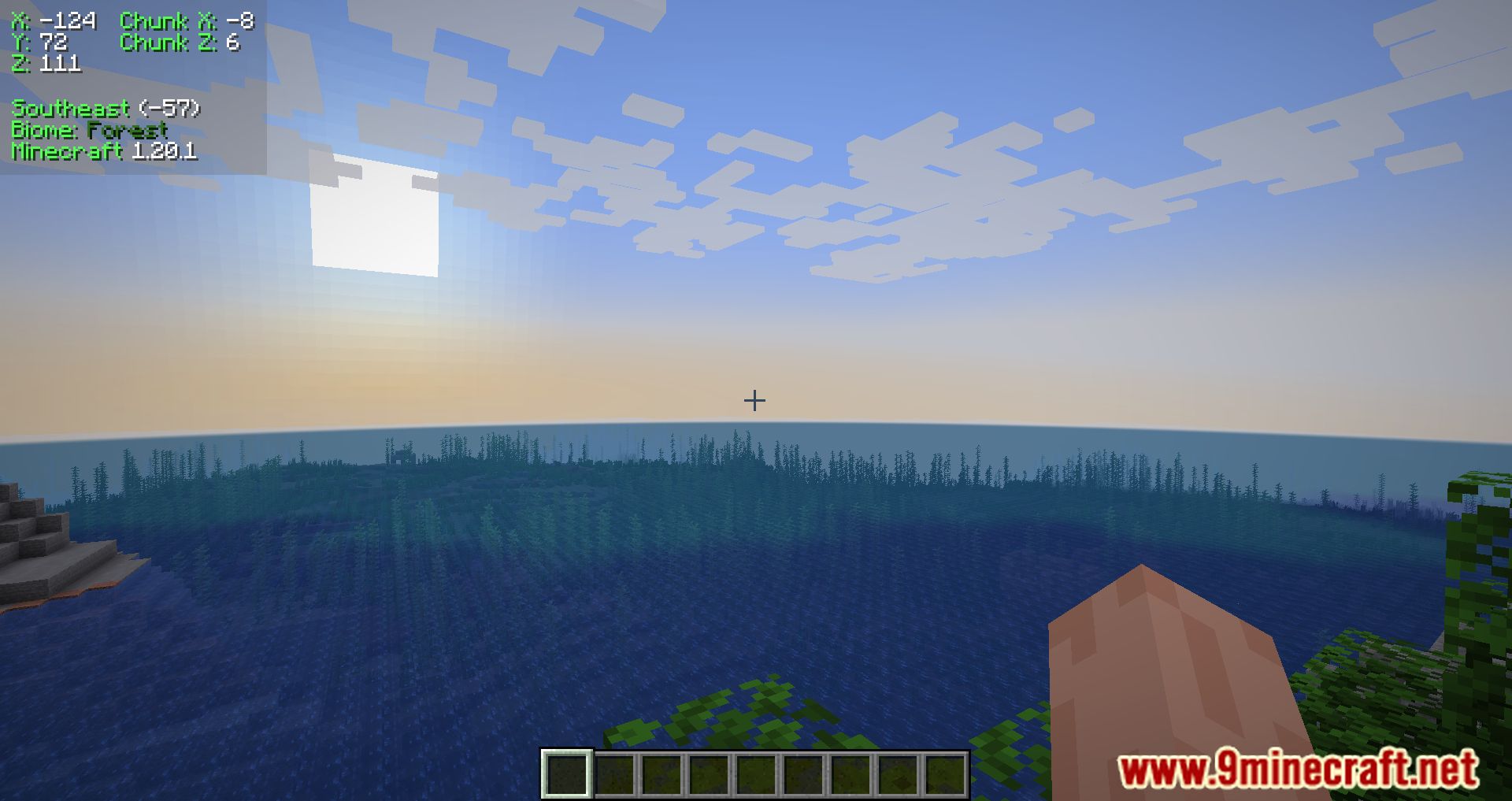
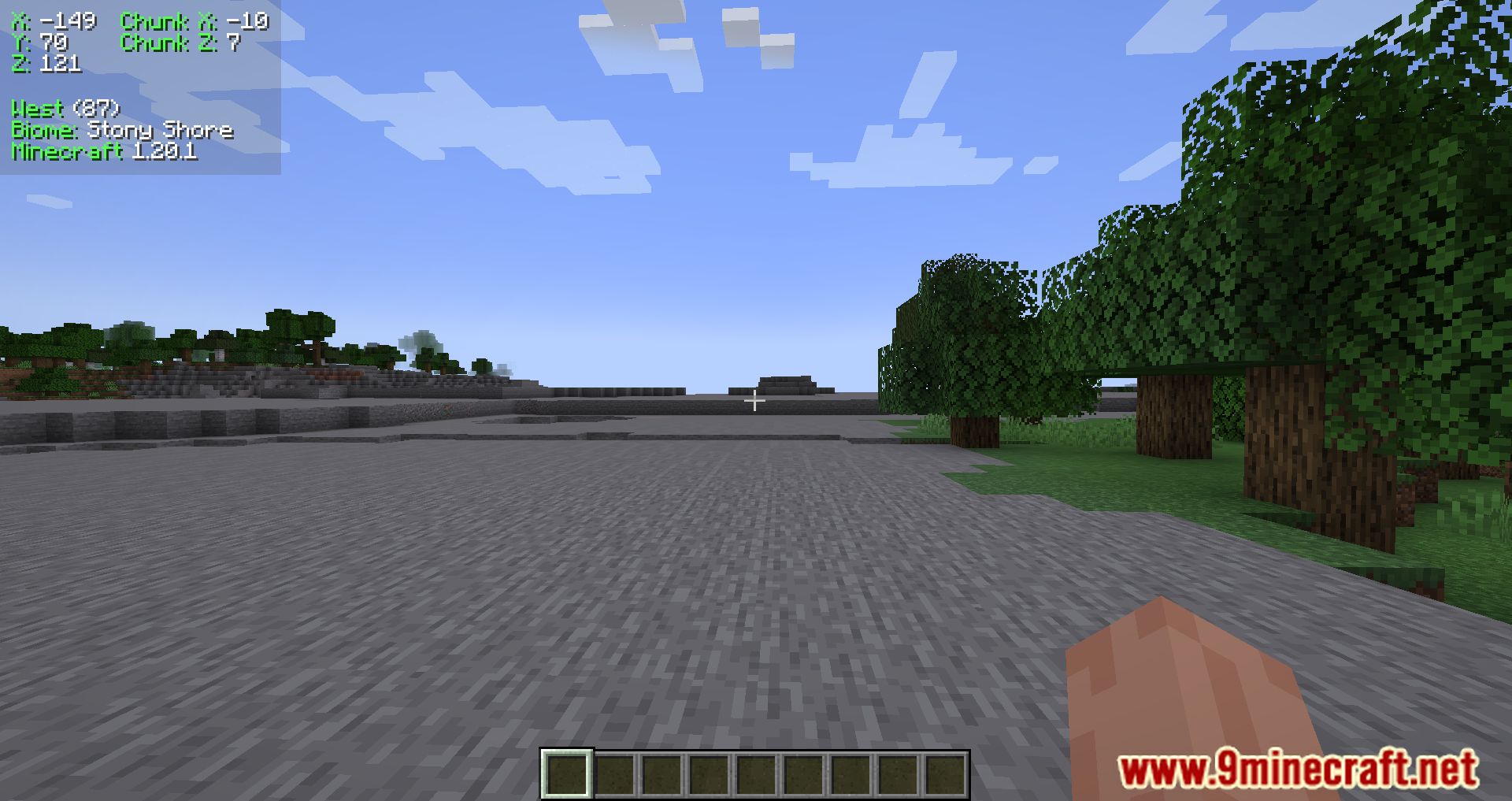
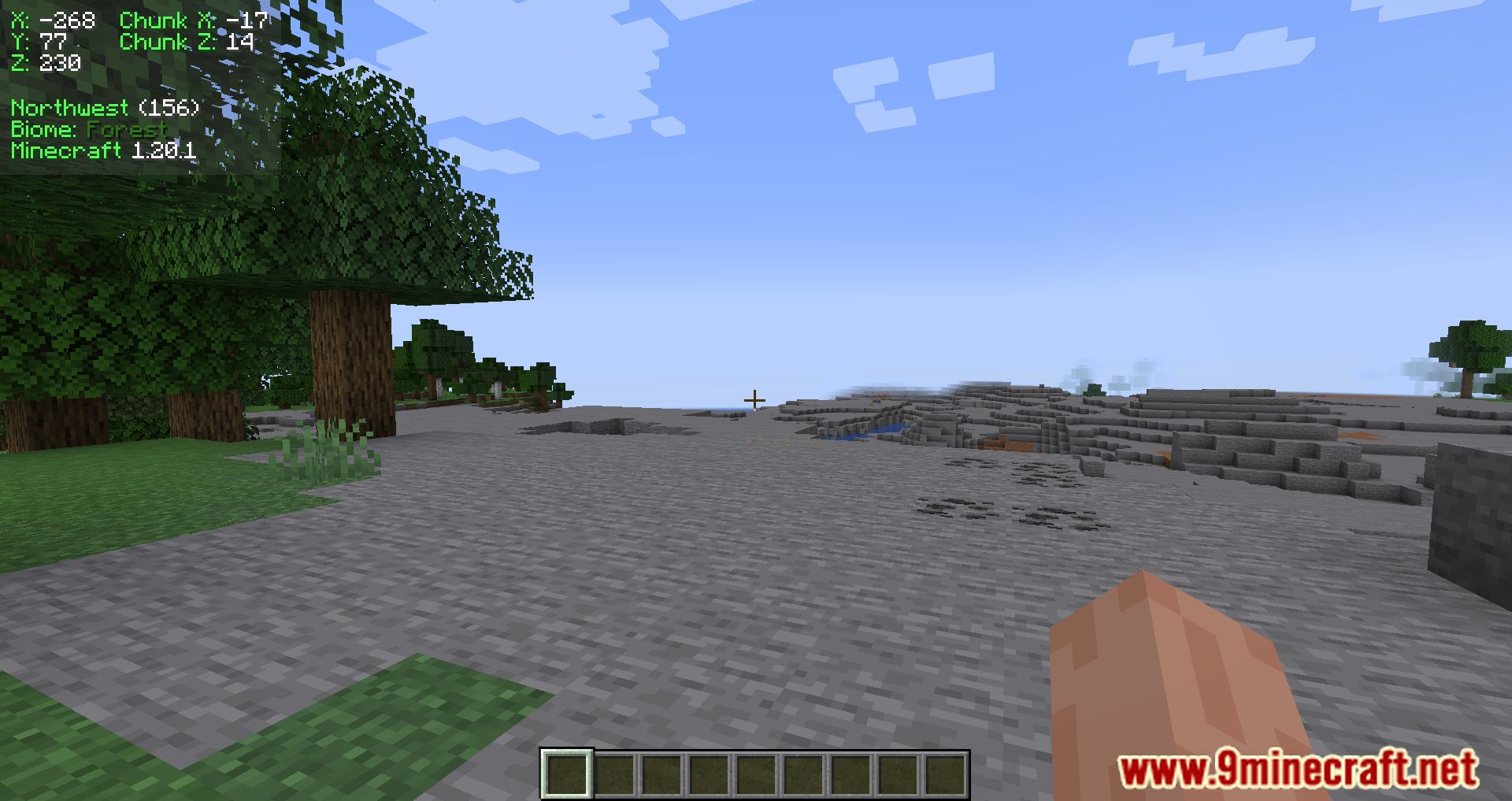
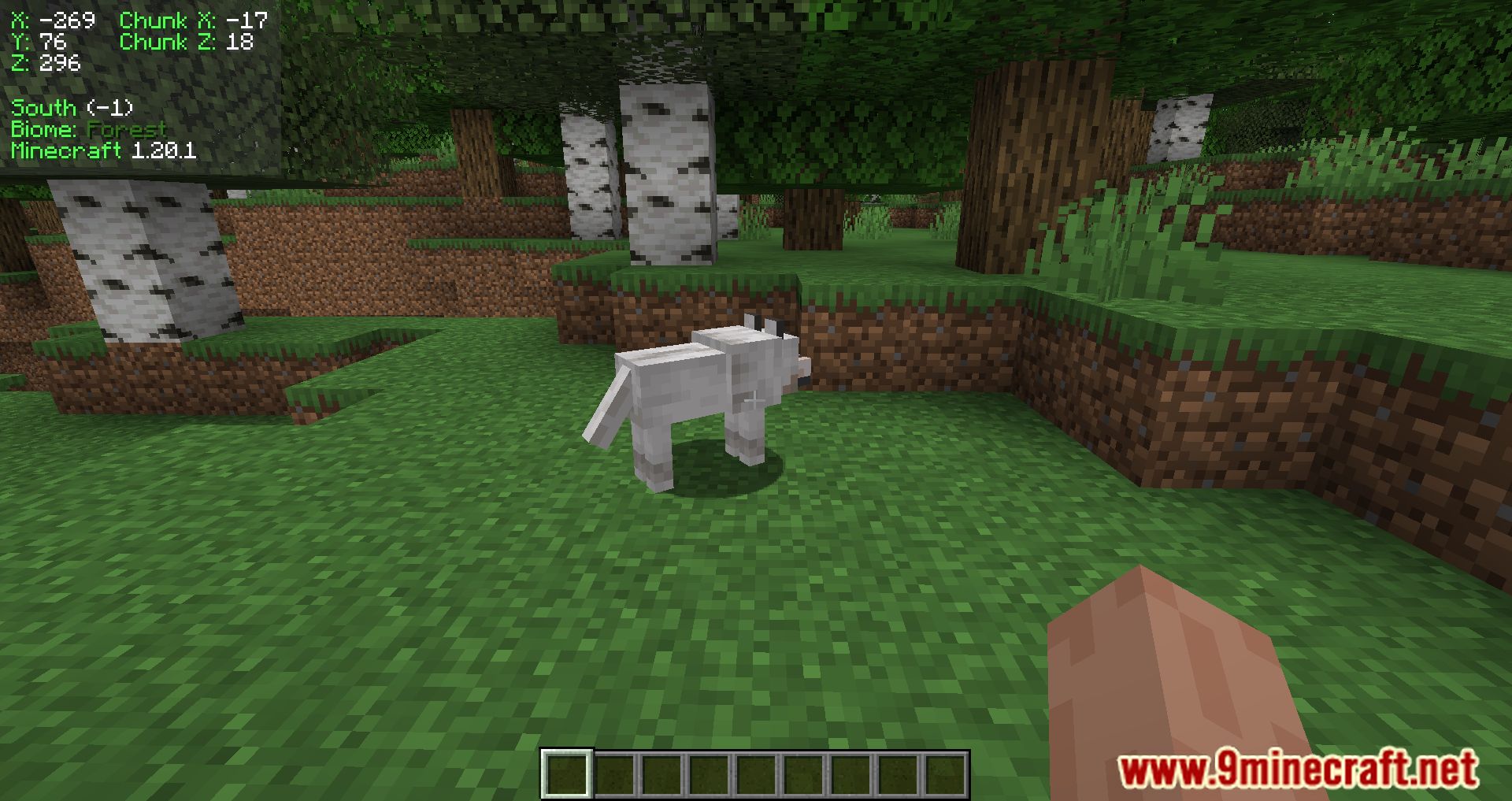
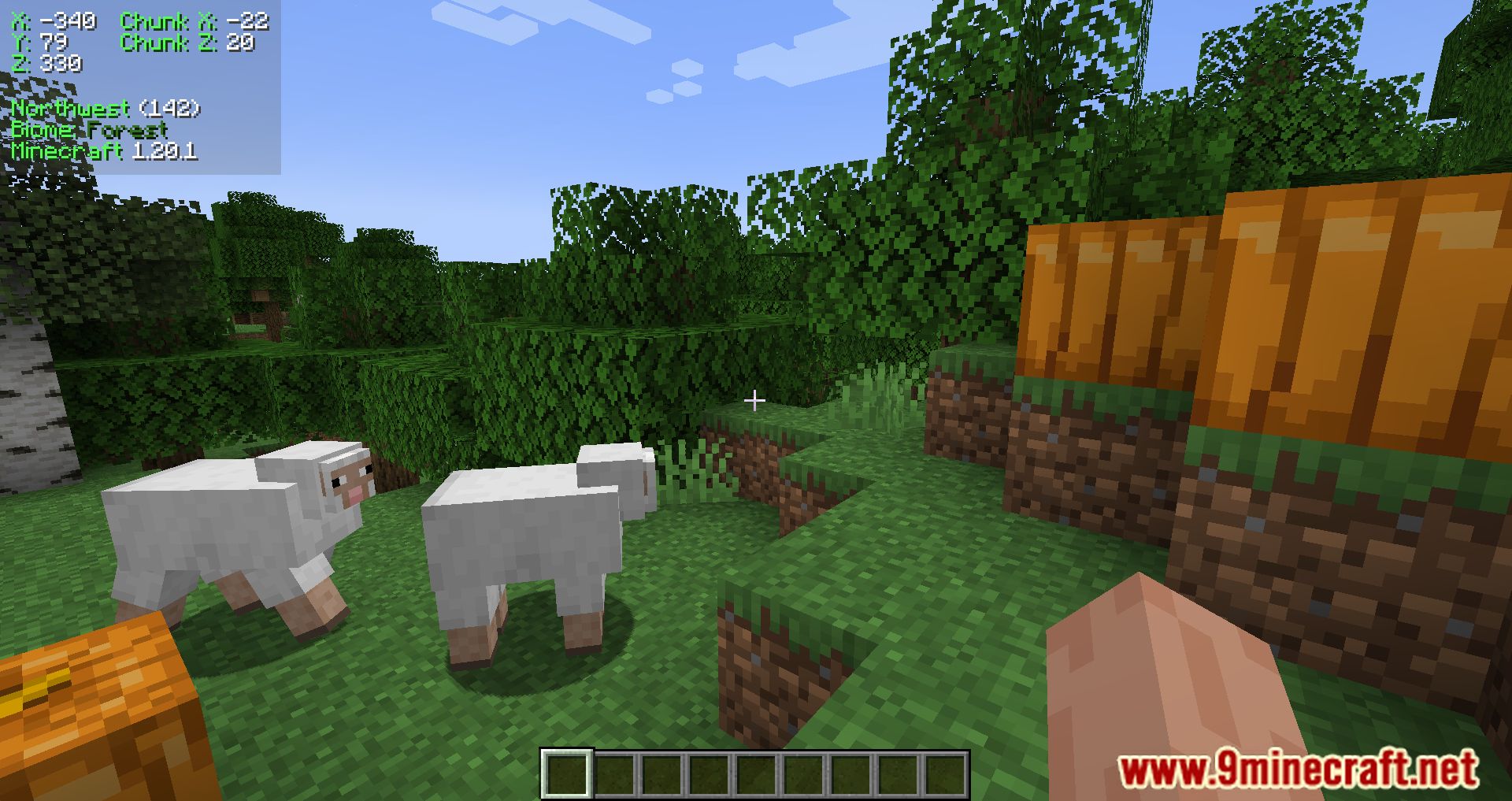
Coordinates Display Mod is a client-side mod that adds an HUD to show your position, your chunk position, the direction you are looking in, the name of the biome you are in, and your Minecraft version.
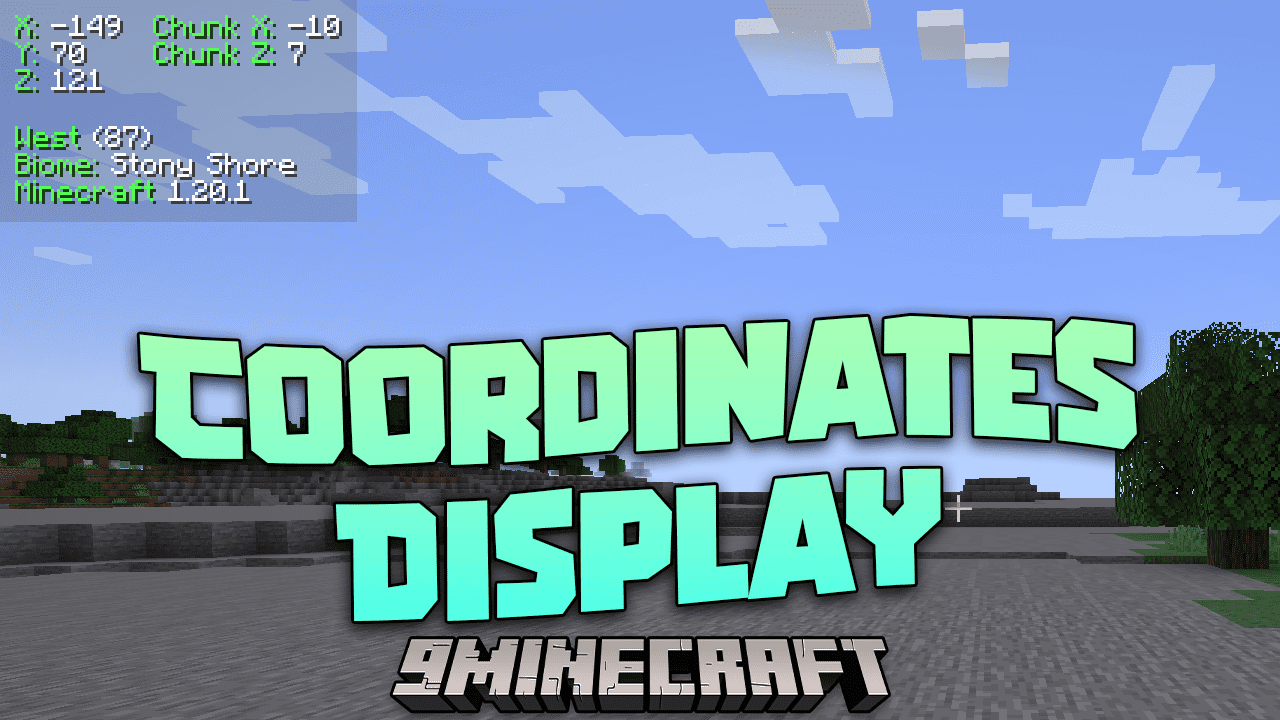
Features:
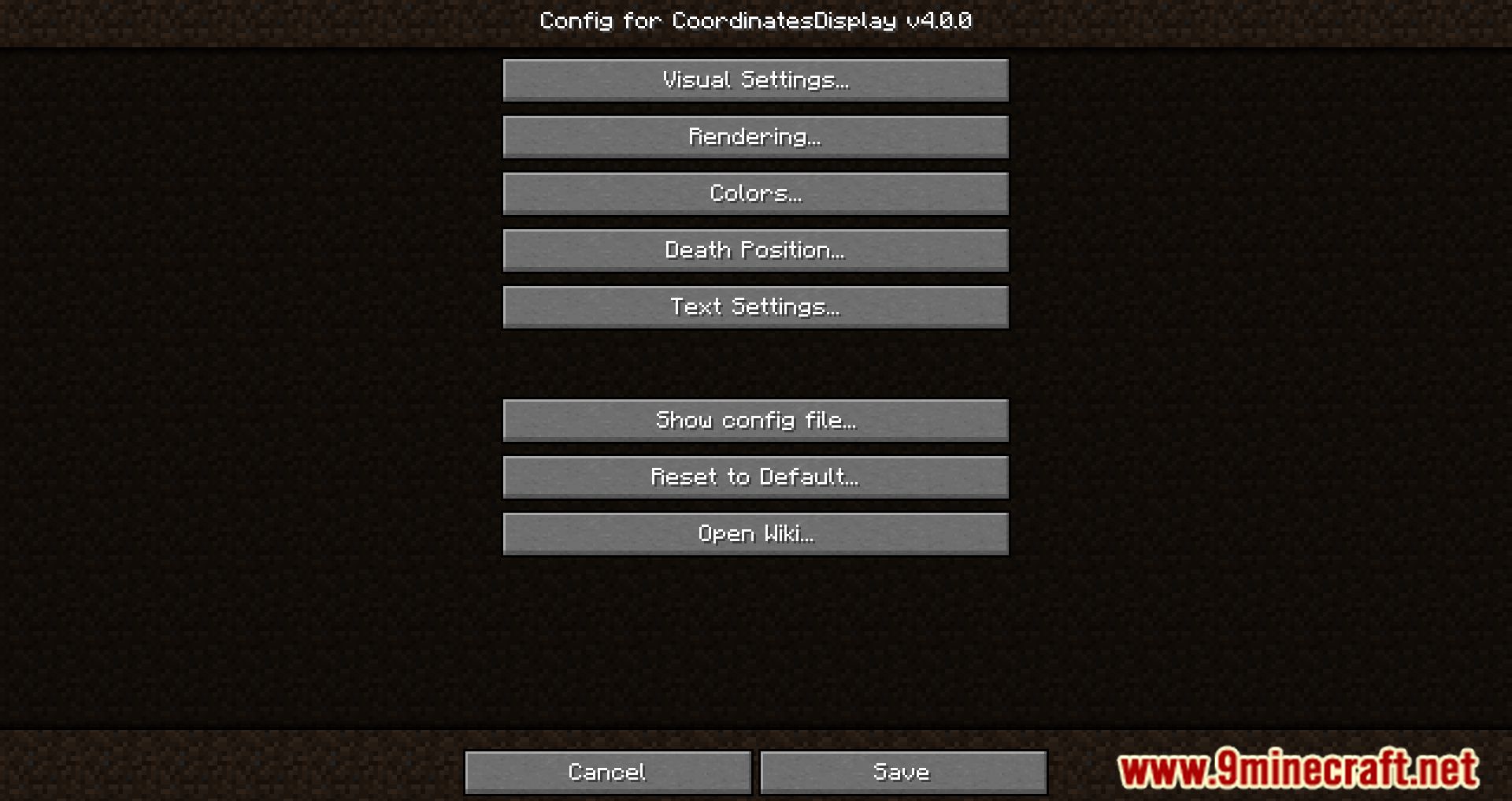
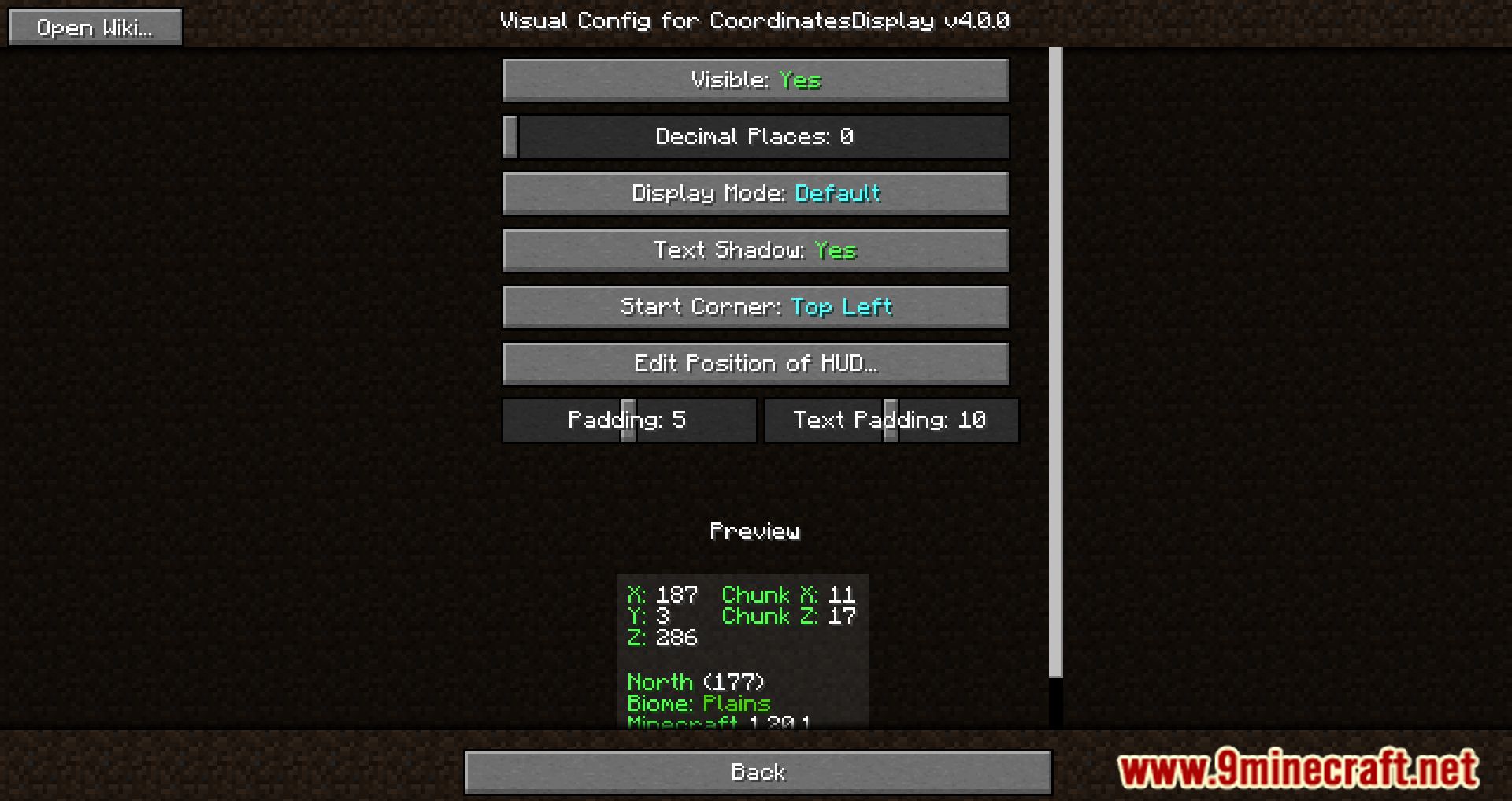
- Visual Settings: Modify how the HUD looks. Use this GUI to customize its appearance.
- Visible: Toggle to show or hide the HUD. Default: Yes.
- Round with Decimals: Toggle to display numbers with decimals. Default: Yes.
- Minimum Mode: Toggle to use a minimal HUD style (similar to Lunar Client). Default: No.
- Change Position of HUD: Click to move the HUD with the mouse, click again to set its position. Press Escape to exit.
- Padding: Controls the space between text and screen edge. Default: 5.
- Text Padding: Controls spacing between each HUD text section. Default: 15.
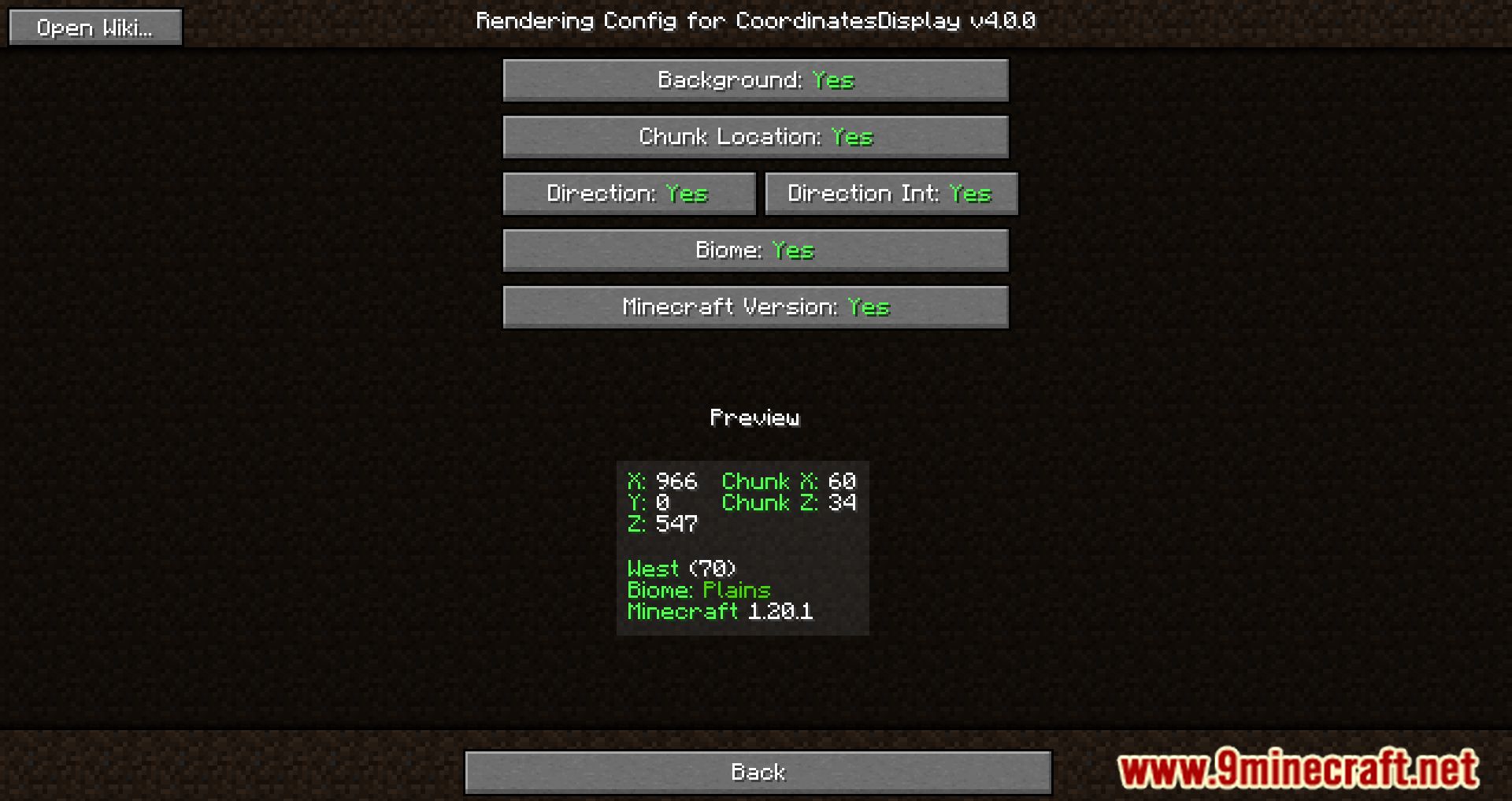
- Rendering Settings: Modify which information appears on the HUD.
- Background: Toggle to show or hide HUD background. Default: Yes.
- Chunk Location: Toggle to display Chunk X and Z. Default: Yes.
- Direction: Toggle to display player’s facing direction. Default: Yes.
- Biome: Toggle to display player’s current biome. Default: Yes.
- Direction Int: Toggle to display player’s yaw. Default: Yes.
- Minecraft Version: Toggle to display the game version. Default: Yes.
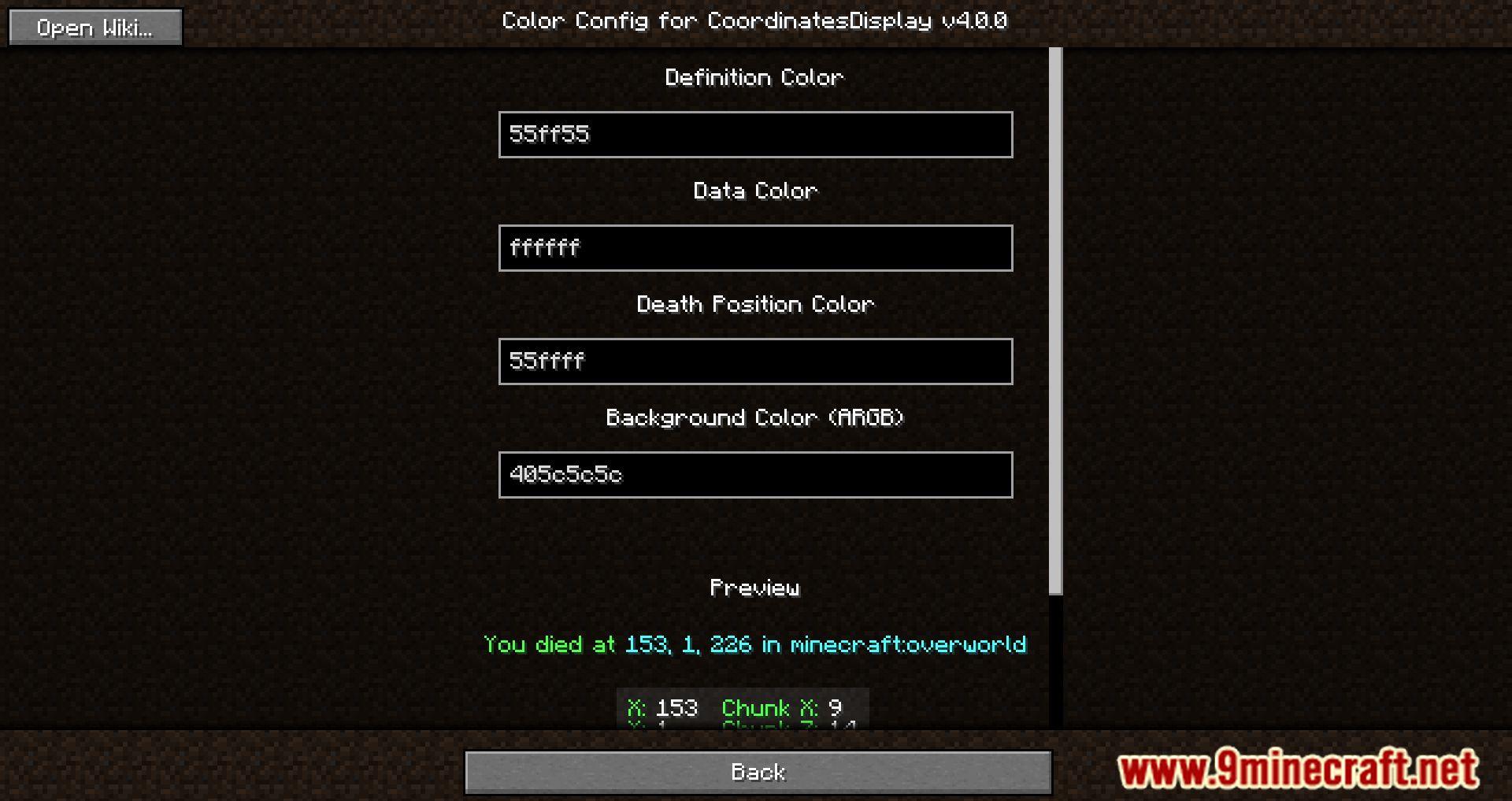
- Color Settings: Customize HUD colors (Fabric version only).
- Definition Color: Color for definition text (e.g., labels). Default: #55ff55.
- Data Color: Color for data text (e.g., coordinates). Default: #ffffff.
- Death Position Color: Color for death position text. Default: #55ffff.
- Background Color: Color for HUD background (ARGB format). Default: #405c5c5c.
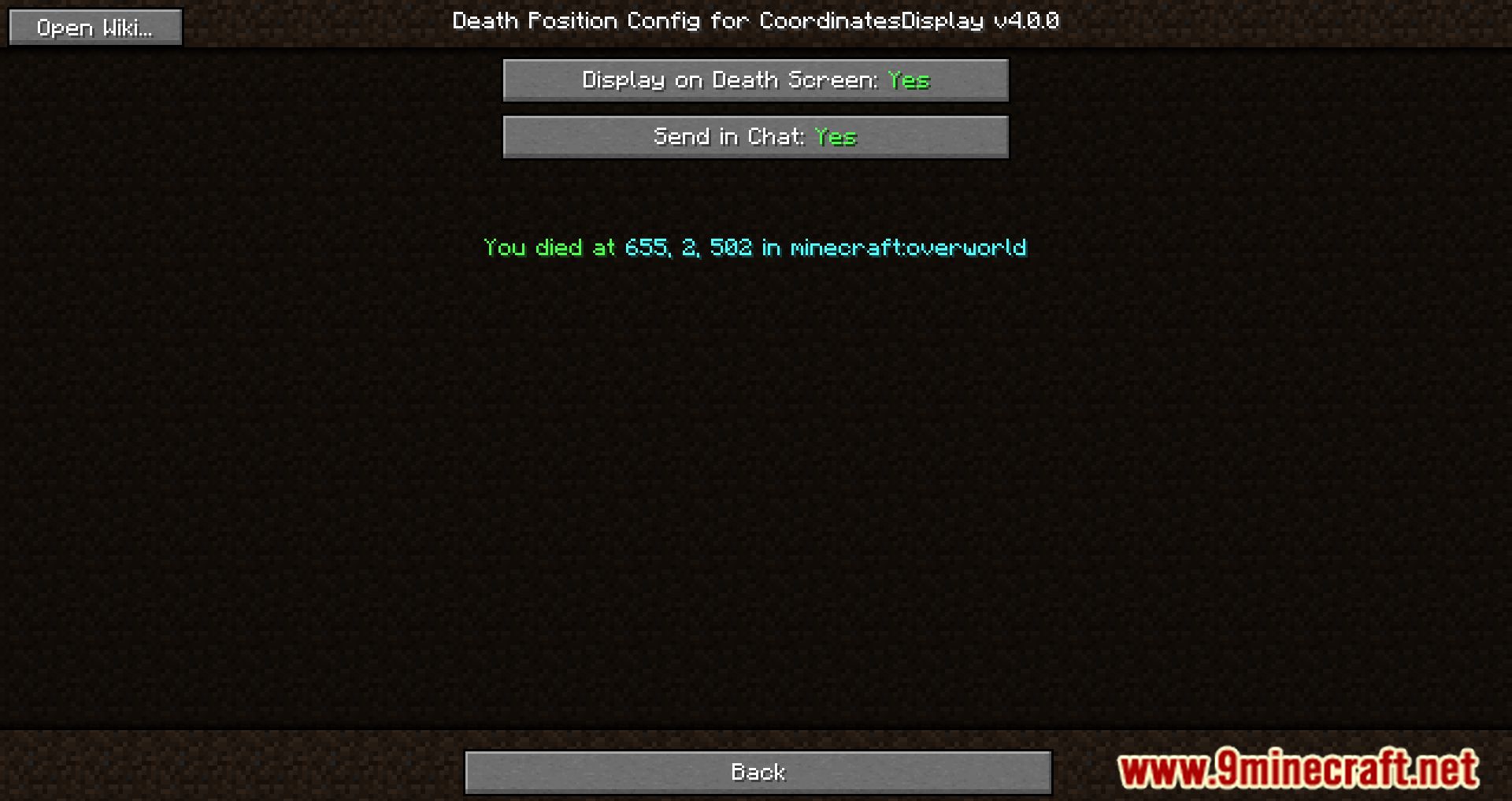
- Death Position Settings: Configure how death position is displayed.
- Display on Death Screen: Show death position on death screen. Default: Yes.
- Send in Chat: Send death position info in chat. Default: Yes.
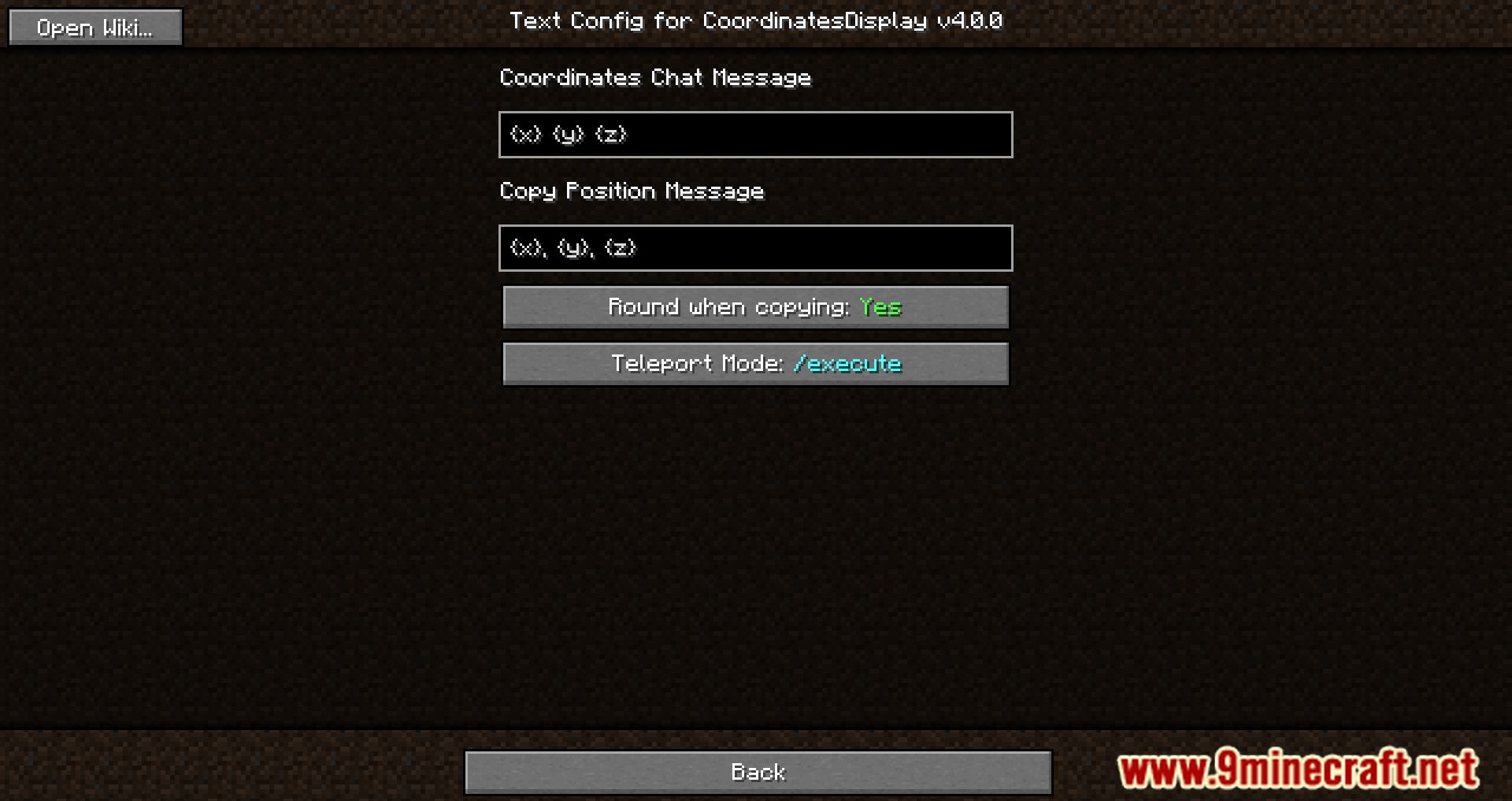
- Text Settings: Customize text templates for chat and clipboard messages.
- Variables: {x}, {y}, {z} = position; {dimension} = dimension; {direction} = direction; {name} = player name.
- Coordinates Chat Message: Text sent in chat when keybind is pressed. Default: {x} {y} {z}.
- Copy Position Message: Text copied to clipboard when keybind is pressed. Default: {x}, {y}, {z}.
Screenshots:
How to Install:
New to Minecraft? Follow our step-by-step guide to install Mods on your PC.View Guide
Requirements:






Coordinates Display Mod Download Links
For Minecraft 26.2
For Minecraft 26.1.2, 26.1.1, 26.1
For Minecraft 1.21.11
For Minecraft 1.21.10, 1.21.9
For Minecraft 1.21.8, 1.21.7, 1.21.6
For Minecraft 1.21.5
For Minecraft 1.21.4
For Minecraft 1.21.3, 1.21.2
For Minecraft 1.21.1, 1.21
For Minecraft 1.20.6
For Minecraft 1.20.4
For Minecraft 1.20.2
For Minecraft 1.20.1, 1.20
For Minecraft 1.19.4
For Minecraft 1.19.3
For Minecraft 1.19.2, 1.19.1
For Minecraft 1.18.2
For Minecraft 1.18.1
For Minecraft 1.17.1
For Minecraft 1.16.5
Click to rate this post!
[Total: 5 Average: 4.4]
You May Also Like


This post has no comments yet. Be the first — your comment will appear here.