
Cinematic Color Correction Shaders (26.3, 1.20.1) – Custom Color Grading
 9,025
 0


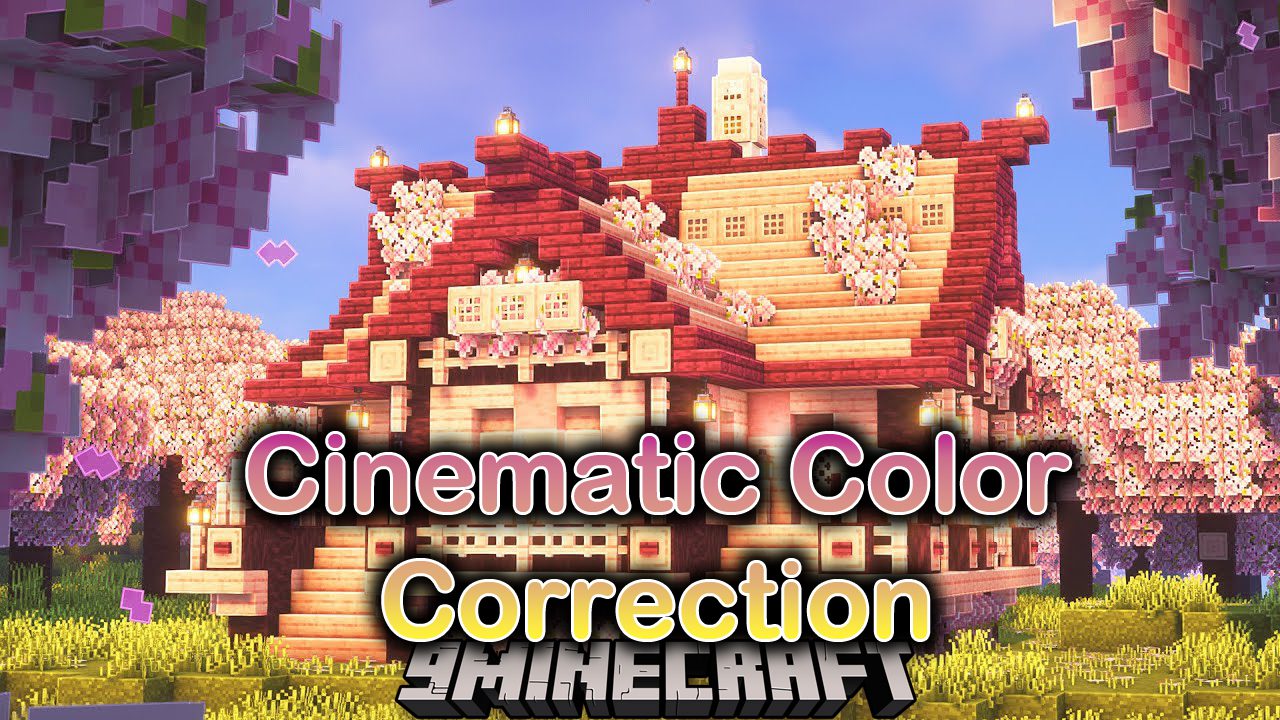
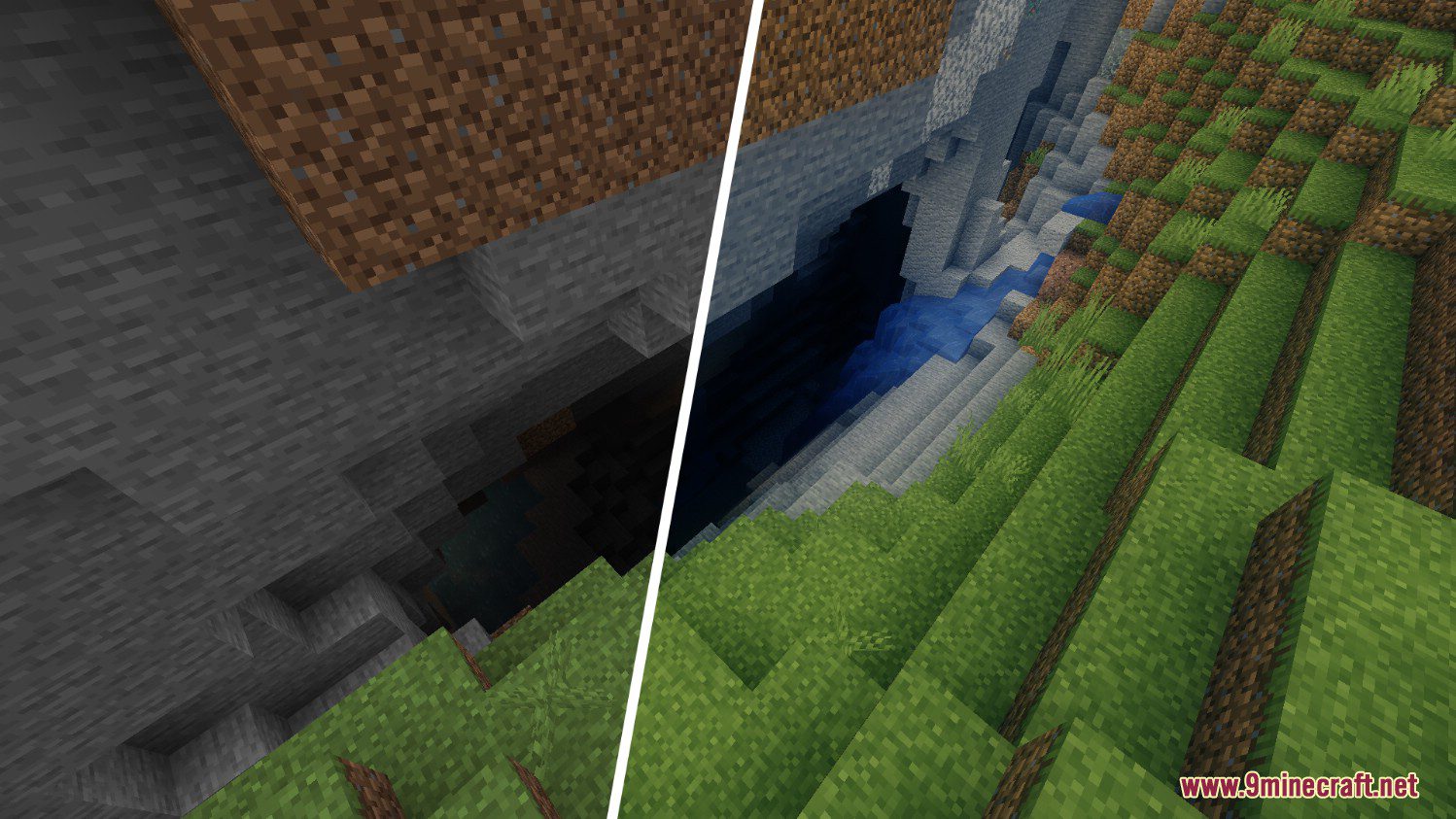
Cinematic Color Correction Shaders transforms the game with a cinematic look through custom colors and a Bloom effect. The only feature in this shader that affects performance is Bloom. Turning off Bloom lets this shader run on almost any computer.
Features:
- Changes the in-game colors to give the world a more cinematic feel.
- Adds a Bloom effect that makes bright areas pop and glow.
- Runs smoothly on almost any system when the Bloom effect is turned off.
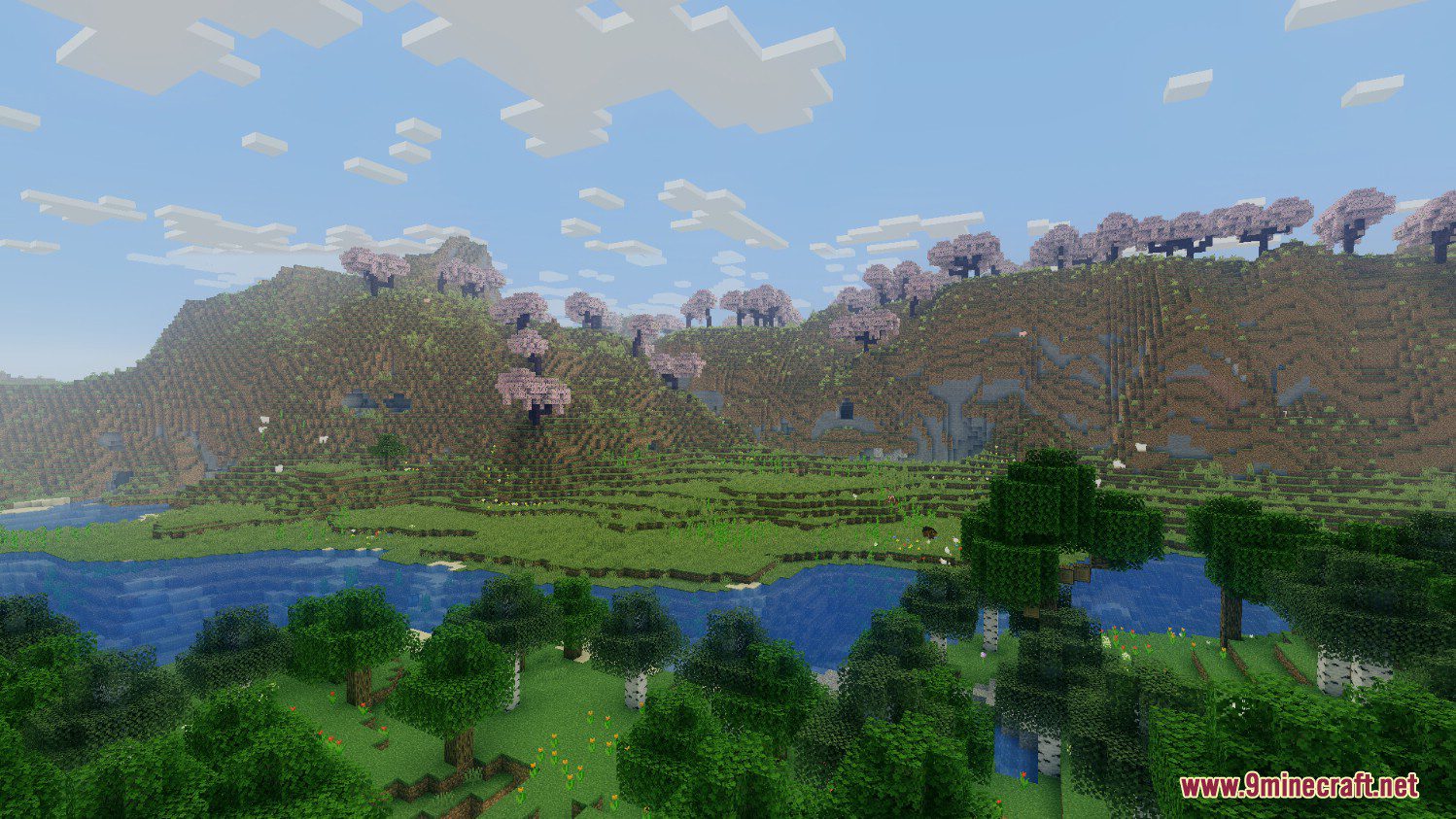
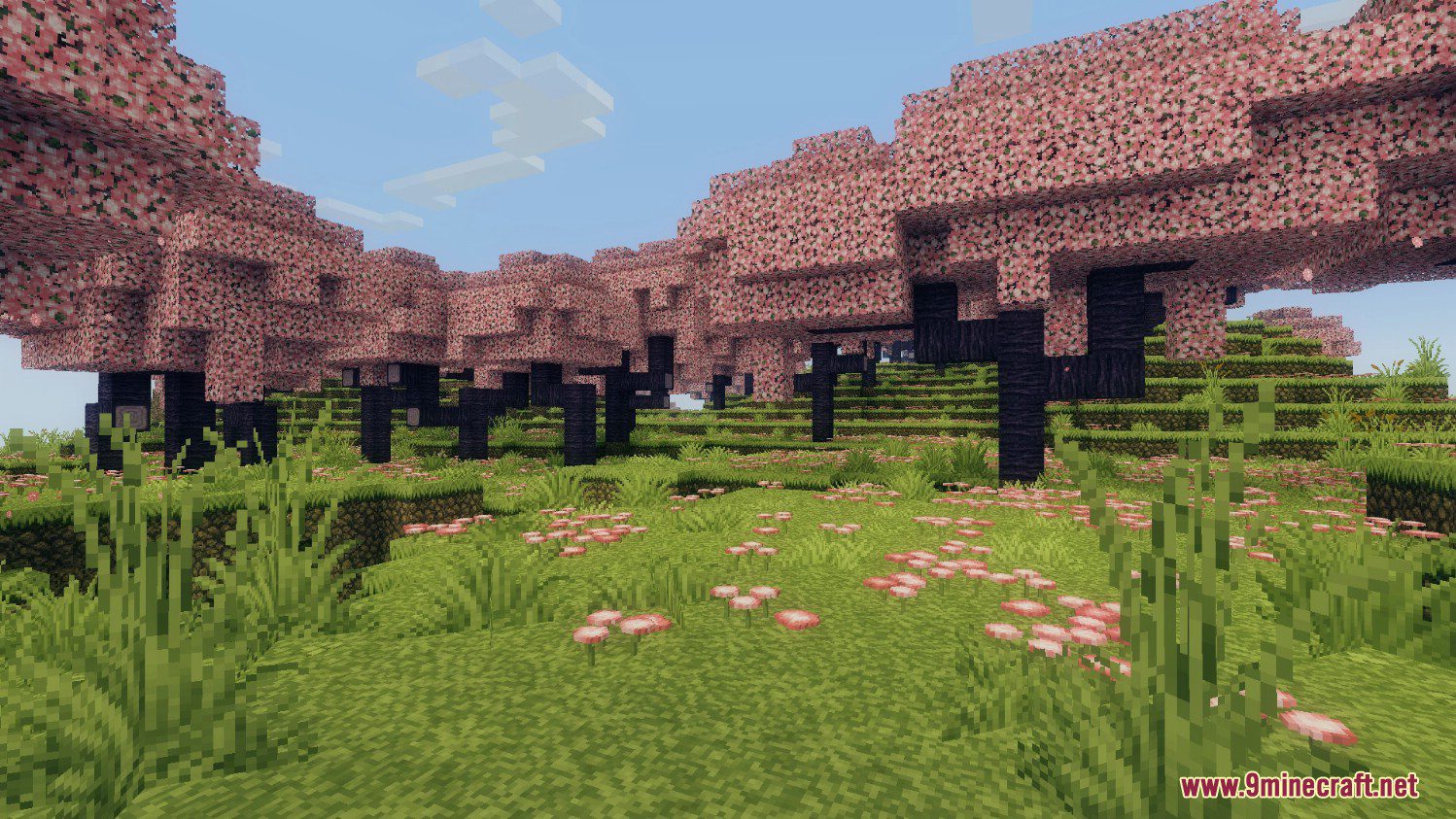
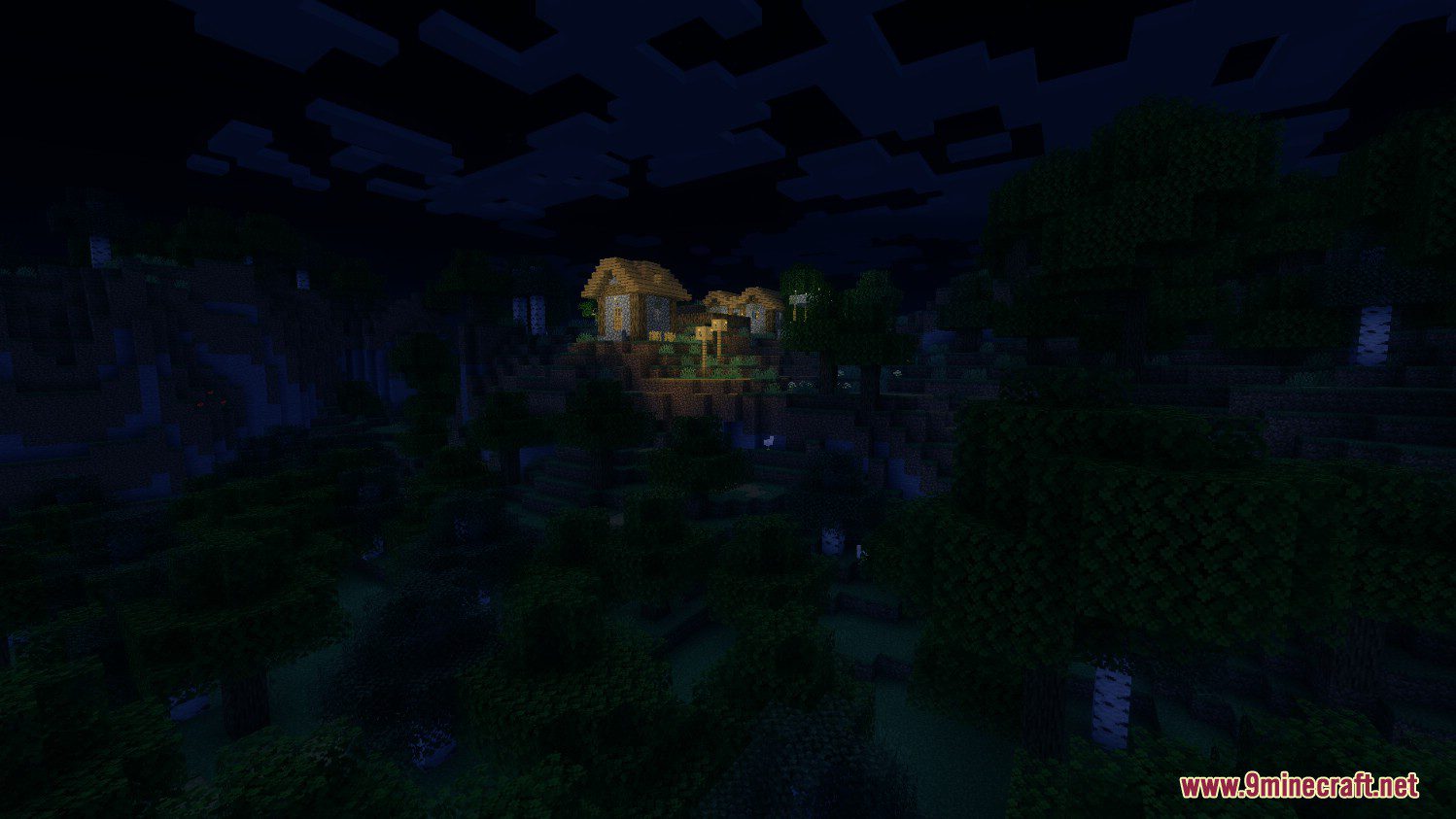
- Highlights landscape details like cherry grove biomes, caves, and lit villages at night.
Screenshots:
Cherry Grove
Comparison
Cherry Grove
Village at Night
How to Install:
New to Minecraft? Follow our step-by-step guide to install Shaders on your PC.View Guide
Requirements:
Cinematic Color Correction Shaders Download Links
Click to rate this post!
[Total: 2 Average: 4.5]
You May Also Like
Picked for this page
 Fullbright Plus Shaders (26.3, 1.20.1) – Total Brightness With Zero Shadows
 N87 Shaders (26.3, 1.20.1) – Crisp Shadows and Better Light Bounce
 Vivid Horizon Shaders (26.3, 1.20.1) – Lagless Vanilla Style Fantasy Lighting
 Fullbright Shaders (26.3, 1.20.1) – Maximum Brightness and Zero Shadows
 EmberVoid Shaders (26.3, 1.20.1) – Fast Fantasy Lighting with Deep Contrast
 Heart of the Universe Shaders (26.3, 1.20.1) – Real Shadows and Fantasy Colors
 No Light No Color! Shaders (26.3, 1.20.1) – Color Desaturation in Dark Areas
 Custom Damage Overlay Color Shaders (26.3, 1.20.1) – Adjustable Hit Flash Tints
 Ditherpunk Shaders (26.3, 1.20.1) – Retro Dithering for Low-End PCs
 Chippa256 Shaders (26.3, 1.20.1) – Retro 256-Color Palette and Pixelation
 Chunk Tweaks Shaders (26.3, 1.20.1) – Lightweight Fade Animations for Chunks
 Demonic Possession Shaders (26.3, 1.20.1) – Spiral Distortion And Chromatic
Most viewed in Shaders over the last 7 days
 OptiFine HD (26.3, 1.20.1) – Run Faster, FPS Boost, Shaders Support
 IterationRP Shaders (26.3, 1.20.1) – Most Realistic Shaders of All Time
 Derivative Shaders (26.3, 1.20.1) – Best Ultra Realistic
 IterationT Shaders (26.3, 1.20.1) – The Best Realistic Graphics in 2025
 Emanrux Shaders (26.3, 1.20.1) – Adds Realistic Skies And Reflections
 Eclipse Shaders (26.3, 1.20.1) – Advanced Sky And Environmental Effects
 Shadow Only Shaders (26.3, 1.20.1) – Dynamic Shadows Shaderpack
 Rethinking Voxels Shaders (26.3, 1.20.1) – Coloured Lights, Sharp Shadows
 Lumenite Shaders (26.3, 1.20.1) – Colored Blocklight with Cascaded Shadows
 SEUS Renewed Shaders (26.3, 1.20.1) – Best Minecraft Shaders
 SEUS PTGI Shaders (26.3, 1.20.1) – Path Tracing, Ray Traced Shaders
 Photon Shaders (26.3, 1.20.1) – Dynamic Clouds and Weather
More from Shaders
 ColorfulVanillaLights Shaders (26.3, 1.20.1) – True Colored Block Lighting
 Eden Shaders (26.3, 1.20.1) – Pastel Color Grading and Waving Foliage
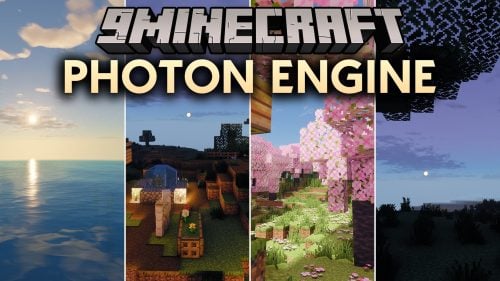 Photon Engine Shaders (26.3, 1.20.1) – Voxel Ray Tracing and ReSTIR Lighting
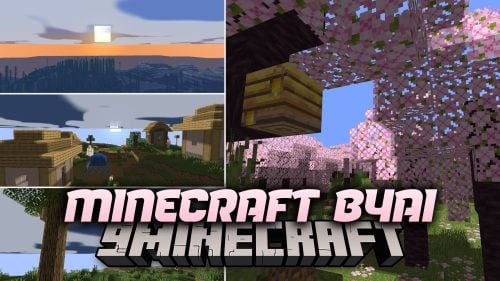 Minecraft ByAI Shaders (26.3, 1.20.1) – Experimental Lighting Coded By AI
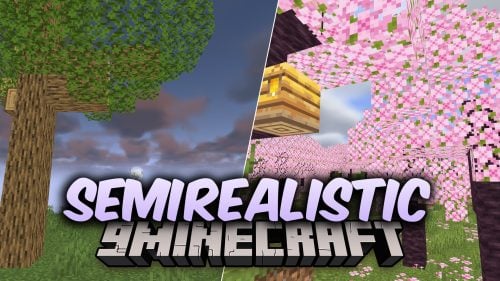 SemiRealistic Shaders (26.3, 1.20.1) – Volumetric Clouds and Water Reflections
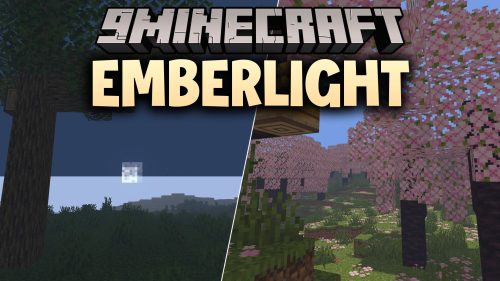 Emberlight Shaders (26.3, 1.20.1) – Selective Glow and Lighting Presets
 Modern Shaders (26.3, 1.20.1) – Soft Shadows and Animated Water Reflections
 Simple Shaders (26.3, 1.20.1) – Clean Cartoon Visuals on Weak Hardware
 Luminol Republic Shaders (26.3, 1.20.1) – Volumetric Godrays and Soft Shadows
 Aurora Dreams Shaders (26.3, 1.20.1) – Screen Space Reflections and Auroras
 Evelite Toon Shaders (26.3, 1.20.1) – Anime Visuals with Realistic Shading
 Galaxy’S Shaders (26.3, 1.20.1) – Cartoon Lighting for Budget PCs

This post has no comments yet. Be the first — your comment will appear here.