


No Light No Color! Shaders (26.2, 1.20.1) – Color Desaturation in Dark Areas
 0
0
 0
0

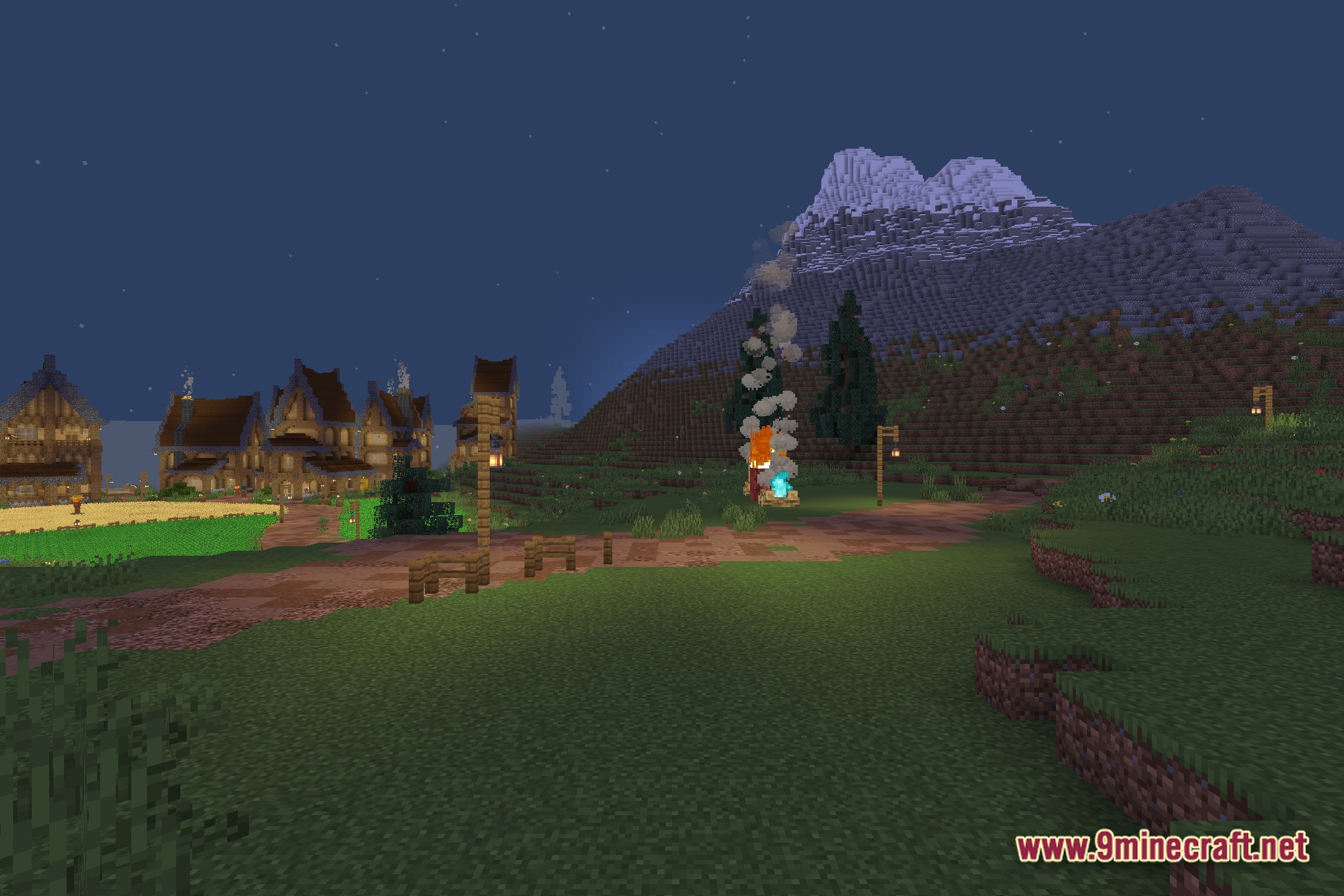
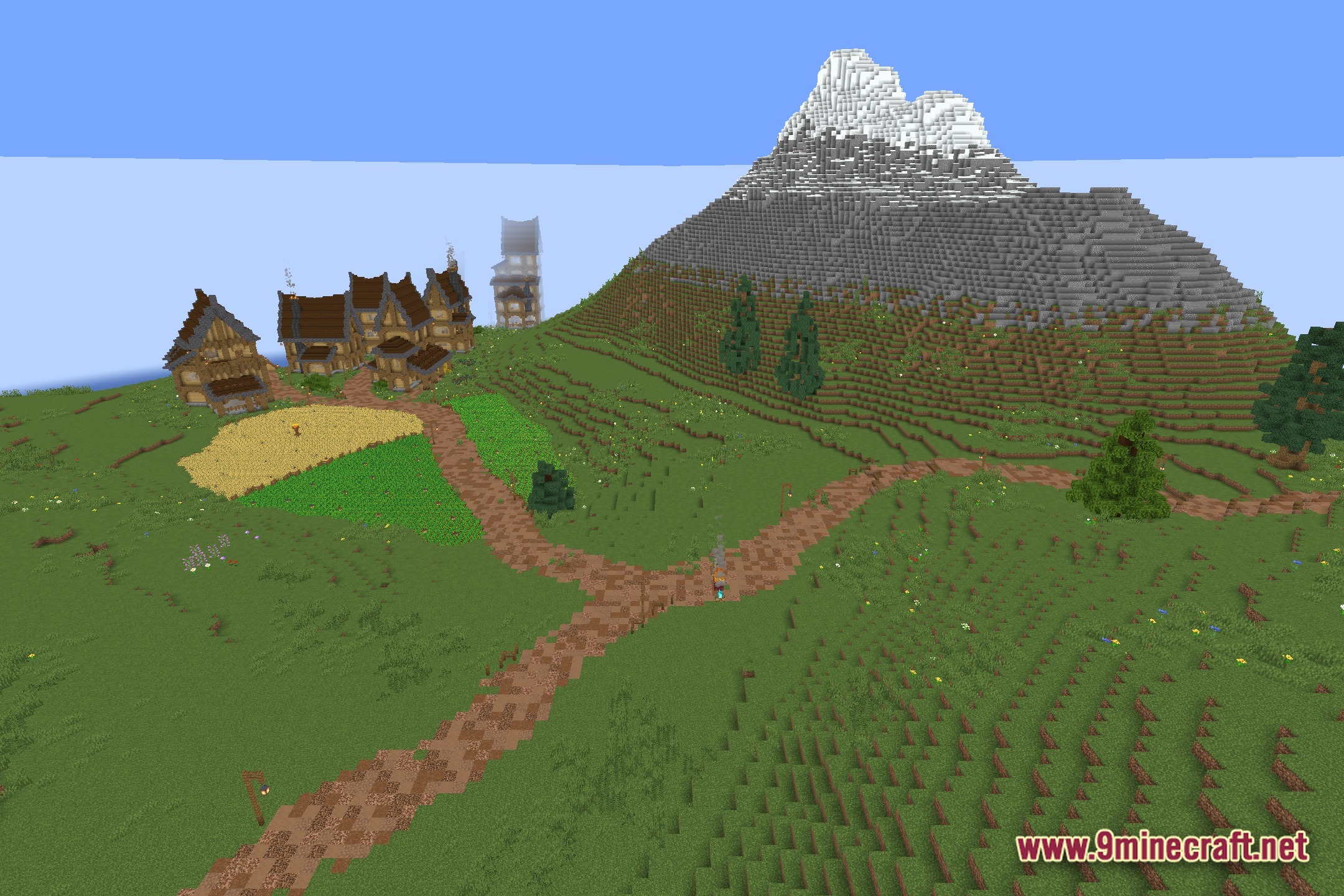
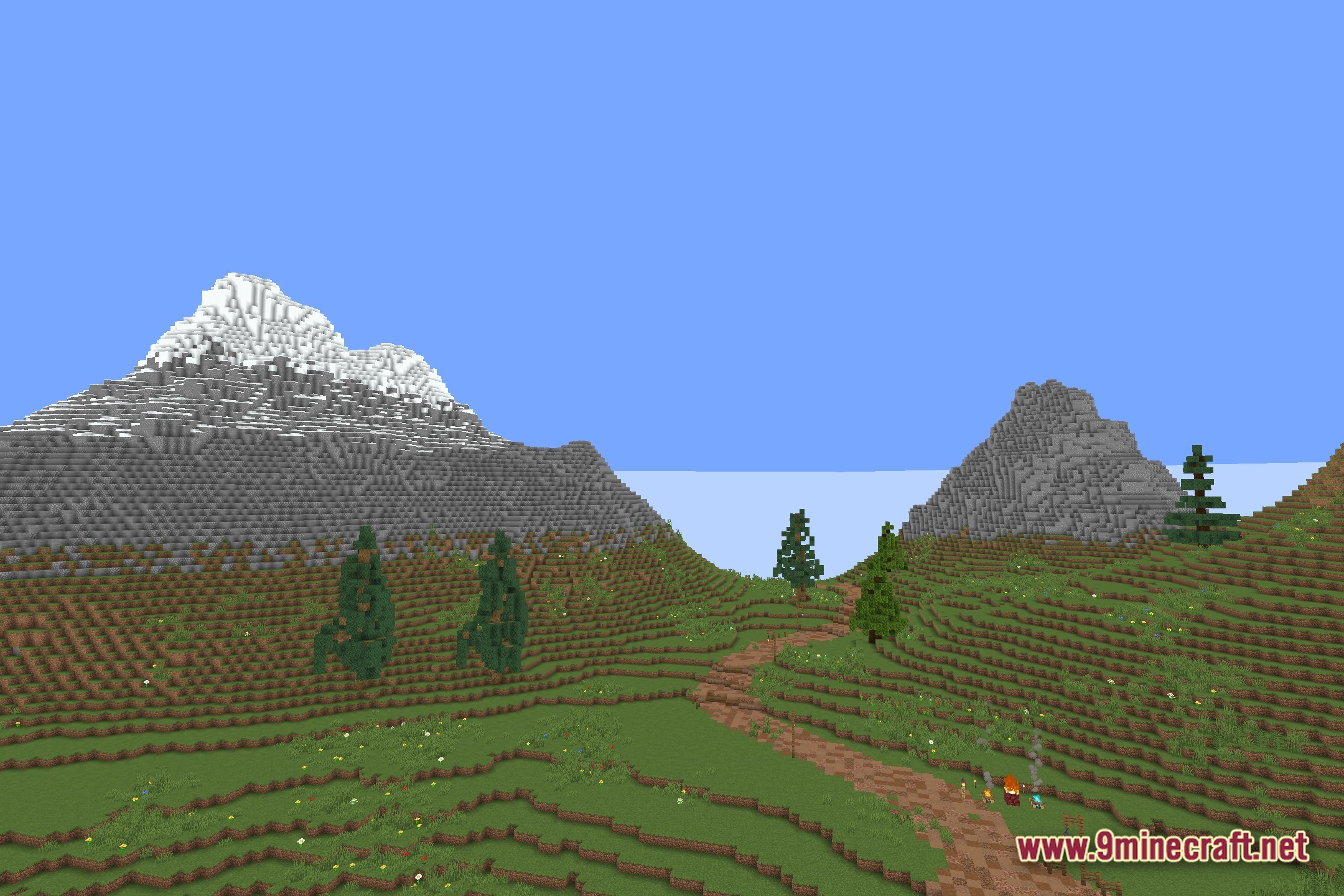
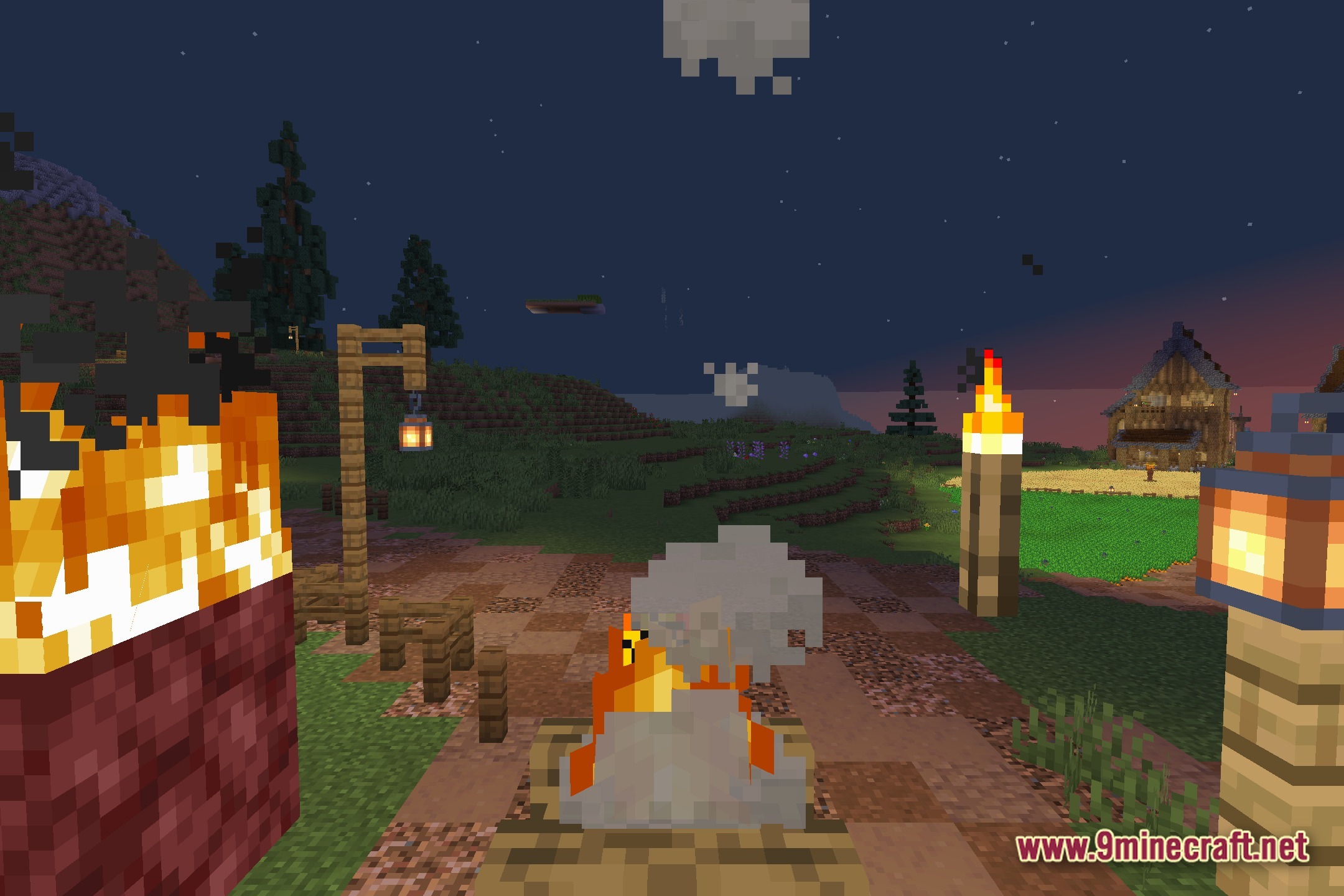
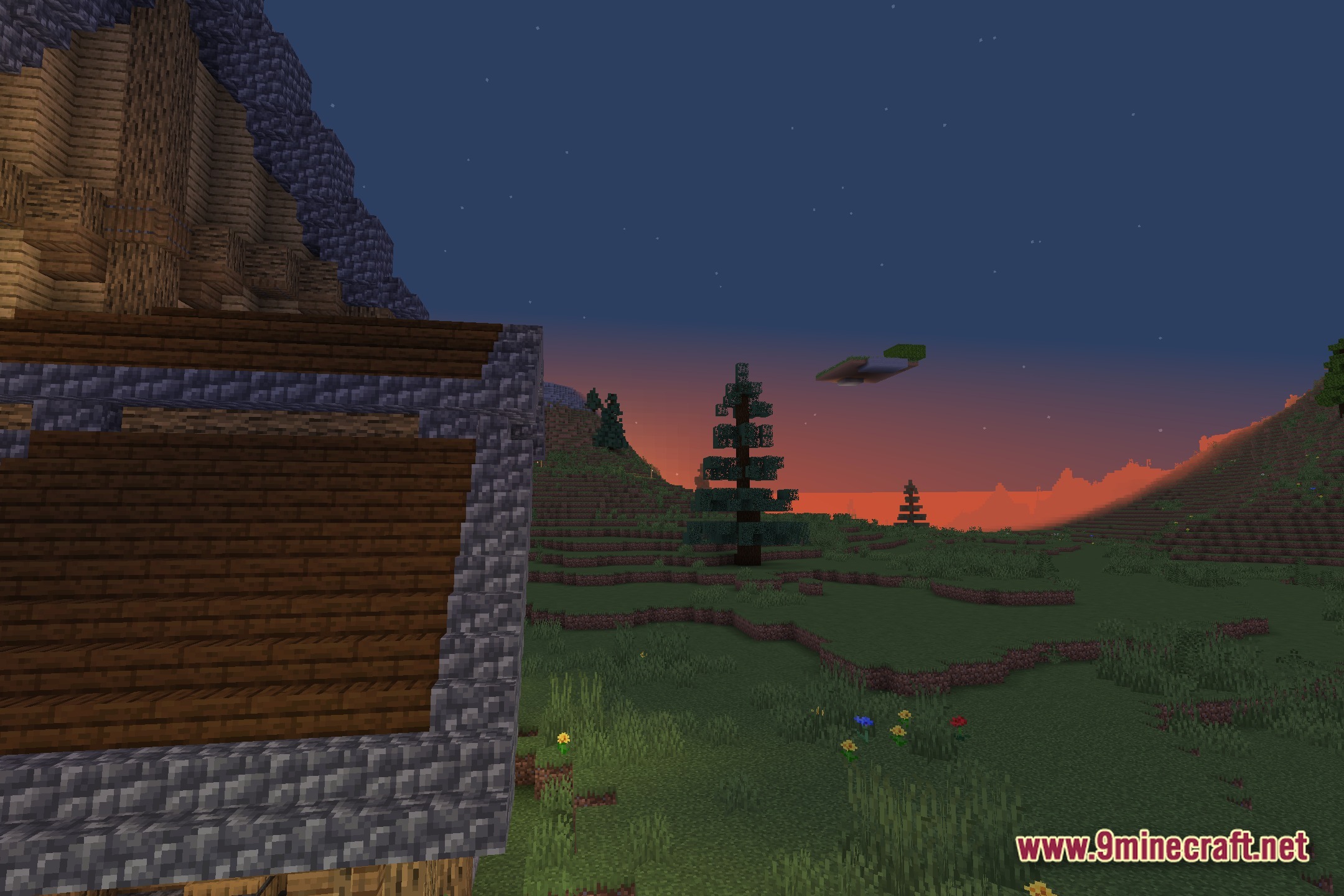
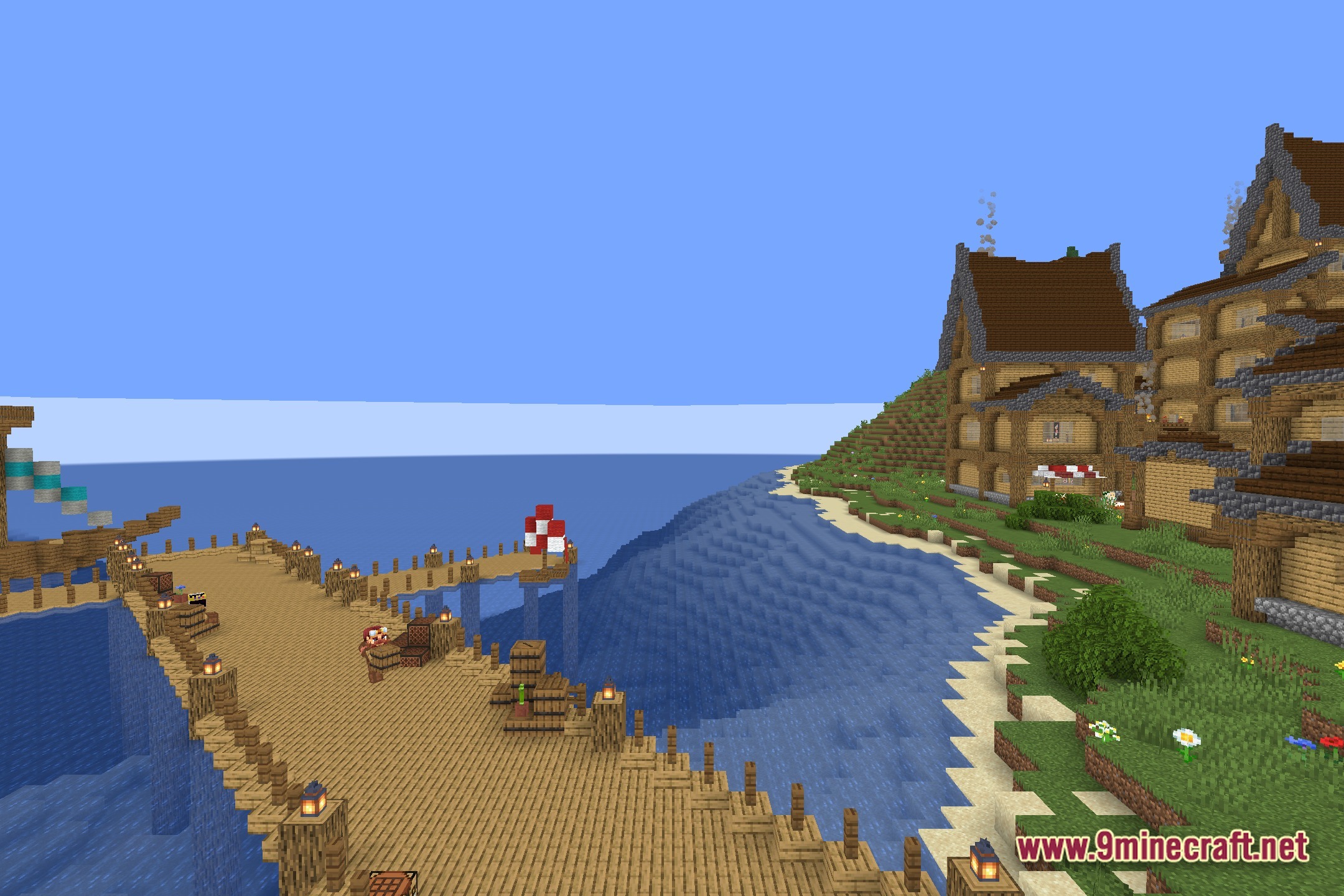
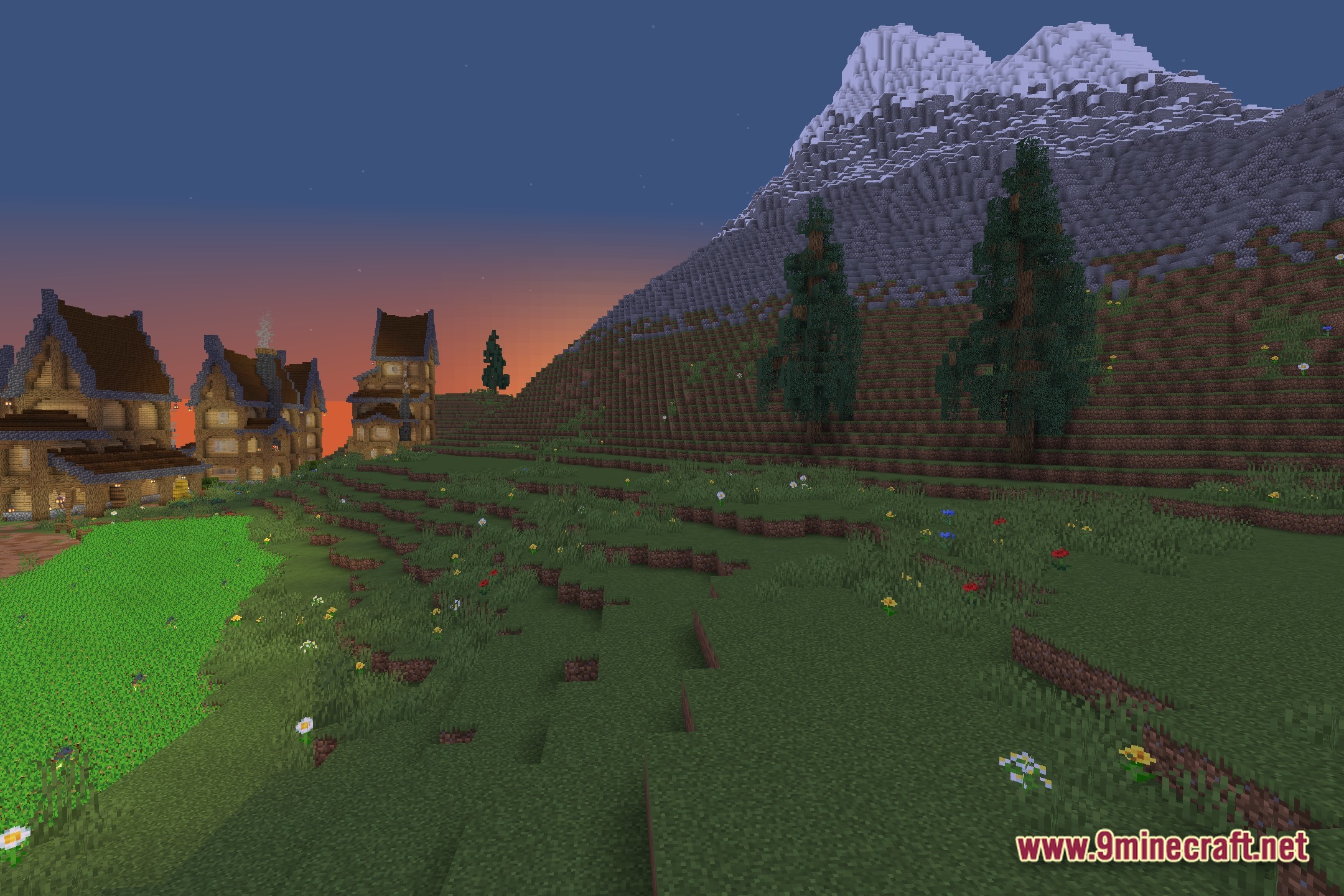
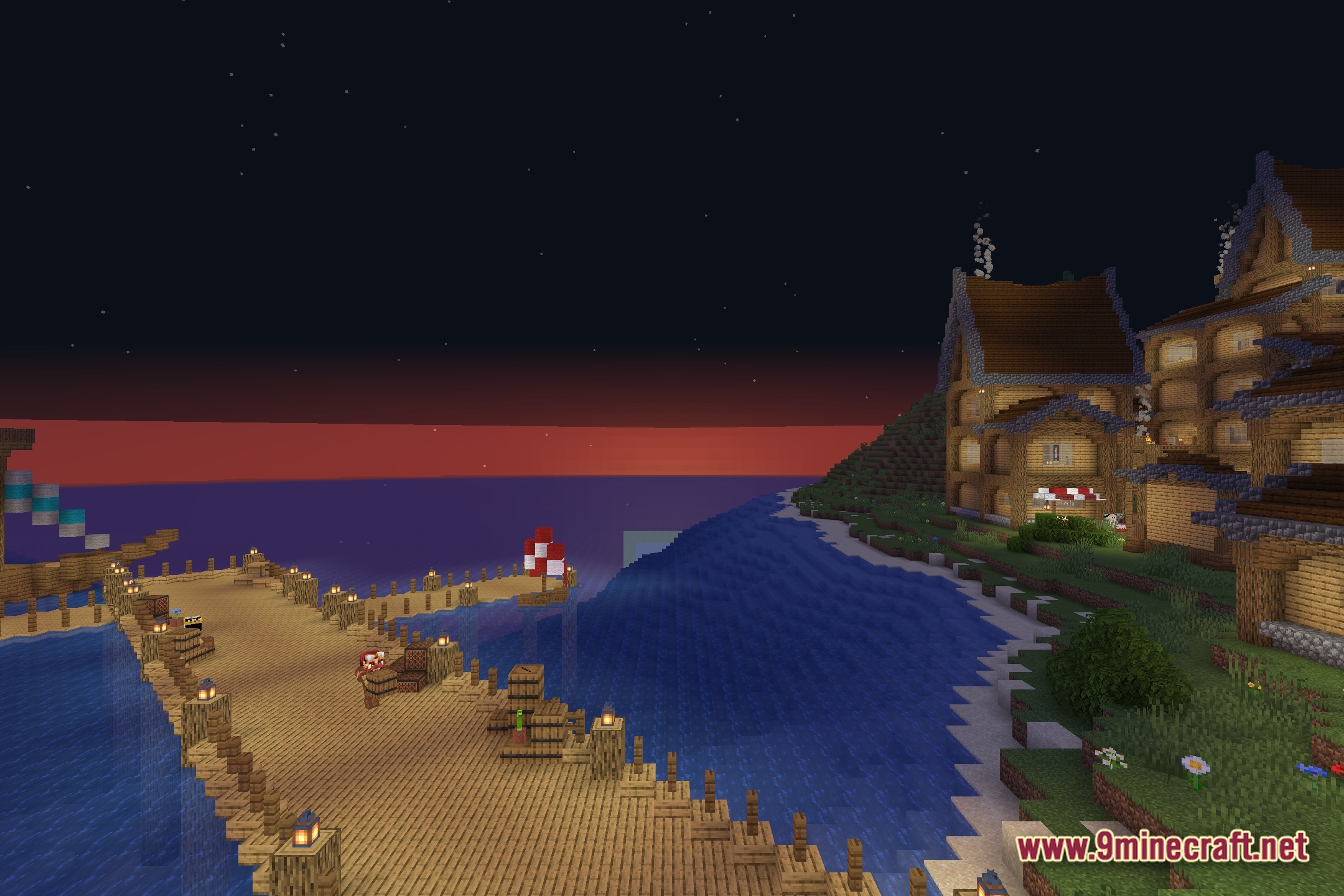
No Light No Color! changes how blocks look when it gets dark. This shader drains the color out of the world as the light level drops. When you walk into a cave or wait for the sun to go down, everything slowly turns black and white. It gives the game a spooky feeling. You need to keep torches nearby if you want to see normal colors.
Features:
- Changes the color of blocks based on how much light hits them.
- Dark areas turn completely black and white.
- Bright spots near torches or sunlight keep their normal colors.
- Adds a creepy feeling to deep caves and dark nights.
- You must place light sources to see the real colors of your surroundings.
- Makes No Light No Color Shaders perfect for scary maps or hard survival worlds.
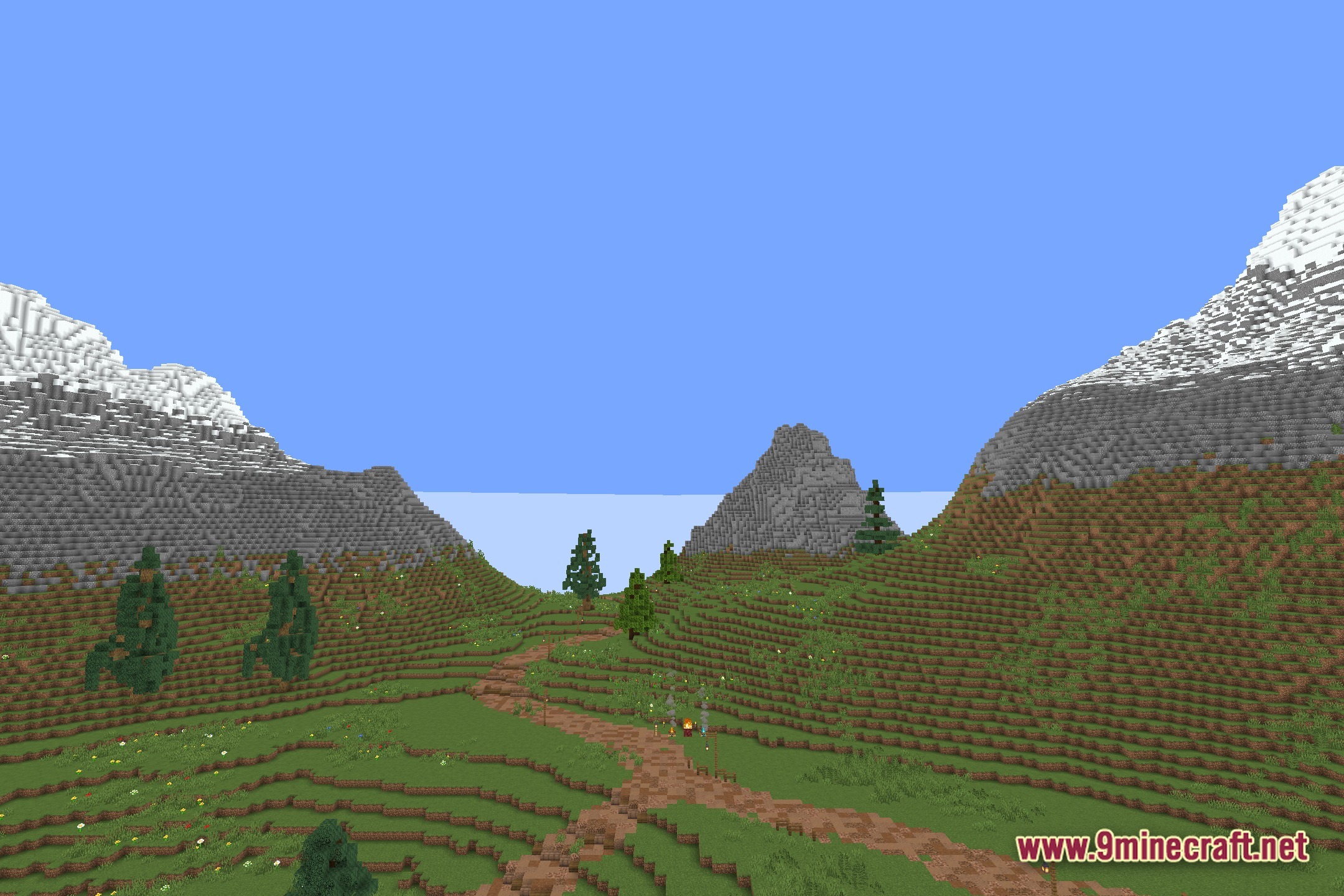
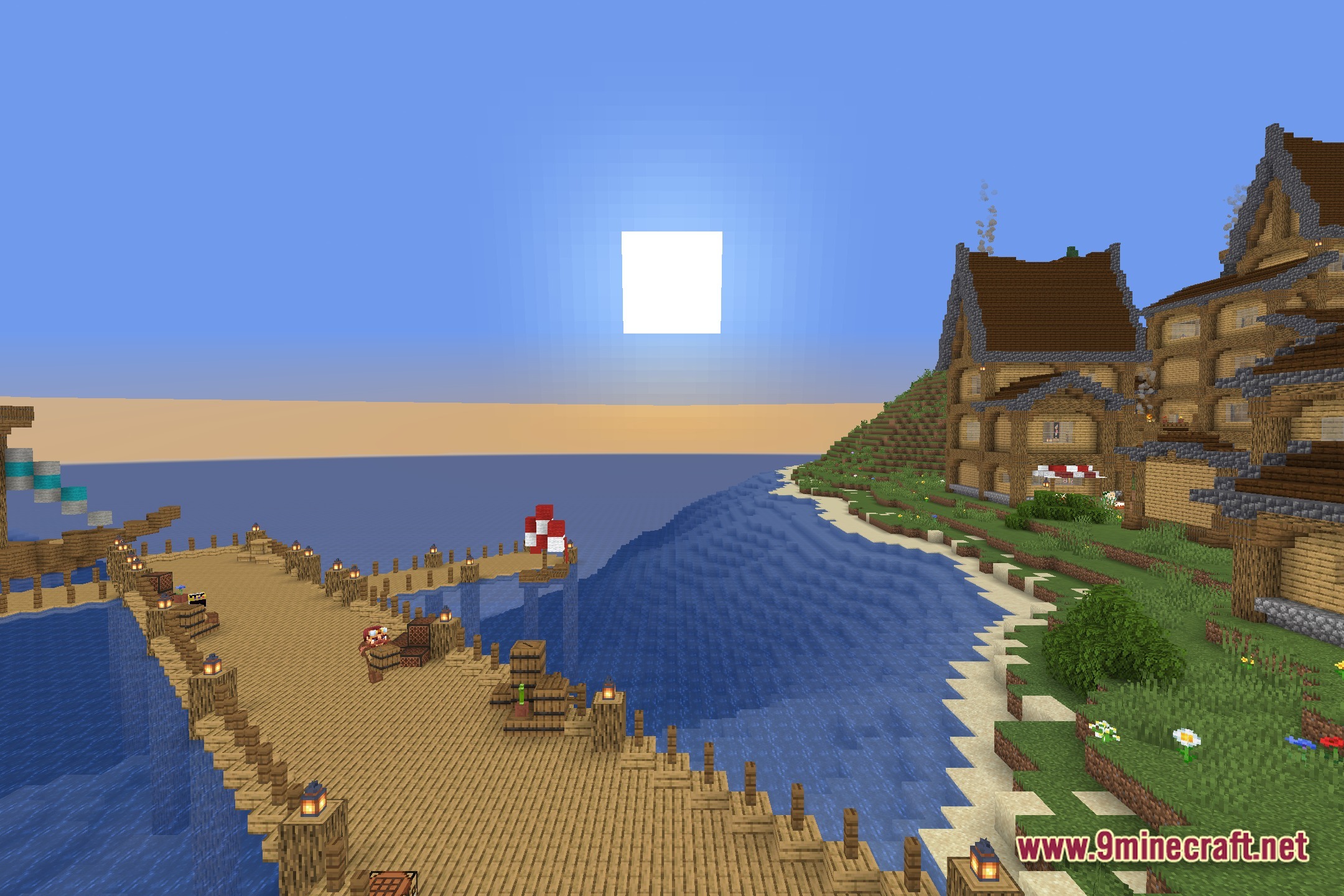
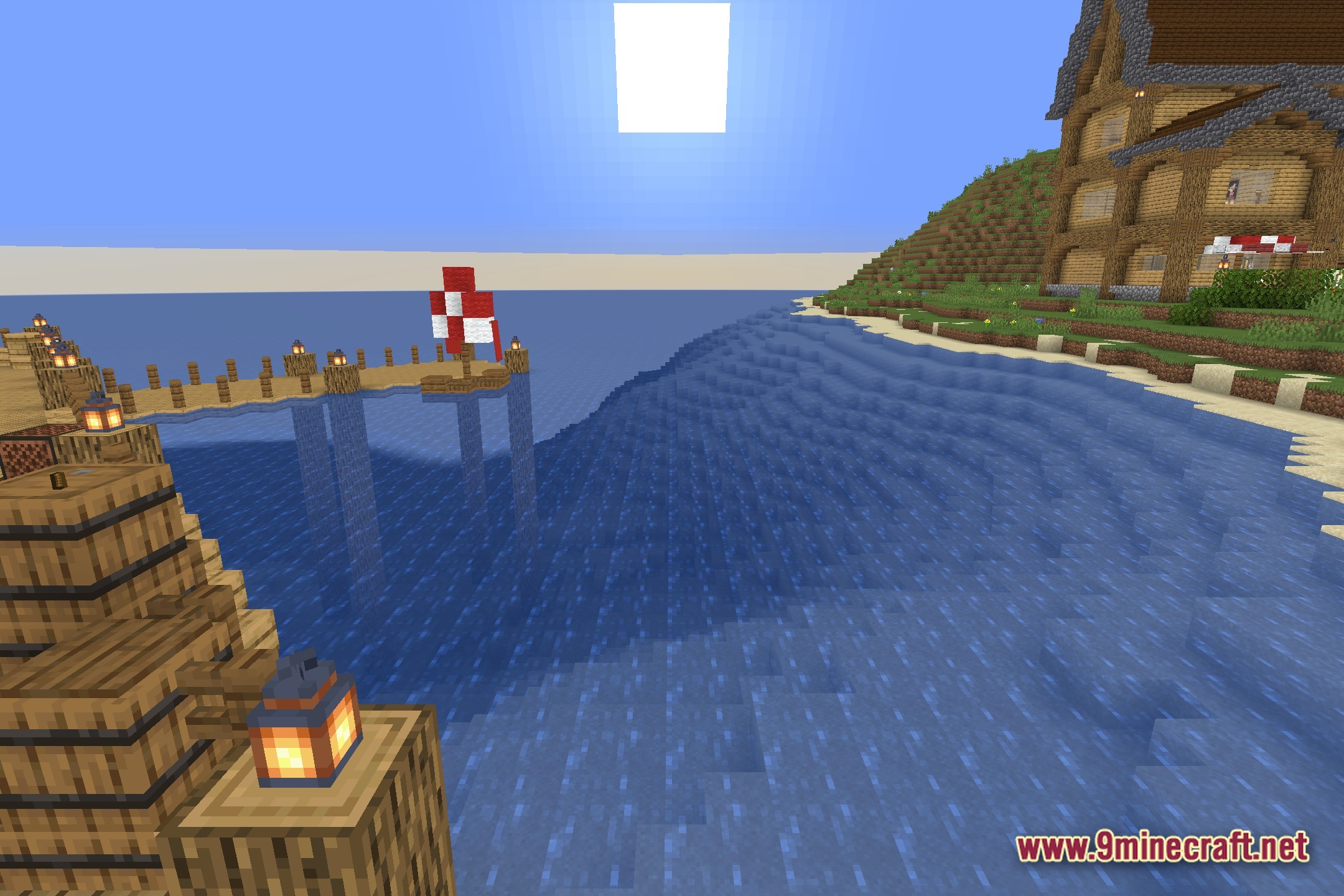
Screenshots:

How to Install:
New to Minecraft? Follow our step-by-step guide to install Shaders on your PC.View Guide
No Light No Color! Shaders Download Links
Click to rate this post!
[Total: 0 Average: 0]
You May Also Like





This post has no comments yet. Be the first — your comment will appear here.