


Warp Book Mod (1.21.1, 1.20.1) – Set Your Own Travel Points
 3,805
3,805
 0
0


🌐 Good news — we've translated this article into other languages!
Or pick the one you like:
Warp Book Mod lets you easily teleport between different places in your world. It adds special items to save locations and travel to them with a click. This mod provides a simple alternative to using server commands like /home and /warp, making it great for survival gameplay.

Features:
- Adds a Warp Potion that can be tied to a specific location. Drinking it teleports you there.
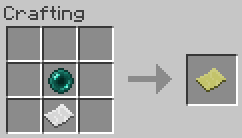
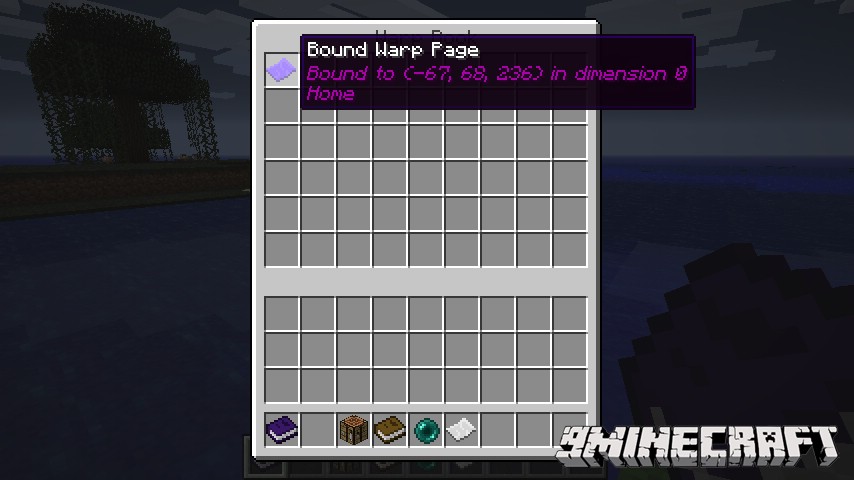
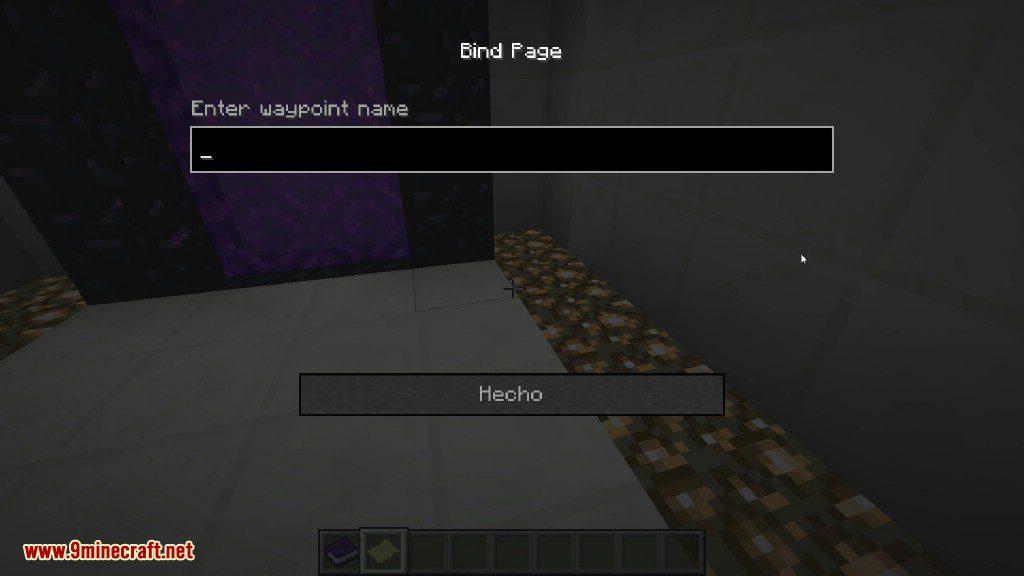
- Craft a Warp Page to save your coordinates. Just right-click with it in your hand.
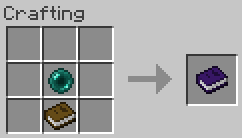
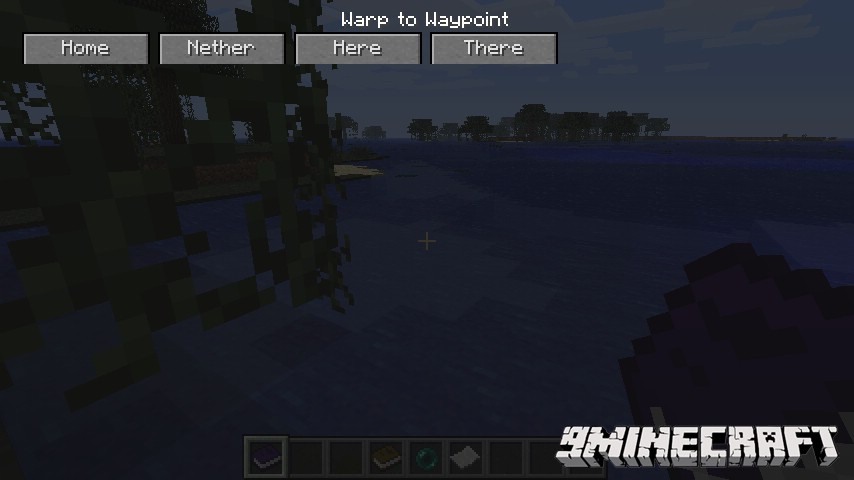
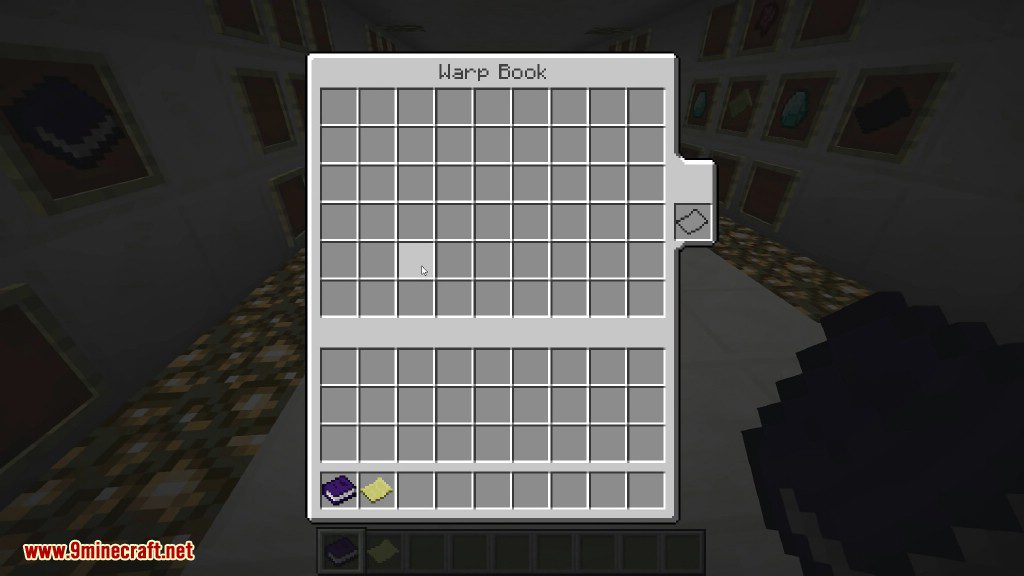
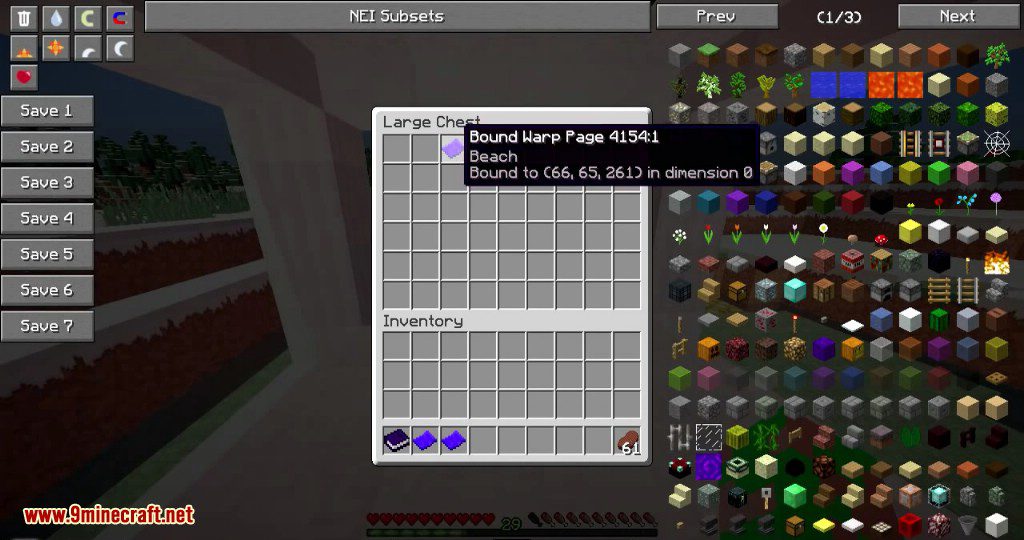
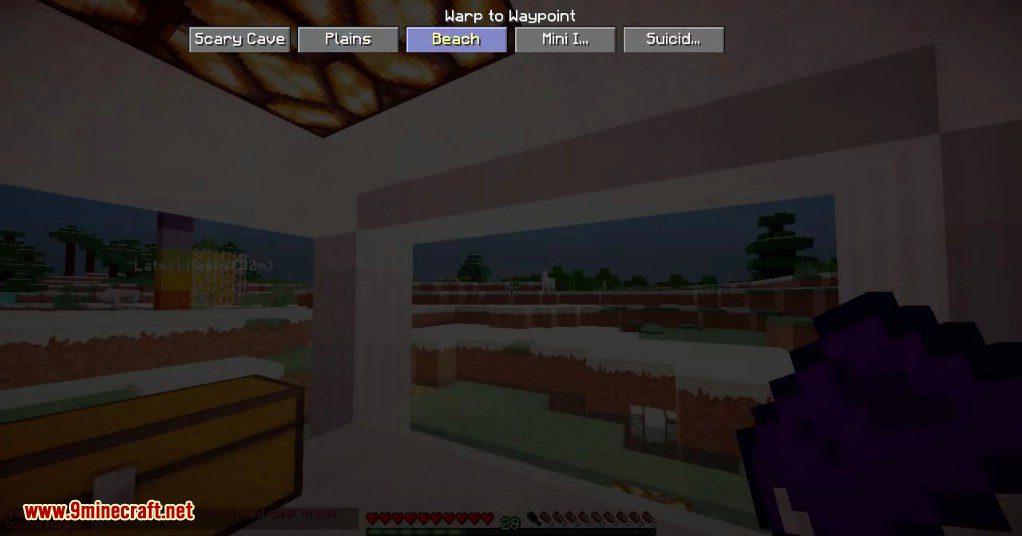
- Use a Warp Book to hold all your Warp Pages. Right-clicking the book opens a menu of your saved waypoints.
- Build a Warp Book Cloner, a special workbench for copying an entire book so you have a backup.
- Place a permanent Teleport Pad block that activates and teleports you when you walk on it.
How to Use:
- To save a location, right-click while holding a Warp Page.
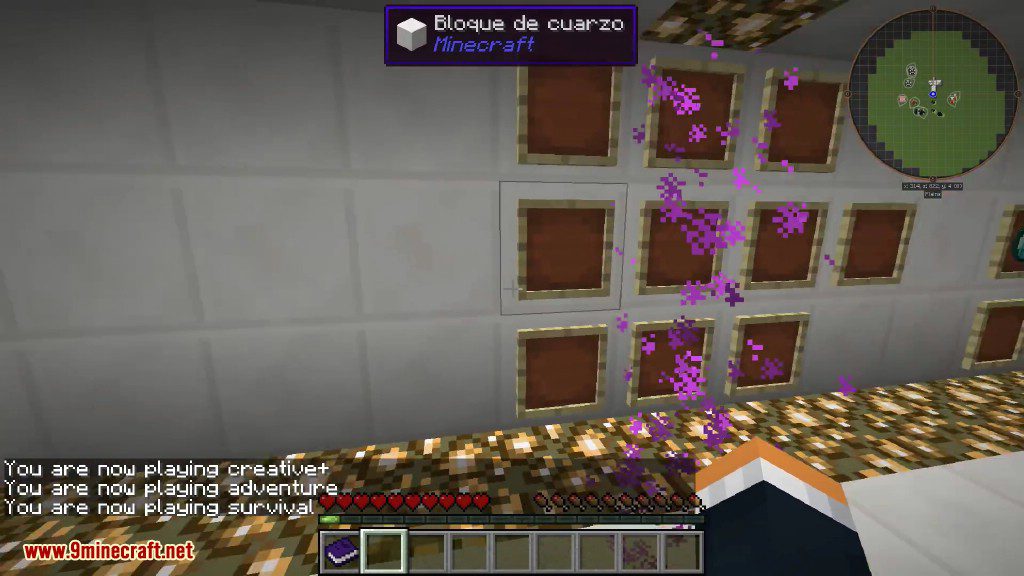
- To add a saved page to your book, hold the Warp Book and sneak-right-click.
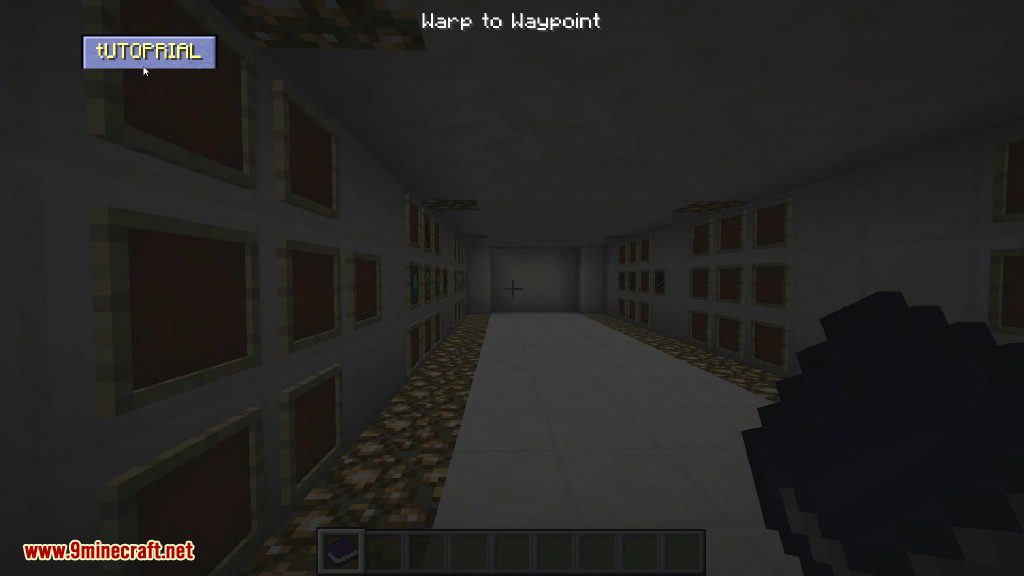
- To travel, right-click with the Warp Book to open the menu and select your destination.
- To set a Teleport Pad’s destination, use a bound Warp Potion on the block.
Crafting Recipes:
Warp Page
Warp Book
Screenshots:
How to Install:
New to Minecraft? Follow our step-by-step guide to install Mods on your PC.View Guide
Warp Book Mod Download Links
For Minecraft 1.6.4
For Minecraft 1.7.2
For Minecraft 1.7.10
For Minecraft 1.8.0
For Minecraft 1.8.9
For Minecraft 1.21.1, 1.21
NeoForge Version: Download from Server 1 – Download from Server 2
For Minecraft 1.20.1, 1.20
Forge Version: Download from Server 1 – Download from Server 2
For Minecraft 1.12.2
Click to rate this post!
[Total: 1 Average: 5]
You May Also Like












This post has no comments yet. Be the first — your comment will appear here.