


Current Game Music Track Mod (26.2, 1.20.1) – Identify In-Game Music

 0
0 

Over the years, the Minecraft in-game music library has increased by a lot. There would be situations where you are casually playing the game and the in-game music just catches your attention. There is plenty of in-game music, it will be hard for you to browse through the internet and find the specific one you are interested in. But not anymore! Current Game Music Track Mod allows you to easily identify the in-game music that is currently playing. This is done by showing a text overlay whenever a new track begins to play. You can use the config file to configure the location, duration, color and behavior of the text overlay to your liking.
Features:
- Identify in-game music with ease.
- No more browsing through tons of tracks to find the specific one.
- Text overlay showing the name of the track.
- Text overlay is highly configurable.
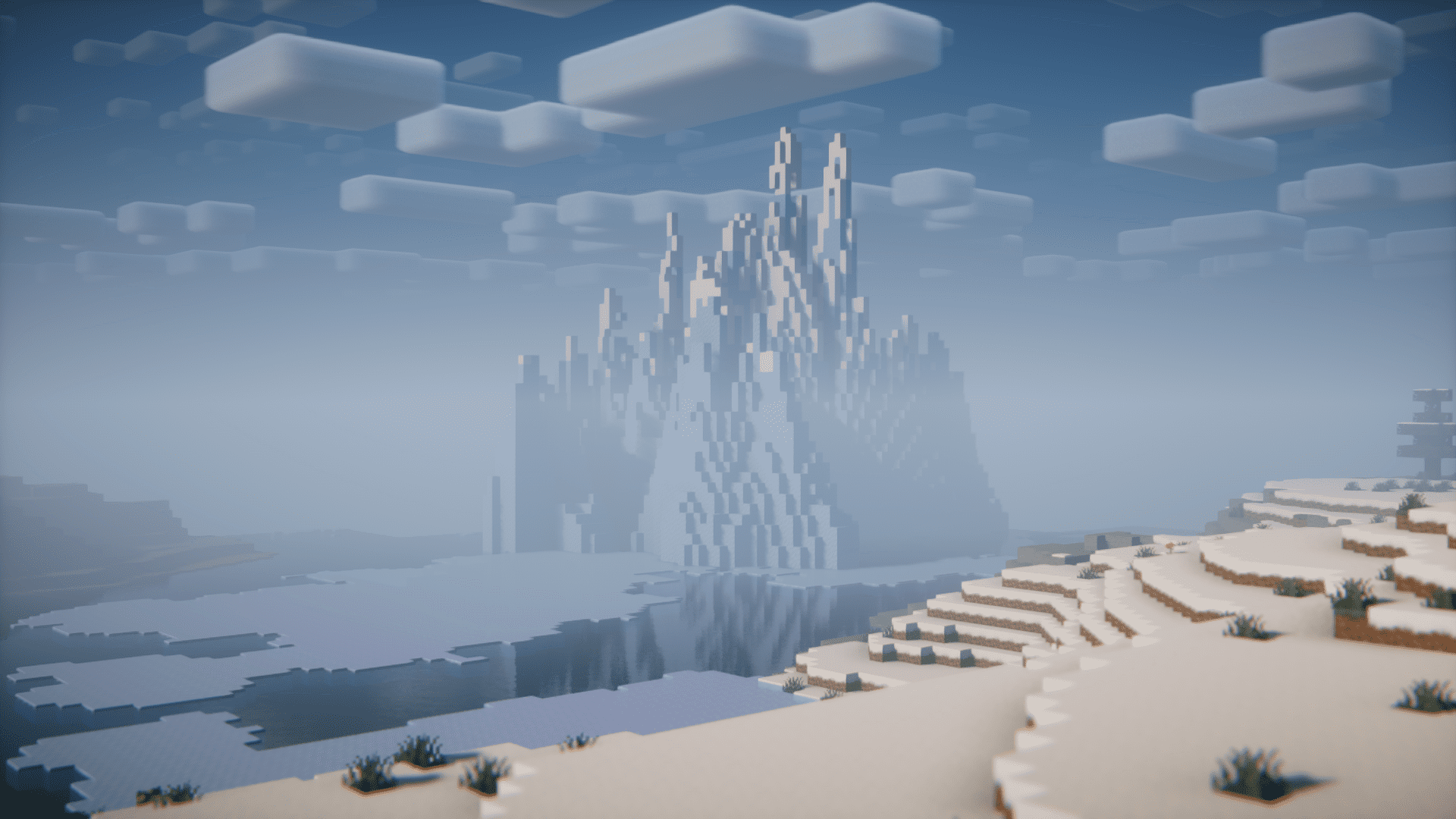
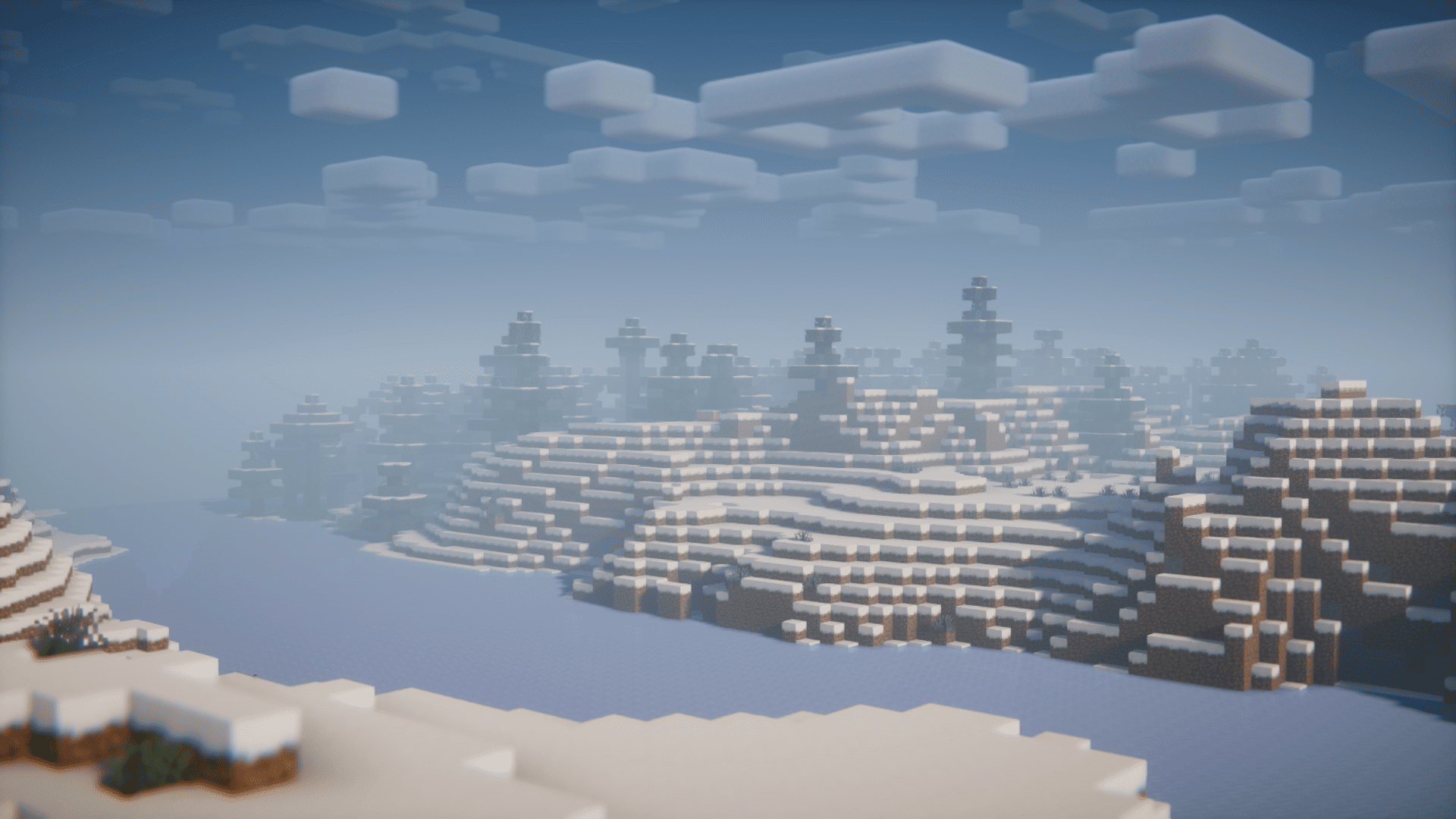
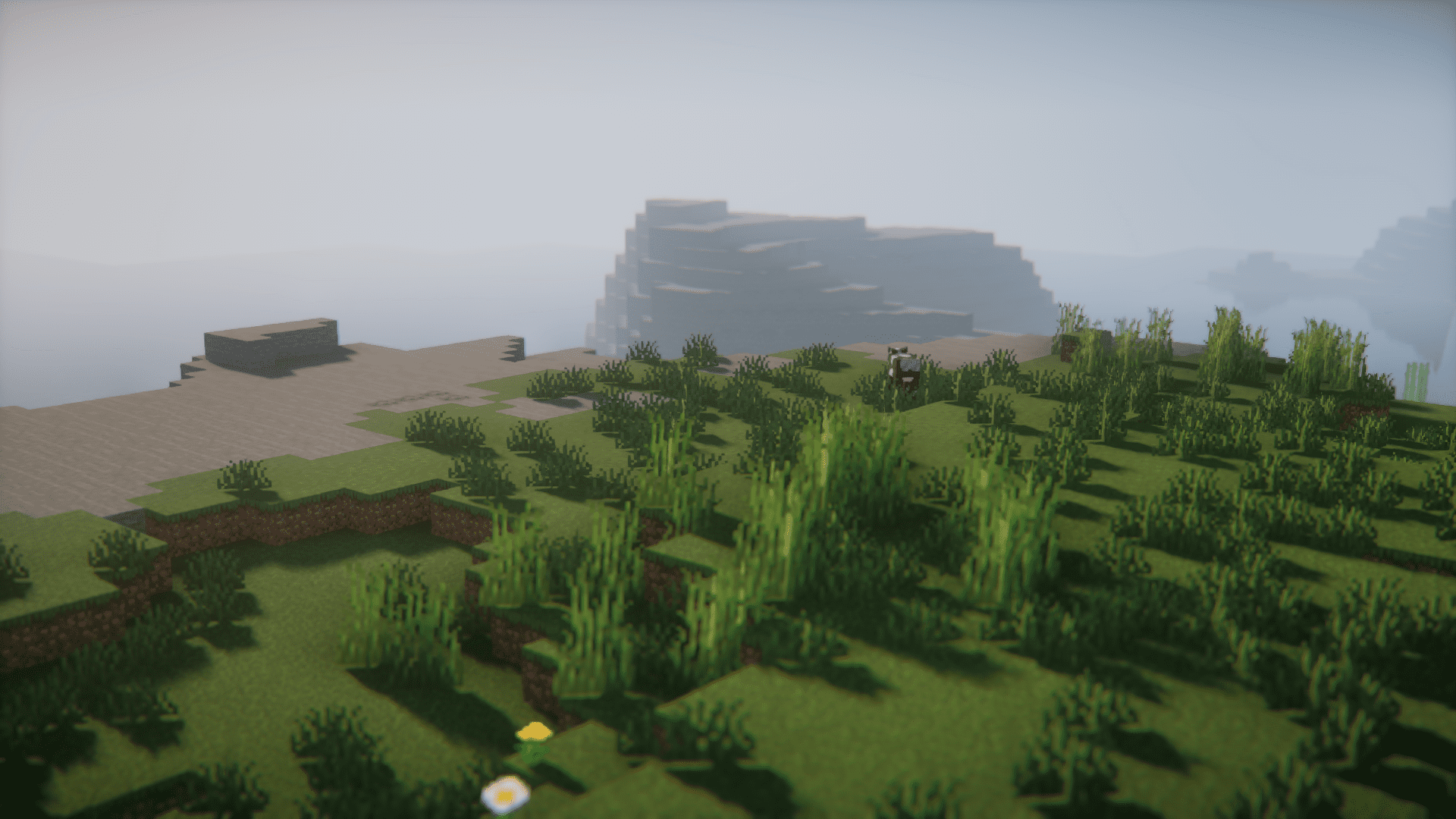
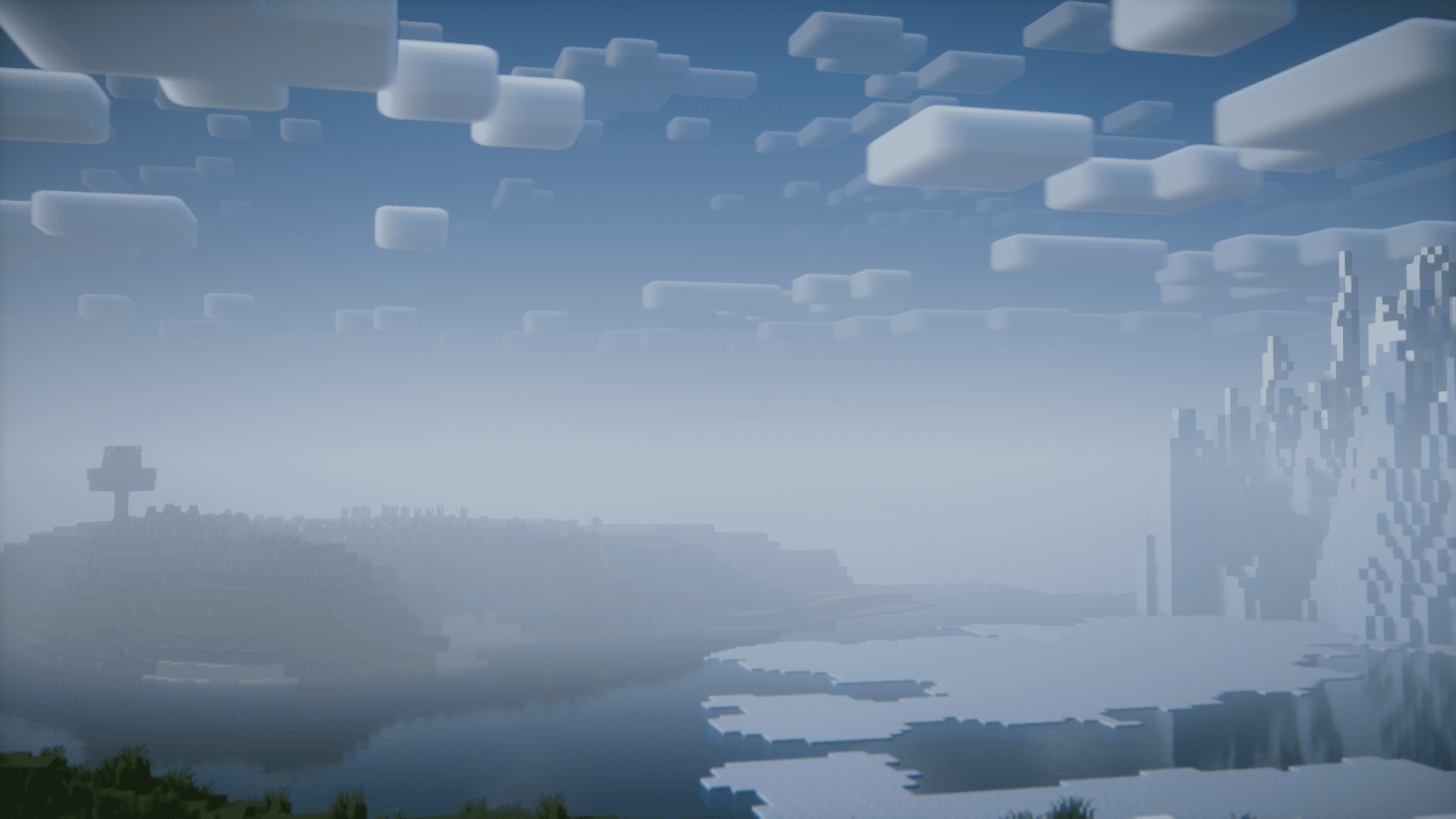
Screenshots:

How to Install:
New to Minecraft? Follow our step-by-step guide to install Mods on your PC.View Guide
Requirements:





Current Game Music Track Mod Download Links
For Minecraft 26.2
For Minecraft 26.1.2, 26.1.1, 26.1
For Minecraft
1.21.11,
1.21.10,
1.21.9
All Versions Covered
1.21.11
1.21.10
1.21.9
1.21.8
1.21.7
1.21.6
1.21.5
1.21.4
1.21.1
1.21
All Versions Covered
1.21.11
1.21.10
1.21.9
1.21.8
1.21.7
1.21.6
1.21.5
1.21.4
1.21.1
1.21
For Minecraft 1.21.5
For Minecraft 1.21.4
For Minecraft 1.21.3, 1.21.2
For Minecraft 1.21.1, 1.21
For Minecraft 1.20.6
For Minecraft 1.20.5
For Minecraft 1.20.4
For Minecraft 1.20.2
For Minecraft 1.20.1, 1.20
For Minecraft 1.19.2
For Minecraft 1.18.2
Click to rate this post!
[Total: 0 Average: 0]
You May Also Like












This post has no comments yet. Be the first — your comment will appear here.