


Global Options Mod (26.2, 1.20.1) – Common Options

 0
0 

Minecraft has plenty of setting options like auto-jump, mouse sensitivity, field of view, etc. The player chosen values for all of these settings are stored in a file called options.txt within the .minecraft folder. When you have multiple instances of Minecraft, the settings that you have set in one of the instances will not show up for the other. Global Options Mod basically forces the game to share the options.txt file across all instances and therefore synchronize all of your in-game settings.

Features:
- Share options.txt across all instances.
- The options.txt file stores player chosen values for various in-game settings.
- In-game settings will be synchronized for all instances.
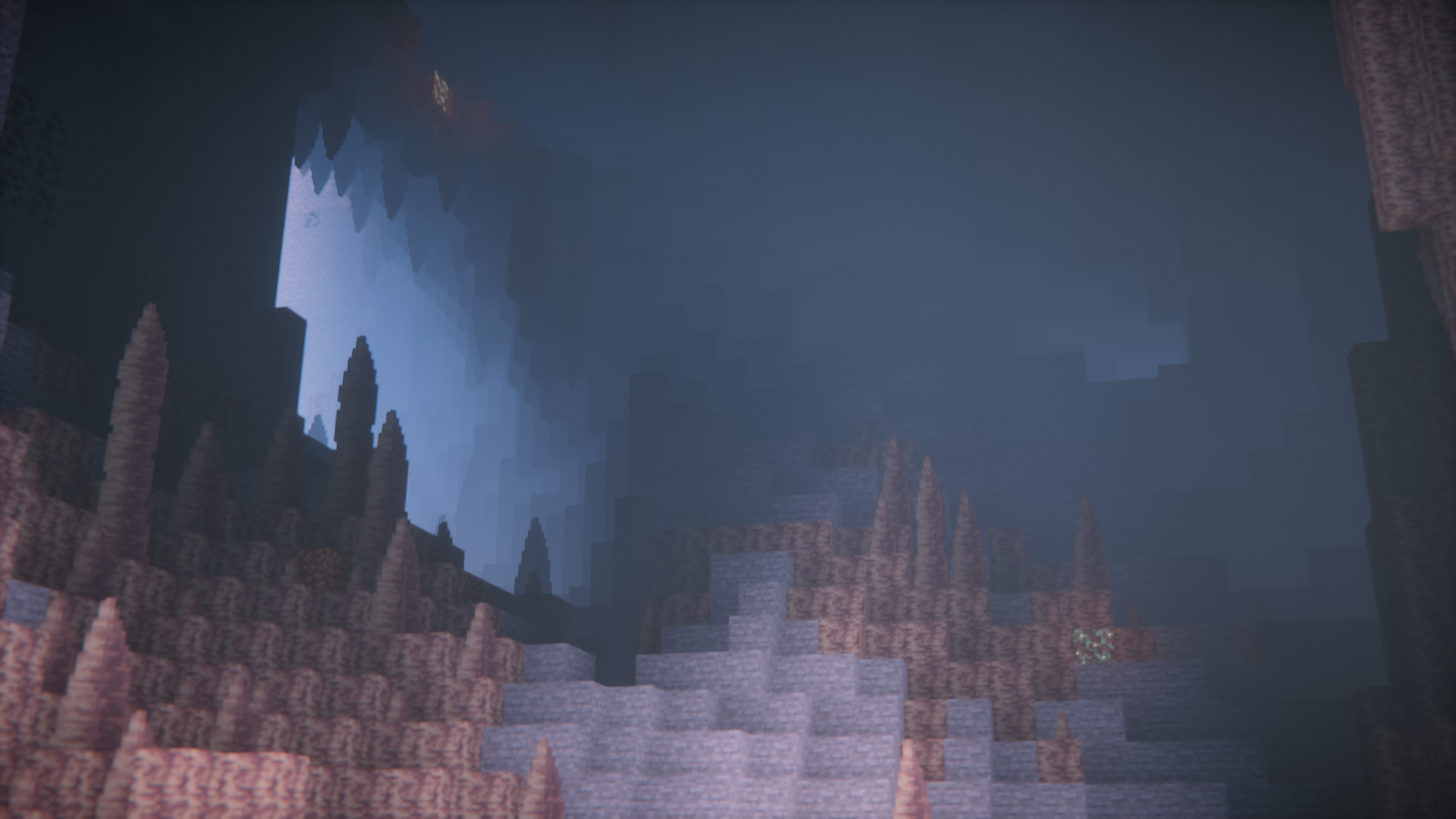
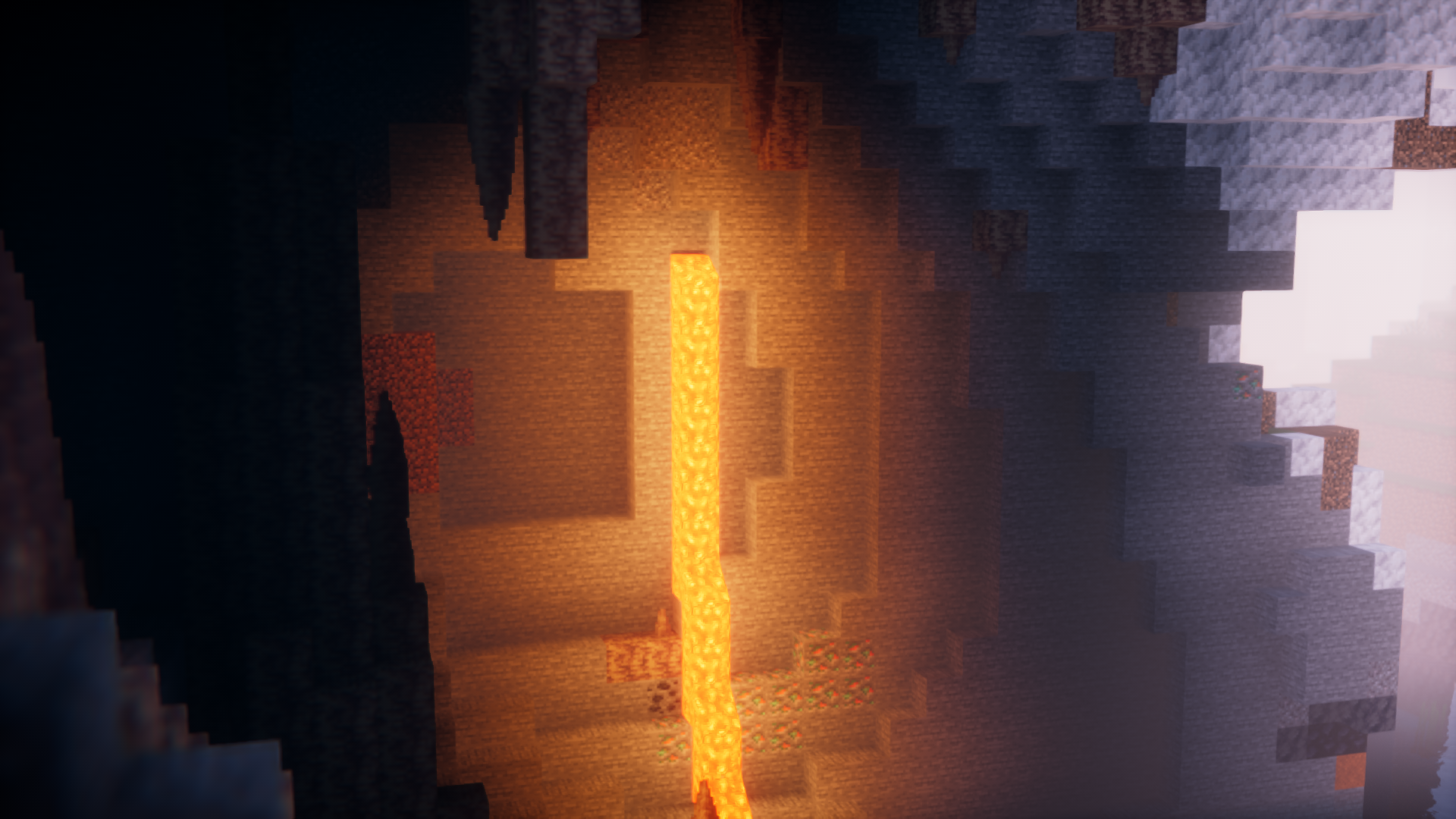
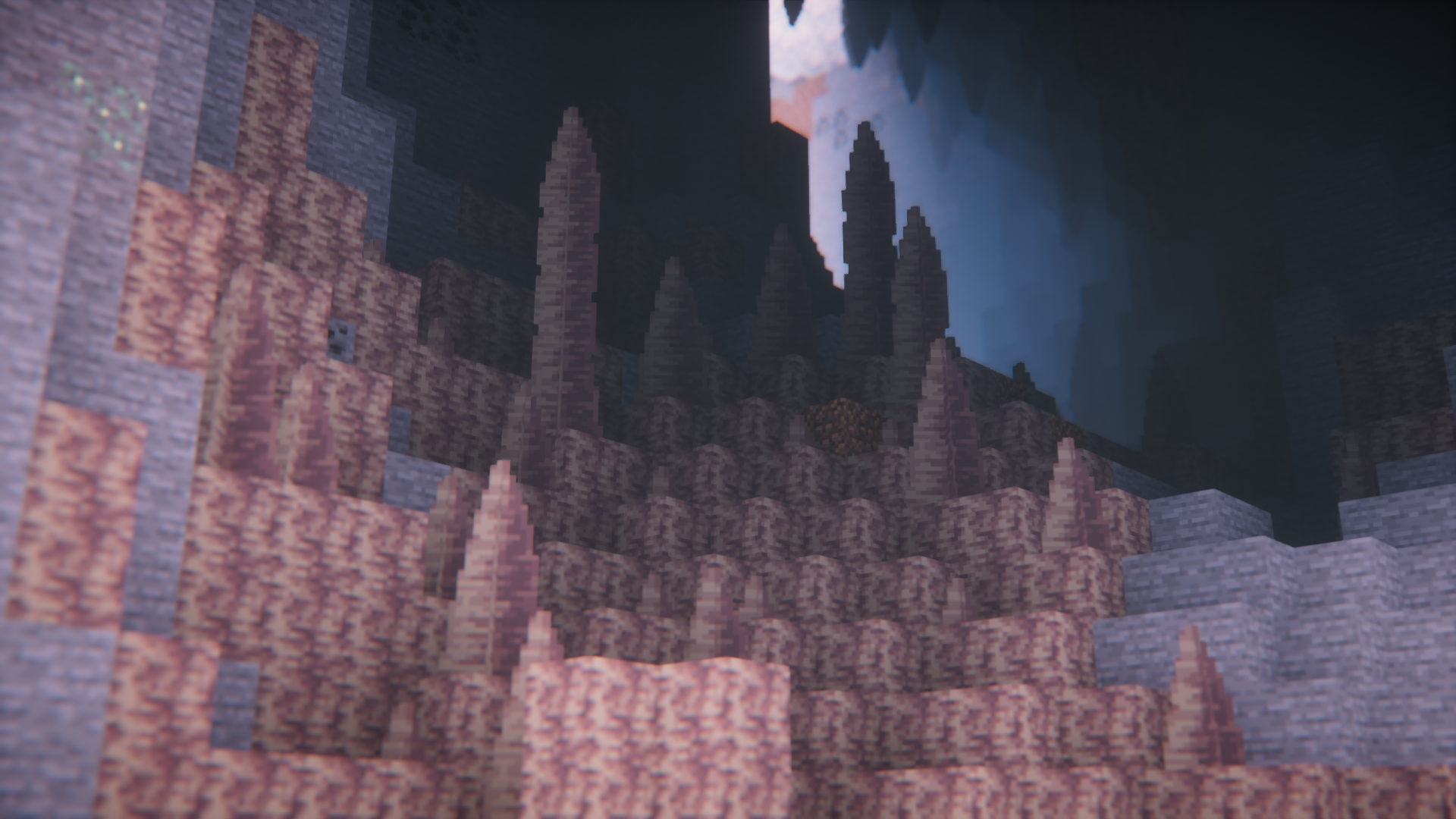
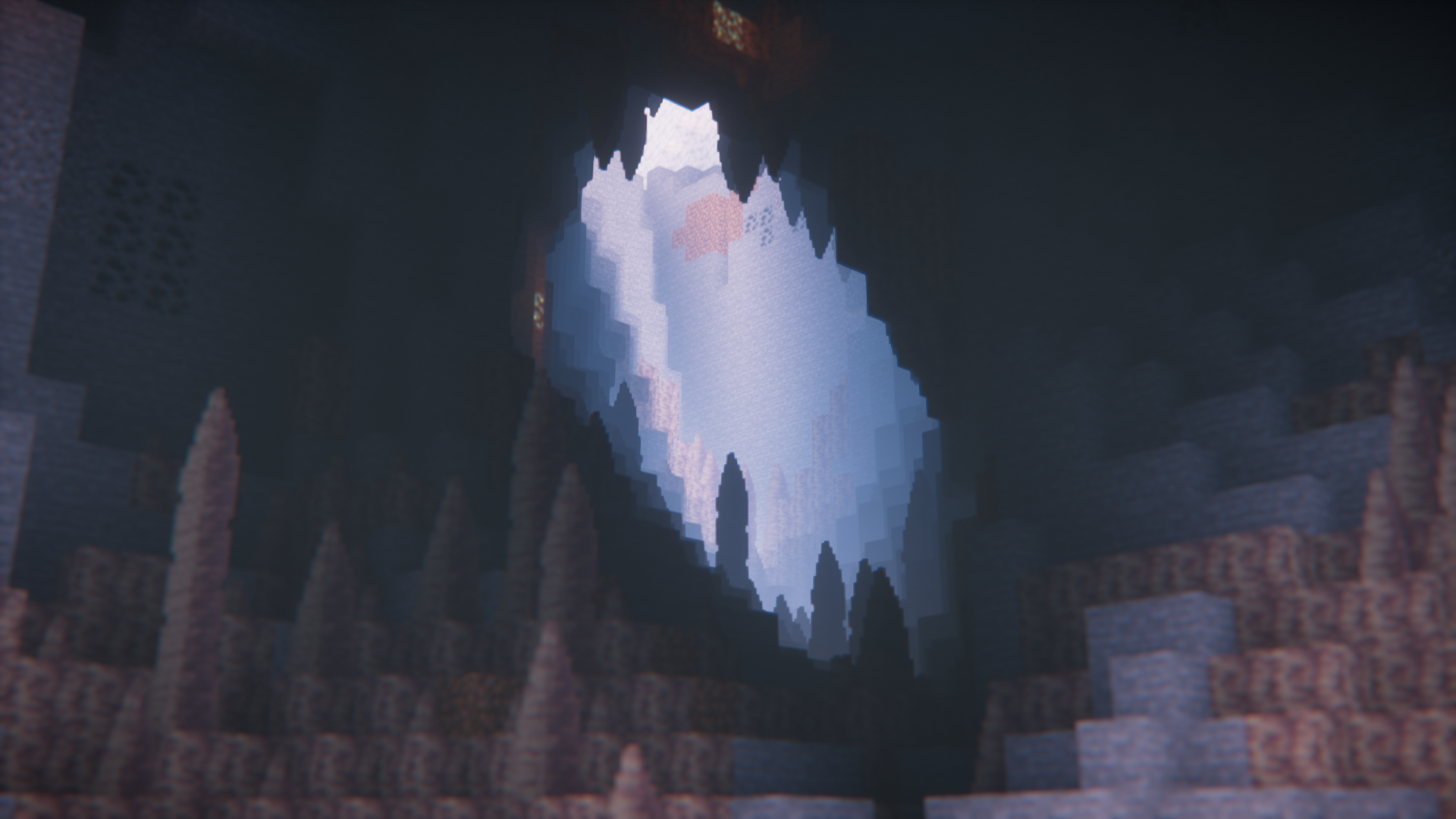
Screenshots:
How to Install:
New to Minecraft? Follow our step-by-step guide to install Mods on your PC.View Guide
Requirements:


Global Options Mod Download Links
For Minecraft
26.2,
1.21.11,
1.21.5
All Versions Covered
26.2
1.21.11
1.21.5
1.21.4
1.20.6
1.20.5
1.20.4
1.20.3
1.20.2
1.20.1
1.20
1.19.4
1.19.3
1.19.2
1.19.1
1.19
1.18.2
1.18.1
1.18
1.17.1
1.17
1.16.5
1.16.4
1.16.3
1.16.2
1.16.1
1.16
1.15.2
1.15.1
1.15
1.14.4
All Versions Covered
26.2
1.21.11
1.21.5
1.21.4
1.20.6
1.20.5
1.20.4
1.20.3
1.20.2
1.20.1
1.20
1.19.4
1.19.3
1.19.2
1.19.1
1.19
1.18.2
1.18.1
1.18
1.17.1
1.17
1.16.5
1.16.4
1.16.3
1.16.2
1.16.1
1.16
1.15.2
1.15.1
1.15
1.14.4
For Minecraft
26.1.2,
26.1.1,
26.1
All Versions Covered
26.1.2
26.1.1
26.1
1.21.11
1.21.10
1.21.9
1.21.8
1.21.7
1.21.6
1.21.5
1.21.4
1.21.3
1.21.2
1.21.1
1.21
1.20.6
1.20.5
1.20.4
1.20.3
1.20.2
1.20.1
1.20
1.19.4
1.19.3
1.19.2
1.19.1
1.19
1.18.2
1.18.1
1.18
1.17.1
1.17
1.16.5
1.16
1.15.2
1.15.1
1.15
1.14.4
All Versions Covered
26.1.2
26.1.1
26.1
1.21.11
1.21.10
1.21.9
1.21.8
1.21.7
1.21.6
1.21.5
1.21.4
1.21.3
1.21.2
1.21.1
1.21
1.20.6
1.20.5
1.20.4
1.20.3
1.20.2
1.20.1
1.20
1.19.4
1.19.3
1.19.2
1.19.1
1.19
1.18.2
1.18.1
1.18
1.17.1
1.17
1.16.5
1.16
1.15.2
1.15.1
1.15
1.14.4
For Minecraft 1.21.10, 1.21.9, 1.14.4
For Minecraft 1.14.4 –> 1.21.11
For Minecraft 1.14.4 –> 1.21.8
For Minecraft 1.14.4 –> 1.21.5
For Minecraft 1.14.4 –> 1.21.3
For Minecraft 1.14.4 –> 1.21.1
Click to rate this post!
[Total: 1 Average: 1]
You May Also Like





This post has no comments yet. Be the first — your comment will appear here.