


LobbyAPI Plugin (1.12.2, 1.8.9) – One Menu for Every World
 500
500
 0
0


🌐 Good news — we've translated this article into other languages!
Or pick the one you like:
LobbyAPI Plugin helps you manage multiple worlds on a server. It gives players a simple, user-friendly menu to teleport between different worlds. This plugin is fully configurable, allowing you to change everything from the menu’s appearance to how worlds interact with each other.

Screenshost:
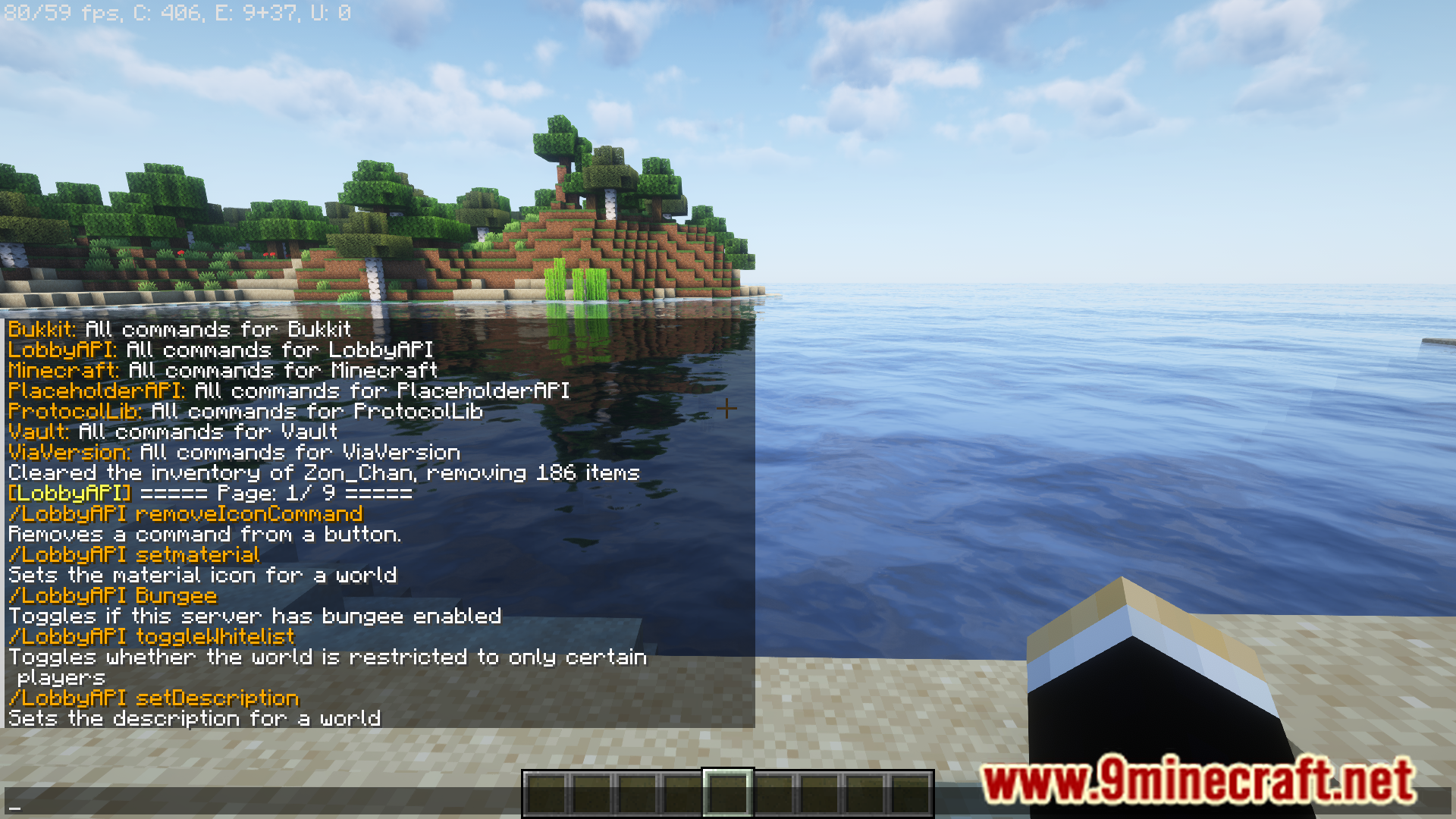
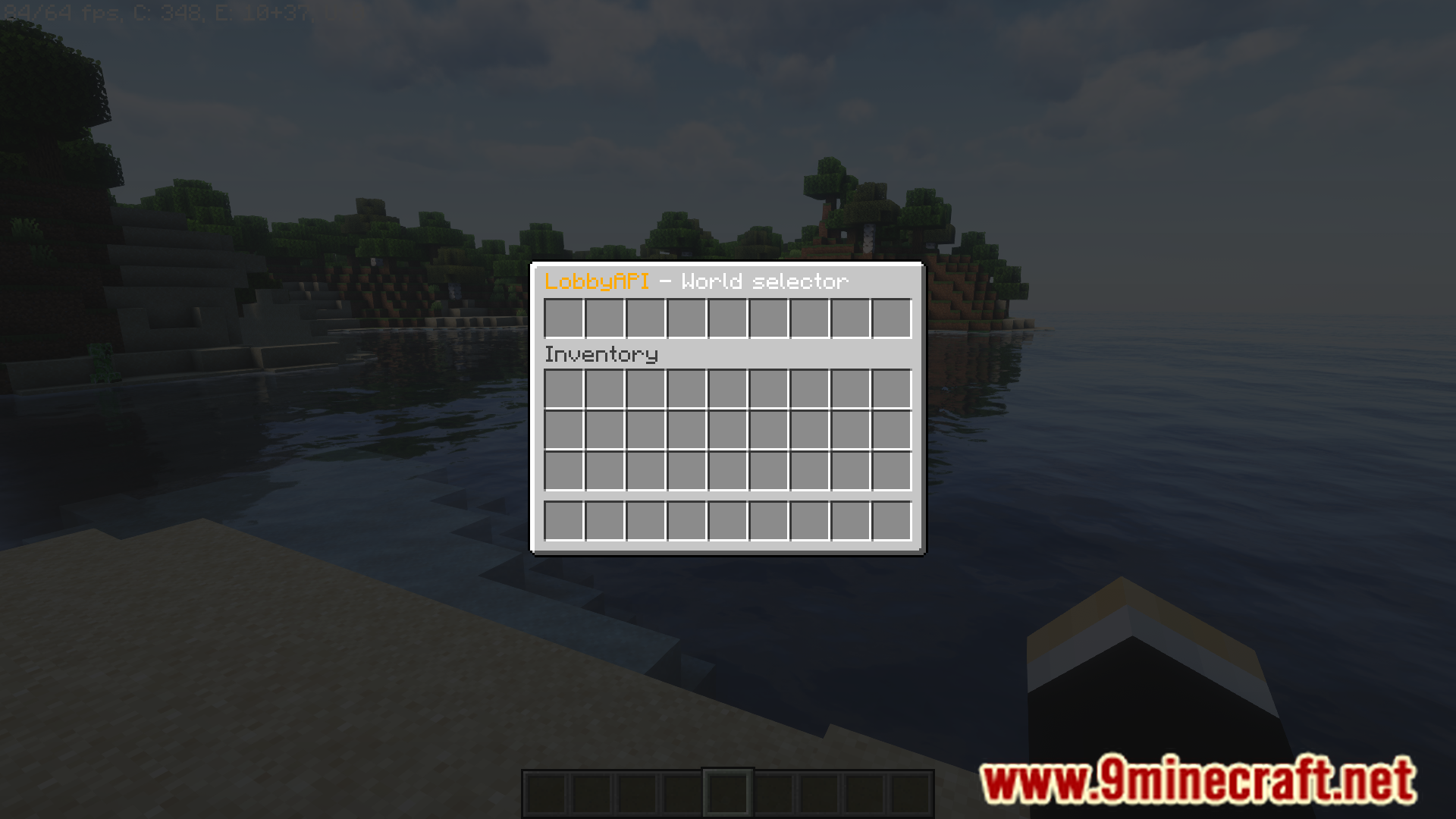
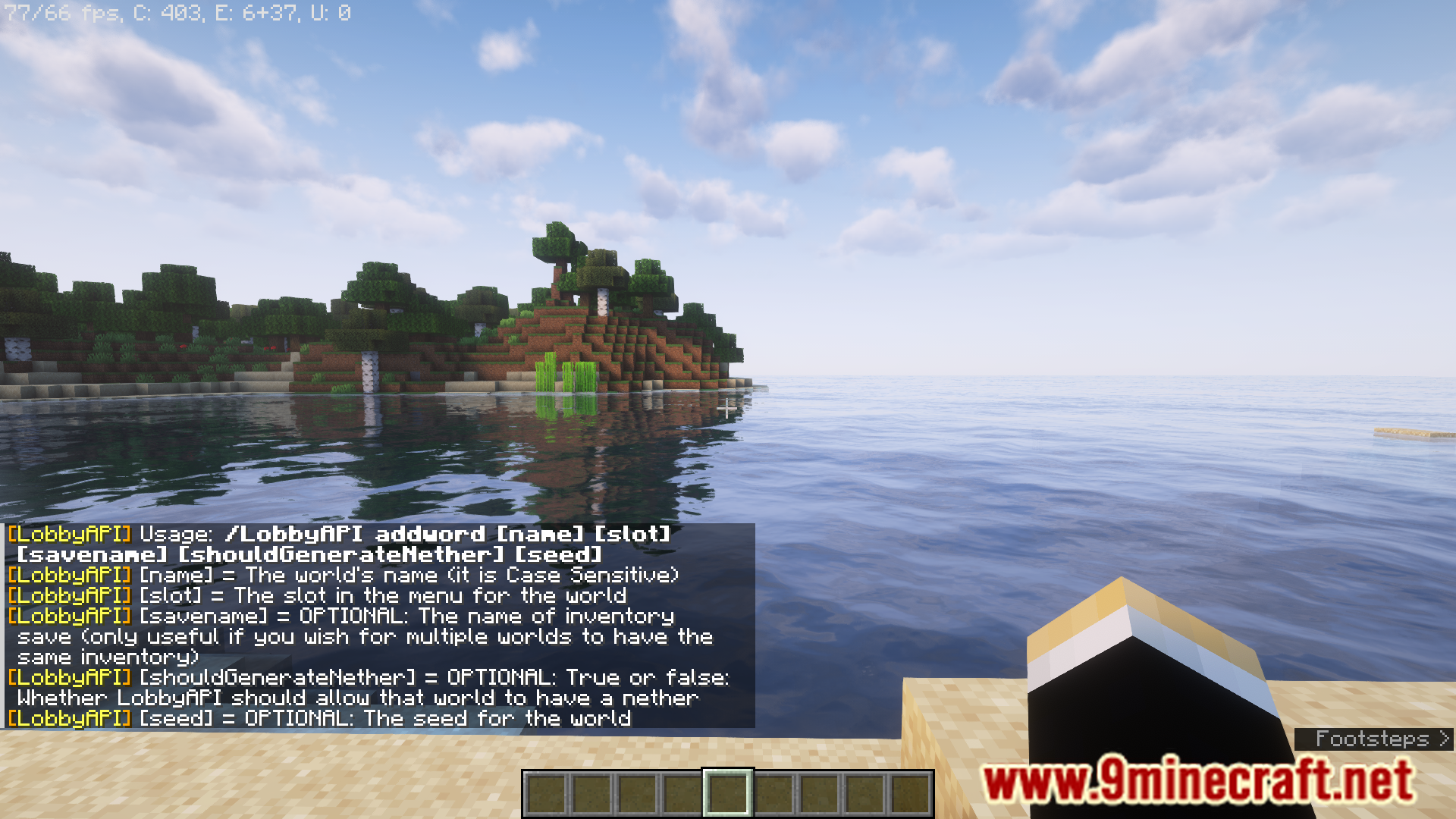
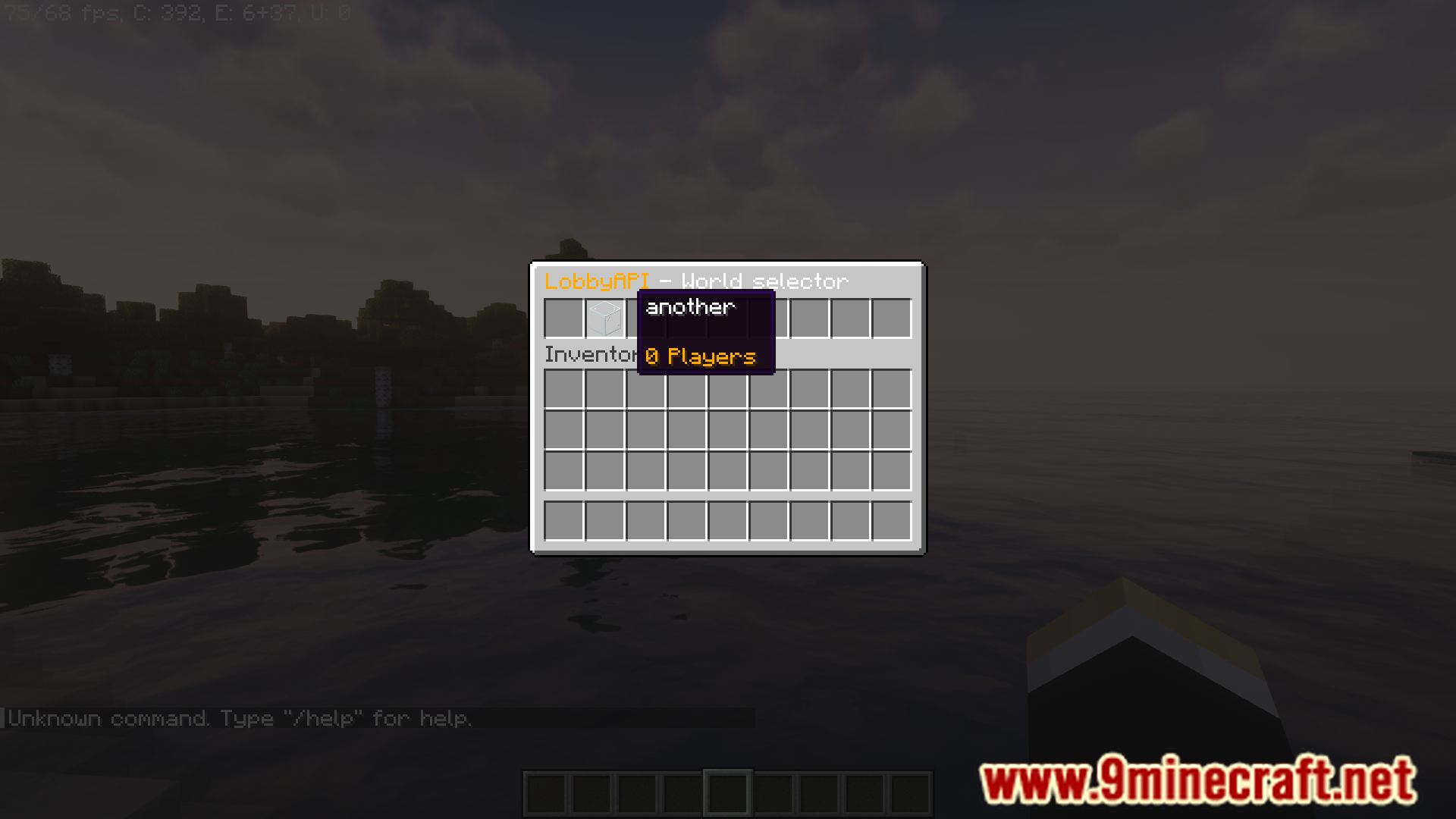
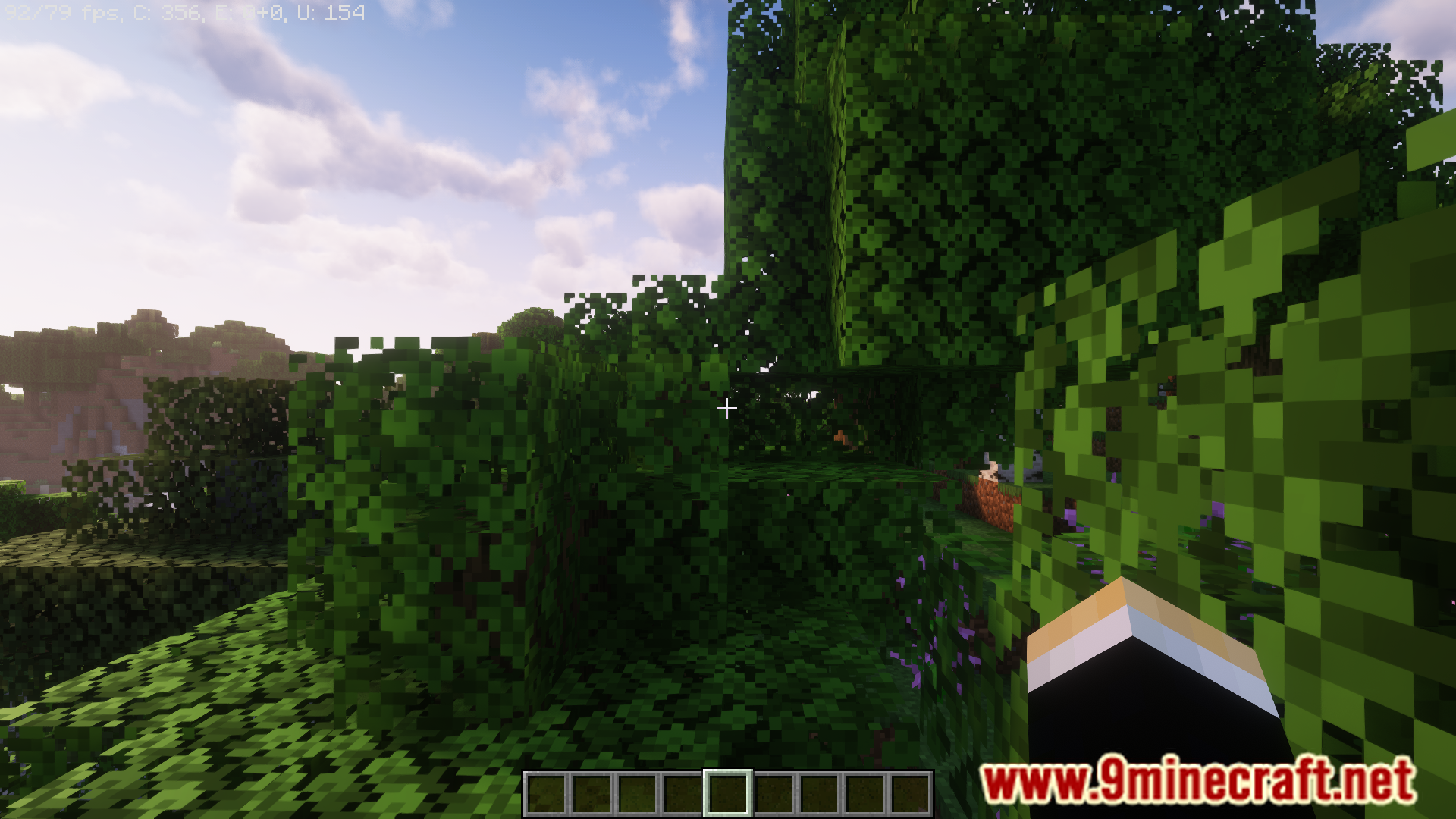
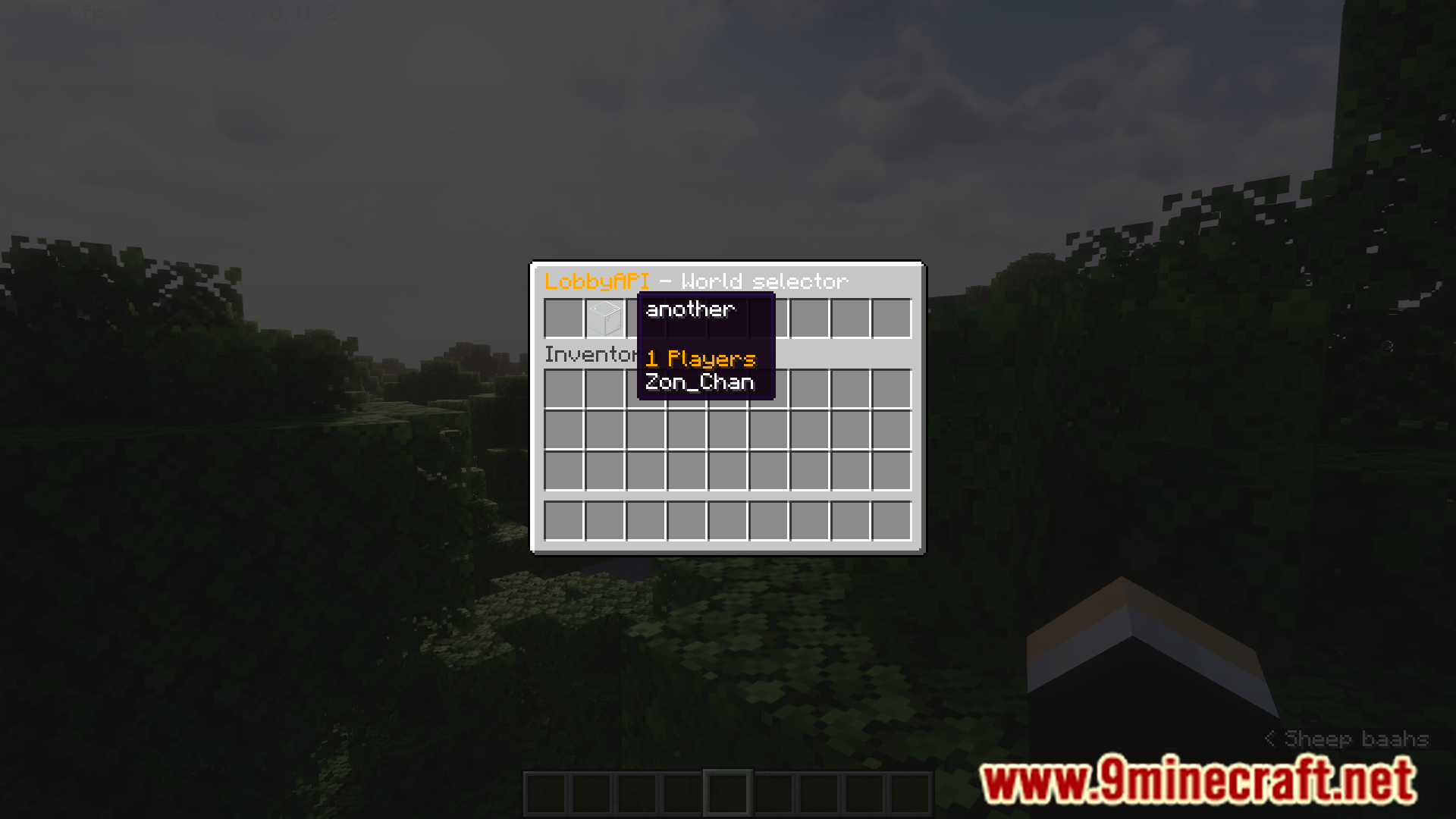
Features:
- Lets players teleport between different worlds using a menu.
- The teleportation menu is fully customizable.
- Shows how many players are currently in each world.
- Allows players to teleport between different servers on a BungeeCord network.
- Customize the icon, description, and other details for each world in the menu.
- Provides tools for other plugins to interact with its teleportation system.
Commands:
/Lobbyor/Hub: Opens the world selection menu./LobbyApi addWorld [world] [slot] [x][y][z]: Adds a new world to the menu./LobbyApi removeWorld [world]: Removes a world from the menu./LobbyApi addServer [server-name] [slot]: Adds a BungeeCord server to the menu./LobbyApi removeServer [server-name]: Removes a server from the menu./LobbyApi listWorlds: Shows a list of all worlds./LobbyApi listServers: Shows a list of all servers./LobbyApi setMaterial: Sets the material used for a world’s icon./LobbyApi setDisplayName: Changes the display name for a world./LobbyApi setDescription: Sets the description for a world./LobbyApi hideWorld: Hides a world from the menu./LobbyApi showWorld: Makes a hidden world visible in the menu again./LobbyApi changeSpawn: Changes the spawn location for a specific world./LobbyApi setGamemode: Sets the default gamemode for a world./LobbyApi goto: Teleports you to the spawn of a specific world.
How to Install:
New to Minecraft? Follow our step-by-step guide to install Plugins on your PC.View Guide
LobbyAPI Plugin Download Links
For All Versions from Minecraft 1.7 to Minecraft 1.14.4
Click to rate this post!
[Total: 0 Average: 0]
You May Also Like













This post has no comments yet. Be the first — your comment will appear here.