


Text Formatting Everywhere Mod (26.1, 1.21.1) – Add Creative Text Formatting Across Minecraft

 0
0 

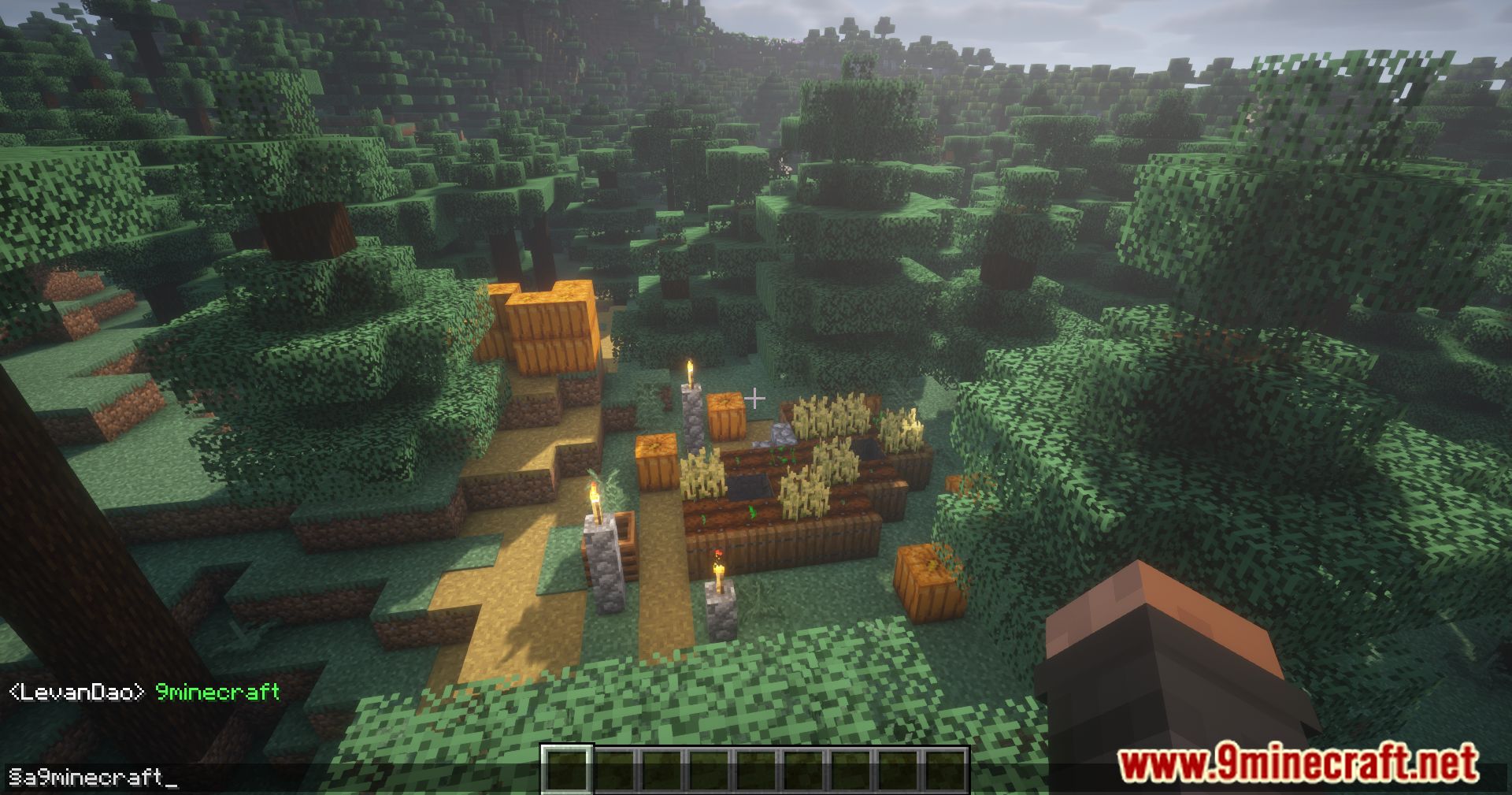
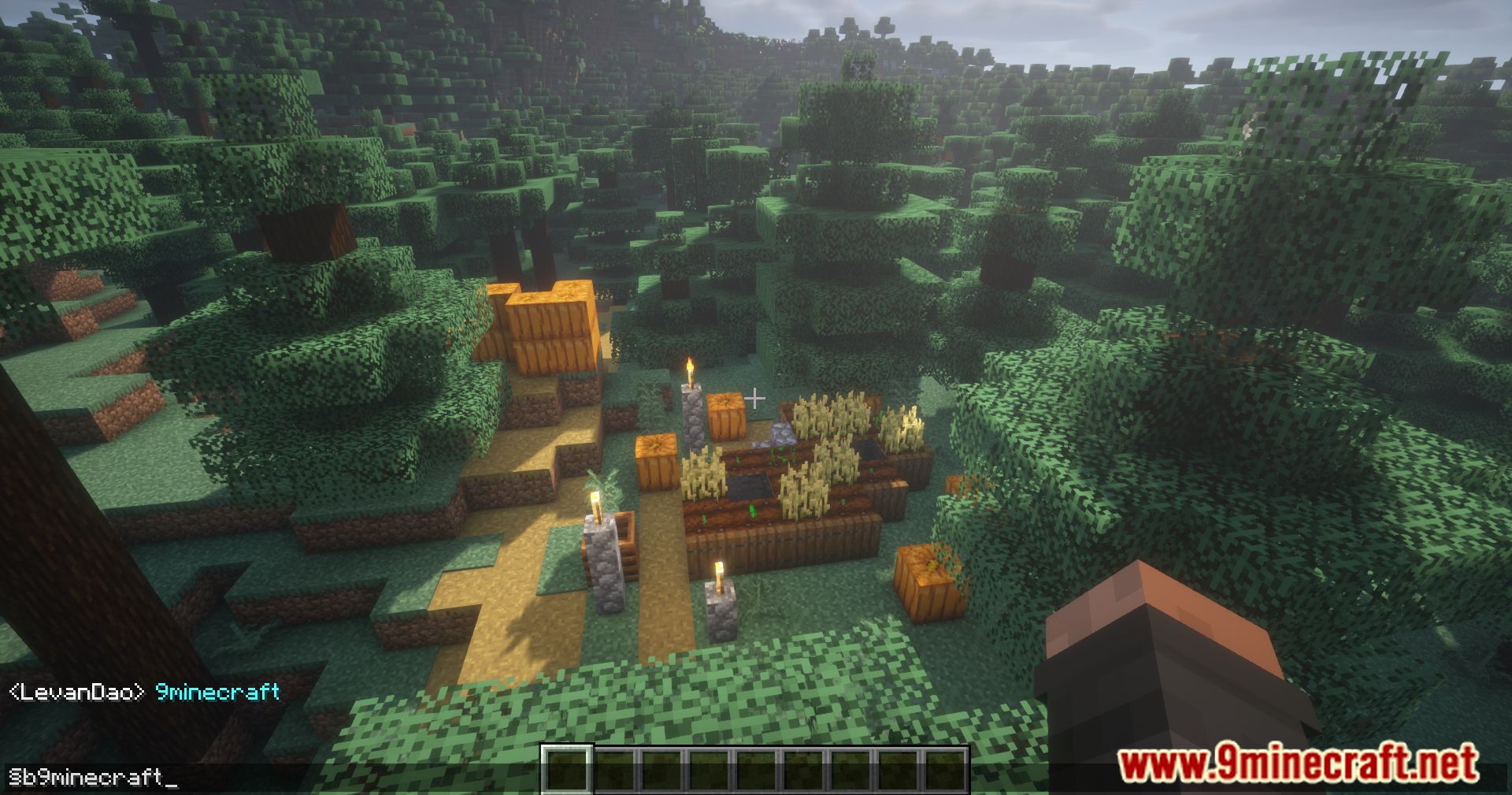
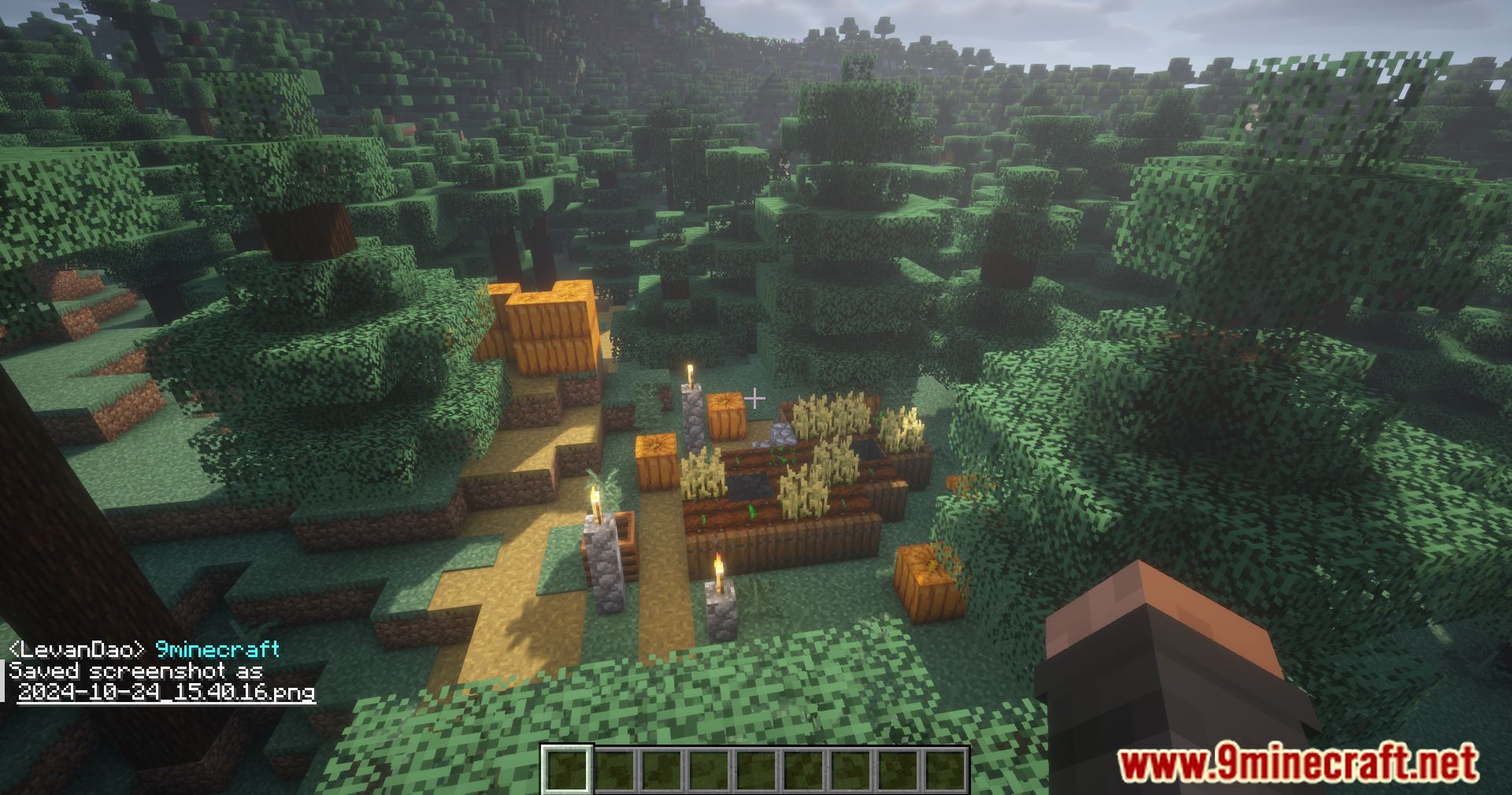
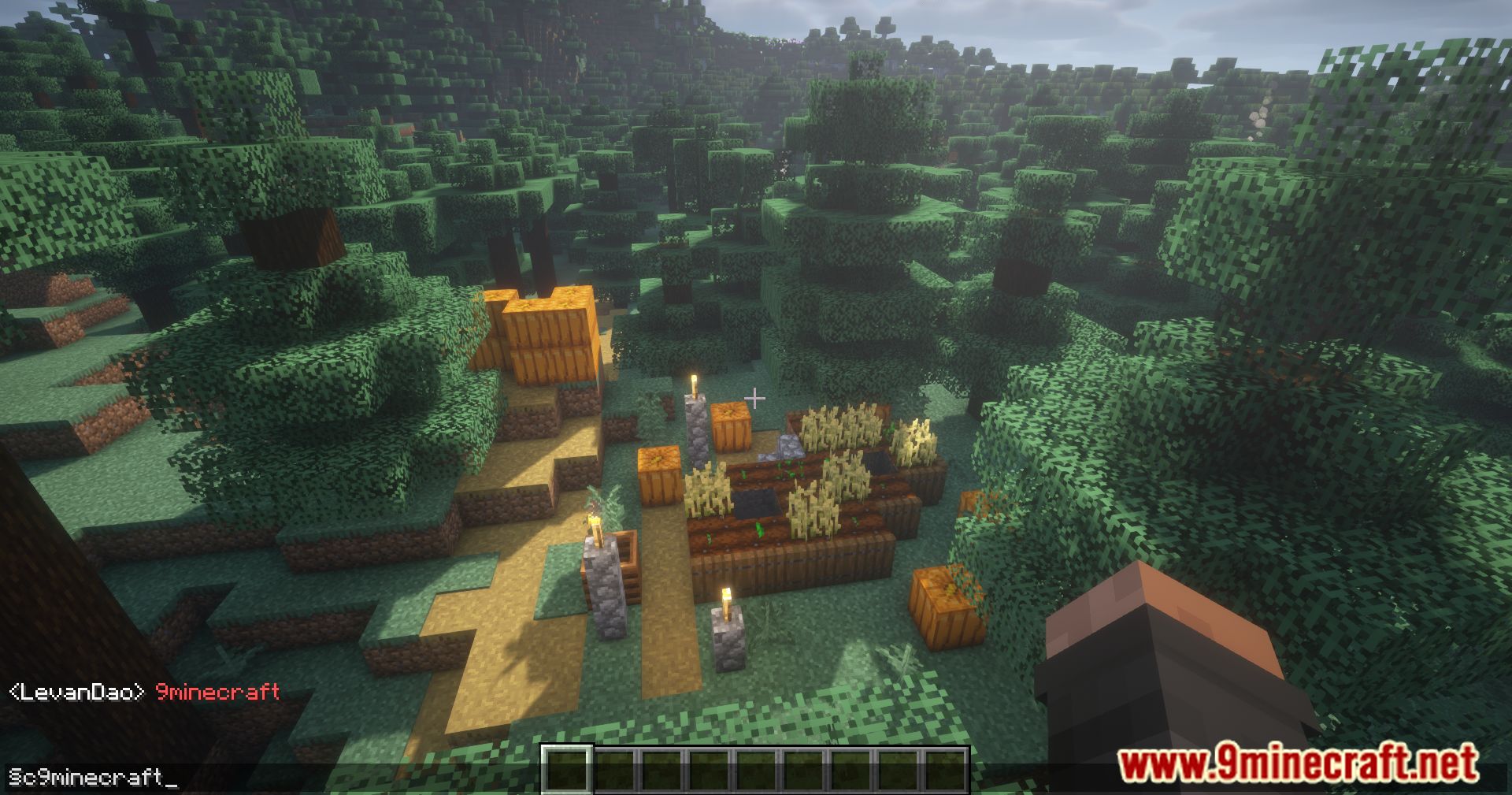
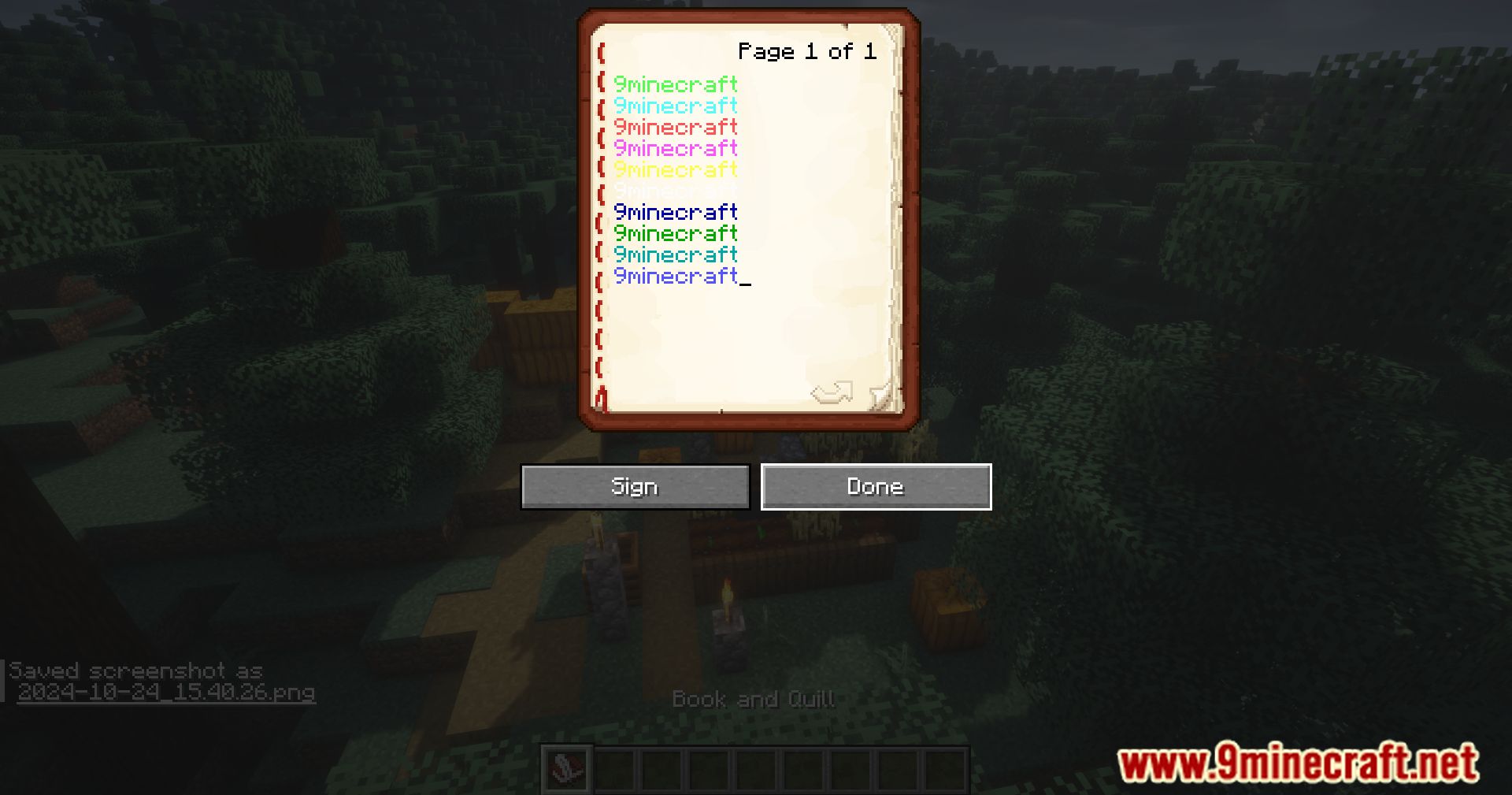
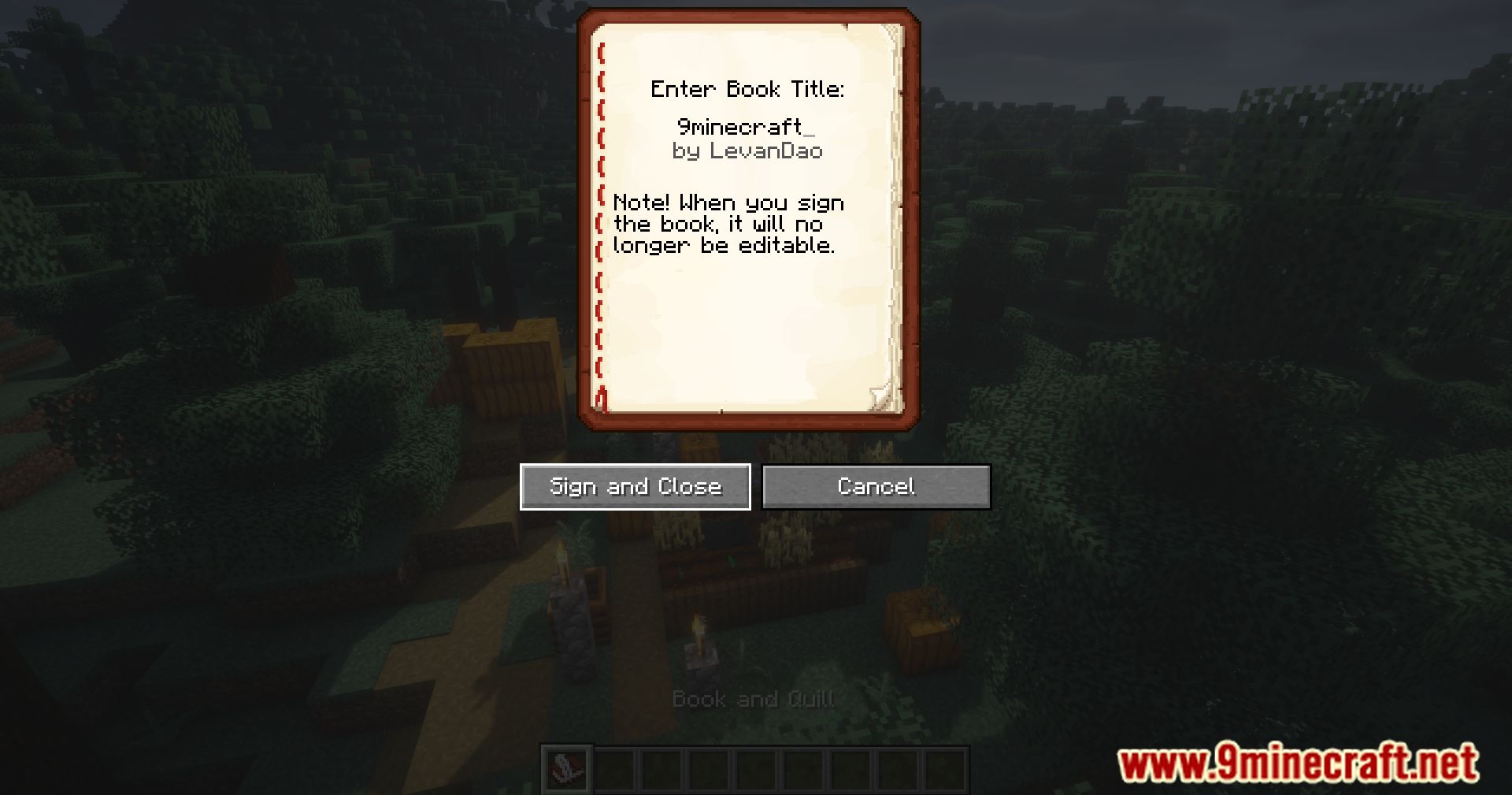
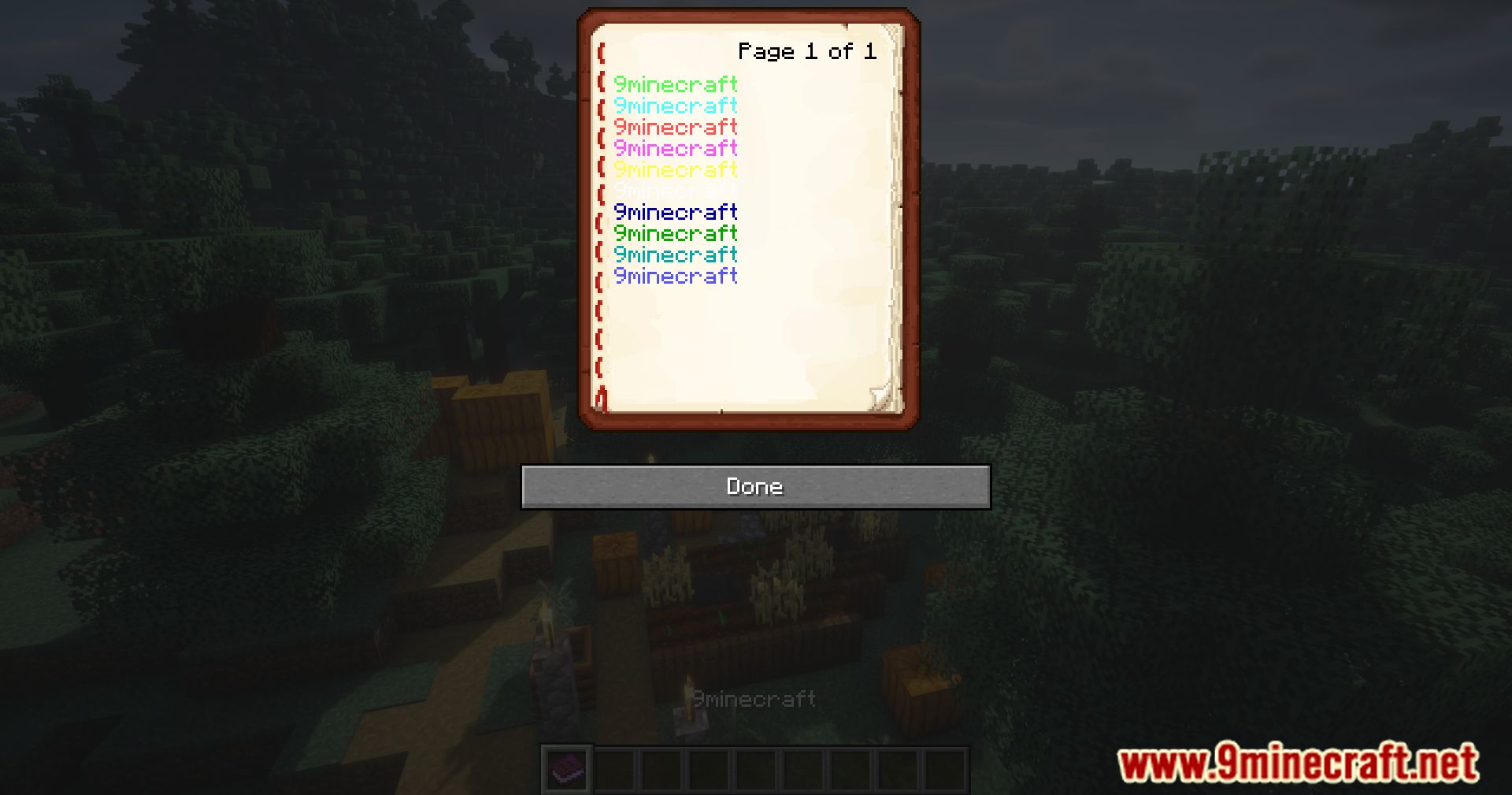
Text Formatting Everywhere Mod allows formatting codes to be used universally. With this mod, players can apply text formatting using the section sign (§) and the appropriate formatting codes anywhere in the game, making it easier to customize text styles across signs, books, chat, and other in-game text elements.
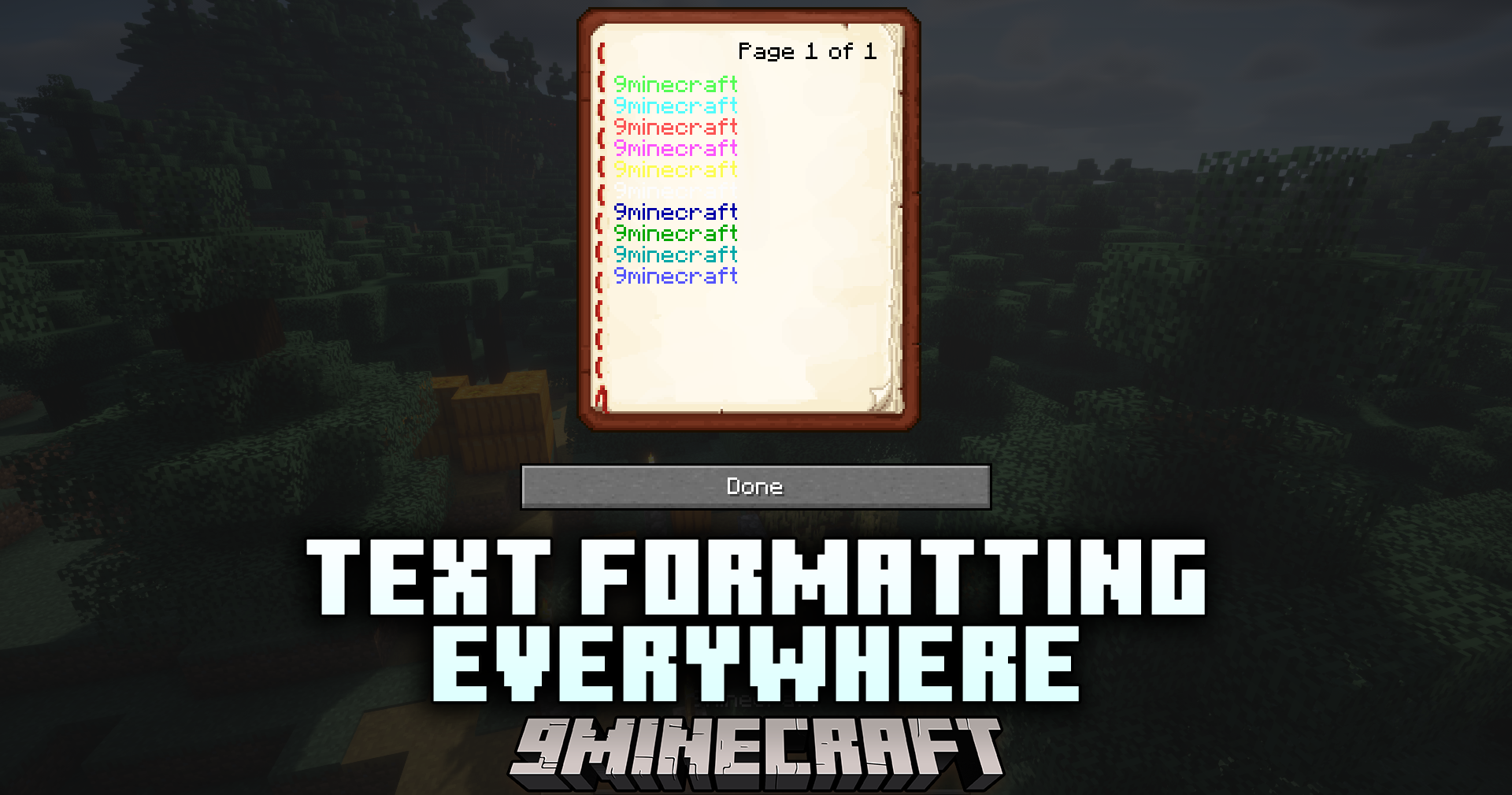
Features:
- Enables universal text formatting using the section sign (§)
- Allows custom text styles in various parts of the game (signs, chat, books, etc.)
- Simple and easy-to-use mod for more text customization
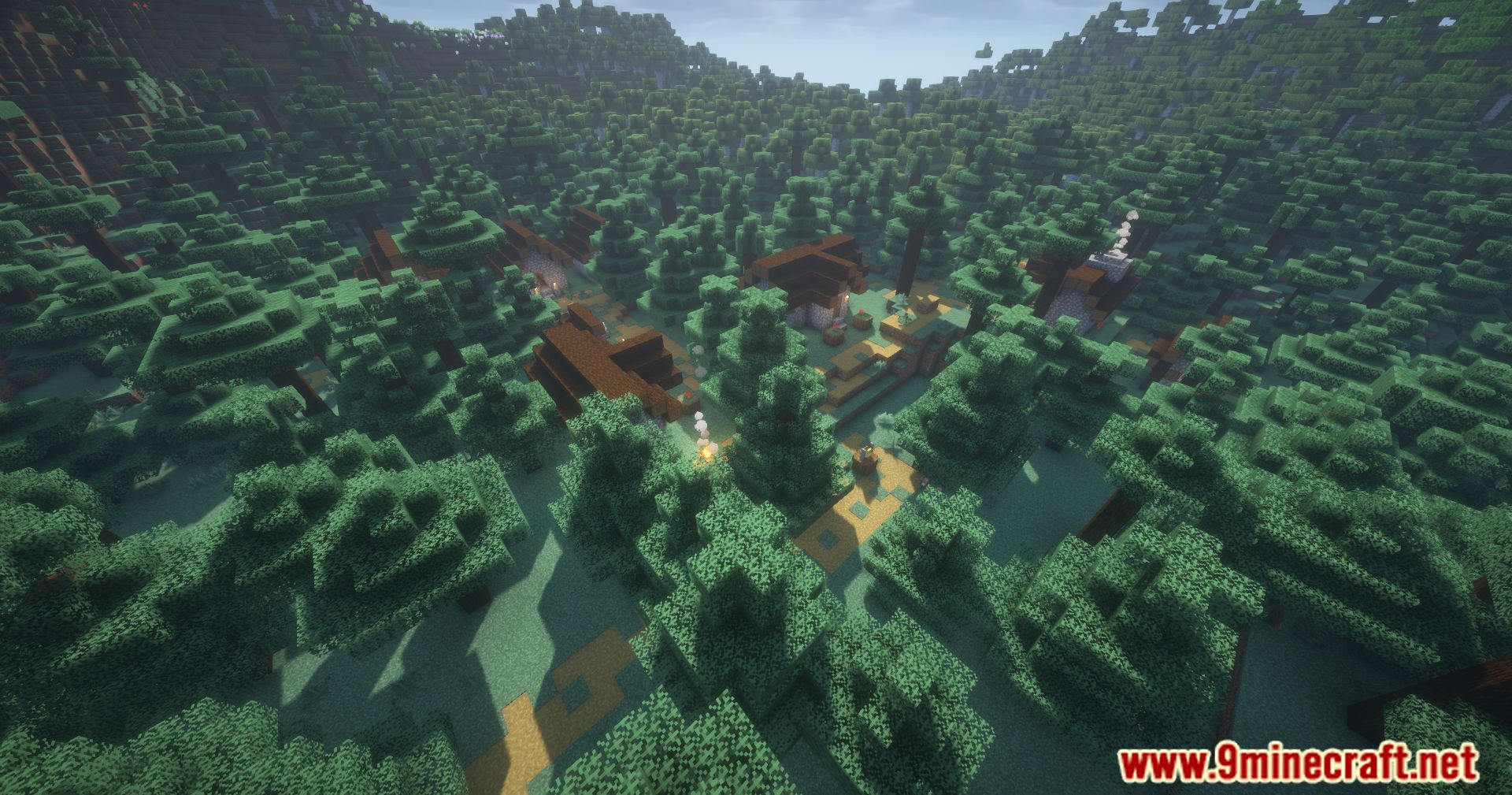
Screenshots:
How to Install:
New to Minecraft? Follow our step-by-step guide to install Mods on your PC.View Guide
Text Formatting Everywhere Mod Download Links
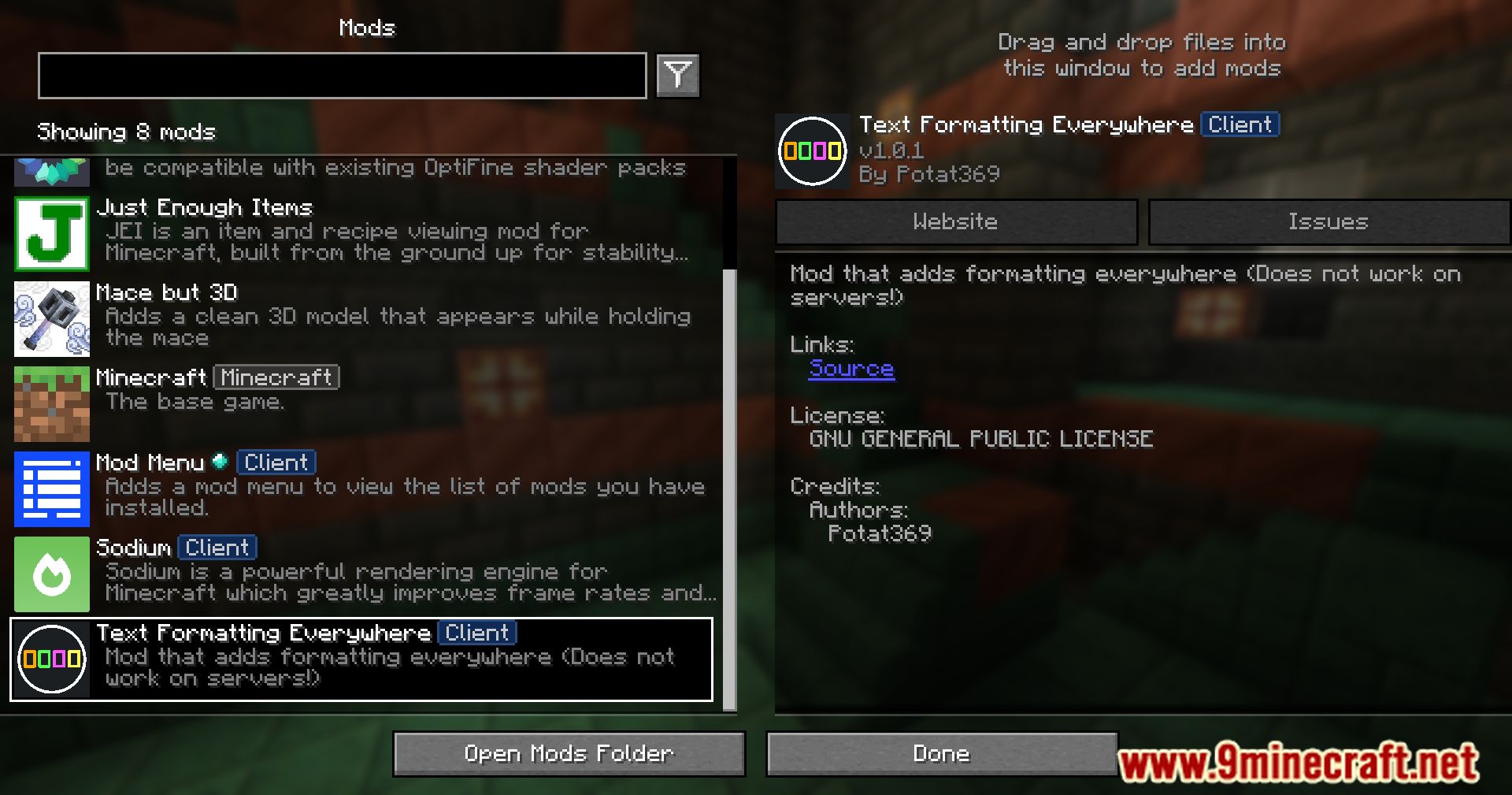
For All Versions from Minecraft 1.20.6 to Minecraft 1.21.1
Fabric version: Download from Server 1 – Download from Server 2
For All Versions from Minecraft 1.20.6 to Minecraft 1.21.3
Fabric version: Download from Server 1 – Download from Server 2
For All Versions from Minecraft 1.20.6 to Minecraft 1.21.5
Fabric version: Download from Server 1 – Download from Server 2
For All Versions from Minecraft 1.20.6 to Minecraft 1.21.8, 1.21.7, 1.21.6
Forge version: Download from Server 1 – Download from Server 2
NeoForge version: Download from Server 1 – Download from Server 2
Fabric/Quilt version: Download from Server 1 – Download from Server 2
For All Versions from Minecraft 1.20.6 to Minecraft 1.21.10, 1.21.9
Forge version: Download from Server 1 – Download from Server 2
NeoForge version: Download from Server 1 – Download from Server 2
Fabric/Quilt version: Download from Server 1 – Download from Server 2
For All Versions from Minecraft 1.20.6 to Minecraft 1.21.11
Forge version: Download from Server 1 – Download from Server 2
NeoForge version: Download from Server 1 – Download from Server 2
Fabric/Quilt version: Download from Server 1 – Download from Server 2
For All Versions from Minecraft 1.20.6 to Minecraft 26.1
Forge version: Download from Server 1 – Download from Server 2
NeoForge version: Download from Server 1 – Download from Server 2
Fabric/Quilt version: Download from Server 1 – Download from Server 2
You May Also Like



This post has no comments yet. Be the first — your comment will appear here.