
ScreenFX Mod (26.3, 1.20.1) – Customize Every Overlay and Screen Effect
 739
 0


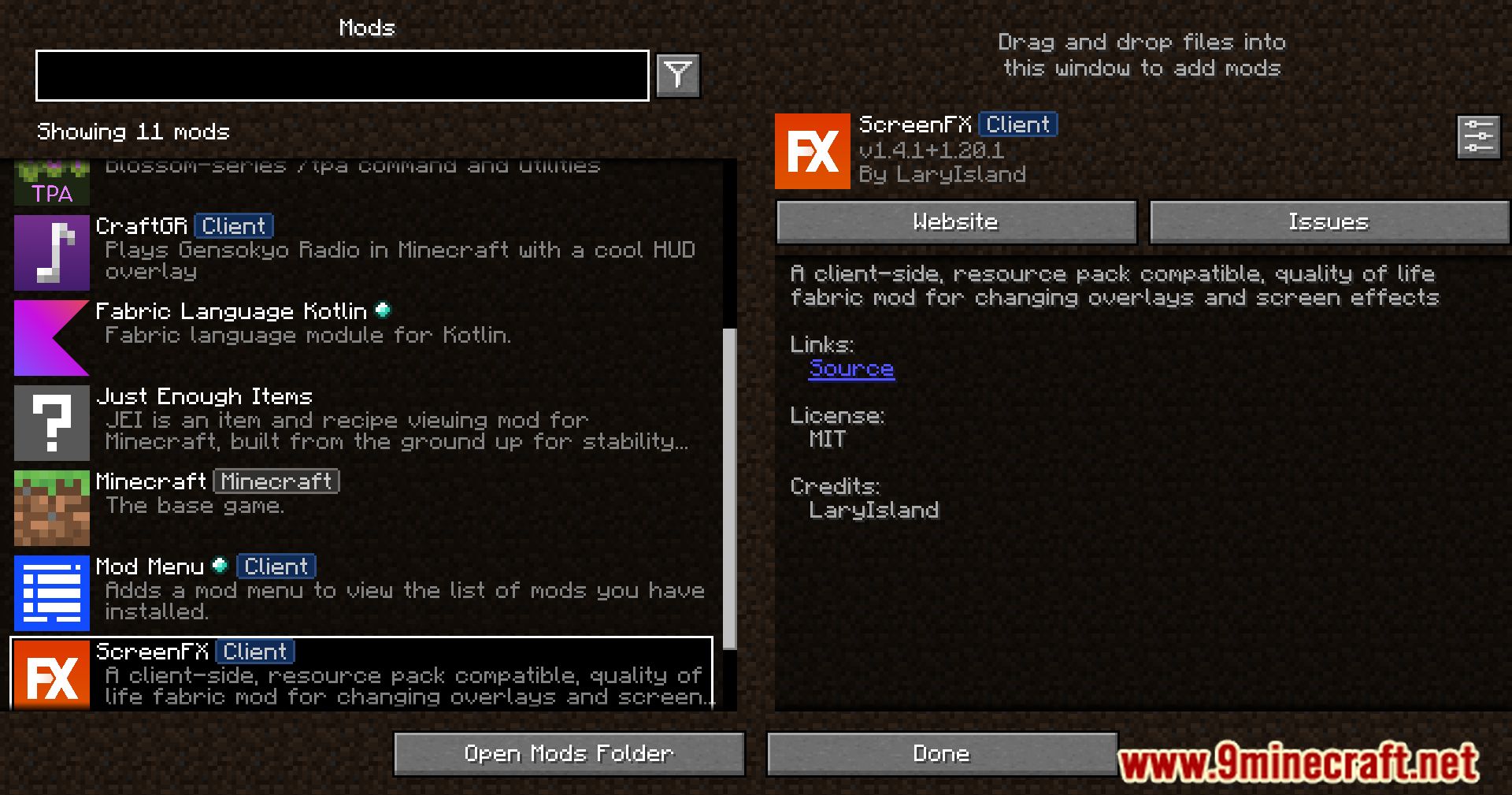
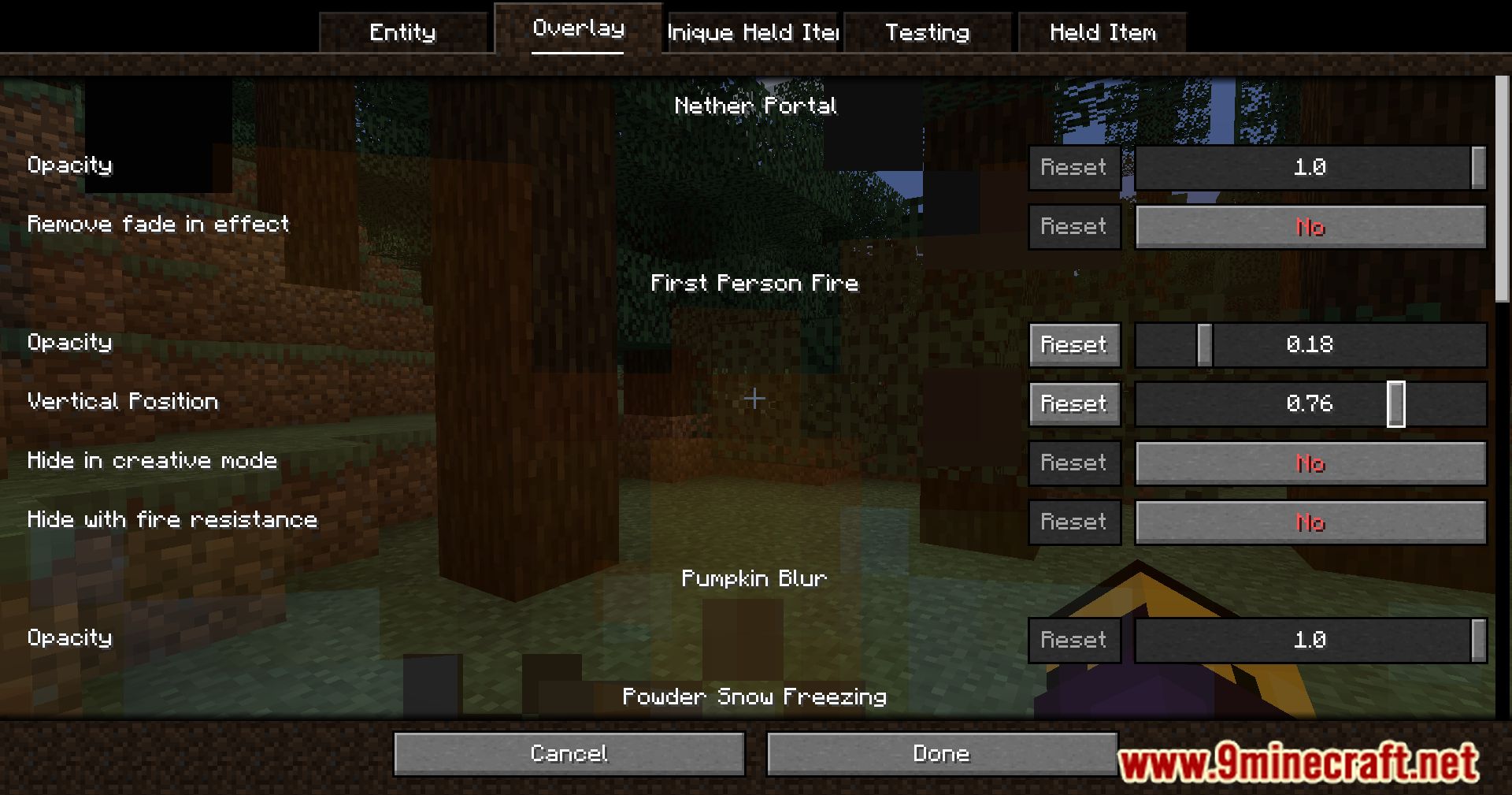
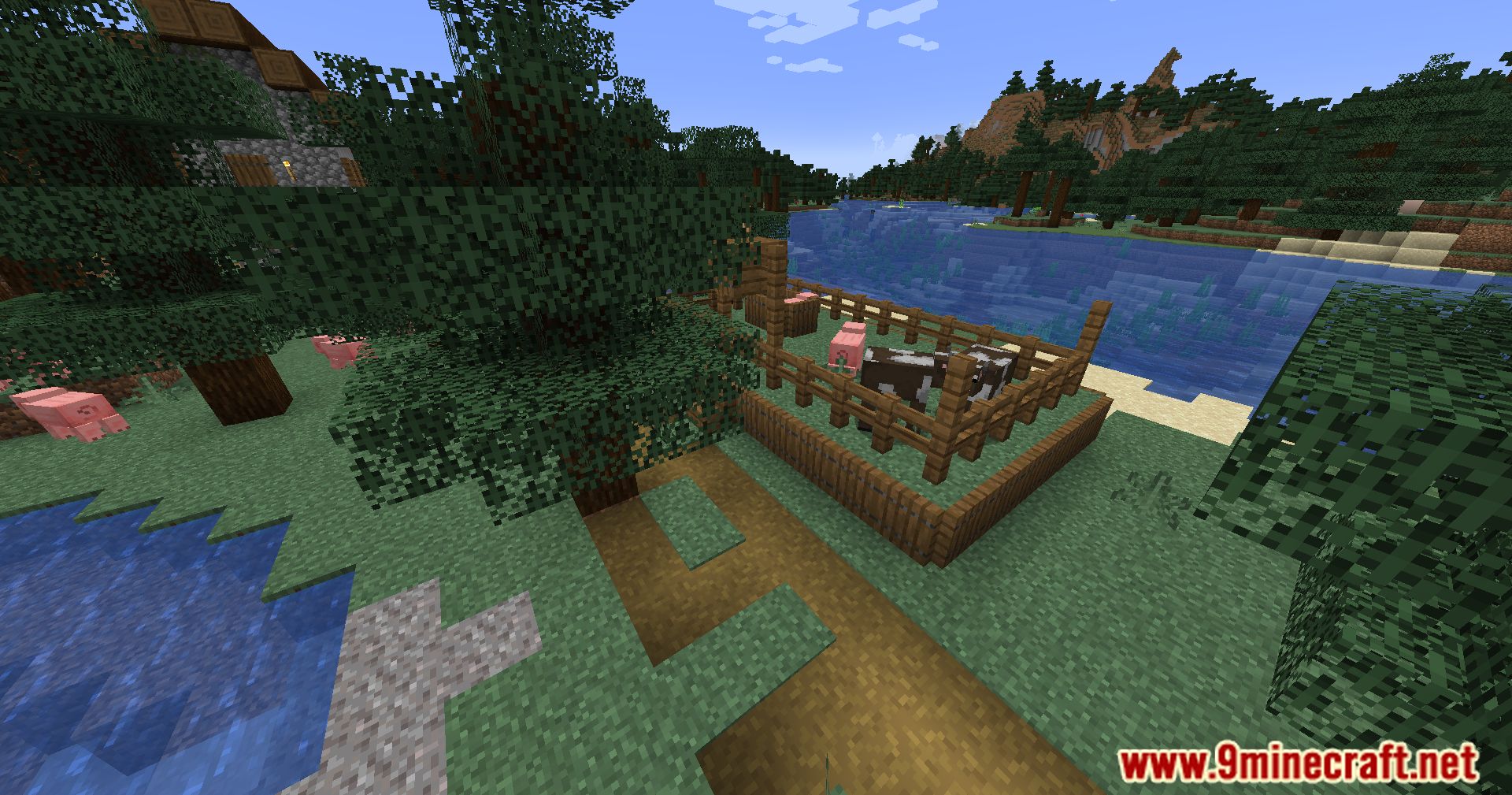
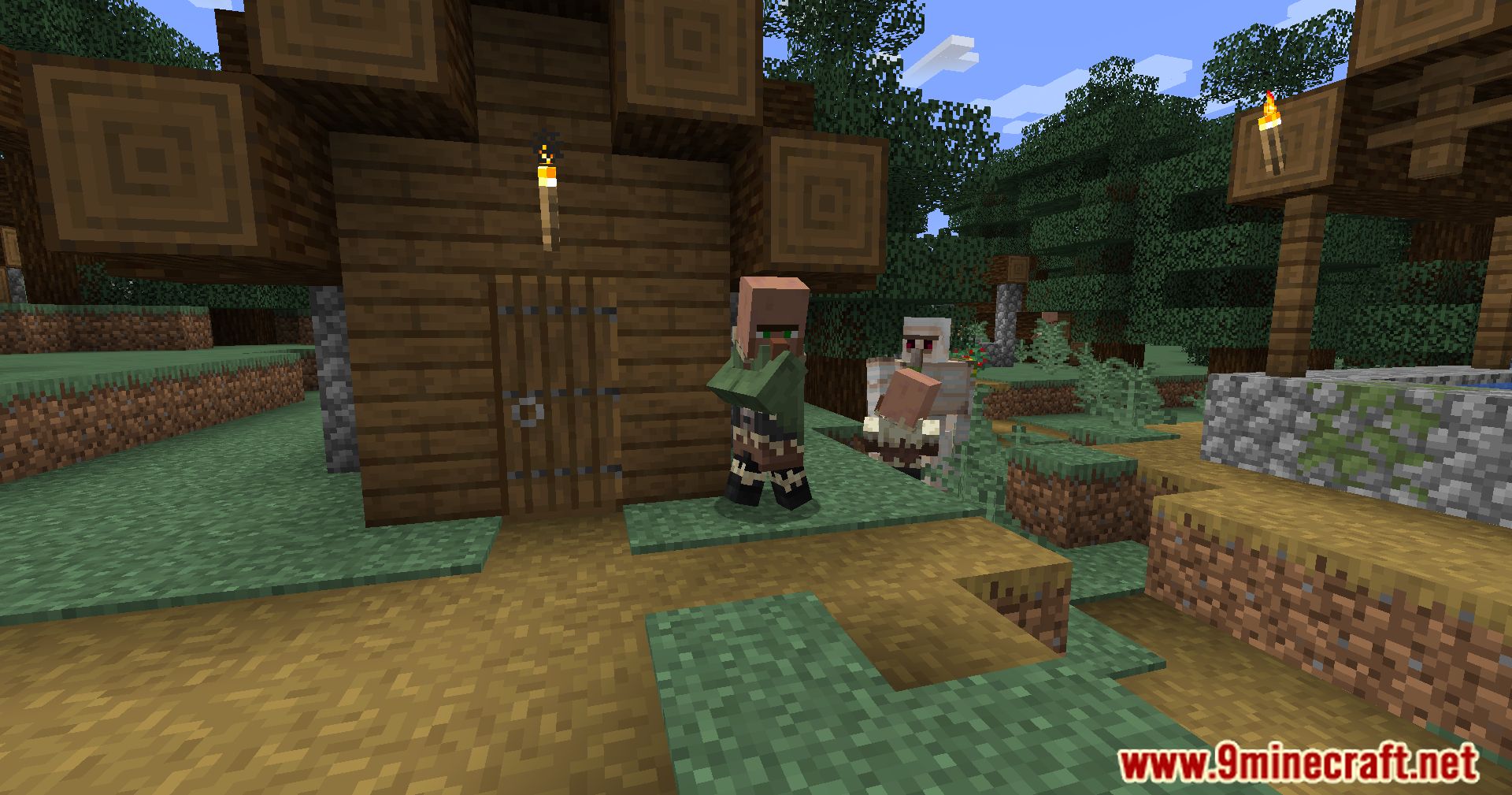
ScreenFX Mod lets you change your overlays and screen effects in Minecraft. It runs entirely on the client side and works smoothly with resource packs. You can customize many visual elements like fire, underwater views, and portal swirls.
Features:
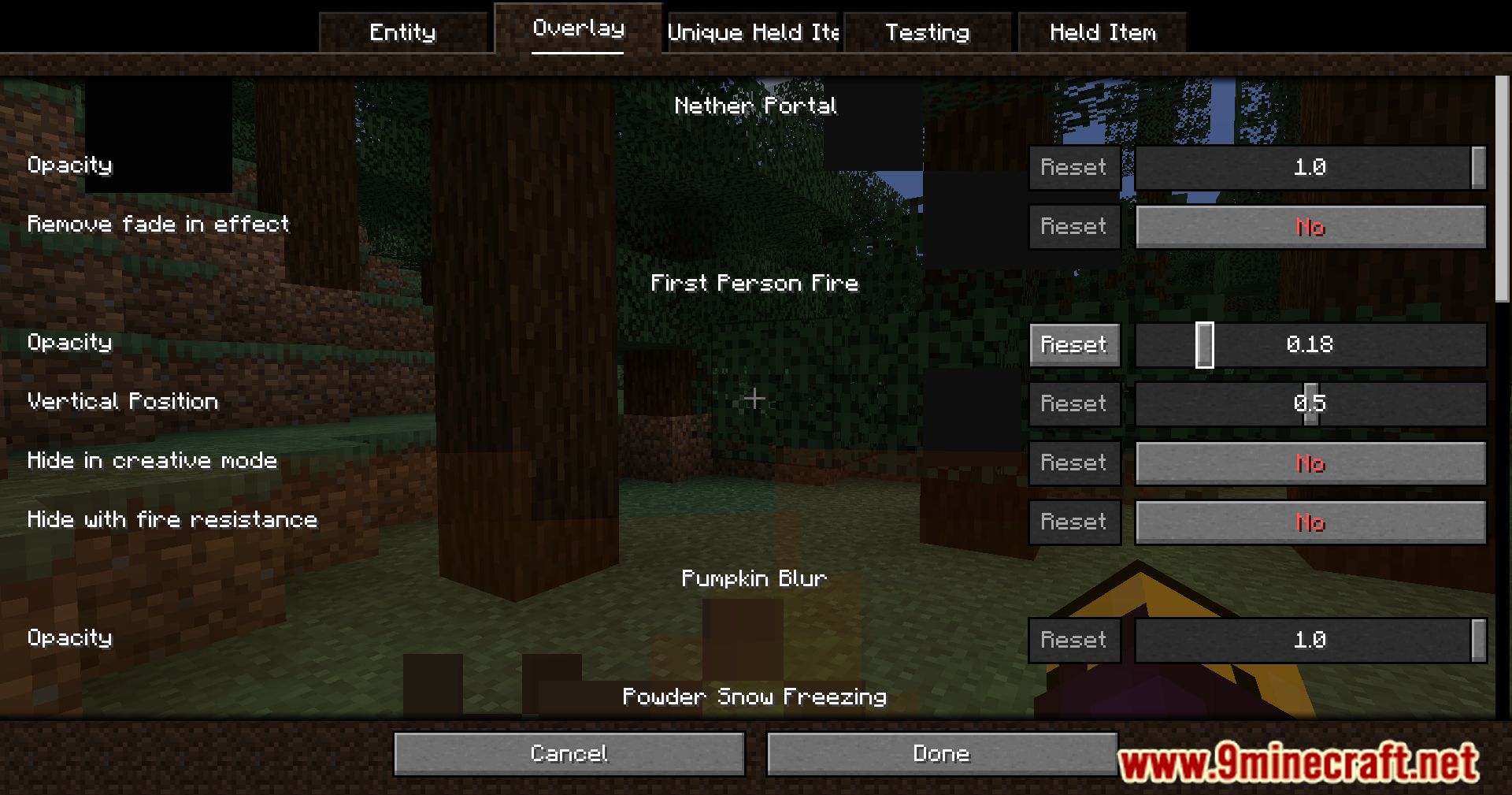
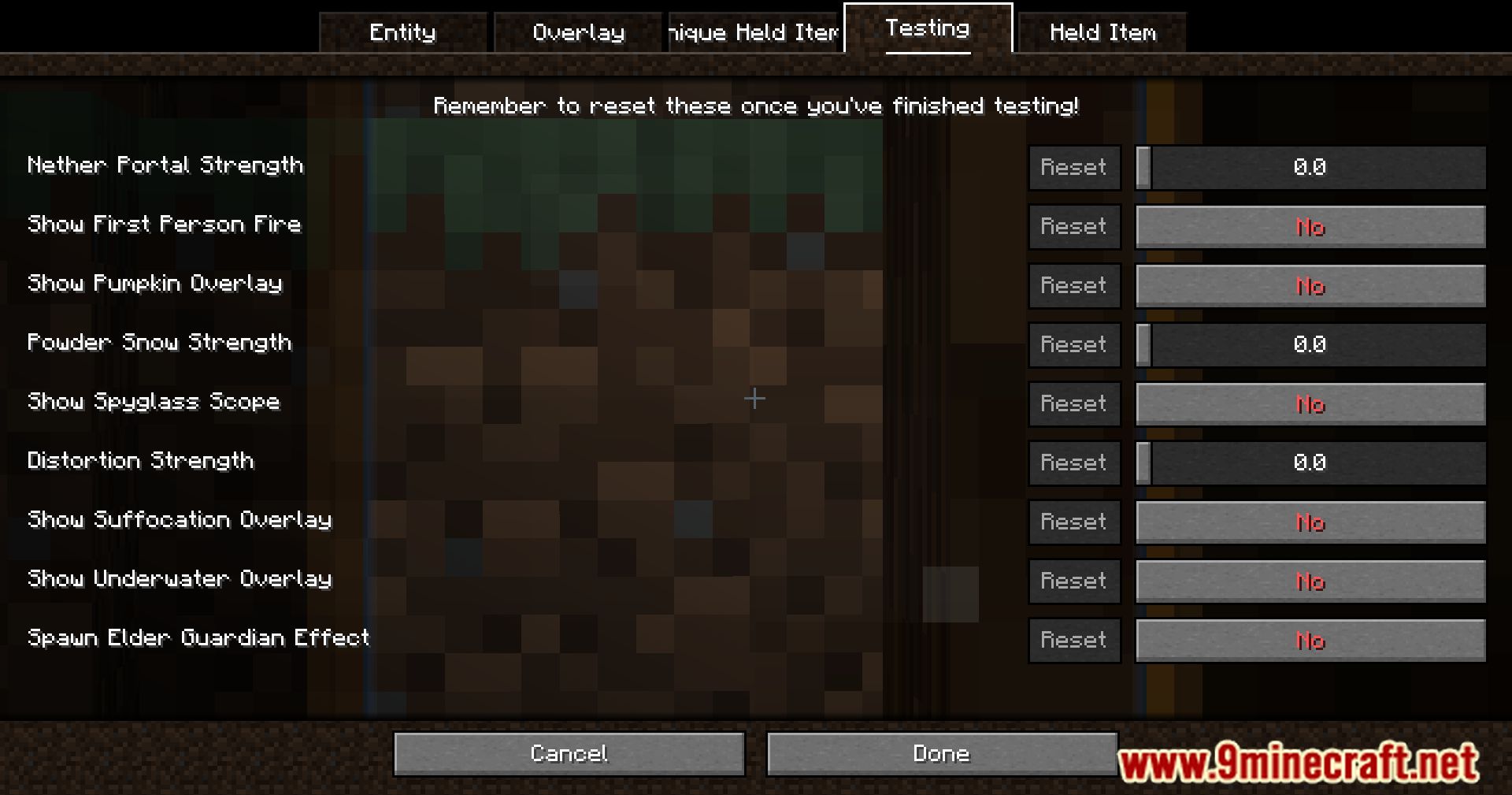
- First Person Fire: Customizes the fire overlay on your screen.
- Underwater Overlay: Changes how the screen looks when you swim underwater.
- Nether Portal Swirls: Adjusts the purple swirl animation when you travel through portals.
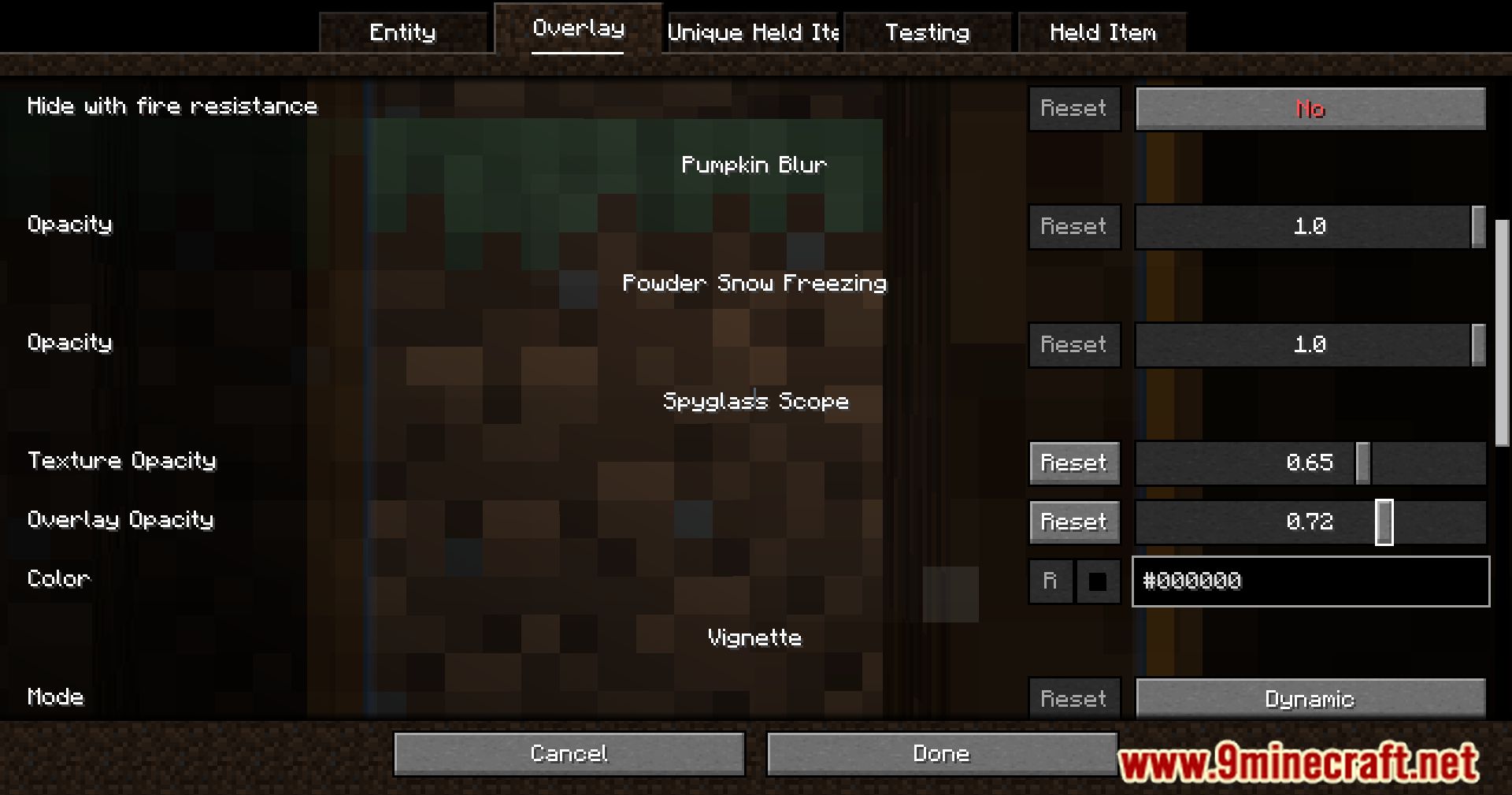
- Spyglass Scope: Personalizes the spyglass view overlay.
- Vignette: Changes the dark edges around your game screen.
- Distortion (Nausea): Customizes the screen wobbling effect when you get nausea.
- Pumpkin Blur: Adjusts the pumpkin carved mask overlay on your head.
- Powder Snow Freezing: Changes the ice freeze overlay on the screen.
- Suffocation Overlay: Customizes the wall suffocation view.
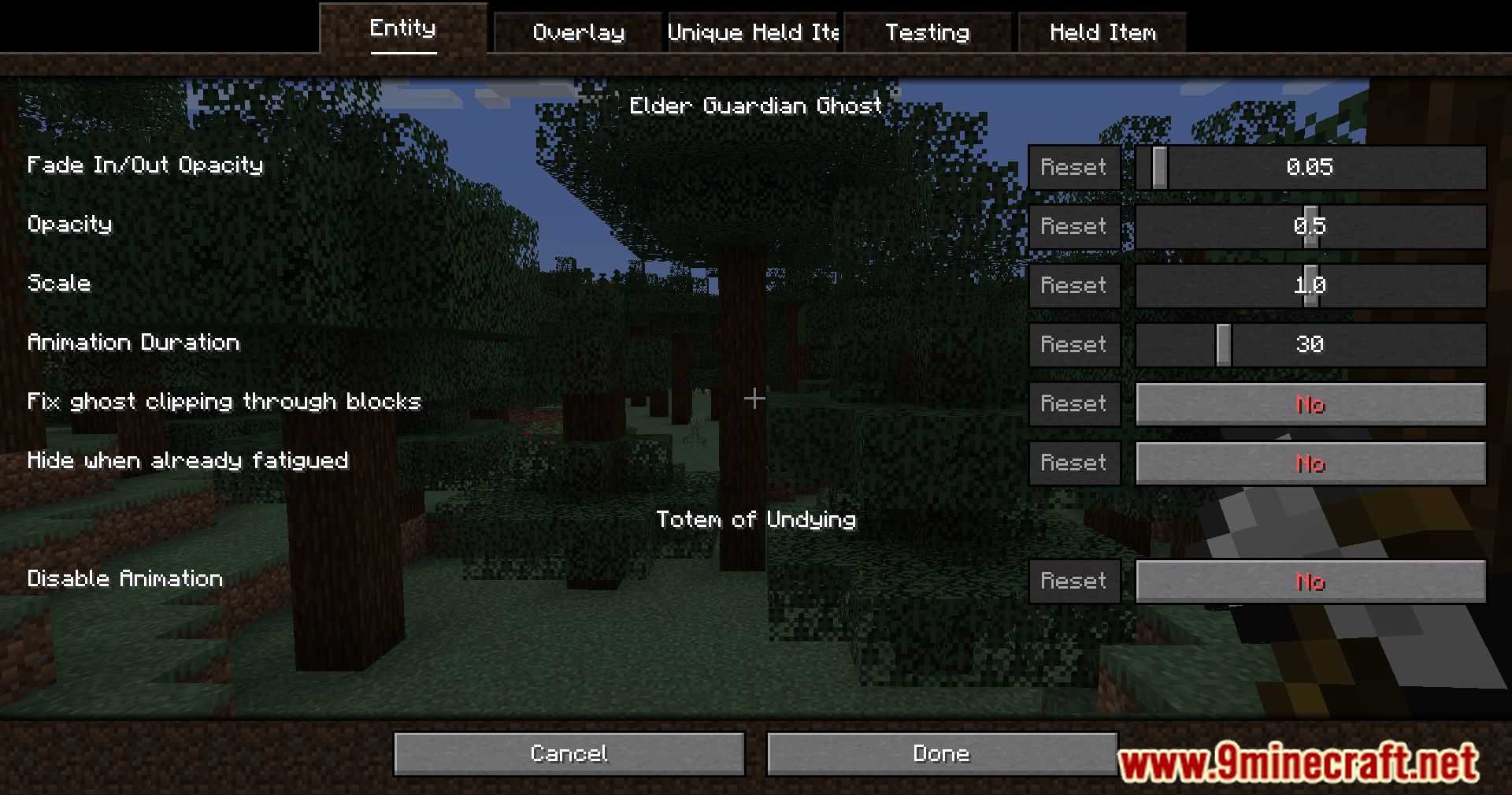
- Elder Guardian Effect: Adjusts the ghost vision effect from Elder Guardians.
- Totem of Undying Effect: Changes the flash animation when a totem saves your life.
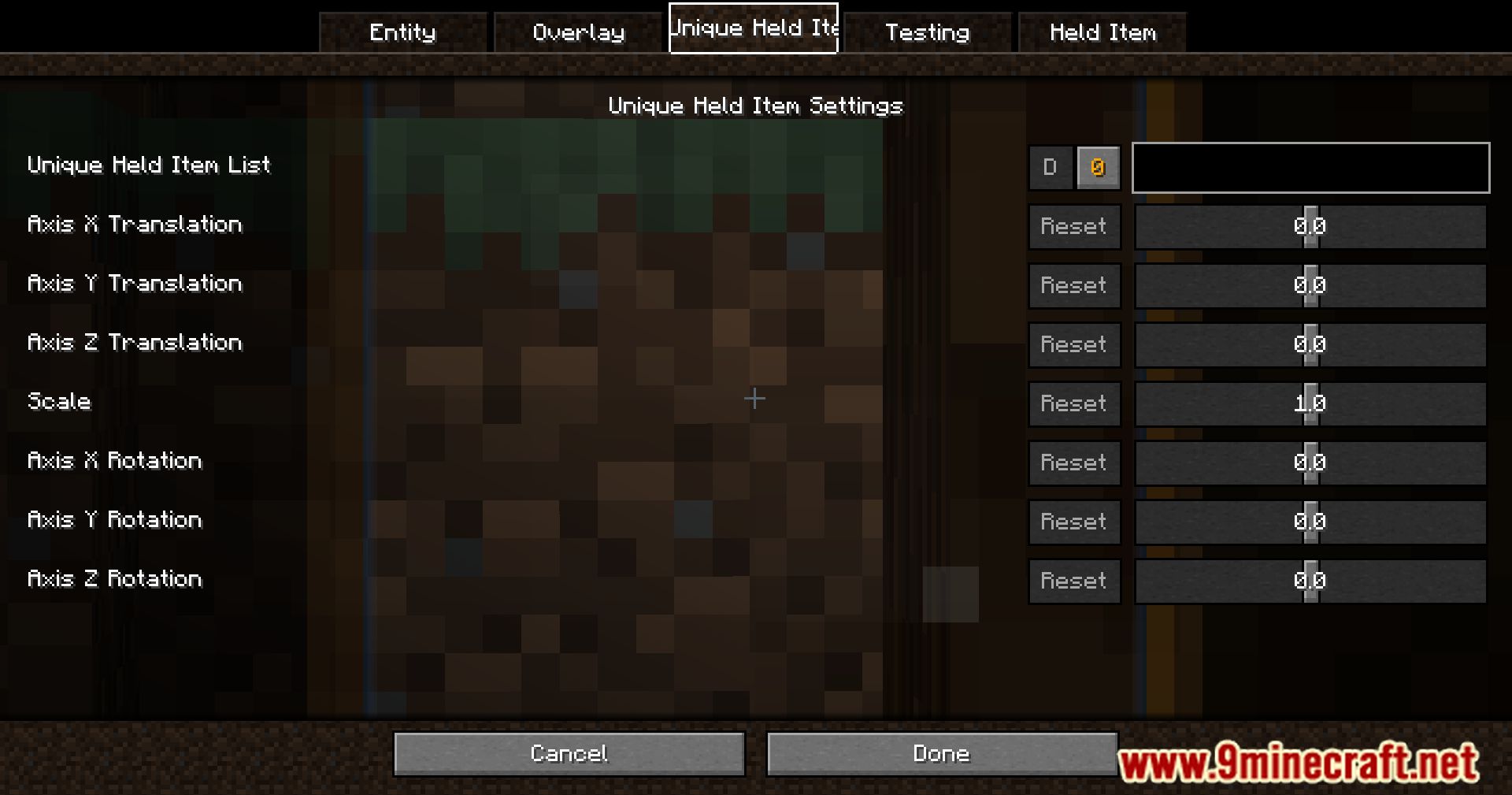
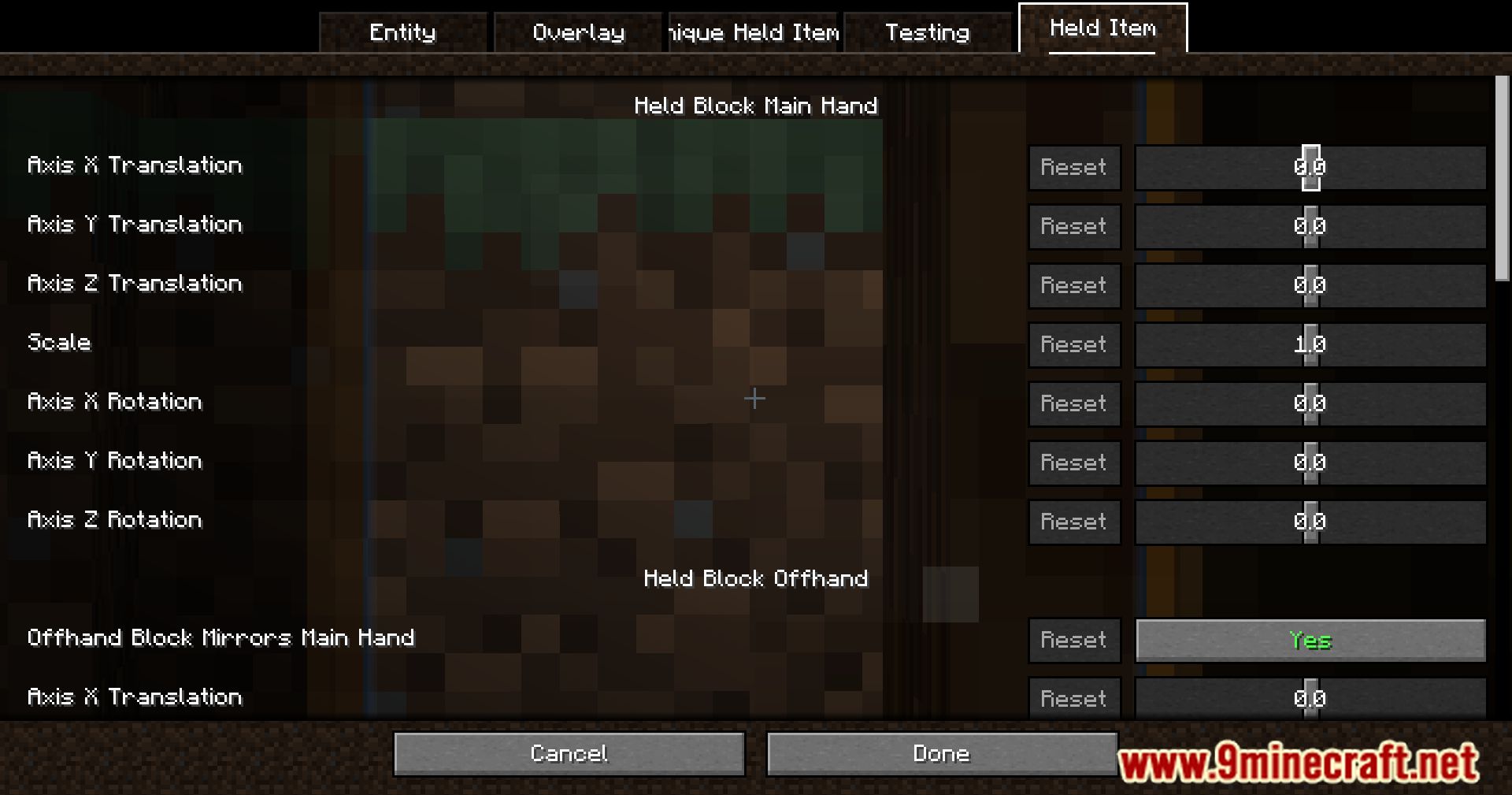
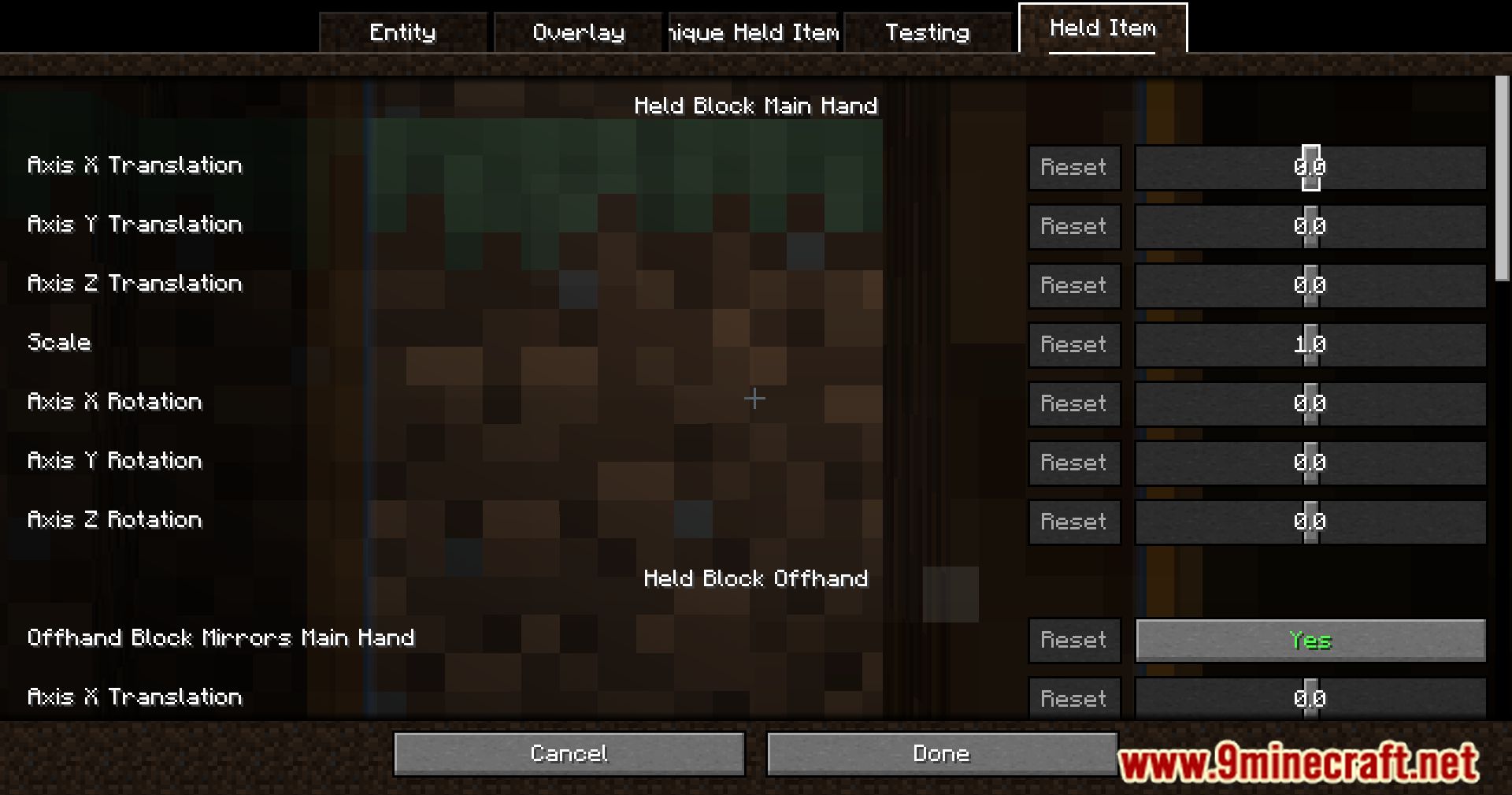
- Held Item Viewmodels: Customizes how items look in your hands.
How to Use:
- Open the mod settings menu in your game.
- Select the specific overlay or screen effect you want to change.
- Adjust the sliders and options to match your style.
- Test the visual settings directly in your world.
Screenshots:
How to Install:
New to Minecraft? Follow our step-by-step guide to install Mods on your PC.View Guide


ScreenFX Mod Download Links
For Minecraft 26.3
For Minecraft 26.2
For Minecraft 26.1.2, 26.1.1, 26.1
For Minecraft 1.21.11, 1.21.10, 1.21.9
For Minecraft 1.21.8, 1.21.7, 1.21.6
For Minecraft 1.21.5
For Minecraft 1.21.4
For Minecraft 1.21.1, 1.21
For Minecraft 1.20.6, 1.20.5
For Minecraft 1.20.4, 1.20.3
For Minecraft 1.20.2
For Minecraft 1.20.1, 1.20
For Minecraft 1.19.4
For Minecraft 1.19.3
For Minecraft 1.19.2, 1.19.1, 1.19
For Minecraft 1.18.2, 1.18.1, 1.18
Click to rate this post!
[Total: 1 Average: 5]
You May Also Like
Picked for this page
 Better Advancements Mod (26.3, 1.20.1) – New Advancements System
 Chest Tracker Mod (26.3, 1.20.1) – Tracking Your Items
 Modular Routers Mod (26.2, 1.20.1) – Item Routers with Pluggable Modules
 Pufferfish’s Skills Mod (26.3, 1.20.1) – Level Up Your Abilities
 ItemSwapper Mod (26.3, 1.20.1) – Make Your Own Item Swapper Pallets
 Set World Spawn Point Mod (26.3, 1.20.1) – Exact Spawn Location
 Horde Nights Mod (1.21.11, 1.20.1) – Blood Moon Horde Survival
 Bottled Air Mod (26.3, 1.20.1) – Underwater Breathing
 Diagonal Windows Mod (26.3, 1.20.1) – Place Glass Panes Diagonally with Ease
 CraftGR Mod (26.3, 1.20.1) – Bringing Gensokyo Radio To Minecraft
 Loot Integrations Moog’s Voyager, Soaring, End, Nether Structures Mod (26.3, 1.20.1)
 Increased Rails Recipe Output Mod (26.2, 1.20.1) – Efficient Rail Crafting
Most viewed in Mods over the last 7 days
 Ala Industrial Mod (26.3) – Run Electric Power Grids and Automated Factories
 PleasureCraft Mod (26.3, 1.21.1) – Jenny Mod Remake for Fabric
 Jennycraft Mod (26.3, 1.20.1) – Virtual Girlfriend in Minecraft
 Fapcraft Mod (26.3, 1.12.2) – Comprehensive and Detailed Content
 Jenny Mod (Fapcraft) Official Complete Guide – How to use, Tutorial
 BangCraft Mod (1.20.1) – Jenny, Ellie and Elliot
 Fabric Loader (26.3, 1.20.1) – Fabric Installer for All Minecraft Versions
 The Shooting Star Demo Mod (26.3, 1.20.1) – Vaporize Terrain From Orbit
 Meteor Client Mod (26.3, 1.20.1) – Xray, HUD, Fly
 OptiFine HD (26.3, 1.20.1) – Run Faster, FPS Boost, Shaders Support
 Aristois Client Mod (1.21.4, 1.20.1) – World Class Minecraft Utility
 Prestige Client Mod (1.21.11, 1.21.4) – Powerful Ghost Features for Crystal & Sword PvP
More from Mods
 TheHouse Mod (1.21.11) – Host Casino Tables and Track Every Bet in Real Time
 CinematicInteractions Mod (1.21.1) – Watch Your Hands Work at Every Crafting Table
 Earth Platform Mod (1.21.1) – Travel Across Real Continents in a True Scale World
 Taunahi Mod (26.1.2) – Automate Daily Farming and Slayers in Hypixel Skyblock
 HORROR Fake Join Leave Messages Mod (1.20.1) – Trigger Creepy Chat Scares
 Bons Voyage Mod (1.20.1) – Teleport Across Biomes Through Hidden Waystones
 Orbital Railgun UPDATED Mod (26.3) – Flatten Giant Landscapes From Space
 Automobility Autoradio Mod (26.3, 26.1.2) – Trade Custom Mixtapes with Friends
 Towers of the Wild 9minecraft Mod (26.3, 26.2) – Climb Tall Towers for Loot
 Ender Storage 9minecraft Mod (26.3, 26.2) – Send Loot Back Home From Any Dimension
 Snad 9minecraft Mod (26.3, 26.2) – Build Faster Sugar Cane and Nether Wart Farms
 Together Forever Unofficial Mod (1.12.2) – Share Team Advancements

This post has no comments yet. Be the first — your comment will appear here.