


Entangled Mod (26.2, 1.20.1) – Link Blocks Across Worlds
 2,187
2,187
 0
0

🌐 Good news — we've translated this article into other languages!
Or pick the one you like:
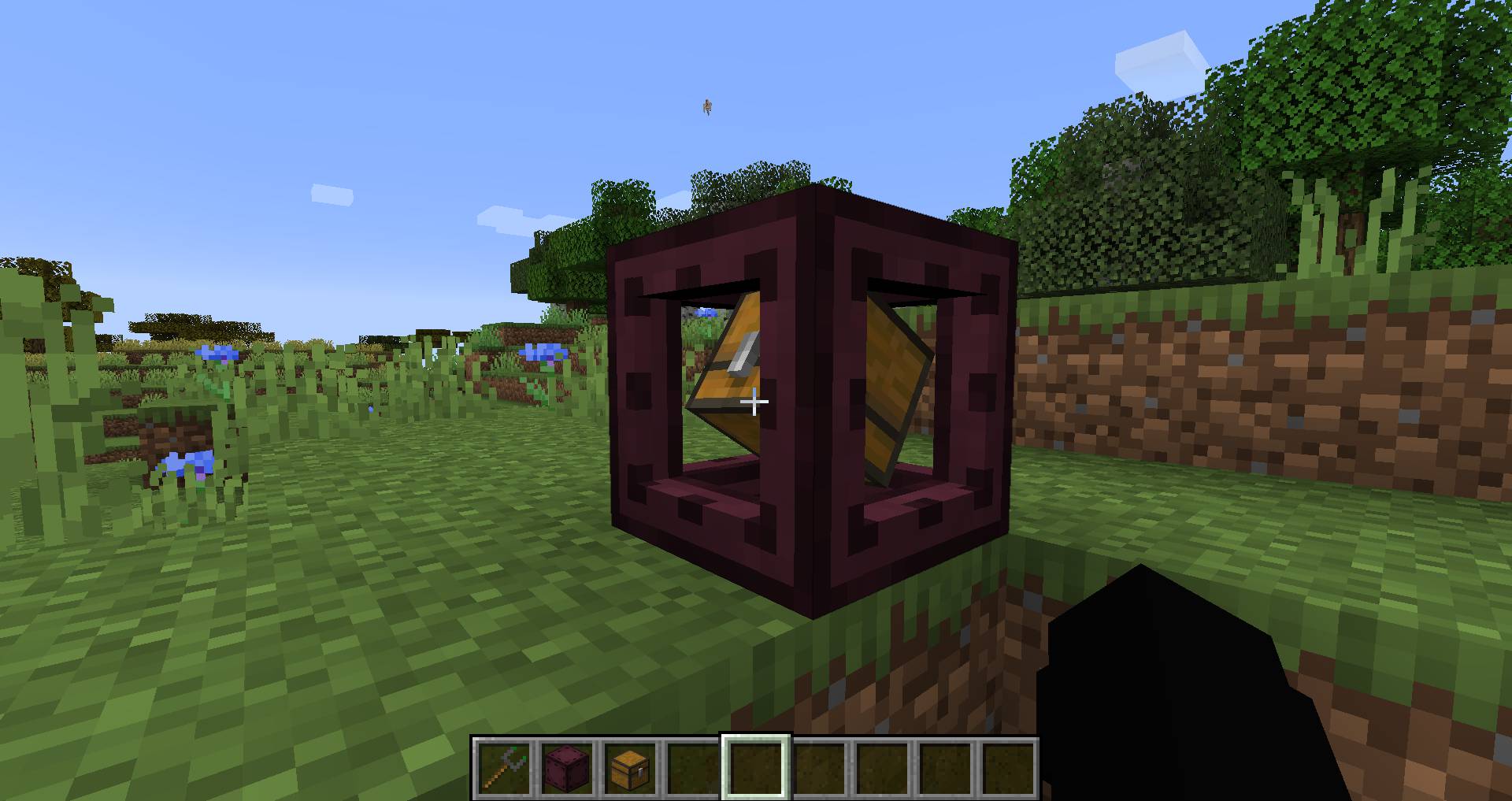
Entangled Mod lets you link two blocks together, making them act as a single block. This allows you to instantly transfer items, energy, and fluids without needing lots of cables or pipes. You can use this system to hide your complex wiring or give a machine more than six sides to work with. The mod adds two key items: the Entangled Block, which copies another block’s state, and the Entangled Binder, which you use to create the link.
Features:
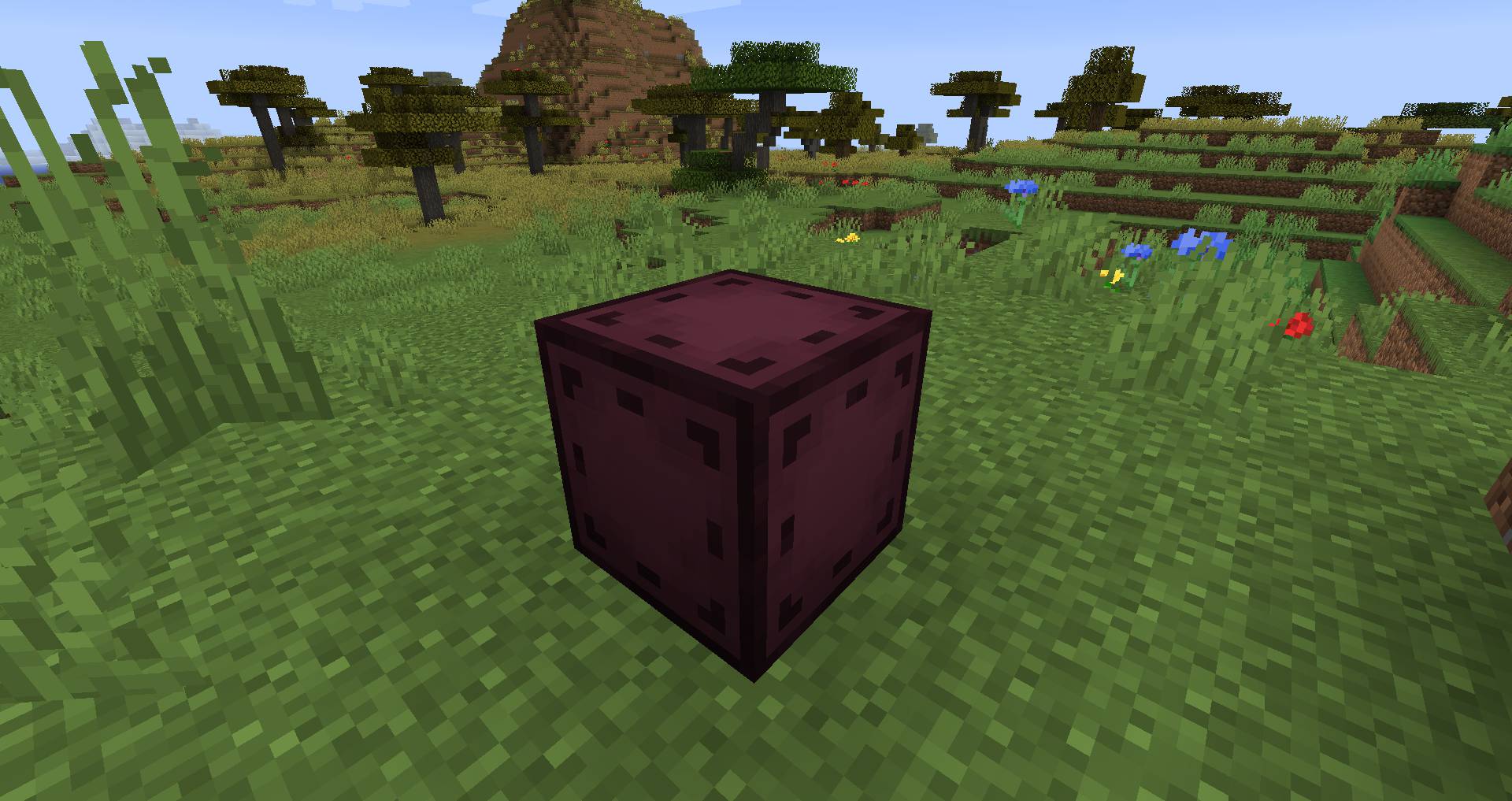
- Adds the Entangled Block, which can absorb and mimic the state of another block.
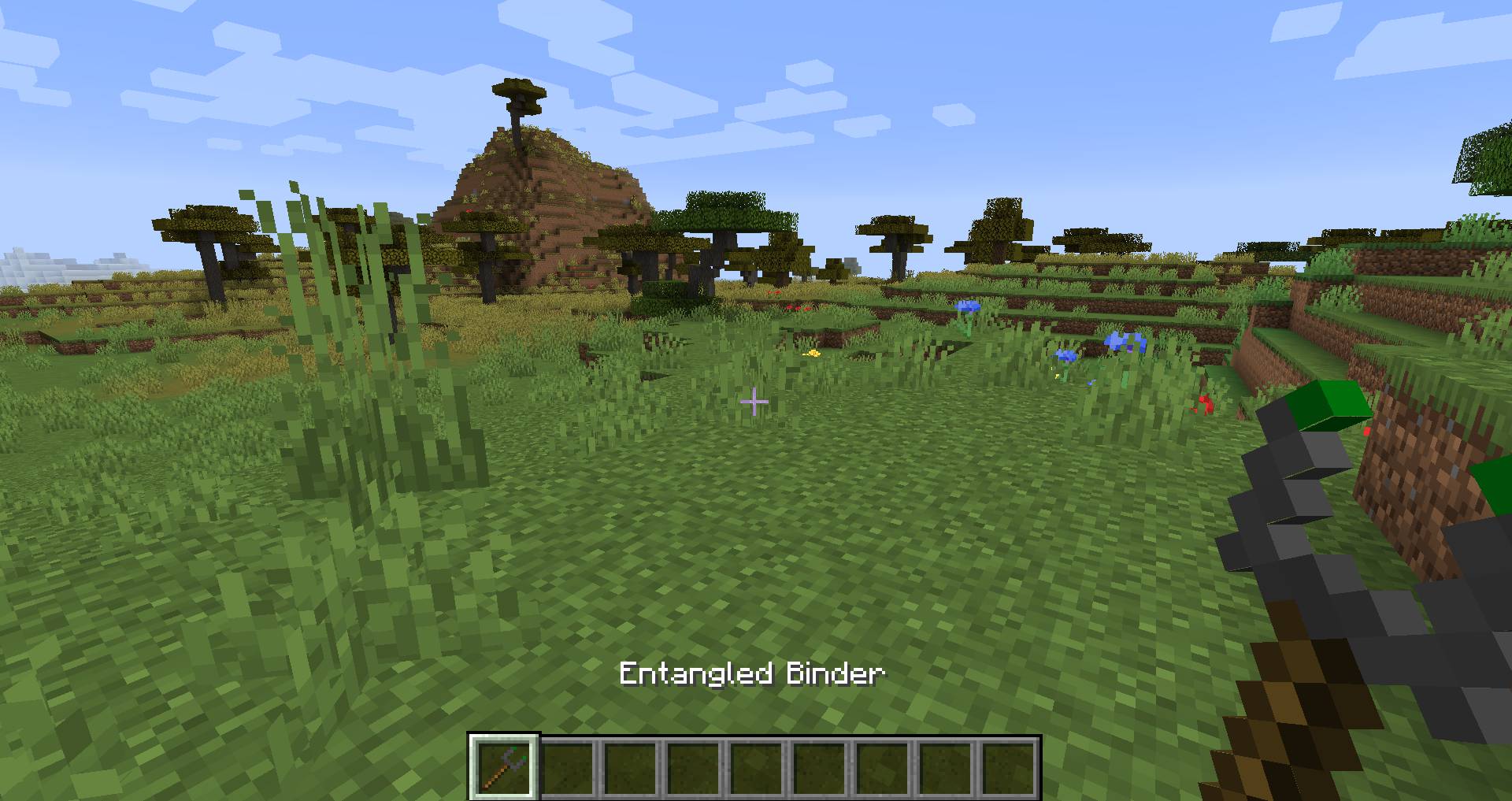
- Includes the Entangled Binder, a tool used to link an Entangled Block to a target block.
- Allows for instant transfer of items, energy, or fluids between two points.
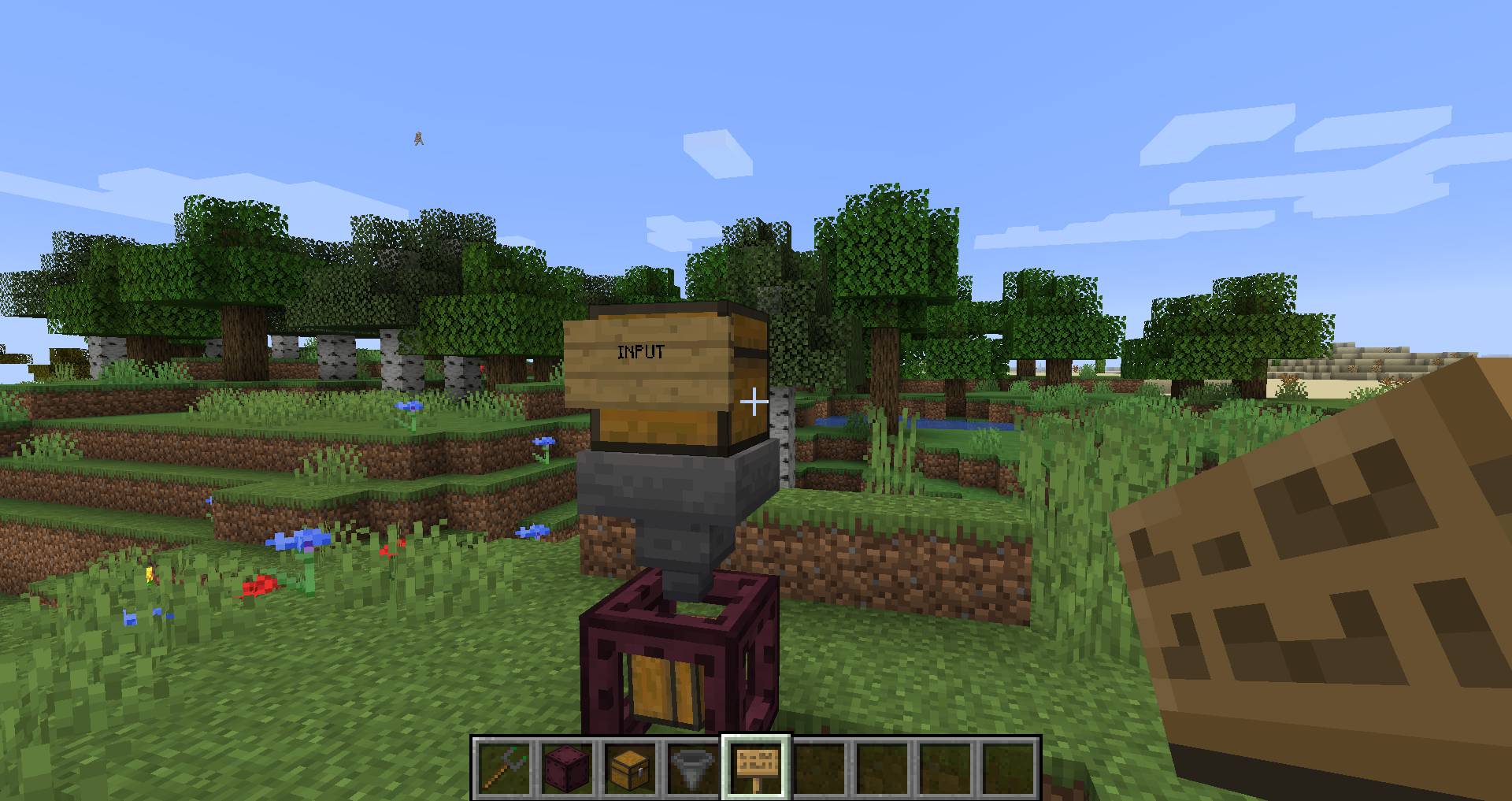
- Helps you hide messy cables and create cleaner, more compact machine setups.
- Works across dimensions by default, letting you link blocks in the Overworld to the Nether.
How to Use:
Binding an Entangled Block
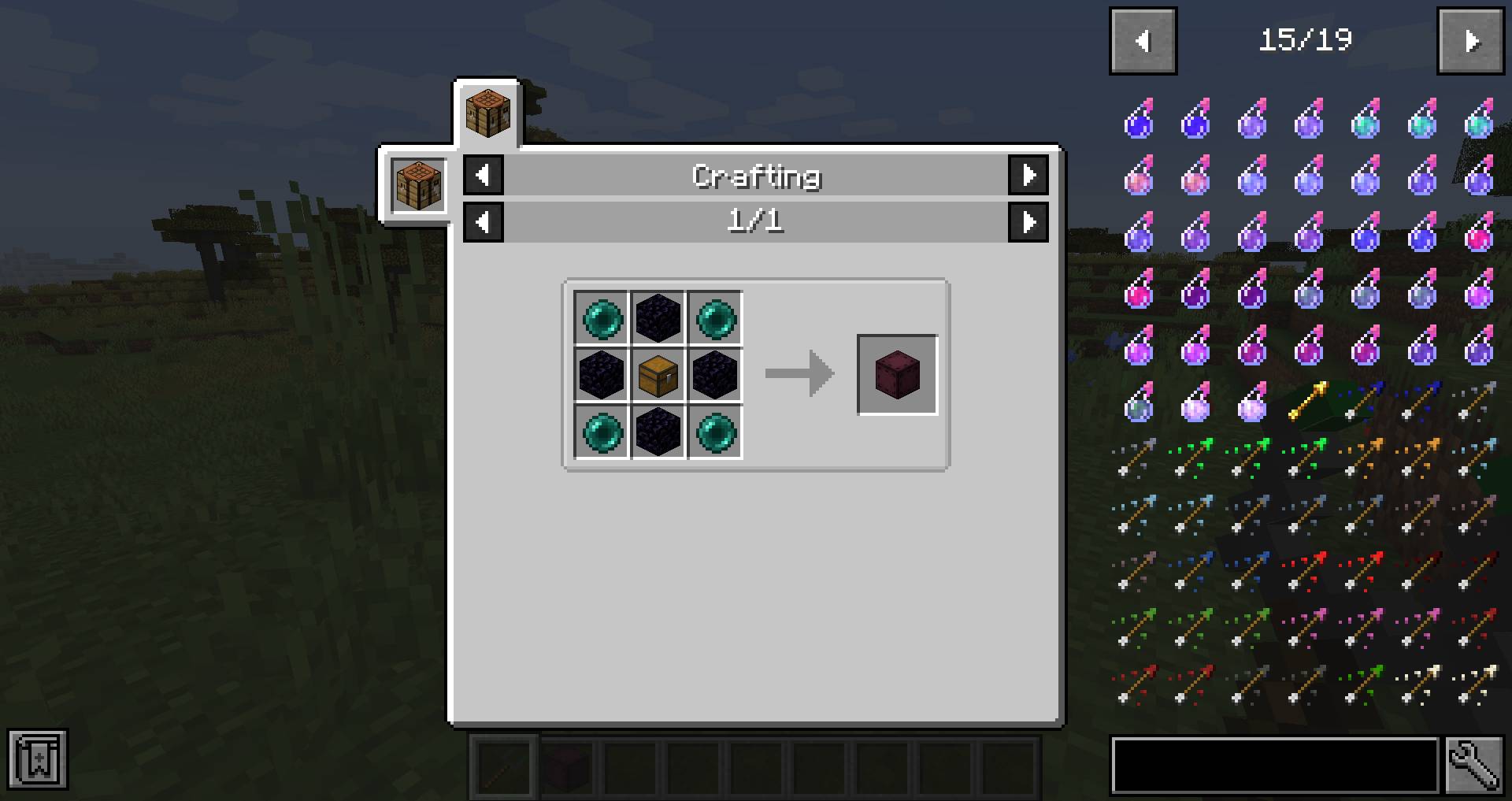
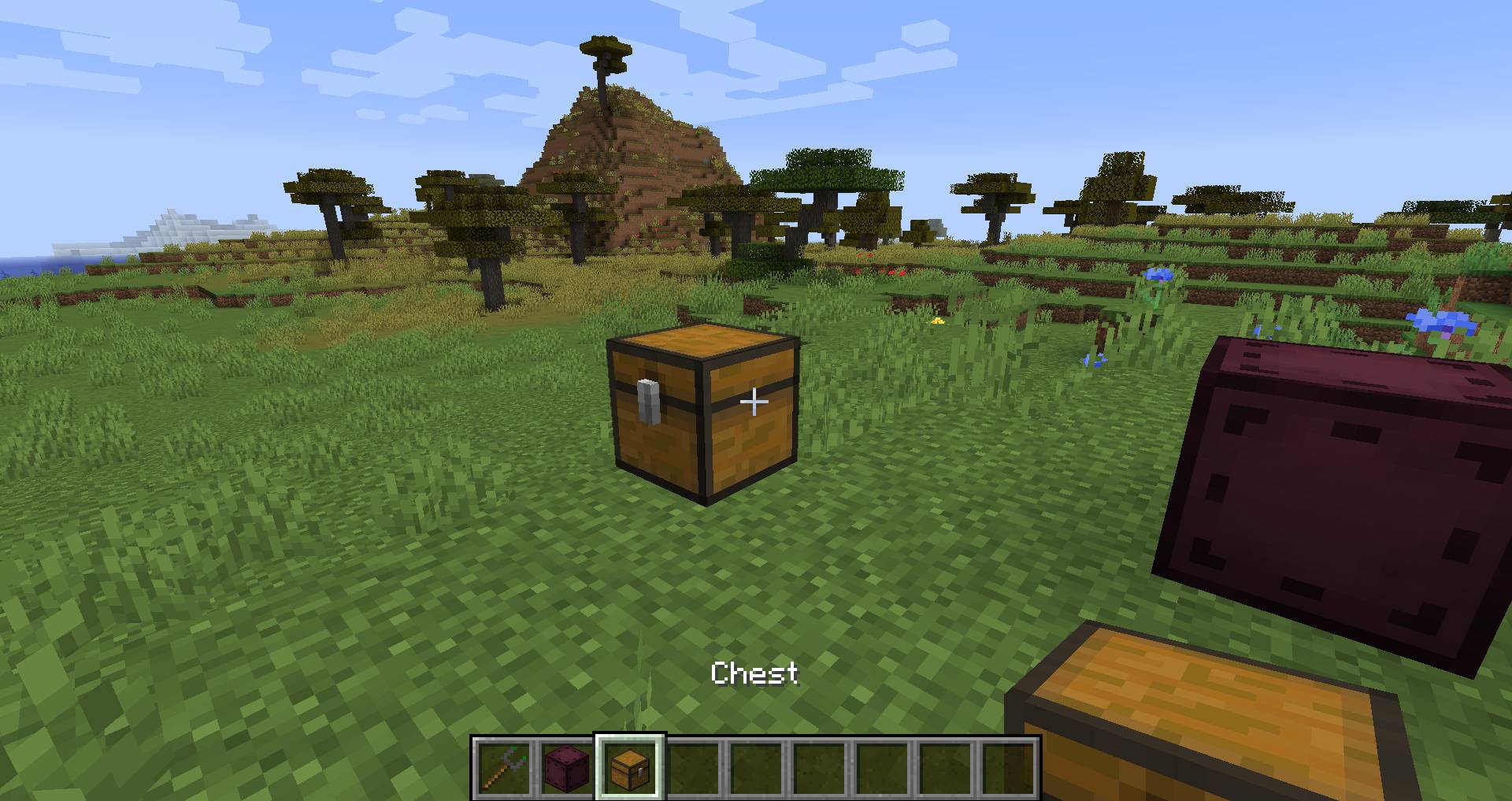
- Craft an Entangled Block and an Entangled Binder.
- Place the Entangled Block in the world.
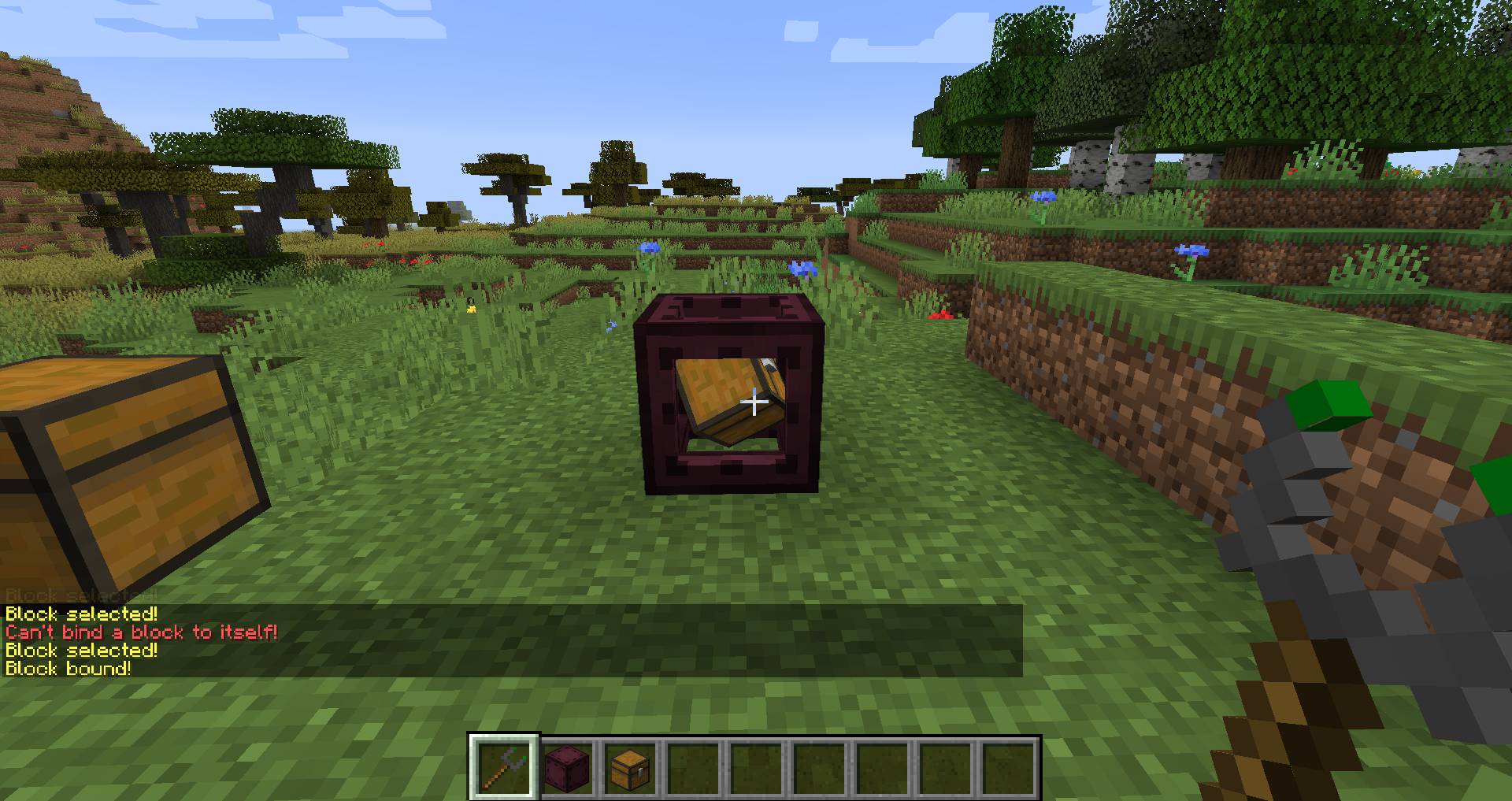
- Right-click on the block you want to connect to using the Entangled Binder.
- Right-click on your Entangled Block with the same Entangled Binder to create the link.
Unbinding an Entangled Block
- Select an empty slot in your hotbar so your hand is empty.
- Press the Sneak key to crouch.
- Right-click on the Entangled Block to remove the link.
Configuration:
You can change how the mod works with several options:
- AllowDimensional: Set to true or false. It decides if blocks can be linked between different dimensions. It is true by default.
- MaxDistance: Sets the maximum distance between linked blocks. The default value of -1 means there is no distance limit.
- RenderBlockHighlight: A client-side option to show a highlight on the target block when you look at an Entangled Block.
- RotateRenderedBlock: A client-side option that makes the block inside the Entangled Block spin.
Tags:
- Entangled:invalid_targets: Blocks in this tag cannot be targeted by the Entangled Block.
- Entangled:render_blacklist: Blocks or block entities in this tag will not be visually rendered inside the Entangled Block.
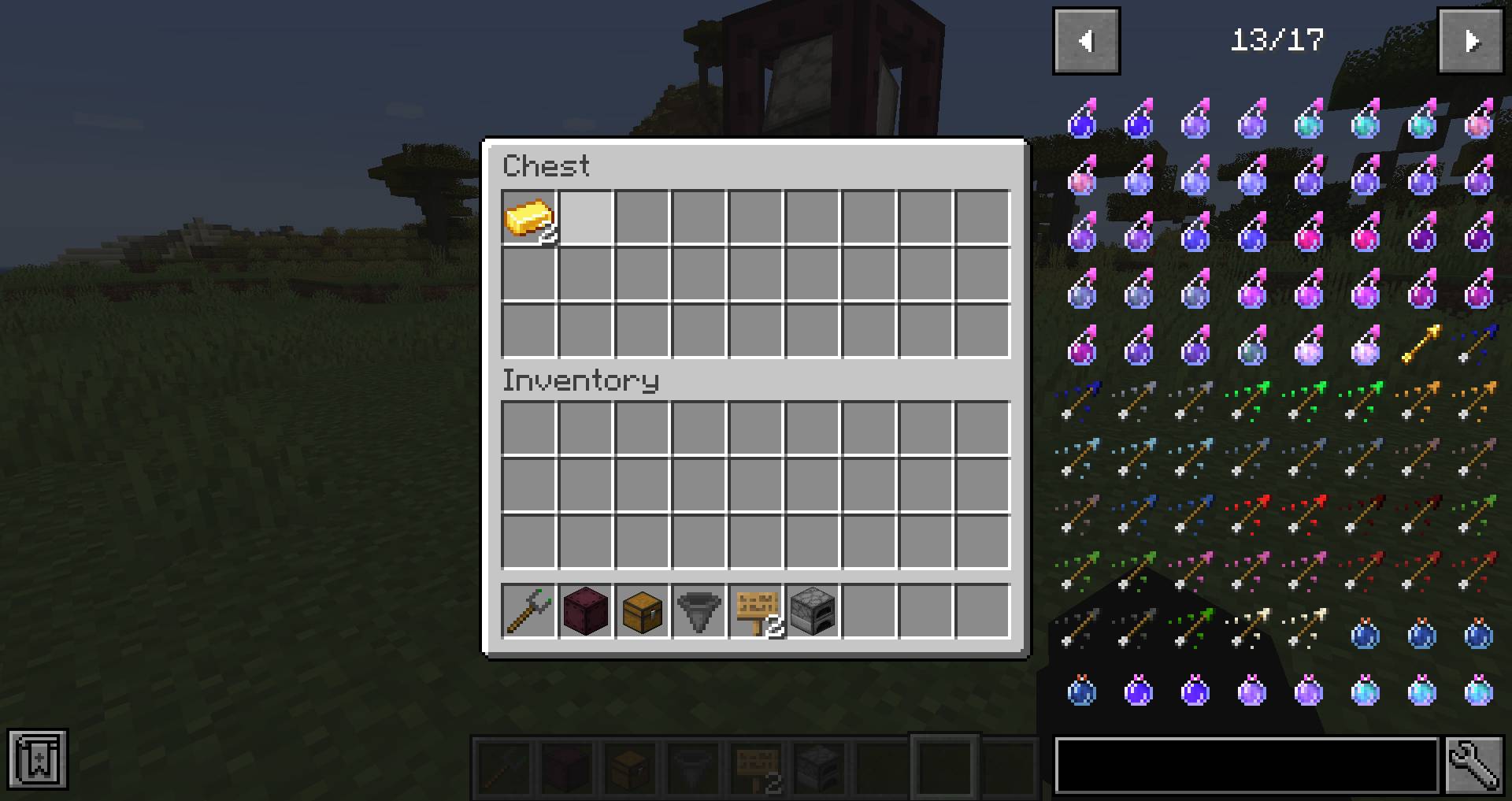
Screenshots:
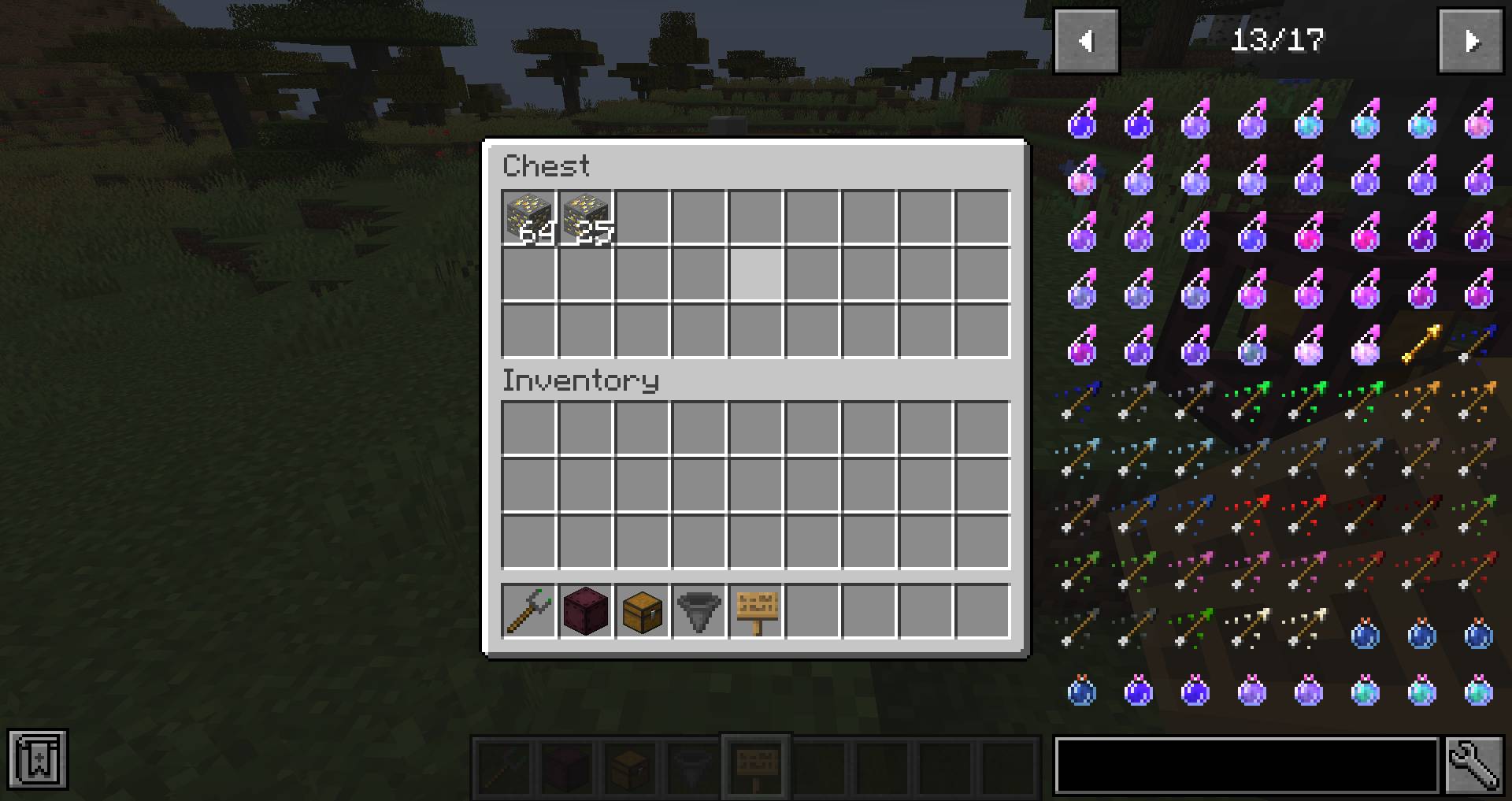
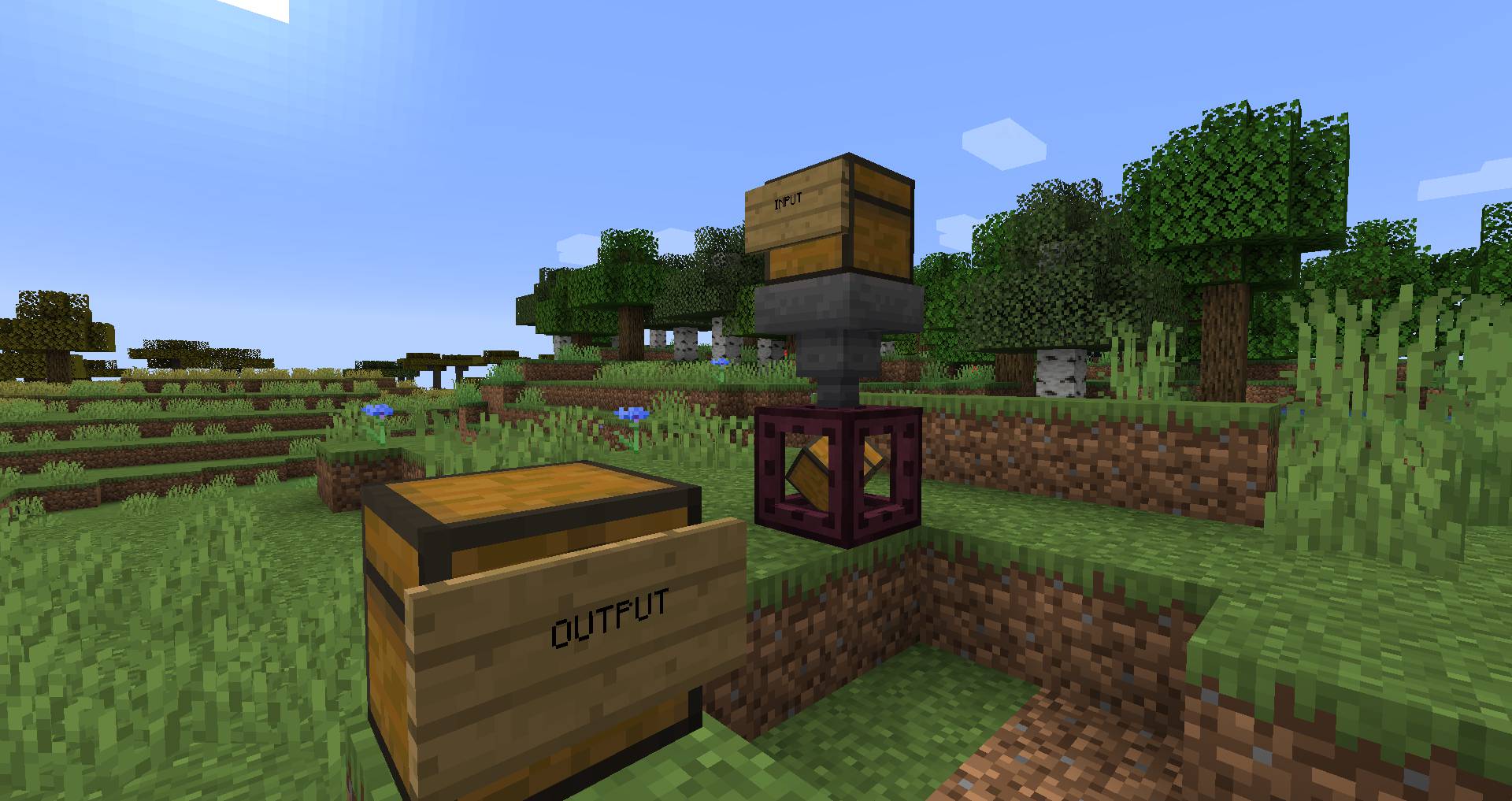
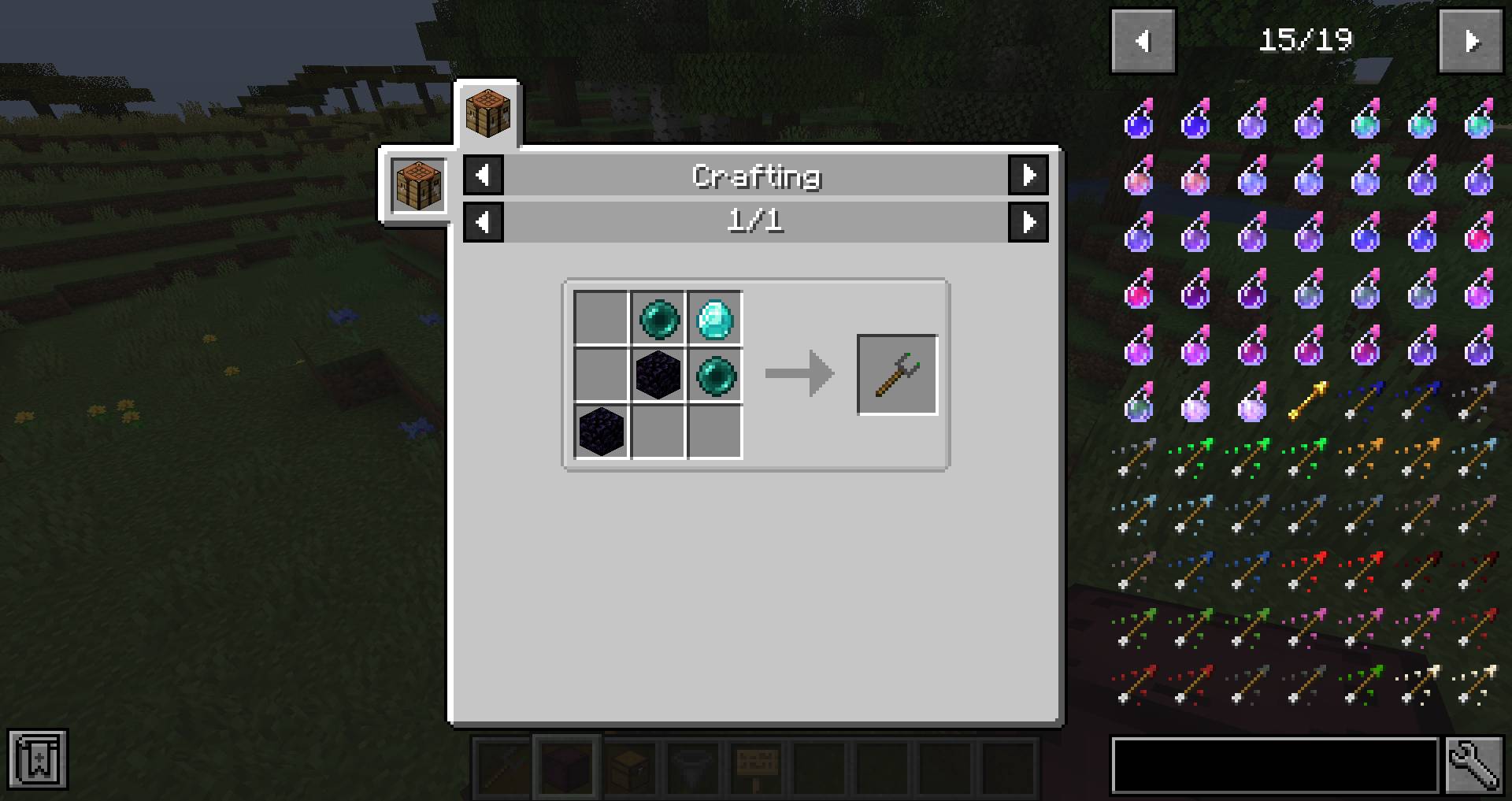
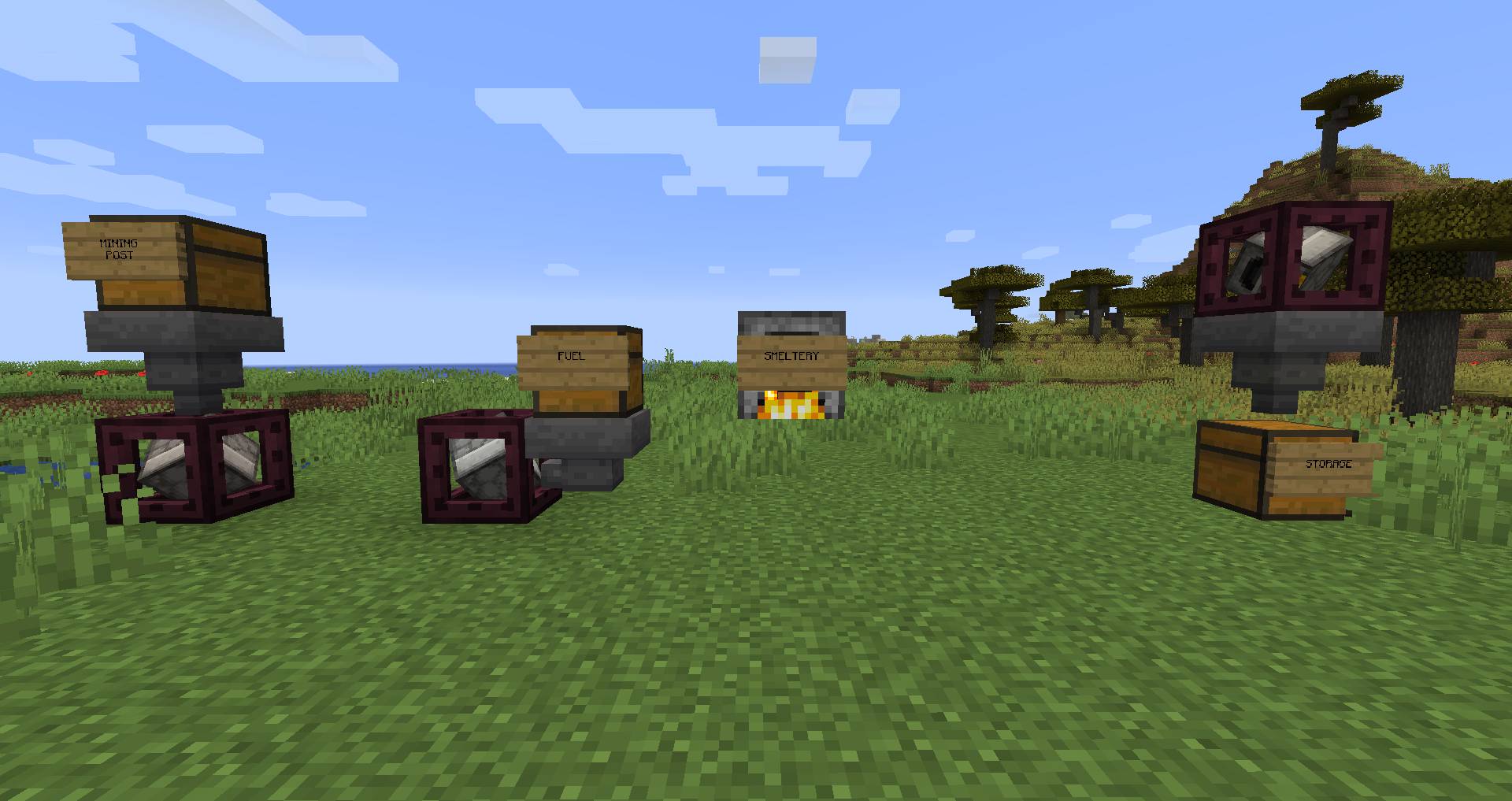
How to Install:
New to Minecraft? Follow our step-by-step guide to install Mods on your PC.View Guide
Requirements:




Entangled Mod Download Links
For Minecraft 26.2
For Minecraft 26.1.2, 26.1.1, 26.1
For Minecraft 1.21.11
For Minecraft 1.21.10, 1.21.9
For Minecraft 1.21.8, 1.21.7, 1.21.6
For Minecraft 1.21.5
For Minecraft 1.21.4
For Minecraft 1.21.3, 1.21.2
For Minecraft 1.21.1, 1.21
For Minecraft 1.20.6
For Minecraft
1.20.4,
1.20.3,
1.20.2
All Versions Covered
1.20.4
1.20.3
1.20.2
1.20.1
1.20
All Versions Covered
1.20.4
1.20.3
1.20.2
1.20.1
1.20
For Minecraft 1.19.4
For Minecraft 1.19.3
For Minecraft 1.19.2, 1.19.1, 1.19
For Minecraft 1.18.2, 1.18.1, 1.18
For Minecraft
1.16.5,
1.16.4,
1.16.3
All Versions Covered
1.16.5
1.16.4
1.16.3
1.16.2
1.16.1
1.16
All Versions Covered
1.16.5
1.16.4
1.16.3
1.16.2
1.16.1
1.16
For Minecraft 1.12.2, 1.12.1, 1.12
Click to rate this post!
[Total: 1 Average: 5]
You May Also Like




This post has no comments yet. Be the first — your comment will appear here.