


Sit Mod (26.2, 1.20.1) – Make Your Base Feel Lived-In
 16,508
 0
0

🌐 Good news — we've translated this article into other languages!
Or pick the one you like:
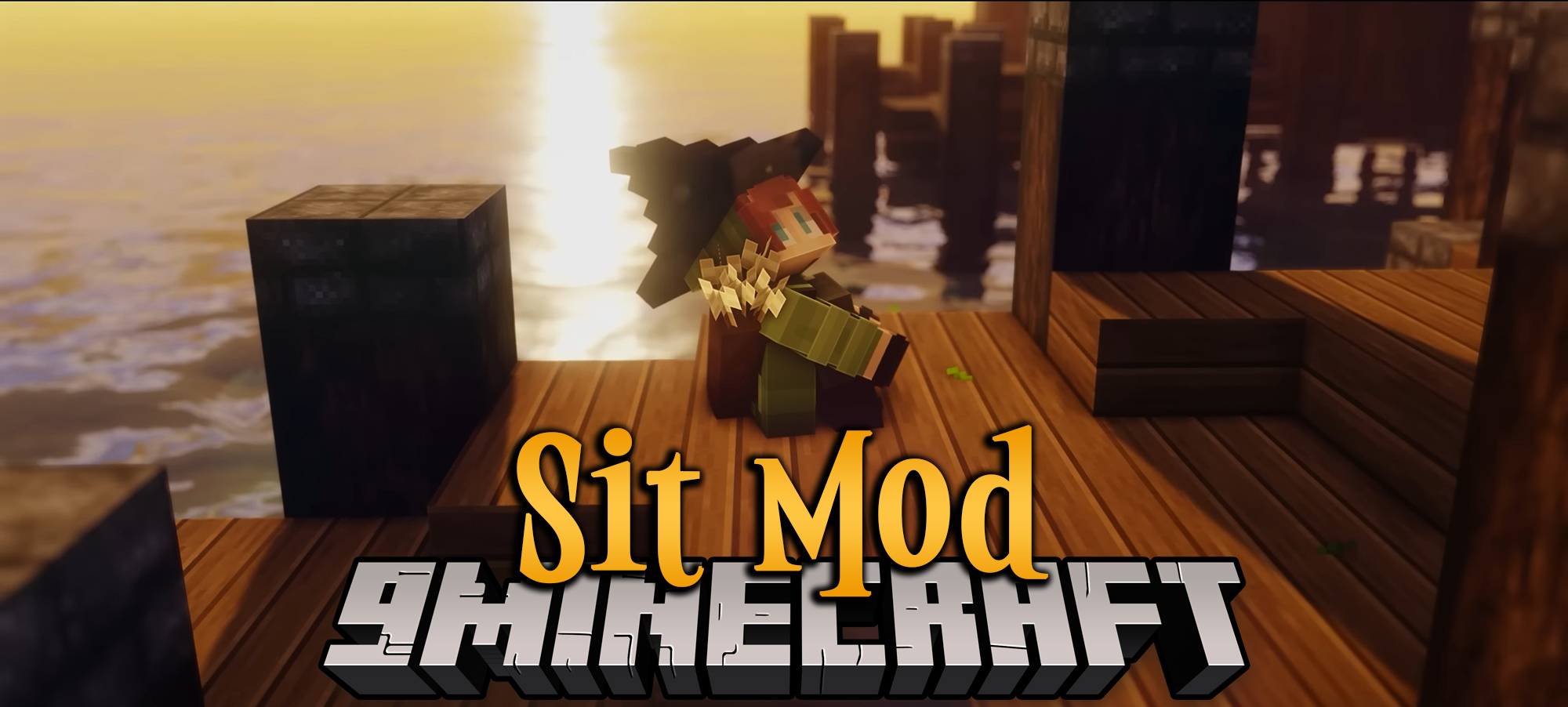
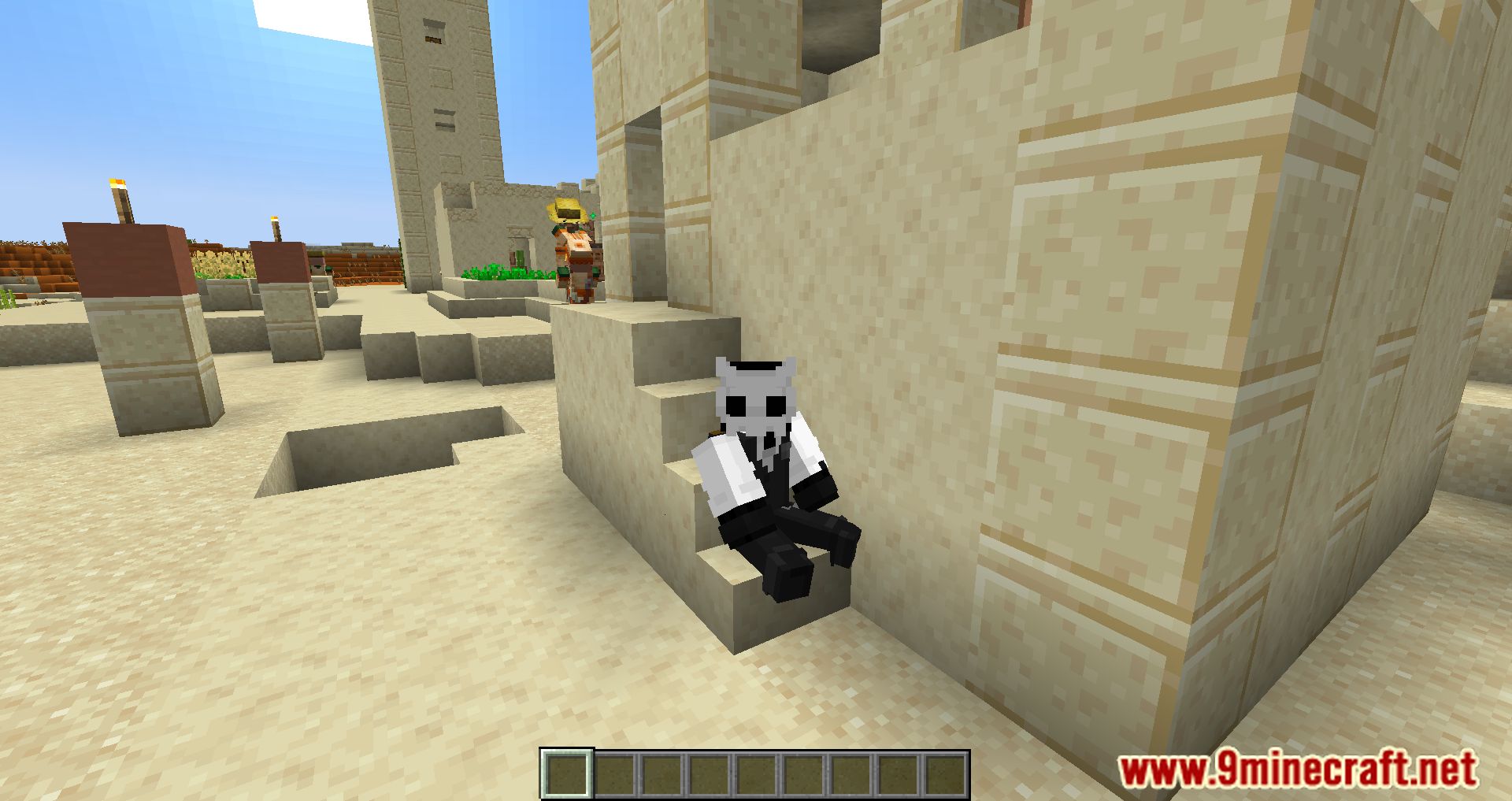
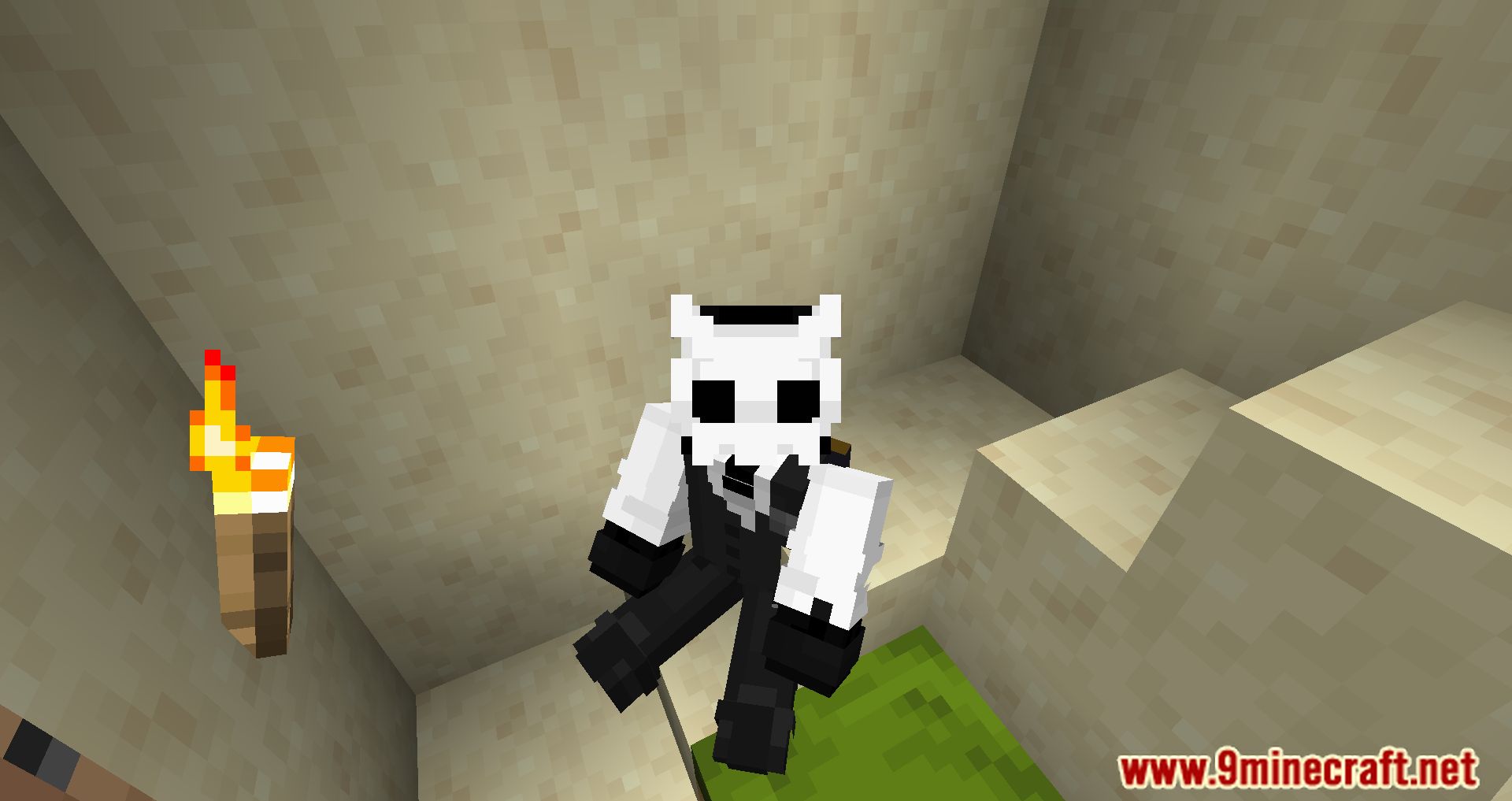
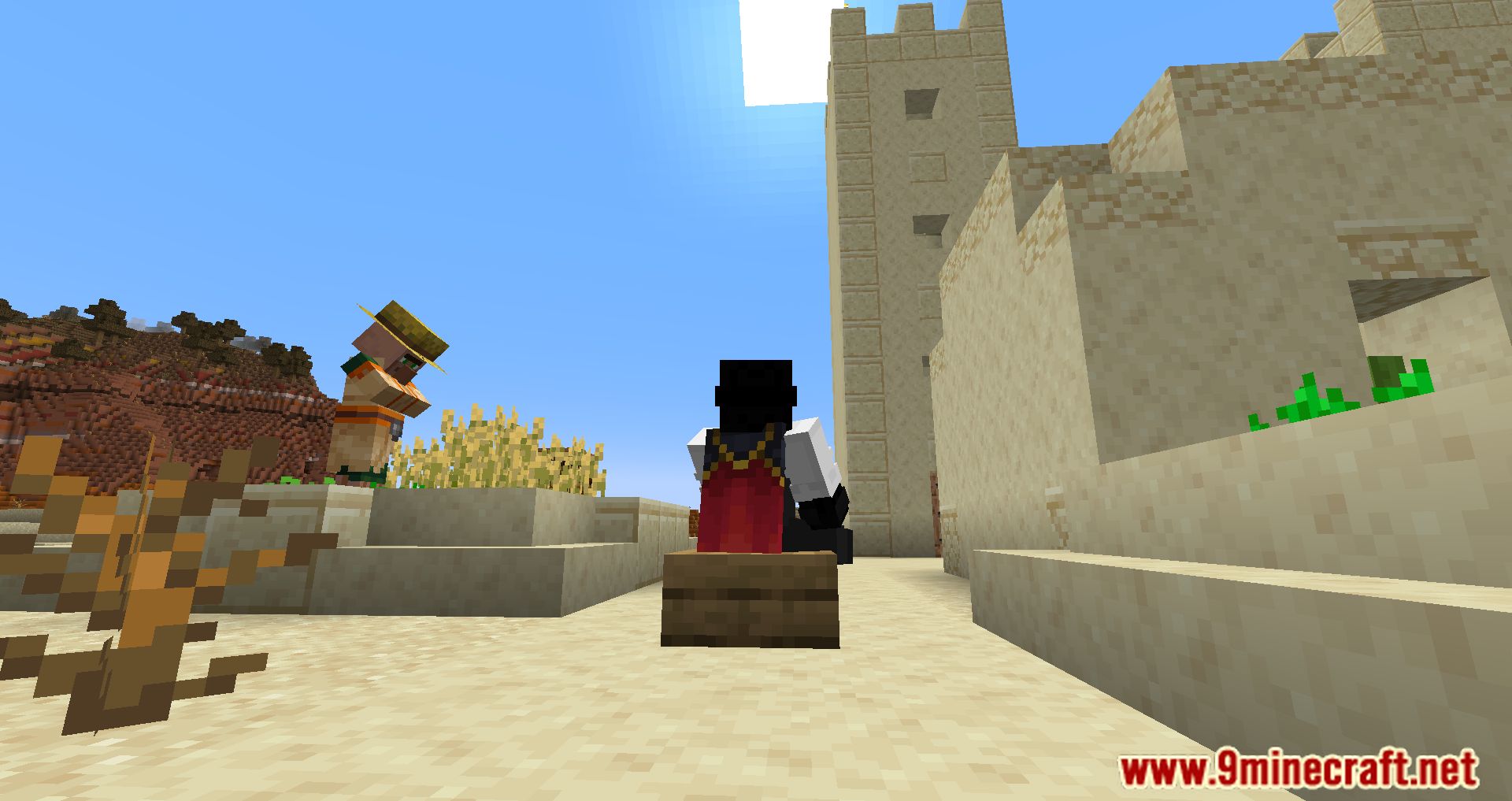
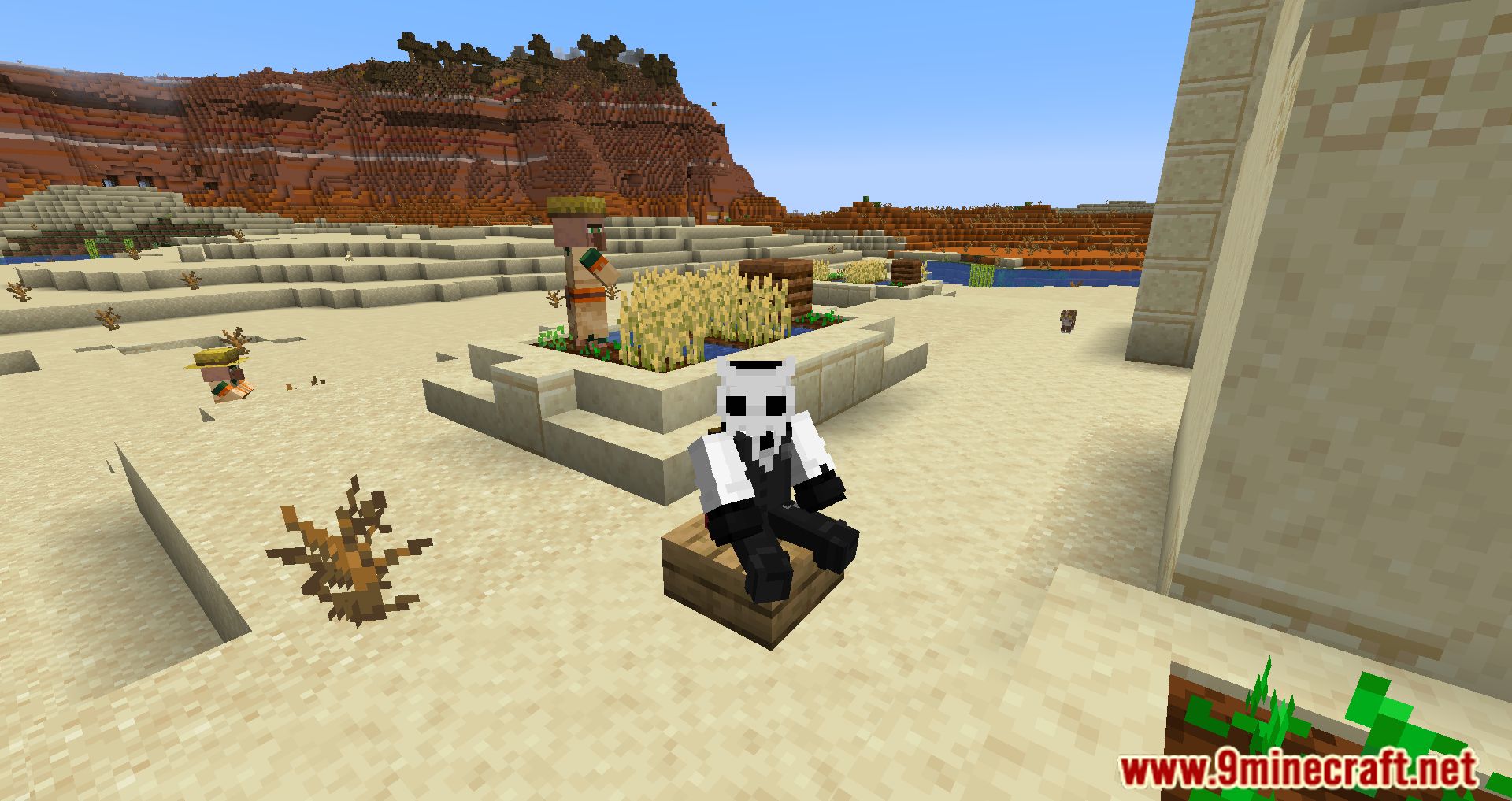
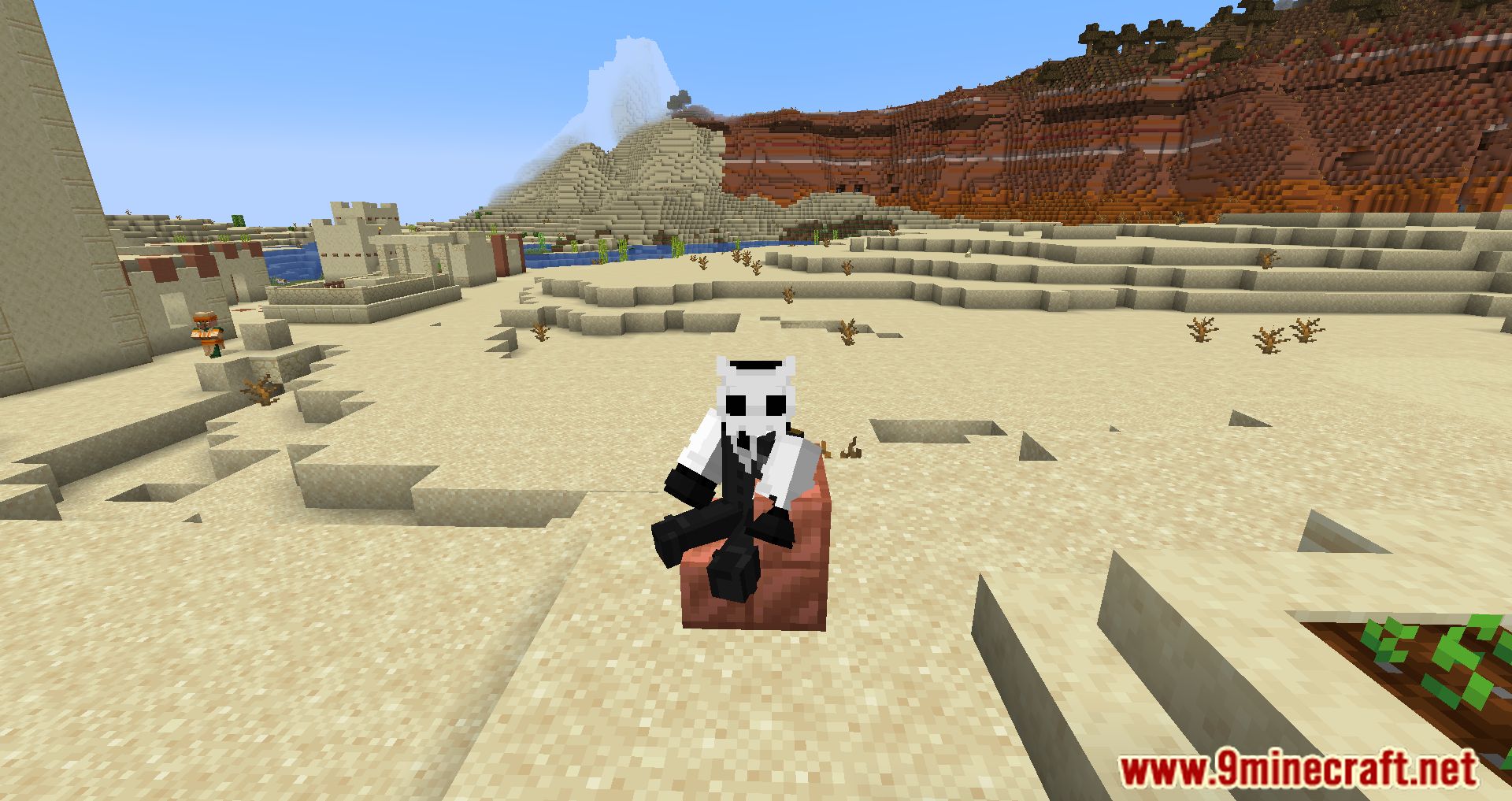
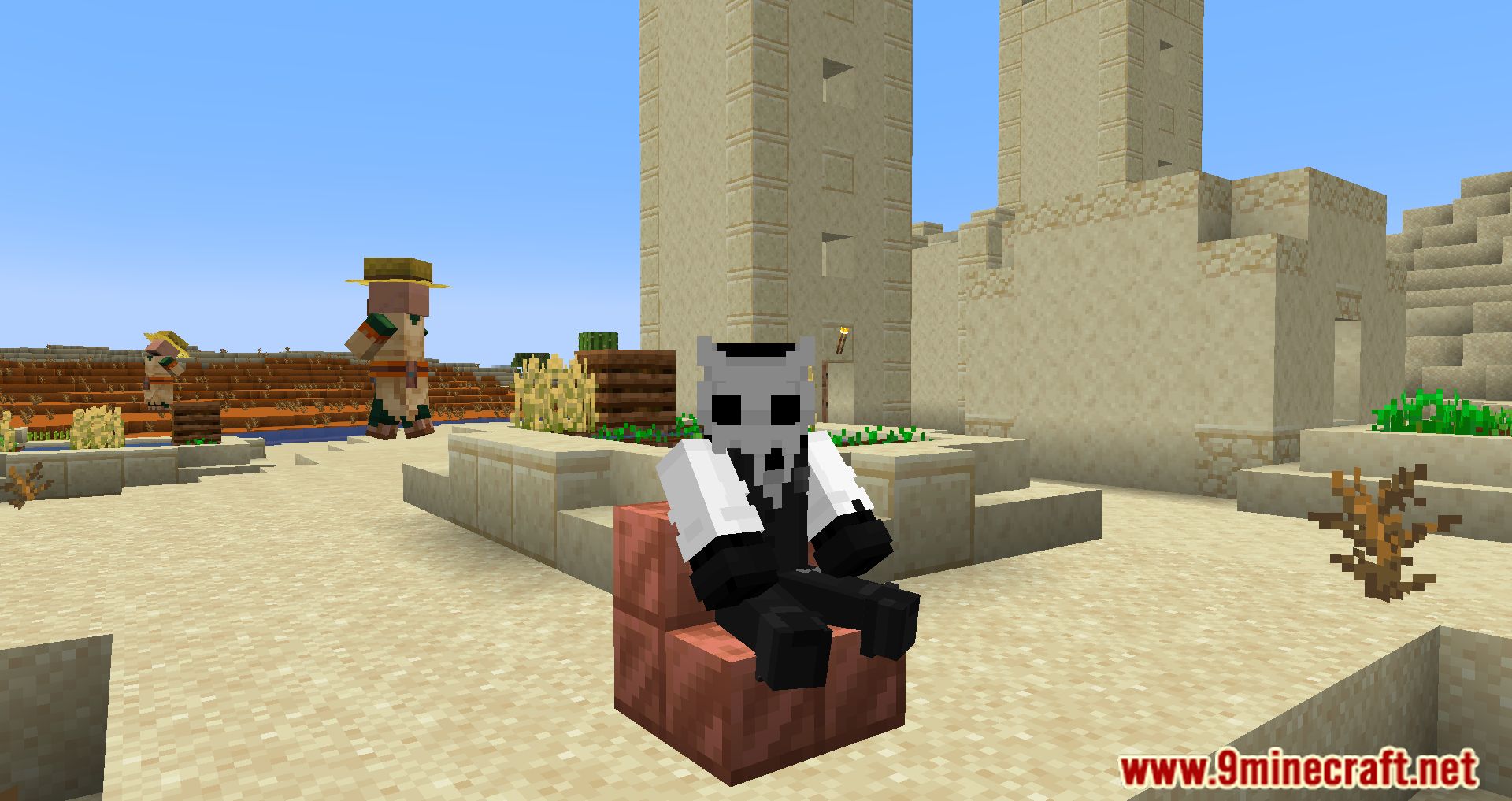
Sit Mod lets you sit on stairs and slabs in your Minecraft world. Players often build furniture like chairs and sofas using these blocks, but you can’t normally sit on them. This mod adds this simple feature, allowing your character to take a seat just by right-clicking.
Features:
- Lets you sit on any stair or slab block, turning them into simple chairs.
- Also works with half-beds, giving you another place to rest.
- Supports most stairs and slabs that are added by other mods.
- Works in multiplayer when installed on both the server and the client.
How to Use:
- Find a stair, slab, or half-bed block.
- Make sure your main hand is empty.
- Point at the top of the block and right-click to sit down.
- To stand up, press the key you use to exit a minecart (SHIFT by default).
Configuration:
There is one option you can change in the configuration file:
block_reach_distance: This sets how far away you can be from a block and still be able to sit on it.
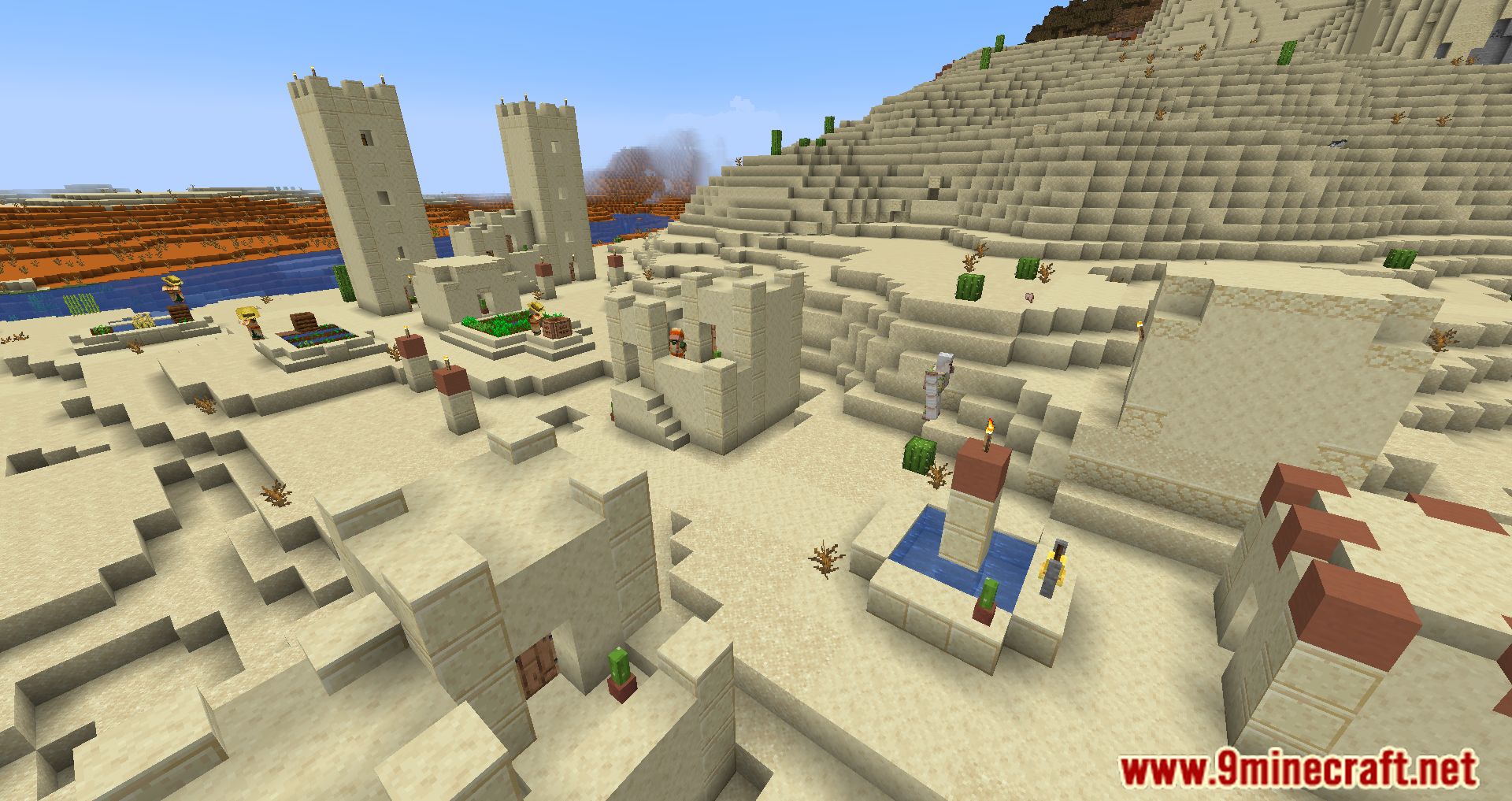
Screenshots:
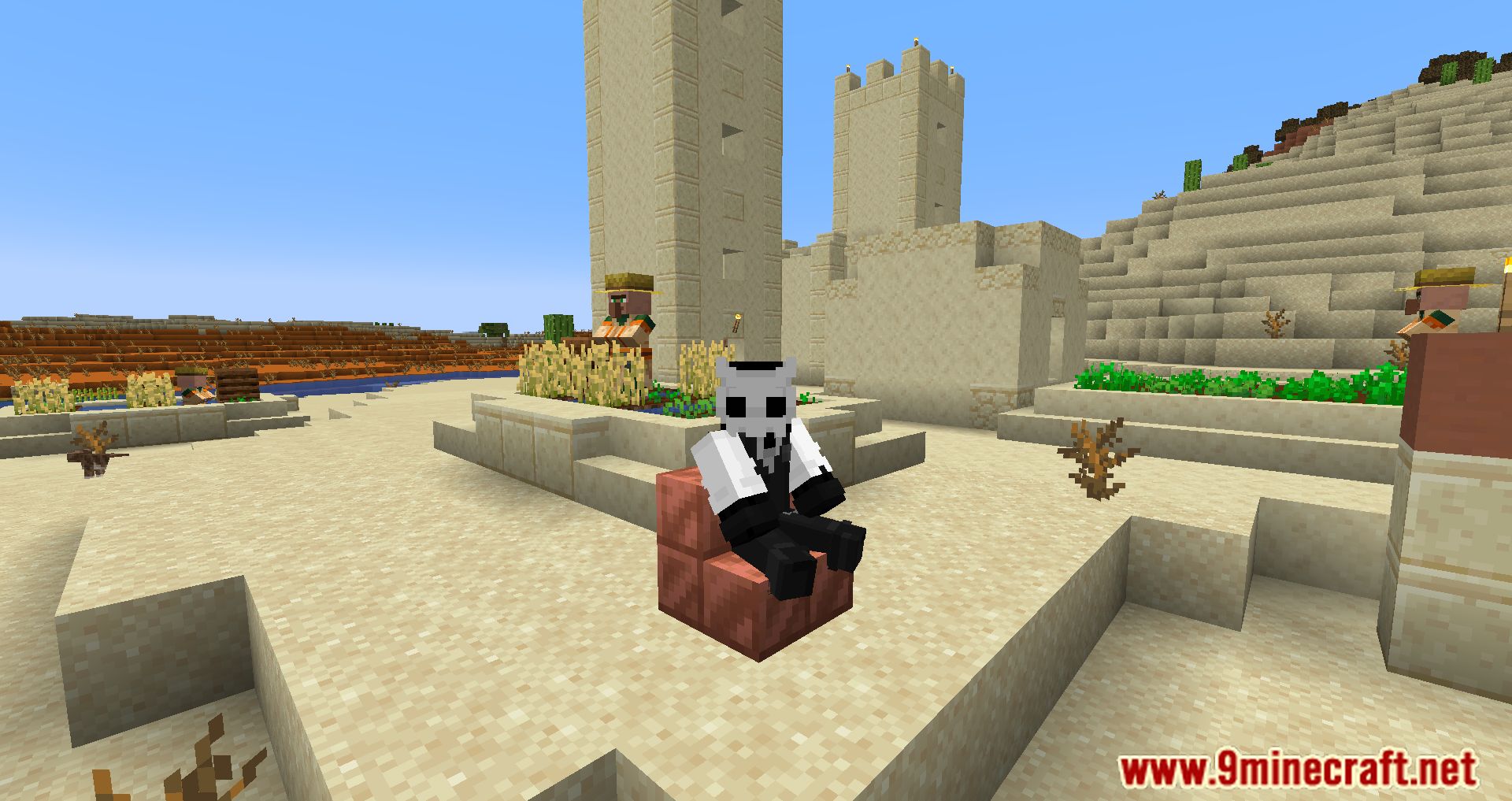
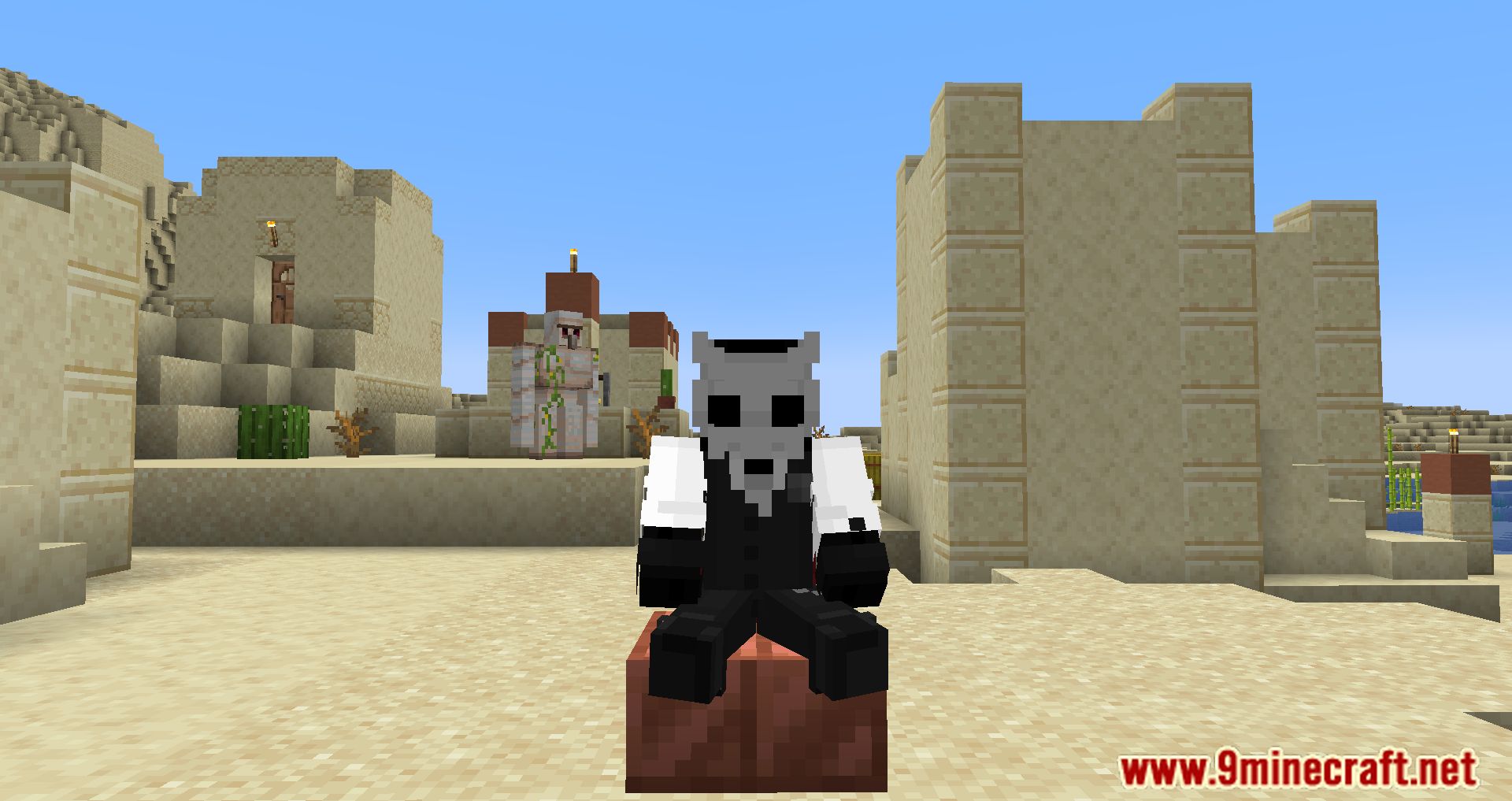
How to Install:
New to Minecraft? Follow our step-by-step guide to install Mods on your PC.View Guide
Requirements:





Sit Mod Download Links
For Minecraft 26.2
For Minecraft 26.1.2, 26.1.1, 26.1
For Minecraft 1.21.11
For Minecraft 1.21.10, 1.21.9
For Minecraft 1.21.8, 1.21.7, 1.21.6
For Minecraft 1.21.5
For Minecraft 1.21.4
For Minecraft 1.21.3, 1.21.2
For Minecraft 1.21.1, 1.21
For Minecraft 1.20.6
For Minecraft 1.20.4, 1.20.2
For Minecraft 1.20.1, 1.20
For Minecraft 1.19.4
For Minecraft 1.19.3
For Minecraft 1.19.2, 1.19.1, 1.19
For Minecraft 1.18.2
For Minecraft 1.17.1
For Minecraft 1.16.5
For Minecraft 1.15.2
For Minecraft 1.14.4
For Minecraft 1.13.2
For Minecraft 1.12.2
For Minecraft 1.11.2
For Minecraft 1.10.2
For Minecraft 1.7.10
Click to rate this post!
[Total: 7 Average: 2.9]
You May Also Like












This post has no comments yet. Be the first — your comment will appear here.