


Roughly Enough Items Mod (26.2, 1.20.1) – Look Up Any Recipe Without a Wiki
 148,871
 0
0

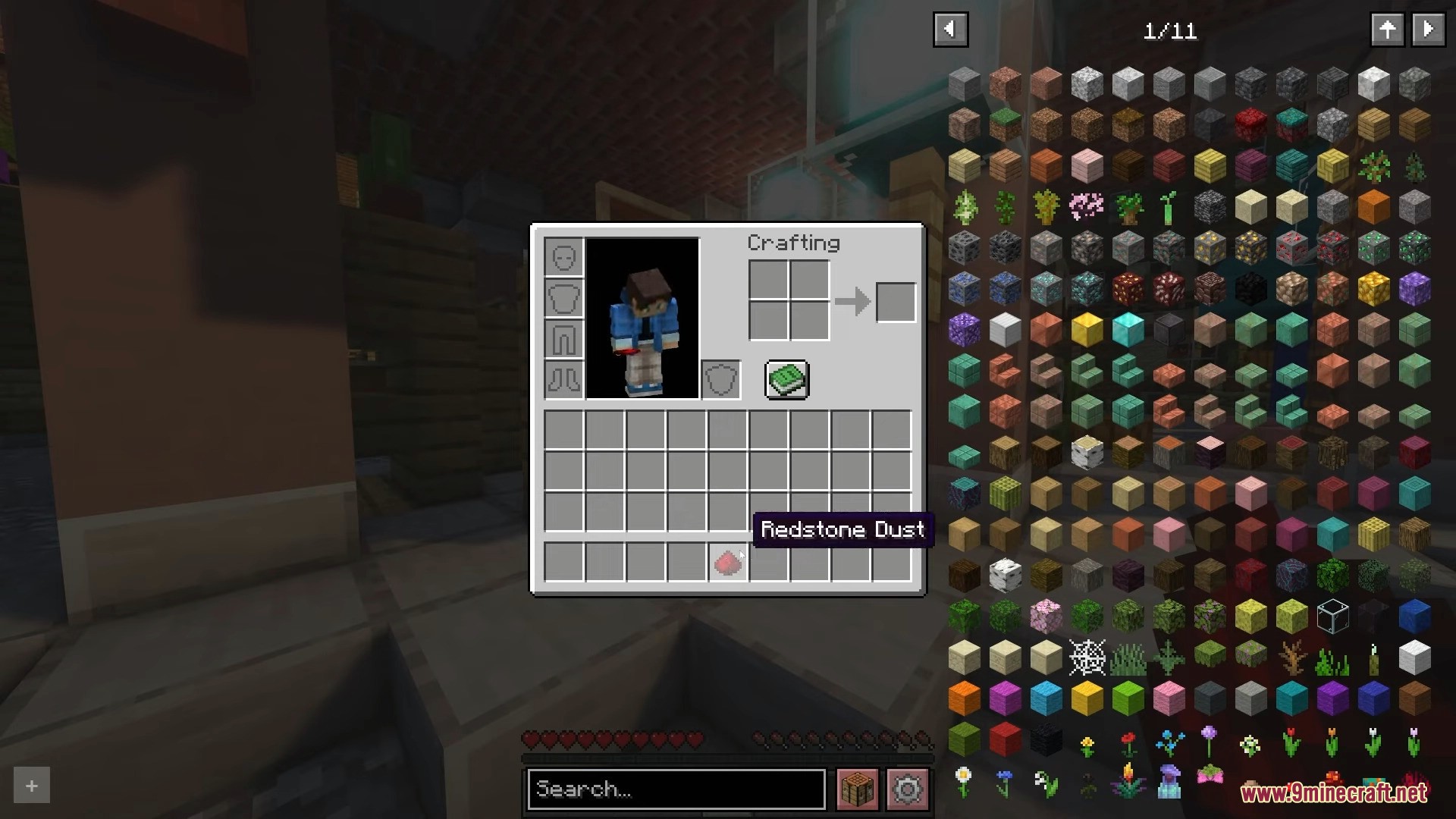
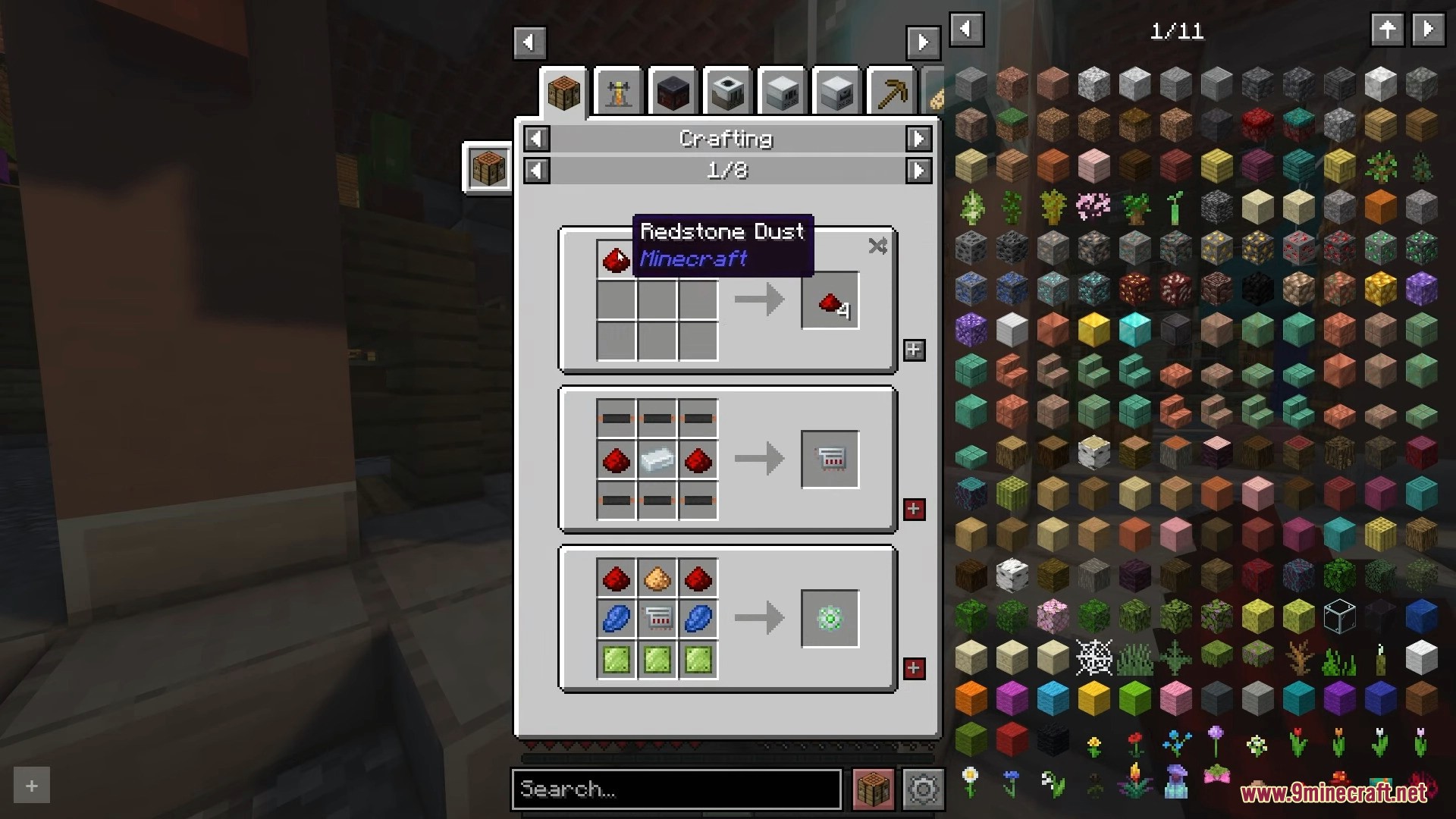
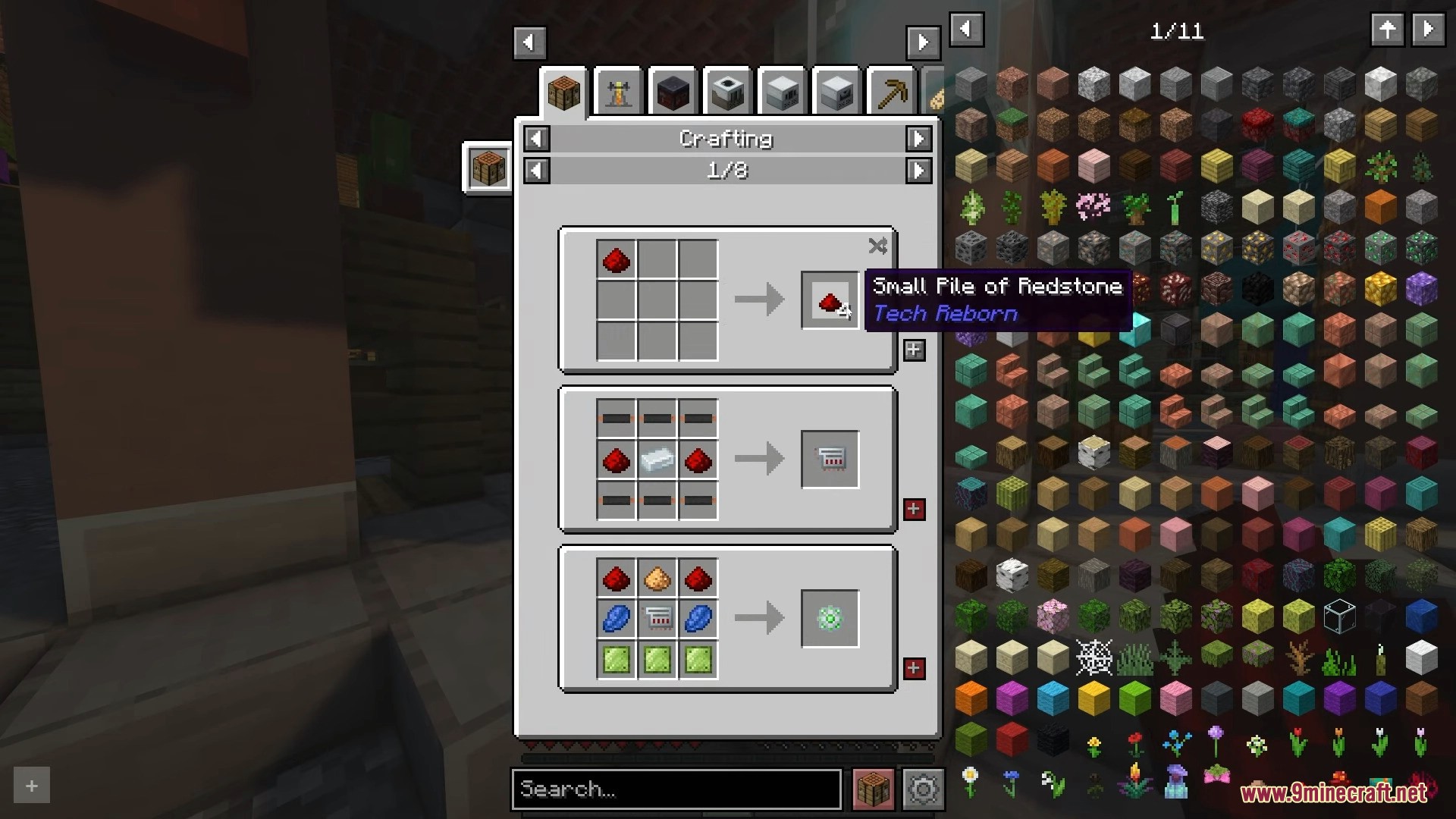
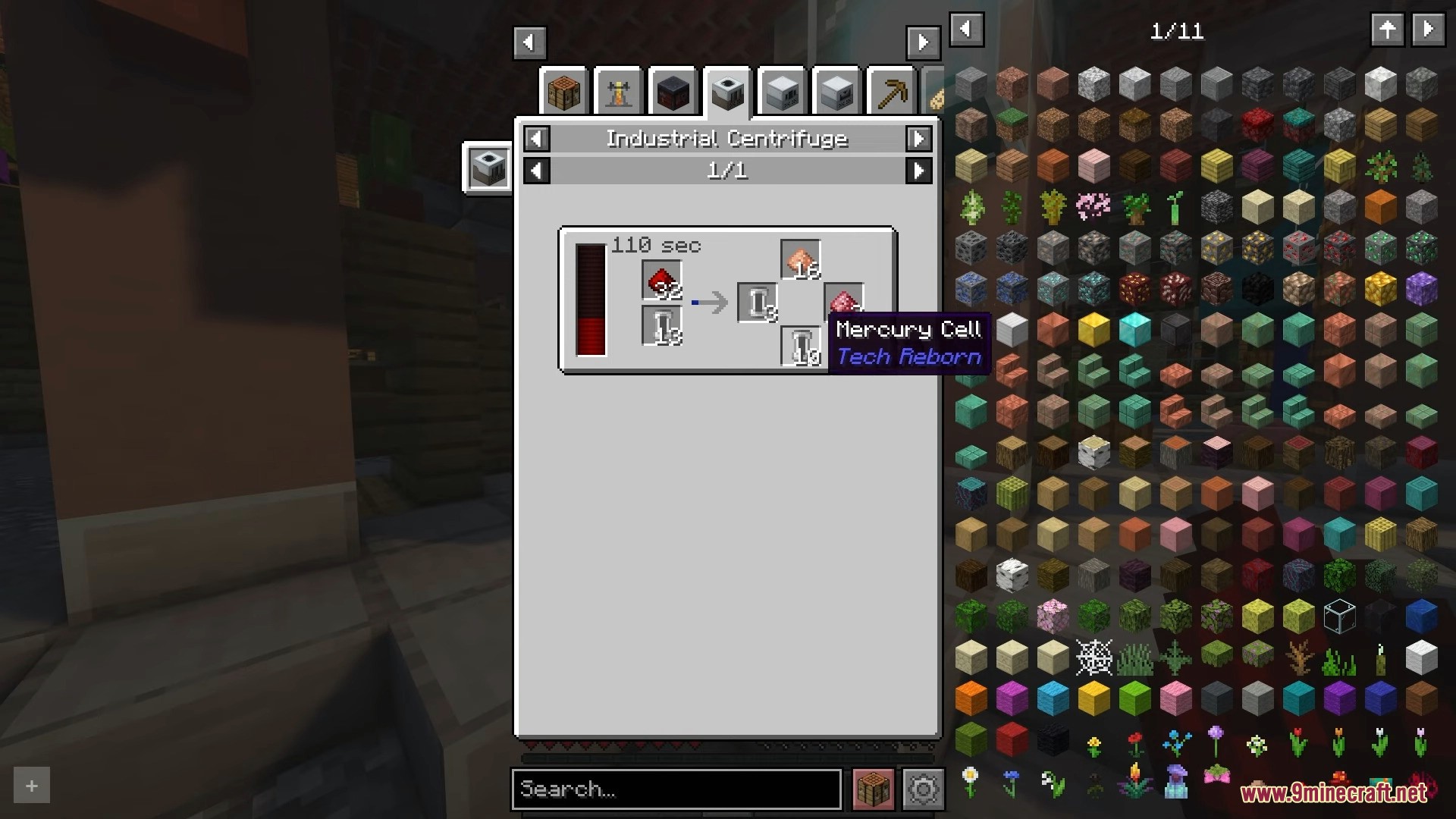
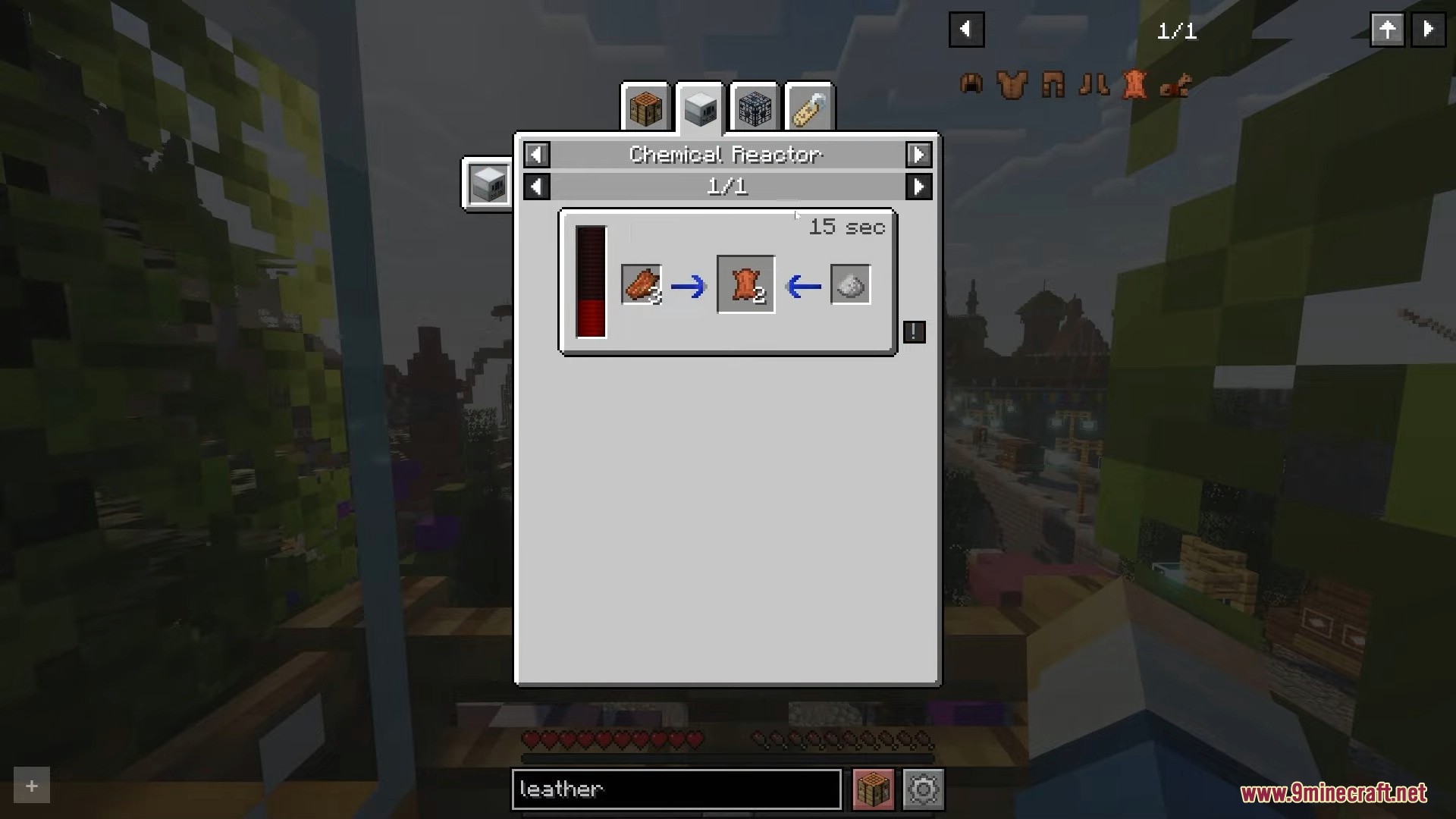
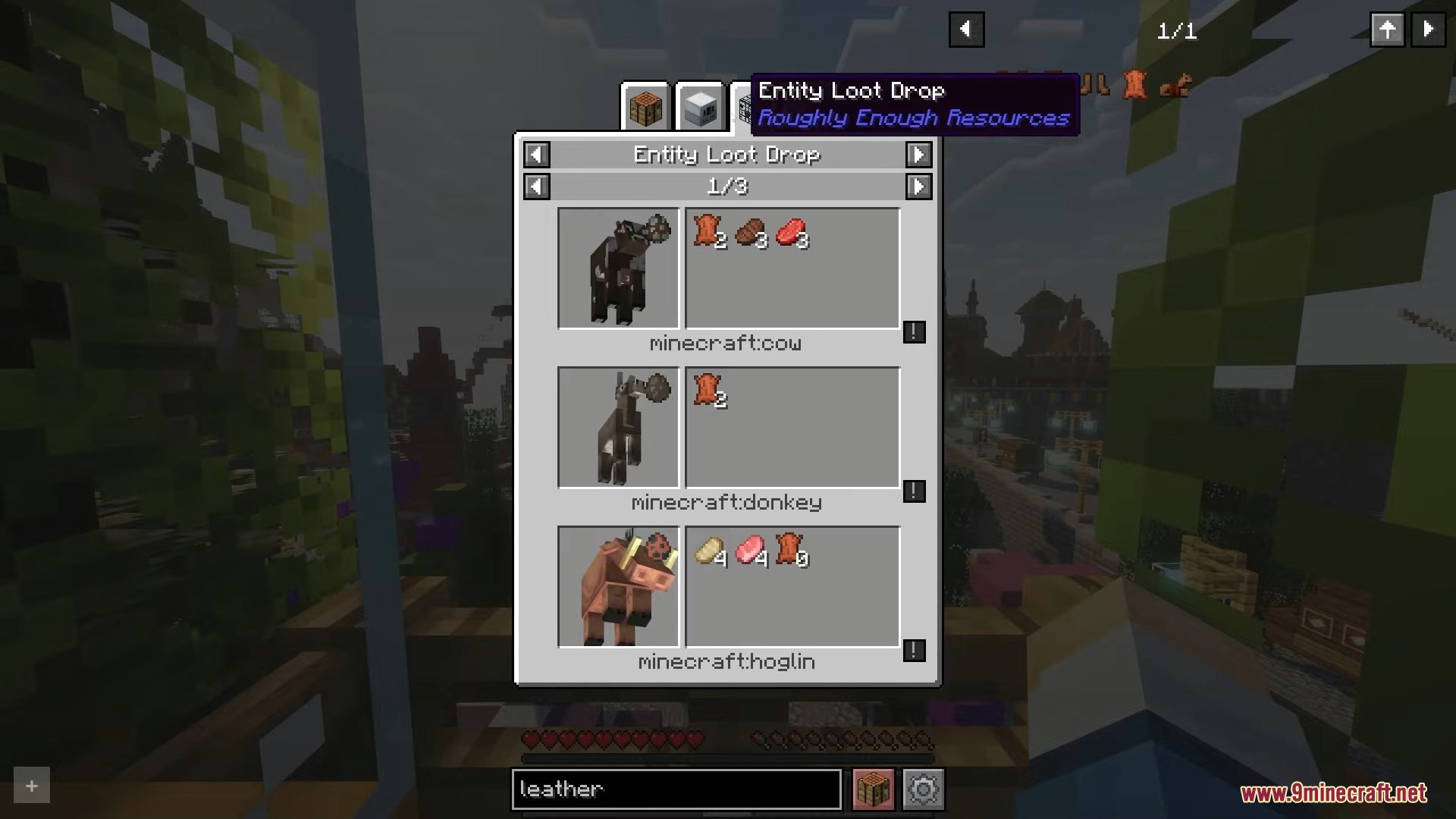
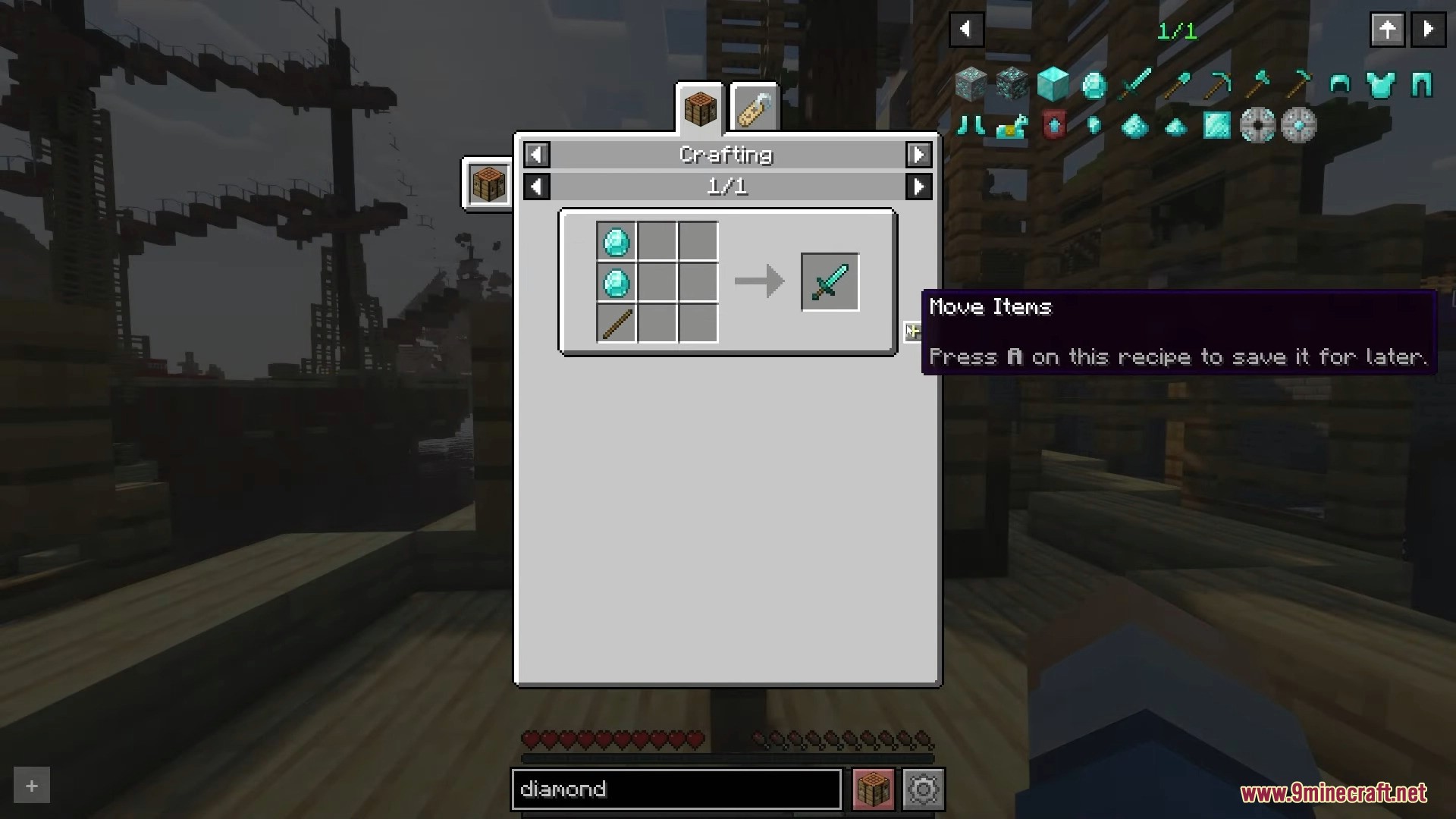
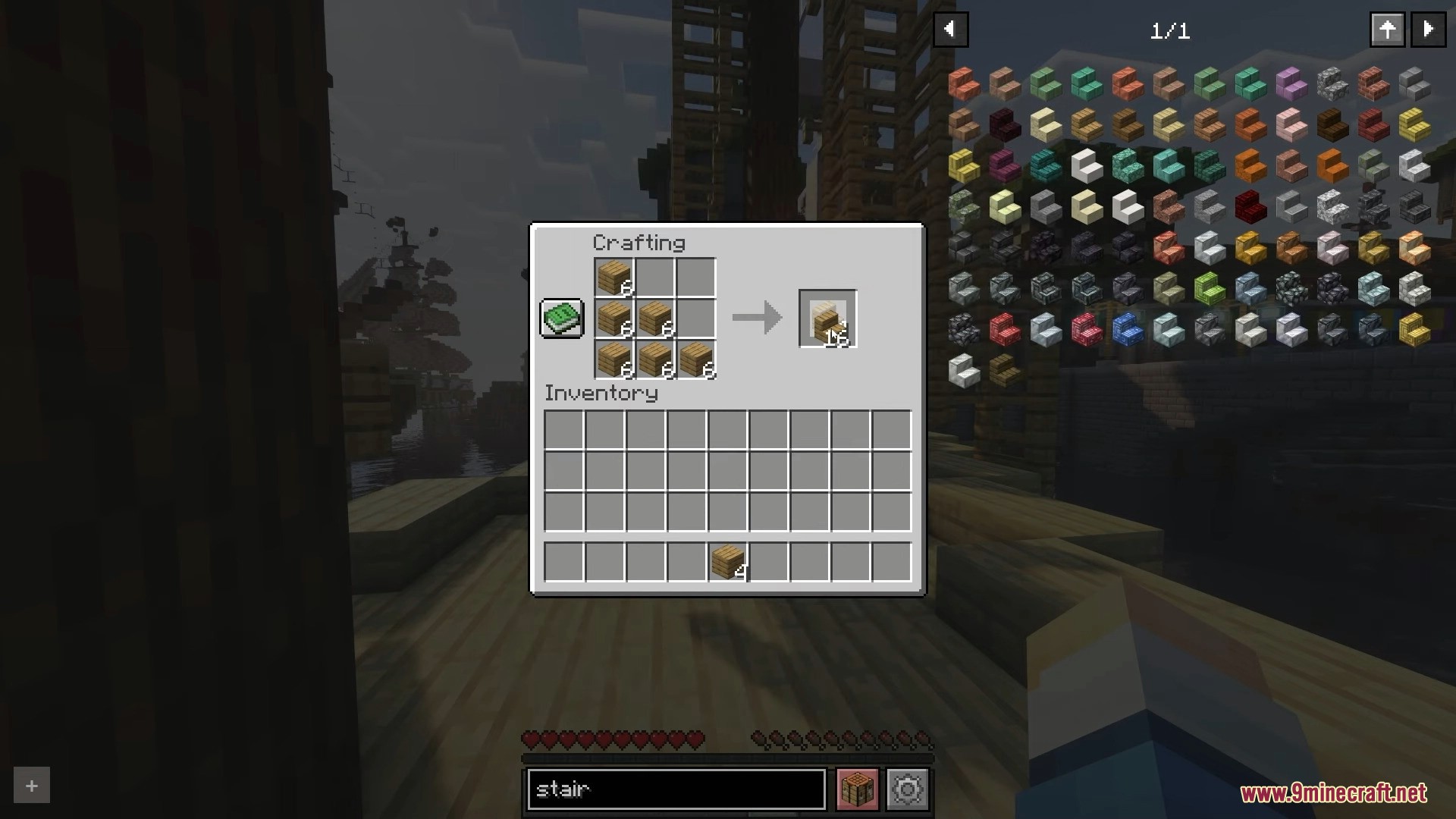
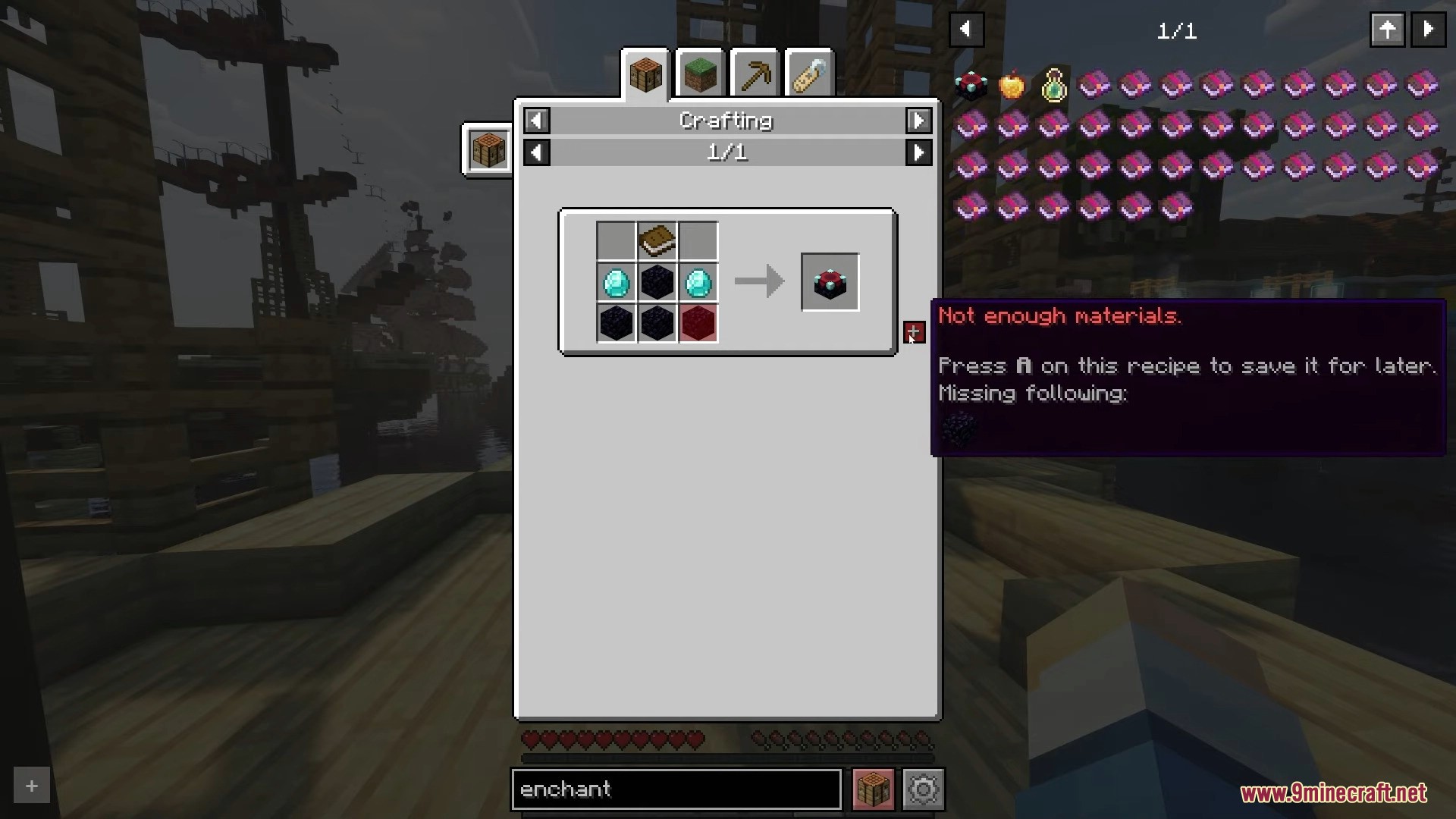
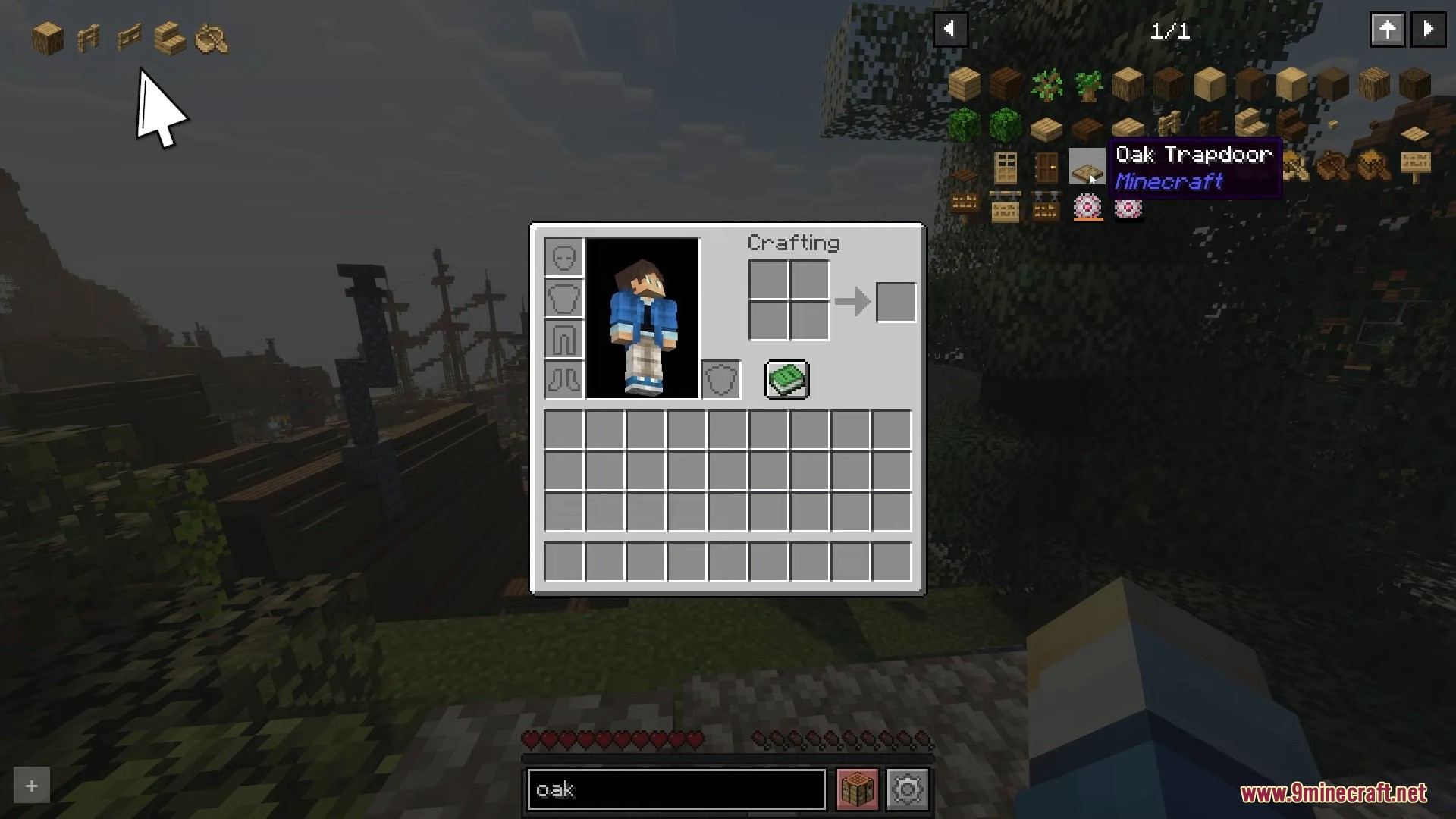
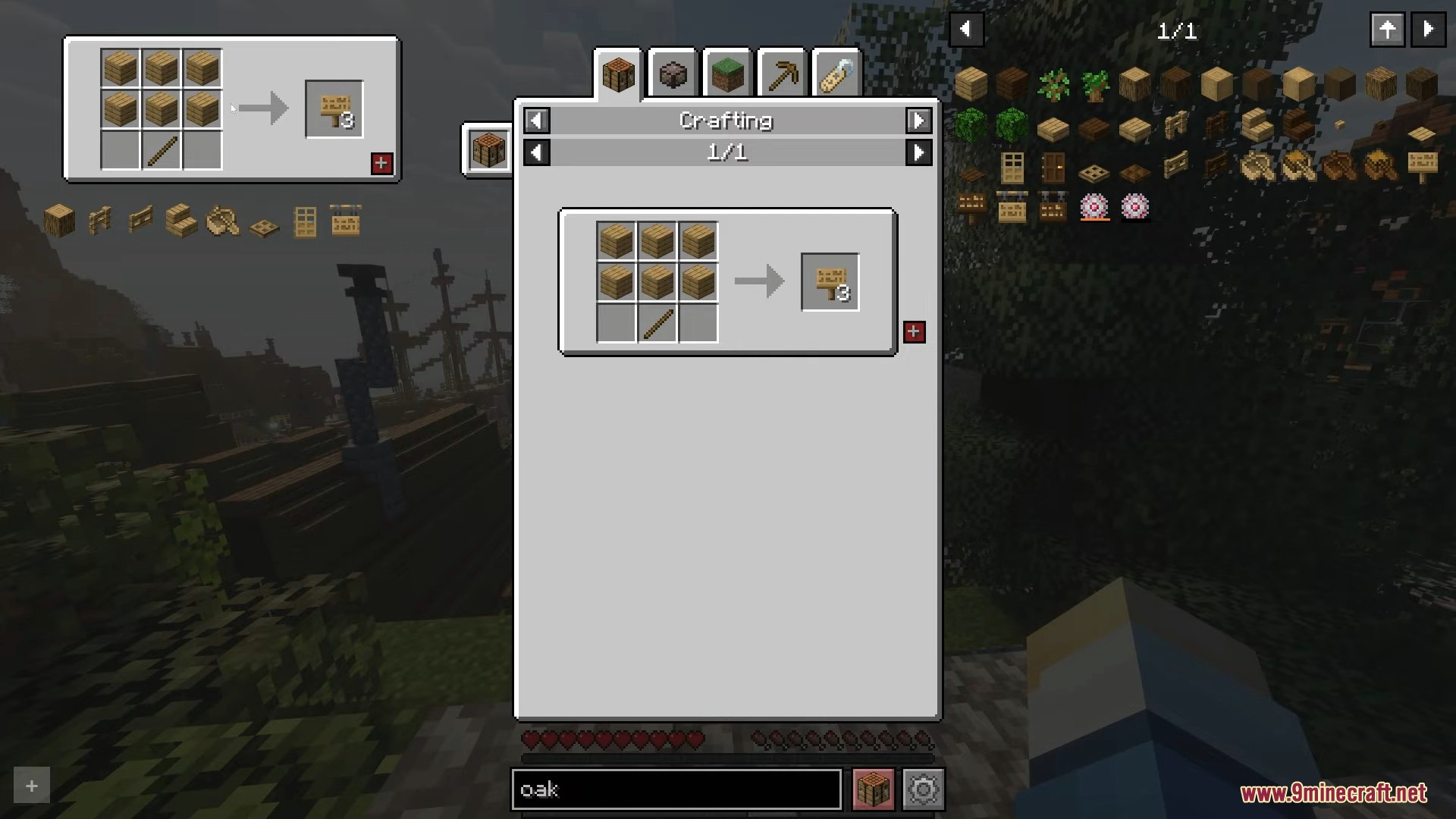
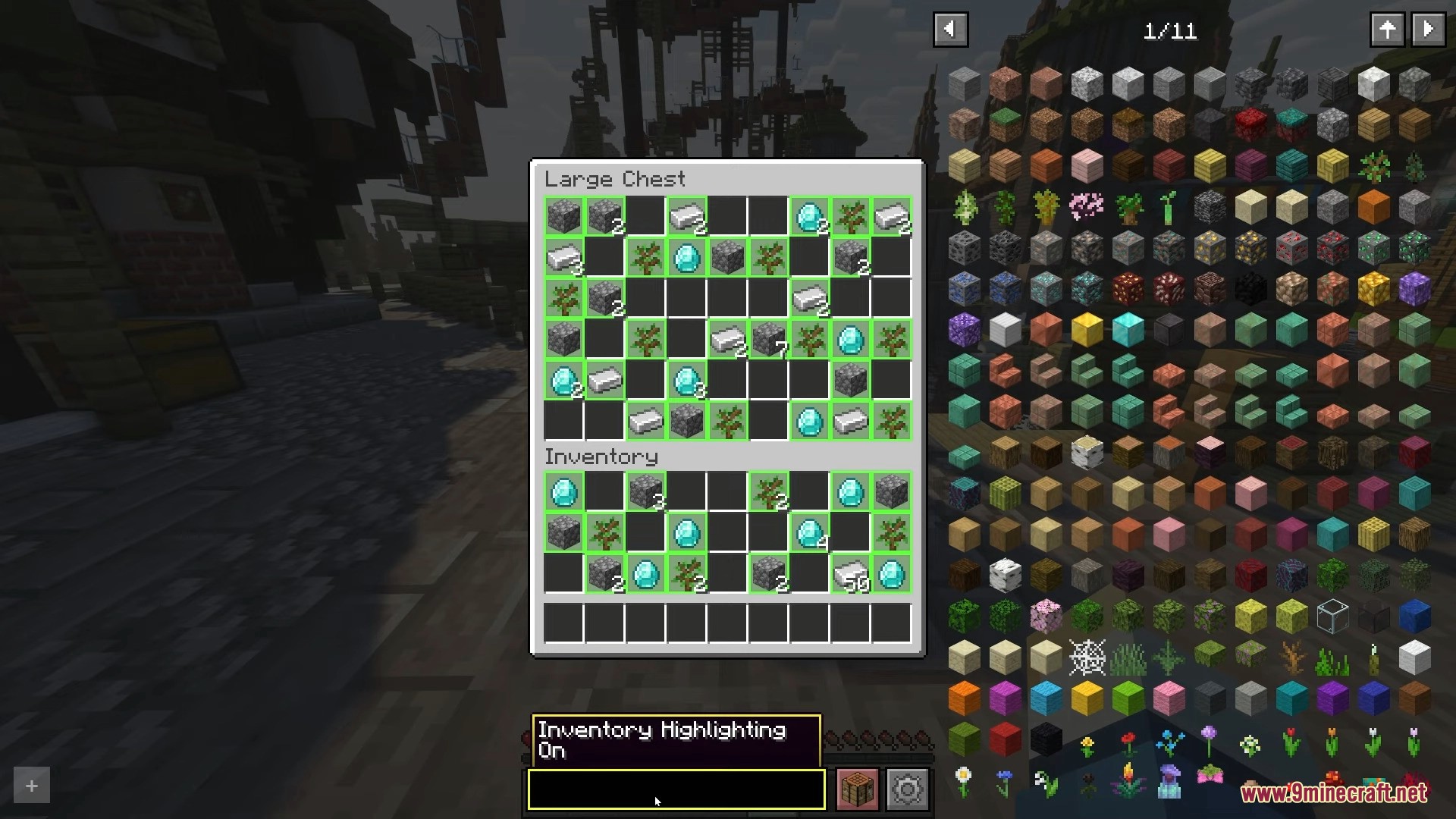
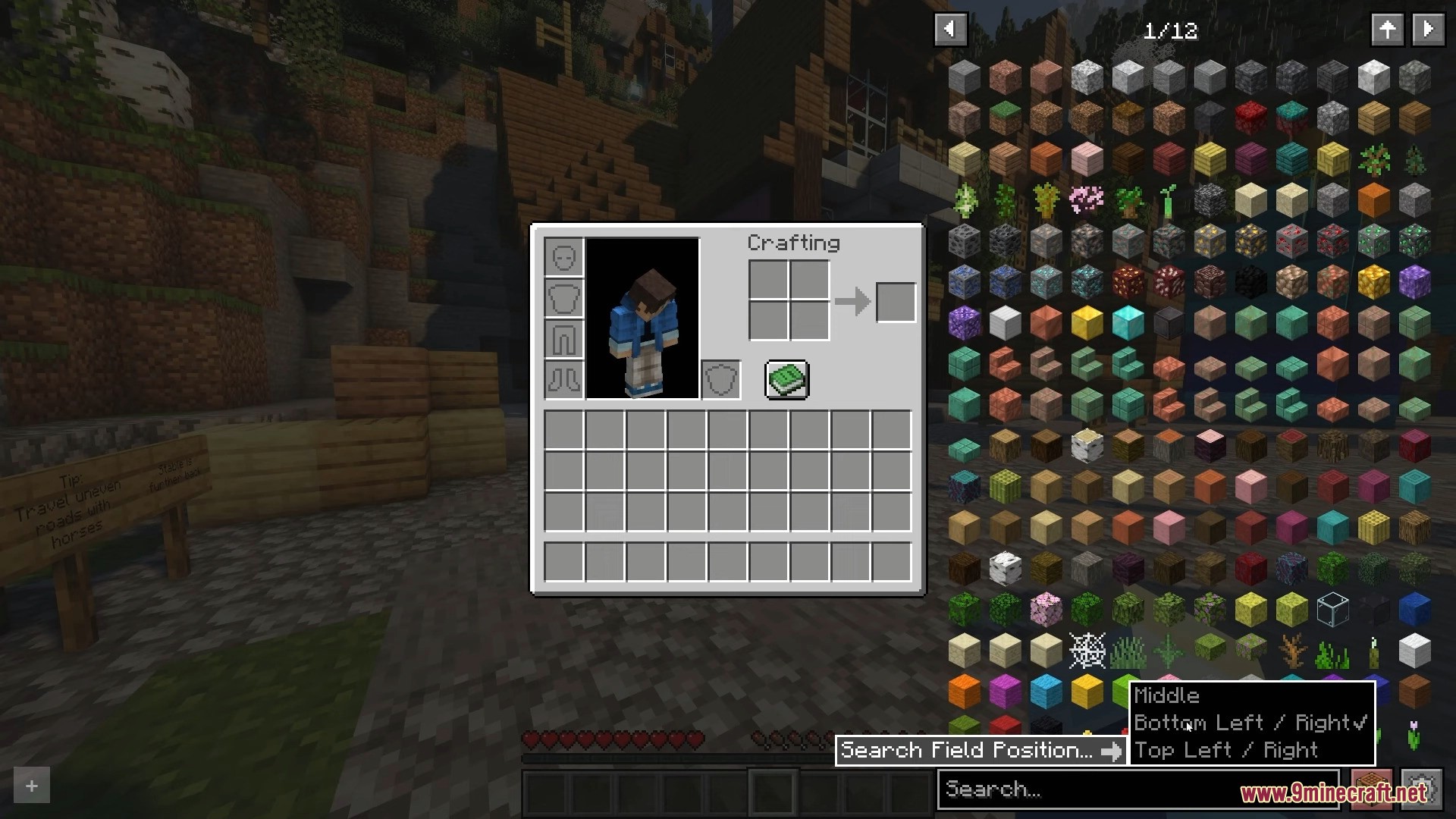
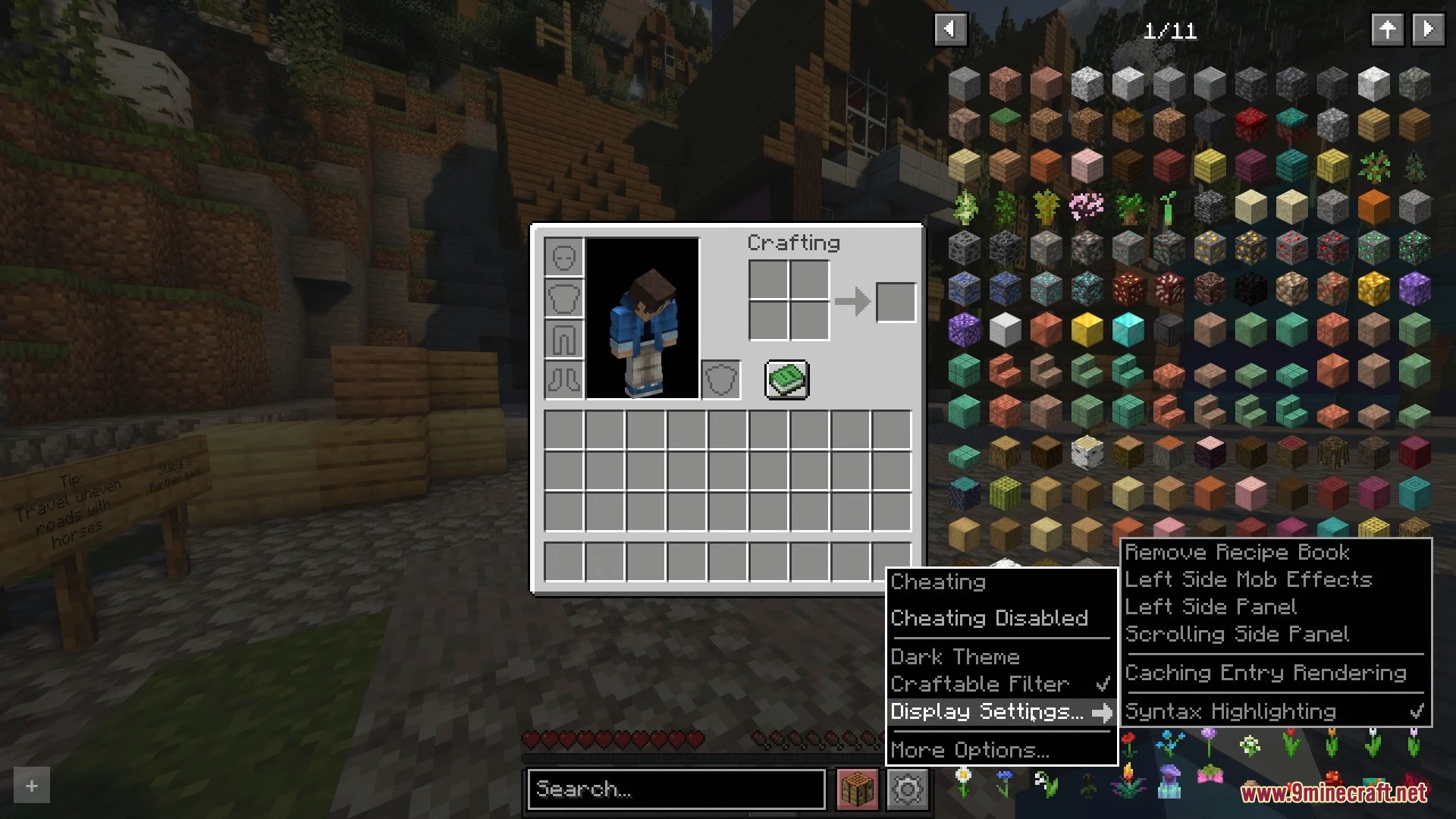
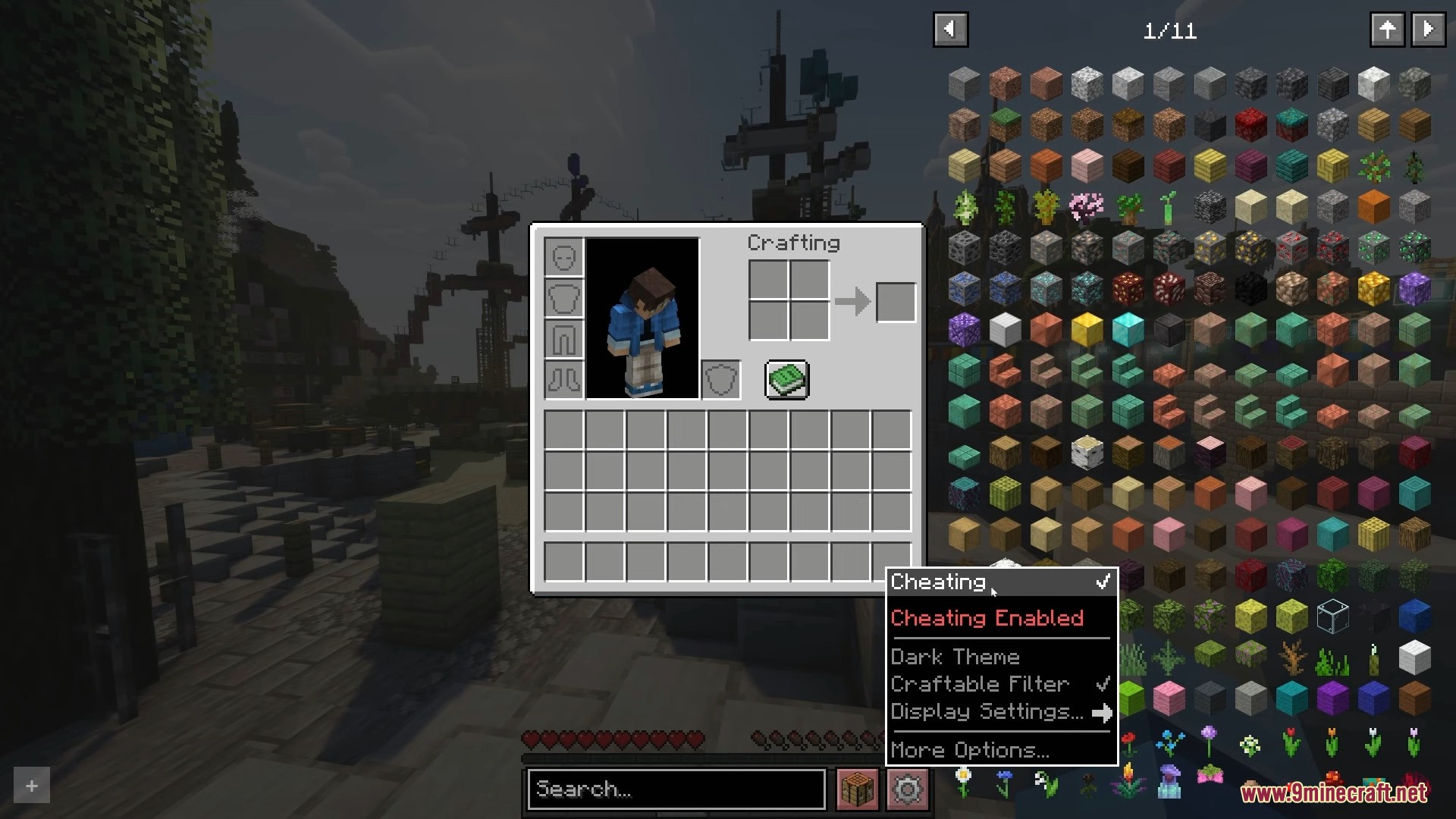
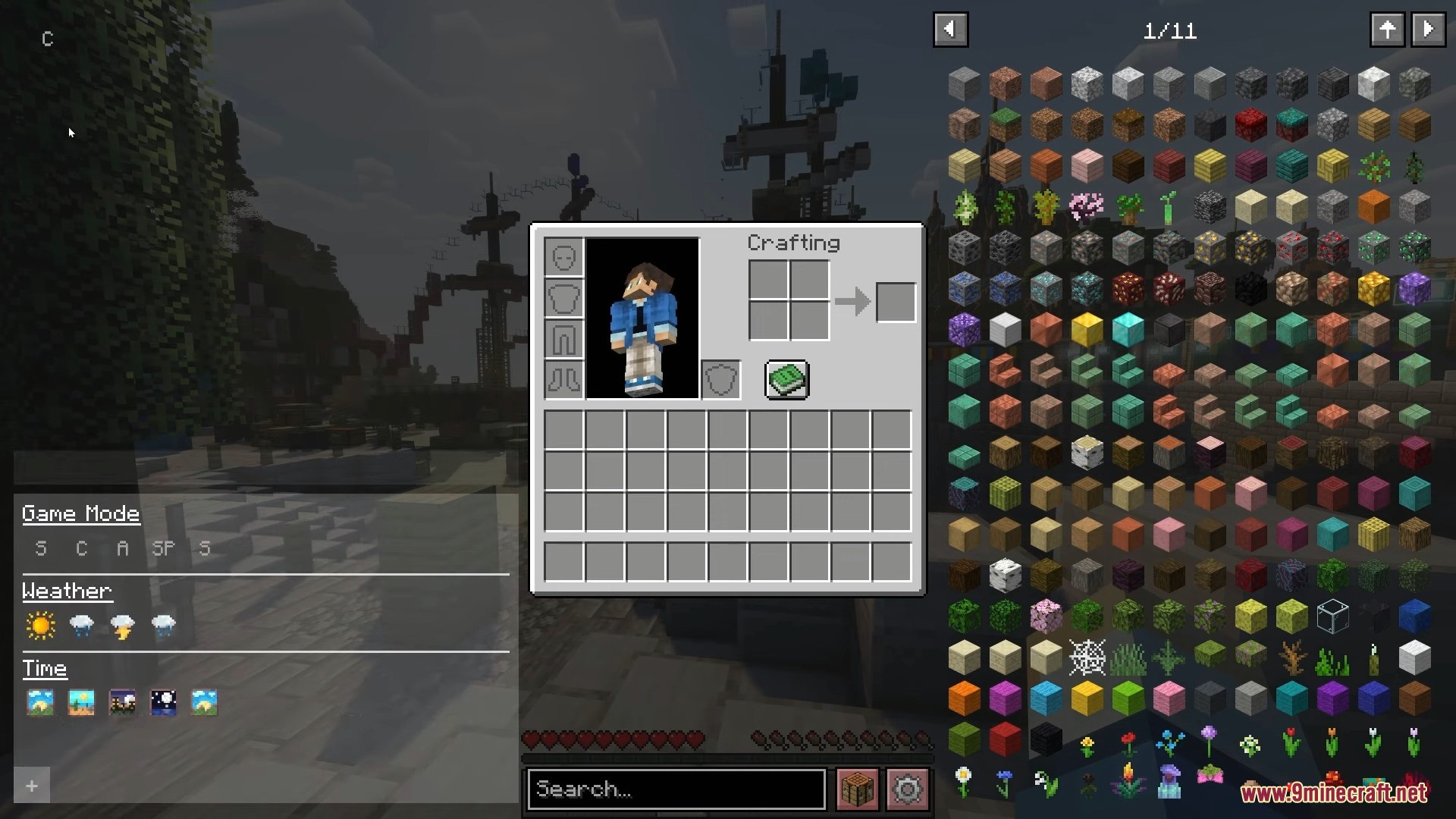
Roughly Enough Items Mod helps you see recipes for any item in Minecraft. It works much like the Just Enough Items mod, showing you how to craft items from the main game and other mods you have installed. You can browse a big list of items on the side of your screen or use the search bar to find exactly what you need. The mod also adds buttons to turn on cheat mode, which lets you grab any item, and to open a menu to change its settings.
Features:
- Lets you browse all crafting recipes available in the game.
- Features a clean and simple interface that you can customize.
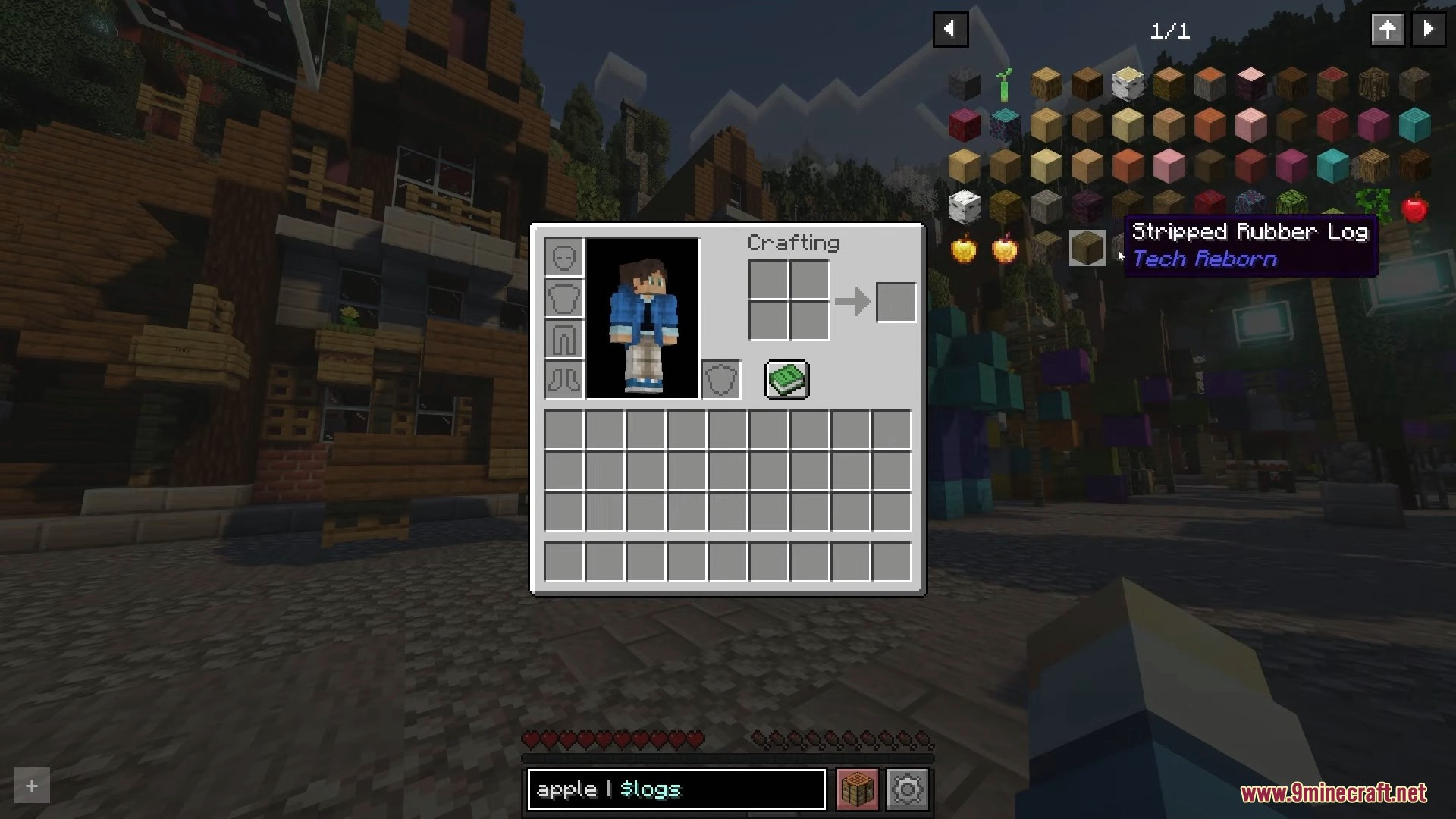
- Includes an advanced search to find items by mod name, tags, or tooltips.
- Bookmark your favorite items to quickly find them later.
- Supports many plugins originally made for the Just Enough Items mod.
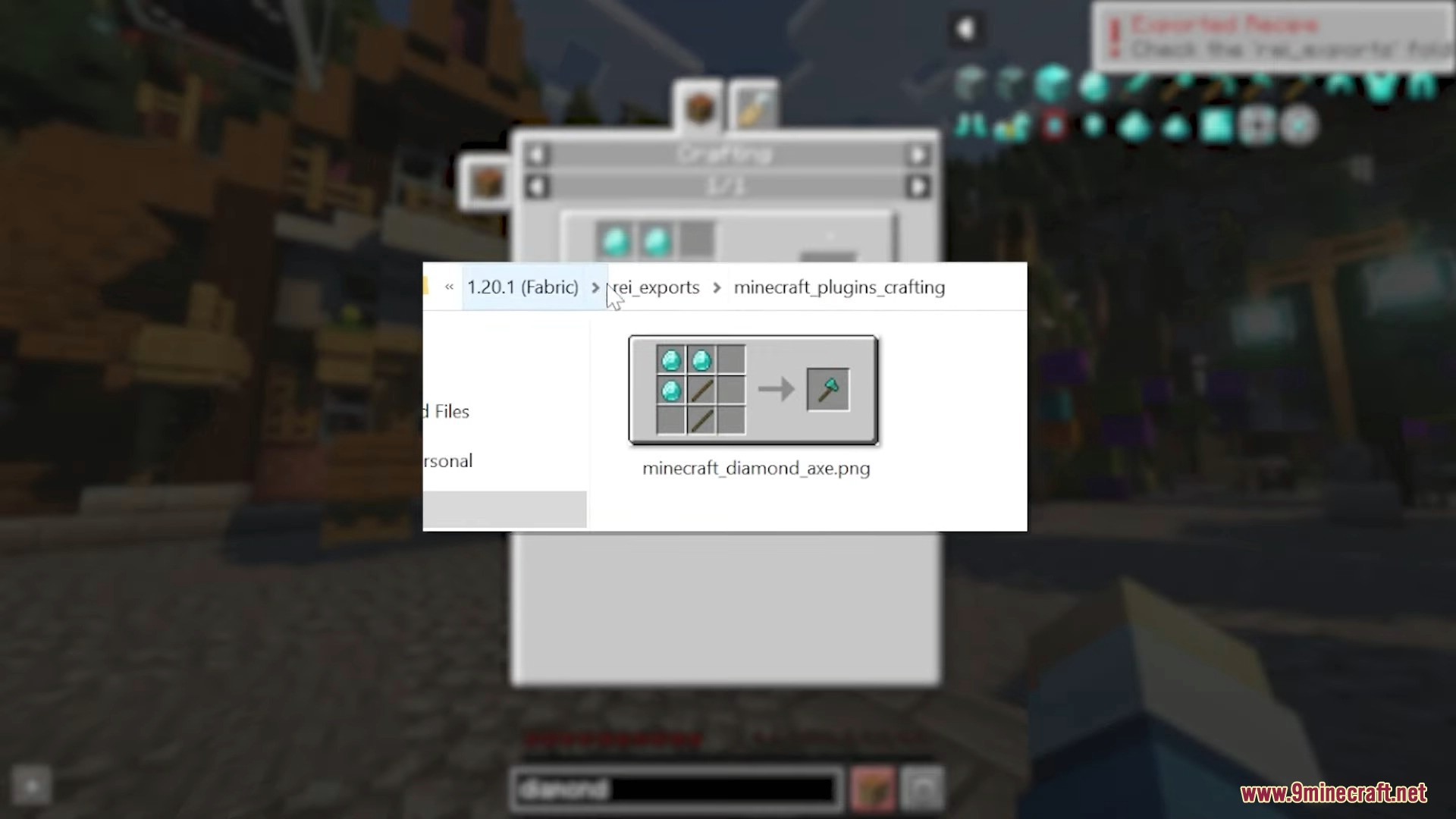
- Allows you to export recipes using a special keybind.
- Comes with a configuration menu to adjust various options.
- Includes a cheat mode to get any item, even in survival mode.
How to Use:
- To bookmark an item, hover your mouse over it and press the A key.
- To export a recipe, you must first set a key for it in the game’s controls menu.
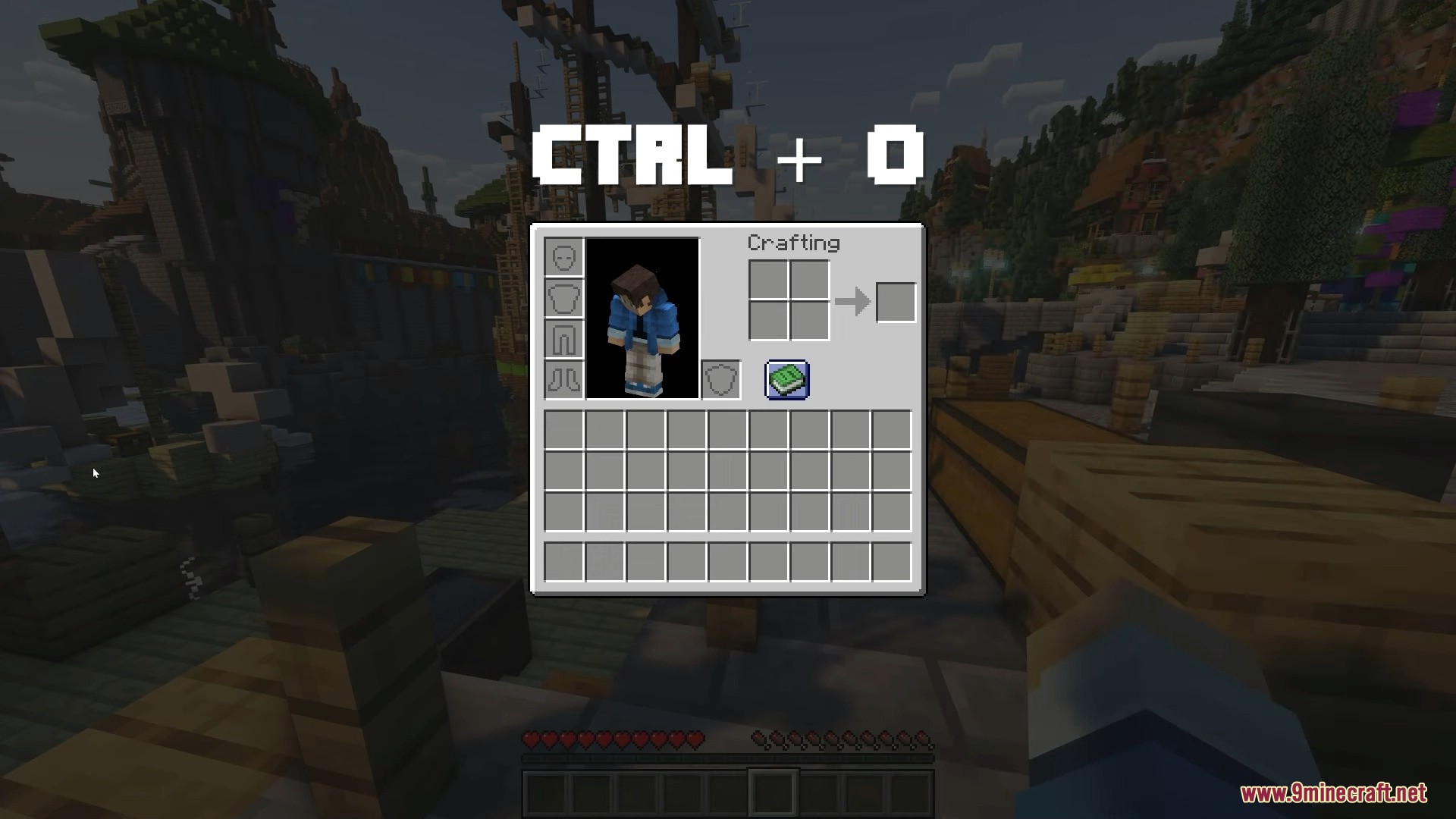
- To show or hide the mod’s interface, press CTRL + O.
Screenshots:
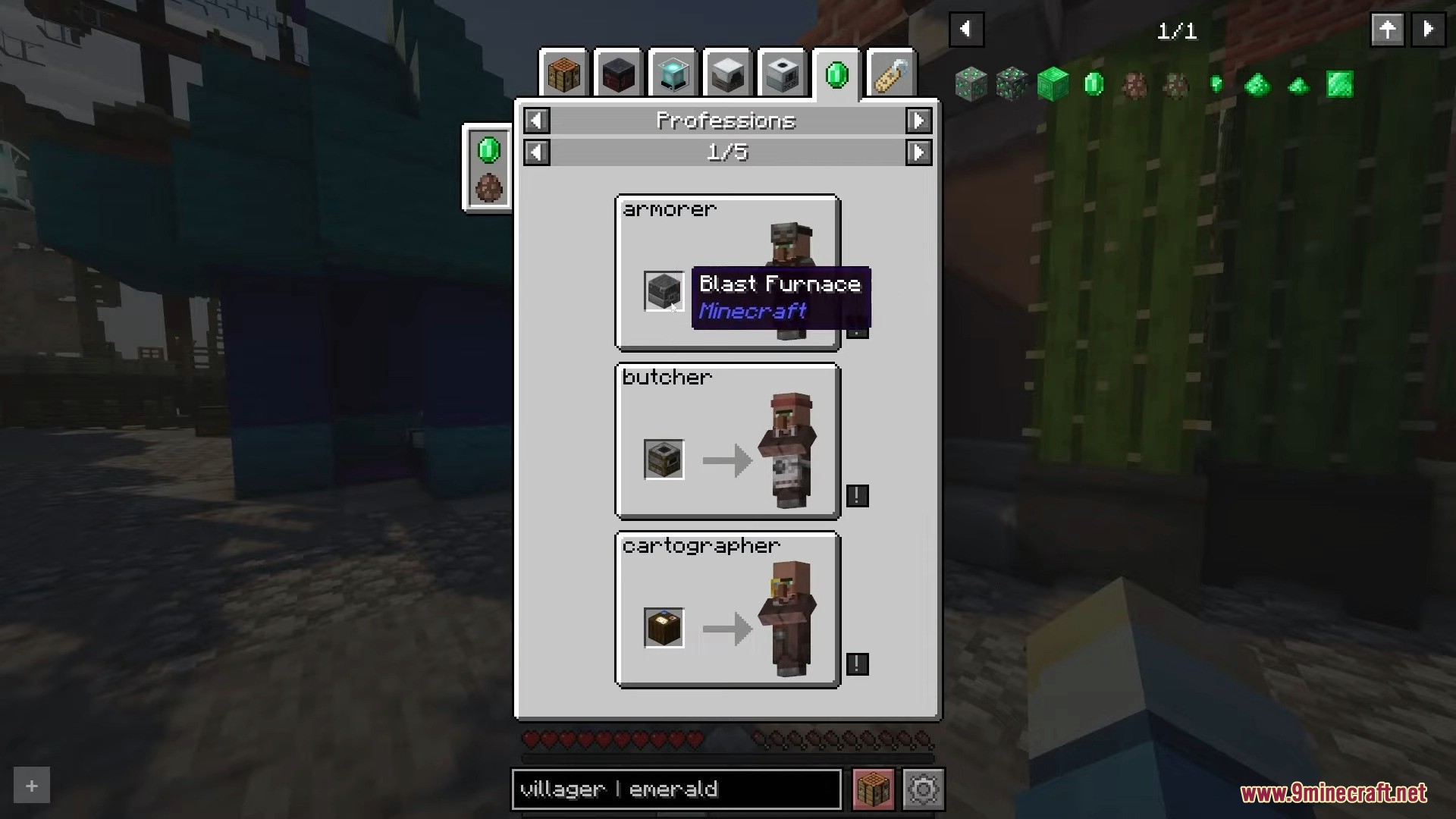
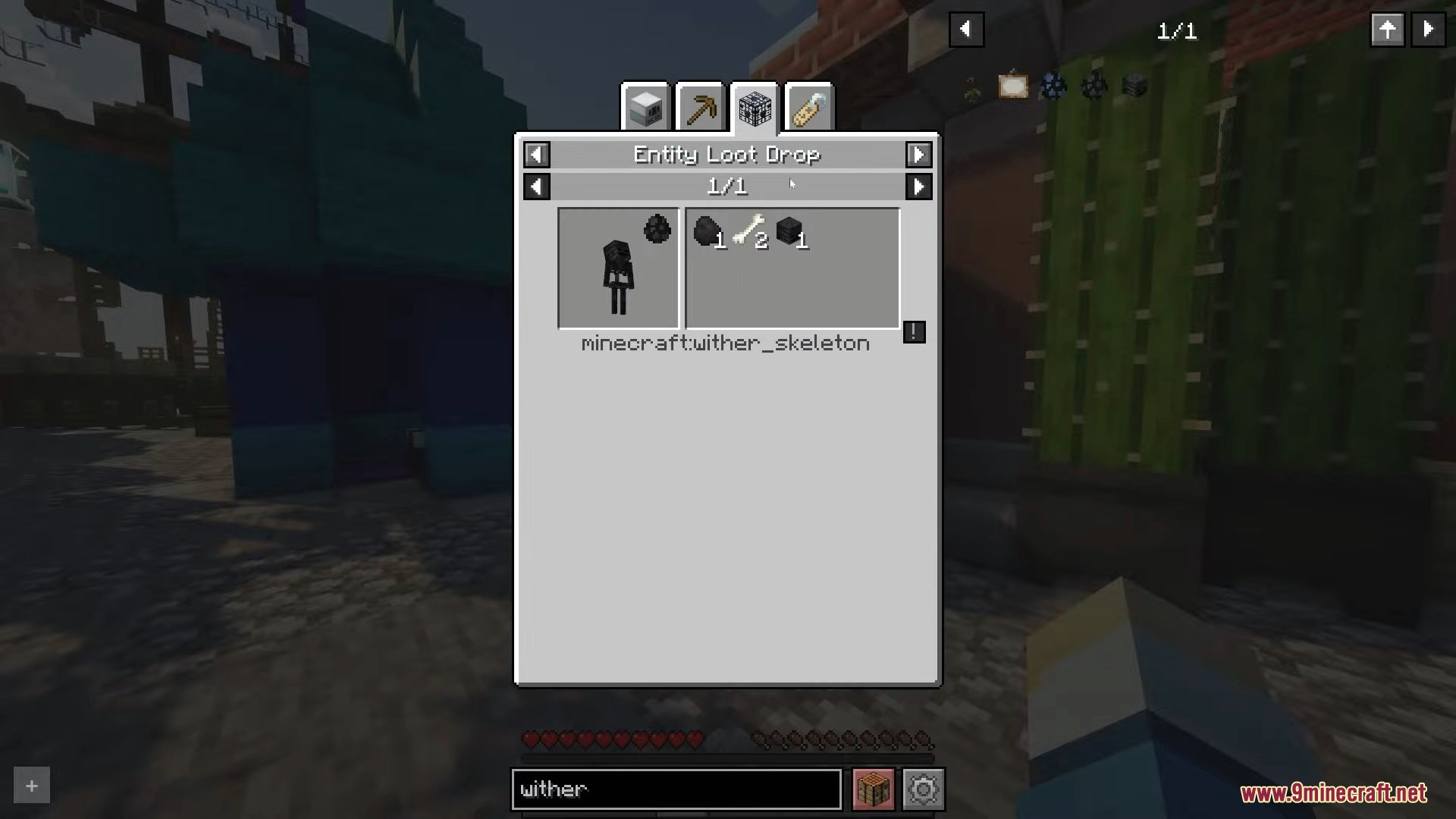
How to Install:
New to Minecraft? Follow our step-by-step guide to install Mods on your PC.View Guide
Requirements:






Roughly Enough Items Mod Download Links
For Minecraft 26.2
For Minecraft 26.1.2, 26.1.1, 26.1
For Minecraft 1.21.11
For Minecraft 1.21.10, 1.21.9
For Minecraft 1.21.8, 1.21.7, 1.21.6
For Minecraft 1.21.5
For Minecraft 1.21.4
For Minecraft 1.21.3, 1.21.2
For Minecraft 1.21.1, 1.21
For Minecraft 1.20.6
For Minecraft 1.20.4
For Minecraft 1.20.2
For Minecraft 1.20.1, 1.20
For Minecraft 1.19.4
For Minecraft 1.19.3
For Minecraft 1.19.2, 1.19.1, 1.19
For Minecraft 1.18.2
For Minecraft 1.17.1
For Minecraft 1.16.5
For Minecraft 1.15.2
For Minecraft 1.14.4
Click to rate this post!
[Total: 36 Average: 3.1]
You May Also Like














This post has no comments yet. Be the first — your comment will appear here.